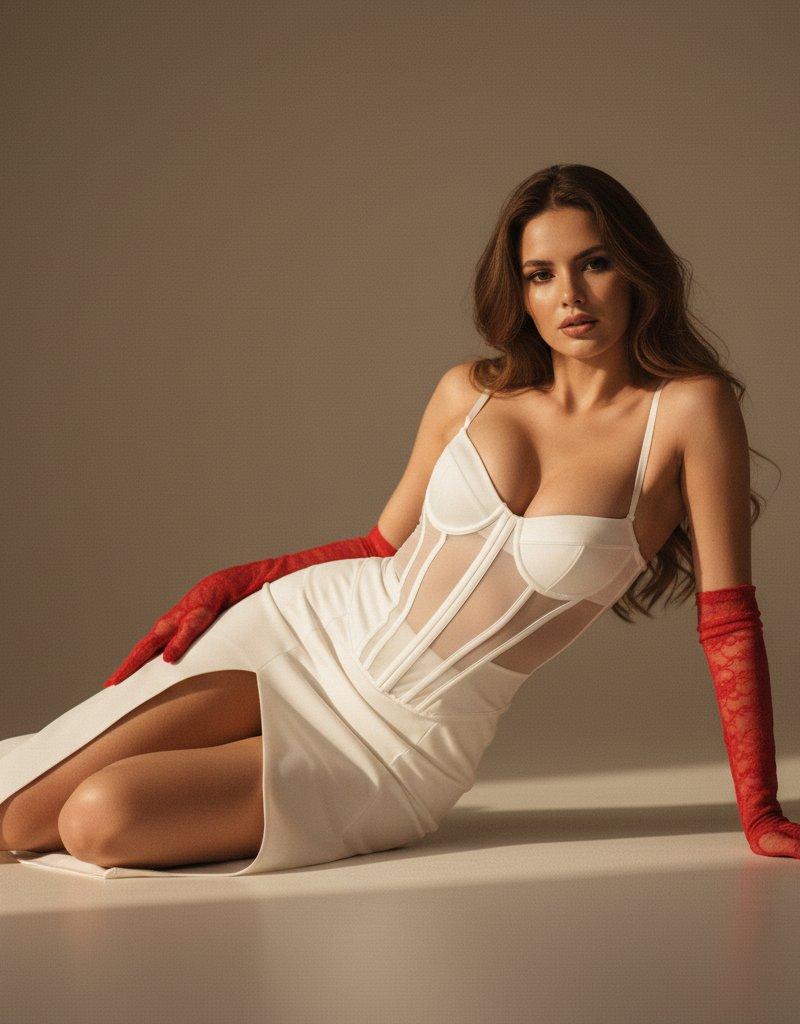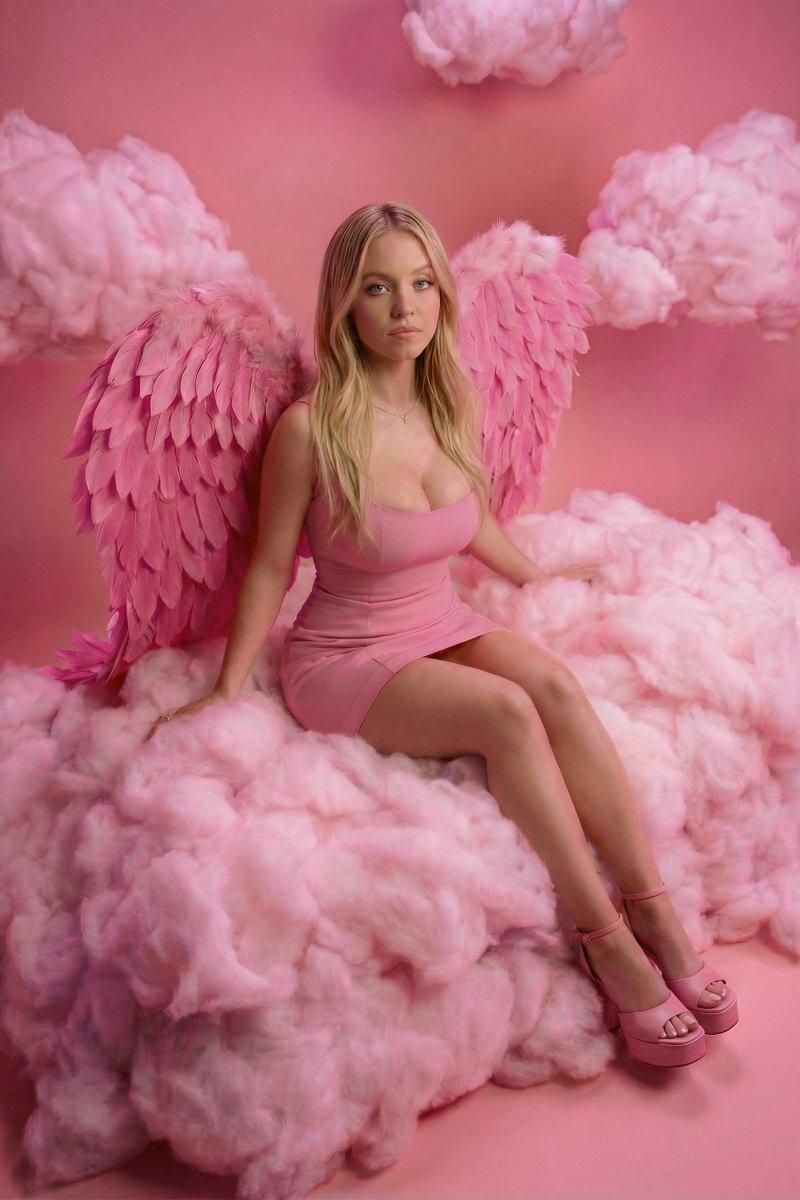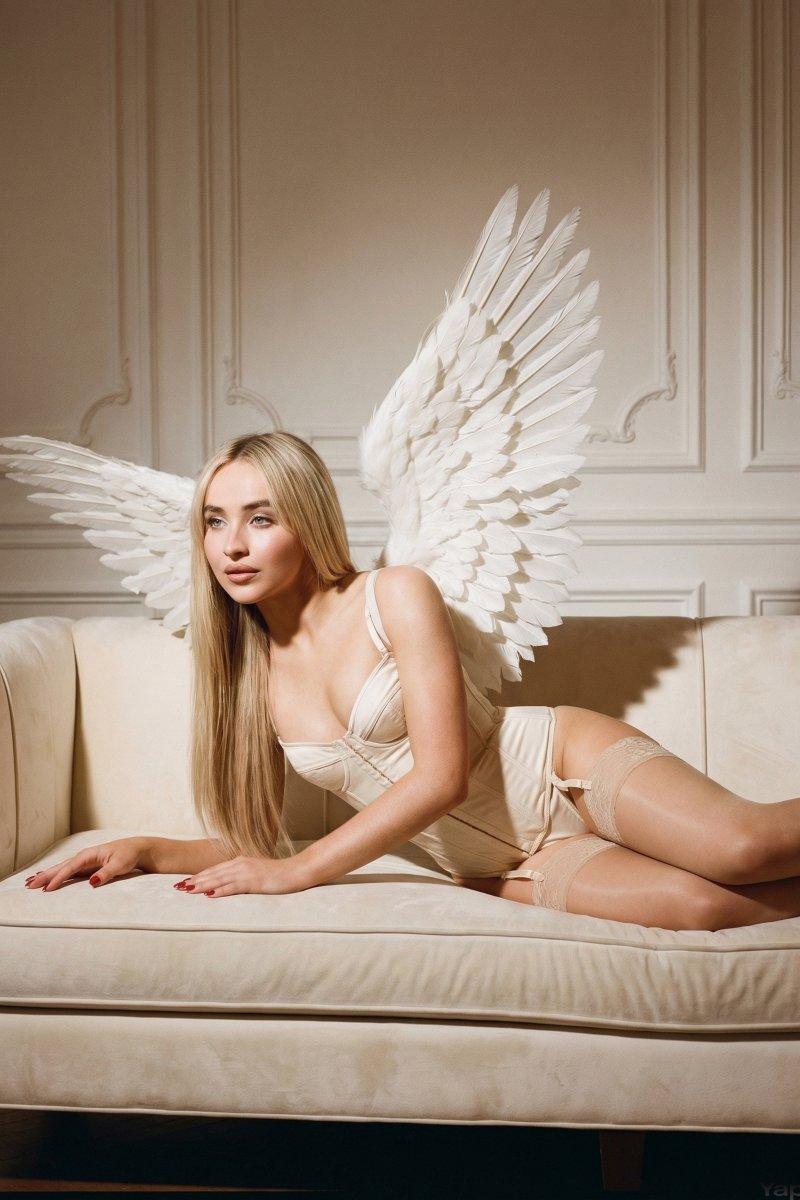
Reclining porcelain glow: GPT Image 2 prompt
Prompt
{
 "image_generation_prompt": {
 "subject": {
 "description": "Young woman with a strong resemblance to Sabrina Carpenter.",
 "hair": "Extra-long, straight, and sleek hair cascading down the shoulders and back, featuring a clean center part and soft silk-like physics.",
 "face": "Enchanting expression with large blue eyes, slightly parted lips, and a flawless porcelain skin texture with a soft-focus glow.",
 "body": "Slender and toned physique with smooth skin, captured in a reclining pose that emphasizes graceful curves."
 },
 "attire": {
 "clothing": "A delicate cream-colored corset bodysuit with structured boning and visible stitching, paired with matching thin-strap lingerie and sheer thigh-high stockings with lace trim.",
 "style": "Ethereal Boudoir / Angelic Fantasy."
 },
 "styling_and_accessories": {
 "jewelry": [
 "Large architectural white angel wings with layered, sculptural feather-like scales",
 "Subtle red manicured nails"
 ]
 },
 "environment": {
 "setting": "An opulent indoor lounge featuring a plush velvet or suede sofa.",
 "background": "An ornate wall with classical plaster molding and decorative wainscoting in a warm off-white tone.",
 "water": "None"
 },
 "pose": {
 "posture": "Reclining horizontally on a sofa, propped up slightly by the elbows, creating a dynamic diagonal composition.",
 "arms": "One arm extended forward with hands resting gently on the sofa surface, the other tucked slightly behind.",
 "angle": "Eye-level medium shot, focusing on the interplay between the subject and the wings."
 },
 "lighting_and_mood": {
 "lighting": "Warm, directional studio lighting creating a soft spotlight effect on the subject, with gentle shadows cast by the wings against the wall.",
 "mood": "Dreamy, angelic, and high-fashion editorial.",
 "colors": "A monochrome-inspired palette of cream, ivory, and beige with warm golden undertones."
 },
 "camera_and_technical": {
 "style": "Ultra Photorealistic, RAW photo.",
 "lens": "35mm wide-angle lens to capture the span of the wings.",
 "aperture": "f/2.0 for a shallow depth of field that keeps the wall texture soft.",
 "quality_tags": [
 "8k resolution",
 "highly detailed",
 "soft-focus skin",
 "cinematic lighting",
 "hyper-realistic texture",
 "Vogue editorial style"
 ]
 }
 }
}- Category
- Photography & Realism
- Model
- GPT Image 2
- Creator
- LexiPrompt
- Source language
- en
- Source ID
- 2032829615828283545
- Published
- Mar 14, 2026
Views0