19

Minimalist logo concept: GPT Image 2 prompt
Enlarge

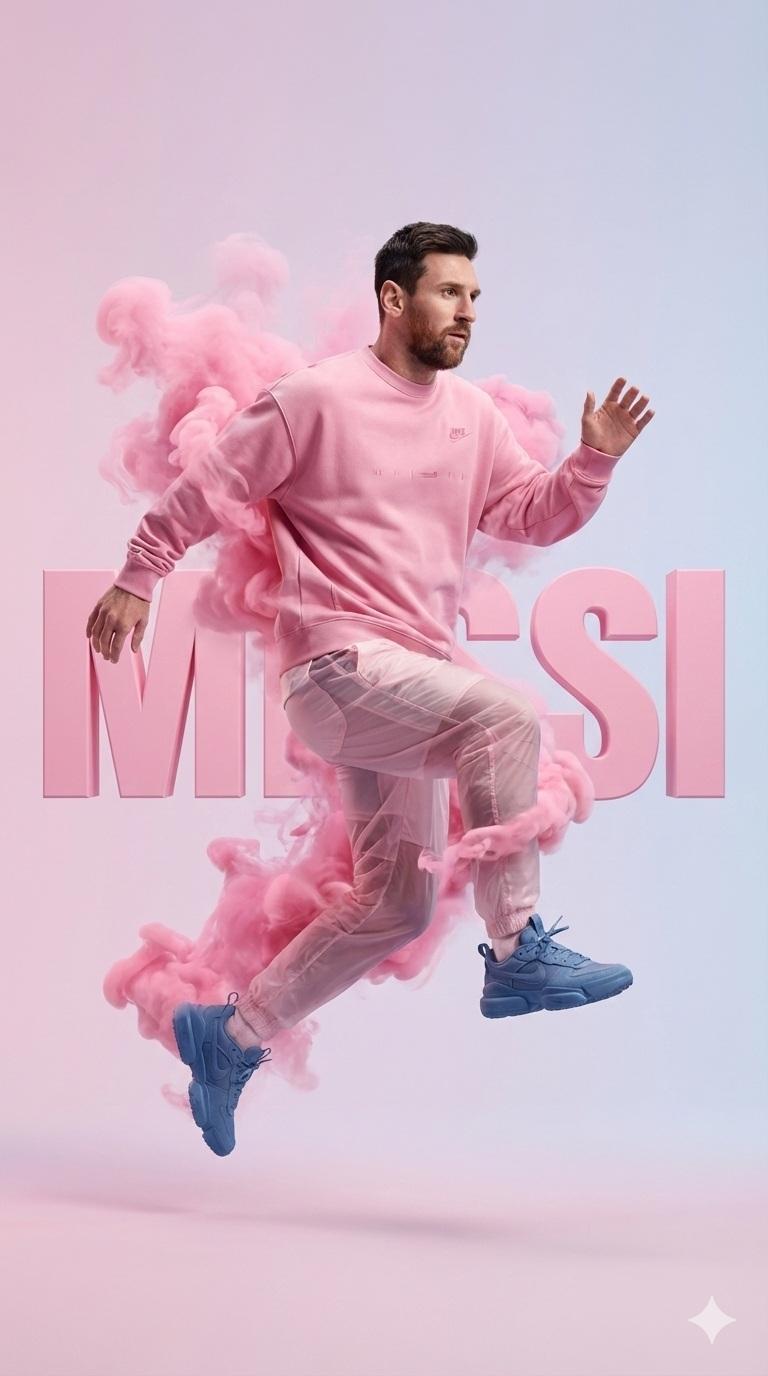
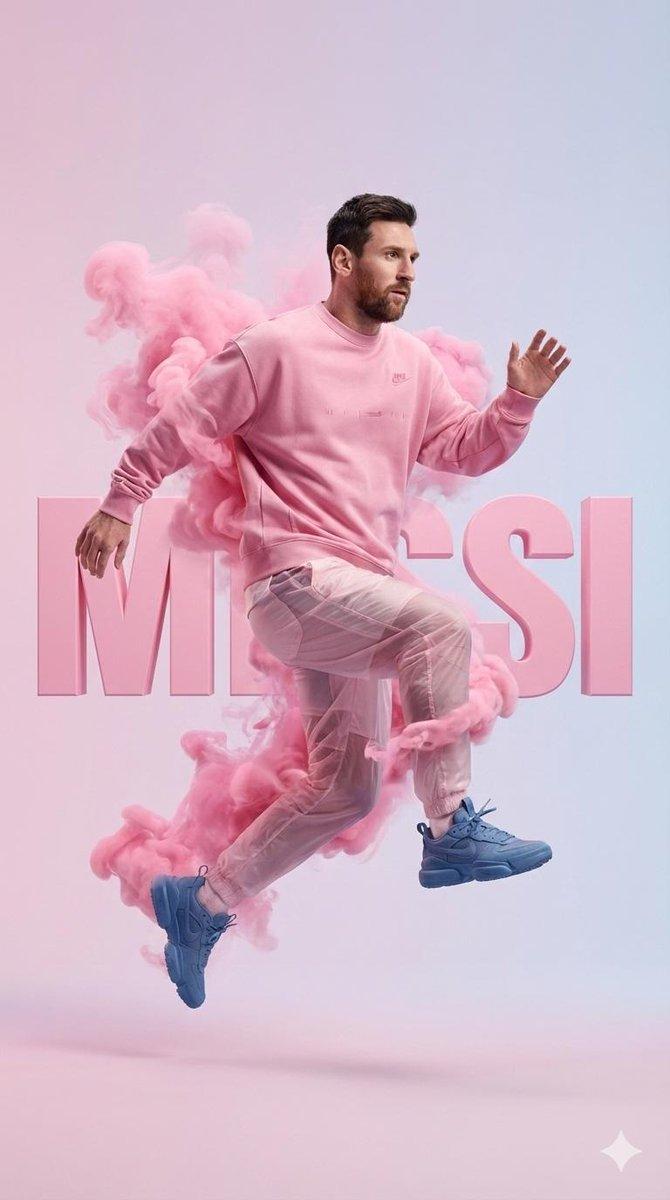
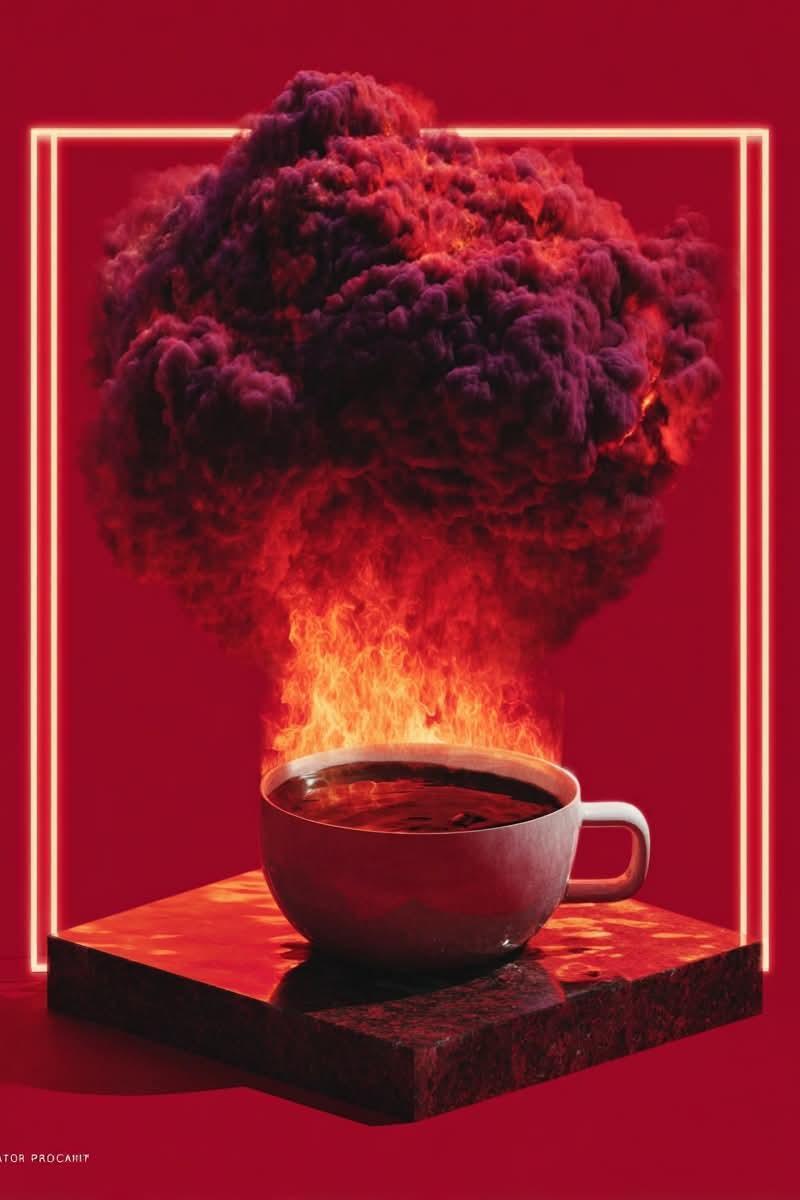
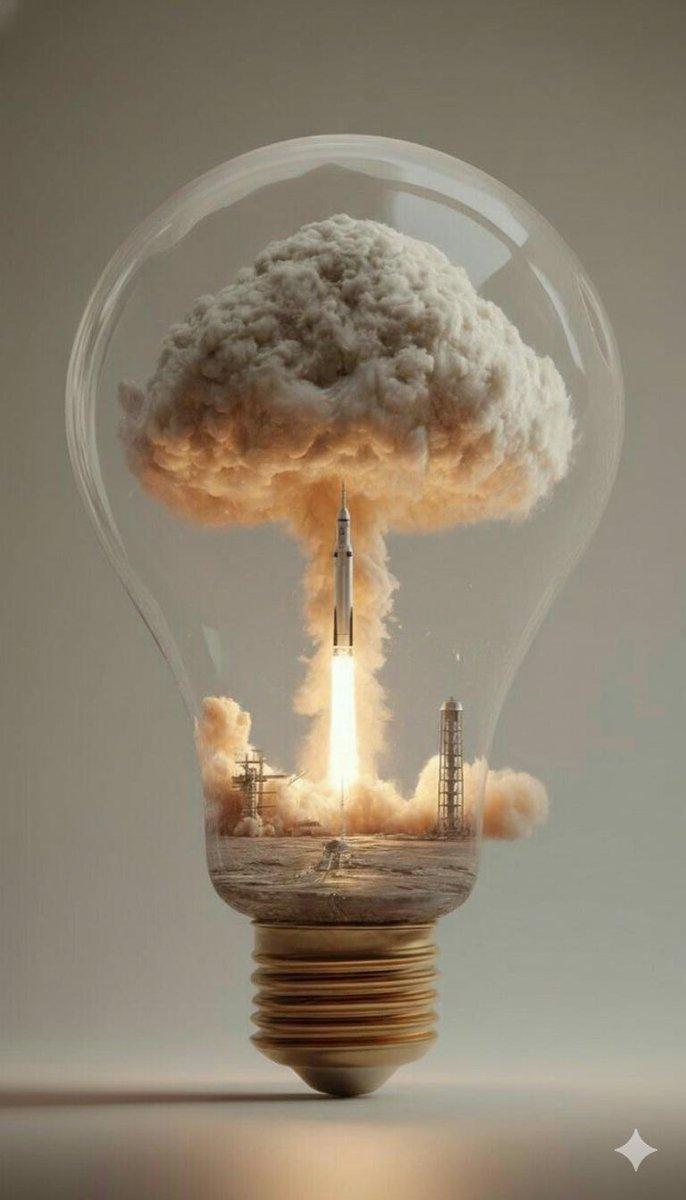
Example images

Minimalist logo concept: GPT Image 2 prompt

Prompt
[BRAND NAME]: The name of the brand.
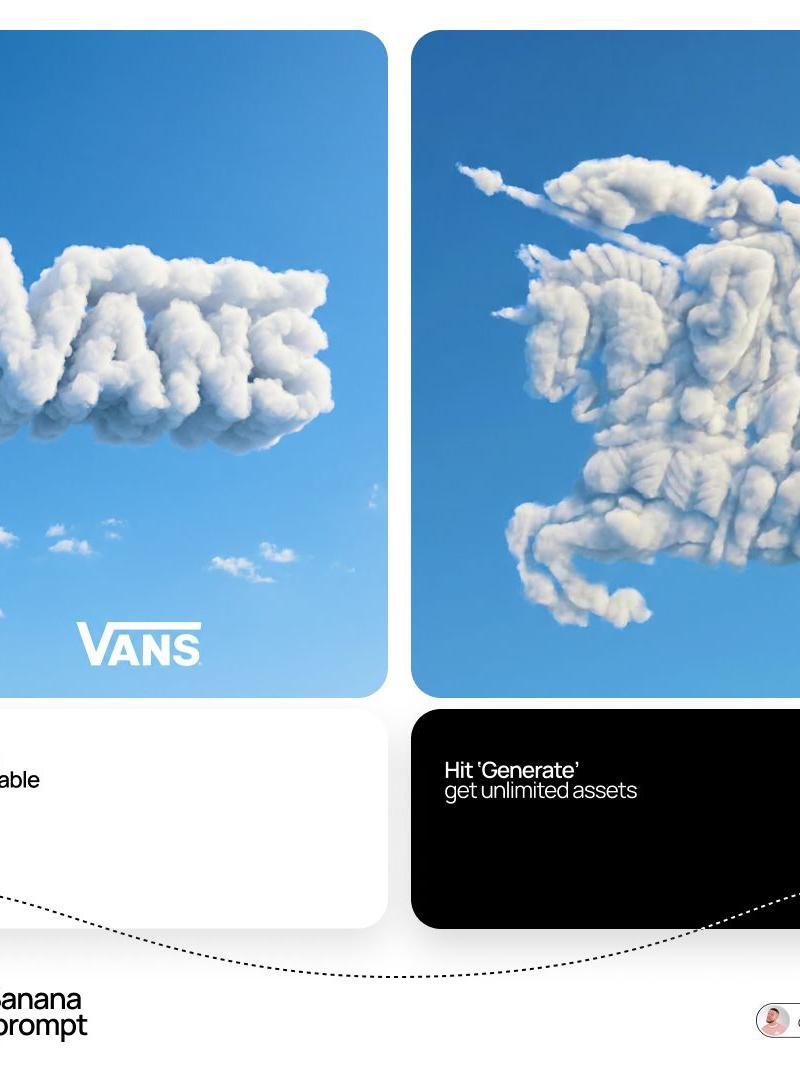
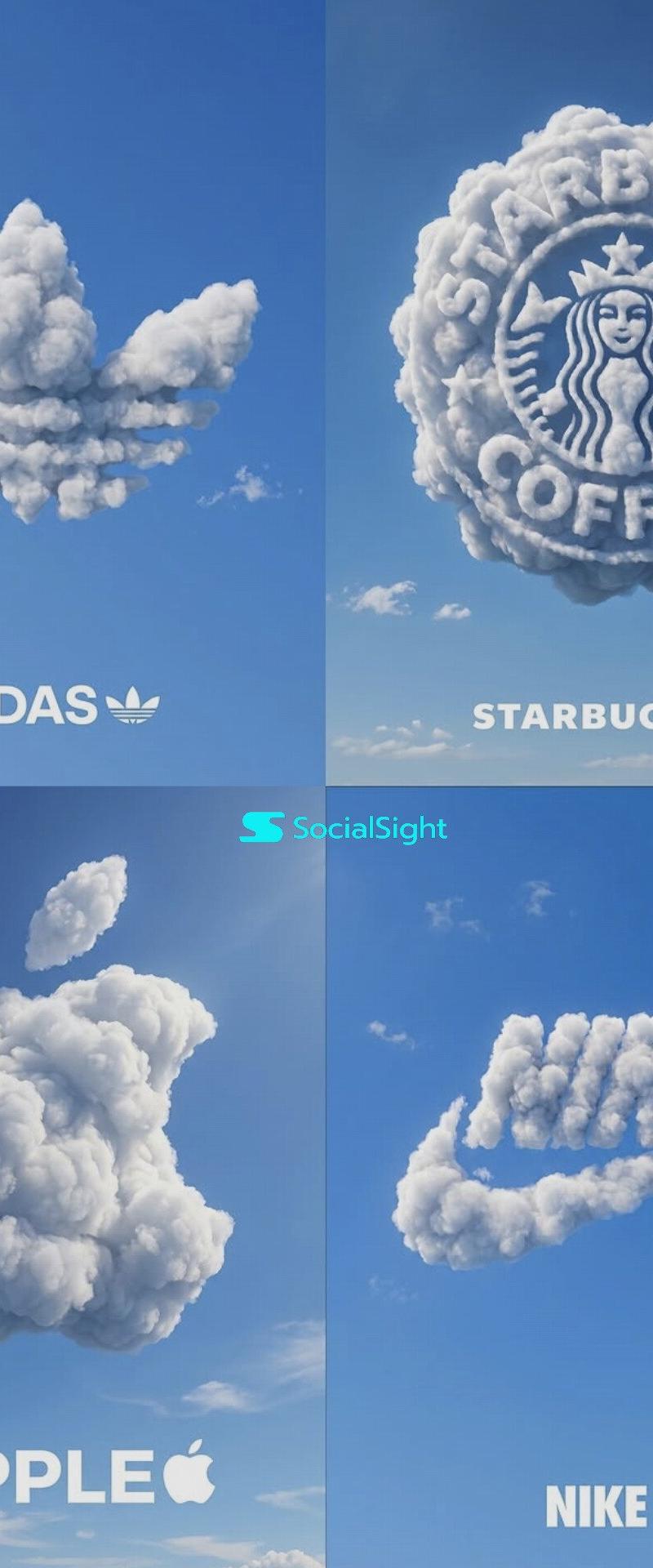
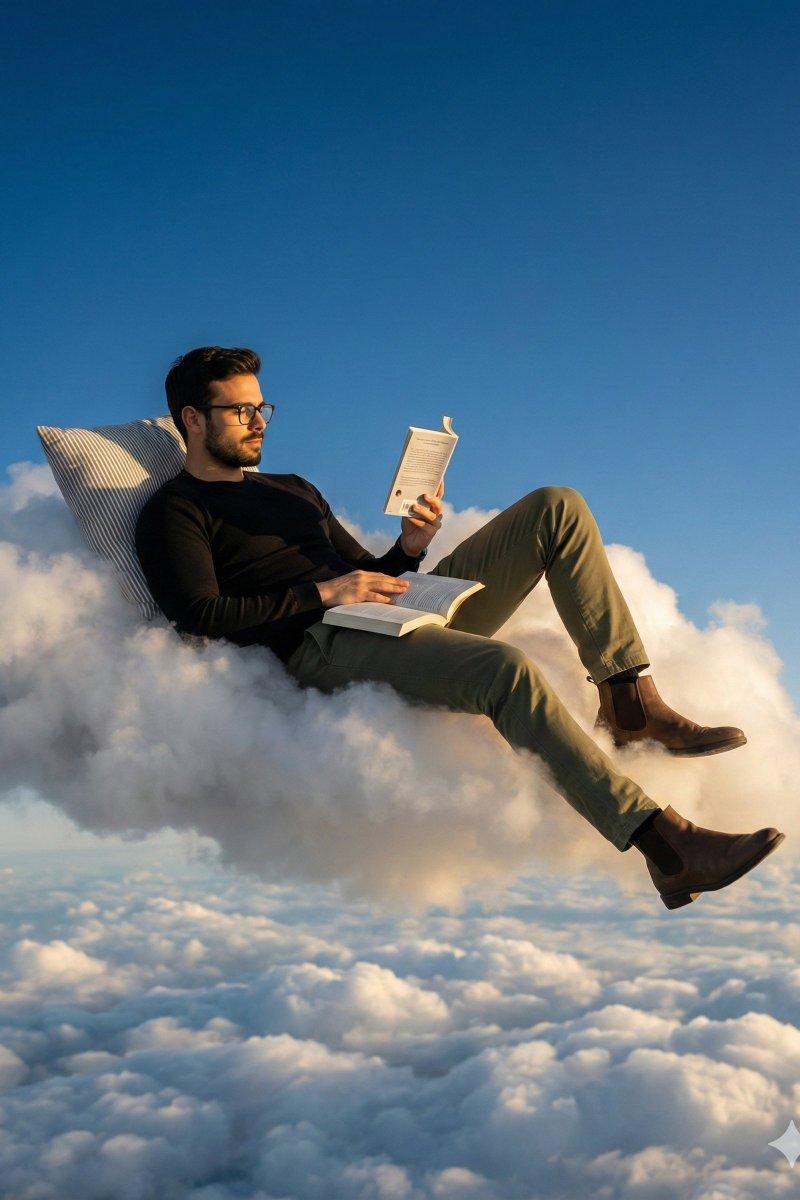
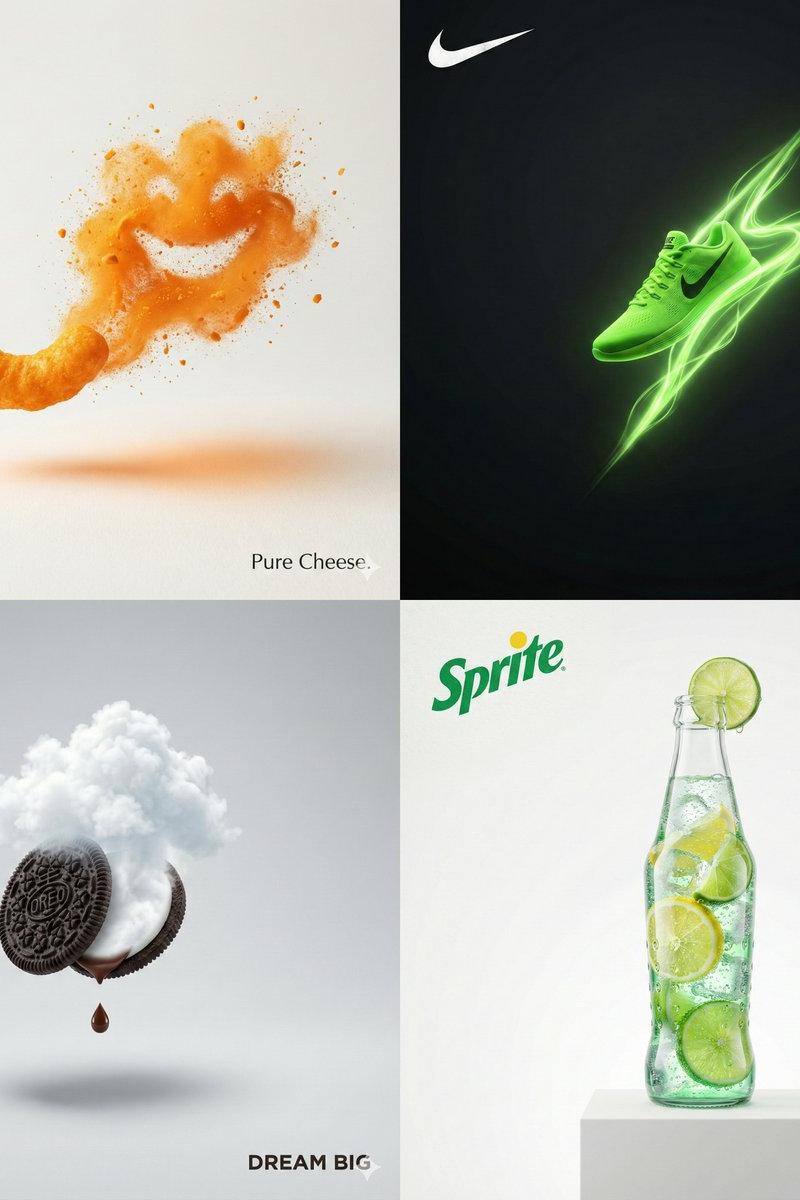
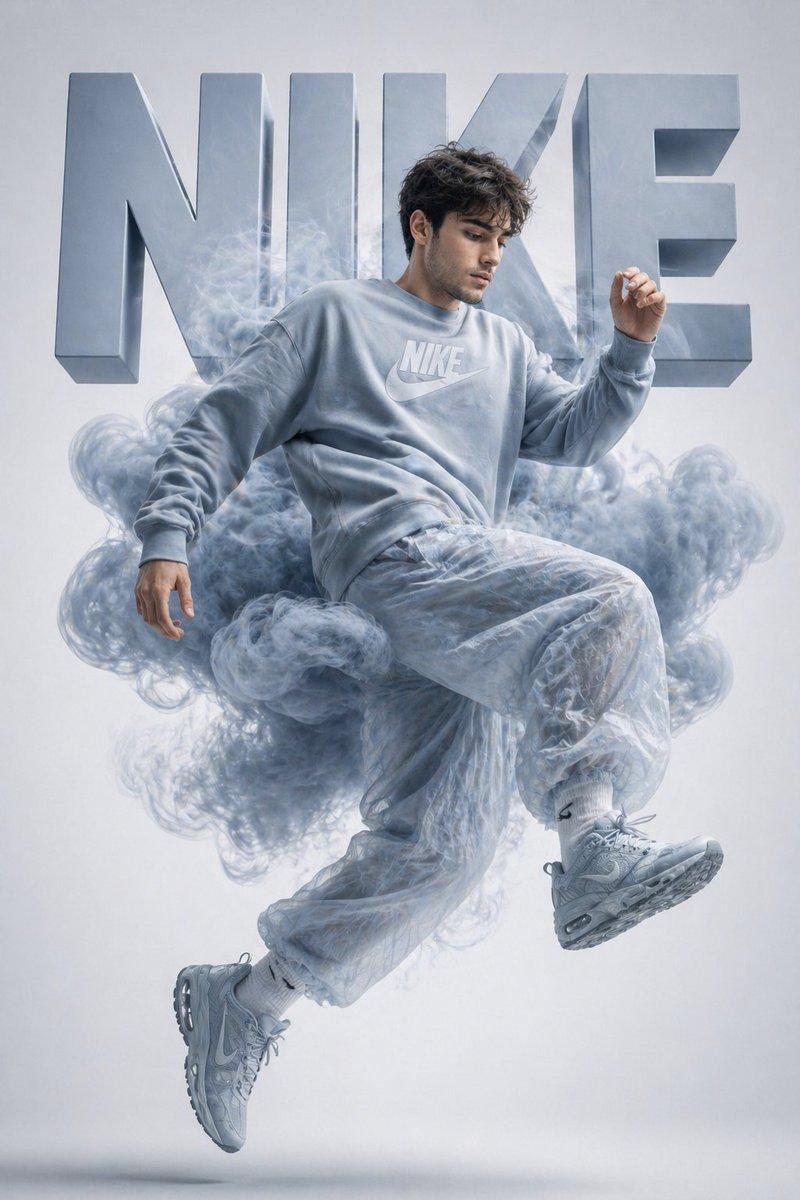
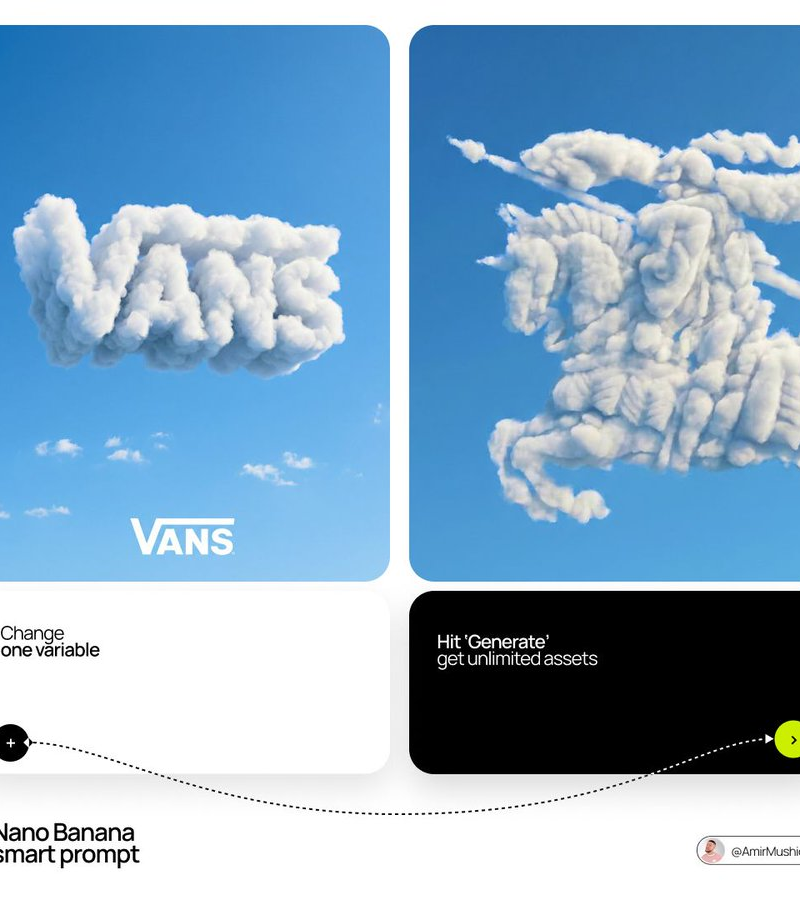
Goal: Generate a single, minimalist, and surreal image where a cloud is shaped like the brand's logo.

1. THE LOGO CLOUD
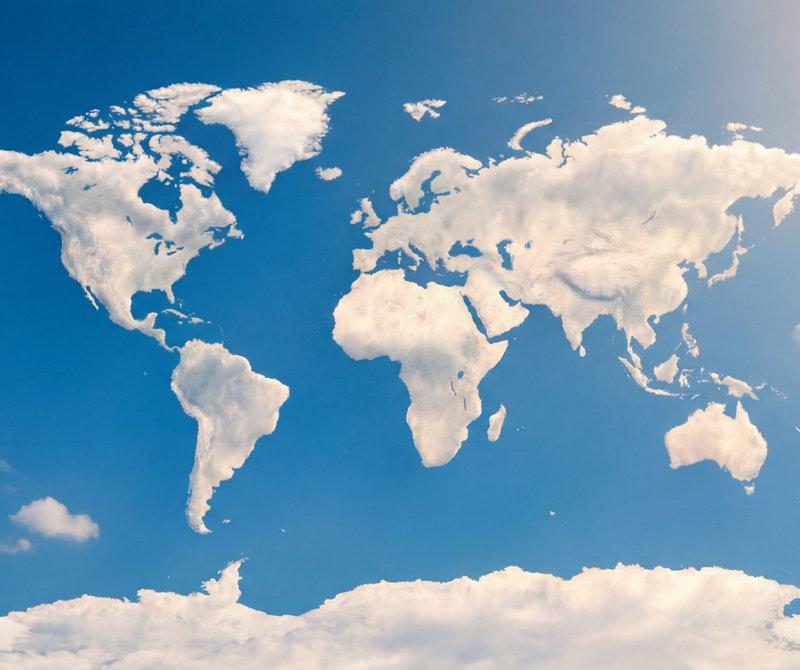
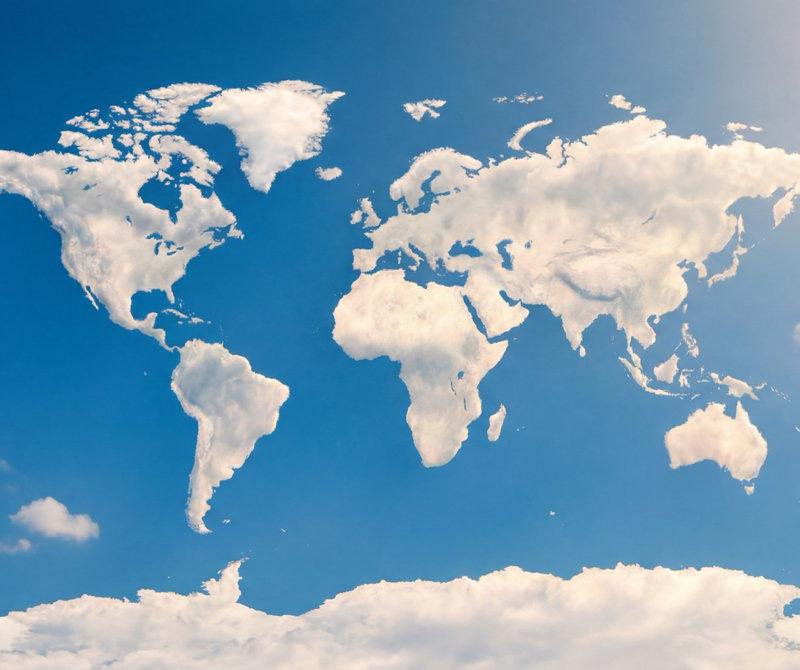
- **Subject**: A massive, photorealistic cumulus cloud in the exact geometric shape of the [BRAND NAME] logo.
- **Texture**: Puffy, soft, and voluminous with natural sunlight illuminating the edges.
- **Volume**: 3D sculptural appearance with realistic shadows within the cloud folds to show depth.

2. ENVIRONMENT & BACKGROUND
- **Sky**: A vast, clear, vibrant blue summer sky.
- **Secondary Elements**: A few small, wispy, natural clouds scattered far in the background to enhance the sense of scale and realism.
- **Lighting**: Bright, direct daylight coming from the side to create high-contrast highlights and shadows.

3. INTEGRATED BRANDING
- **Text**: The word "[BRAND NAME]" written in a clean, bold white sans-serif font.
- **Icon**: A small, flat white version of the brand's logo placed next to the text.
- **Positioning**: The branding (text + logo) is centered at the bottom of the frame, acting as a subtle anchor to the giant cloud above.

4. STYLE
- Surrealist photography, ultra-minimalist composition, high resolution, 8k, cinematic look, clean and airy vibe.
Category
Brand & Logos
Model
GPT Image 2
Creator
AmirMušić
Source language
en
Views0
Source ID
2045199443960439023
Published
Apr 17, 2026
Studio

Guide

About "Minimalist logo concept: GPT Image 2 prompt"

What is this prompt for?

"Minimalist logo concept: GPT Image 2 prompt" AI image prompt for GPT Image 2 (Brand & Logos). [BRAND NAME]: The name of the brand. Goal: Generate a single, mi…

The full copyable prompt and example visuals above are ready for AI image generation or one-click recreate in Picva.

How to use this prompt

  1. Step 1

    Open the prompt detail

    Review the example visuals, category, and full prompt text for "Minimalist logo concept: GPT Image 2 prompt".

  2. Step 2

    Copy the prompt

    Copy the prompt body from this page, or load it directly in Studio.

  3. Step 3

    Pick a model (GPT Image 2)

    Prefer GPT Image 2. If you switch models, keep subject and composition and tweak style terms.

  4. Step 4

    Generate and export

    Recreate the look in Picva, or export into your workflow for editing and publishing.

FAQ

What is the "Minimalist logo concept: GPT Image 2 prompt" prompt?
It is an AI image-generation prompt for GPT Image 2 in the Brand & Logos category. This page includes the full prompt text, example visuals, and a one-click recreate path in Picva.
How do I use this prompt to generate an image?
Copy the prompt from this page, or use Generate / Studio. Paste it into a compatible image model, or recreate the look in Picva with optional reference images.
Which model is this prompt for?
This page lists GPT Image 2. Most descriptive prompts also transfer to nearby image models such as GPT Image, Flux, or Midjourney with light style tweaks.
Can I use the result commercially?
You can usually copy the prompt for creation, but commercial use of the final image depends on the model terms, reference-image rights, and the generated content. Follow the source author and platform rules.