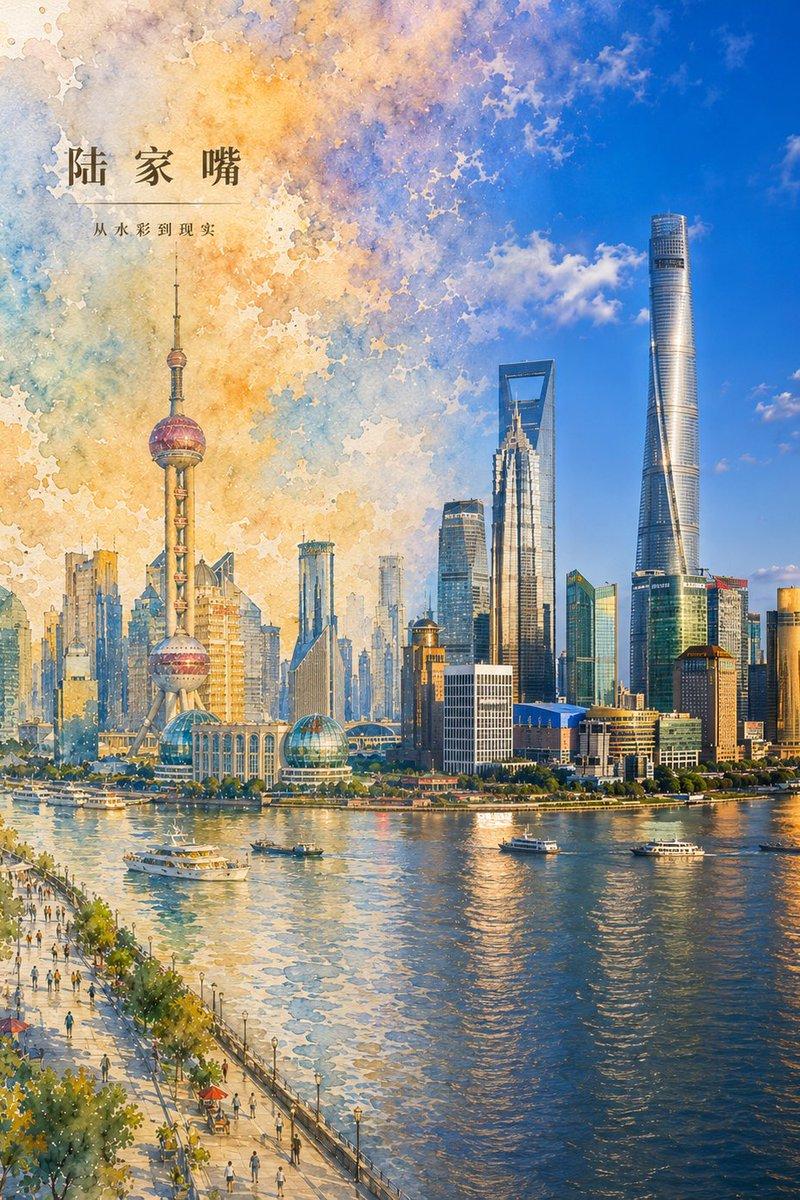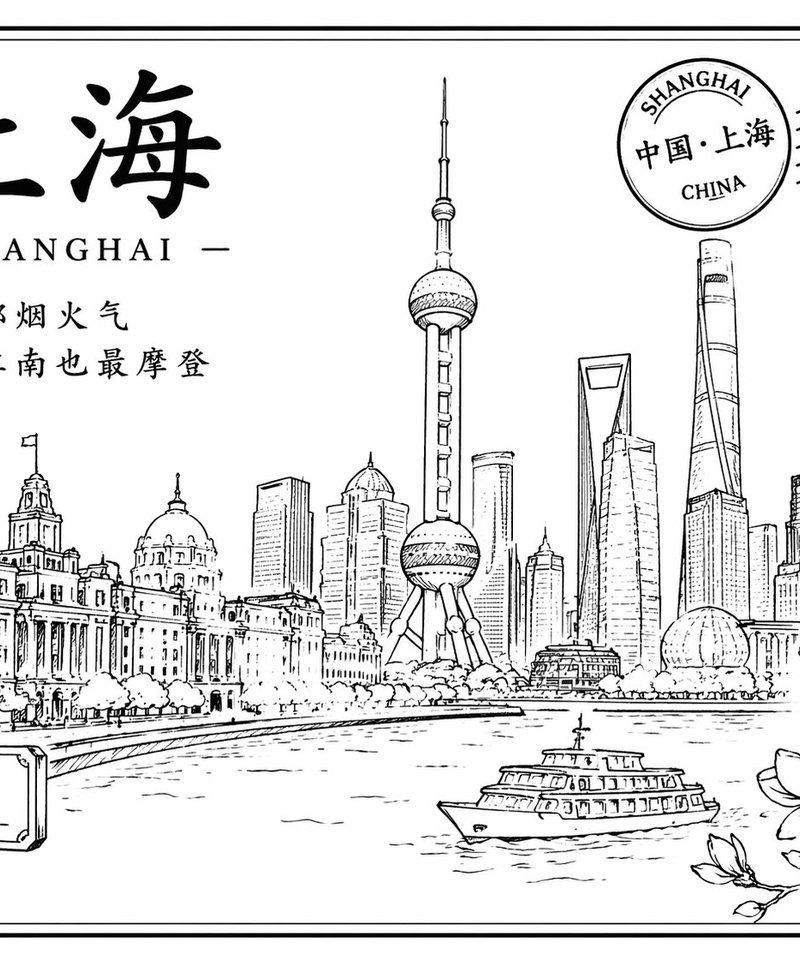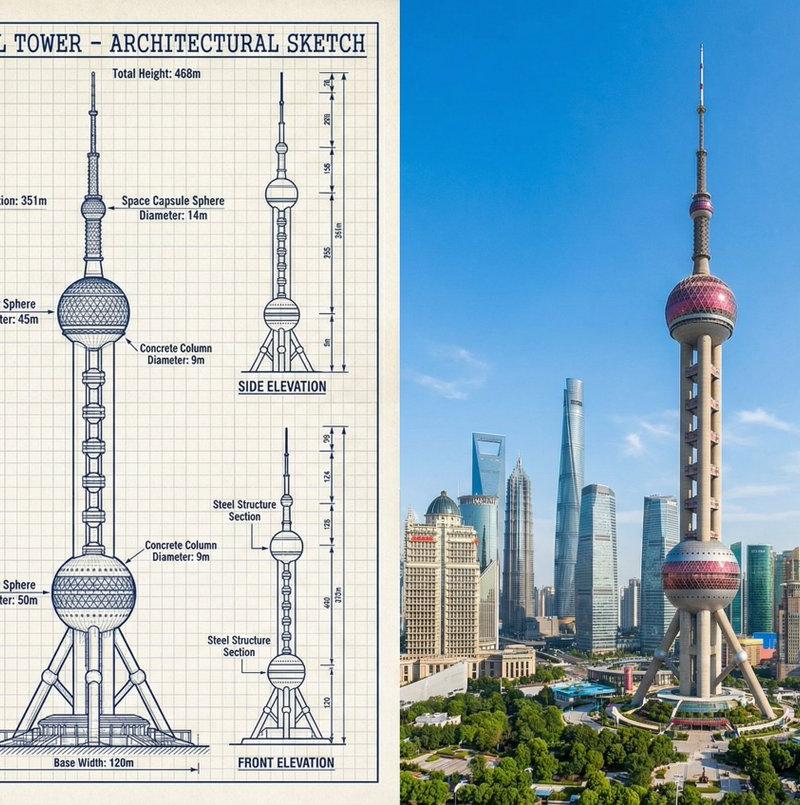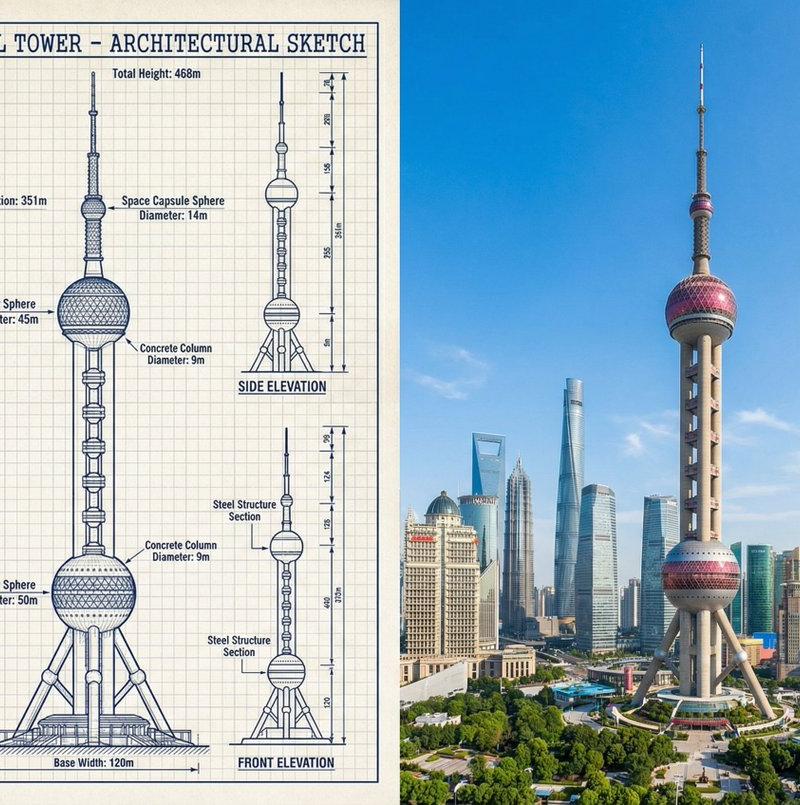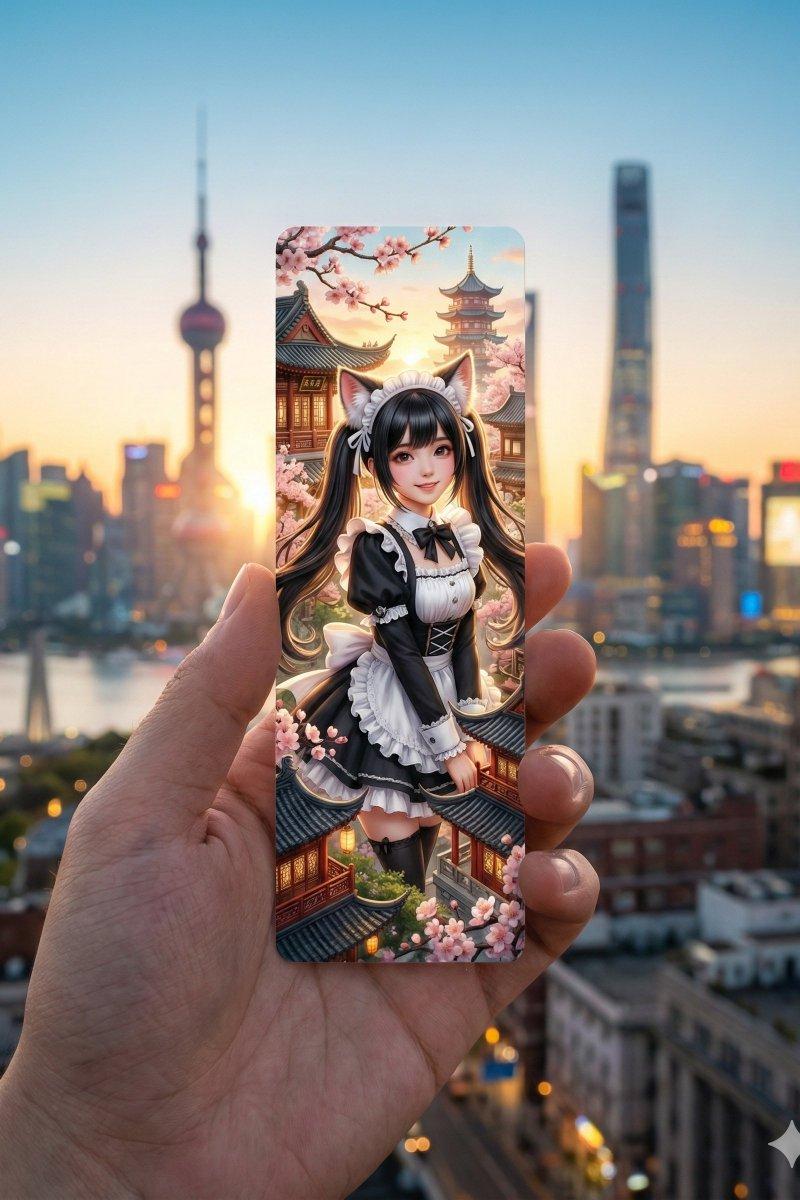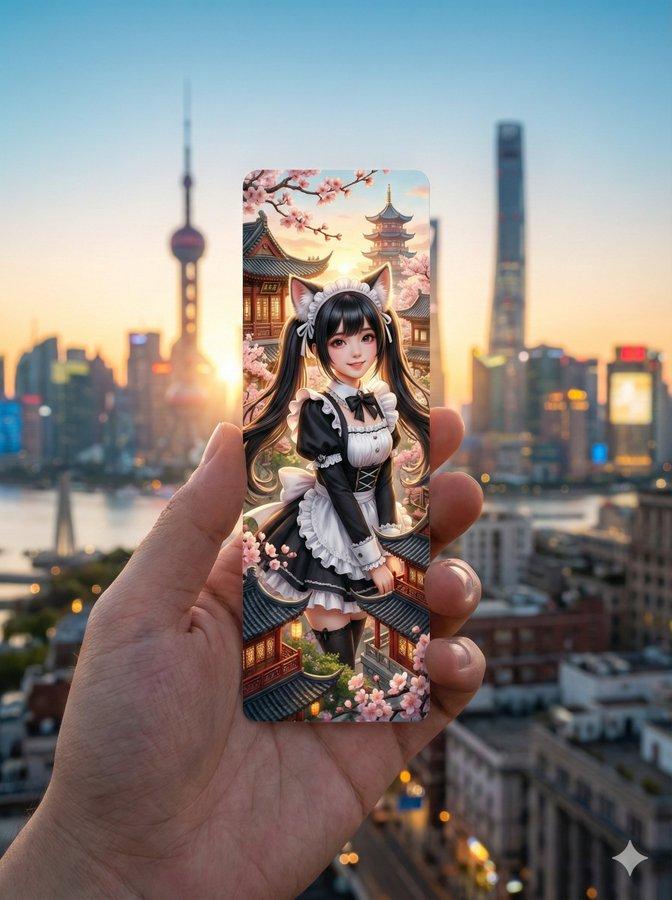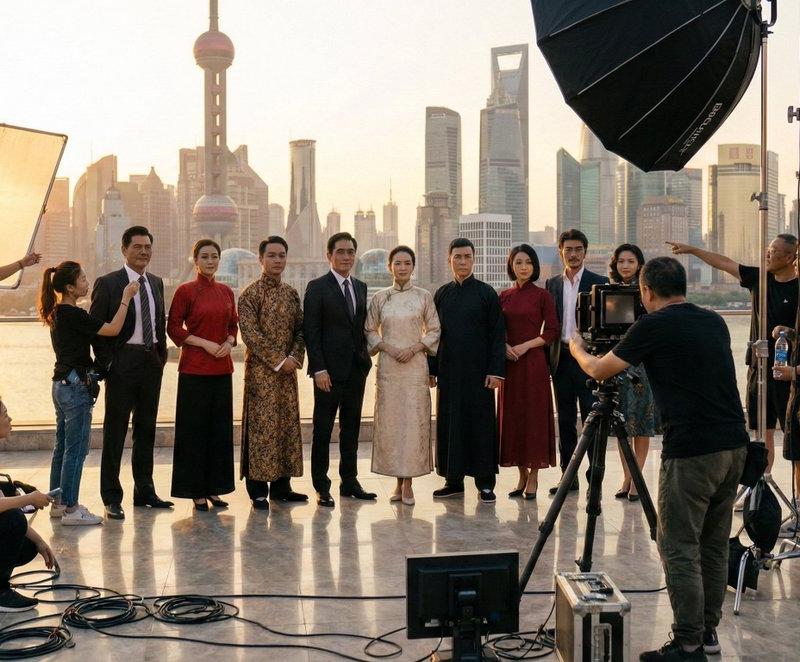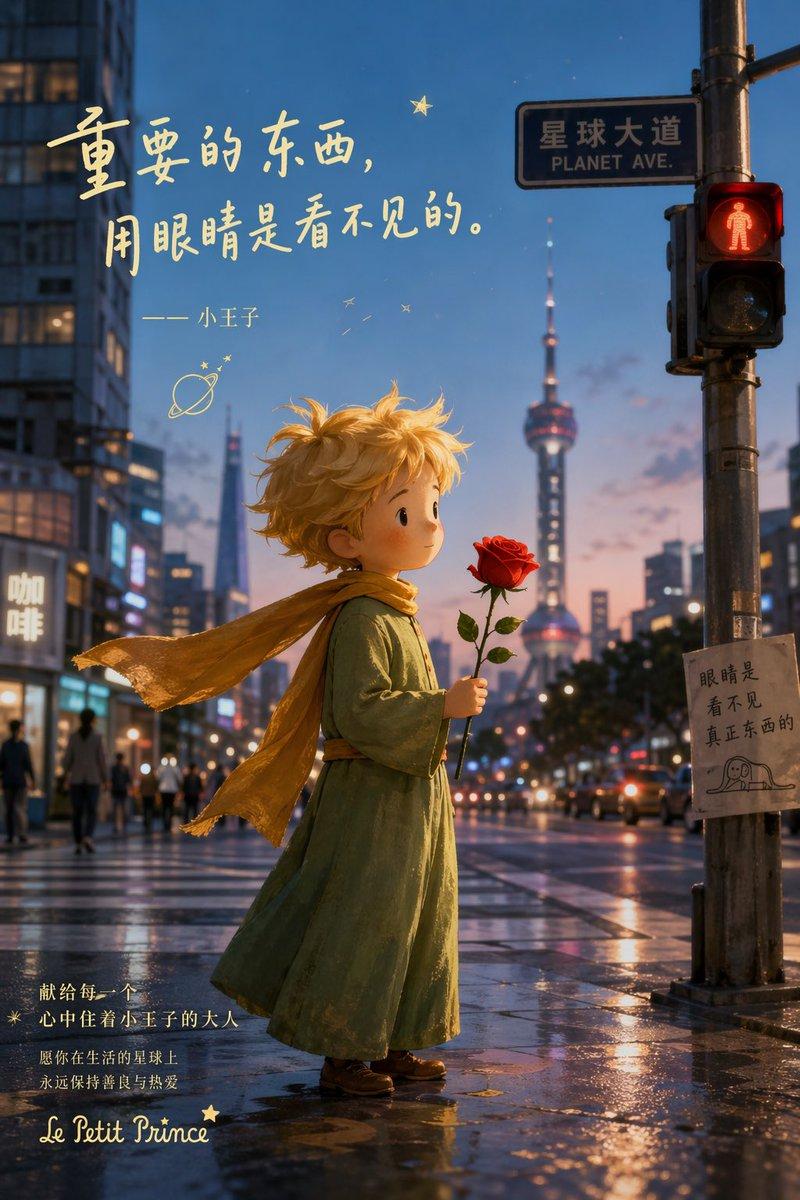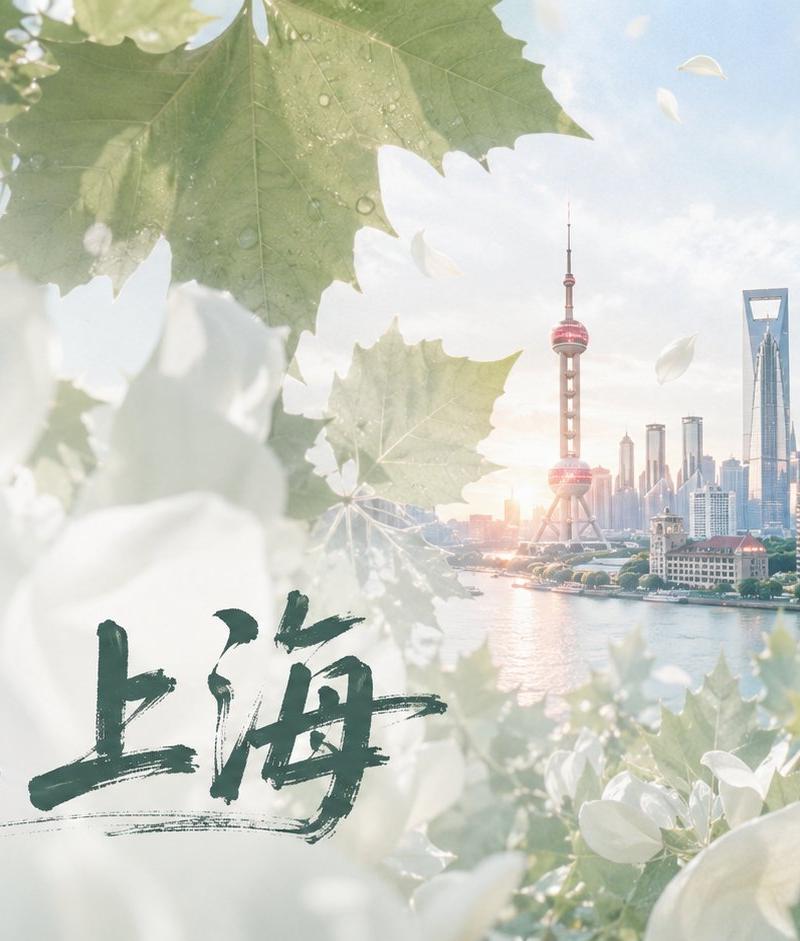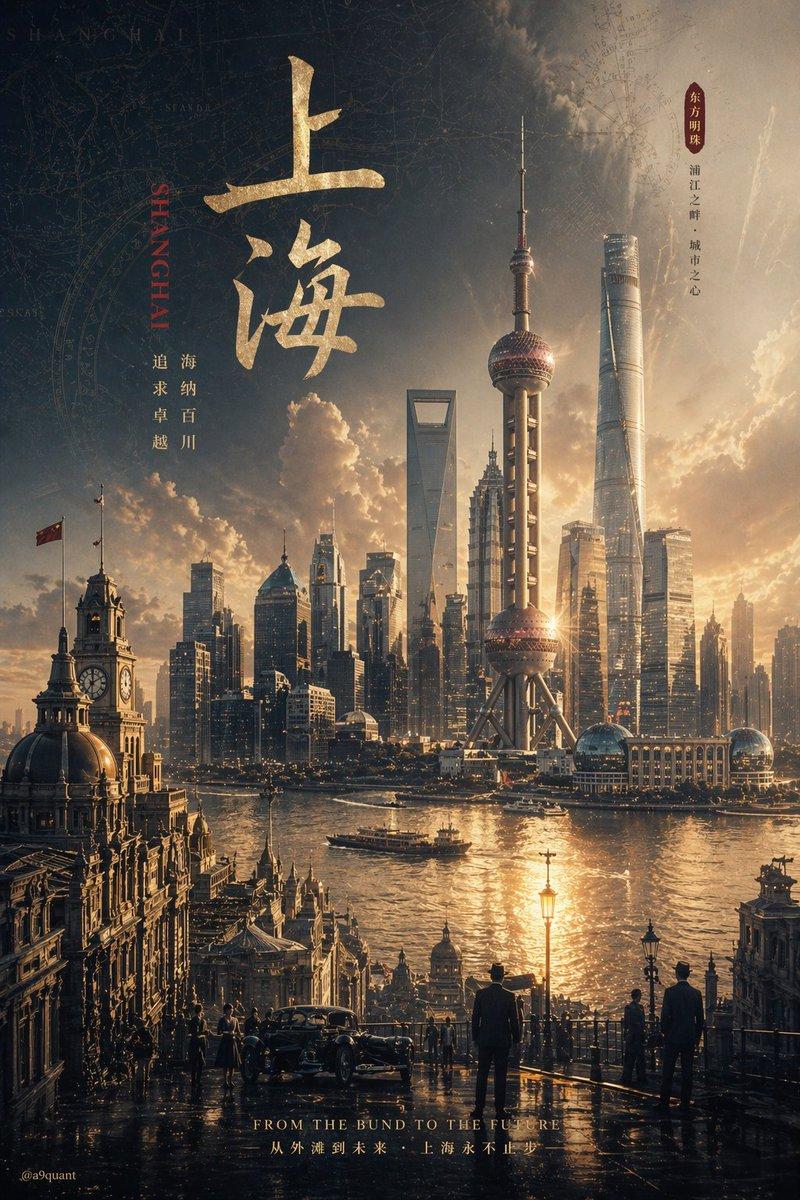
Photorealistic king: GPT Image 2 prompt
Prompt
{
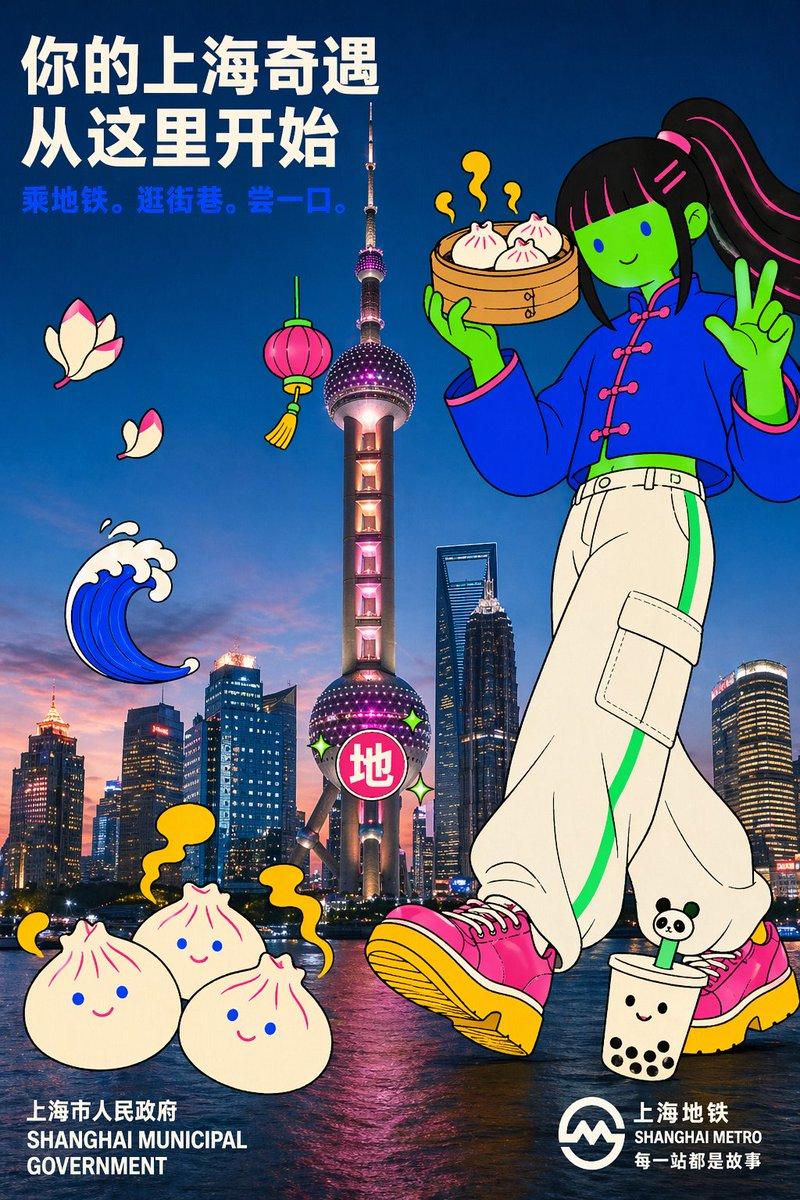
 "style_id": "photo-flat-doodle-campaign-poster",
 "style_name": "Photo × Flat-Doodle Campaign Poster",
 "version": "1.0",
 "aspect_ratio": "2:3",
 "reference": "Shanghai edition — derived from TfL 'Your London Adventure Starts Here'",

 "variables": {
 "scene": {
 "city": "上海 Shanghai",
 "landmark_photo": {
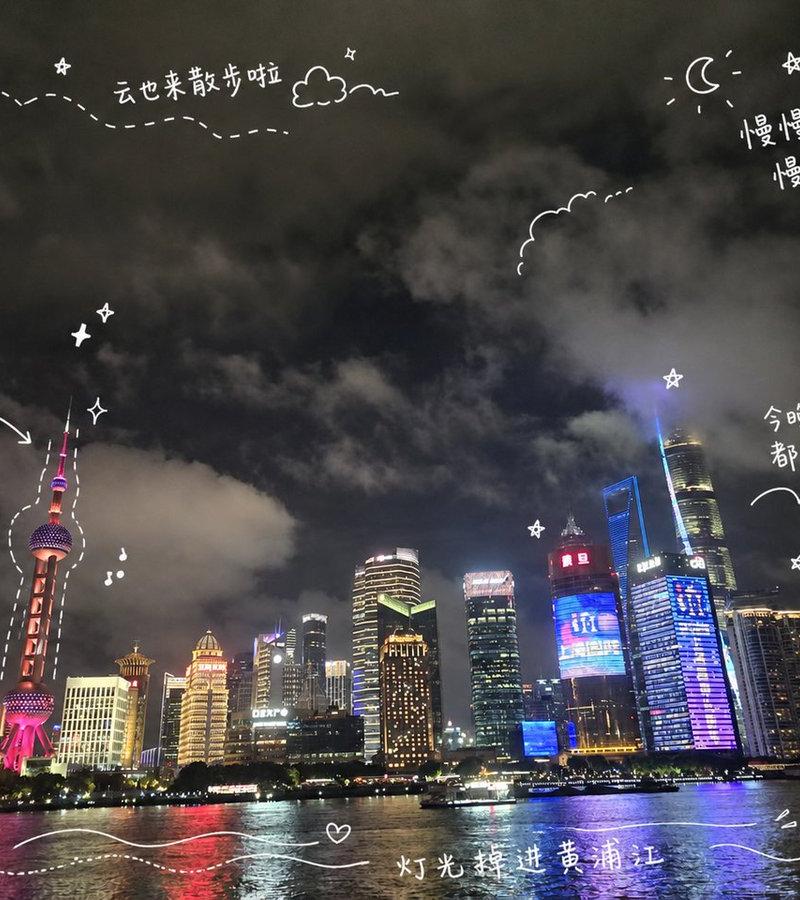
 "subject": "Oriental Pearl Tower with Lujiazui skyline in the background, viewed from across the Huangpu River",
 "angle": "low-angle hero shot, Pearl Tower centered and vertical, the two pink spheres clearly visible",
 "lighting": "early evening blue hour, city lights just starting to glow, sky still holding daylight",
 "treatment": "unretouched realistic photograph, natural steel + concrete + river reflection, no filter"
 },
 "background_sky": "deep teal-to-indigo gradient sky with a subtle warm glow at the horizon, upper 40% of canvas kept open for headline"
 },

 "hero_character": {
 "enabled": true,
 "scale": "giant — roughly 1.2× tower height, standing on the right, body extends beyond canvas",
 "pose": "holding a cartoon xiaolongbao steamer basket up to eye level with one hand, the other hand doing a casual wave, one foot slightly lifted mid-step",
 "skin_tone": "flat neon-green (non-realistic)",
 "face": "minimal — single curved smile, no nose, small cobalt-blue round eyes like dots",
 "hair": "long straight black-with-hot-pink-streaks hair, high ponytail swinging to one side, short blunt bangs",
 "outfit": {
 "top": "oversized cobalt-blue modern qipao-inspired jacket with a stand collar, hot-pink frog-button closures, cropped length",
 "bottom": "off-white baggy cargo pants with a neon-green side stripe and oversized pockets",
 "shoes": "chunky pink-and-yellow platform sneakers"
 },
 "accessory": "bamboo-style cartoon steamer basket with three xiaolongbao peeking out, tiny yellow steam swirls drawn above",
 "linework": "thin consistent black outline on qipao collar, frog buttons, ponytail strands, and steamer weave"
 },

 "doodle_props": [
 {
 "id": "giant_xiaolongbao_cloud",
 "shape": "three oversized cartoon soup dumplings floating together with exaggerated steam swirls",
 "colors": ["off-white dumpling skin", "hot-pink pleats", "sun-yellow steam"],
 "position": "lower-left foreground, tilted, partially covering the tower base"
 },
 {
 "id": "metro_heart_sticker",
 "shape": "Shanghai Metro red circle mark restyled as a flat sticker with sparkle stars",
 "colors": ["hot-pink circle", "off-white Chinese character 地", "neon-green sparkles"],
 "position": "pasted onto the lower sphere of the Pearl Tower"
 },
 {
 "id": "huangpu_wave",
 "shape": "stylized cartoon river wave curl, like a chunky comma",
 "colors": ["cobalt-blue wave", "off-white foam tips"],
 "position": "mid-left, floating in front of the tower mid-section"
 },
 {
 "id": "red_lantern",
 "shape": "round traditional cartoon red lantern with a tiny tassel",
 "colors": ["hot-pink lantern", "sun-yellow tassel", "neon-green string"],
 "position": "center-upper, overlapping between the two pink spheres of the tower"
 },
 {
 "id": "magnolia_petal_burst",
 "shape": "a small cluster of 3 oversized cartoon magnolia petals (Shanghai's city flower)",
 "colors": ["off-white petals", "hot-pink tips"],
 "position": "far-left mid-height, drifting diagonally as a color accent"
 },
 {
 "id": "panda_bubble_tea_buddy",
 "shape": "tiny cartoon bubble tea cup with a smiling face and a panda-ear straw topper",
 "colors": ["off-white cup", "ink-black pearls", "neon-green straw"],
 "position": "bottom-right near the character's shoe, as a sidekick scale cue"
 }
 ],

 "copy": {
 "headline": {
 "text": "Your Shanghai Adventure Starts Here",
 "language": "en",
 "max_lines": 3,
 "english_variant": "Your Shanghai Adventure Starts Here"
 },
 "subhead": {
 "text": "Take the metro. Wander the alleys. Take a bite.",
 "language": "en"
 },
 "logos": {
 "bottom_left": "SHANGHAI MUNICIPAL GOVERNMENT",
 "bottom_right": "SHANGHAI METRO — Every Stop is a Story (with metro roundel)"
 }
 }
 }
}- Category
- Posters & Typography
- Model
- GPT Image 2
- Creator
- Vigo Zhao
- Source language
- zh-CN
- Source ID
- 2047944141015802341
- Published
- Apr 25, 2026
Views0