18

Lion-Camel Ridge demon horde: GPT Image 2 prompt
Enlarge

Lion-Camel Ridge demon horde: GPT Image 2 prompt

Prompt
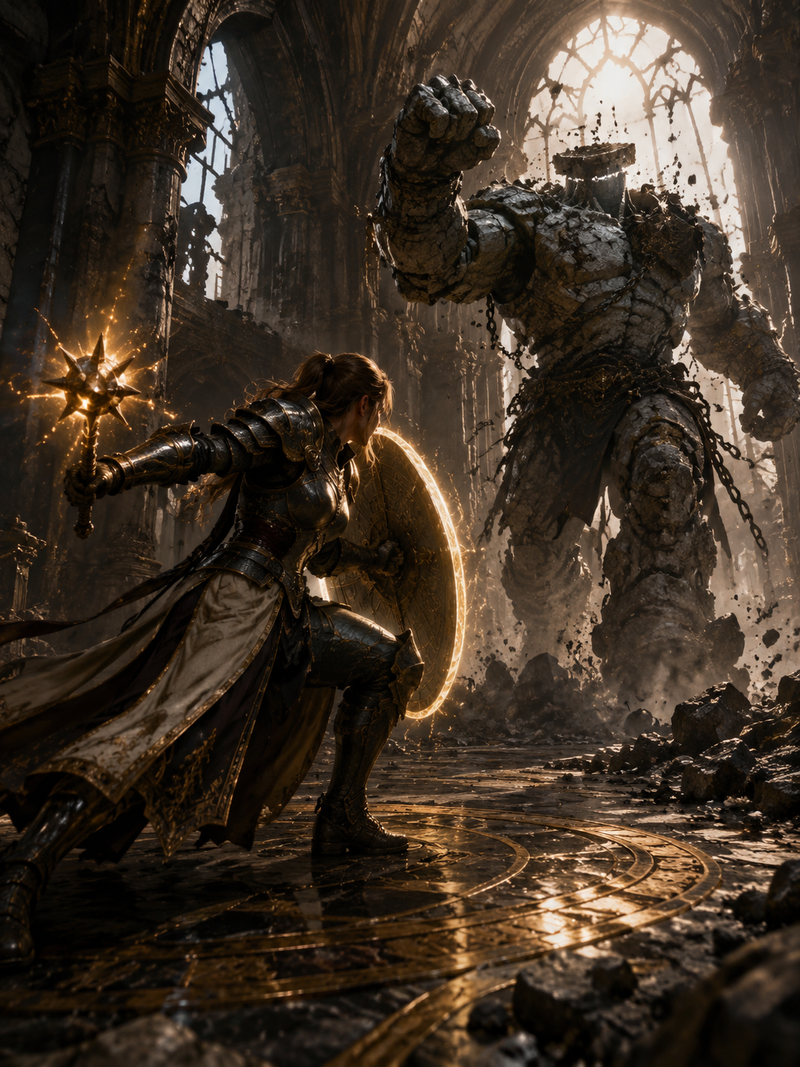
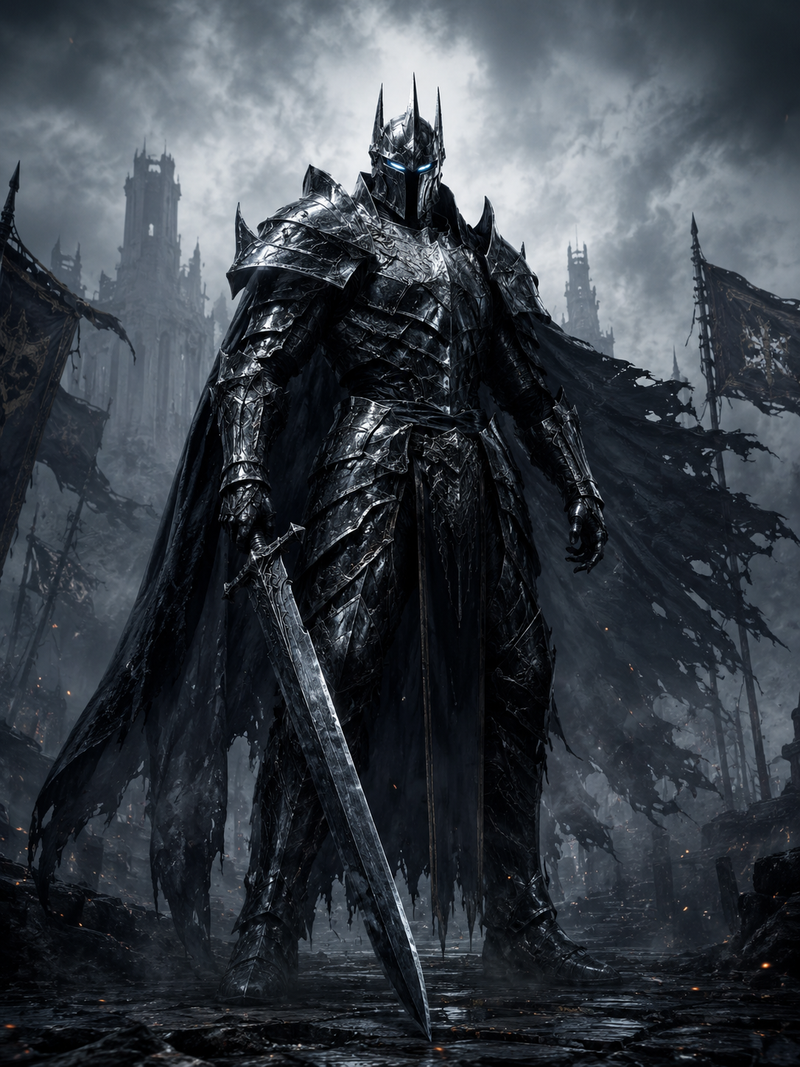
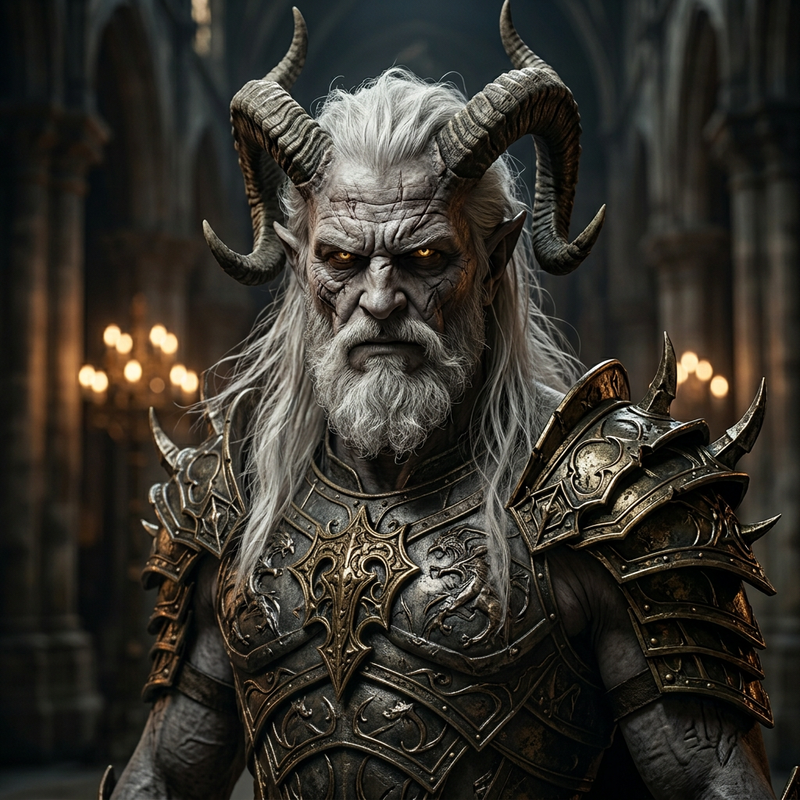
Chinese-style eerie, dark mysterious style fused with Chinese aesthetics, perfect detail, multi-pass rendering, perfect modeling. Journey to the West setting — Lion-Camel Ridge, thousands of demons. The Heavy-Armor Demon Elephant King sits on a giant throne to the left, the Heavy-Armor Demon Lion King in the middle, the Heavy-Armor Demon Peng-Bird King to the right. A tiny Sun Wukong, back to the camera, walks forward shouldering his Ruyi Jingu Bang. He wears armor. Low-to-ground upward-tilted shot, telephoto lens, strong shadows. Extreme detail, multiple revisions, correct perspective and main lines, exquisite details.
Category
Characters & People
Model
GPT Image 2
Creator
MANISH1027512
Source language
zh-CN
Views0
Source ID
awesome-comparison-29
Published
Apr 29, 2026
Studio

Guide

About "Lion-Camel Ridge demon horde: GPT Image 2 prompt"

What is this prompt for?

"Lion-Camel Ridge demon horde: GPT Image 2 prompt" AI image prompt for GPT Image 2 (Characters & People). Chinese-style eerie, dark mysterious style fused with…

The full copyable prompt and example visuals above are ready for AI image generation or one-click recreate in Picva.

How to use this prompt

  1. Step 1

    Open the prompt detail

    Review the example visuals, category, and full prompt text for "Lion-Camel Ridge demon horde: GPT Image 2 prompt".

  2. Step 2

    Copy the prompt

    Copy the prompt body from this page, or load it directly in Studio.

  3. Step 3

    Pick a model (GPT Image 2)

    Prefer GPT Image 2. If you switch models, keep subject and composition and tweak style terms.

  4. Step 4

    Generate and export

    Recreate the look in Picva, or export into your workflow for editing and publishing.

FAQ

What is the "Lion-Camel Ridge demon horde: GPT Image 2 prompt" prompt?
It is an AI image-generation prompt for GPT Image 2 in the Characters & People category. This page includes the full prompt text, example visuals, and a one-click recreate path in Picva.
How do I use this prompt to generate an image?
Copy the prompt from this page, or use Generate / Studio. Paste it into a compatible image model, or recreate the look in Picva with optional reference images.
Which model is this prompt for?
This page lists GPT Image 2. Most descriptive prompts also transfer to nearby image models such as GPT Image, Flux, or Midjourney with light style tweaks.
Can I use the result commercially?
You can usually copy the prompt for creation, but commercial use of the final image depends on the model terms, reference-image rights, and the generated content. Follow the source author and platform rules.