14

Eastern fantasy half-body portrait: GPT Image 2 prompt
Enlarge

Example images

Eastern fantasy half-body portrait: GPT Image 2 prompt

Prompt
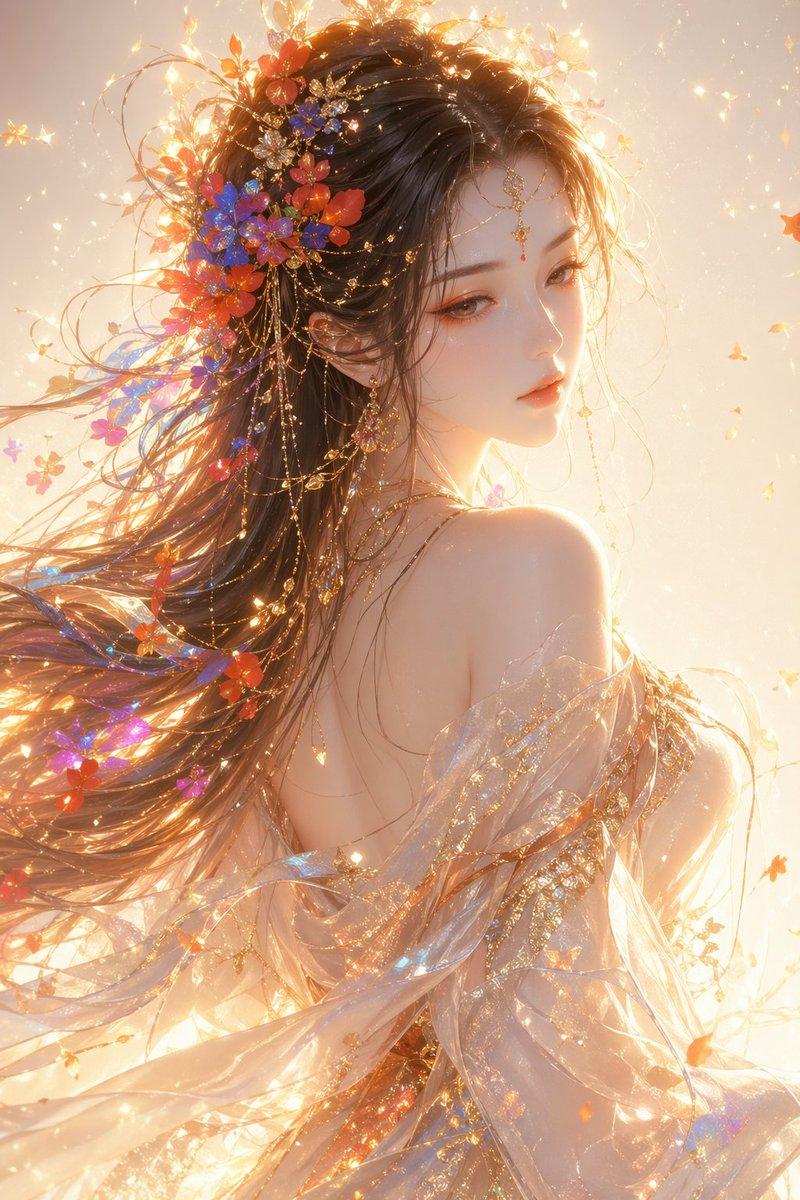
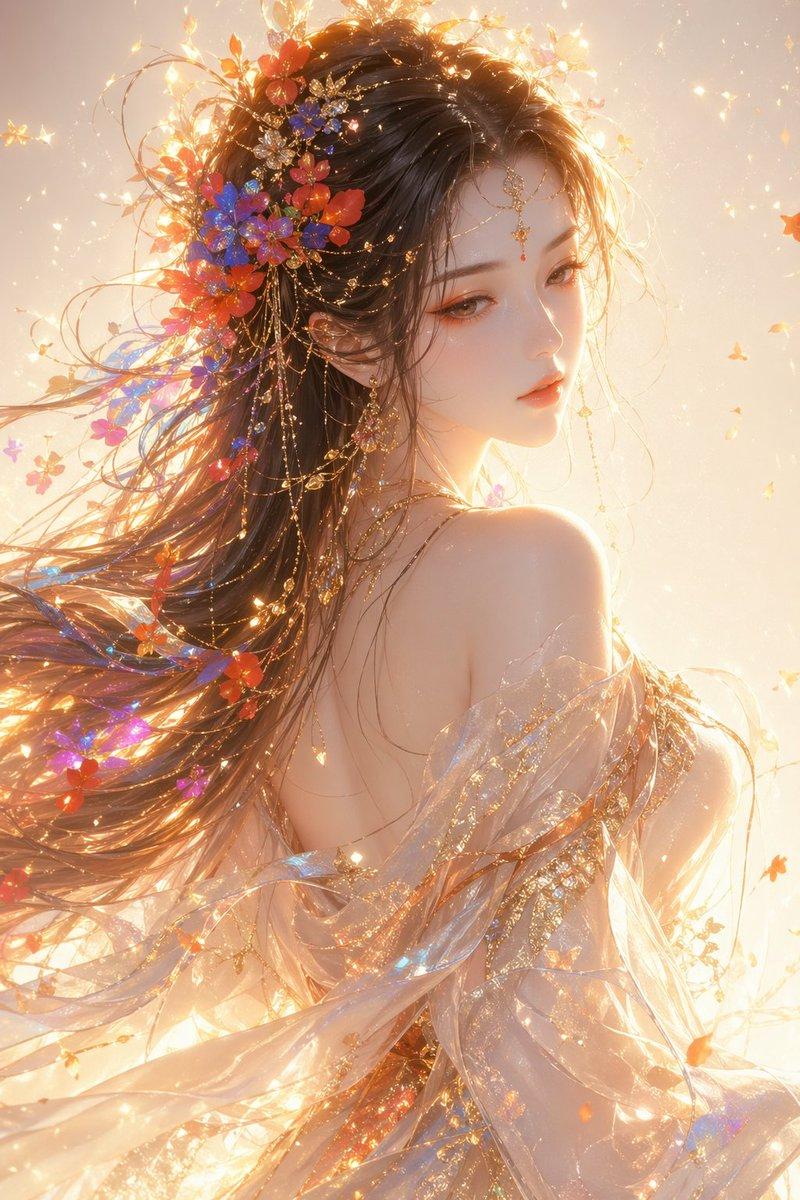
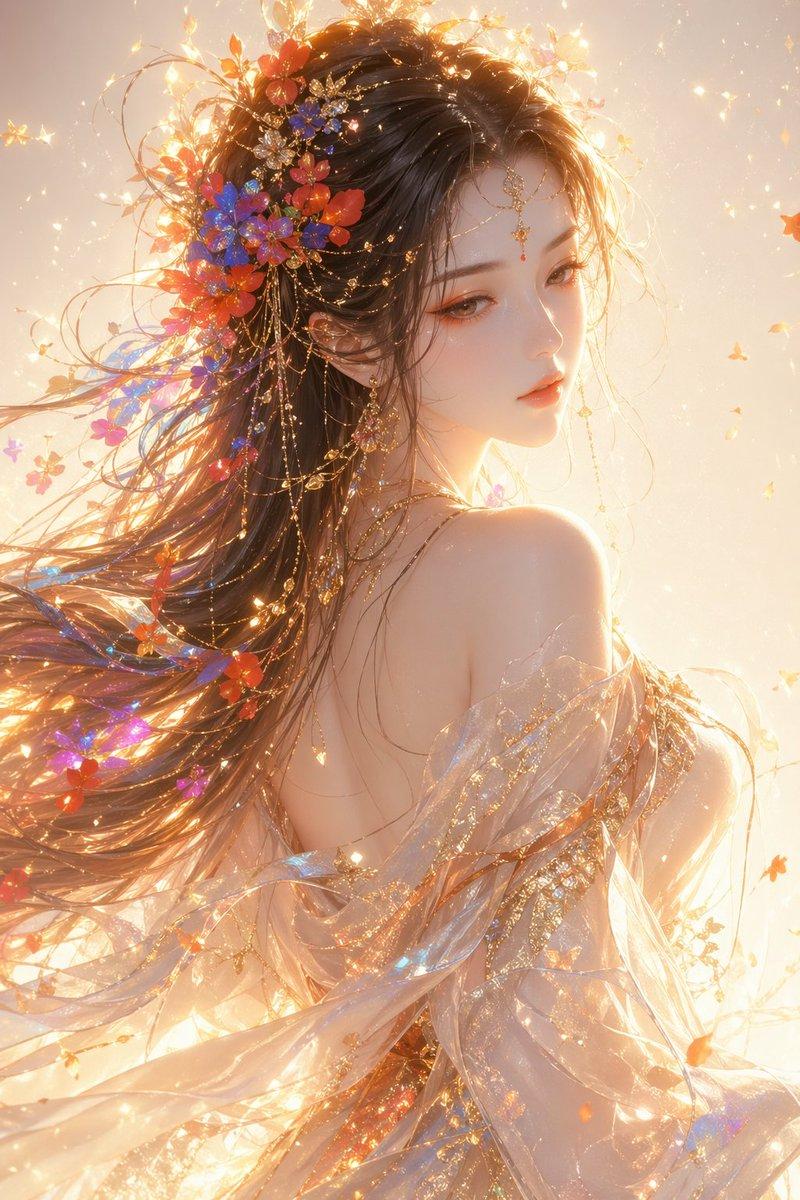
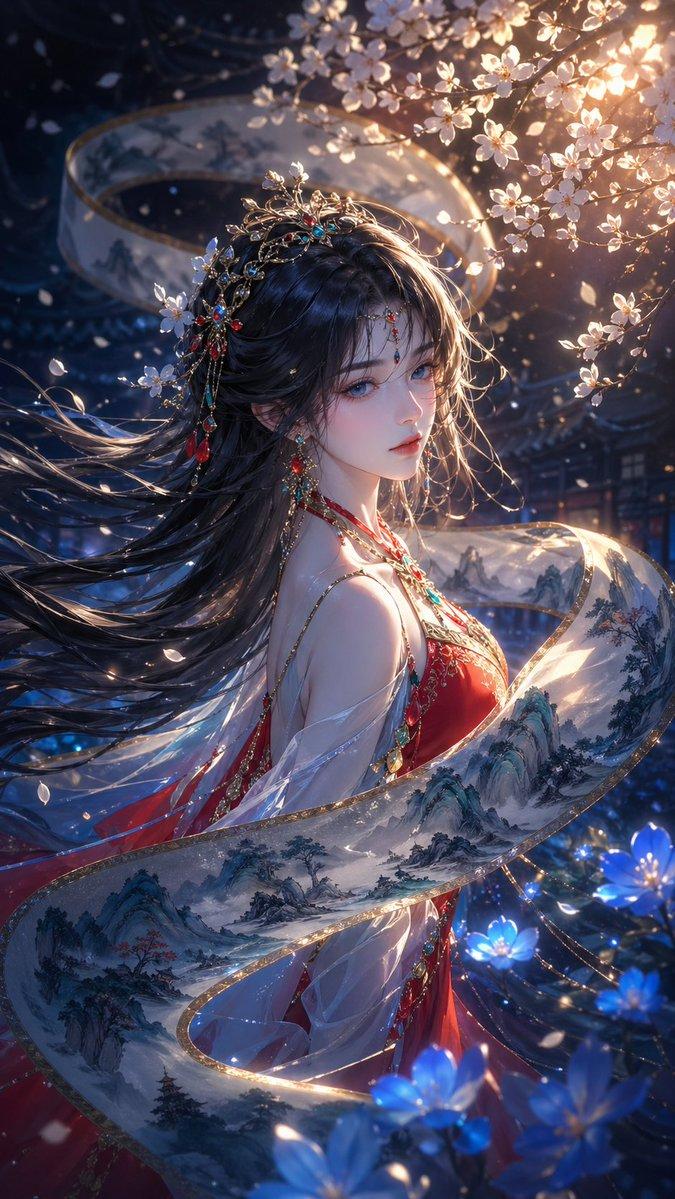
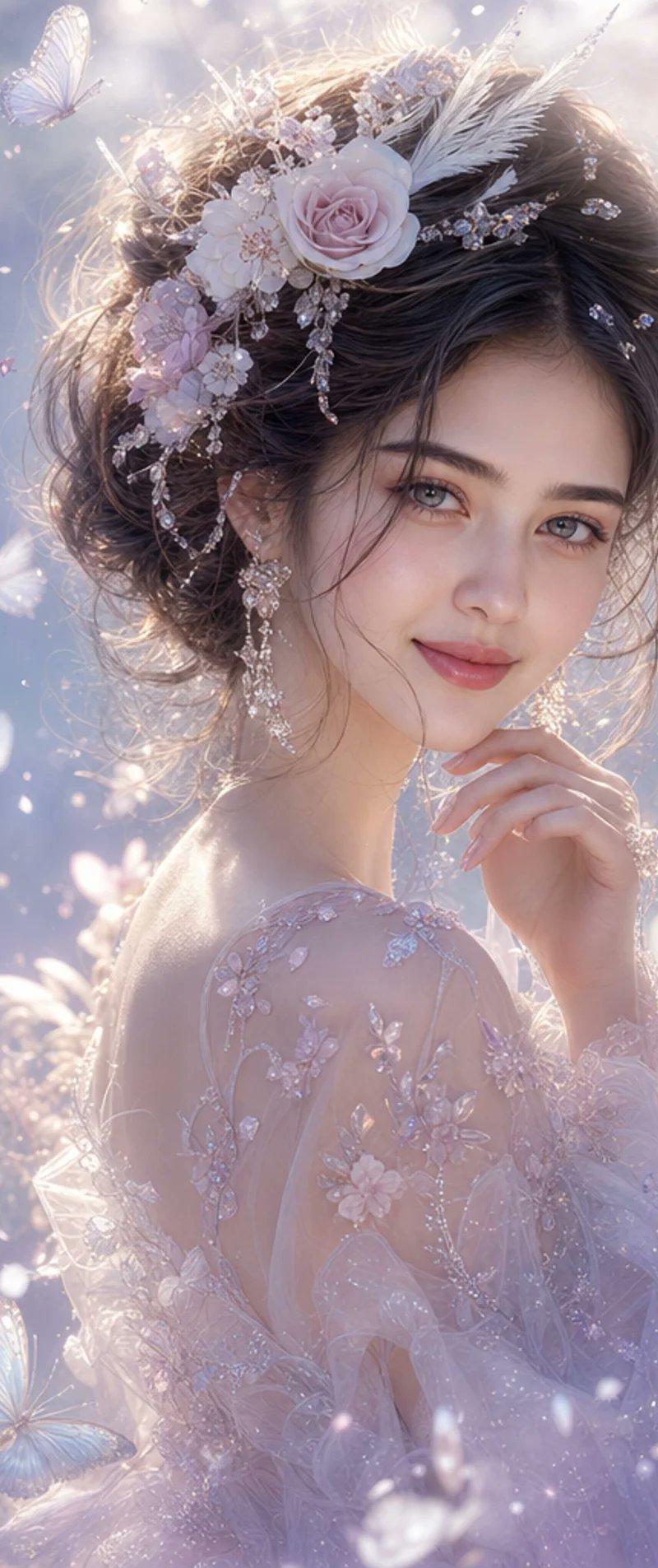
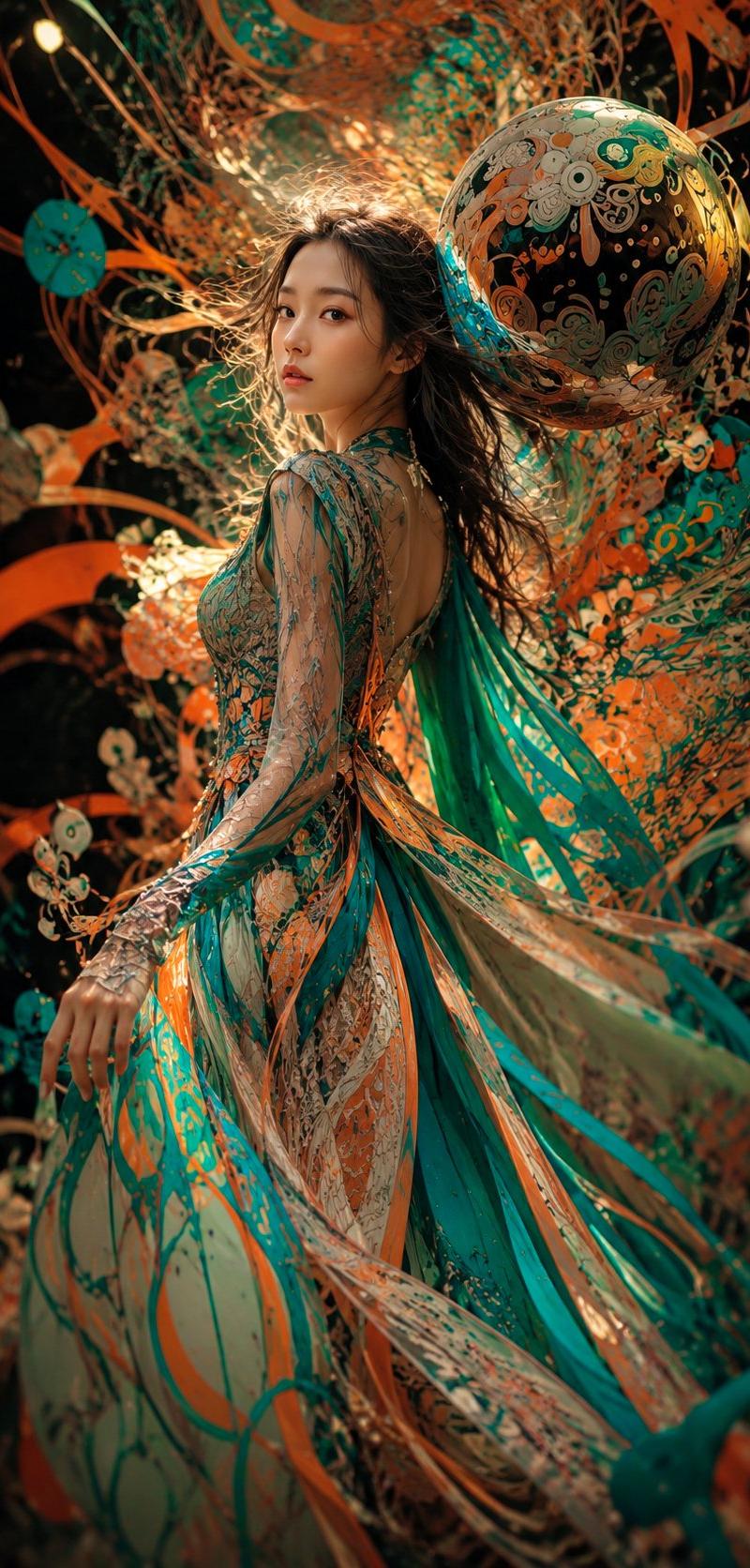
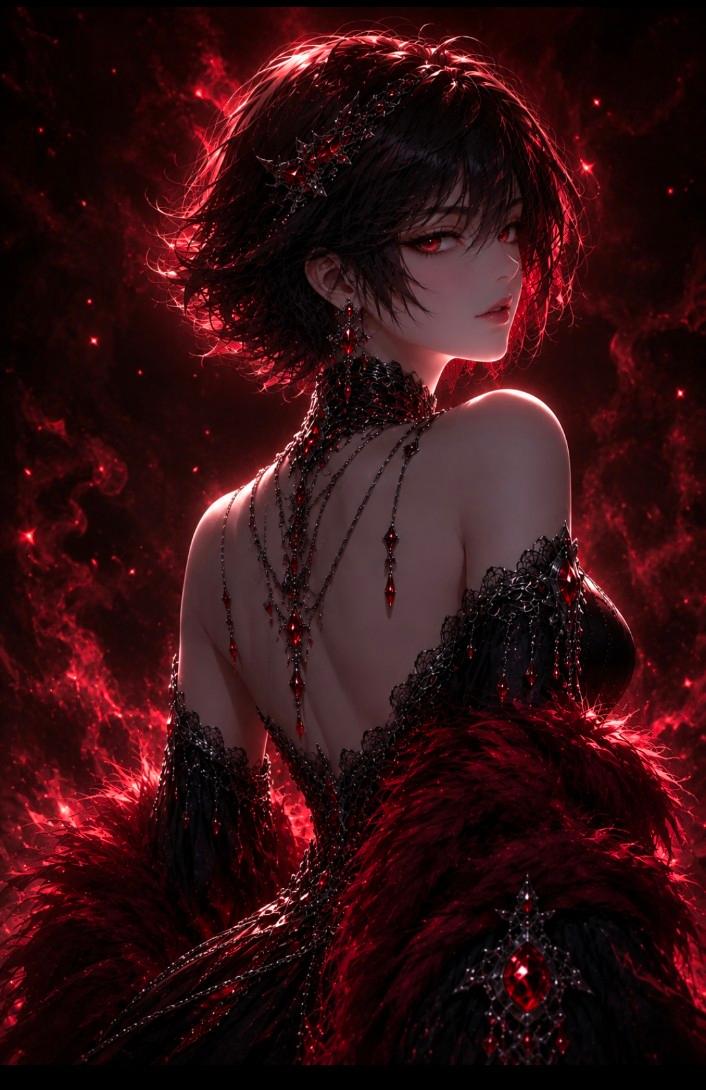
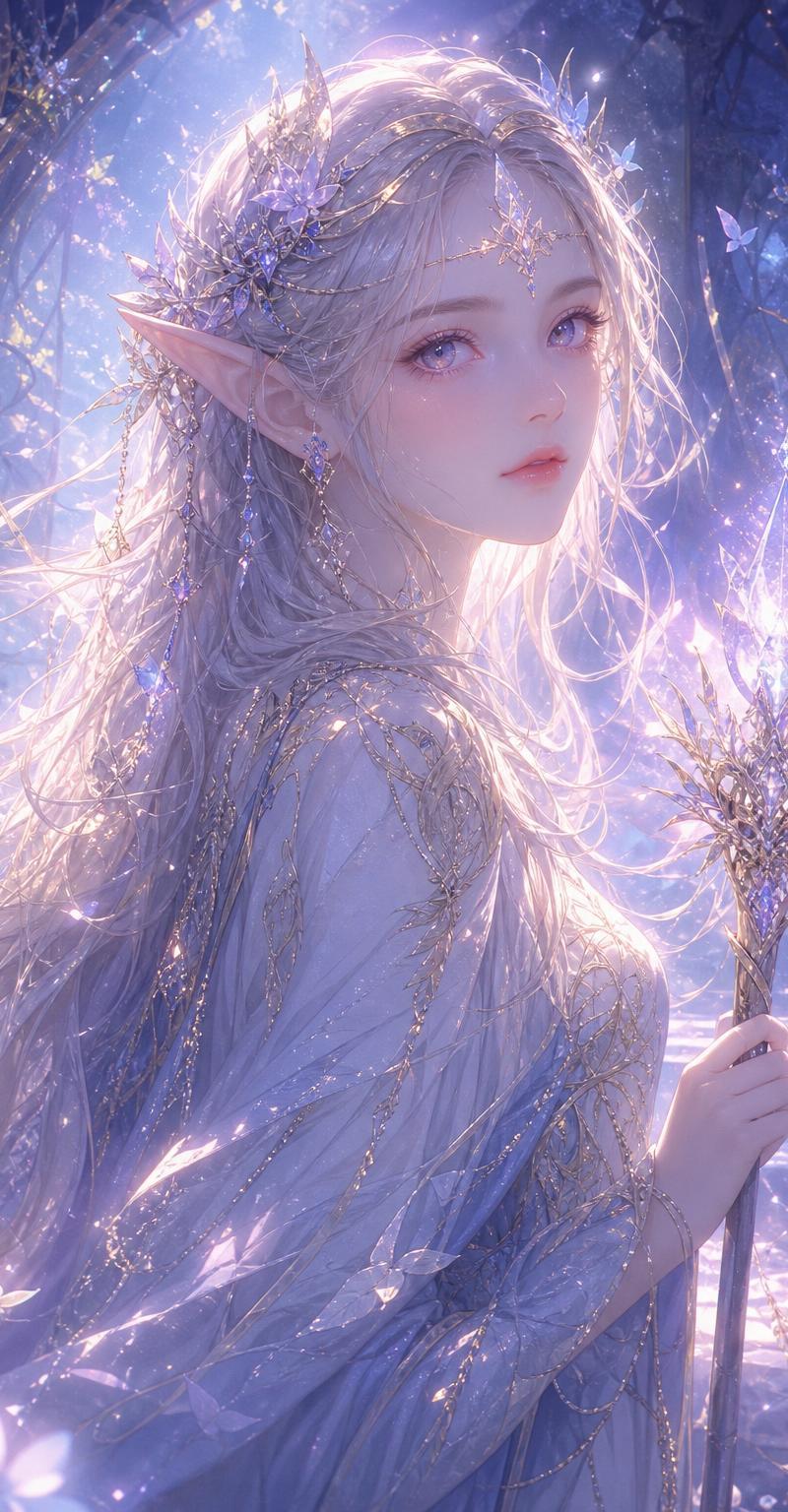
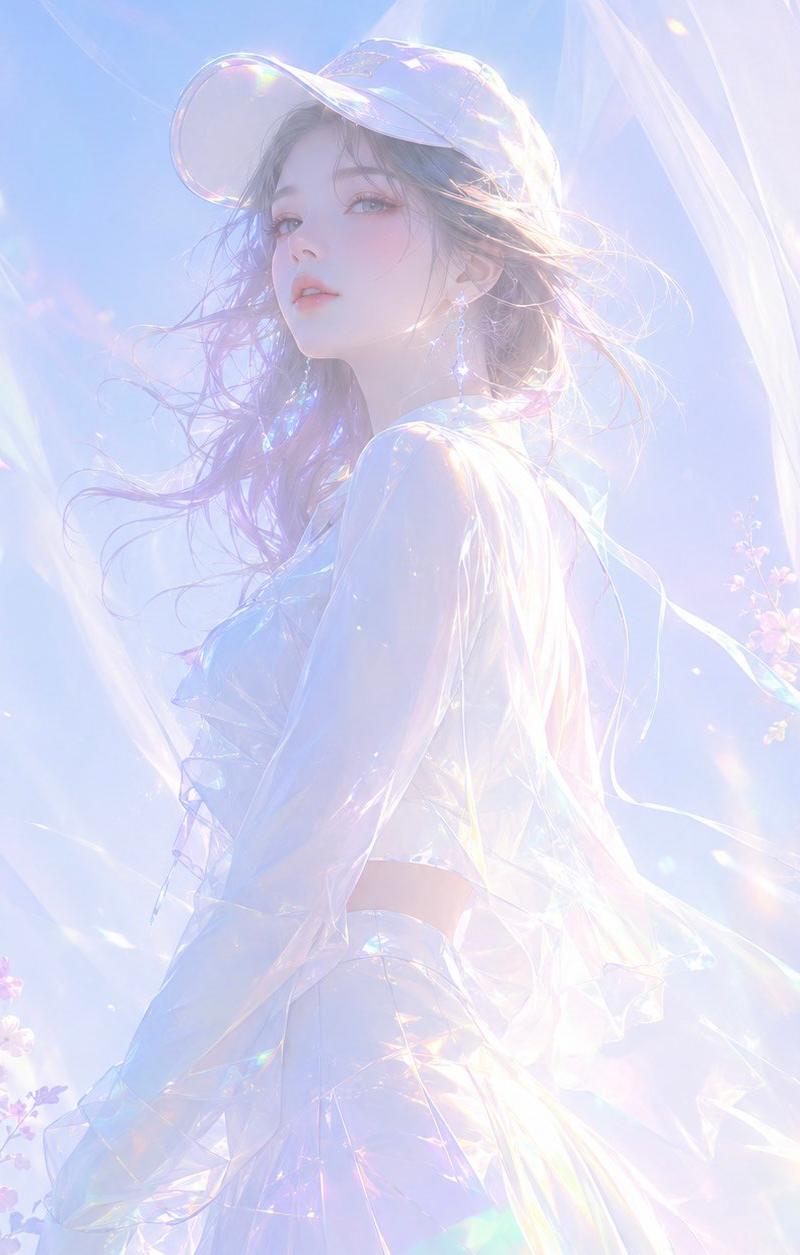
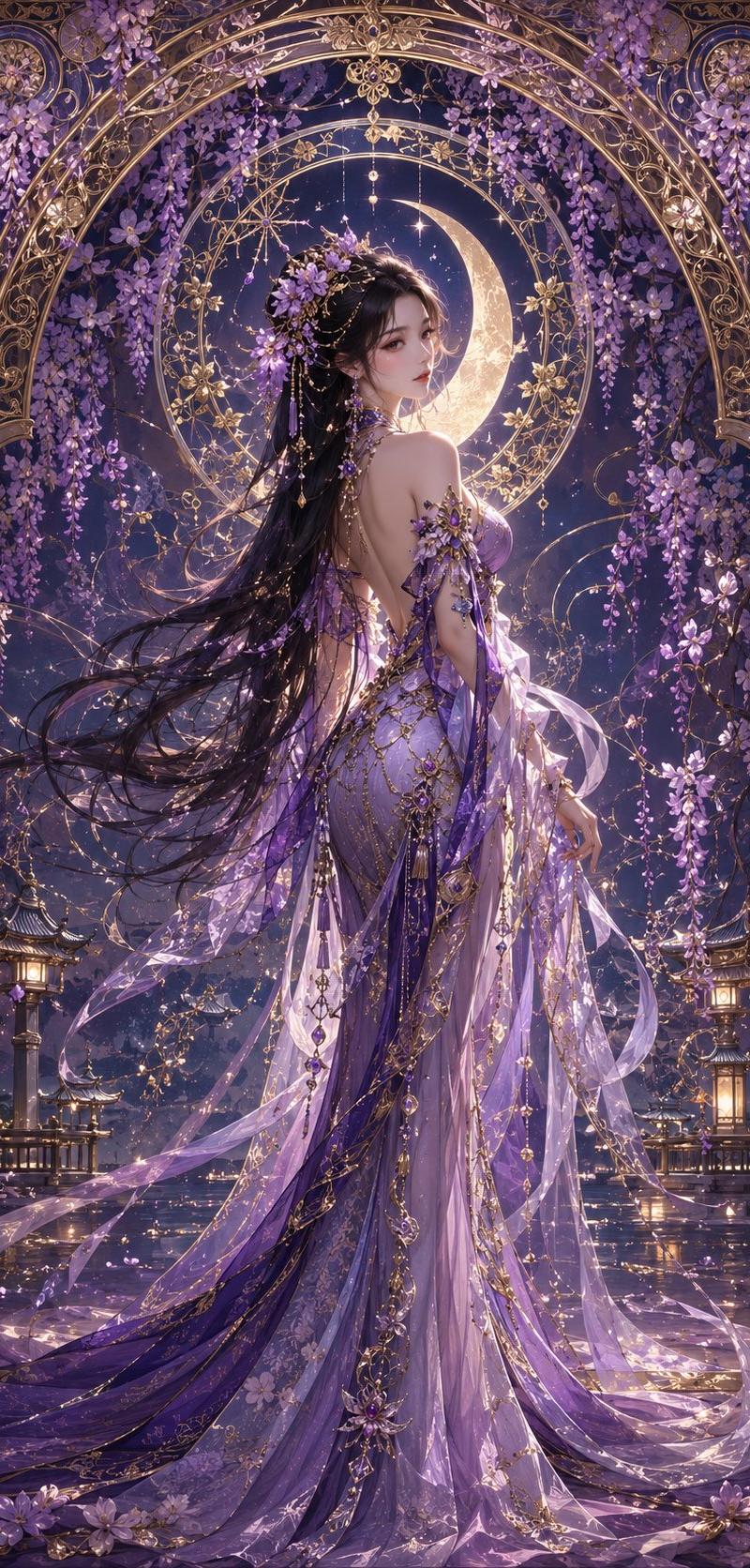
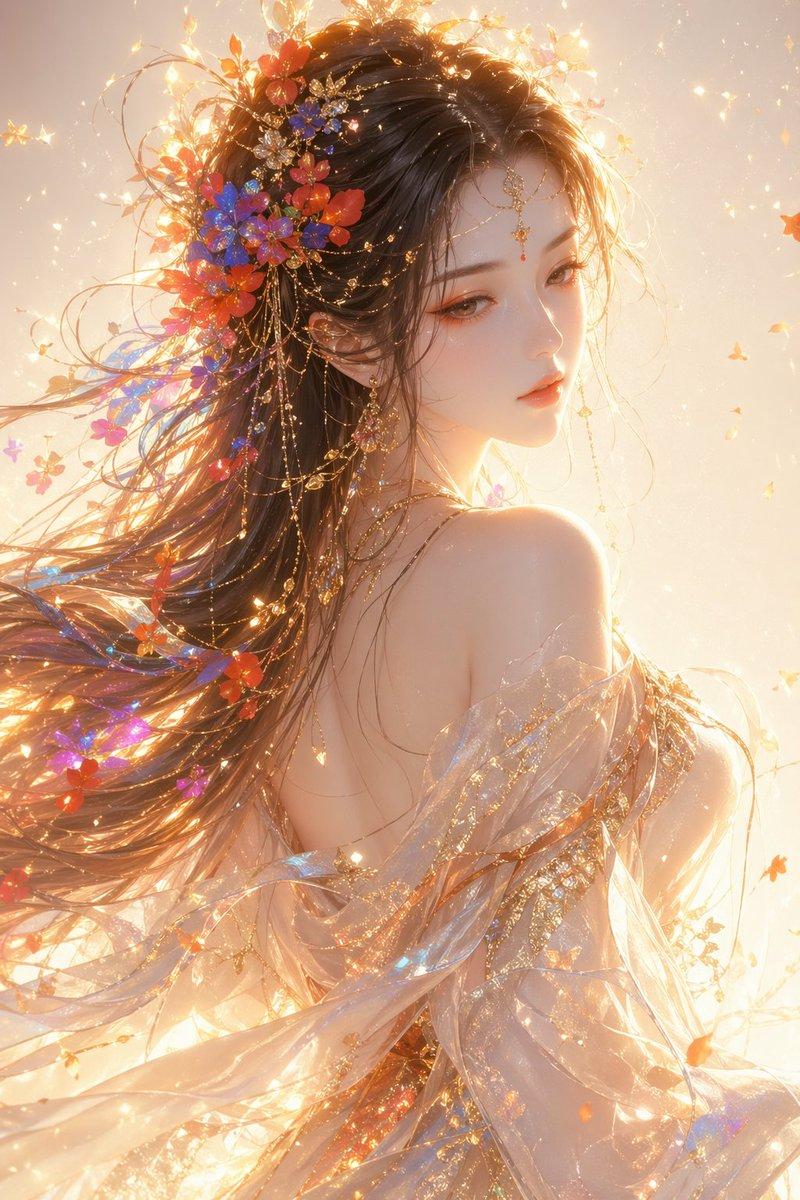
Eastern fantasy-style female, half-body portrait, side profile looking back, ethereal elegant temperament, soft divine beauty, fine features, slightly downcast gaze, cool fair detailed skin, light orange-pink makeup, gold highlight accents.

Long flowing hair with colored flowers and light particles (red, blue, orange, purple) woven into the strands; hair has a sense of flow and air.

Wears a semi-transparent silk gown and shawl, light translucent material, fabric fluttering in the wind, with gilded patterns and glittering particles on the surface.

Lighting: warm gold backlight, strong rim light, prominent volumetric light, floating light particles, soft glow, dreamy atmosphere.

Background: clean light gradient with shimmer and particle effects; overall mood ethereal, dreamlike, sacred.

Style: high-end CG illustration, ultra-fine, cinematic lighting, soft-light rendering, 8K detail, ArtStation-trending style.
Category
Photography & Realism
Model
GPT Image 2
Creator
liyue_ai
Source language
zh-CN
Views0
Source ID
awesome-comparison-65
Published
Apr 29, 2026
Studio

Guide

About "Eastern fantasy half-body portrait: GPT Image 2 prompt"

What is this prompt for?

"Eastern fantasy half-body portrait: GPT Image 2 prompt" AI image prompt for GPT Image 2 (Photography & Realism). Eastern fantasy-style female, half-body portr…

The full copyable prompt and example visuals above are ready for AI image generation or one-click recreate in Picva.

How to use this prompt

  1. Step 1

    Open the prompt detail

    Review the example visuals, category, and full prompt text for "Eastern fantasy half-body portrait: GPT Image 2 prompt".

  2. Step 2

    Copy the prompt

    Copy the prompt body from this page, or load it directly in Studio.

  3. Step 3

    Pick a model (GPT Image 2)

    Prefer GPT Image 2. If you switch models, keep subject and composition and tweak style terms.

  4. Step 4

    Generate and export

    Recreate the look in Picva, or export into your workflow for editing and publishing.

FAQ

What is the "Eastern fantasy half-body portrait: GPT Image 2 prompt" prompt?
It is an AI image-generation prompt for GPT Image 2 in the Photography & Realism category. This page includes the full prompt text, example visuals, and a one-click recreate path in Picva.
How do I use this prompt to generate an image?
Copy the prompt from this page, or use Generate / Studio. Paste it into a compatible image model, or recreate the look in Picva with optional reference images.
Which model is this prompt for?
This page lists GPT Image 2. Most descriptive prompts also transfer to nearby image models such as GPT Image, Flux, or Midjourney with light style tweaks.
Can I use the result commercially?
You can usually copy the prompt for creation, but commercial use of the final image depends on the model terms, reference-image rights, and the generated content. Follow the source author and platform rules.