15

Ink S-curve black canvas poster: GPT Image 2 prompt
Enlarge

Example images

Ink S-curve black canvas poster: GPT Image 2 prompt

Prompt
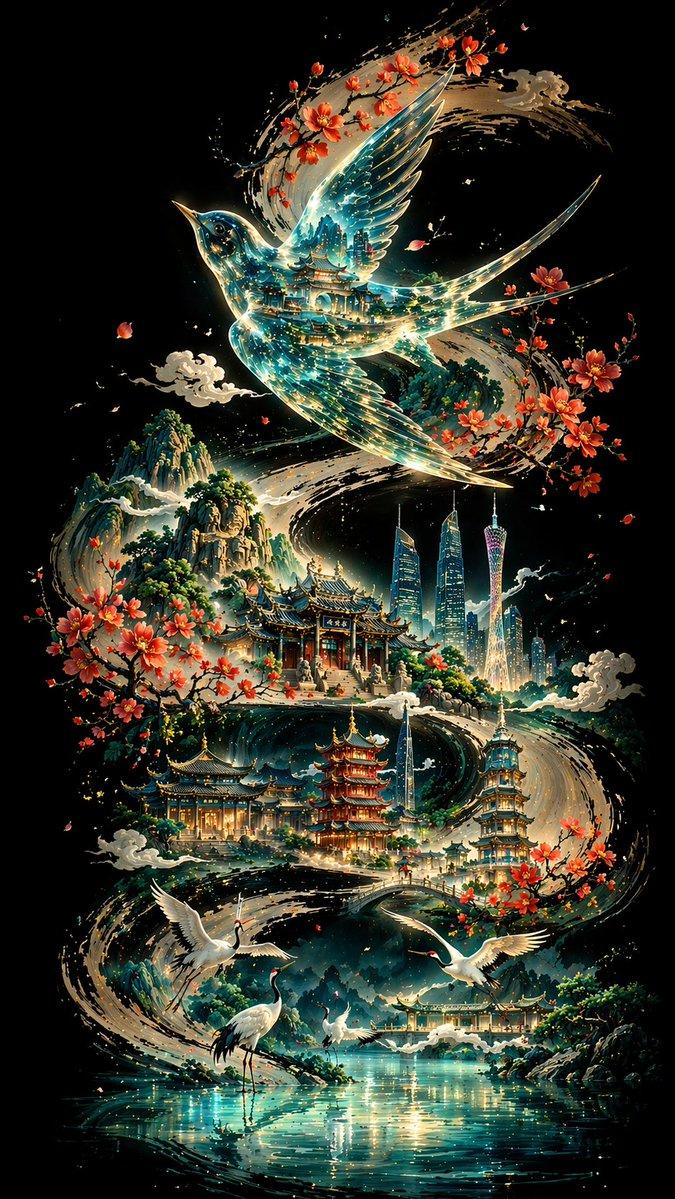
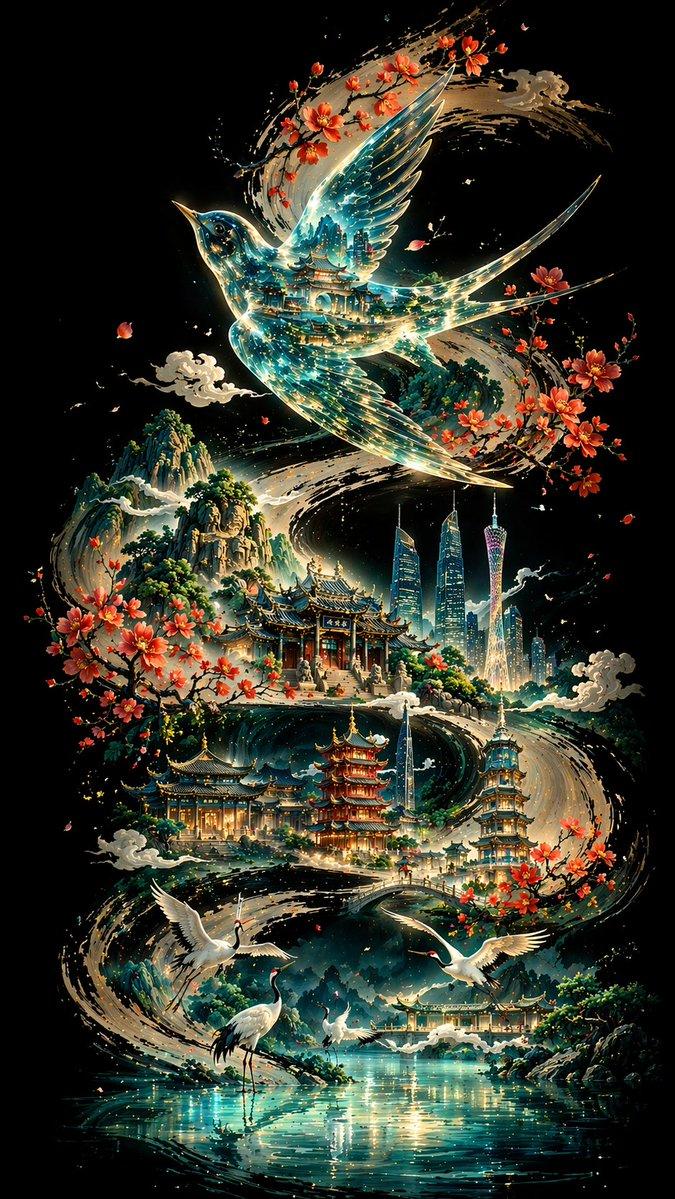
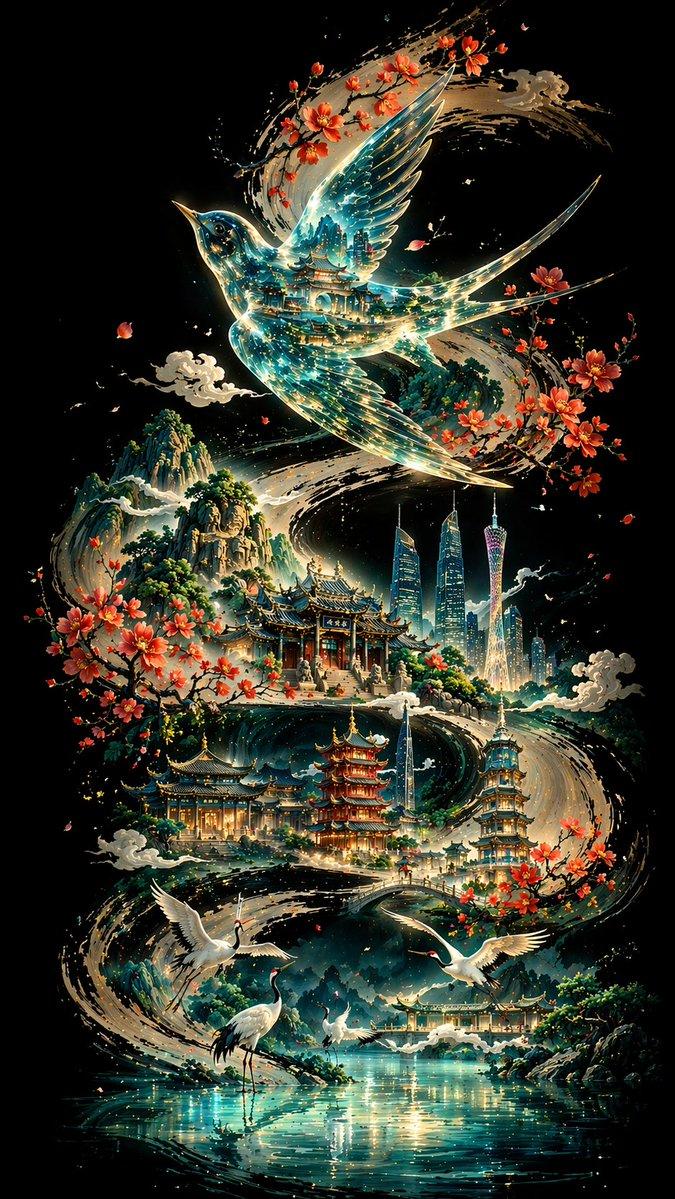
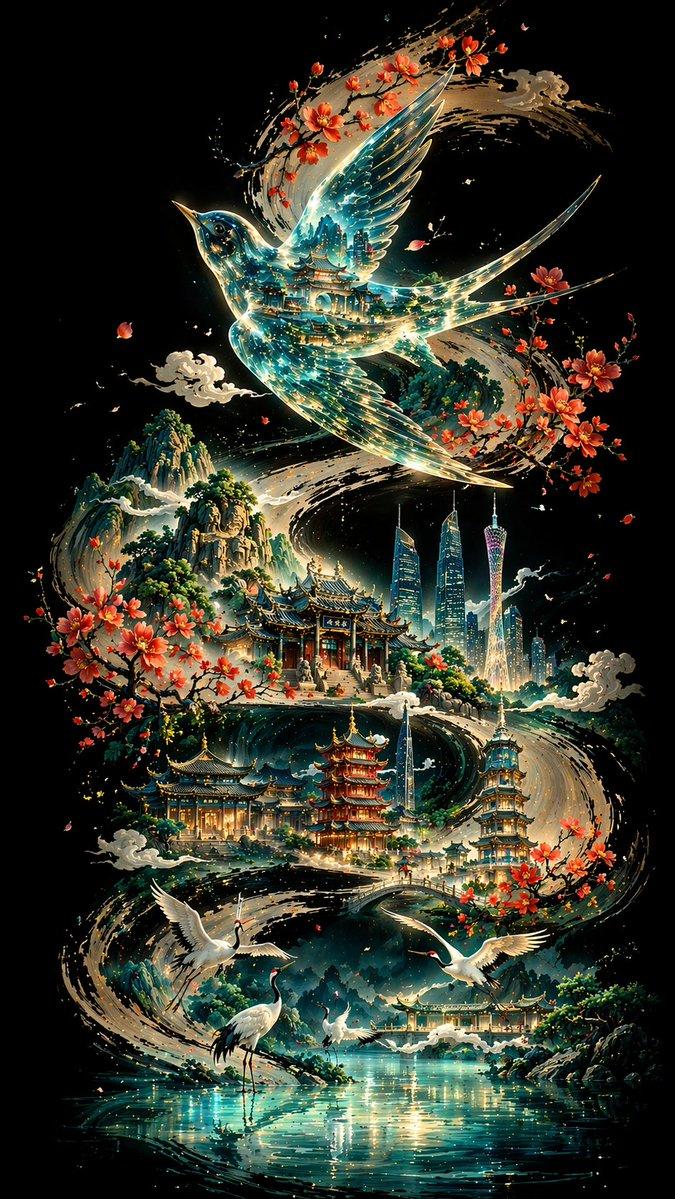
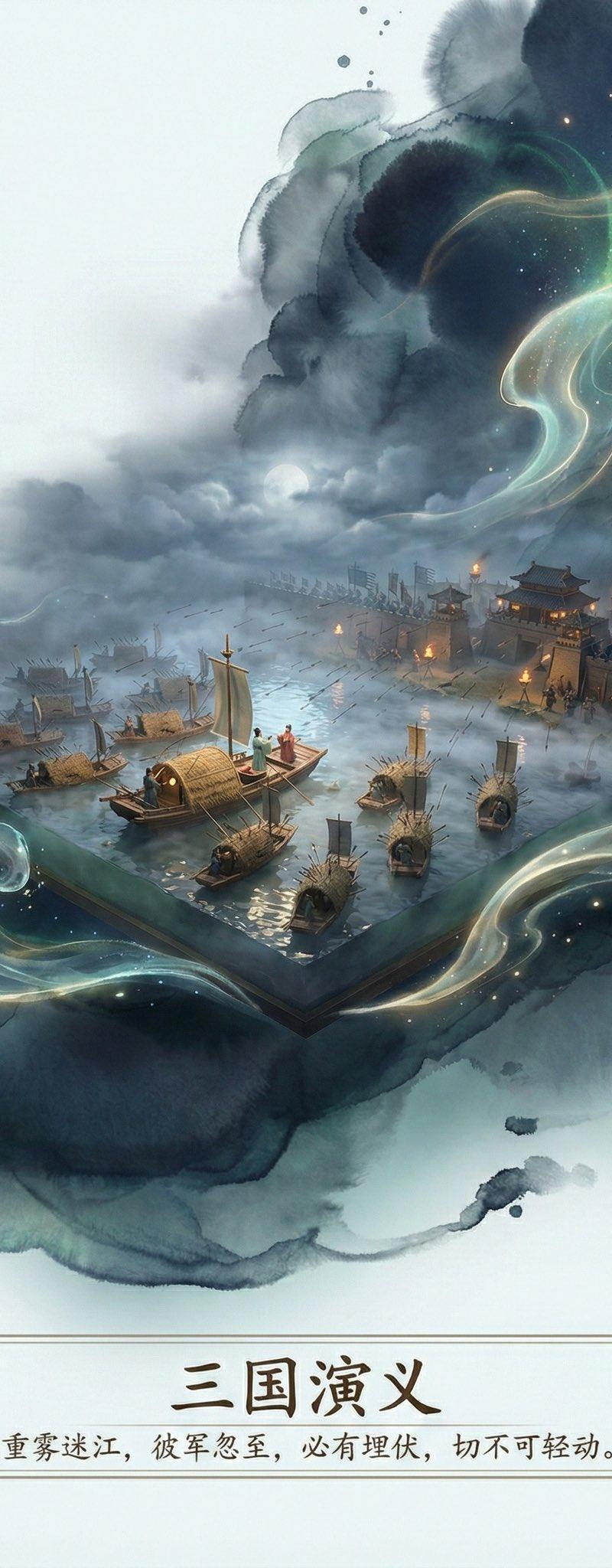
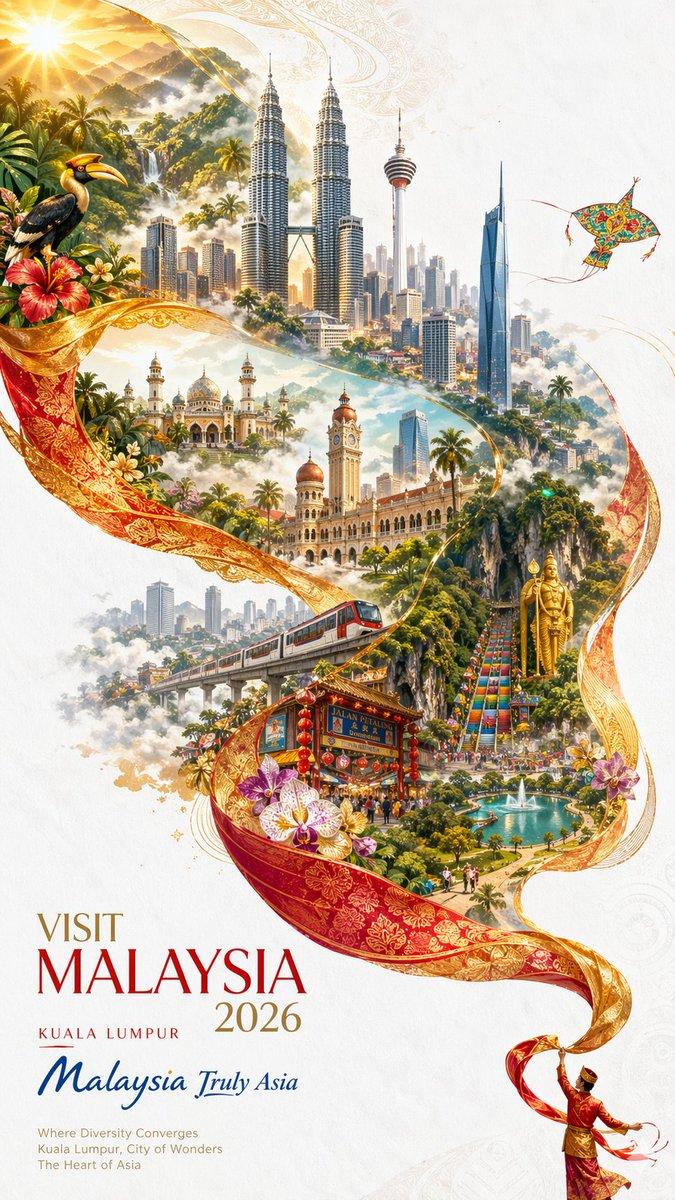
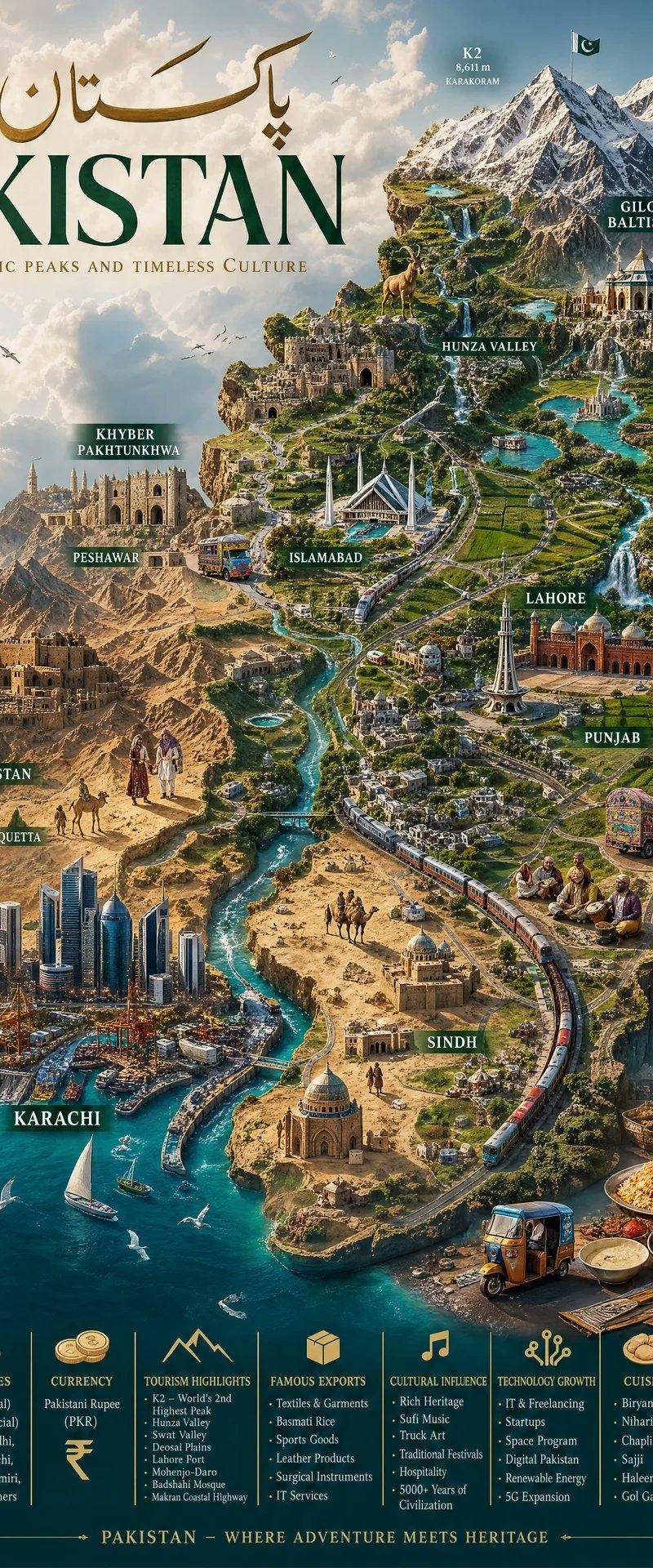
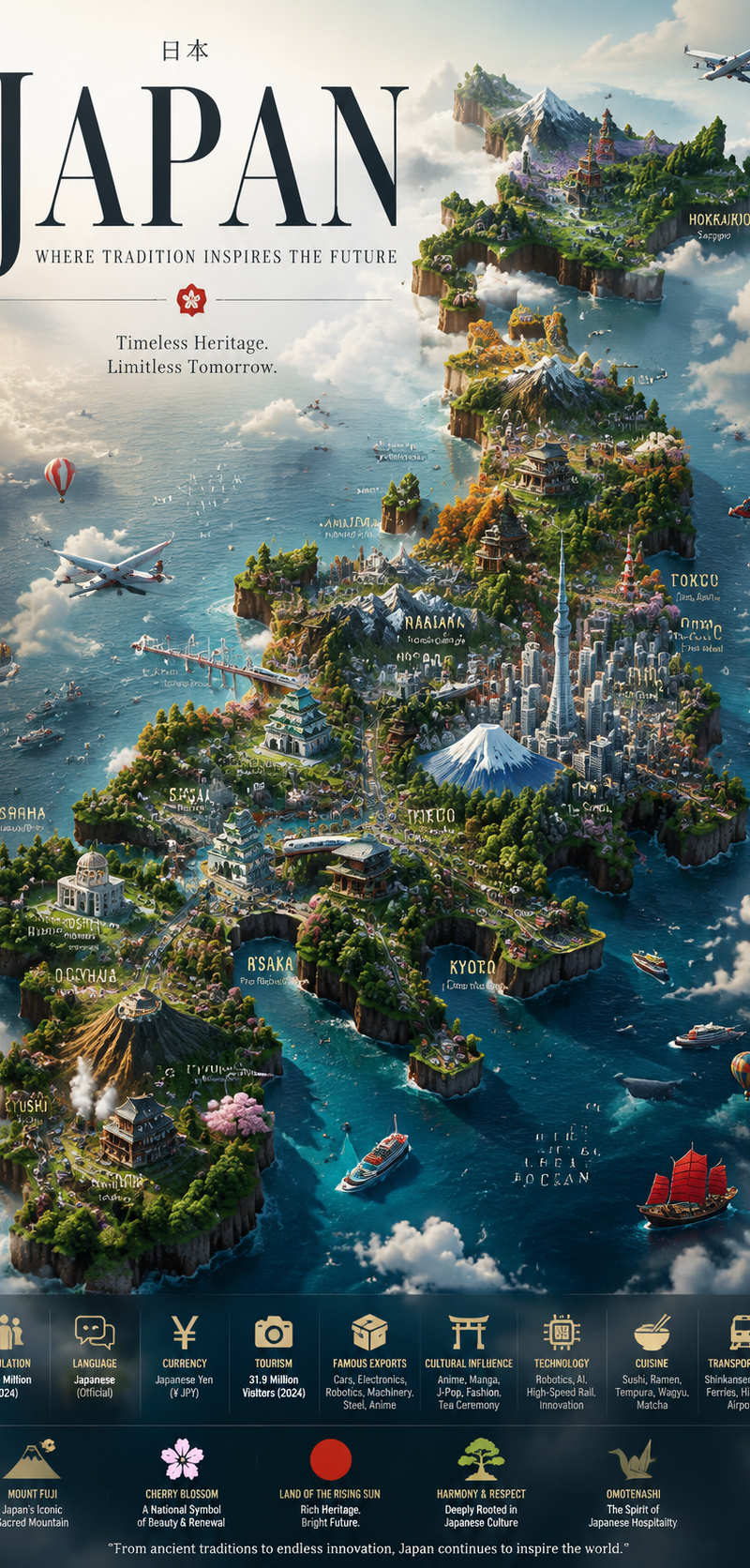
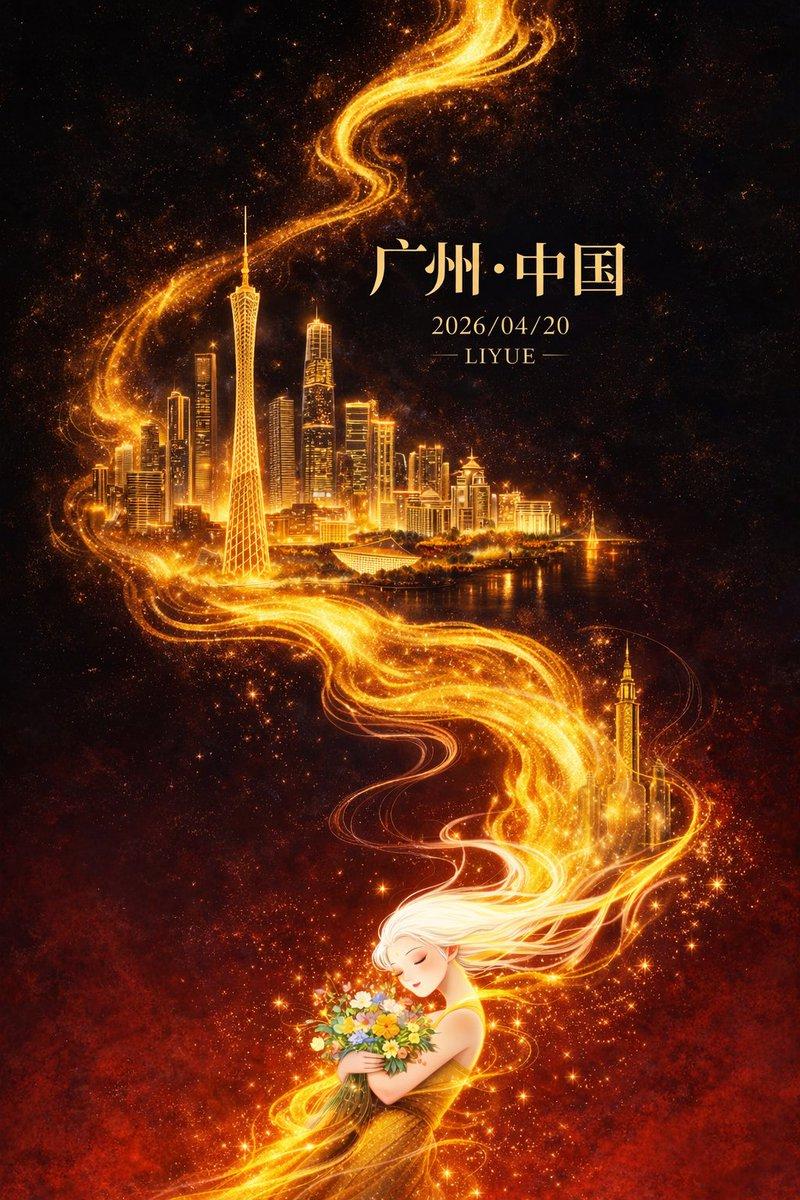
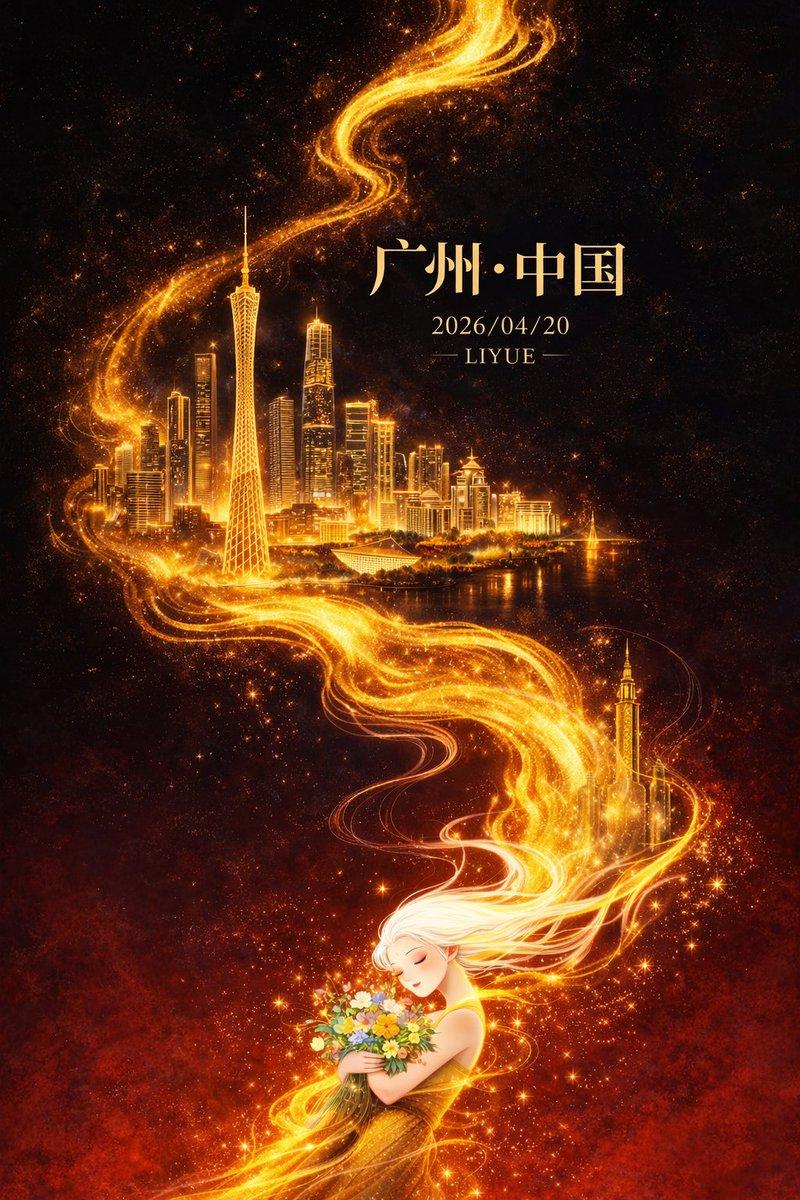
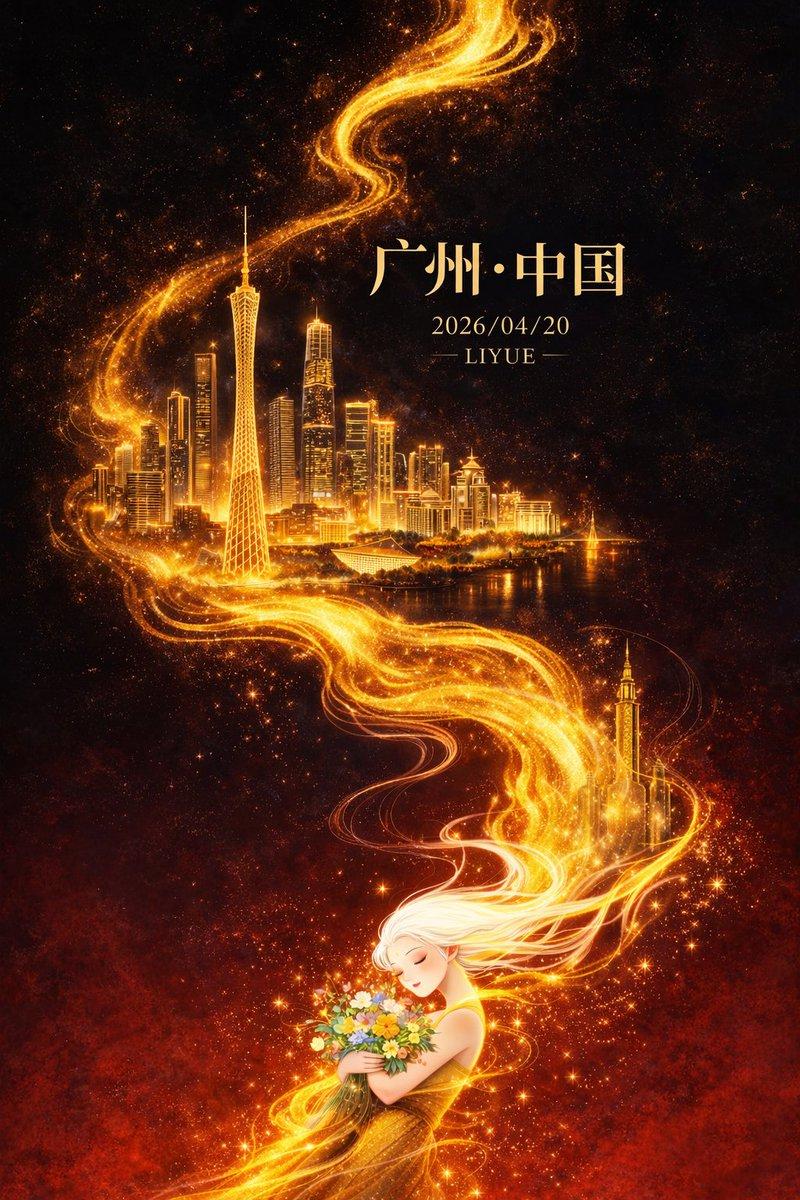
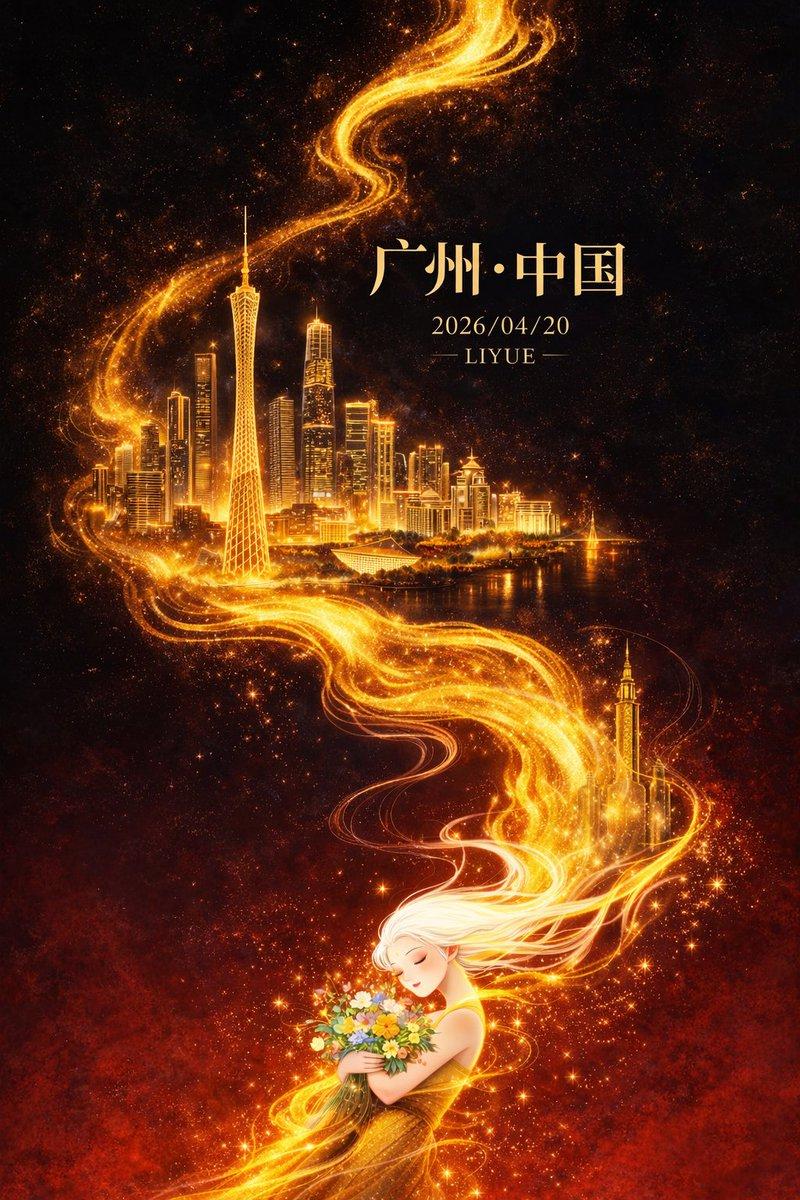
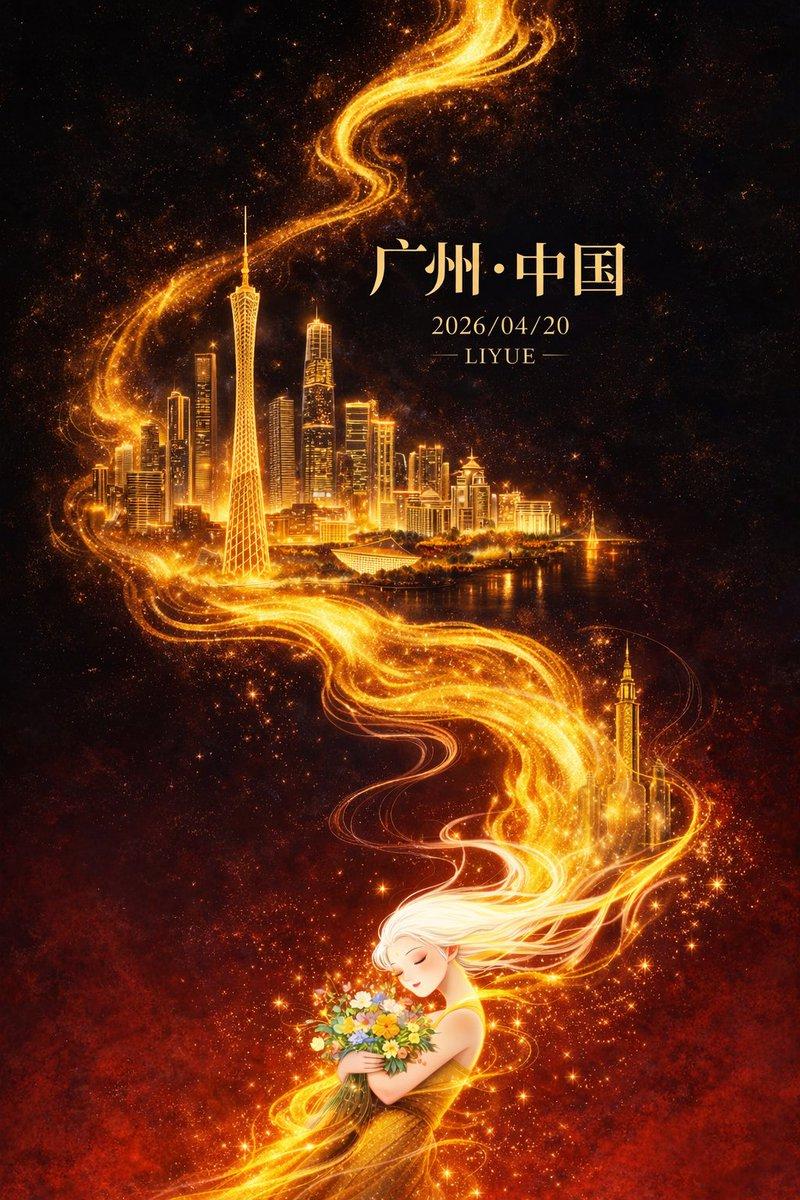
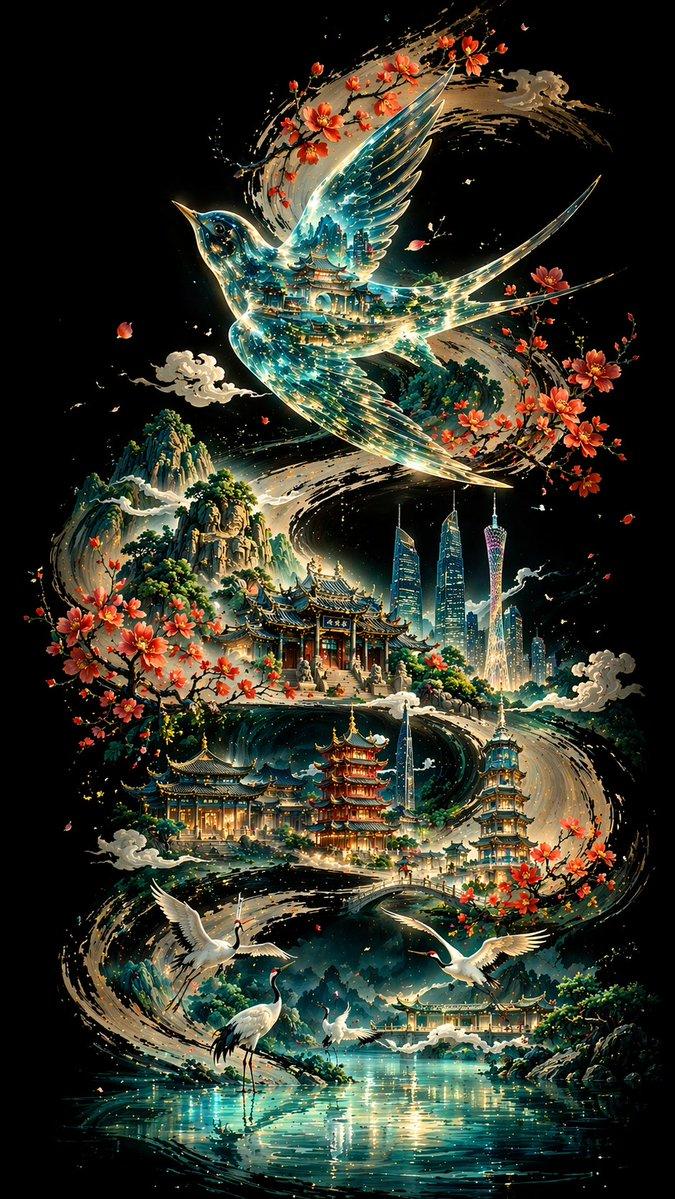
On a pure deep-black background, a thick, powerful S-curve drawn in ink calligraphy snakes through the entire image from one end to the other, forming the visual spine and narrative path of the whole composition. Above the curve is a translucent thrush bird, with traditional architecture and blue-green light flows reflected inside it. Along the curve, Guangzhou's landmarks and a sequence of classical buildings are scattered; in the foreground are white cranes and a lake surface; in the distance, layered mountains. Overall: non-linear perspective, cool tones dominant with warm accents, Eastern aesthetics merged with modern imagery, 8K ultra-HD rendering, aspect ratio 9:16.
Category
Posters & Typography
Model
GPT Image 2
Creator
liyue_ai
Source language
zh-CN
Views0
Source ID
awesome-poster-12
Published
Apr 29, 2026
Studio

Guide

About "Ink S-curve black canvas poster: GPT Image 2 prompt"

What is this prompt for?

"Ink S-curve black canvas poster: GPT Image 2 prompt" AI image prompt for GPT Image 2 (Posters & Typography). On a pure deep-black background, a thick, powerfu…

The full copyable prompt and example visuals above are ready for AI image generation or one-click recreate in Picva.

How to use this prompt

  1. Step 1

    Open the prompt detail

    Review the example visuals, category, and full prompt text for "Ink S-curve black canvas poster: GPT Image 2 prompt".

  2. Step 2

    Copy the prompt

    Copy the prompt body from this page, or load it directly in Studio.

  3. Step 3

    Pick a model (GPT Image 2)

    Prefer GPT Image 2. If you switch models, keep subject and composition and tweak style terms.

  4. Step 4

    Generate and export

    Recreate the look in Picva, or export into your workflow for editing and publishing.

FAQ

What is the "Ink S-curve black canvas poster: GPT Image 2 prompt" prompt?
It is an AI image-generation prompt for GPT Image 2 in the Posters & Typography category. This page includes the full prompt text, example visuals, and a one-click recreate path in Picva.
How do I use this prompt to generate an image?
Copy the prompt from this page, or use Generate / Studio. Paste it into a compatible image model, or recreate the look in Picva with optional reference images.
Which model is this prompt for?
This page lists GPT Image 2. Most descriptive prompts also transfer to nearby image models such as GPT Image, Flux, or Midjourney with light style tweaks.
Can I use the result commercially?
You can usually copy the prompt for creation, but commercial use of the final image depends on the model terms, reference-image rights, and the generated content. Follow the source author and platform rules.