17

Building: GPT Image 2 prompt
Enlarge

Example images

Building: GPT Image 2 prompt

Prompt
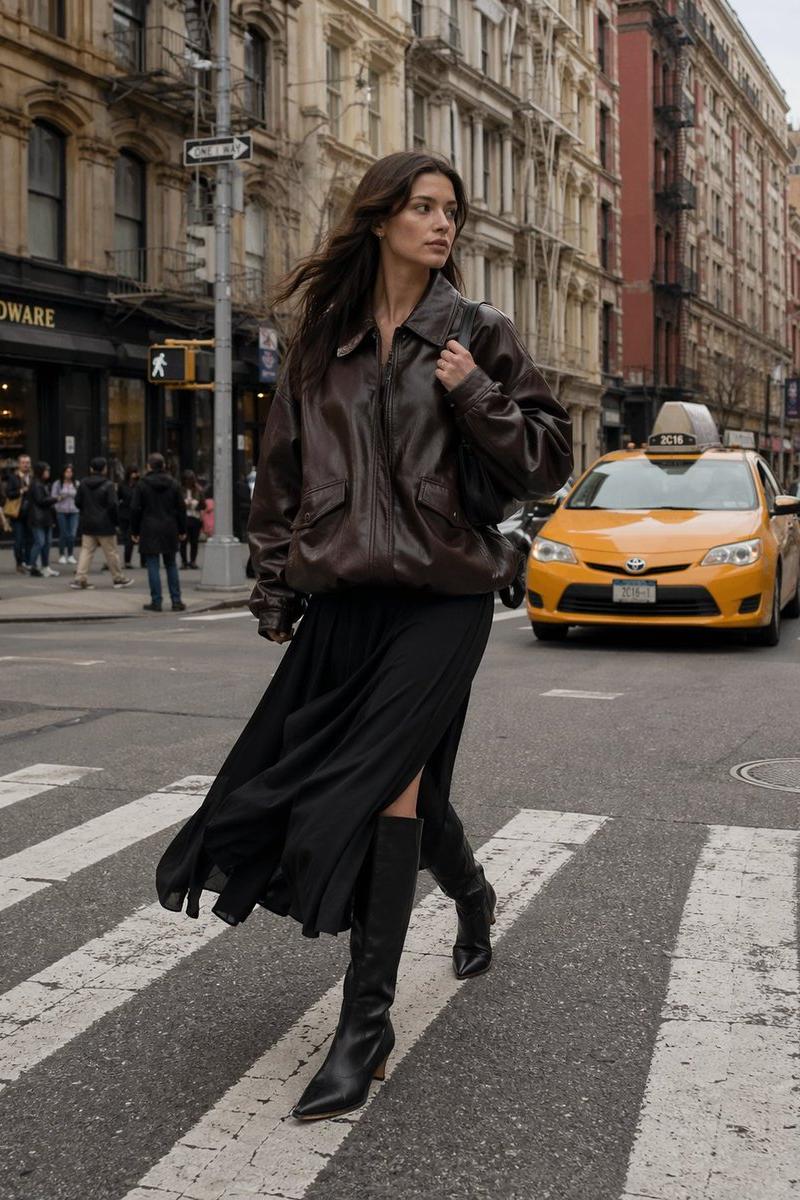
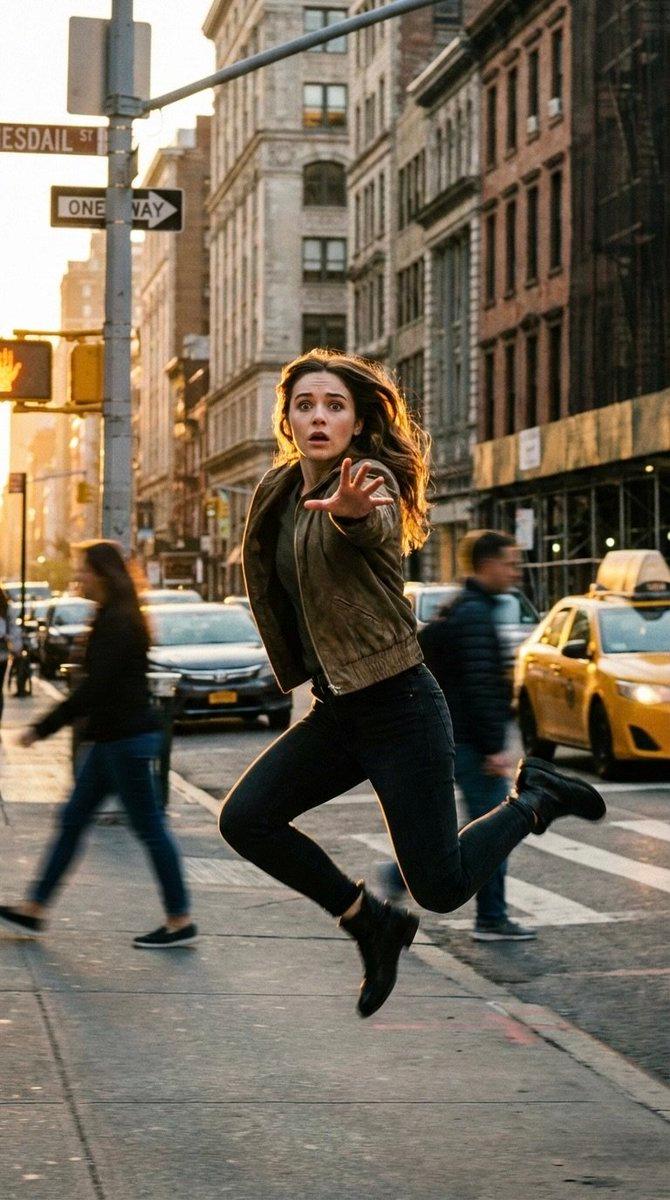
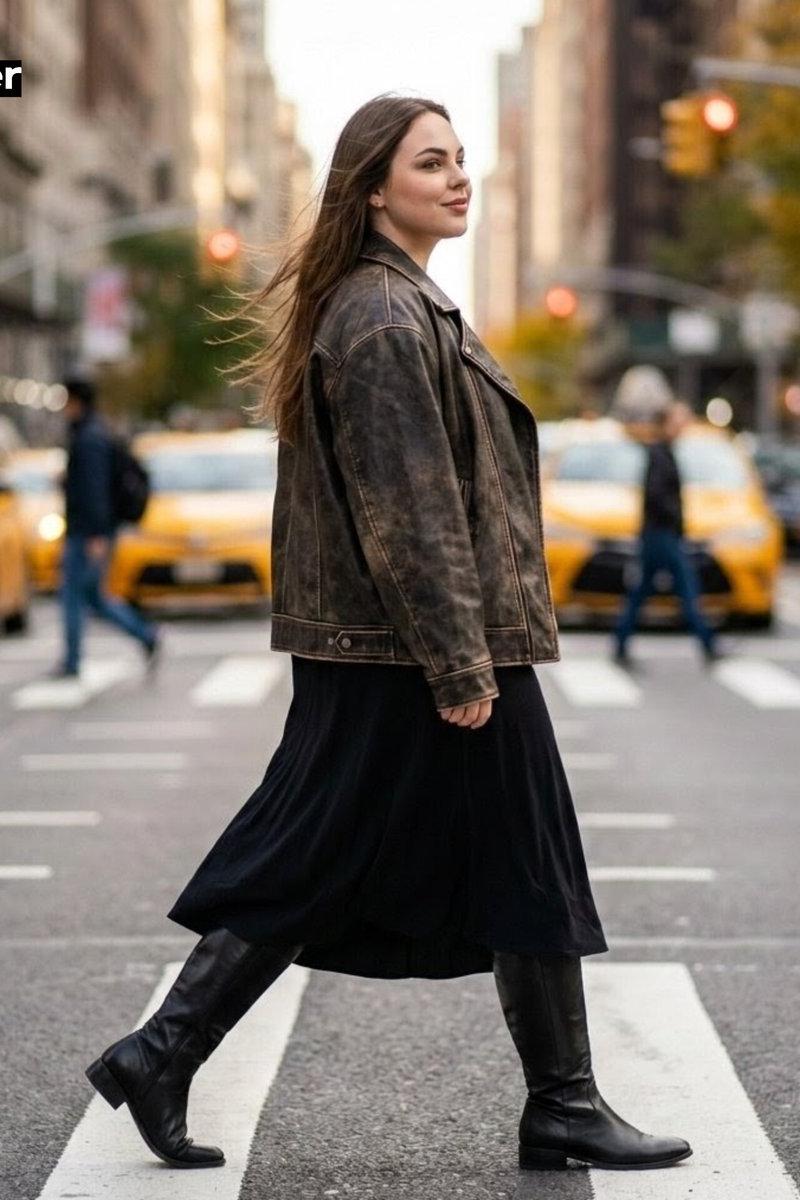
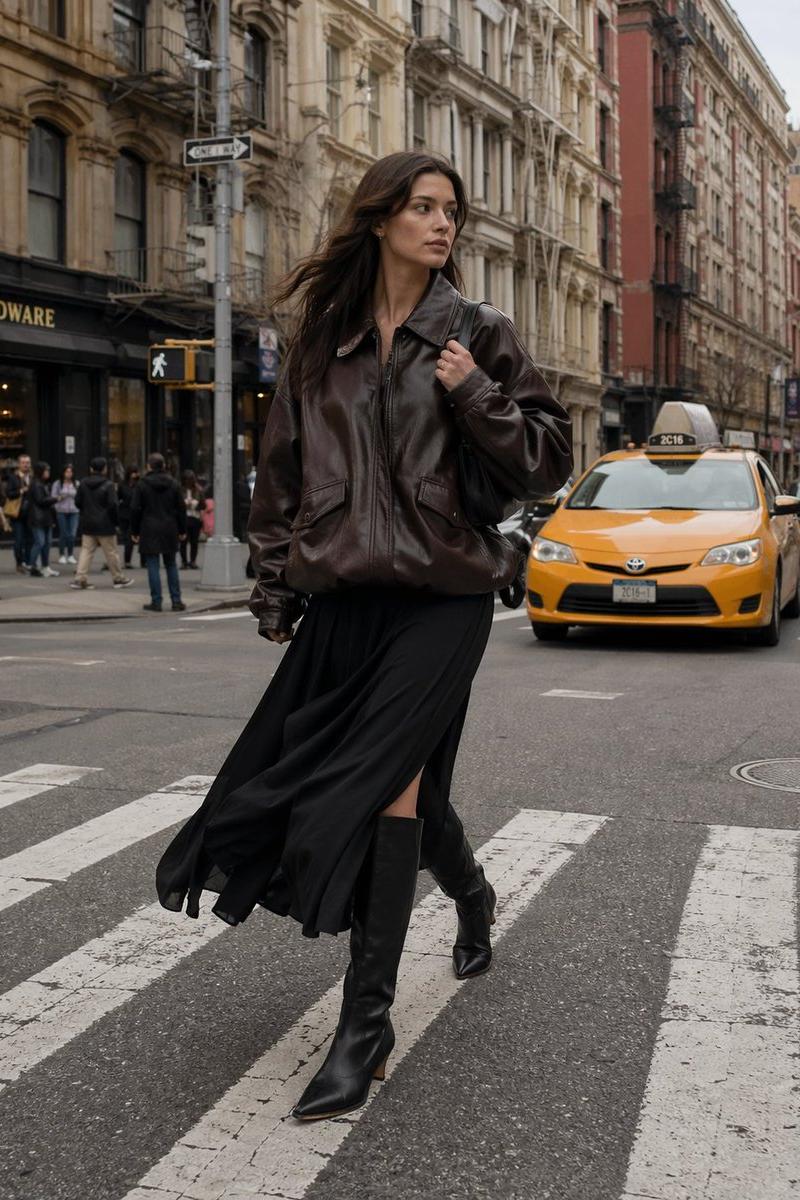
A full-body outdoor shot captures a young Caucasian woman, possibly in her late 20s, striding through a city crosswalk. She wears an oversized, matte chocolate-brown leather jacket paired with a free-flowing black skirt and sleek knee-high black boots, conveying a sense of high fashion street style. Her long, dark brown hair is wind-swept, complementing her poised and confident expression as she glances sideways. Behind her, a blurred urban backdrop features a yellow taxi and pedestrians, with buildings displaying varied architectural details in neutral tones. The scene utilizes soft ambient daylight filtering through light cloud cover, producing a muted, overcast lighting effect. The warm, earthy color palette consists of brown, black, and touches of beige. The image, likely from a high-resolution digital camera, presents a wide-angle view that maintains focus throughout, emphasizing a dynamic and fashionable feel.
Category
Photography & Realism
Model
GPT Image 2
Creator
AIwithSarah_
Source language
en
Views0
Source ID
awesome-poster-58
Published
Apr 29, 2026
Studio

Guide

About "Building: GPT Image 2 prompt"

What is this prompt for?

"Building: GPT Image 2 prompt" AI image prompt for GPT Image 2 (Photography & Realism). A full-body outdoor shot captures a young Caucasian woman, possibly in…

The full copyable prompt and example visuals above are ready for AI image generation or one-click recreate in Picva.

How to use this prompt

  1. Step 1

    Open the prompt detail

    Review the example visuals, category, and full prompt text for "Building: GPT Image 2 prompt".

  2. Step 2

    Copy the prompt

    Copy the prompt body from this page, or load it directly in Studio.

  3. Step 3

    Pick a model (GPT Image 2)

    Prefer GPT Image 2. If you switch models, keep subject and composition and tweak style terms.

  4. Step 4

    Generate and export

    Recreate the look in Picva, or export into your workflow for editing and publishing.

FAQ

What is the "Building: GPT Image 2 prompt" prompt?
It is an AI image-generation prompt for GPT Image 2 in the Photography & Realism category. This page includes the full prompt text, example visuals, and a one-click recreate path in Picva.
How do I use this prompt to generate an image?
Copy the prompt from this page, or use Generate / Studio. Paste it into a compatible image model, or recreate the look in Picva with optional reference images.
Which model is this prompt for?
This page lists GPT Image 2. Most descriptive prompts also transfer to nearby image models such as GPT Image, Flux, or Midjourney with light style tweaks.
Can I use the result commercially?
You can usually copy the prompt for creation, but commercial use of the final image depends on the model terms, reference-image rights, and the generated content. Follow the source author and platform rules.