16

Cityscape: GPT Image 2 prompt
Enlarge

Example images

Cityscape: GPT Image 2 prompt

Prompt
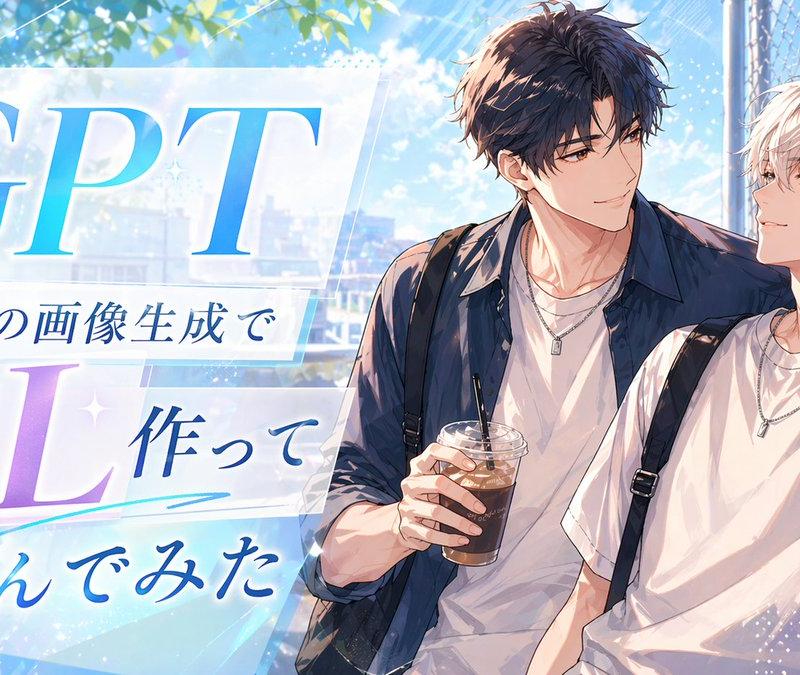
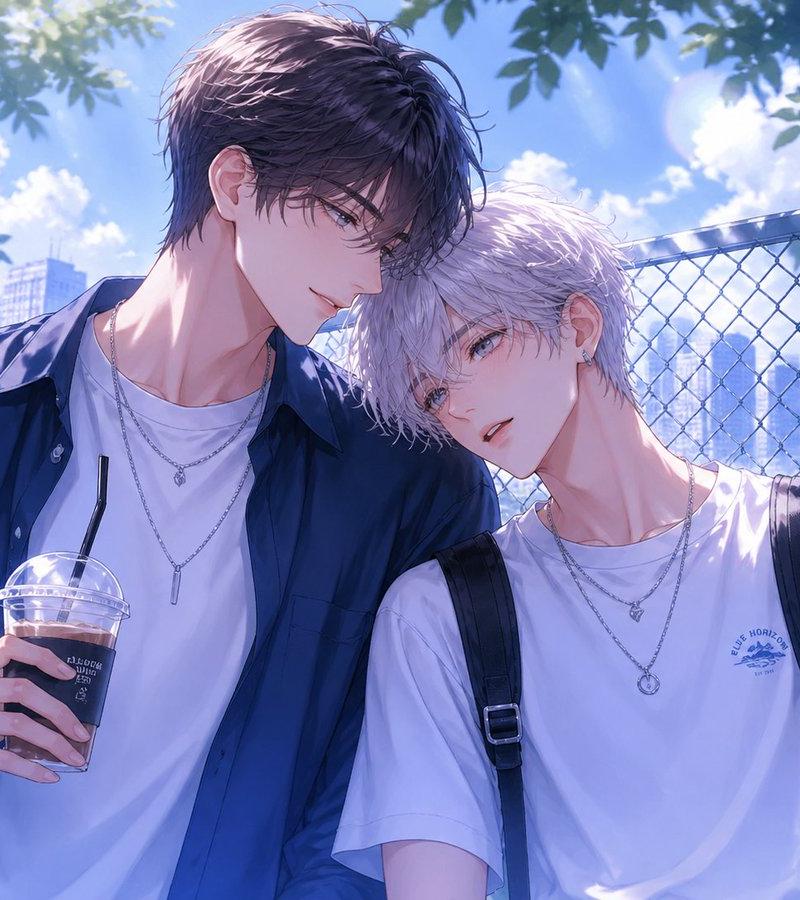
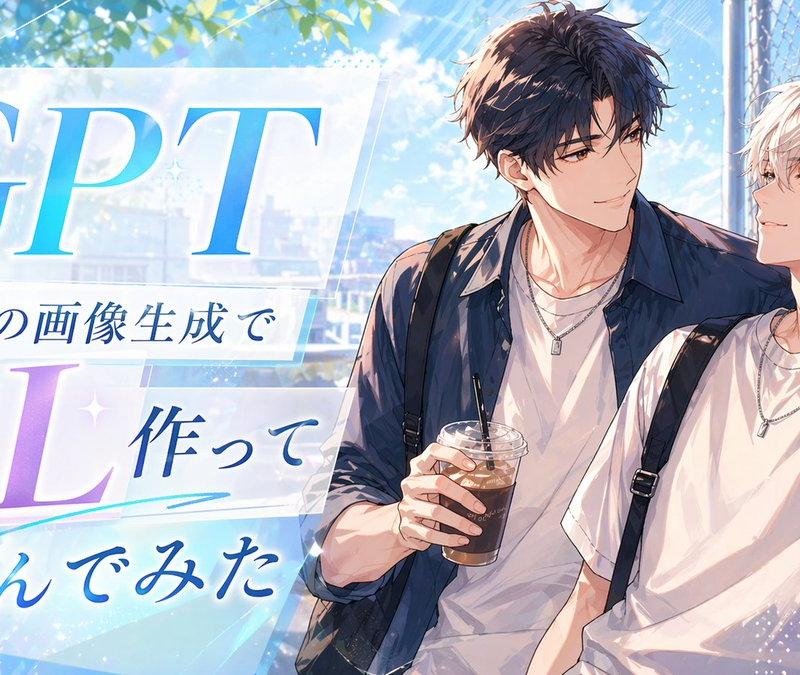
A bright, polished anime-style promotional thumbnail with a summer romance atmosphere. The composition is split visually, with large typography on the left and two handsome young men on the right. On the left side, place layered translucent white panels with soft glow and sparkles over a sky-blue background, featuring large elegant serif text 'GPT' in a blue gradient at the top and 'BL' in a lavender-to-violet gradient below. Add three lines of Japanese text arranged between and under them: 'With the latest image generation,' 'I made one,' and 'and tried it out,' in deep blue calligraphic Japanese type. Include subtle decorative accents such as small star glints, diagonal light streaks, dotted texture, and a cyan underline swoosh beneath the middle text. On the right side, show 2 anime boys from the waist up, leaning casually together beside a chain-link fence under leafy trees. The taller boy has tousled dark brown hair, a navy overshirt worn open over a white T-shirt, layered silver necklaces, and holds 1 plastic cup of iced coffee with a straw. The shorter boy has messy silver-white hair, a white T-shirt with a small crest emblem on the chest, black backpack straps over both shoulders, layered silver necklaces, and one small earring. Their poses are relaxed and intimate, with the dark-haired boy's arm resting around the other. Use a luminous blue-and-white palette with soft sunlight, lens flare, bokeh, and a faint cityscape in the background, creating a clean social-media header or article thumbnail aesthetic.
Category
Characters & People
Model
GPT Image 2
Creator
himukai_an
Source language
zh-CN
Views0
Source ID
awesome-ui-119
Published
Apr 29, 2026
Studio

Guide

About "Cityscape: GPT Image 2 prompt"

What is this prompt for?

"Cityscape: GPT Image 2 prompt" AI image prompt for GPT Image 2 (Characters & People). A bright, polished anime-style promotional thumbnail with a summer roman…

The full copyable prompt and example visuals above are ready for AI image generation or one-click recreate in Picva.

How to use this prompt

  1. Step 1

    Open the prompt detail

    Review the example visuals, category, and full prompt text for "Cityscape: GPT Image 2 prompt".

  2. Step 2

    Copy the prompt

    Copy the prompt body from this page, or load it directly in Studio.

  3. Step 3

    Pick a model (GPT Image 2)

    Prefer GPT Image 2. If you switch models, keep subject and composition and tweak style terms.

  4. Step 4

    Generate and export

    Recreate the look in Picva, or export into your workflow for editing and publishing.

FAQ

What is the "Cityscape: GPT Image 2 prompt" prompt?
It is an AI image-generation prompt for GPT Image 2 in the Characters & People category. This page includes the full prompt text, example visuals, and a one-click recreate path in Picva.
How do I use this prompt to generate an image?
Copy the prompt from this page, or use Generate / Studio. Paste it into a compatible image model, or recreate the look in Picva with optional reference images.
Which model is this prompt for?
This page lists GPT Image 2. Most descriptive prompts also transfer to nearby image models such as GPT Image, Flux, or Midjourney with light style tweaks.
Can I use the result commercially?
You can usually copy the prompt for creation, but commercial use of the final image depends on the model terms, reference-image rights, and the generated content. Follow the source author and platform rules.