Photorealistic logo: GPT Image 2 prompt
Prompt
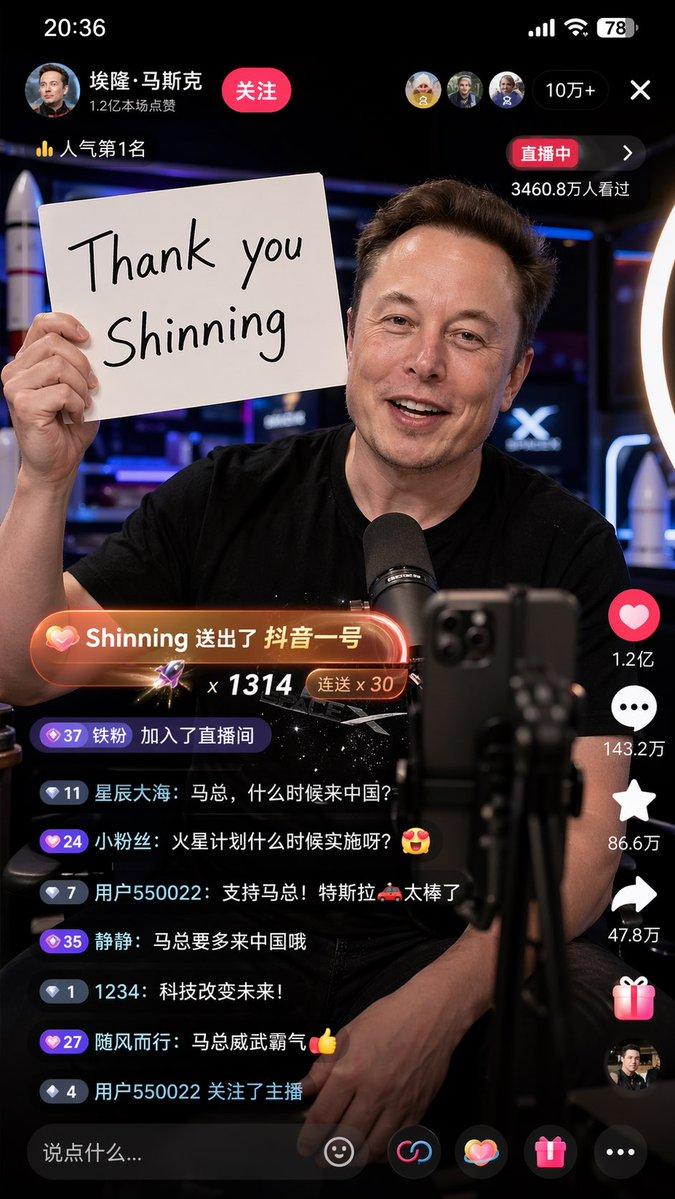
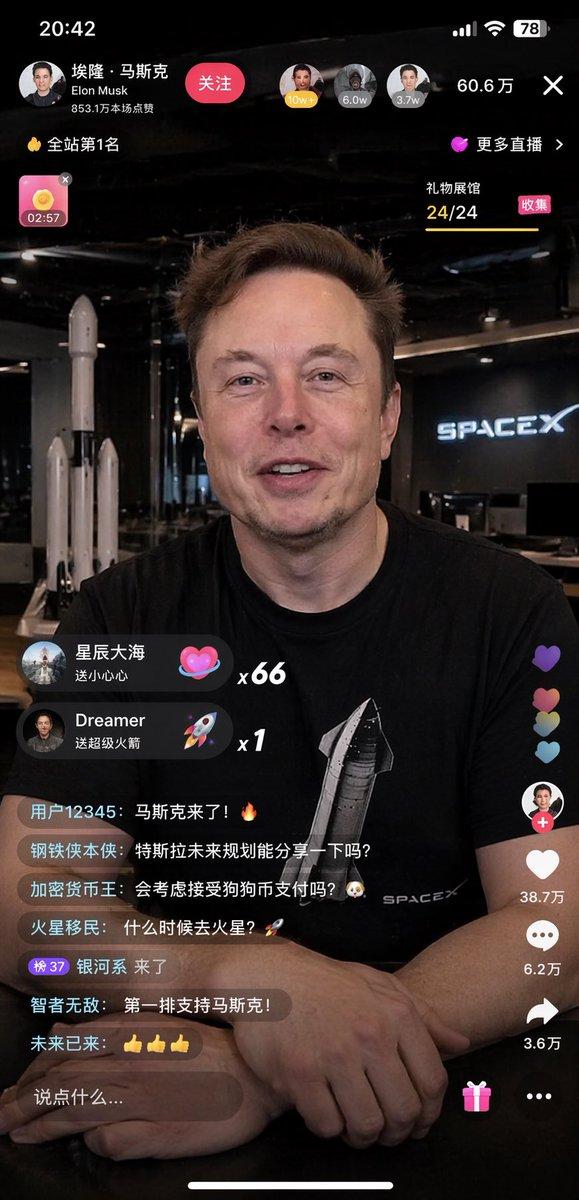
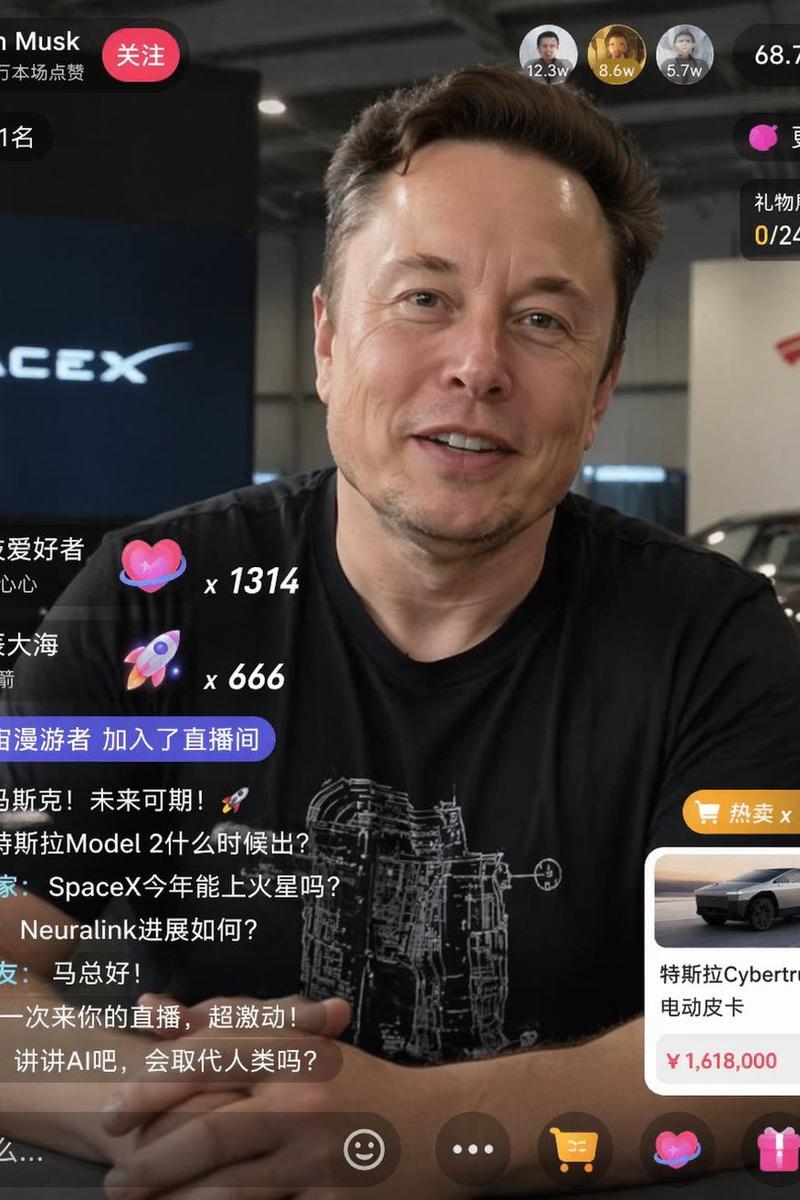
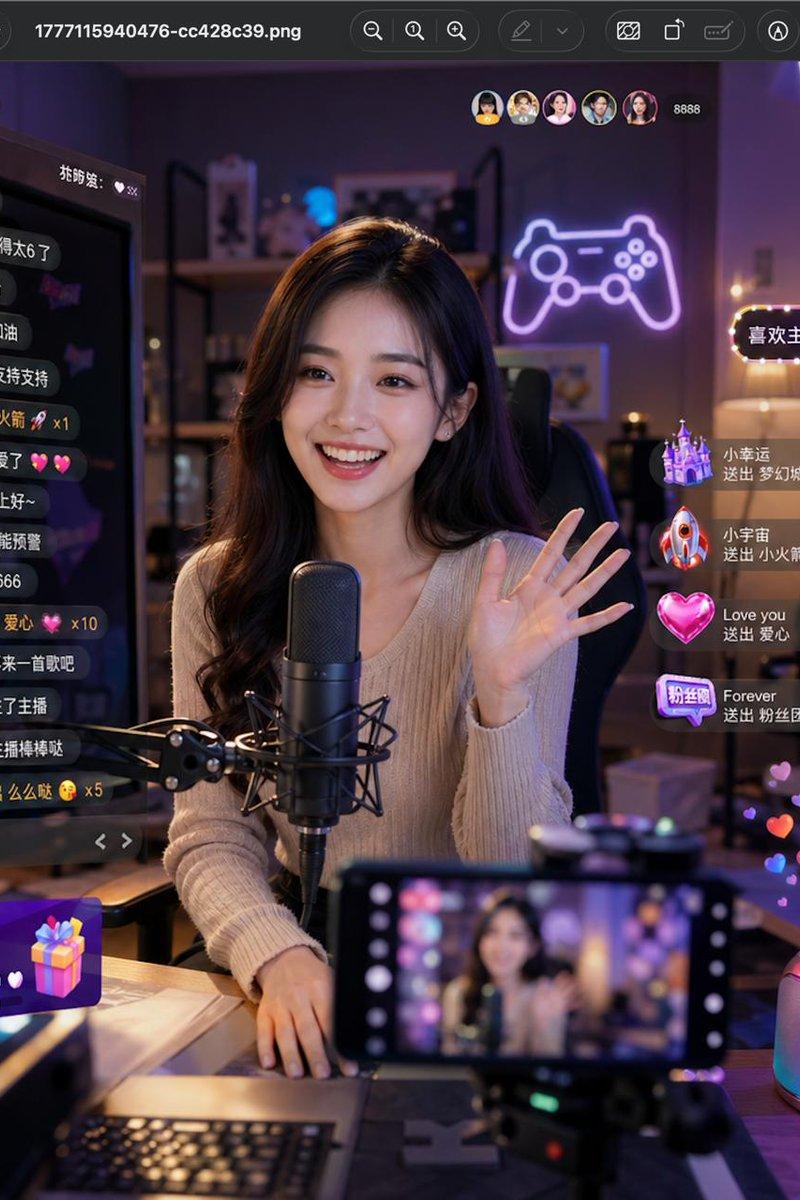
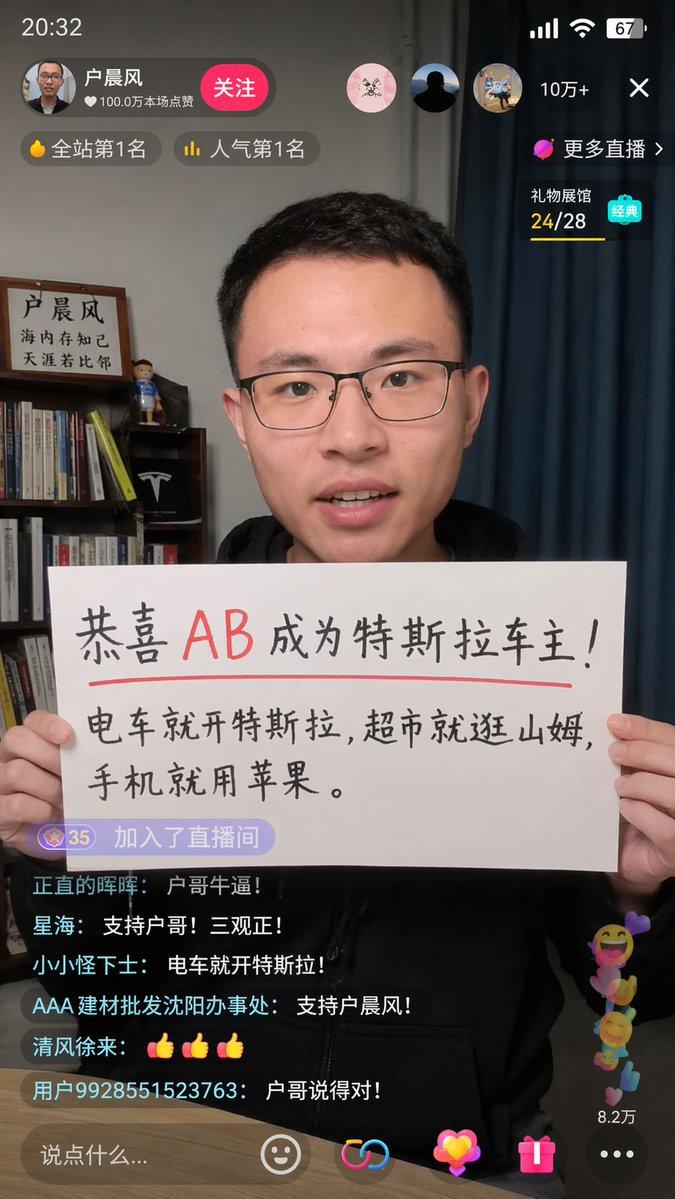
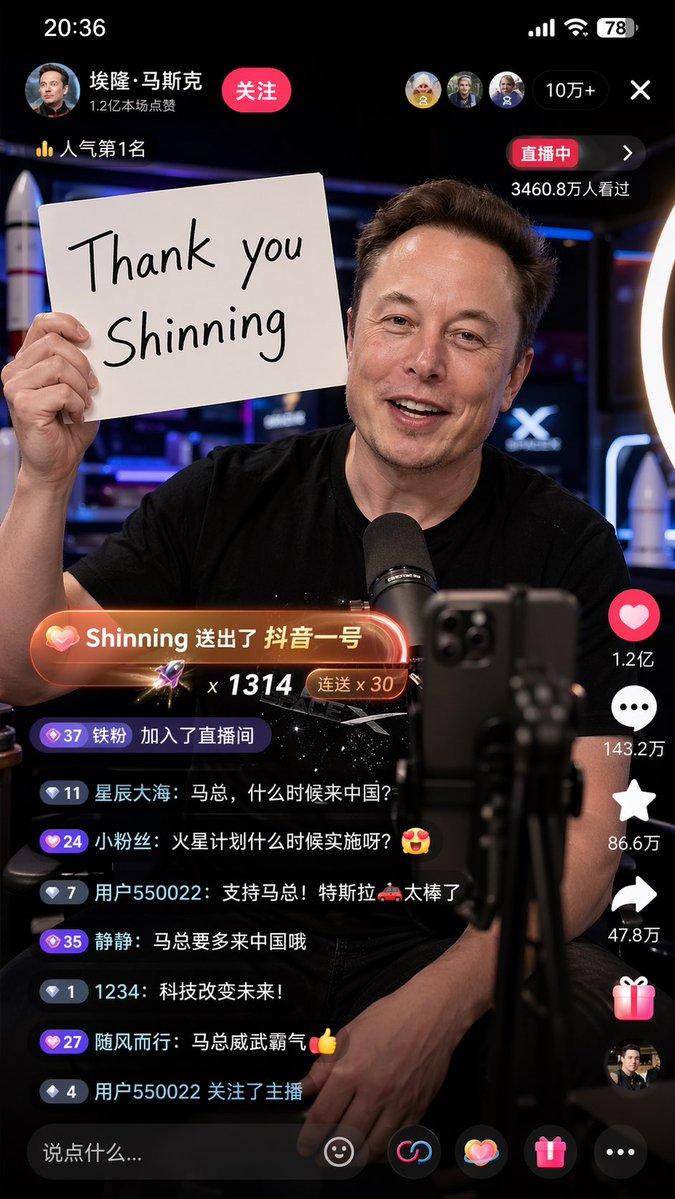
A 9:16 vertical version, high-detail realistic style Chinese TikTok live screenshot, Elon Musk is talking to the mobile phone camera in the live broadcast room, excited, smiling, and the live atmosphere is warm and real. He held a white handwritten sign in one hand, which clearly said: "Thank you Shinning". There are obvious Chinese TikTok interface elements in the live broadcast screen, including likes, comments and share icons arranged vertically on the right, scrolling Chinese bullet screens and interactive comments below, and the "live broadcast" logo at the top, which looks like a real mobile phone screenshot. There is an eye-catching gift prompt special effect in the screen: "Shinning sent TikTok No. 1", with gift animation light effect and platform-style prompt box. Musk is in a professional live broadcast environment, with a mobile phone holder, a ring fill light and a desktop microphone in front of him. The background is a modern technology live broadcast room with bright lights and a slight neon atmosphere. The composition is real and natural, like the ongoing live screenshot of the Chinese short video platform. The interface information is rich but not messy, the characters are clear, the expression is vivid, the details are rich, the sense of real photography, the depth of field, high definition, cinematic, photorealistic, realistic livestream screenshot, social media UI, Chinese Douyin live room, detailed lighting, natural skin texture.

Negative prompts:

Low definition, blur, cartoon, illustration, too strong CG sense, two-dimensional, deformed fingers, wrong text, scrambled code, multiple mobile phones, multiple brands, character repetition, face collapse, facial features distortion, excessive skin polishing, overexposure, too dark, messy background, wrong UI, non-Chinese short video interface, too many English bullet screens, gift special effects are not obvious, cropping error, proportional error

Supplementary reinforcement words:

Real mobile phone screen recording screenshot feeling, the live broadcast UI is complete, the gift prompt box conforms to the style of the Chinese short video platform, the Chinese comment area is active, the number of people online in the live broadcast room is clearly displayed, and the time, power and signal bar are visible.
- Category
- Charts & Infographics
- Model
- GPT Image 2
- Creator
- Shinning1010
- Source language
- en
- Source ID
- awesome-ui-36
- Published
- Apr 29, 2026
Views0