16

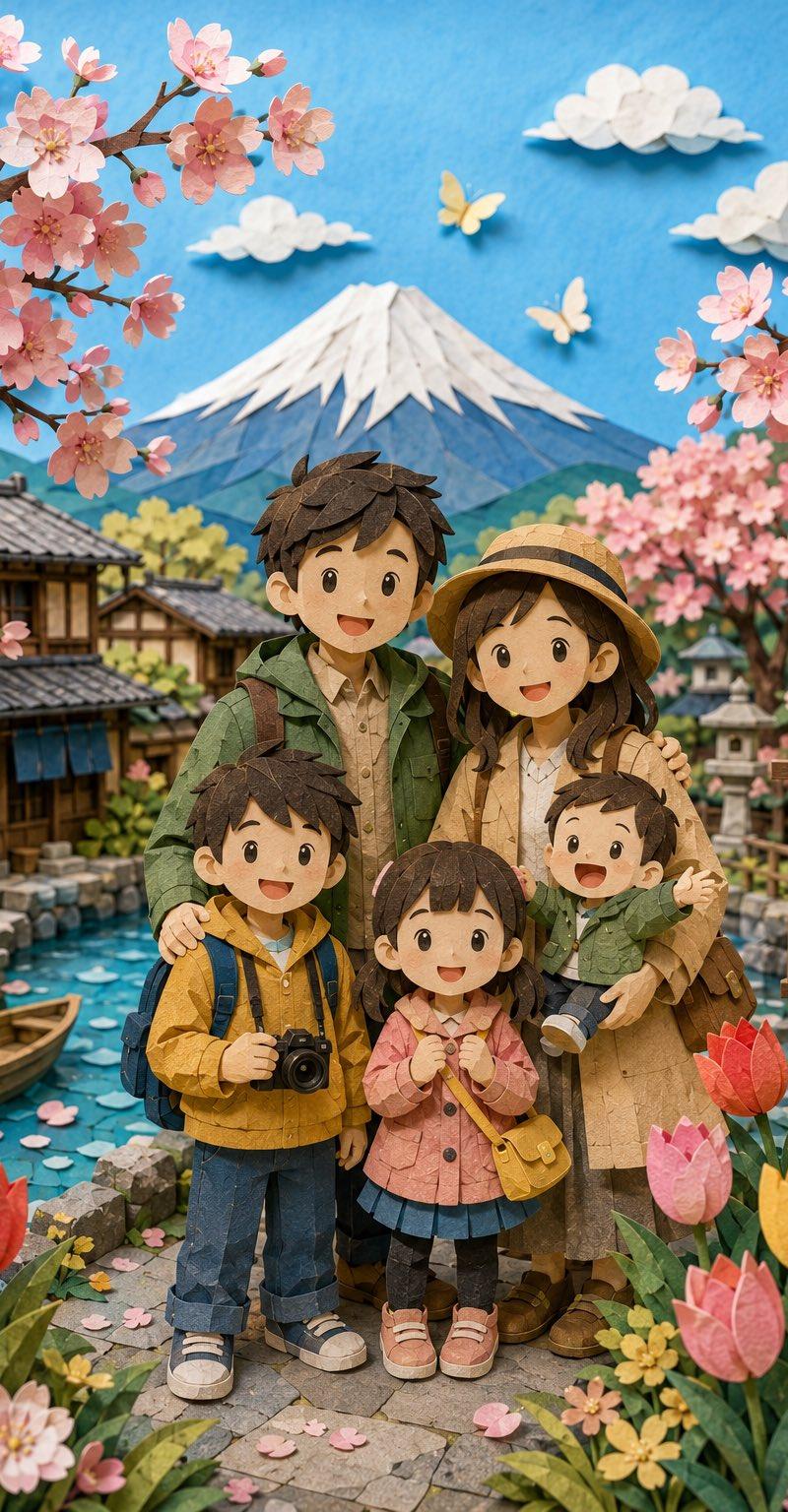
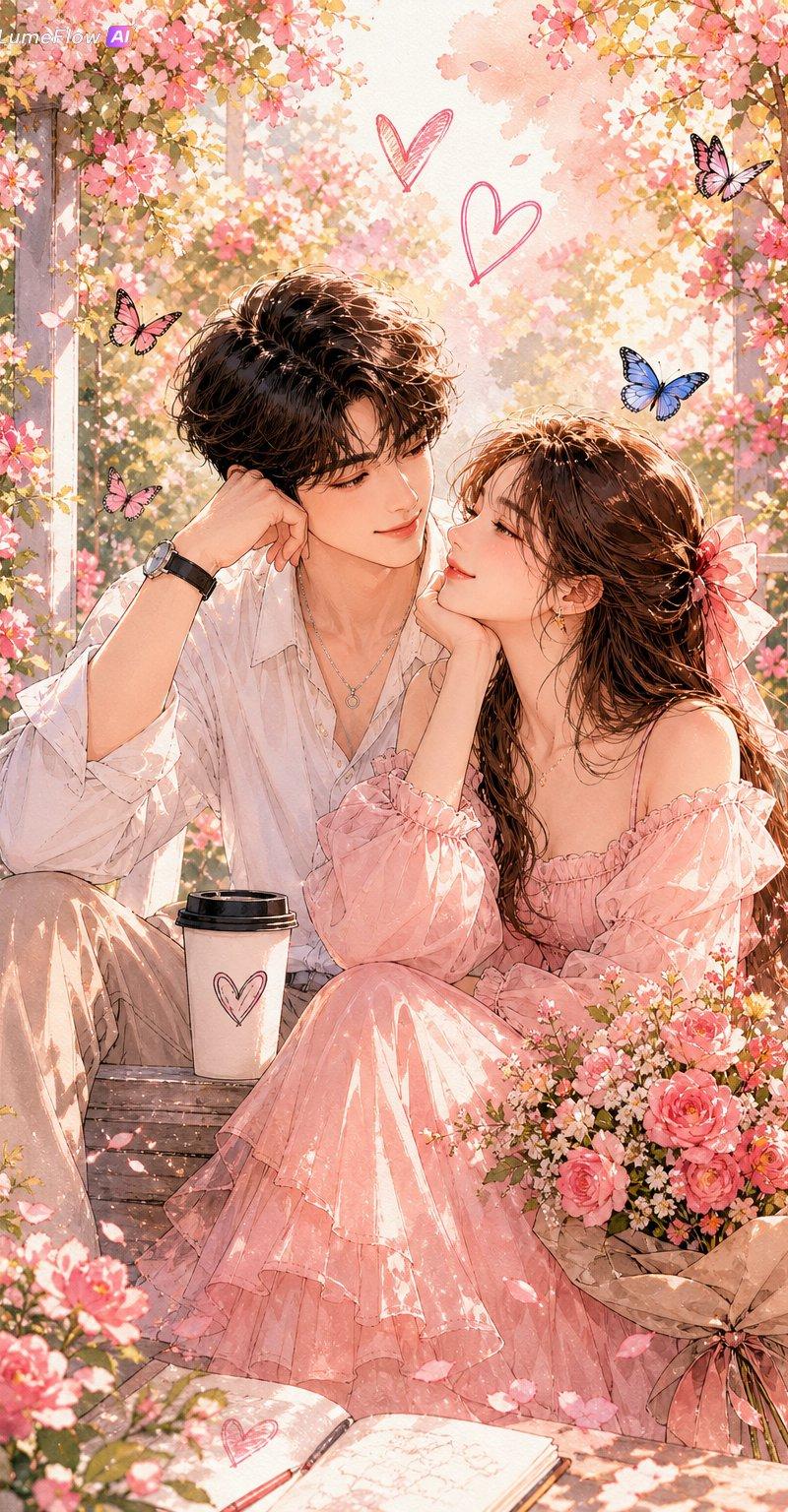
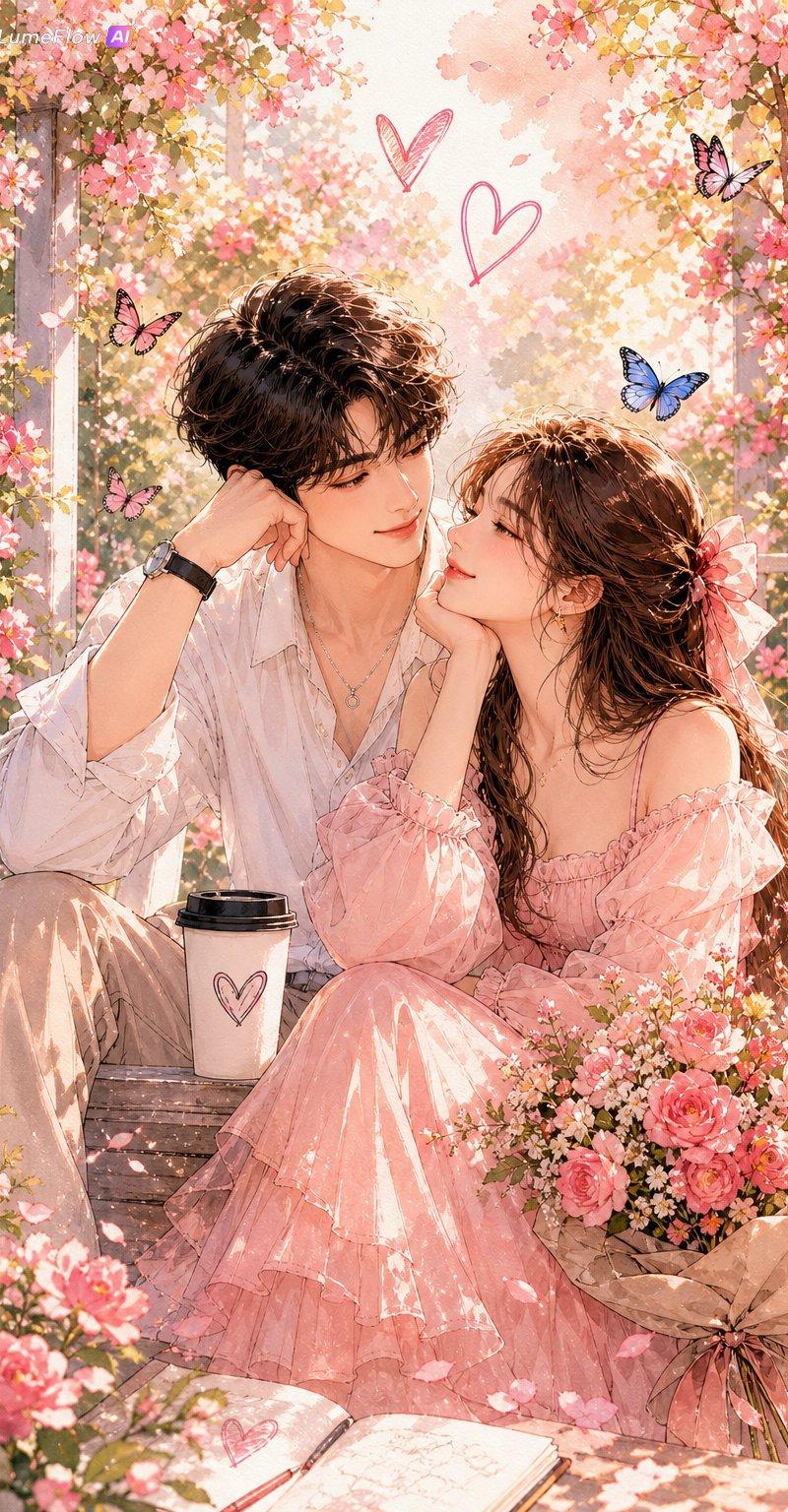
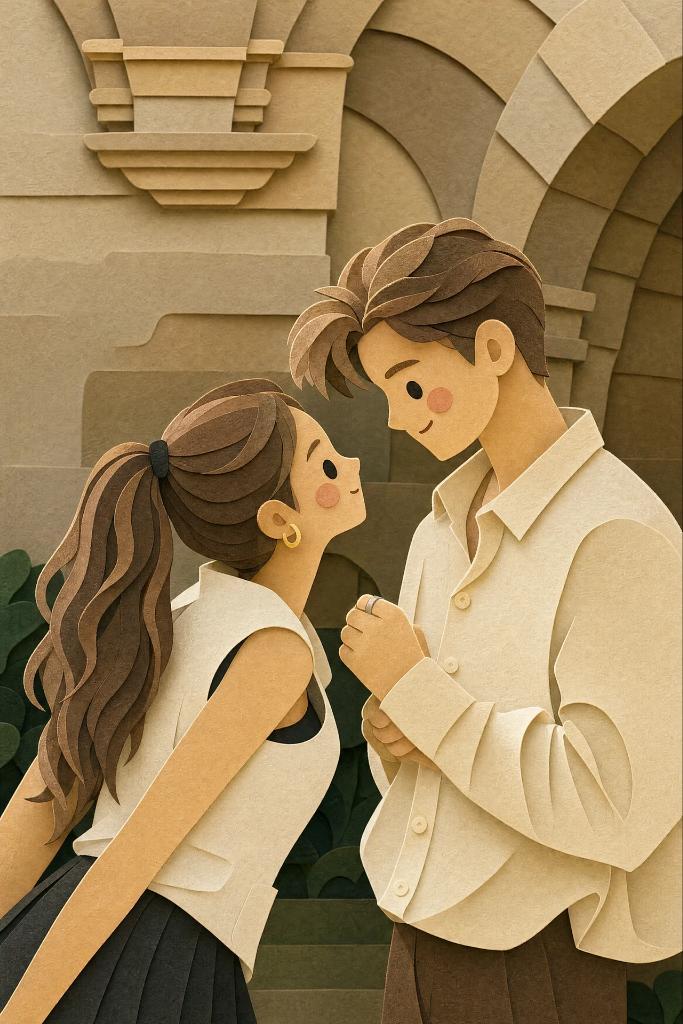
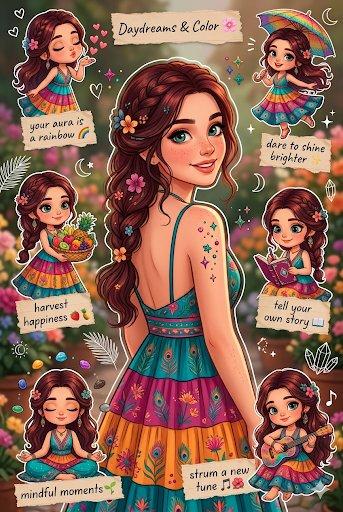
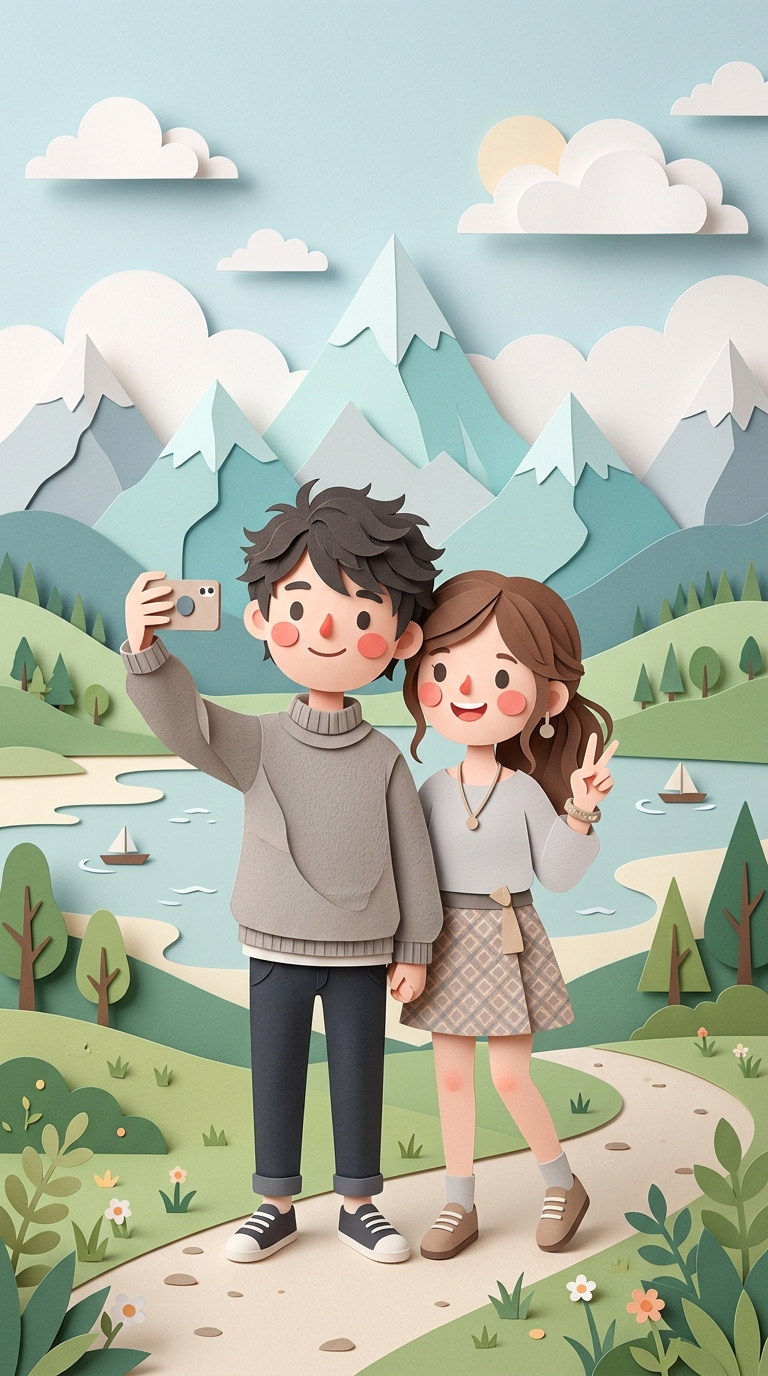
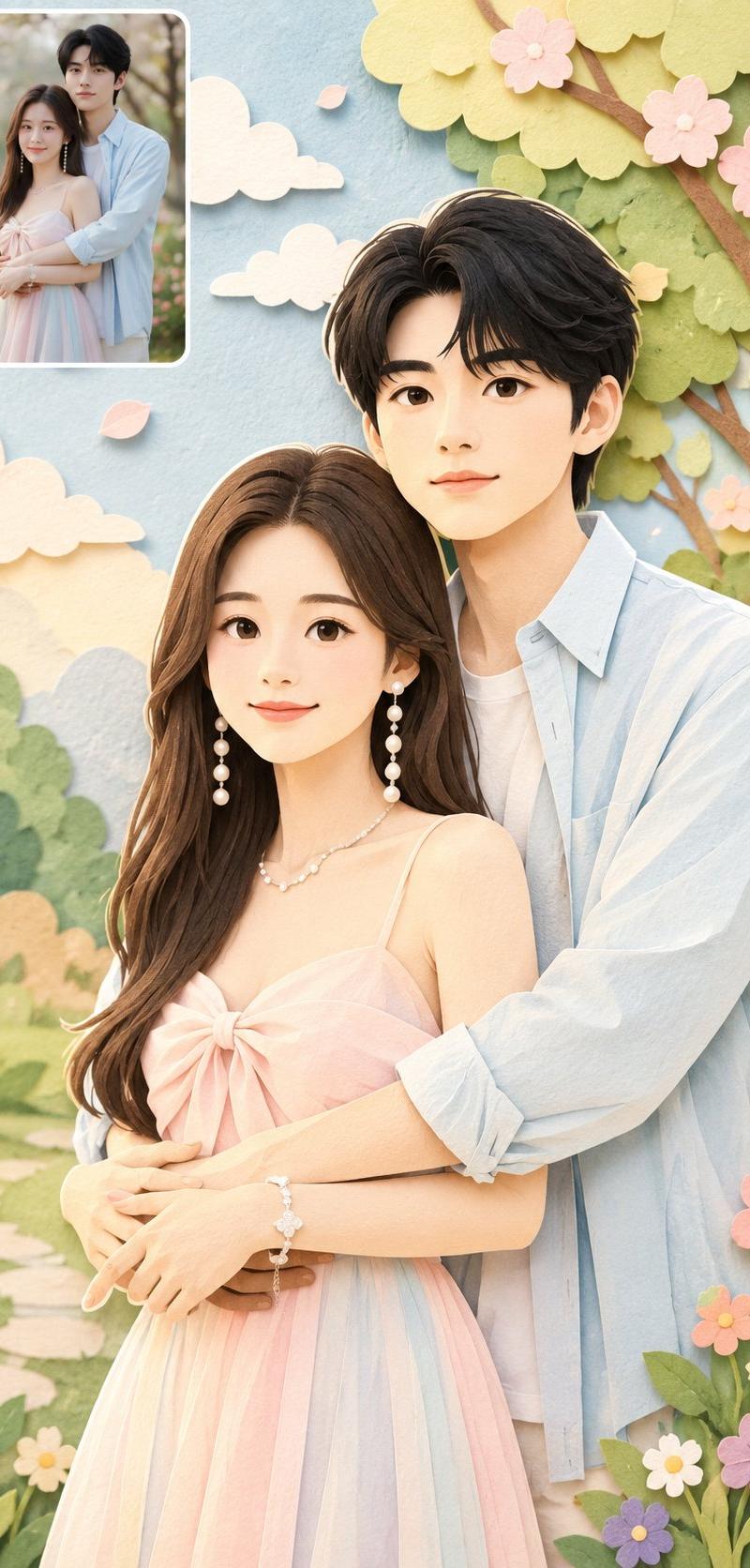
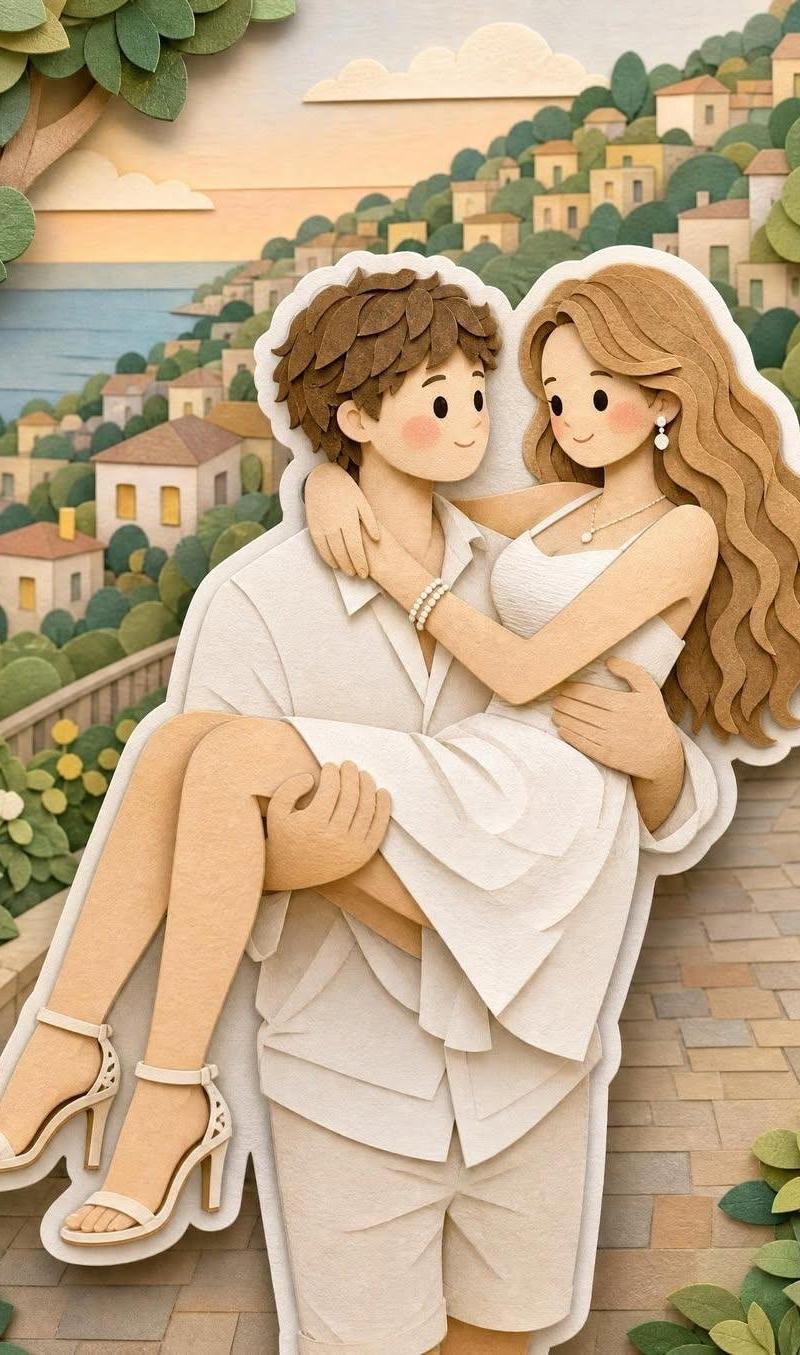
3D叠层手工剪纸艺术插画
Enlarge

Example images

3D叠层手工剪纸艺术插画

Prompt
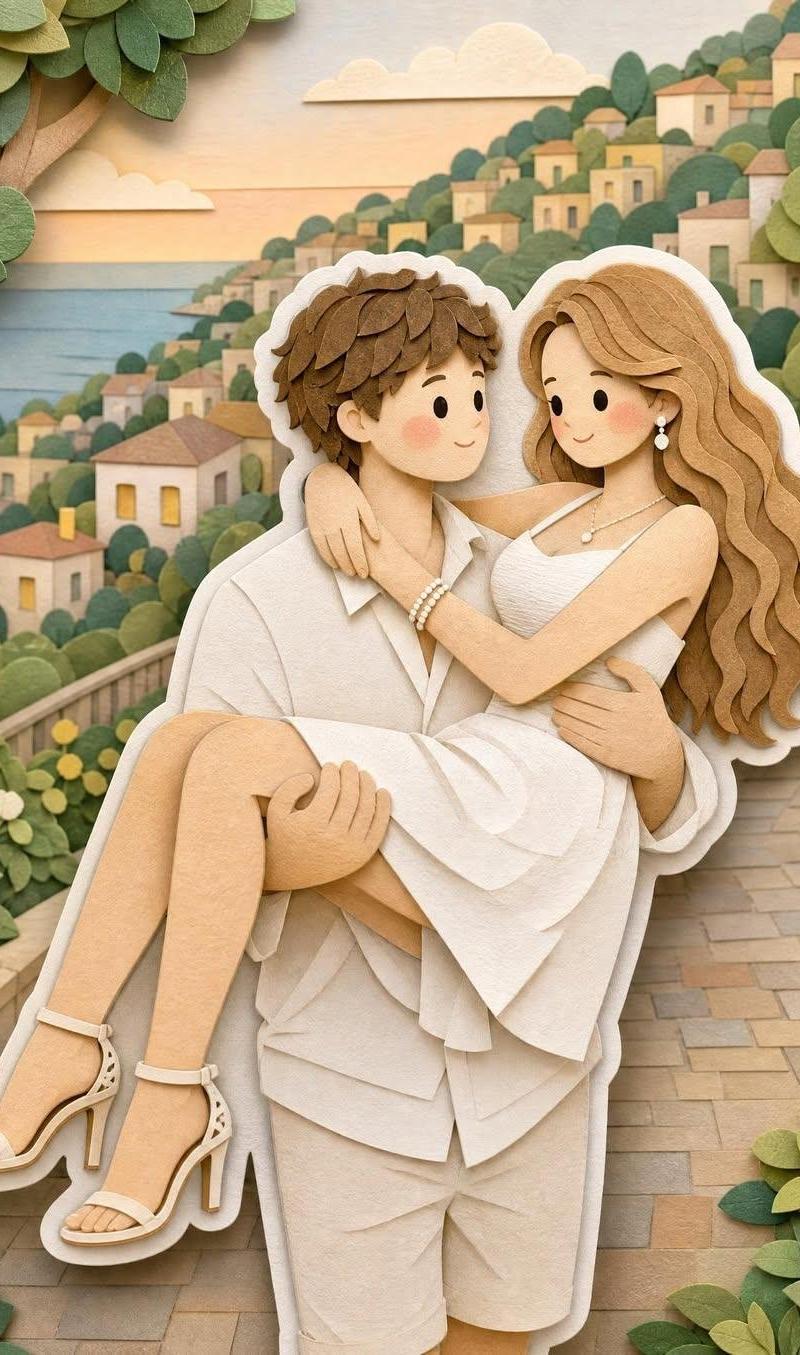
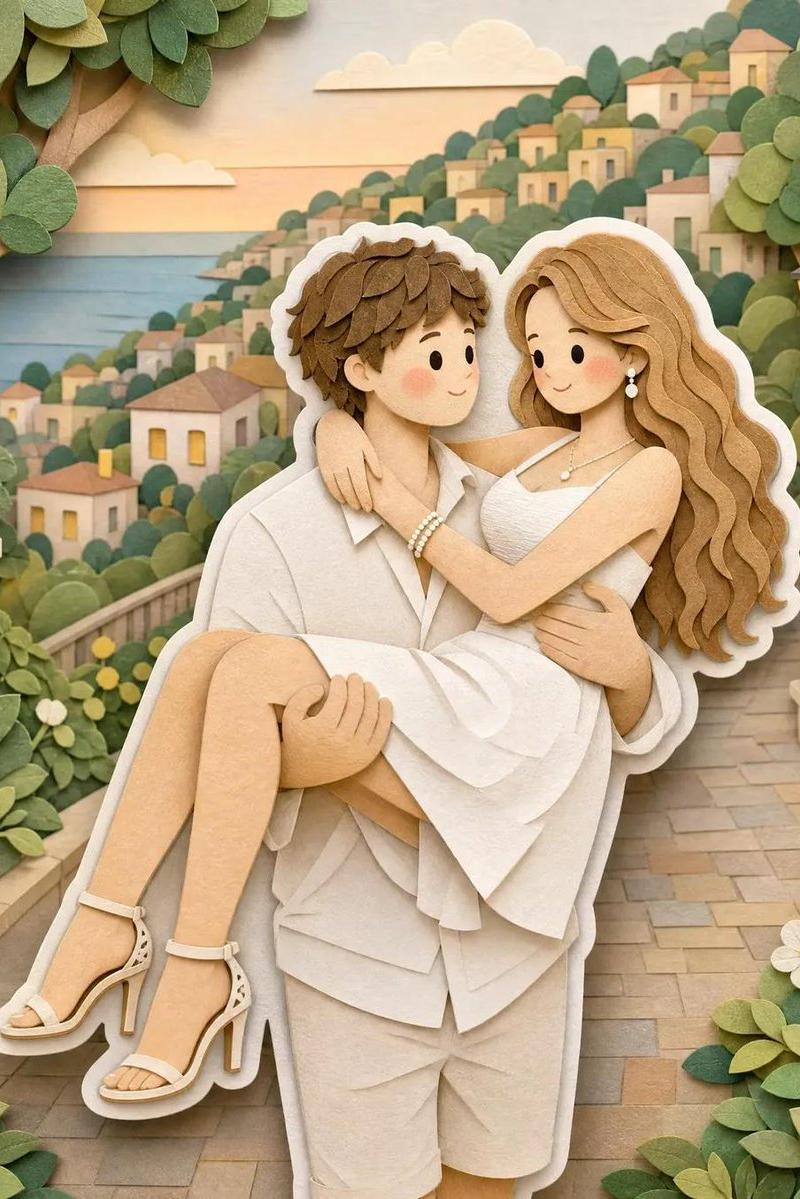
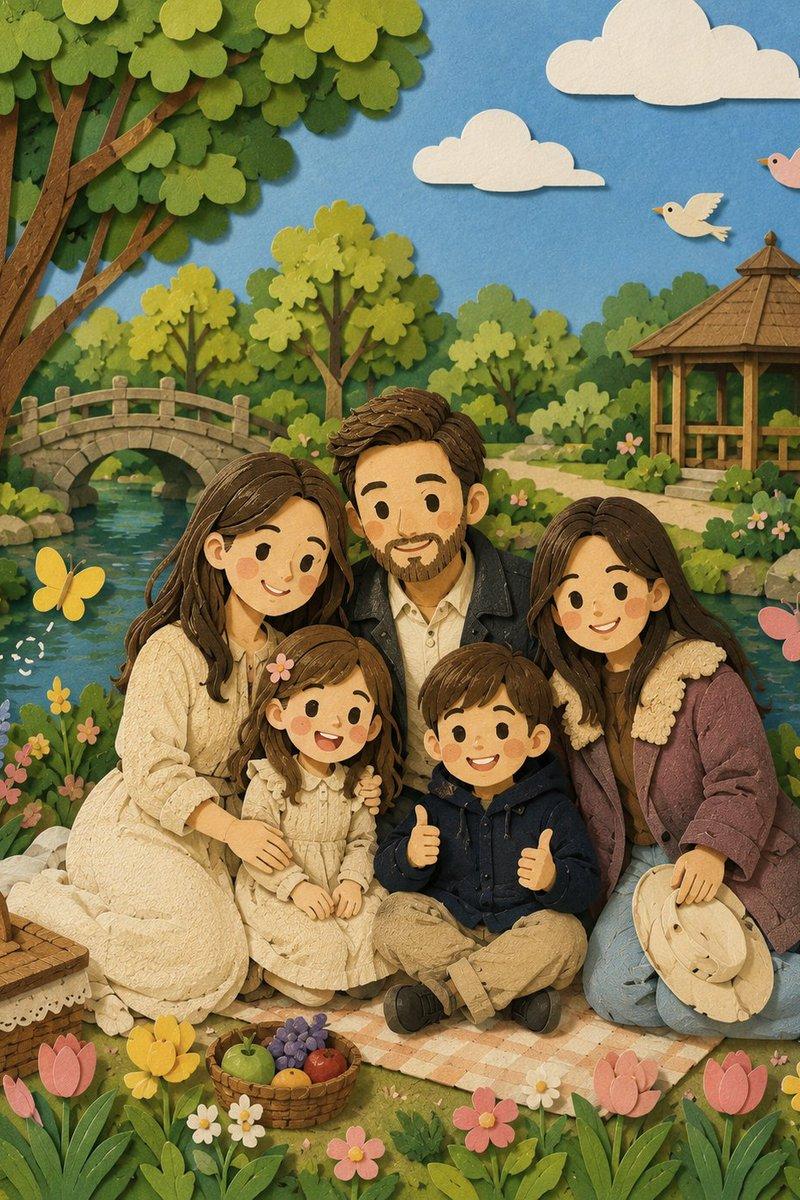
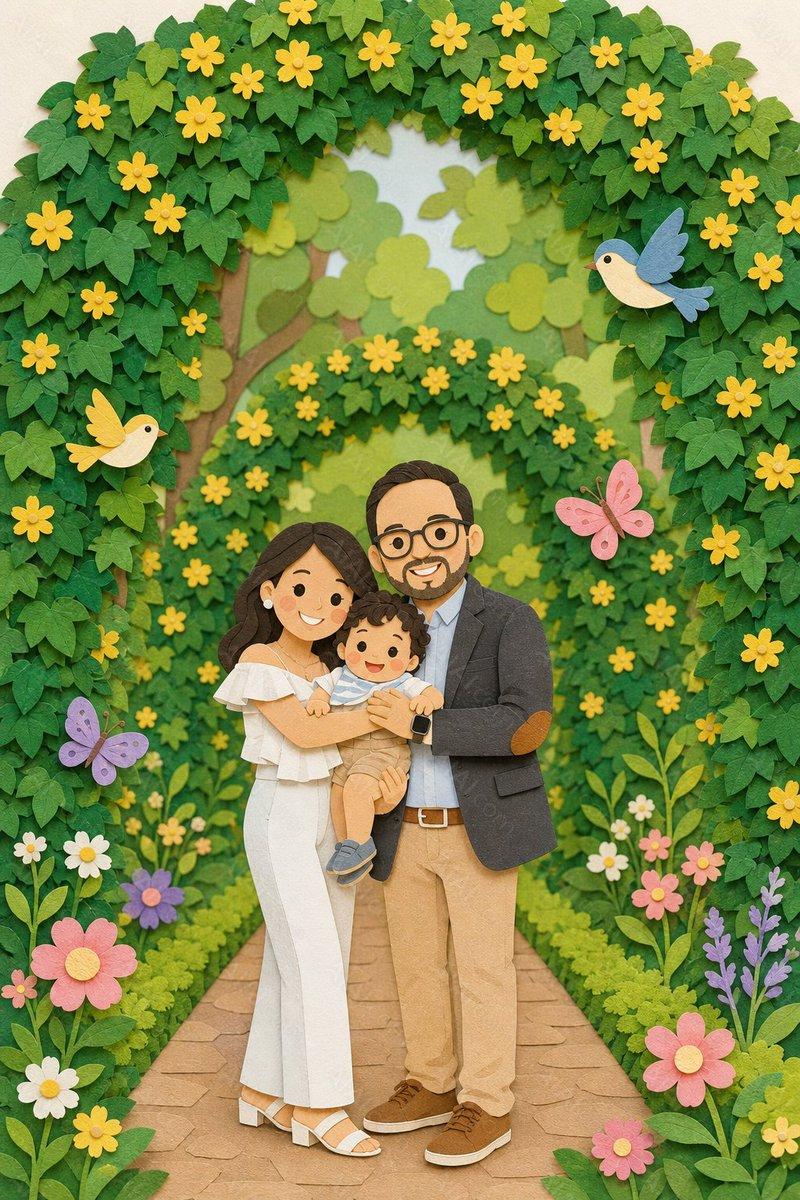
Transform the uploaded photo into a highly detailed 3D layered papercut artwork. Create multiple stacked paper layers with visible cut edges, soft shadows between layers, and handcrafted paper textures. Convert all elements into smooth rounded paper shapes with depth and dimension. Use pastel and warm earthy colors, delicate paper-cut foliage, stylized buildings, and a dreamy romantic atmosphere. Make the characters look like cute storybook figures with simple facial features, rosy cheeks, soft expressions, and layered paper hair. Add intricate paper-cut scenery in the background with trees, flowers, pathways, and soft sunset lighting. Ultra-clean composition, premium handcrafted paper art, depth of field, shadow-box effect, whimsical, charming, highly detailed, professional papercraft illustration, 8k quality.
Category
Charts & Infographics
Model
ChatGPT
Creator
@iamsofiaijaz
Source language
zh-CN
Views15
Source ID
16767
Published
Jun 25, 2026
Studio

Guide

About "3D叠层手工剪纸艺术插画"

What is this prompt for?

"3D叠层手工剪纸艺术插画" AI image prompt for ChatGPT (Charts & Infographics). 将上传的照片转换为高度详细的3D叠层剪纸艺术作品。创建多个堆叠的纸层,具有可见的切割边缘、层与层之间的柔和阴影以及手工纸质纹理。将所有元素转换为具有深度和维度的平滑圆形纸张形状。使用…

The full copyable prompt and example visuals above are ready for AI image generation or one-click recreate in Picva.

How to use this prompt

  1. Step 1

    Open the prompt detail

    Review the example visuals, category, and full prompt text for "3D叠层手工剪纸艺术插画".

  2. Step 2

    Copy the prompt

    Copy the prompt body from this page, or load it directly in Studio.

  3. Step 3

    Pick a model (ChatGPT)

    Prefer ChatGPT. If you switch models, keep subject and composition and tweak style terms.

  4. Step 4

    Generate and export

    Recreate the look in Picva, or export into your workflow for editing and publishing.

FAQ

What is the "3D叠层手工剪纸艺术插画" prompt?
It is an AI image-generation prompt for ChatGPT in the Charts & Infographics category. This page includes the full prompt text, example visuals, and a one-click recreate path in Picva.
How do I use this prompt to generate an image?
Copy the prompt from this page, or use Generate / Studio. Paste it into a compatible image model, or recreate the look in Picva with optional reference images.
Which model is this prompt for?
This page lists ChatGPT. Most descriptive prompts also transfer to nearby image models such as GPT Image, Flux, or Midjourney with light style tweaks.
Can I use the result commercially?
You can usually copy the prompt for creation, but commercial use of the final image depends on the model terms, reference-image rights, and the generated content. Follow the source author and platform rules.