19

高质量美学拼贴画数字剪贴簿风格
Enlarge

Example images

高质量美学拼贴画数字剪贴簿风格

Prompt
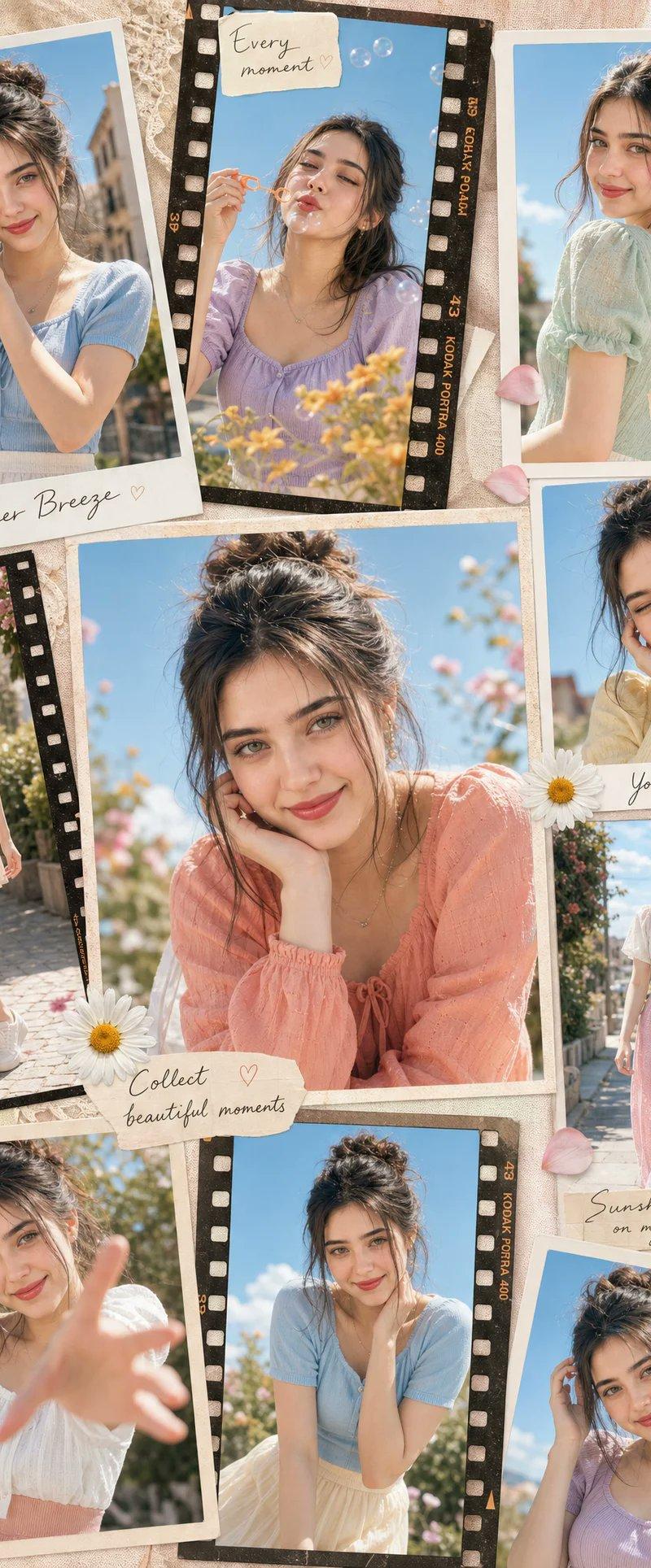
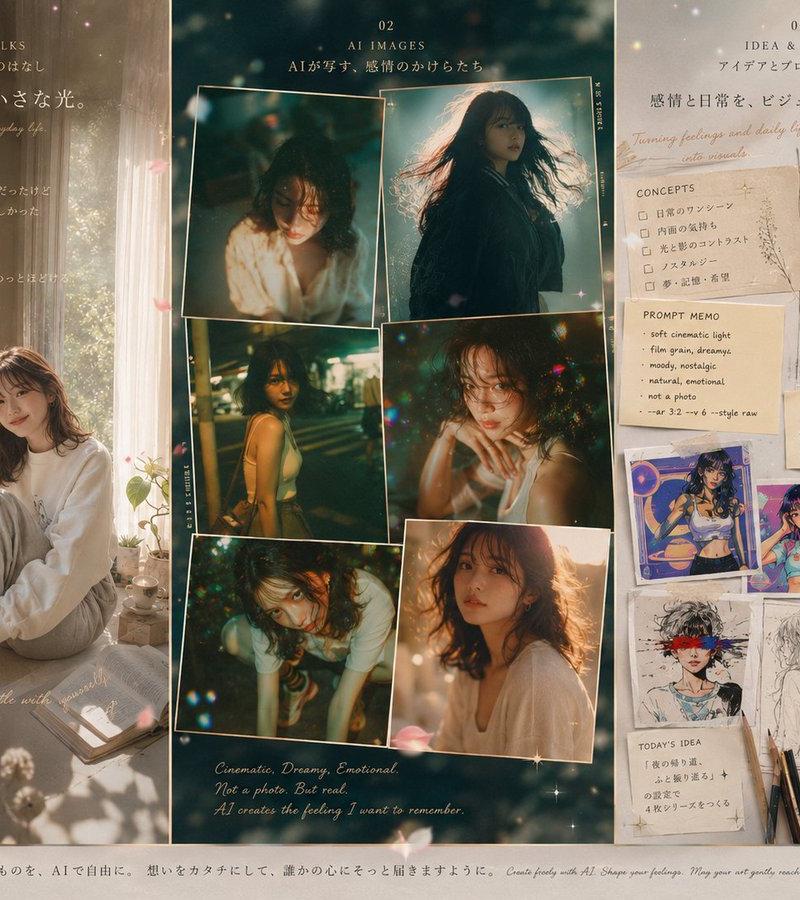
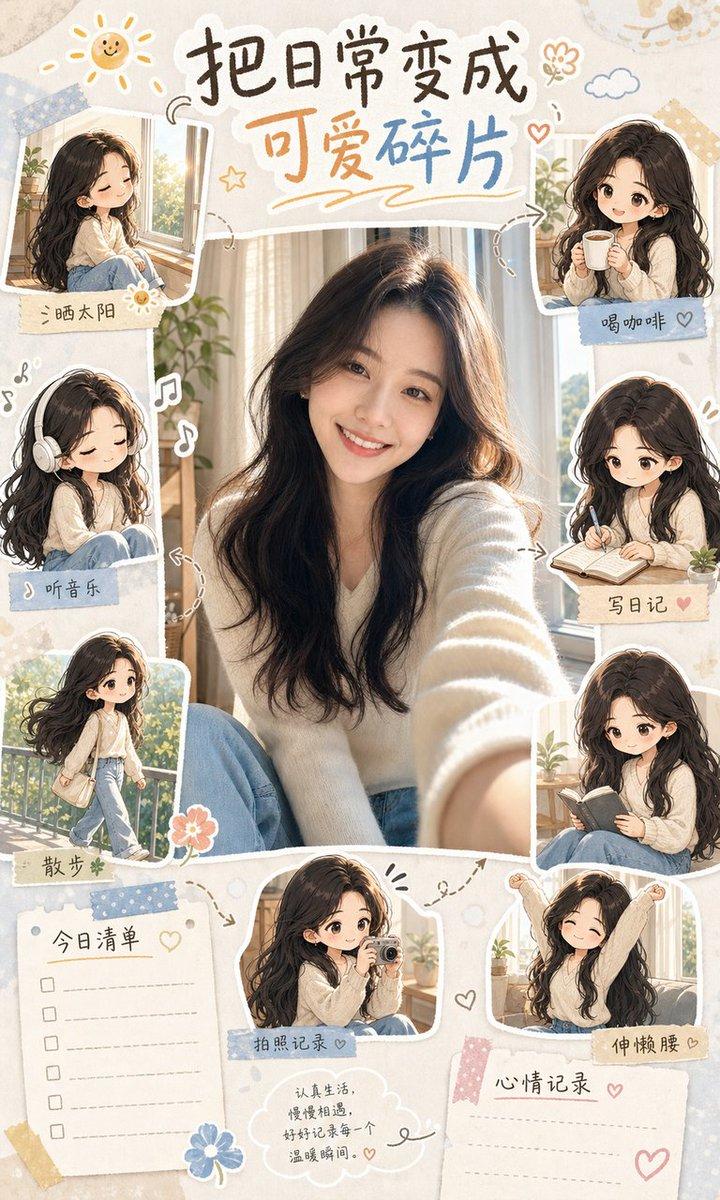
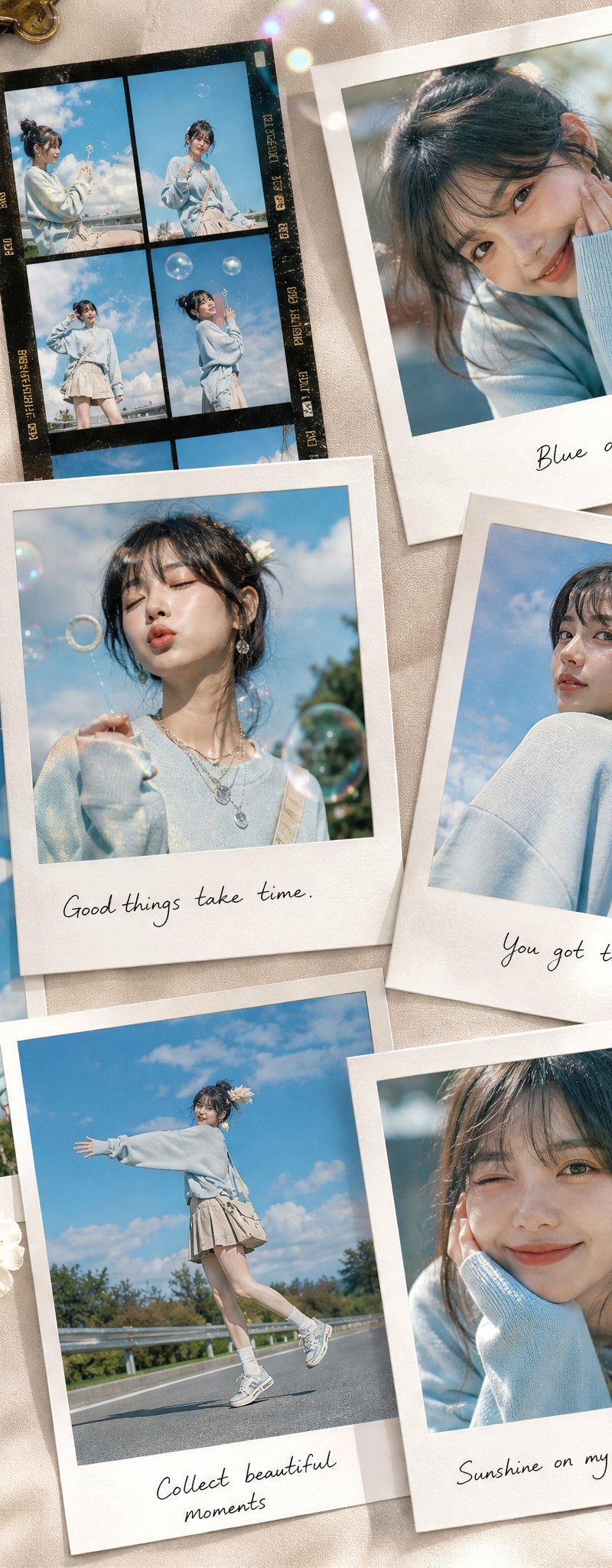
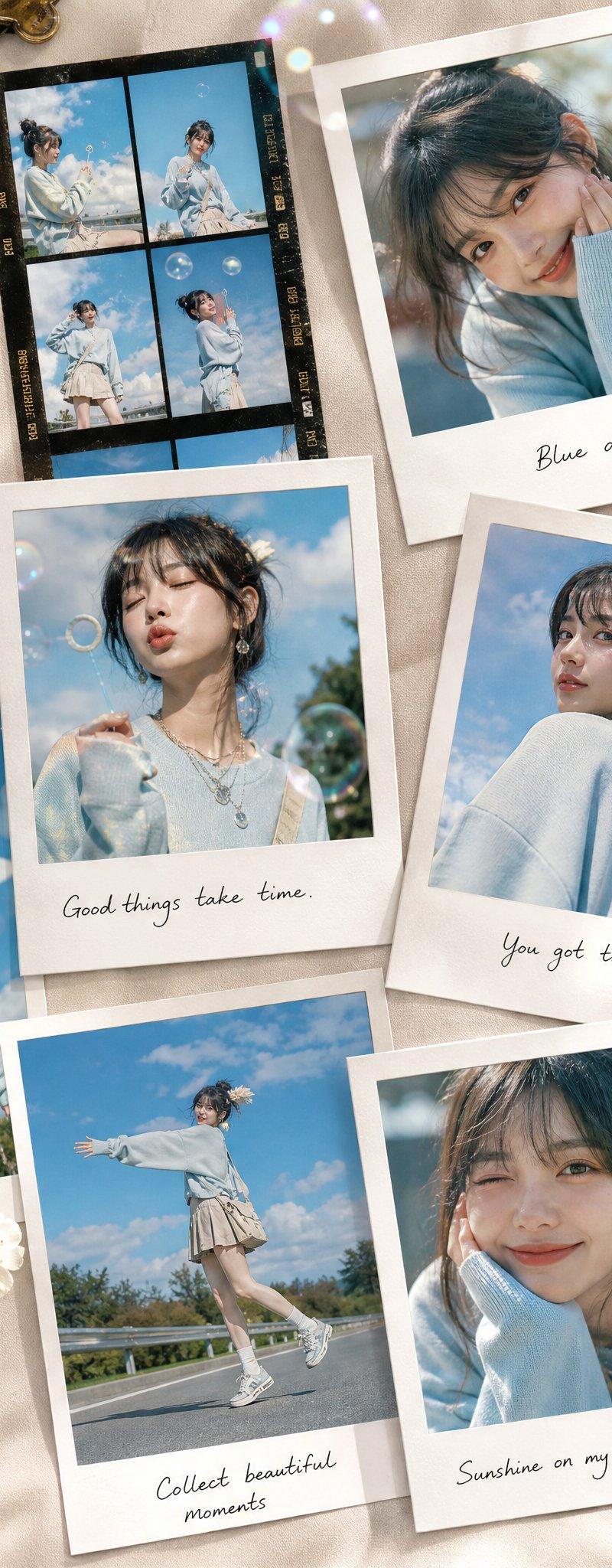
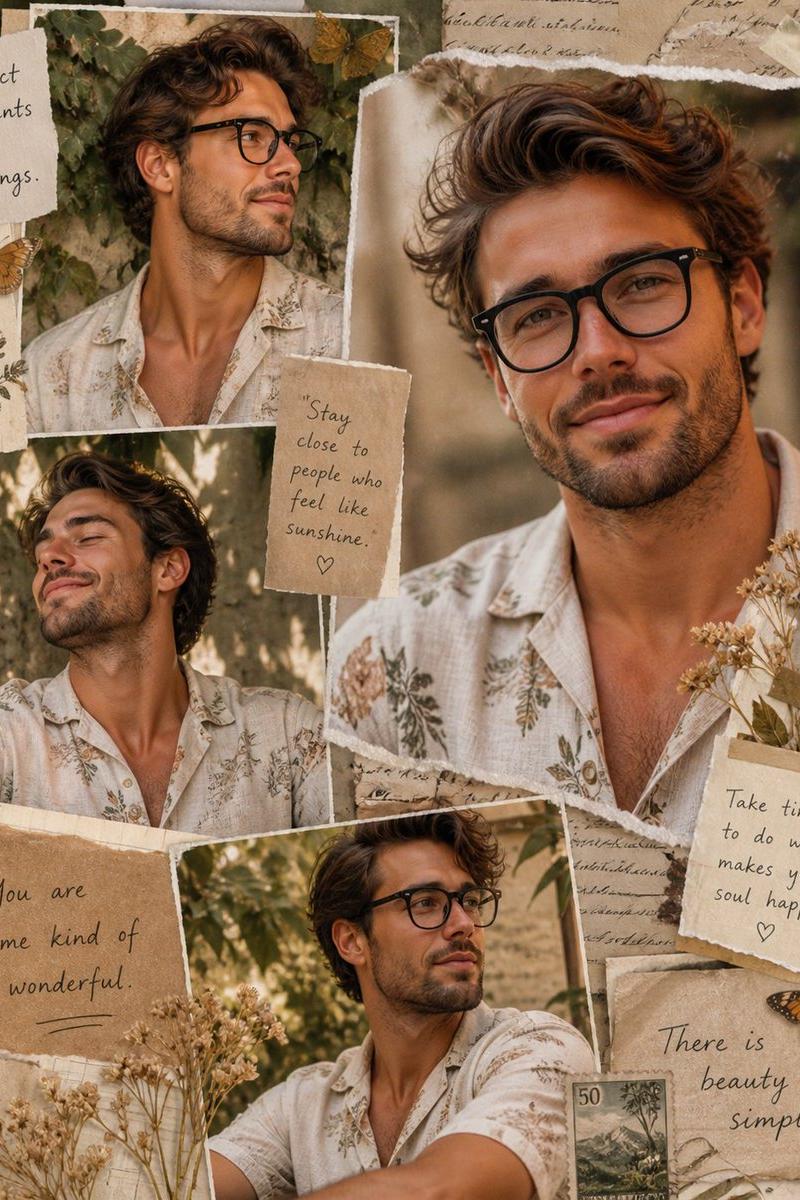
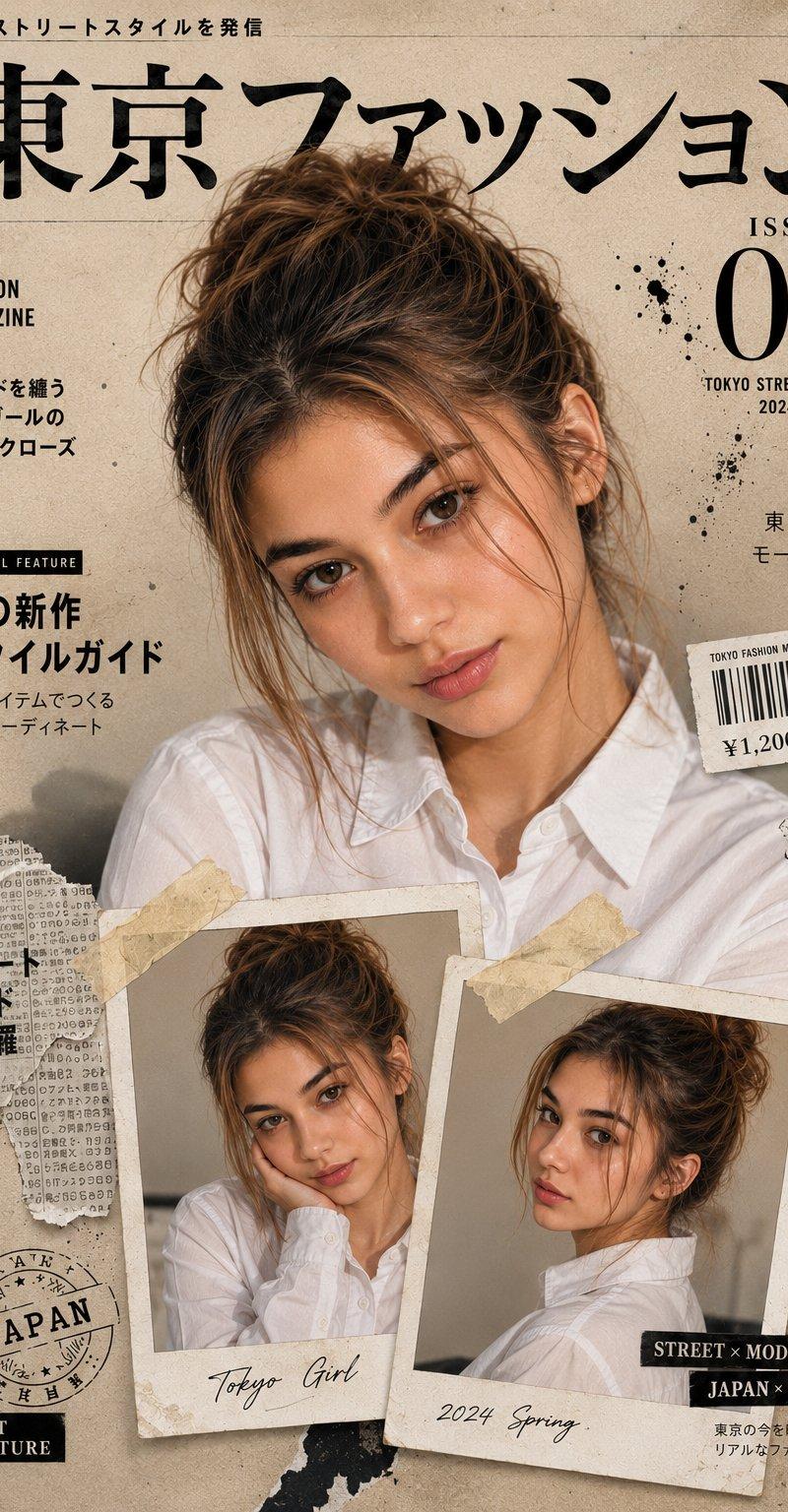
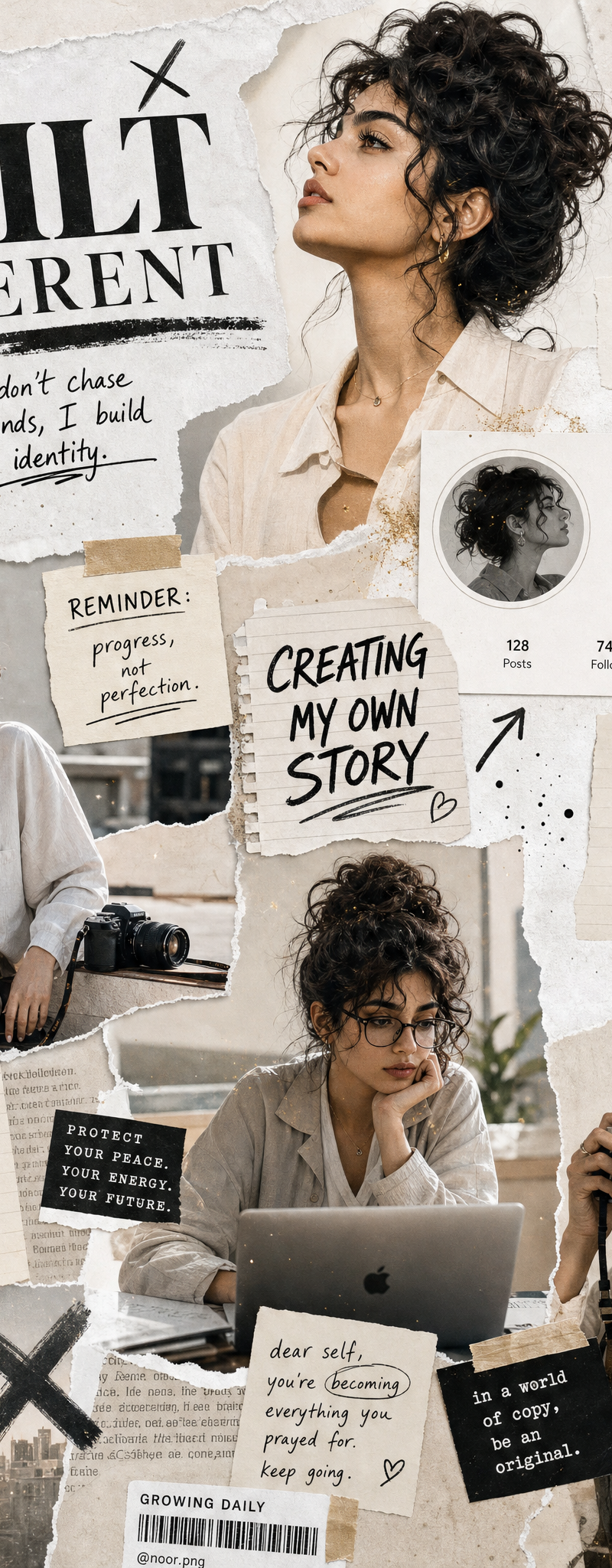
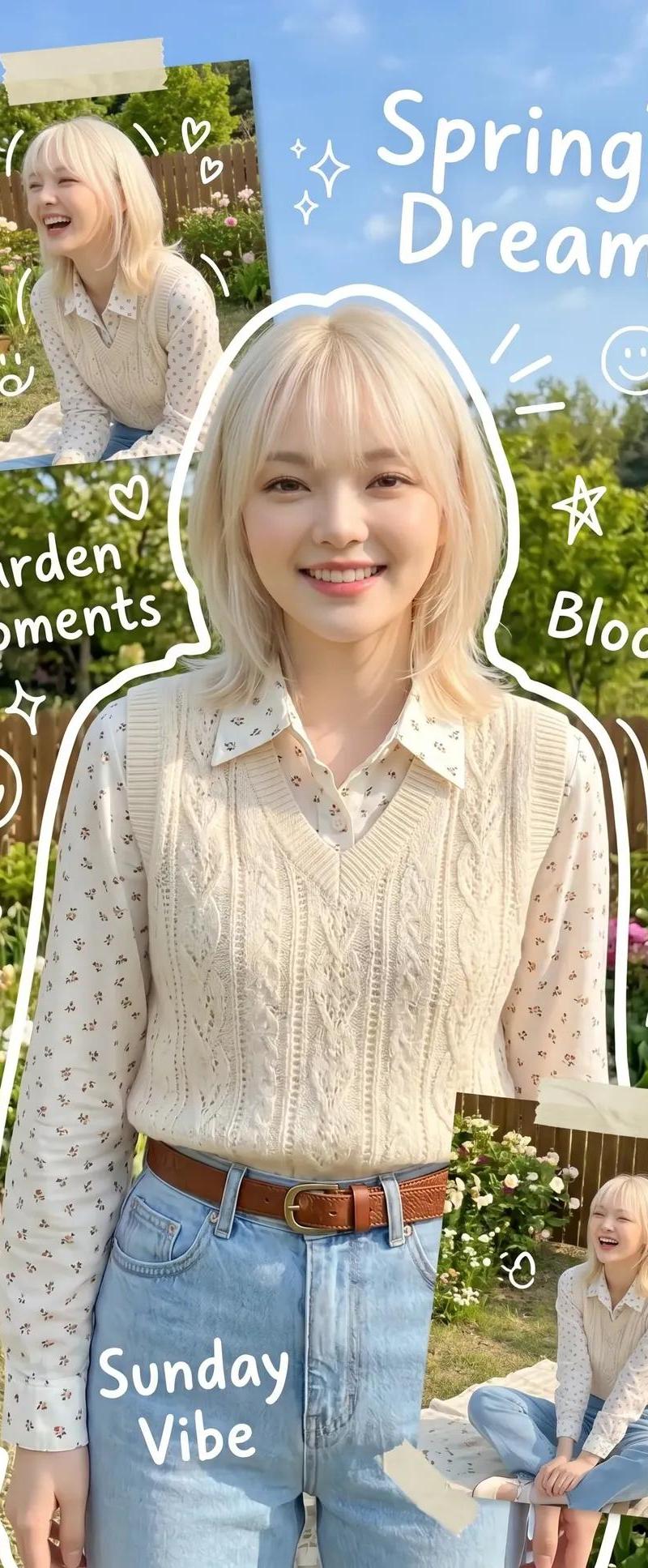
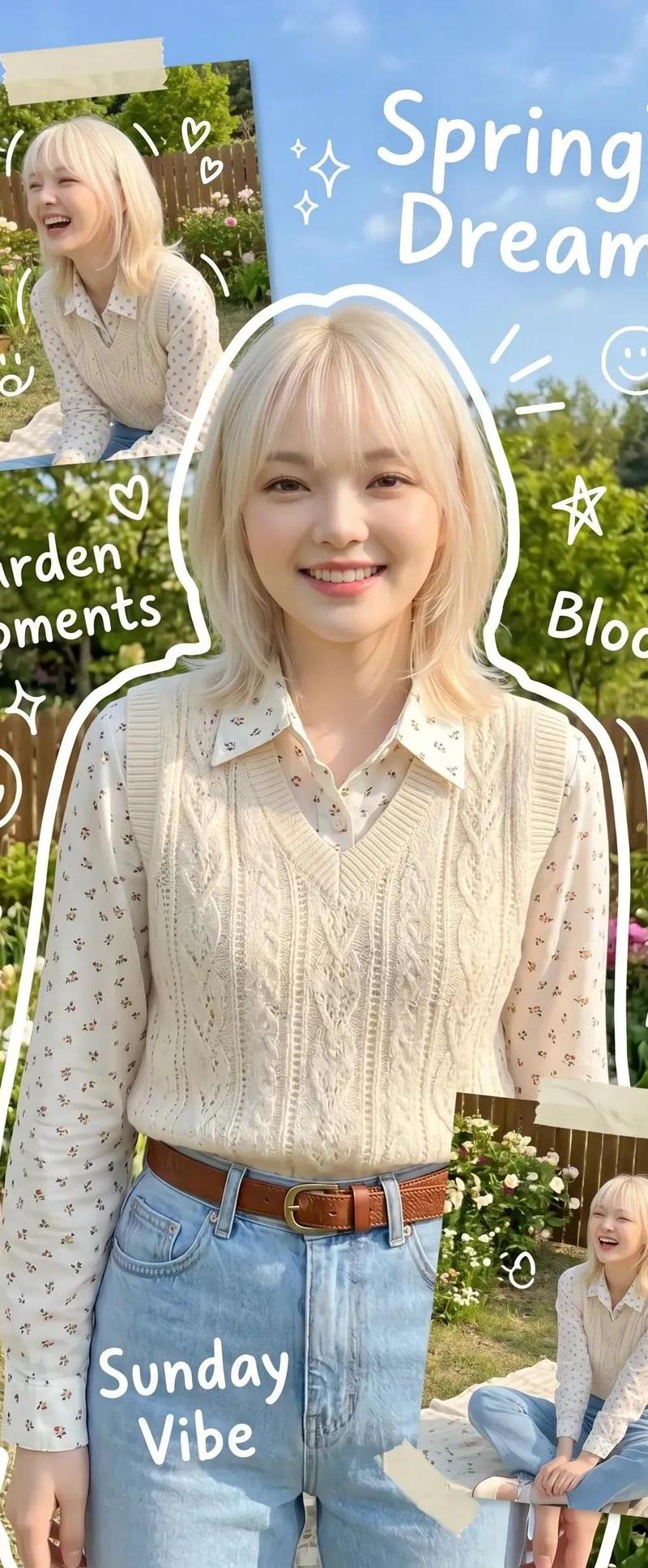
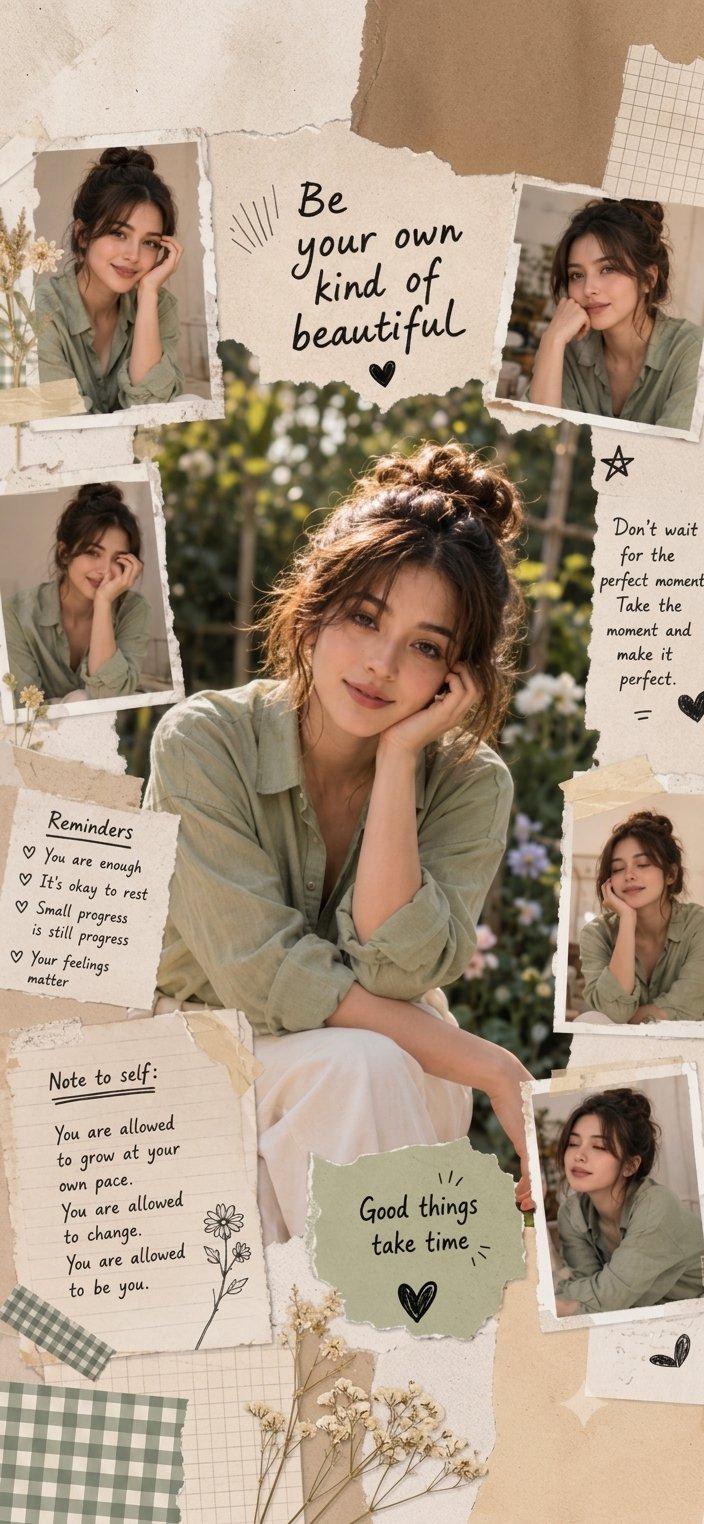
Create a high-quality, aesthetic collage inspired by the composition and style of the provided reference. The layout should feature a central, larger portrait of a young woman with a messy bun, wearing a sage green button-down shirt, surrounded by several smaller, candid portraits of the same person in similar attire. Integrate elements of a digital scrapbook, including torn paper textures, adhesive tape accents, and hand-drawn doodles like stars and hearts. Incorporate inspirational typography throughout the collage, such as "Be your own kind of beautiful," "Reminders," and "Note to self," using a clean, handwritten font style. The overall color palette should be soft, earthy, and warm, emphasizing natural light and a gentle, encouraging atmosphere.
Category
Charts & Infographics
Model
ChatGPT
Creator
@Minahil42298354
Source language
zh-CN
Views15
Source ID
16999
Published
Jun 29, 2026
Studio

Guide

About "高质量美学拼贴画数字剪贴簿风格"

What is this prompt for?

"高质量美学拼贴画数字剪贴簿风格" AI image prompt for ChatGPT (Charts & Infographics). 创建一个高质量、具有美感的拼贴画,灵感来自所提供参考图的构图和风格。布局应以一名梳着凌乱发髻、穿着鼠尾草绿纽扣衬衫的年轻女性为中心的一张较大肖像为特色,周围环绕着同一人穿着类似…

The full copyable prompt and example visuals above are ready for AI image generation or one-click recreate in Picva.

How to use this prompt

  1. Step 1

    Open the prompt detail

    Review the example visuals, category, and full prompt text for "高质量美学拼贴画数字剪贴簿风格".

  2. Step 2

    Copy the prompt

    Copy the prompt body from this page, or load it directly in Studio.

  3. Step 3

    Pick a model (ChatGPT)

    Prefer ChatGPT. If you switch models, keep subject and composition and tweak style terms.

  4. Step 4

    Generate and export

    Recreate the look in Picva, or export into your workflow for editing and publishing.

FAQ

What is the "高质量美学拼贴画数字剪贴簿风格" prompt?
It is an AI image-generation prompt for ChatGPT in the Charts & Infographics category. This page includes the full prompt text, example visuals, and a one-click recreate path in Picva.
How do I use this prompt to generate an image?
Copy the prompt from this page, or use Generate / Studio. Paste it into a compatible image model, or recreate the look in Picva with optional reference images.
Which model is this prompt for?
This page lists ChatGPT. Most descriptive prompts also transfer to nearby image models such as GPT Image, Flux, or Midjourney with light style tweaks.
Can I use the result commercially?
You can usually copy the prompt for creation, but commercial use of the final image depends on the model terms, reference-image rights, and the generated content. Follow the source author and platform rules.