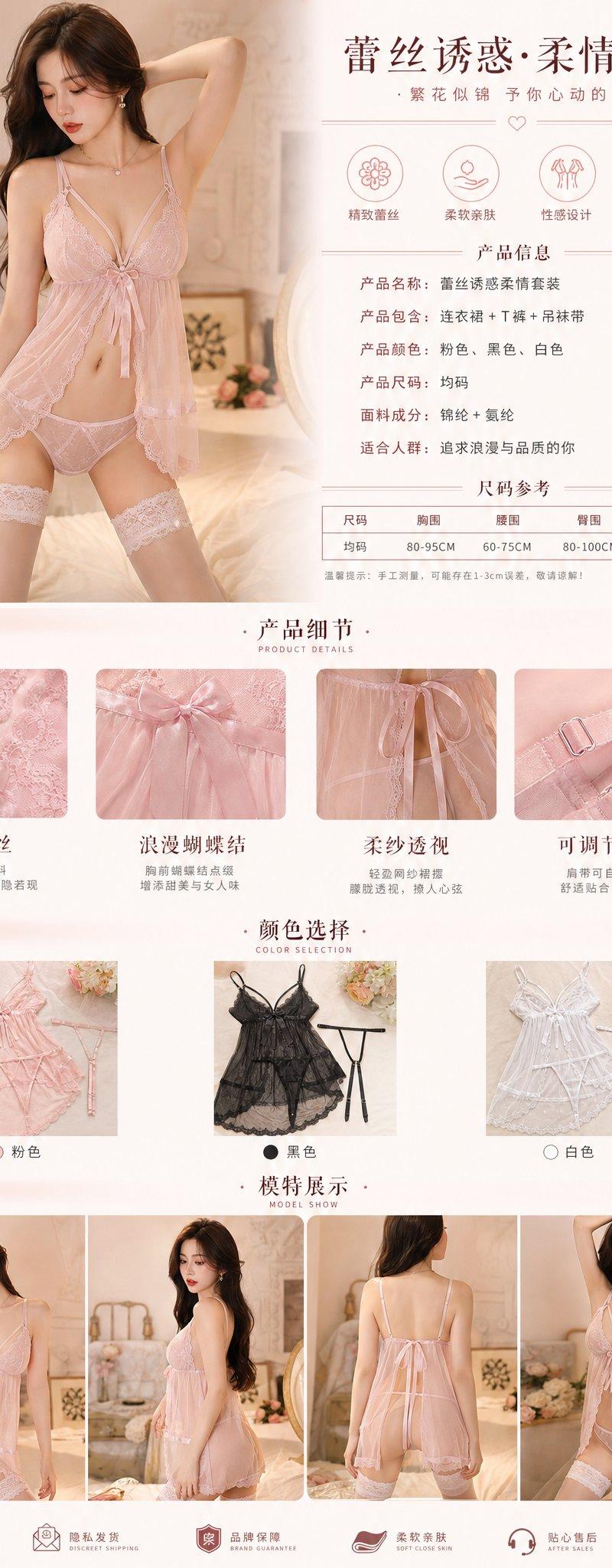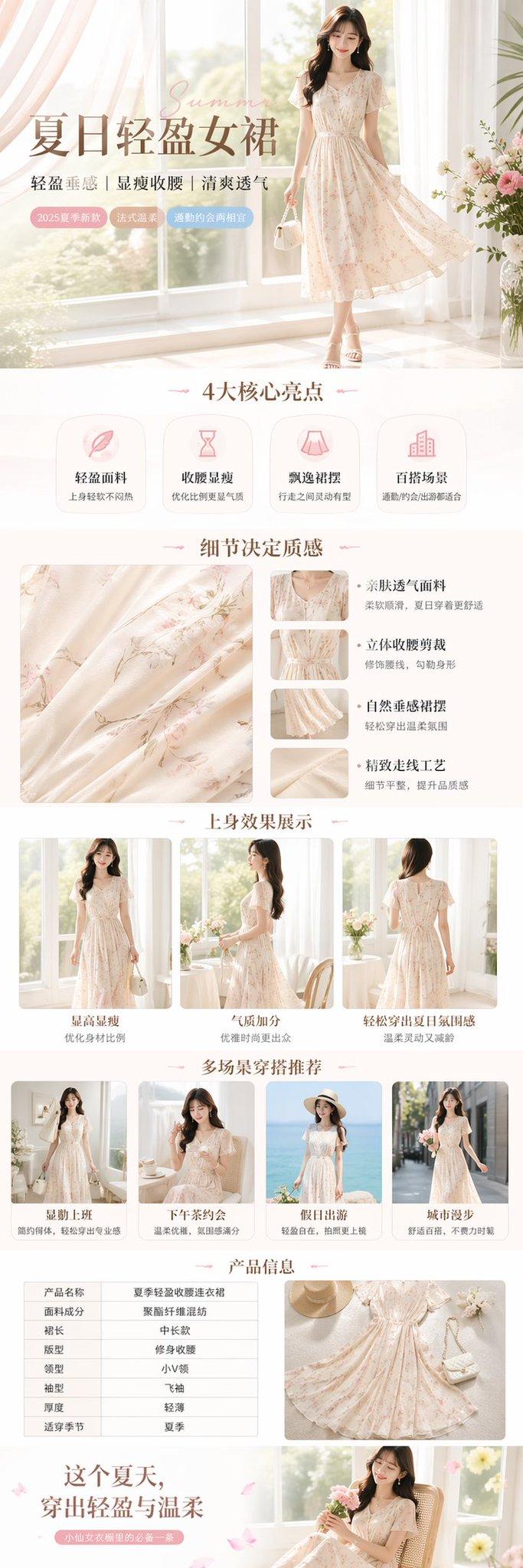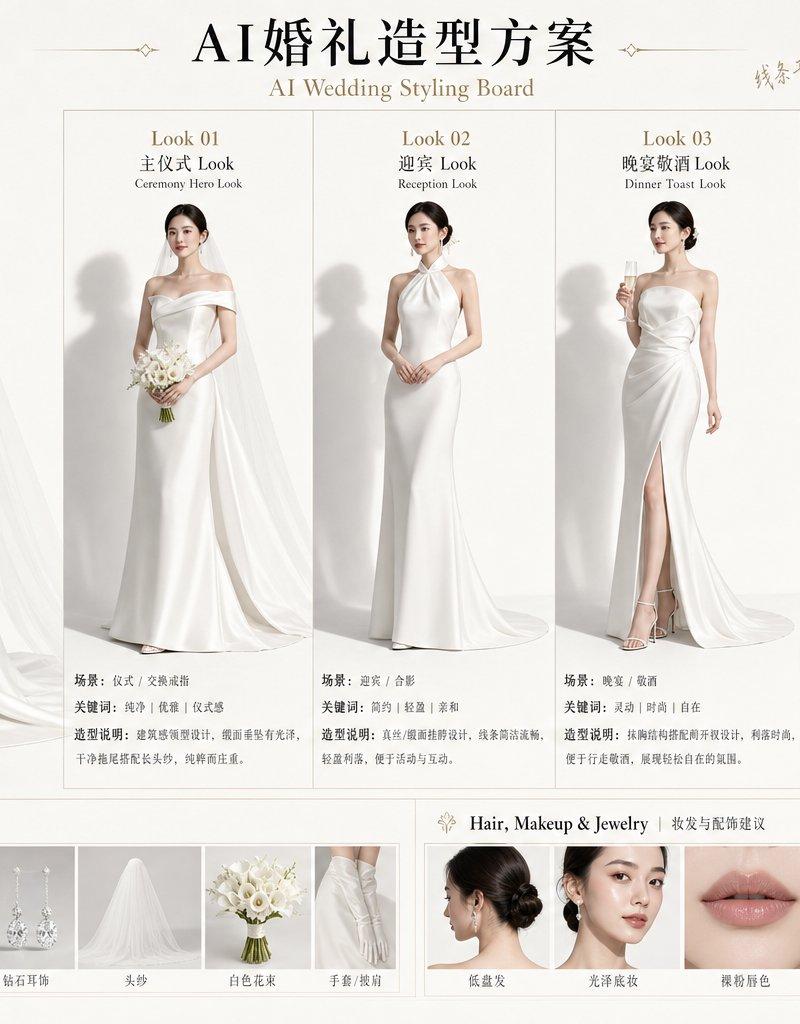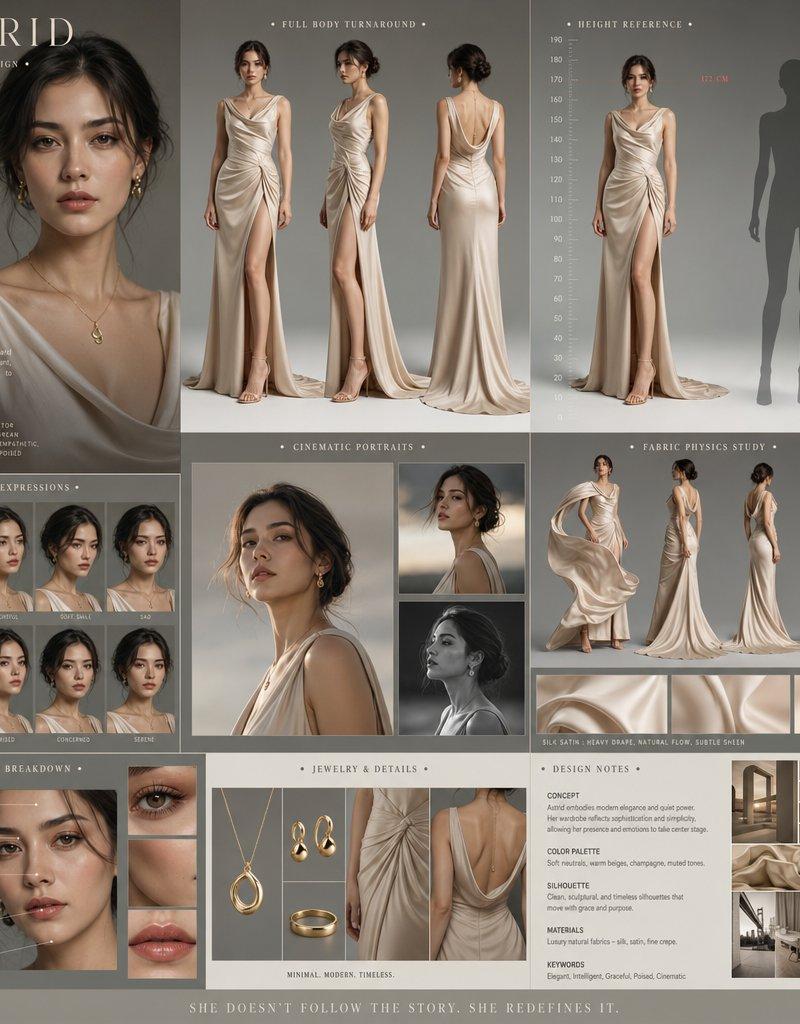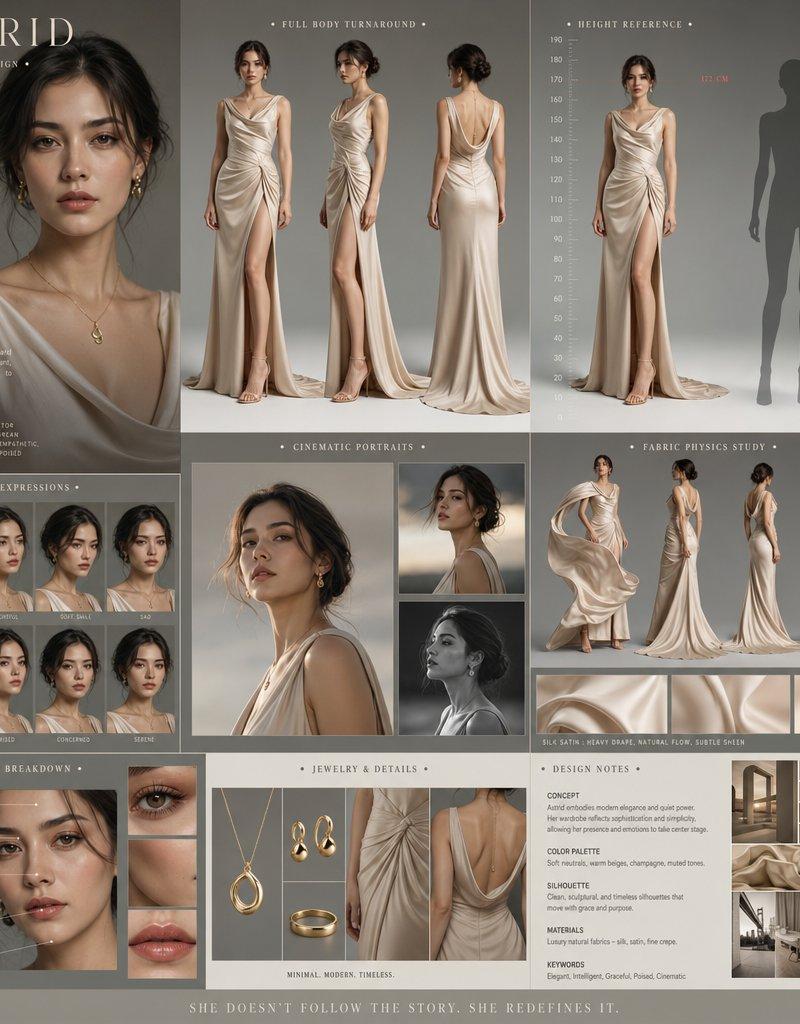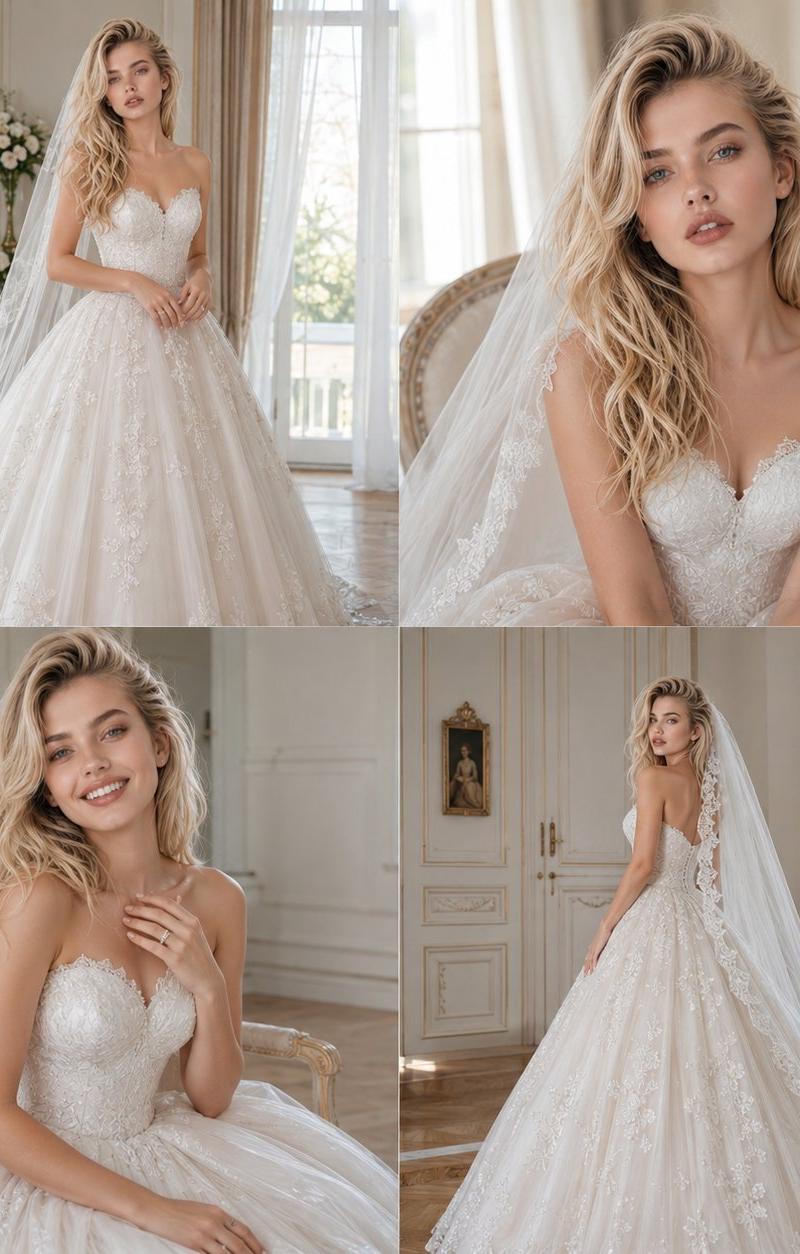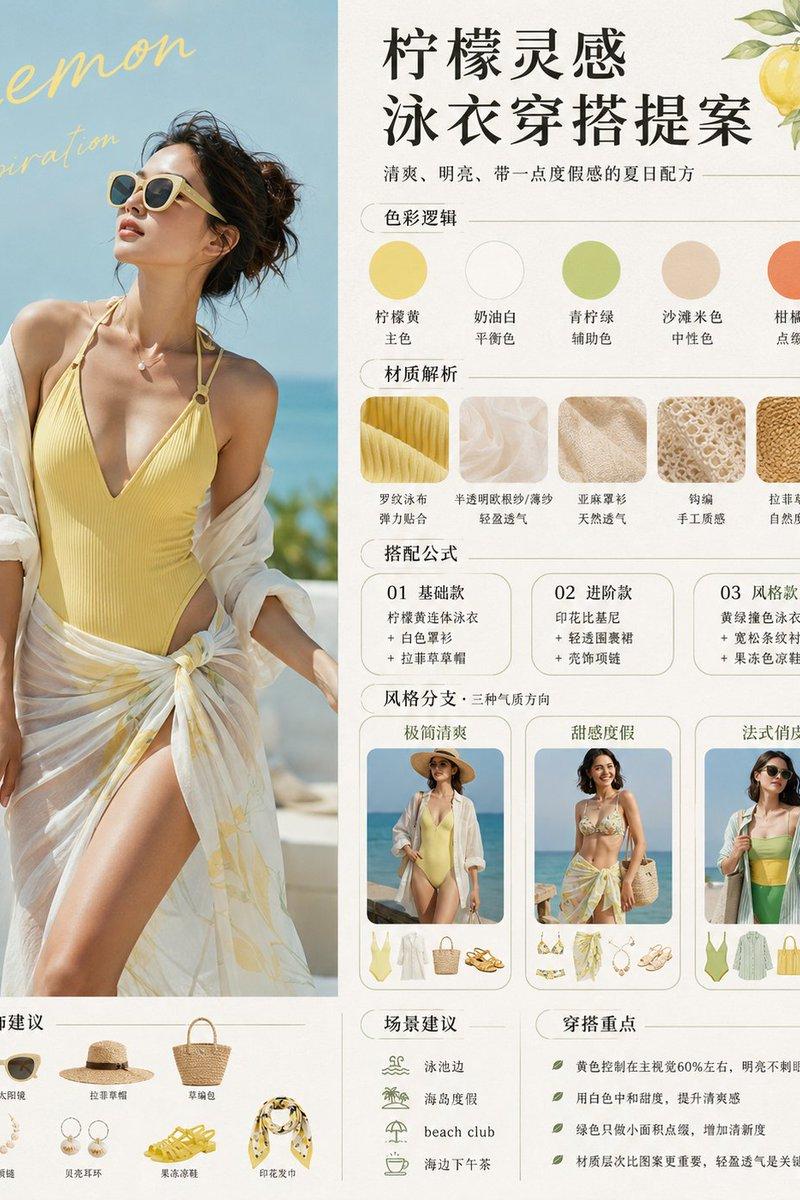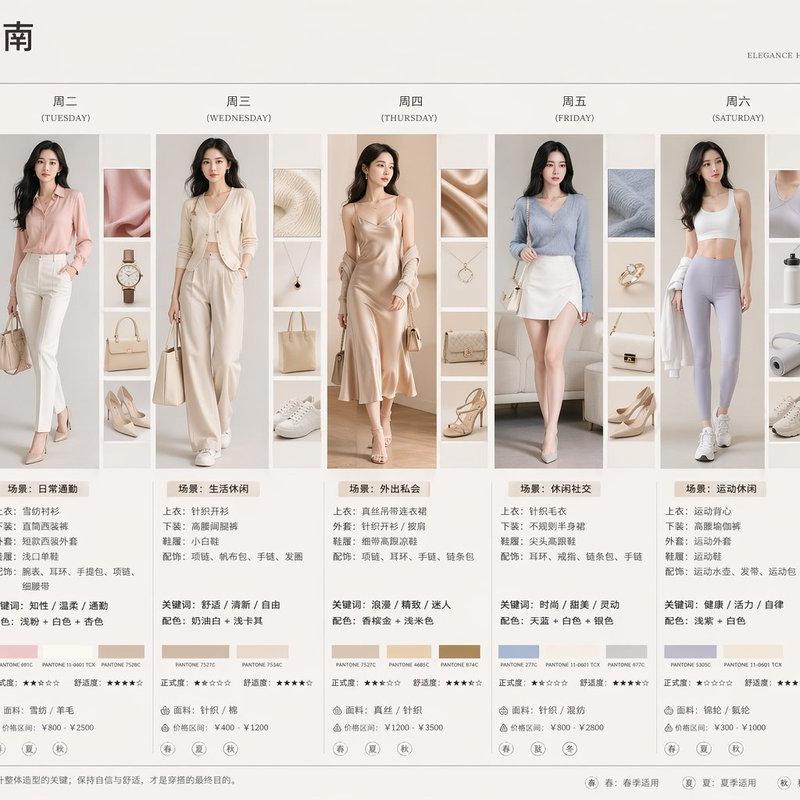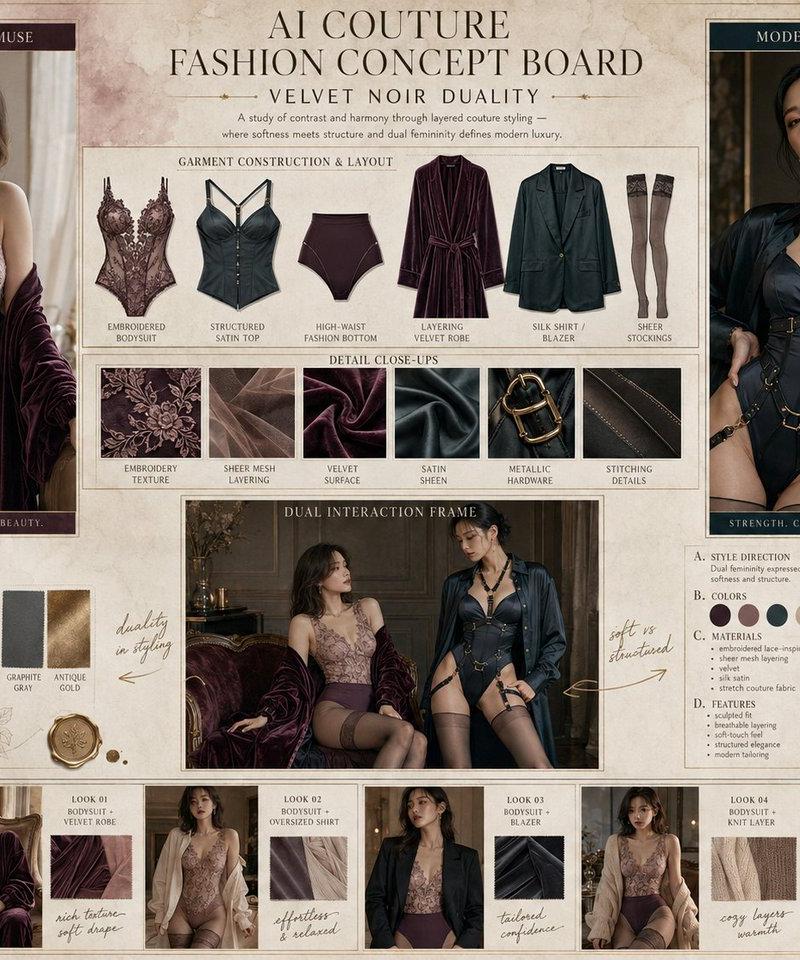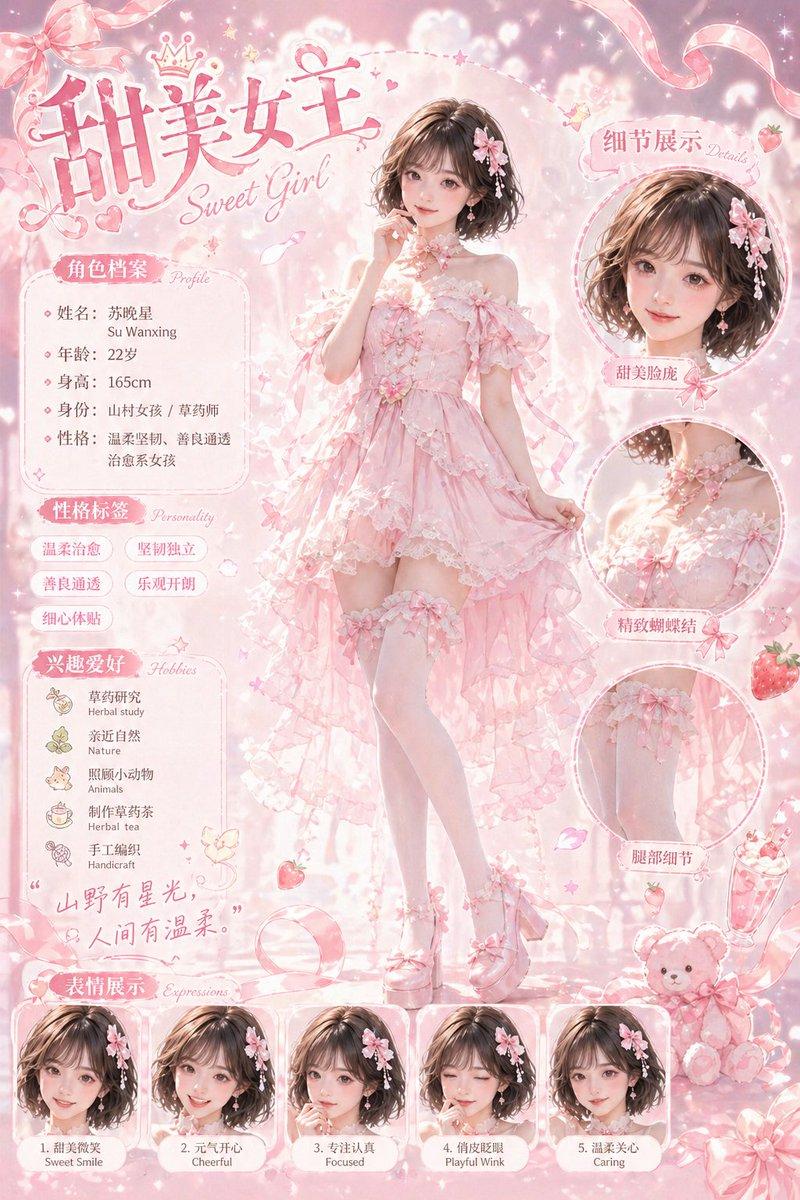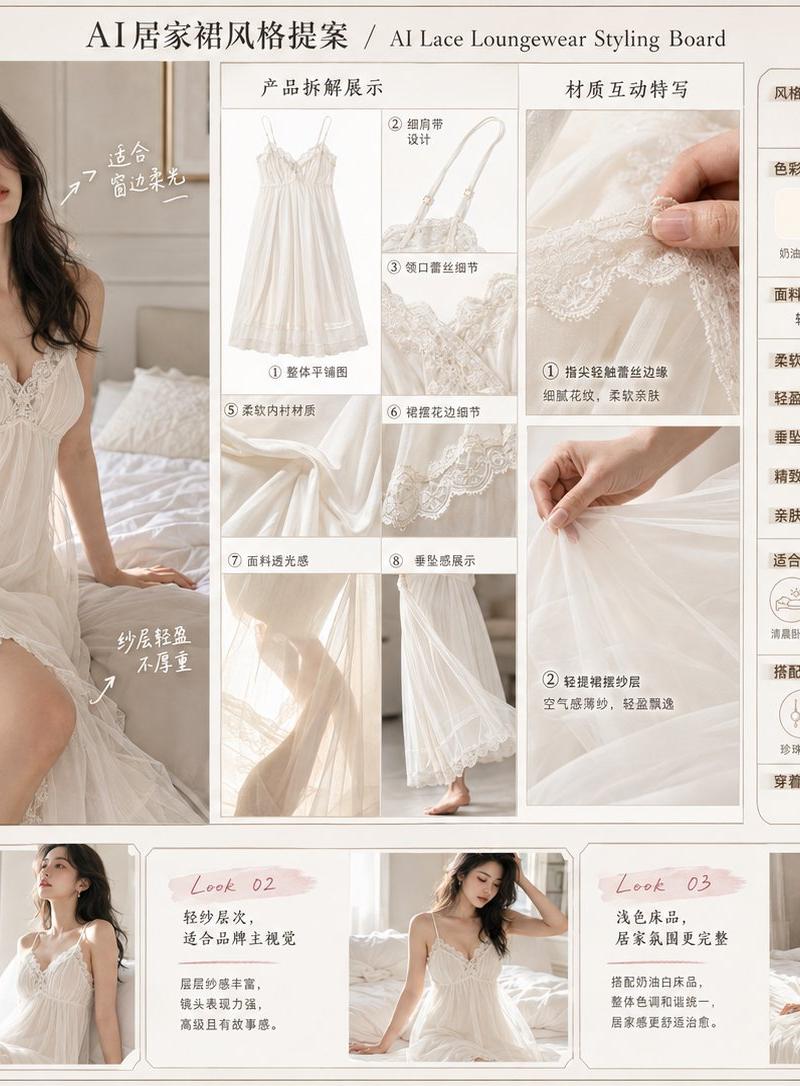
AI蕾丝居家裙高端品牌视觉提案板
Prompt
Please generate a horizontal 4:3, high-definition realistic photography texture Chinese version of an 'AI Lace Loungewear Style Proposal' image.

【This Theme】
【Fill in: e.g., Champagne Satin with Lace / Cream White Gauze Lace / Red Bean Paste Rose Soft Lace / Morning Mist Purple Light Lace】

【Product Name】
【Fill in: Original Brand Name + Product Name】

【Loungewear Style / Color】
【Fill in: Color, style, camisole, cover-up, gauze, satin, lace splicing, etc.】

【Fabric Keywords】
【Fill in: Lace, gauze, satin, soft and skin-friendly, natural drape, exquisite embroidery, light layers, etc.】

【Overall Style Keywords】
Light mature, soft, home relaxation, light luxury, exquisite, female-oriented, realistic photography, brand lookbook, Chinese 'seeding' board, soft light bedroom atmosphere.

【Overall Positioning】
This is not a vulgar image, not a sexy advertisement, and not a cheap e-commerce image.
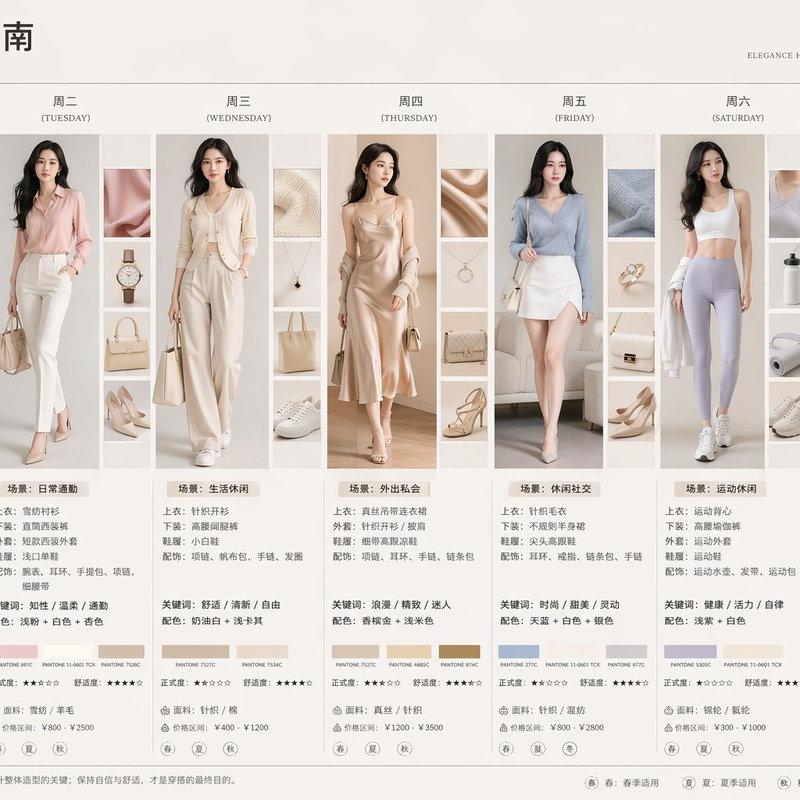
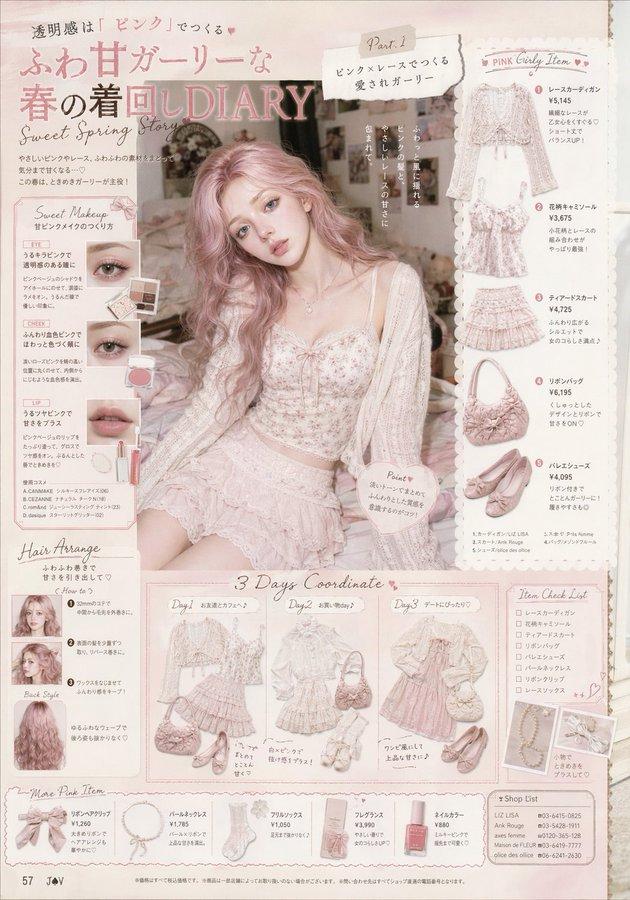
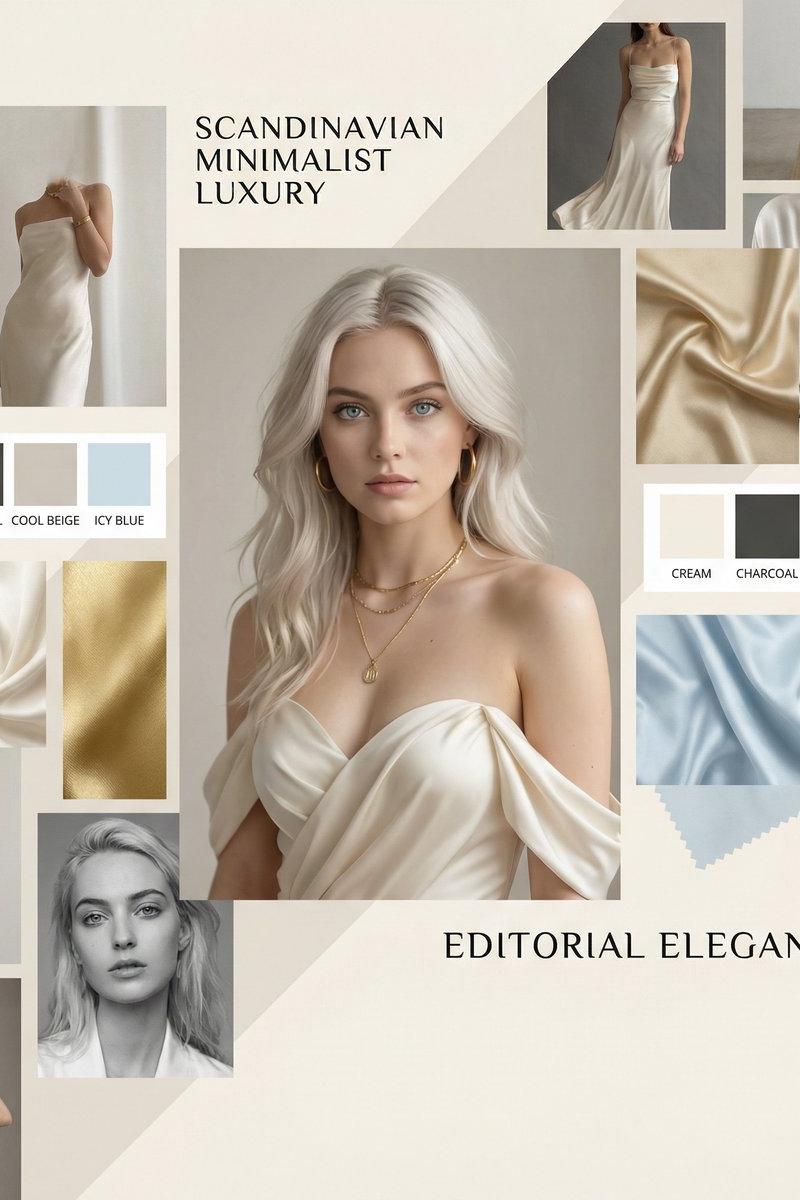
Please create a high-completion product proposal board that combines 'main visual model display + loungewear product breakdown + fabric detail close-up + professional information module + matching inspiration small pictures + Chinese handwriting style annotations'.
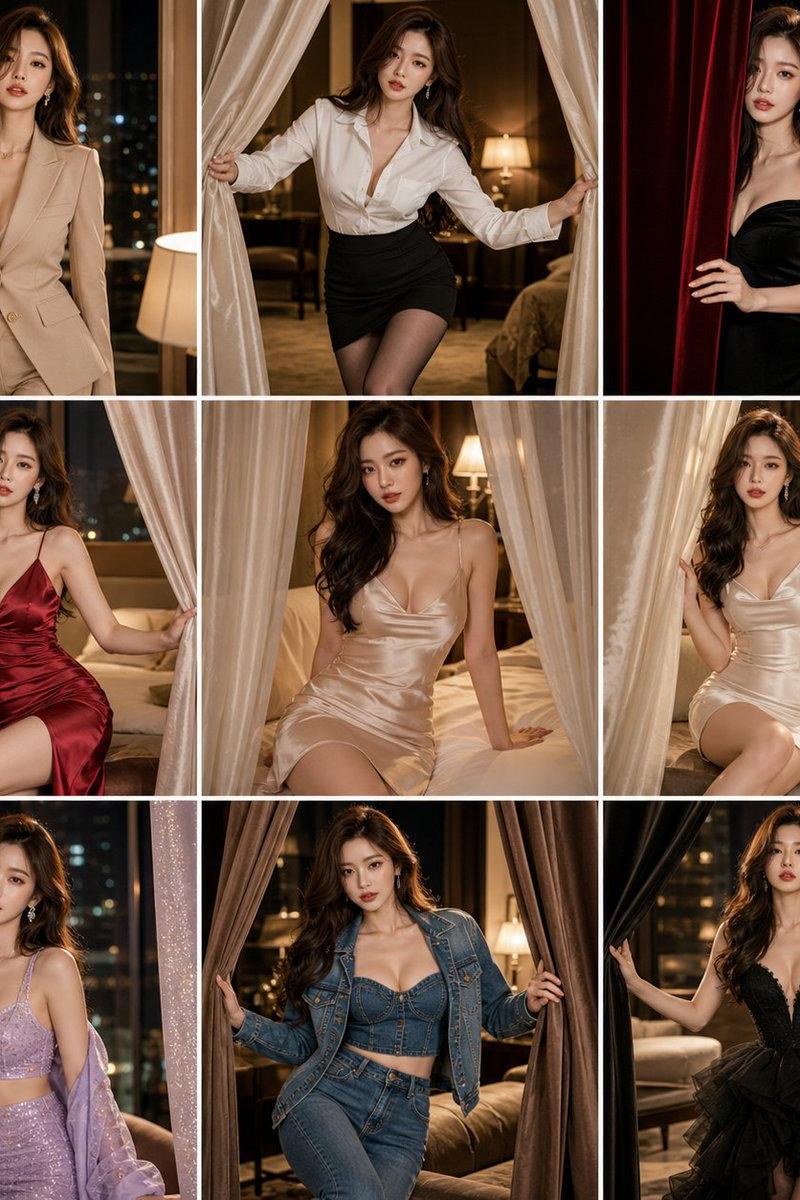
The overall look is like a social media visual solution for high-end loungewear / nightgown / light luxury women's clothing brands, real, clear, informative, and collectible.

【Layout Requirements】
Horizontal 4:3.
Top title writes: AI居家裙风格提案 / AI Lace Loungewear Styling Board.
Left side: Main visual model display.
Middle: Product breakdown + fabric details + material interaction close-ups.
Right side: Professional information module.
Bottom: 3 matching / scene inspiration small cards.
Background uses warm white, light gray-white, light champagne white, cream white, or soft low-saturation colors.
Add thin line frames, color cards, material cards, arrows, rating bars, Chinese handwriting style annotations, layout is full but clear, do not be cluttered.

【Main Visual Model】
Generate an adult Asian female model, the person is realistic, natural, beautiful, and recognizable, do not look like an AI clone.
The model is naturally leaning, half-leaning, sitting sideways, or slightly turning her head in a simple and high-end bedroom, by the bed, by the window, or on soft bedding.
The main body of the dress must be clearly visible, focusing on the clothing structure, fabric texture, overall fit, and home atmosphere.
Postures are natural and elegant, can be tidying the cover-up, lightly lifting the hem, lightly touching the shoulder strap, naturally hanging hands, or sitting by the bed.
No suggestive poses, no vulgar actions, no exaggerated erotic expressions.

【Product Display】
Clearly display the product breakdown of the same loungewear:
Dress flat lay, shoulder strap details, neckline lace details, waist tailoring, hem lace, fabric texture enlargement, gauze / satin / lace splicing details, fabric drape samples, cover-up or trim details.

【Material Interaction Close-up】
Include 2 clean and professional fabric display close-ups:
1. Fingers lightly touching the edge of the lace, showing the pattern, softness, and delicacy.
2. Lightly lifting the hem or tidying the cover-up, showing fabric drape, layers, and lightness.
Following a product display sense, do not be ambiguous, do not fetishize, the focus is on material, design, and fit.

【Right Information Module】
Includes:
Style theme
Color system, showing 5-6 color blocks
Fabric composition
Softness rating
Lightness rating
Drape rating
Exquisiteness rating
Skin-friendly rating
Suitable scenes
Matching suggestions
Wearing impression

【Bottom Matching Inspiration】
Keep 3 small cards, each card displays the outfit effect of a person from the half-body to the thighs, and is accompanied by a short Chinese description.
Example:
Look 01: Morning light bedroom, soft and exquisite
Look 02: Sitting by the bed, cover-up adds layers
Look 03: Soft light by the window, suitable for brand main visuals

【Chinese Handwriting Style Annotations】
Add an appropriate amount of Chinese handwriting style notes, arrows, small circle annotations, small stars.
The copy can revolve around:
Lace details are very exquisite, colors are soft and flatter the skin, the fabric is light and not heavy, the drape is natural, the home atmosphere is complete, suitable for a main visual 'seeding' image, strong sense of brand.

【Visual Requirements】
High-definition realistic photography texture, real people, real fabrics, real natural light, like high-end brand proposal boards, female fashion magazine pages, loungewear brand social media visuals.
No cartoons, no illustrations, no low resolution, no cheap layout, no strong advertisement sticker feeling, no clutter, no watermarks, no redundant logos, no wrong text, no garbled characters, no deformed fingers, no wrong body structures, no plastic skin, no excessive skin smoothing.
- Category
- Charts & Infographics
- Model
- ChatGPT
- Creator
- @MrLarus
- Source language
- zh-CN
- Source ID
- 15897
- Published
- Jun 12, 2026
Views128