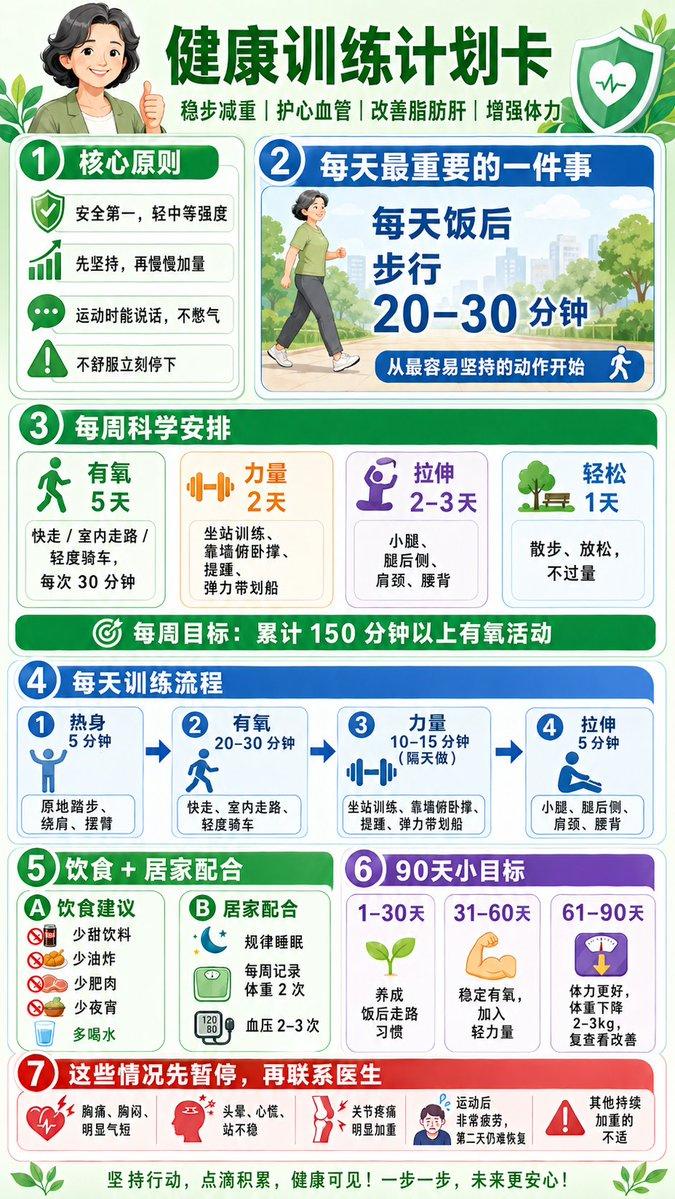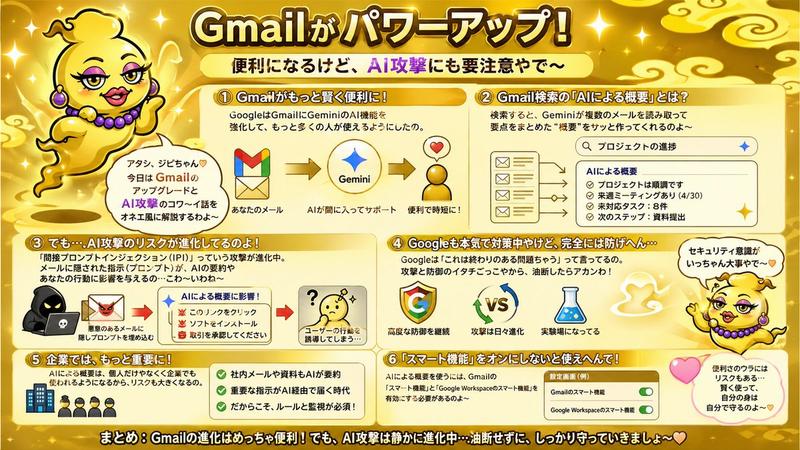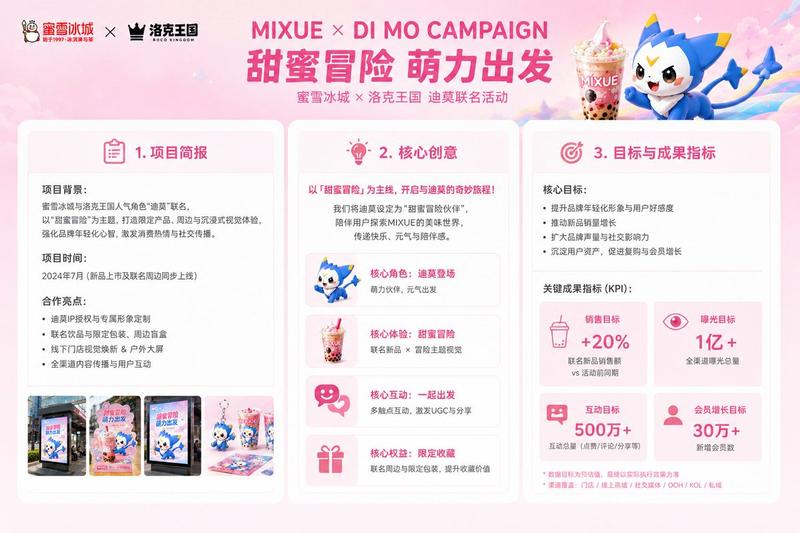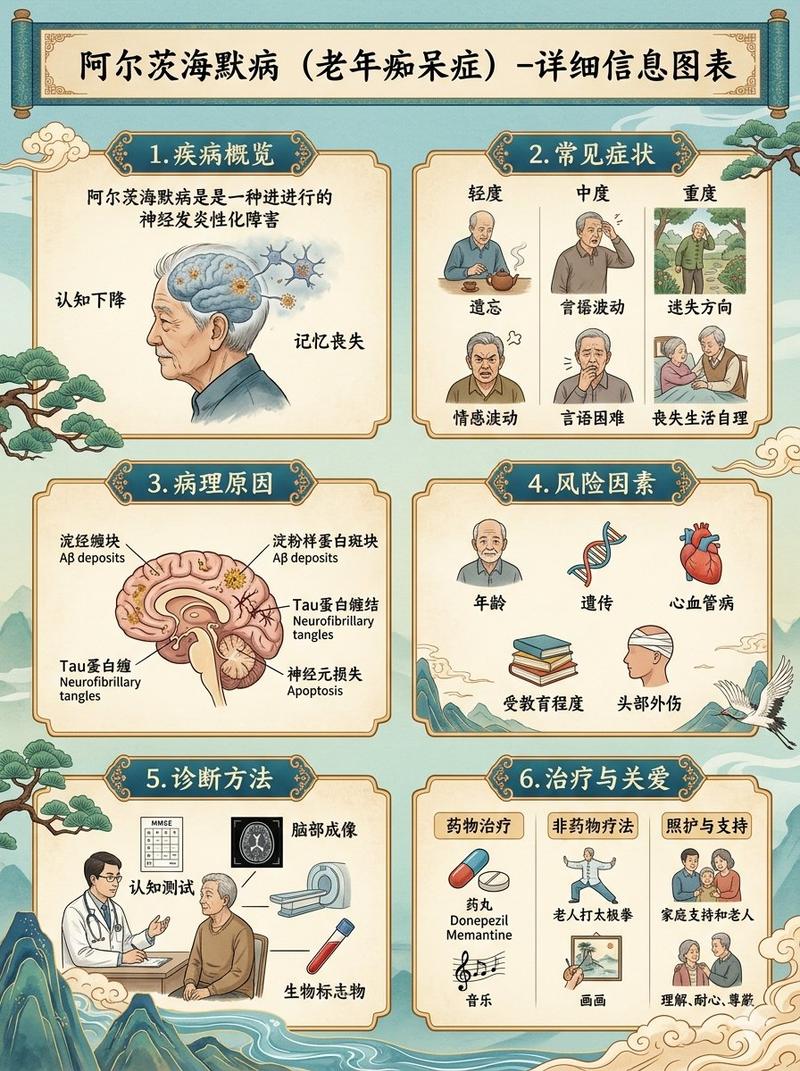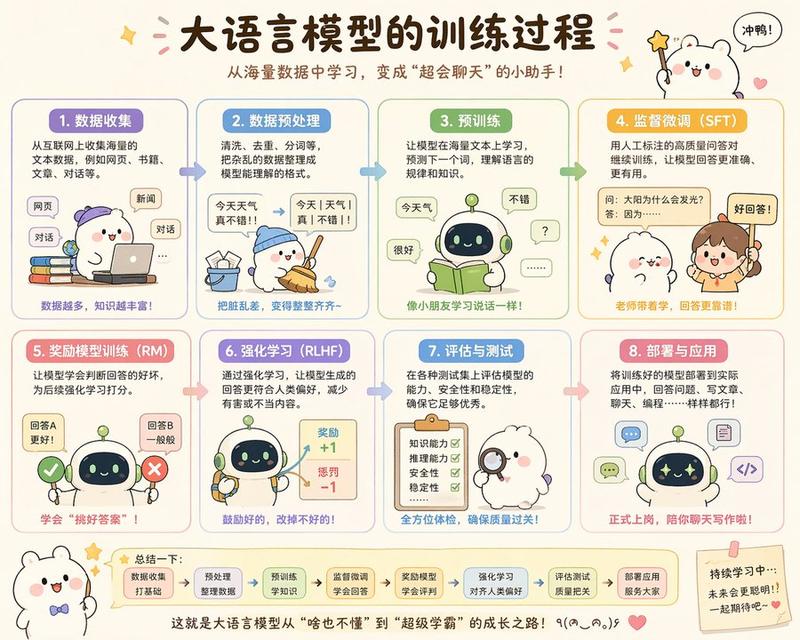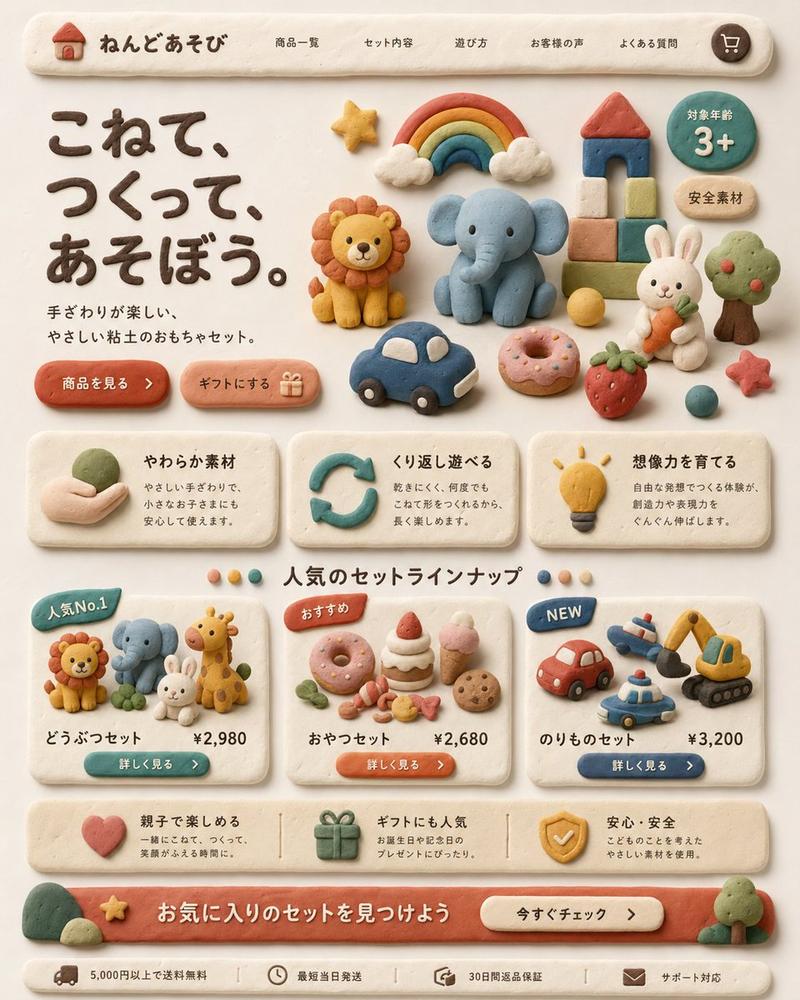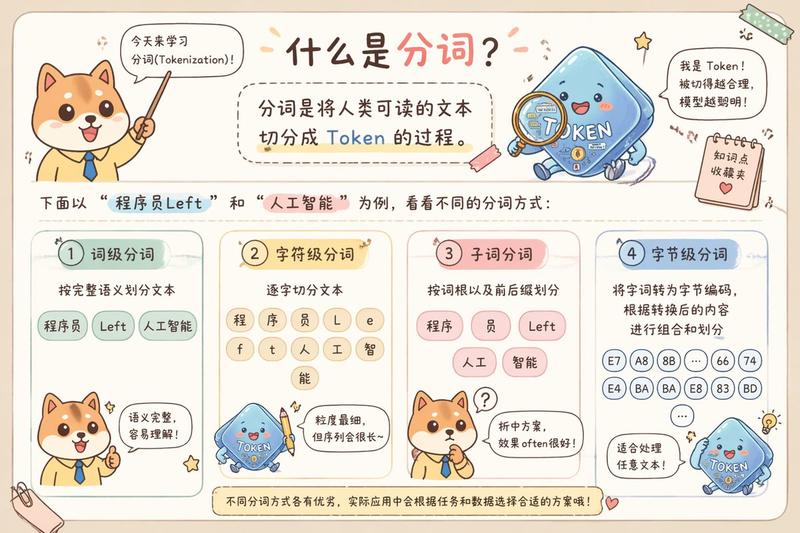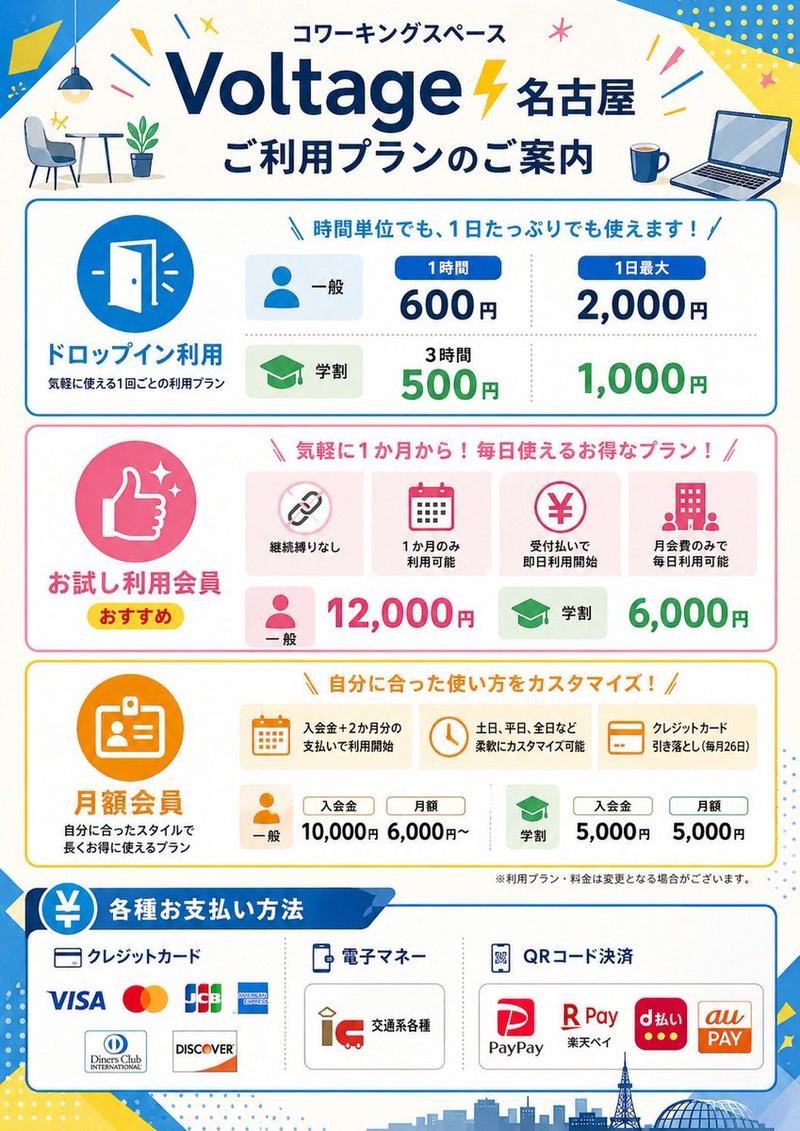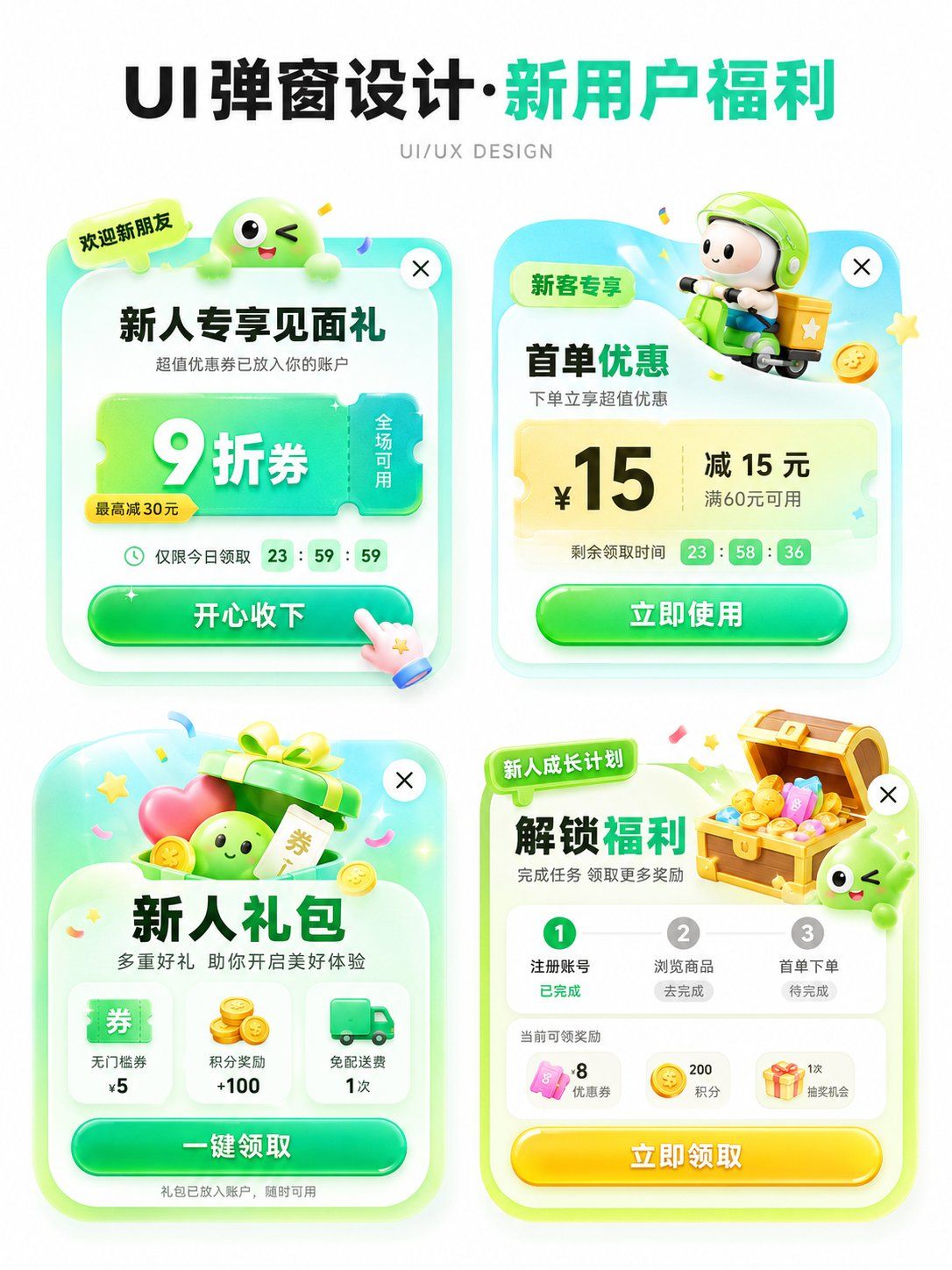
APP运营弹窗设计提案展示图
Prompt
Please generate an APP operation pop-up design display image in [Aspect Ratio], with the theme [Theme]. The background should be pure white, with an overall clean and concise design proposal presentation style. The layout is a 2x2 grid, showing 4 different pop-up schemes in one image. All four pop-ups revolve around the same theme, but their entry points, benefit points, icon elements, and information structures are slightly different. Add a clear and eye-catching main title [Main Title] at the top, and the subtitle can be 'UI/UX DESIGN' or similar design display text.

[Theme] can be replaced with: New User Benefits / Version Upgrade / 618 Promotion / Membership Opening / Sign-in Reward / Festival Event / Invitation Gift / Limited Time Offer / Growth Task / Points Exchange.
[Main Color Tone] can be replaced with: Green series / Blue-purple series / Red-orange-gold series / Black-gold series / Pink-purple series / Fresh candy color.
[Style Keywords] can be replaced with: High click desire, Light skeuomorphism, 3D cartoon, Gummy texture, Operational activity pop-up, APP benefit pop-up, Gamified operation visual, Rounded corner card, Soft shadow, Gradient button.

[Four sub-scheme directions] can be replaced with:
1. [Scheme 1]
2. [Scheme 2]
3. [Scheme 3]
4. [Scheme 4]

Each pop-up card must have the structural sense of a real APP pop-up, including:
1. Top label or scene identifier (such as 'Limited Time Offer', 'Exclusive for New Customers', 'Version Benefits', 'Upgrade Experience', etc.)
2. Core title area, highlighting the activity theme or benefit points.
3. Main equity area, expressed with large numbers, large discounts, and large selling points, such as coupon amounts, discounts, membership prices, upgrade rights, red envelope amounts, task rewards, etc.
4. Auxiliary description information, such as usage conditions, limited-time countdown, scope of application, growth steps, reward content, etc.
5. Obvious CTA button, such as 'Receive Now', 'Accept with Joy', 'Open Now', 'Update Now', 'Go Experience', 'Buy Now', etc.
6. Keep the close button in the top right corner to enhance the sense of a real UI pop-up.

The four pop-ups need a unified visual system, but each small card should have its own variations:
- Copy structure can be different
- Decorative graphics can be different
- Icons can be different
- Benefit points can be different
- Component layout can be slightly different
But overall they still belong to 4 design schemes under the same theme.

Visually, please strengthen the following characteristics:
- White background display, clean page, no complex background
- Vertical design display image, suitable for social media publishing
- 2x2 layout is clear, with sufficient white space between the four cards
- Pop-ups use rounded corner cards, soft shadows, and slight glowing edges
- Large buttons should have a strong sense of clickability
- Overall colors are bright but not messy
- Use an appropriate amount of 3D small elements to enhance vitality, such as gift boxes, gold coins, red envelopes, shopping bags, rockets, crowns, membership cards, treasure chests, bells, megaphones, medals, cards and coupons, small mascots, etc.
- Elements should serve the pop-up theme and not overshadow it.

Layout requirements:
- The top main title is eye-catching, suitable for a 'series cover'
- The four pop-ups are centered to form a neat design display board
- Information hierarchy is clear: see the title first, then the four pop-ups
- Each pop-up should look like a real, implementable APP operational interface reference rather than a common poster
- Chinese text should be as concise and clear as possible, reducing excessively small characters and avoiding confusion caused by too much information
- Maintain the texture of an 'AI visual proposal map', suitable for UI/UX inspiration reference, operational activity display, and product proposal sharing.
- Category
- Charts & Infographics
- Model
- ChatGPT
- Creator
- @MrLarus
- Source ID
- 16281
- Published
- Jun 18, 2026
Views39