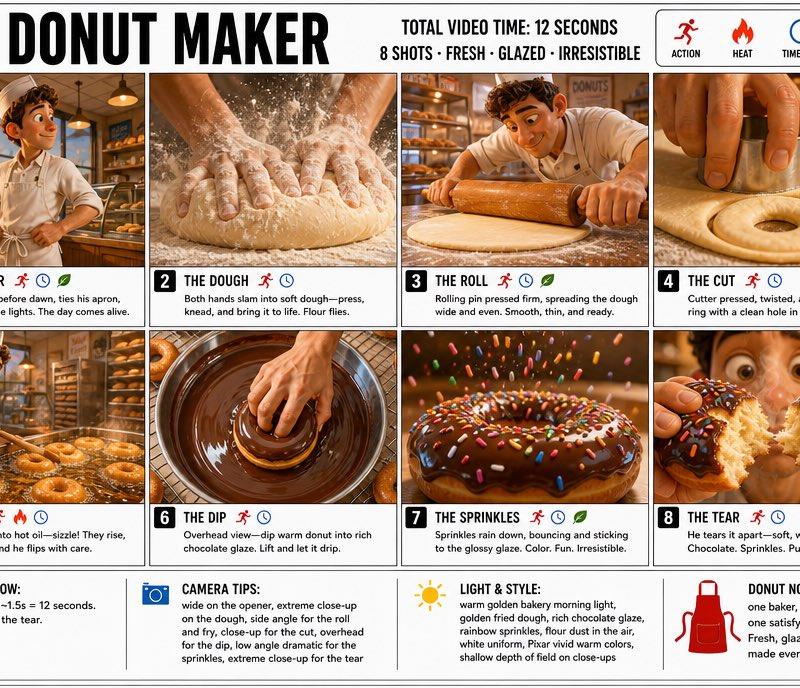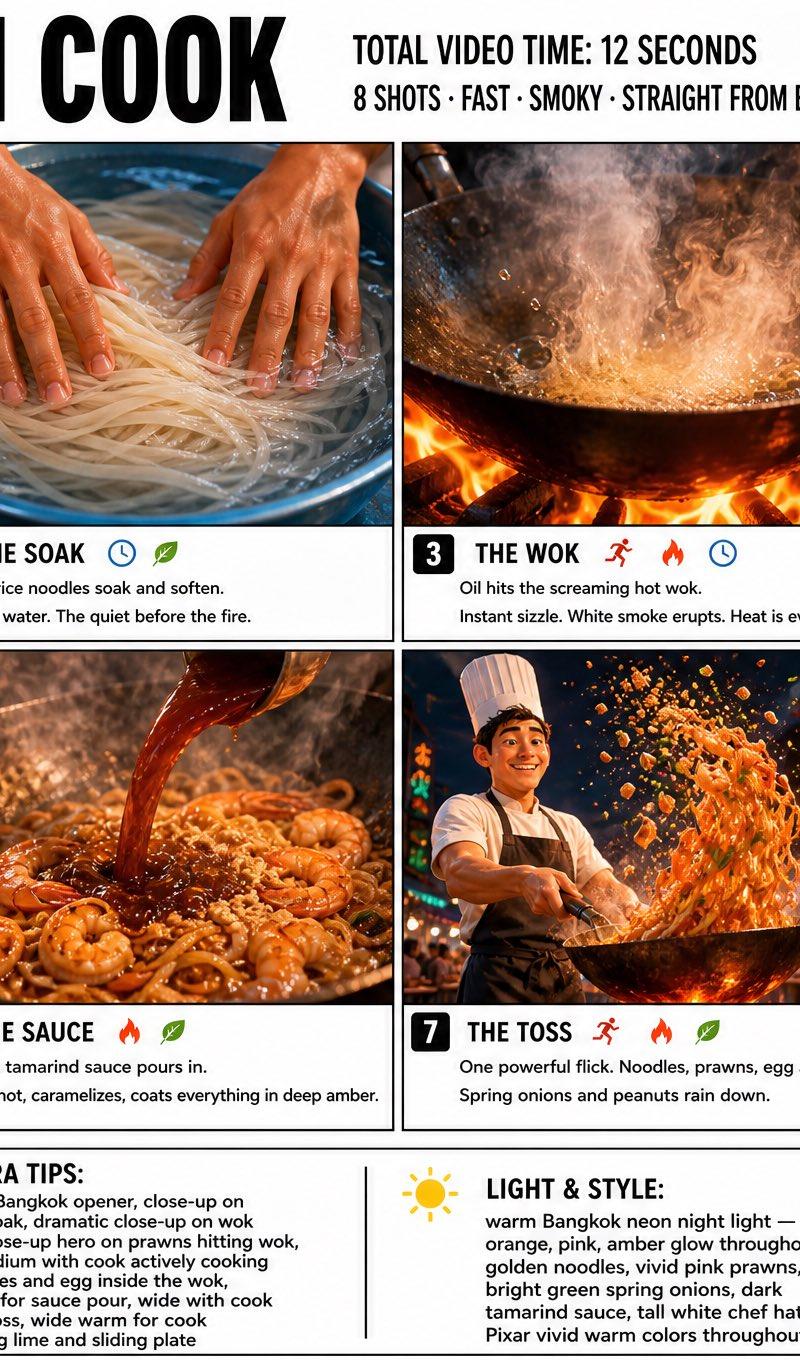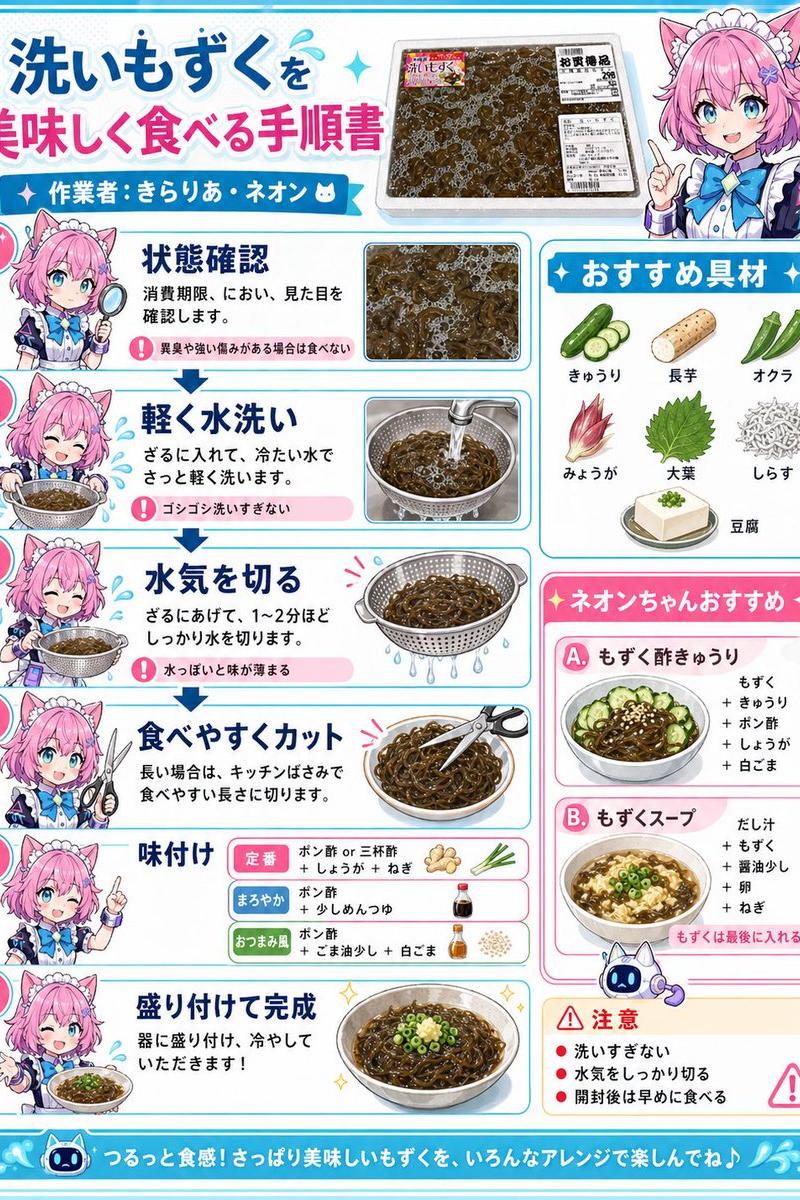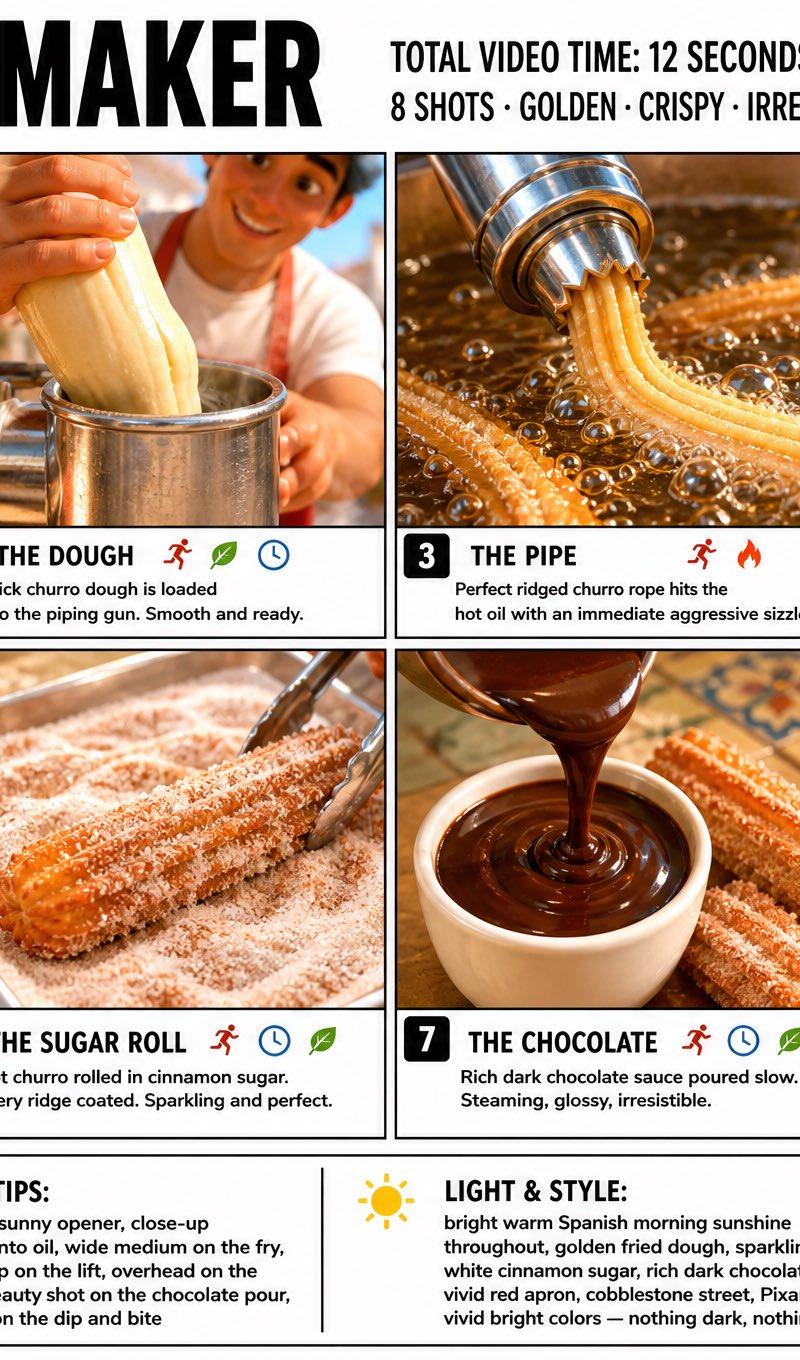
16

匠心独运的手工制品诞生全景记录
Enlarge

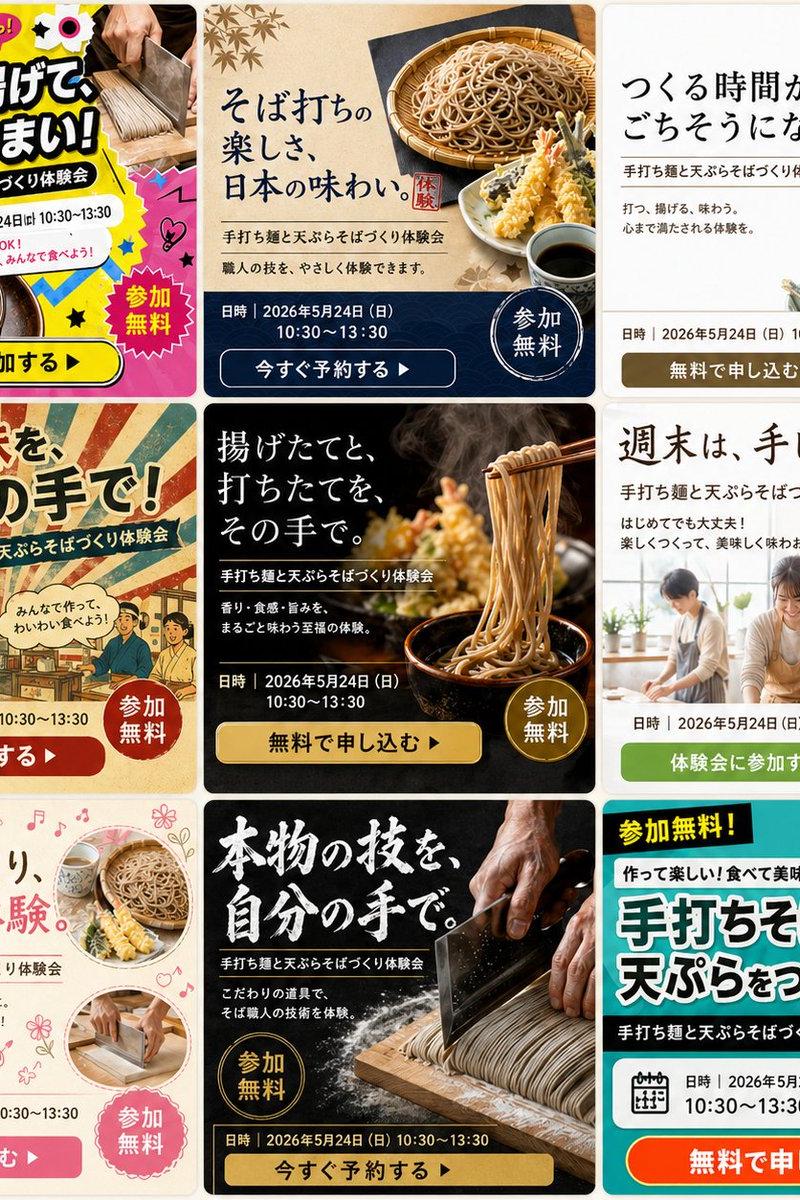
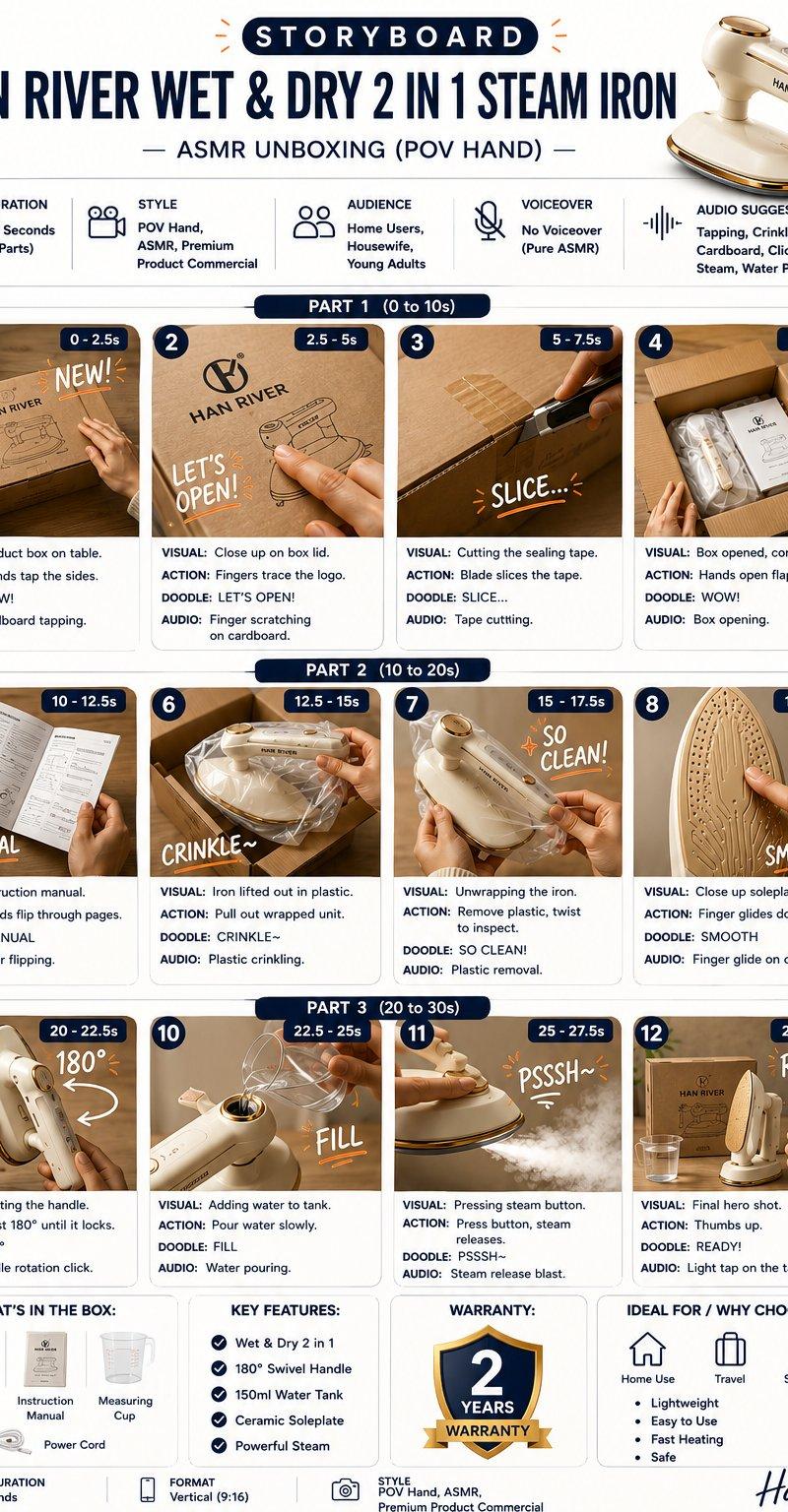
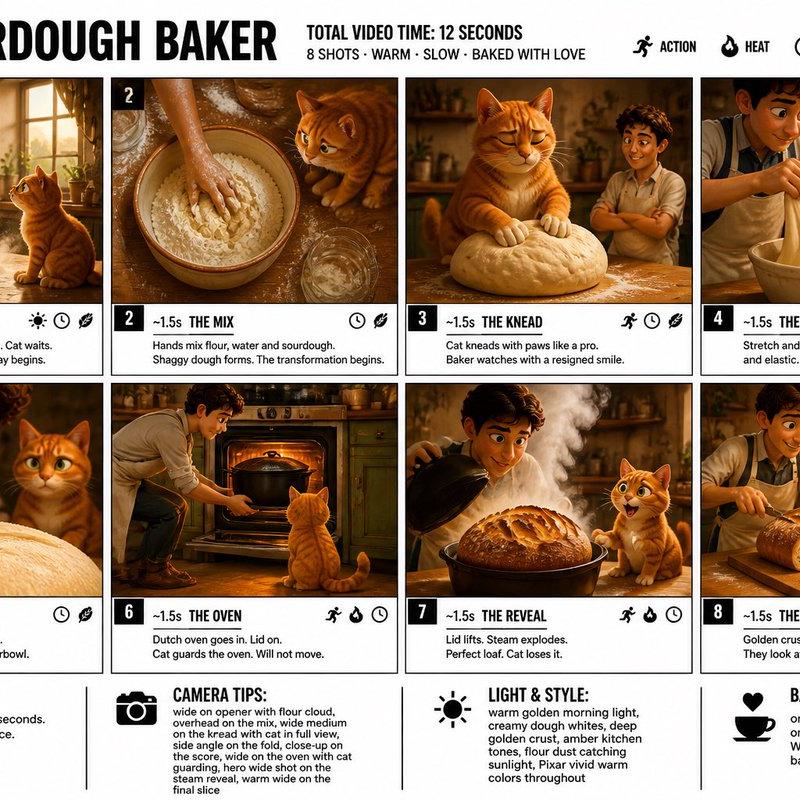
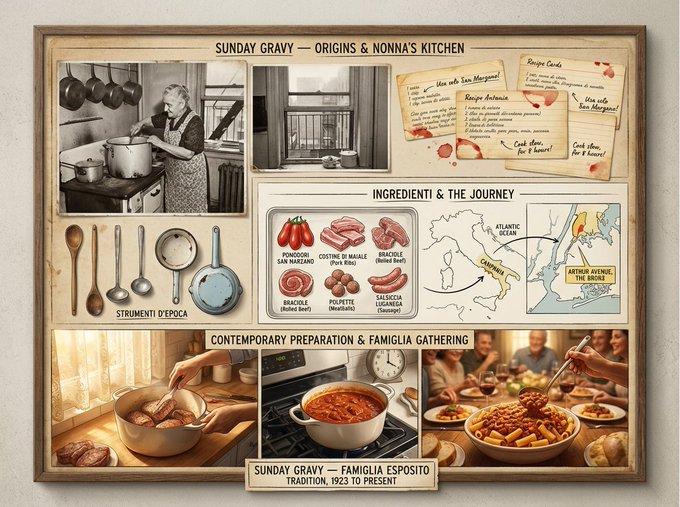
Example images

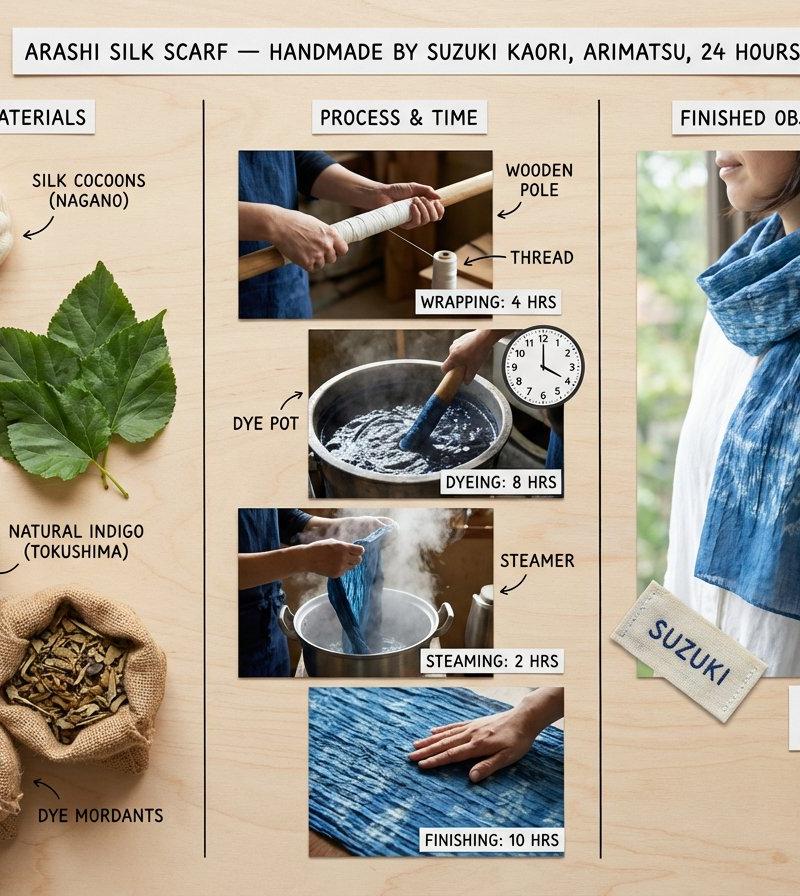
匠心独运的手工制品诞生全景记录

Prompt
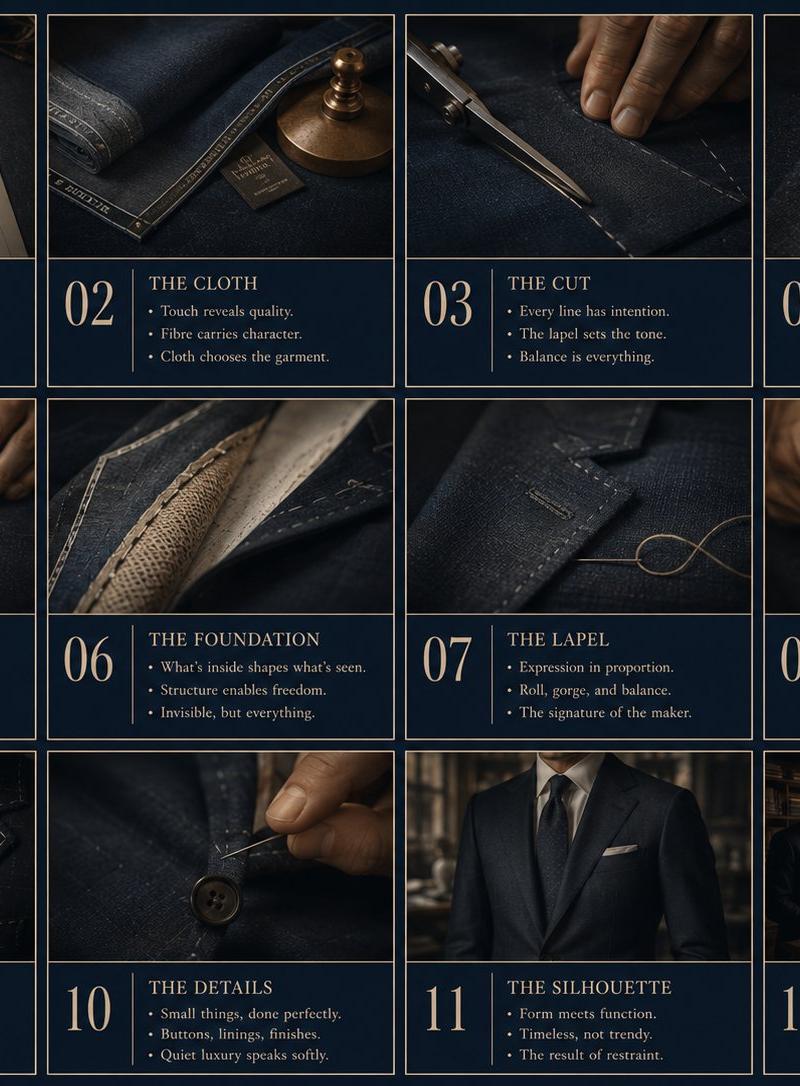
An artisan's method board for [HANDMADE OBJECT] — [TECHNIQUE / TRADITION / ORIGIN]. Left section: raw materials in unprocessed state, sourced and labeled, the transformation yet to begin. Center section: the making documented in sequential stages, hands visible throughout, tools identified, key decision points annotated, time invested at each phase noted. Right section: the finished object in use context, bearing the maker's mark, fulfilling its purpose, the hours invisible but embedded. Visual style transitions from raw material earth tones through workshop warmth to lifestyle context with natural light. Title block reading "[OBJECT NAME] — HANDMADE BY [MAKER], [LOCATION], [HOURS] HOURS".
Category
Charts & Infographics
Model
Nano banana pro
Creator
@AllaAisling
Source language
zh-CN
Views22
Source ID
8497
Published
Mar 22, 2026
Studio

Guide

About "匠心独运的手工制品诞生全景记录"

What is this prompt for?

"匠心独运的手工制品诞生全景记录" AI image prompt for Nano banana pro (Charts & Infographics). 一件手工物品的匠人方法板 — [技艺 / 传统 / 产地]。左侧部分:未经加工的原材料,已采购并贴上标签,尚未开始转化。中间部分:制作过程按顺序阶段记录,全程可…

The full copyable prompt and example visuals above are ready for AI image generation or one-click recreate in Picva.

How to use this prompt

  1. Step 1

    Open the prompt detail

    Review the example visuals, category, and full prompt text for "匠心独运的手工制品诞生全景记录".

  2. Step 2

    Copy the prompt

    Copy the prompt body from this page, or load it directly in Studio.

  3. Step 3

    Pick a model (Nano banana pro)

    Prefer Nano banana pro. If you switch models, keep subject and composition and tweak style terms.

  4. Step 4

    Generate and export

    Recreate the look in Picva, or export into your workflow for editing and publishing.

FAQ

What is the "匠心独运的手工制品诞生全景记录" prompt?
It is an AI image-generation prompt for Nano banana pro in the Charts & Infographics category. This page includes the full prompt text, example visuals, and a one-click recreate path in Picva.
How do I use this prompt to generate an image?
Copy the prompt from this page, or use Generate / Studio. Paste it into a compatible image model, or recreate the look in Picva with optional reference images.
Which model is this prompt for?
This page lists Nano banana pro. Most descriptive prompts also transfer to nearby image models such as GPT Image, Flux, or Midjourney with light style tweaks.
Can I use the result commercially?
You can usually copy the prompt for creation, but commercial use of the final image depends on the model terms, reference-image rights, and the generated content. Follow the source author and platform rules.