18

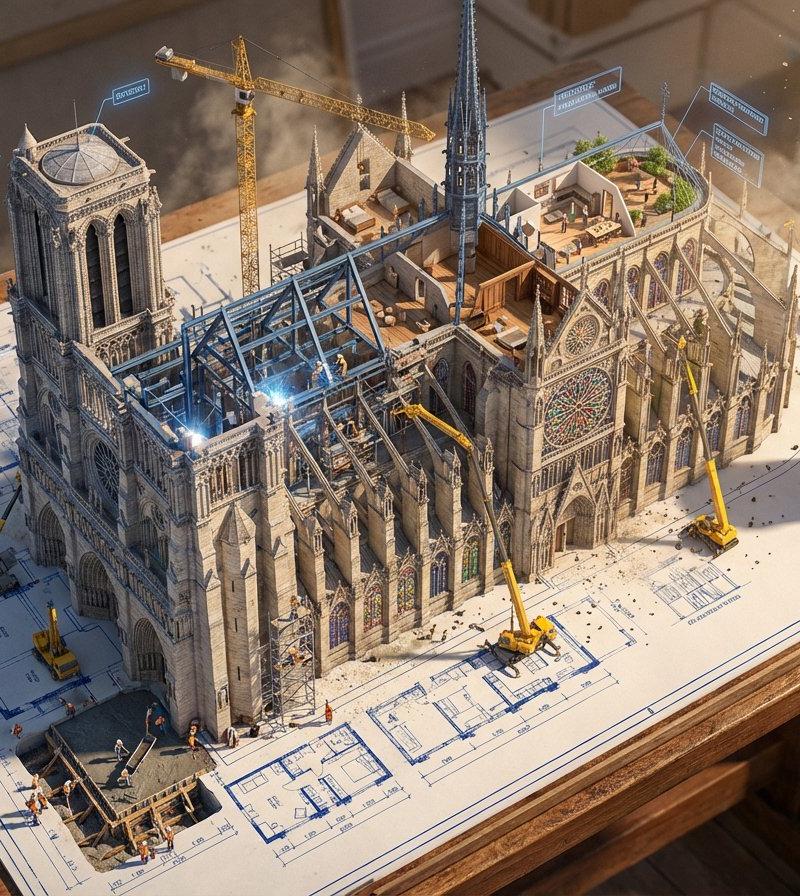
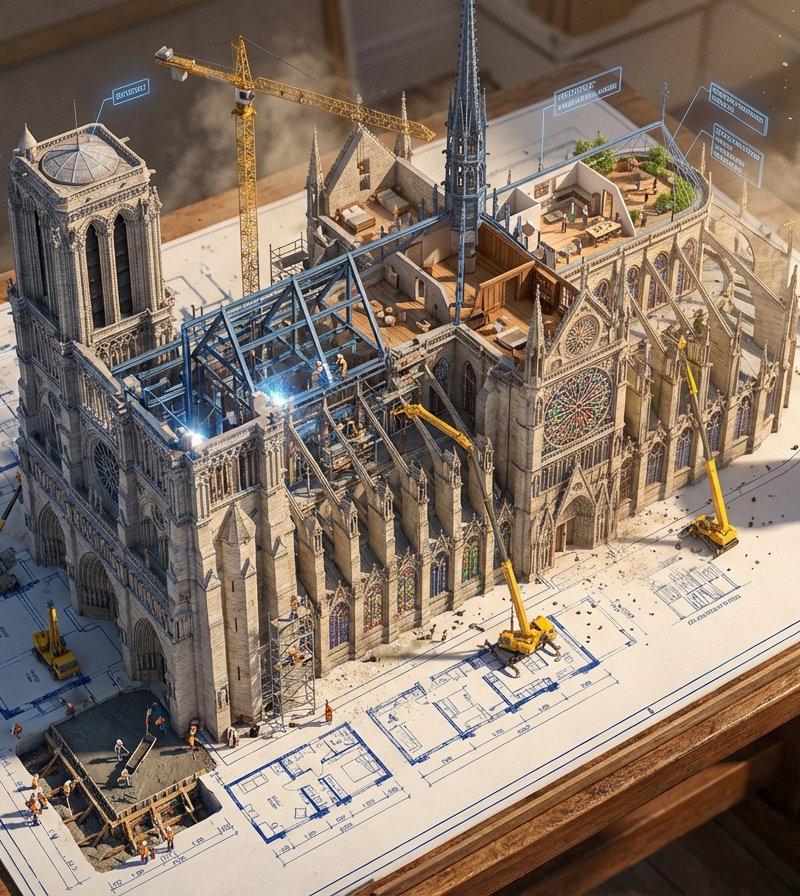
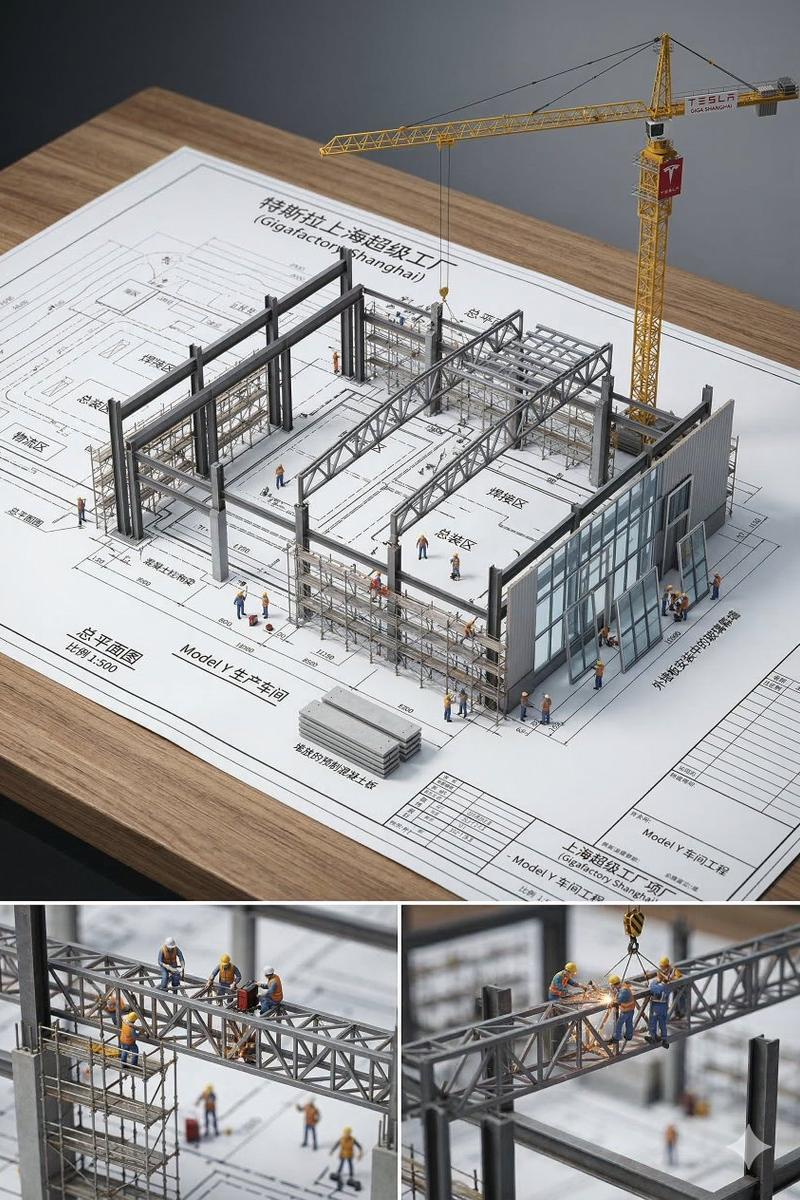
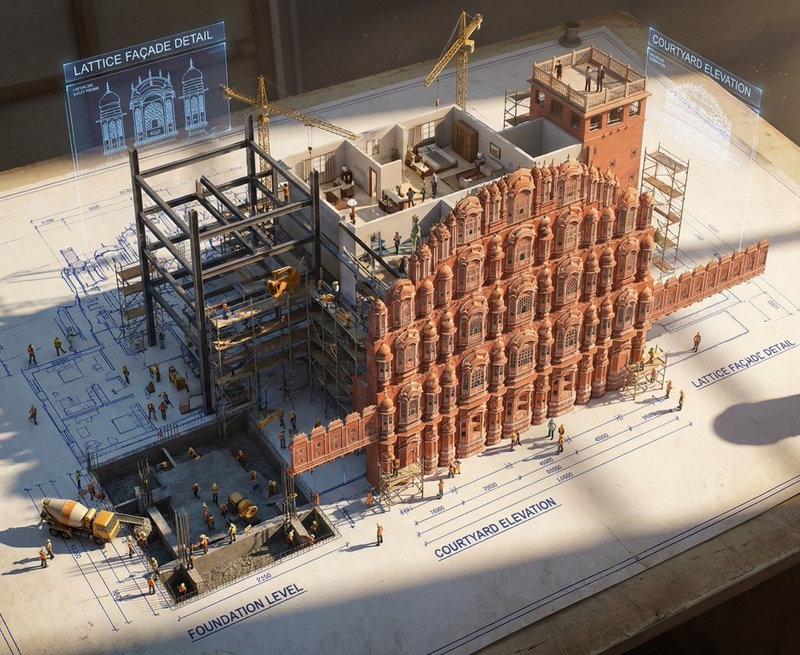
蓝图墨线幻化成真实宏伟大楼的超现实奇观
Enlarge

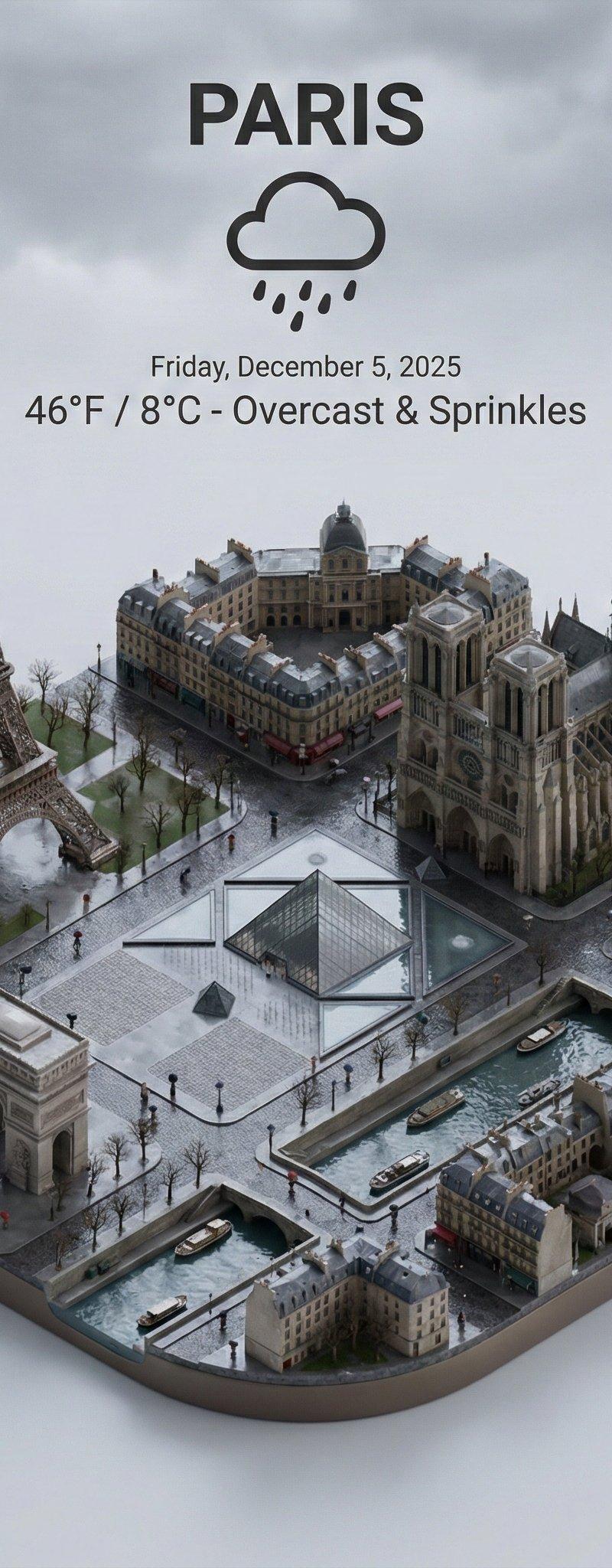
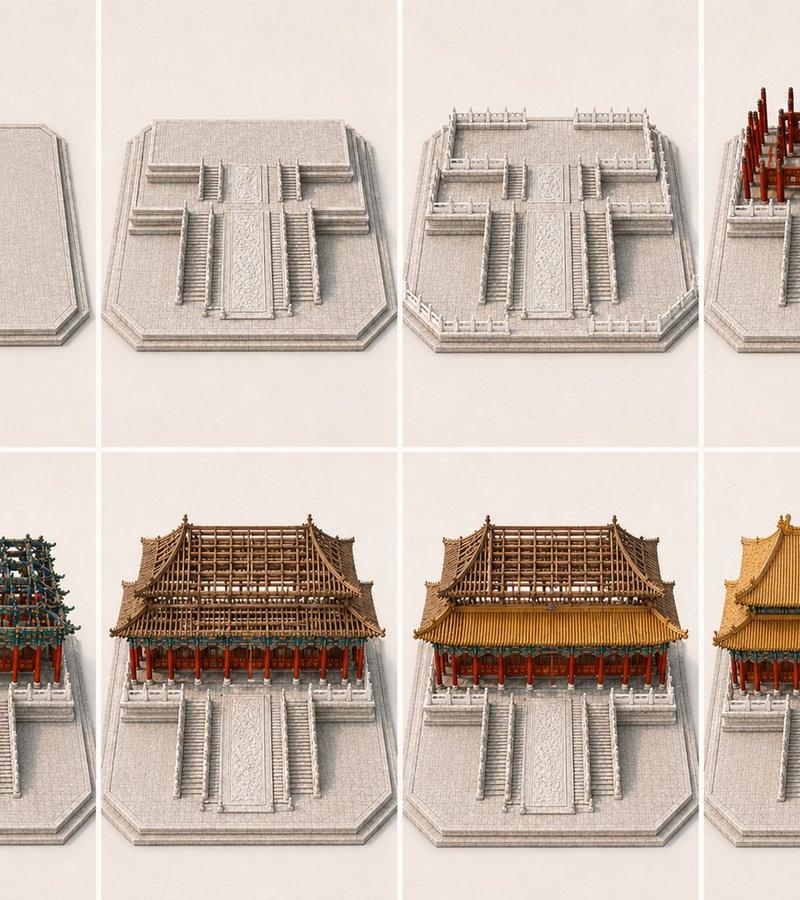
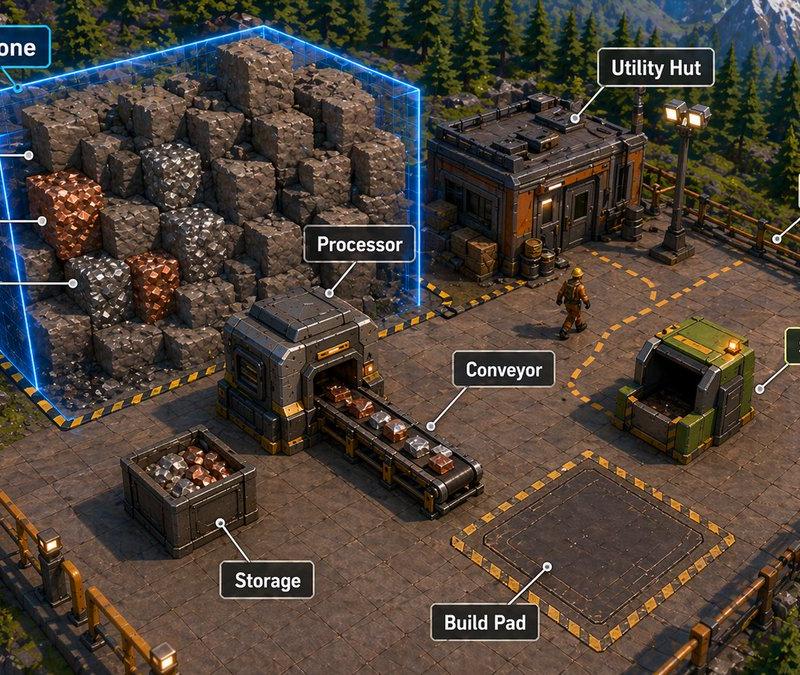
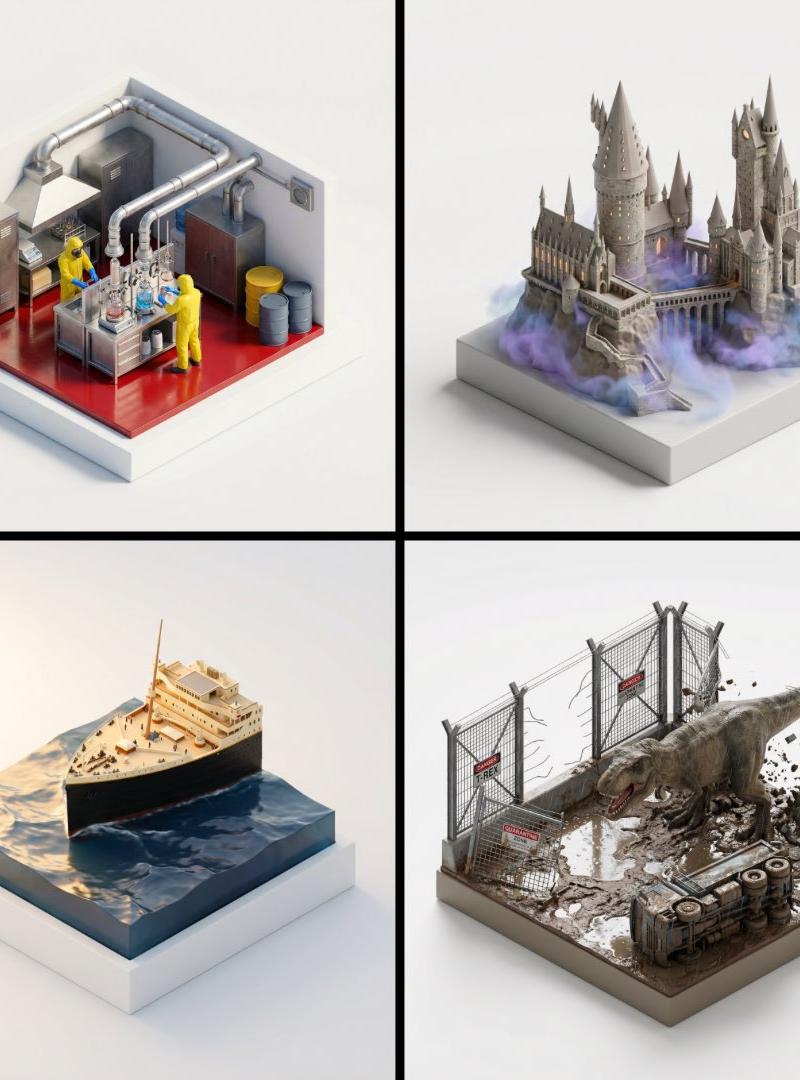
Example images

蓝图墨线幻化成真实宏伟大楼的超现实奇观

Prompt
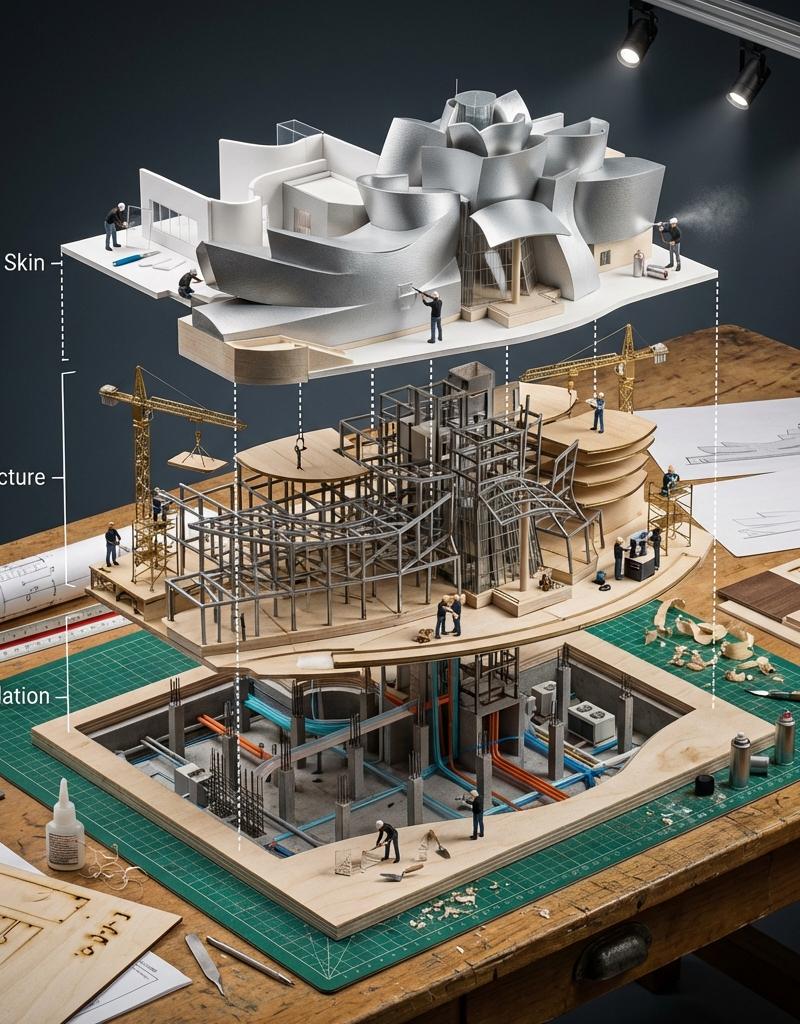
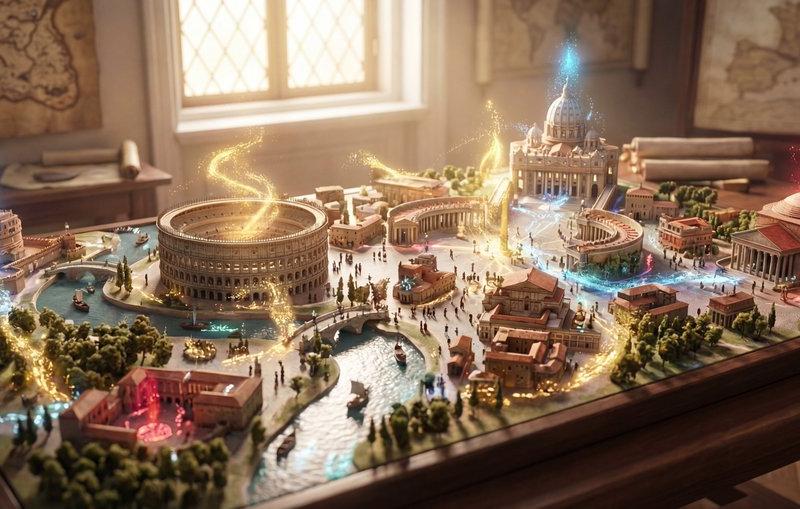
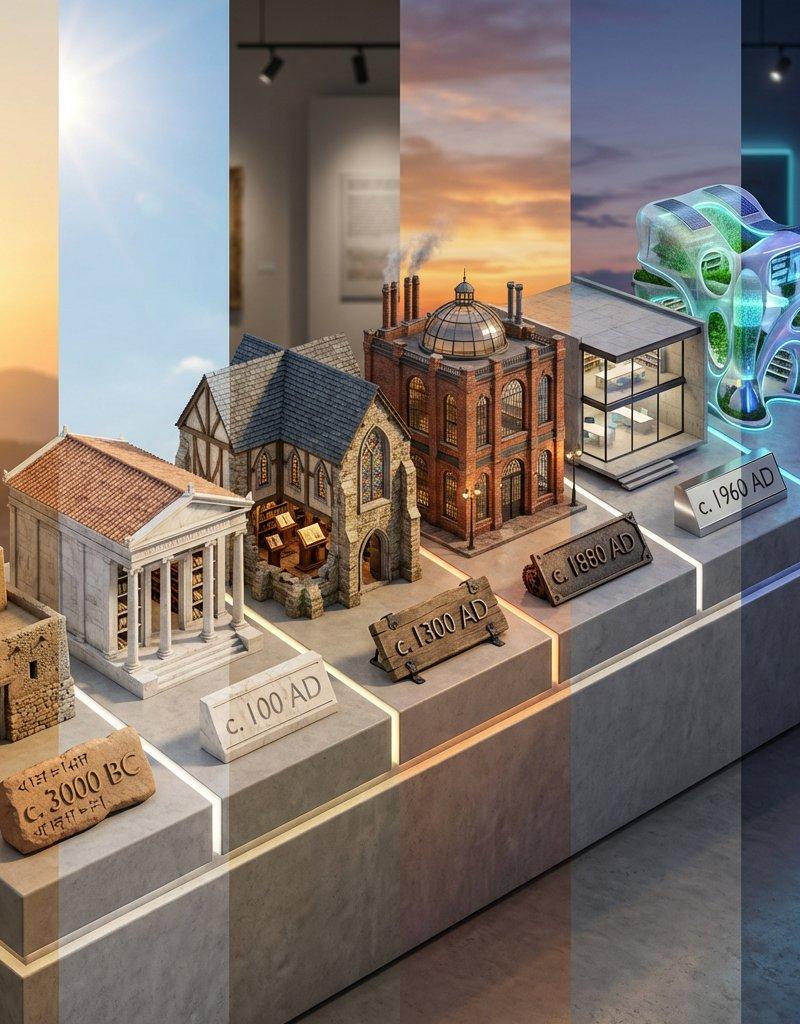
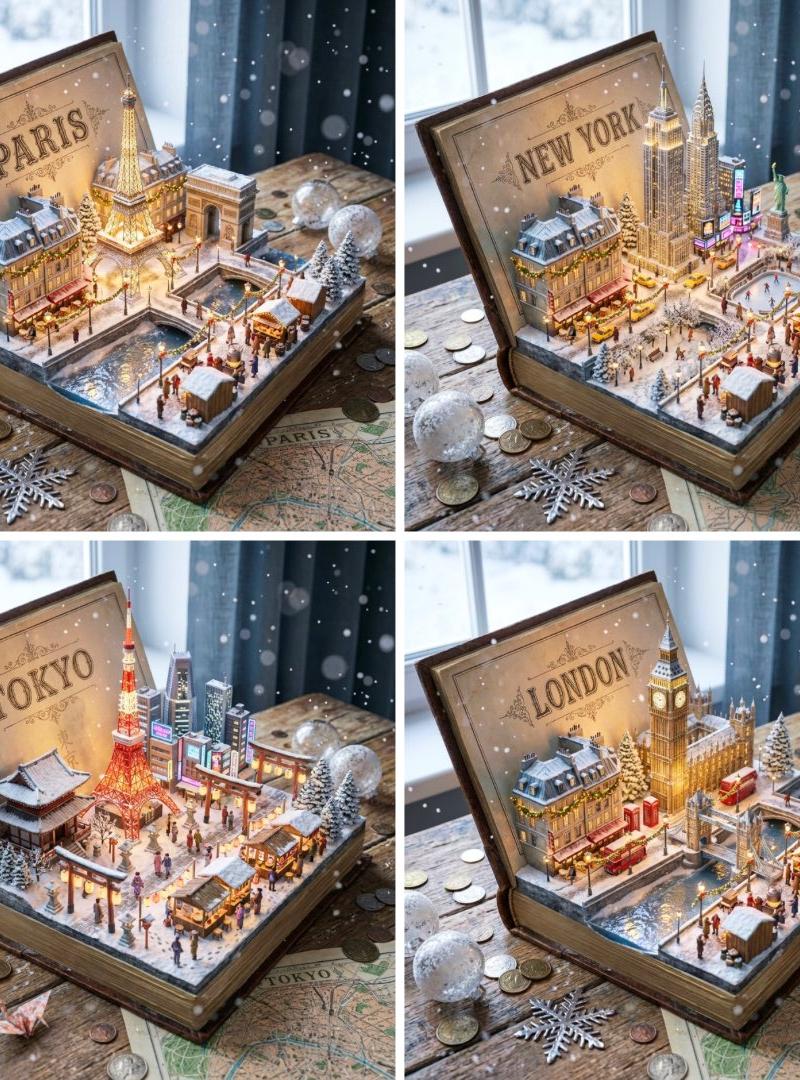
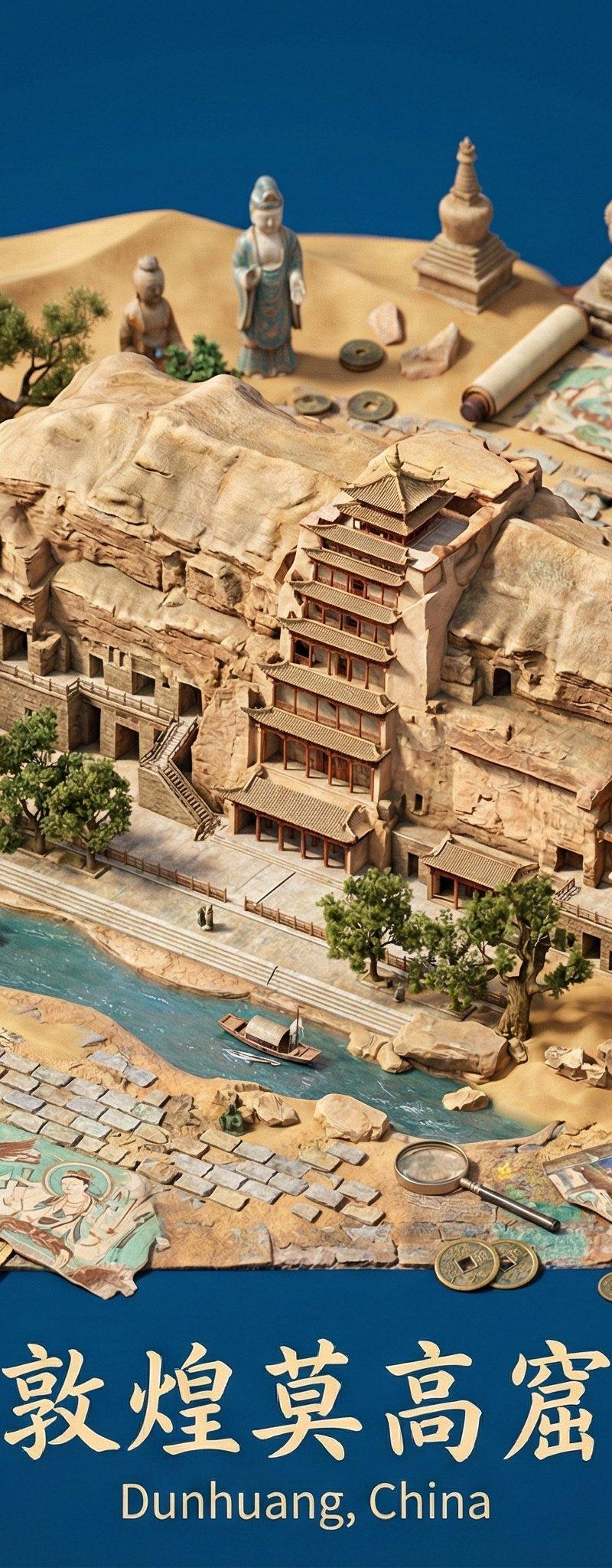
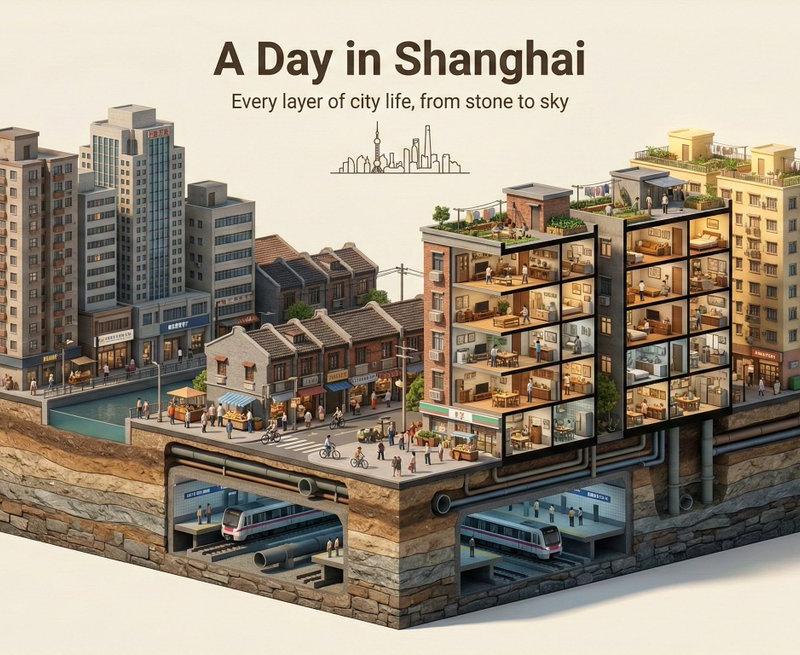
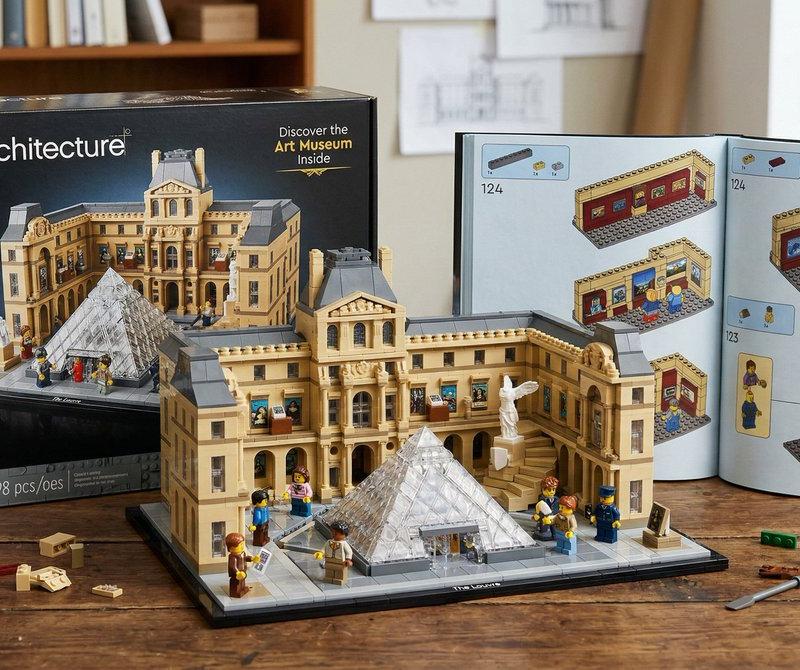
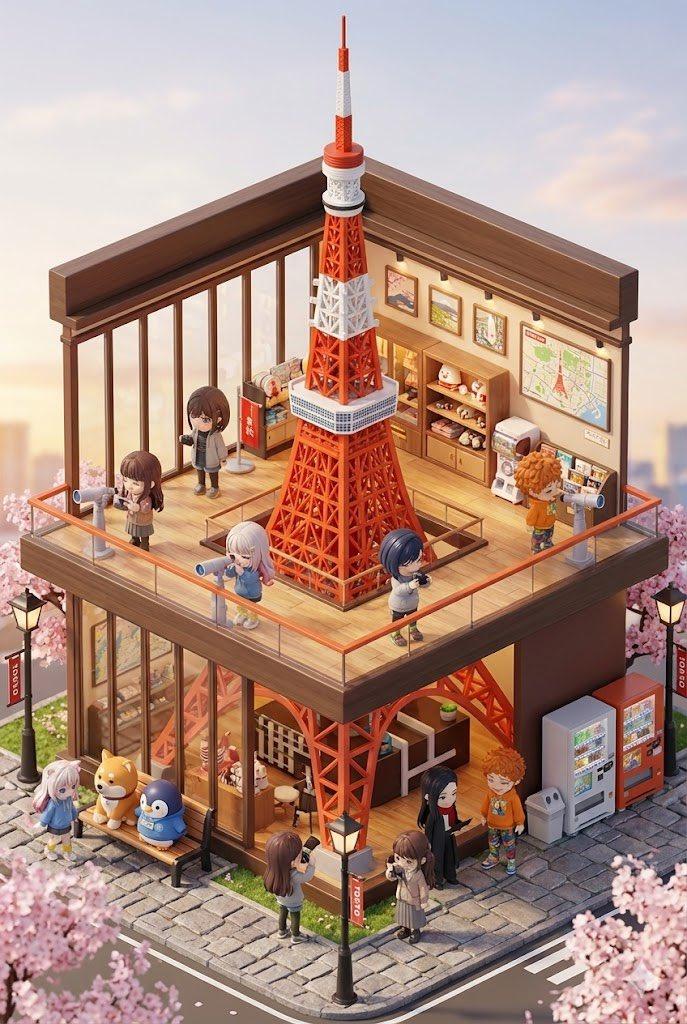
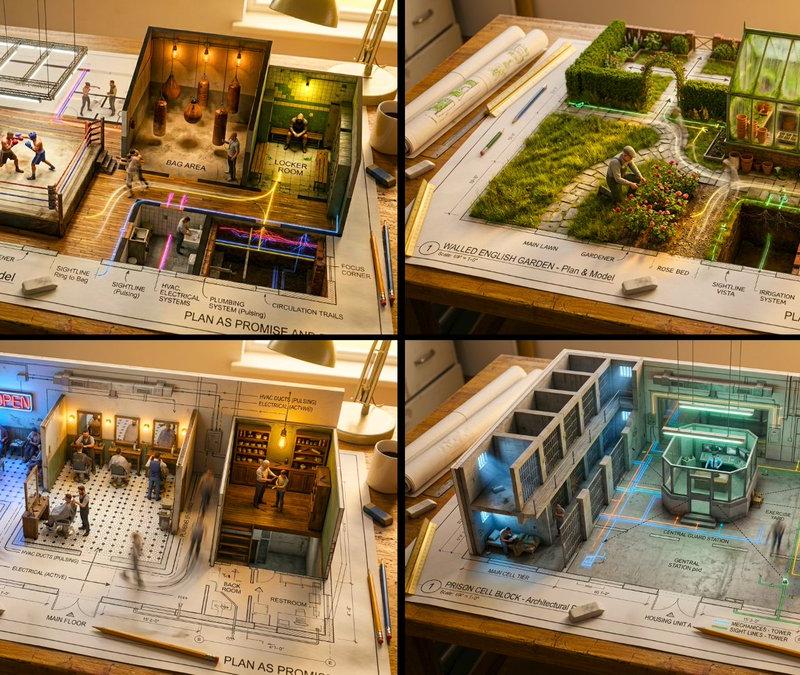
Epic 3D scene: a massive architectural blueprint of [Name] pinned to a drafting table, its ink lines rising off the paper into fully realized construction. Blue lines become steel beams mid-weld, floor plans inflate into furnished rooms, elevation drawings push outward into facades with working windows. Construction phases coexist simultaneously: foundation being poured in one corner while the penthouse is already inhabited in another. Tiny workers, cranes, and scaffolding swarm the rising structure. The flat drawing and the living building merge at impossible angles. Technical annotations float as dimensional signage. Architect's coffee cup sits at the edge, casting shadow across unbuilt sections. Extreme scale contrast, construction dust catching afternoon light, 8K, photorealistic.
Category
Charts & Infographics
Model
Nano banana pro
Creator
@GrokstarGames
Source language
zh-CN
Views0
Source ID
7808
Published
Mar 21, 2026
Studio

Guide

About "蓝图墨线幻化成真实宏伟大楼的超现实奇观"

What is this prompt for?

"蓝图墨线幻化成真实宏伟大楼的超现实奇观" AI image prompt for Nano banana pro (Charts & Infographics). 史诗般的 3D 场景:一张巨大的 [Name] 建筑蓝图钉在绘图桌上,墨线从纸面升起,化为完全实现的建筑。蓝线在中途焊接时变成钢梁,平面图膨胀成带家具的…

The full copyable prompt and example visuals above are ready for AI image generation or one-click recreate in Picva.

How to use this prompt

  1. Step 1

    Open the prompt detail

    Review the example visuals, category, and full prompt text for "蓝图墨线幻化成真实宏伟大楼的超现实奇观".

  2. Step 2

    Copy the prompt

    Copy the prompt body from this page, or load it directly in Studio.

  3. Step 3

    Pick a model (Nano banana pro)

    Prefer Nano banana pro. If you switch models, keep subject and composition and tweak style terms.

  4. Step 4

    Generate and export

    Recreate the look in Picva, or export into your workflow for editing and publishing.

FAQ

What is the "蓝图墨线幻化成真实宏伟大楼的超现实奇观" prompt?
It is an AI image-generation prompt for Nano banana pro in the Charts & Infographics category. This page includes the full prompt text, example visuals, and a one-click recreate path in Picva.
How do I use this prompt to generate an image?
Copy the prompt from this page, or use Generate / Studio. Paste it into a compatible image model, or recreate the look in Picva with optional reference images.
Which model is this prompt for?
This page lists Nano banana pro. Most descriptive prompts also transfer to nearby image models such as GPT Image, Flux, or Midjourney with light style tweaks.
Can I use the result commercially?
You can usually copy the prompt for creation, but commercial use of the final image depends on the model terms, reference-image rights, and the generated content. Follow the source author and platform rules.