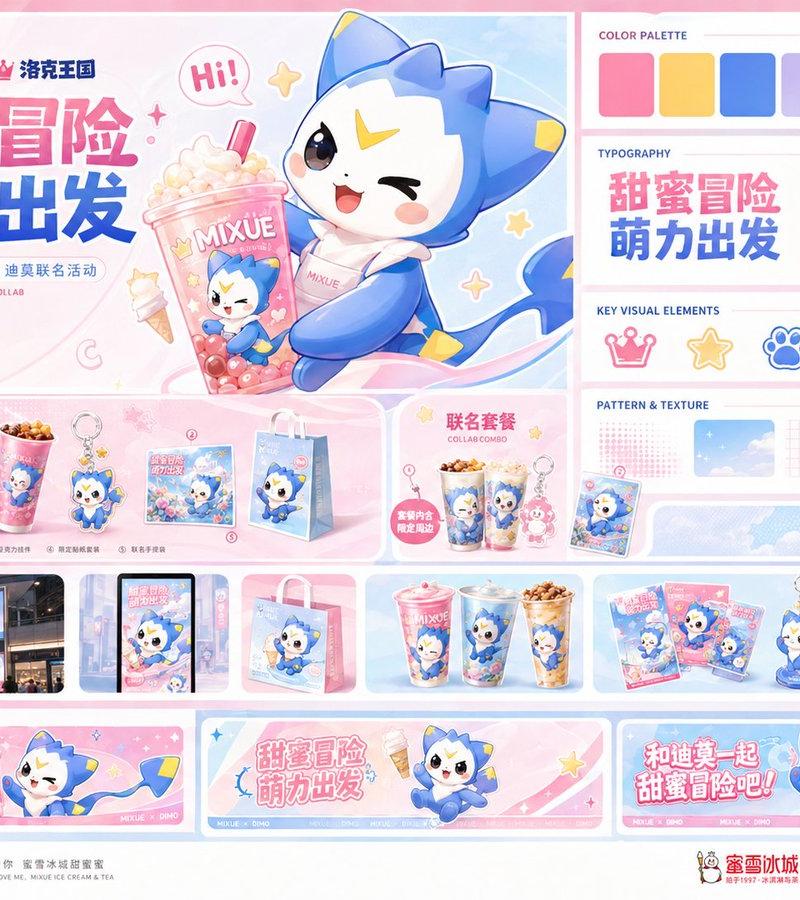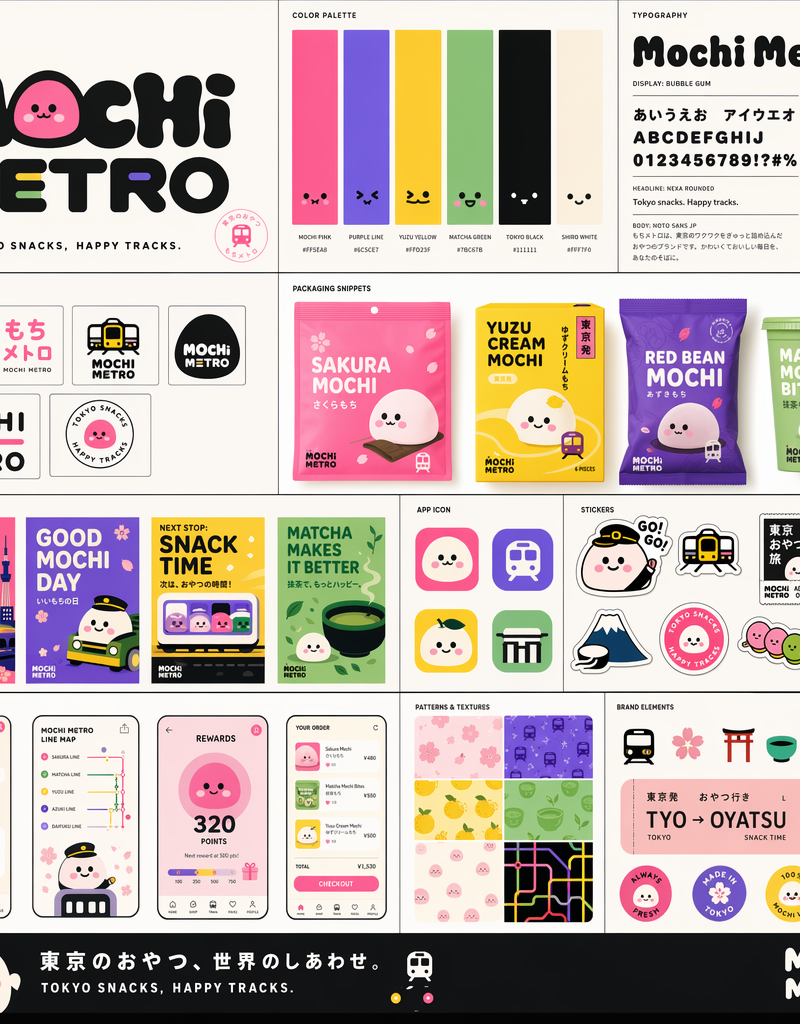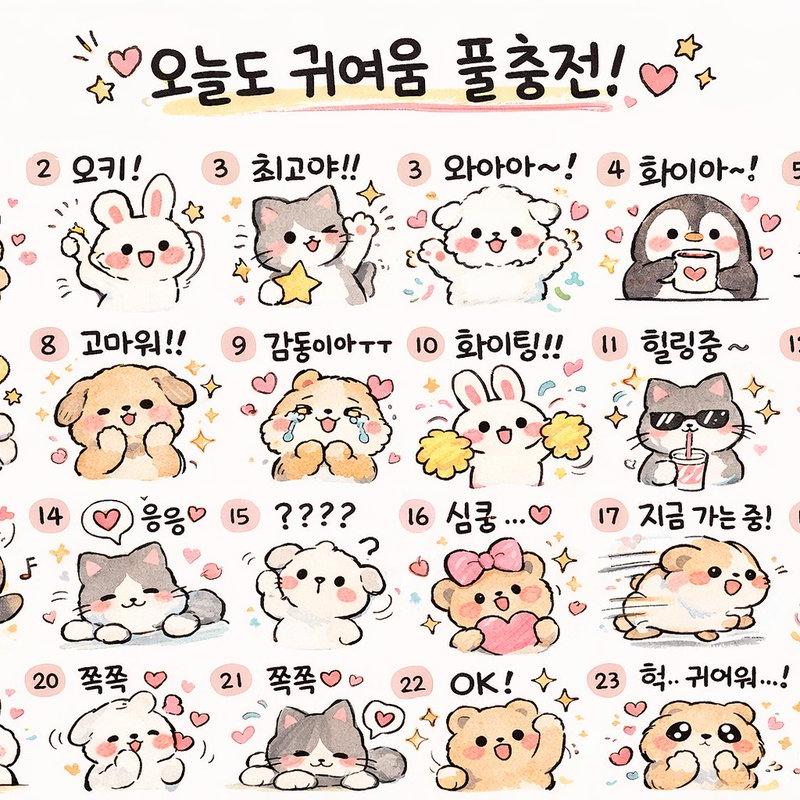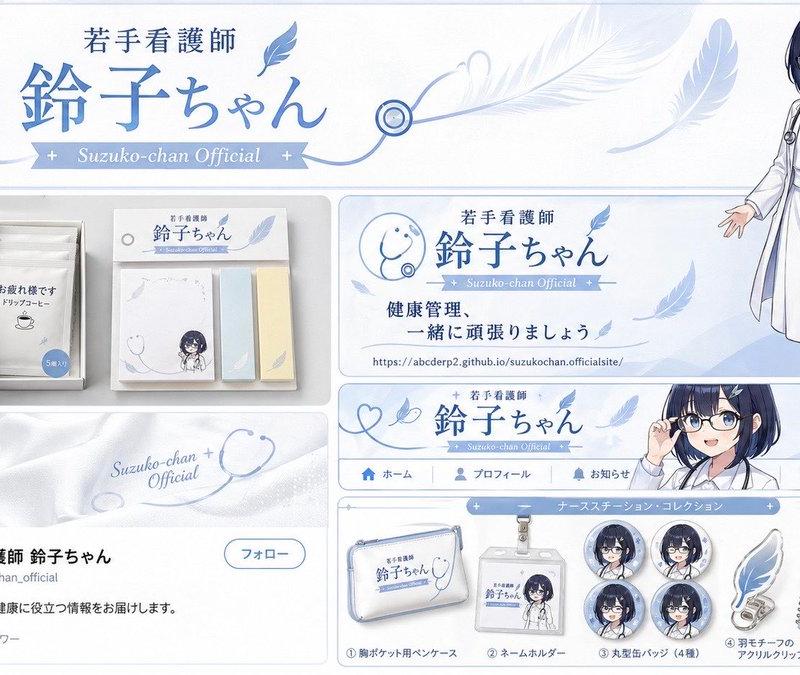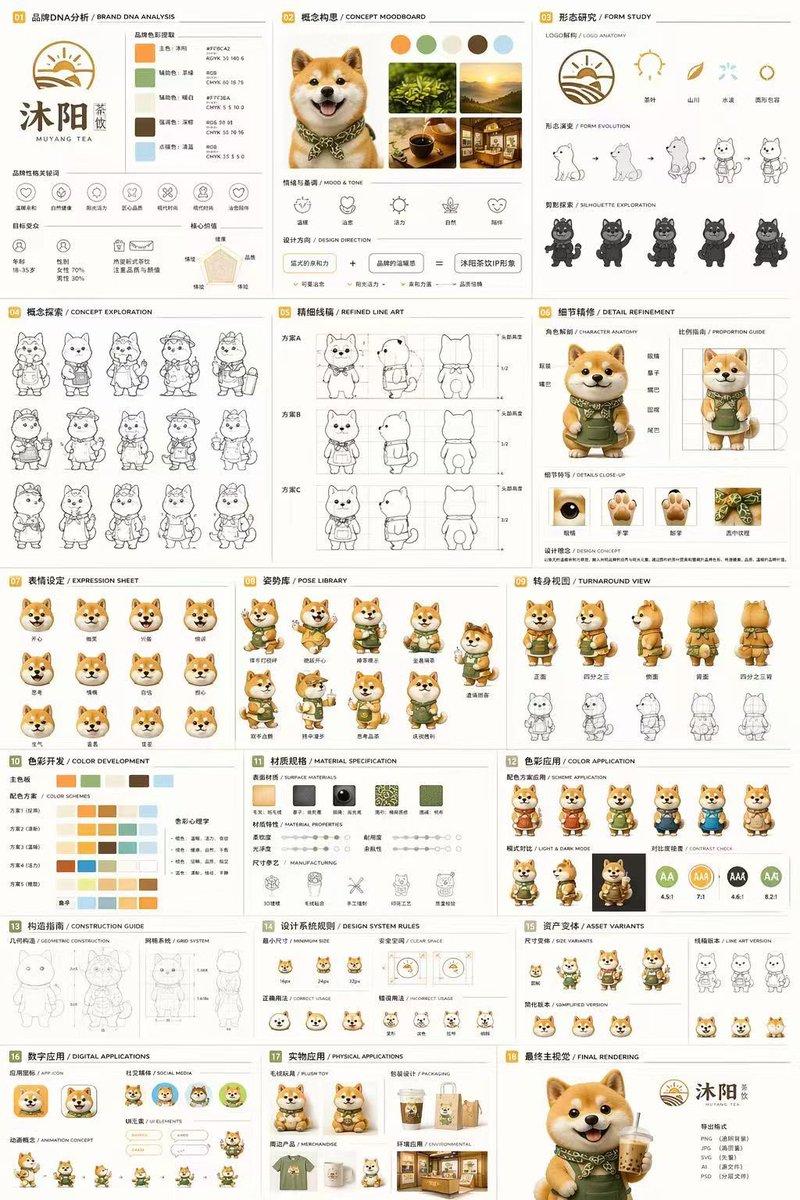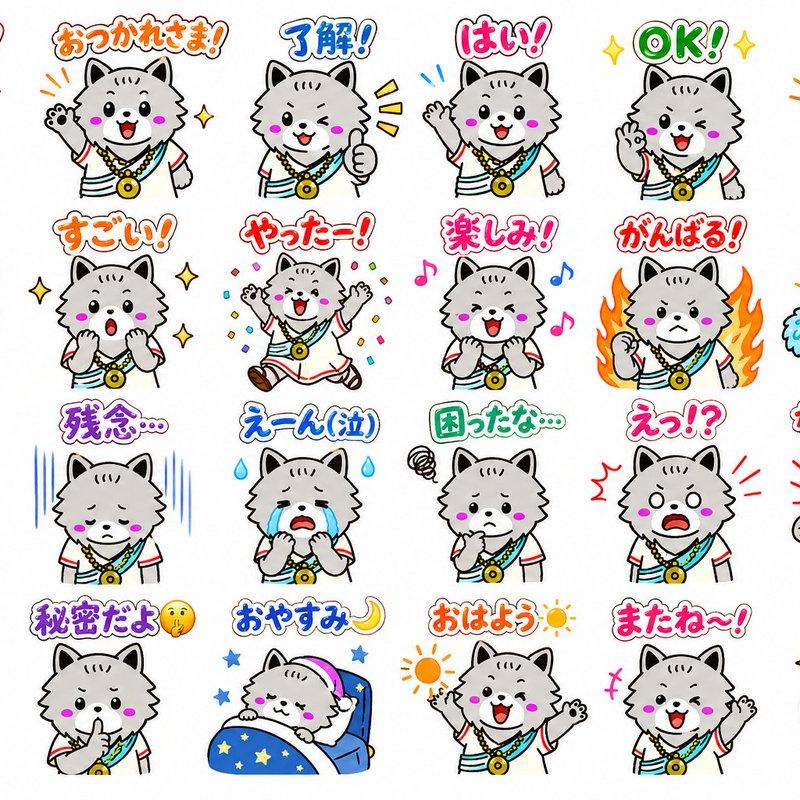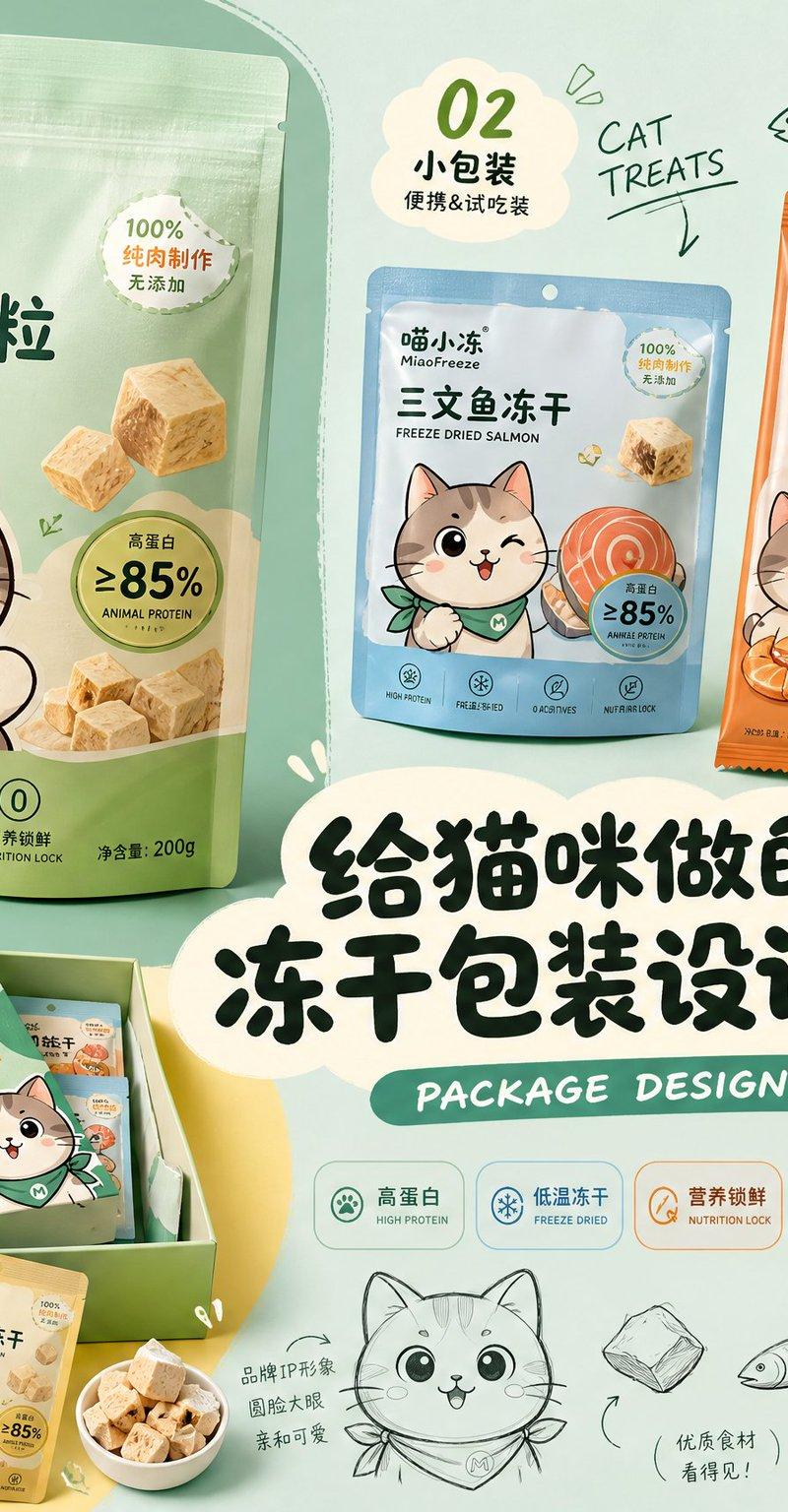
品牌包装设计提案速览布局
Prompt
Please generate a horizontal 4:3 high-definition 'Brand Packaging Design Proposal Quick View'.

【Theme】: 【Fill in product theme】
【Brand Name】: 【Fill in brand name】
【Series Name】: 【Fill in series name】
【Product Content】: 【Fill in main product + 3 sub-products / SKU】
【Style Direction】: 【Cute and Childlike / Youthful and Energetic / Light Lifestyle / Trendy and Sweet / Healthy and Natural / Pet-friendly / Retro Food Style / Premium Light Brand Feel】
【Main Color Tone】: 【Fill in main color】
【Auxiliary Color】: 【Fill in auxiliary color】
【IP / Illustration Elements】: 【Fill in character, mascot, ingredients or graphic elements】
【Main Headline Copy】: 【Fill in title】

The image adopts a structure of 'large area main color background + irregular color block base + multiple packaging mockup collage + proposal board layout'.

Needs to include:
1. One largest main packaging, as the primary visual center
2. 2–3 sub-packaging / SKUs, showing series extension
3. A group of auxiliary packaging, sets, gift boxes, or tasting packs
4. Product-related ingredients, props, or symbolic elements
5. Original IP / mascot, which can appear on packaging or as screen stickers
6. A striking Chinese main title in the center
7. 01 / 02 / 03 numbered tags
8. A small amount of English handwriting, such as PACKAGE DESIGN, BRAND SYSTEM, NEW FLAVOR
9. A small amount of hand-drawn sketches, arrows, annotations, line drawings, cloud text boxes

The overall effect should look like a quick preview of a real packaging design proposal:
With a sense of branding, series, portfolio, and social media shareability.

Packaging needs to have real printing texture, cardboard / plastic bag / cup / can materials, clear edges, natural perspective, and unified lighting.

Avoid:
Do not use real brand trademarks, do not use garbled text, do not deform packaging, do not use low resolution, do not use cheap e-commerce promotion style, do not pile all packaging together, do not make it into an ordinary product poster.
- Category
- Charts & Infographics
- Model
- ChatGPT
- Creator
- @MrLarus
- Source language
- zh-CN
- Source ID
- 15914
- Published
- Jun 12, 2026
Views76