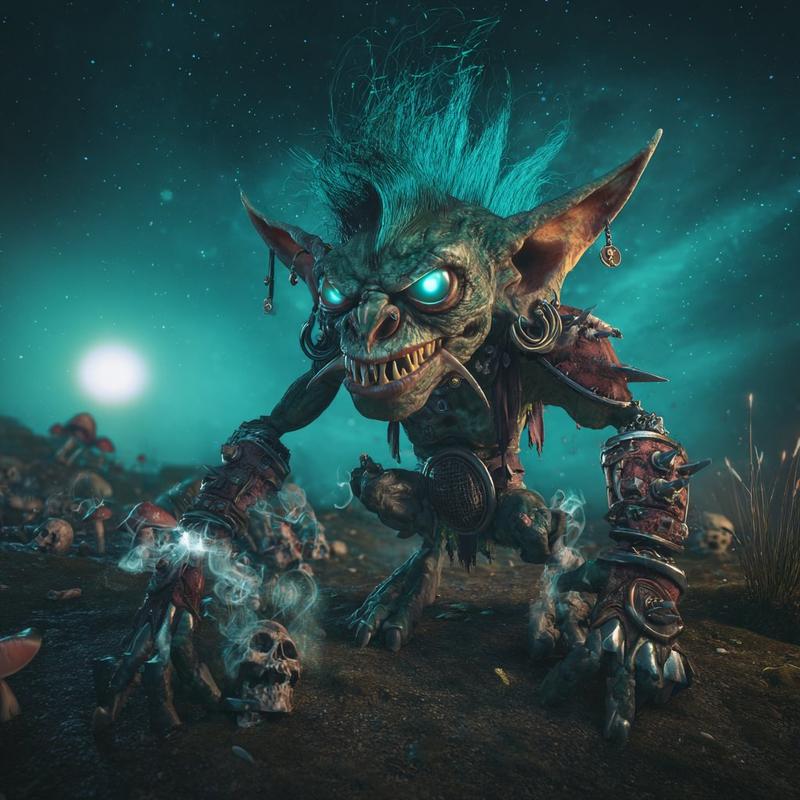
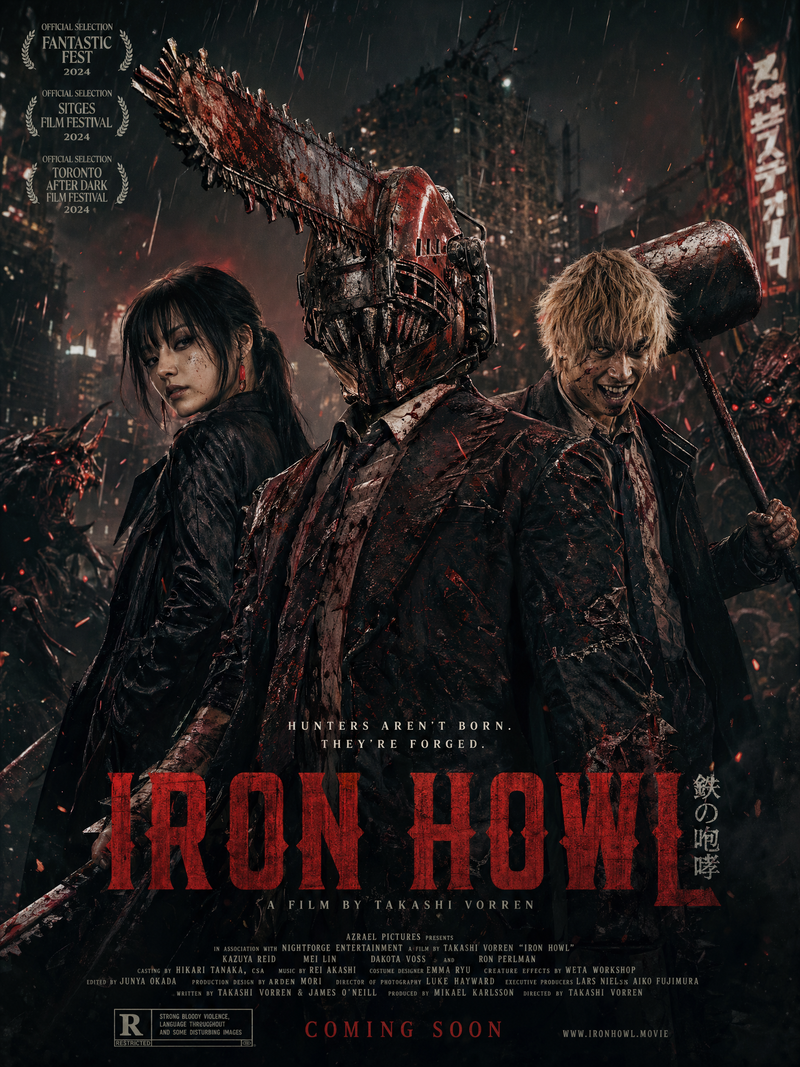
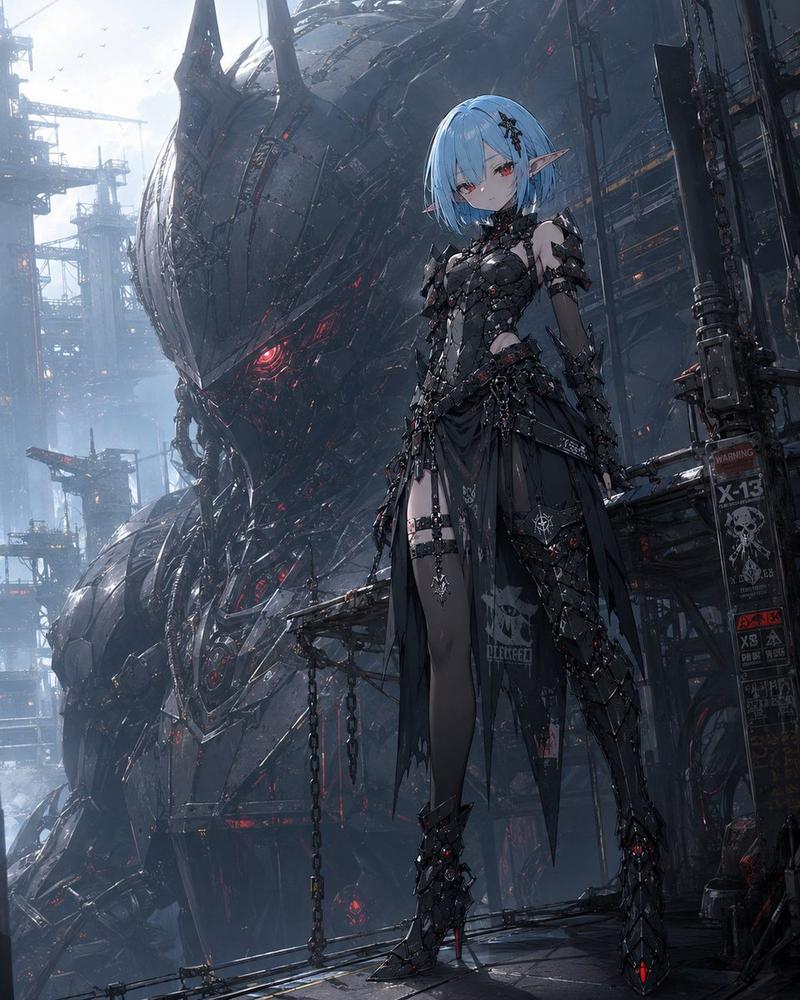
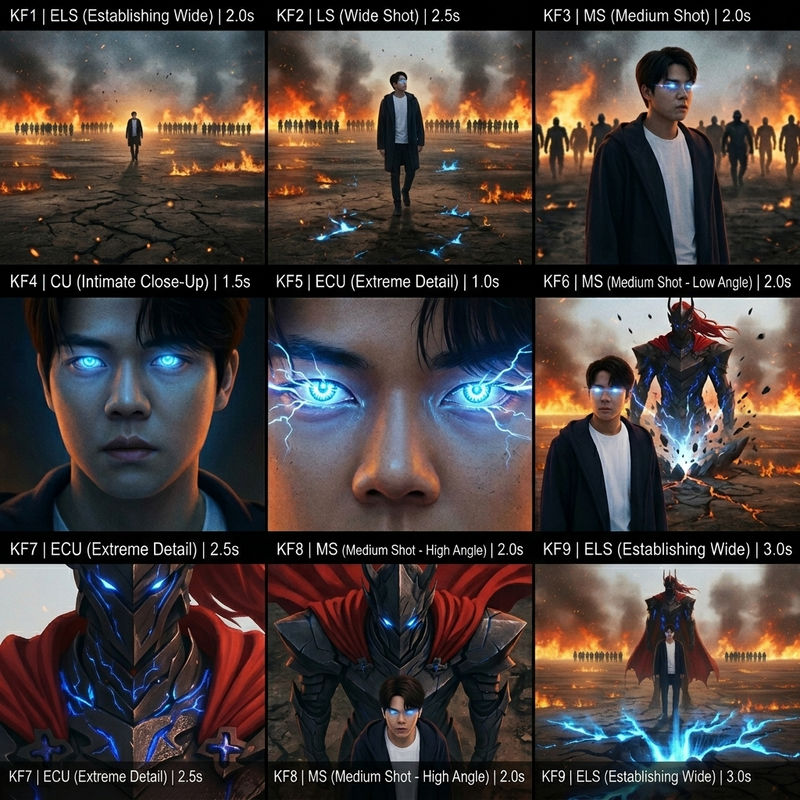
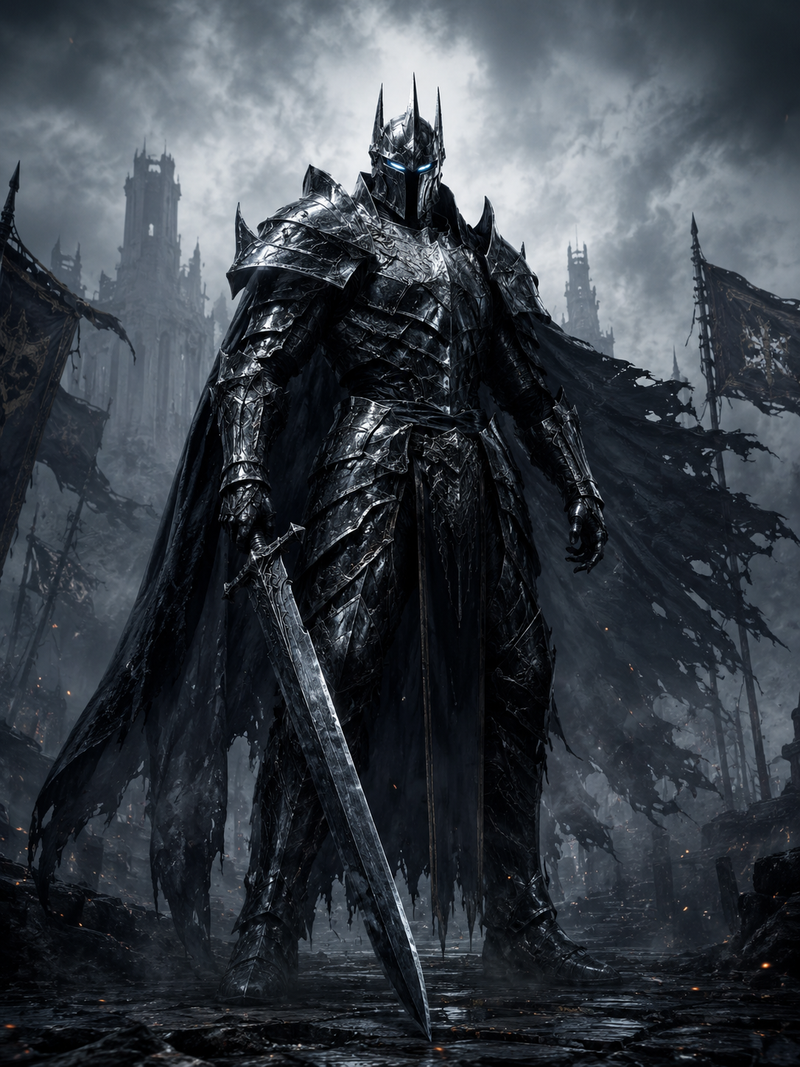
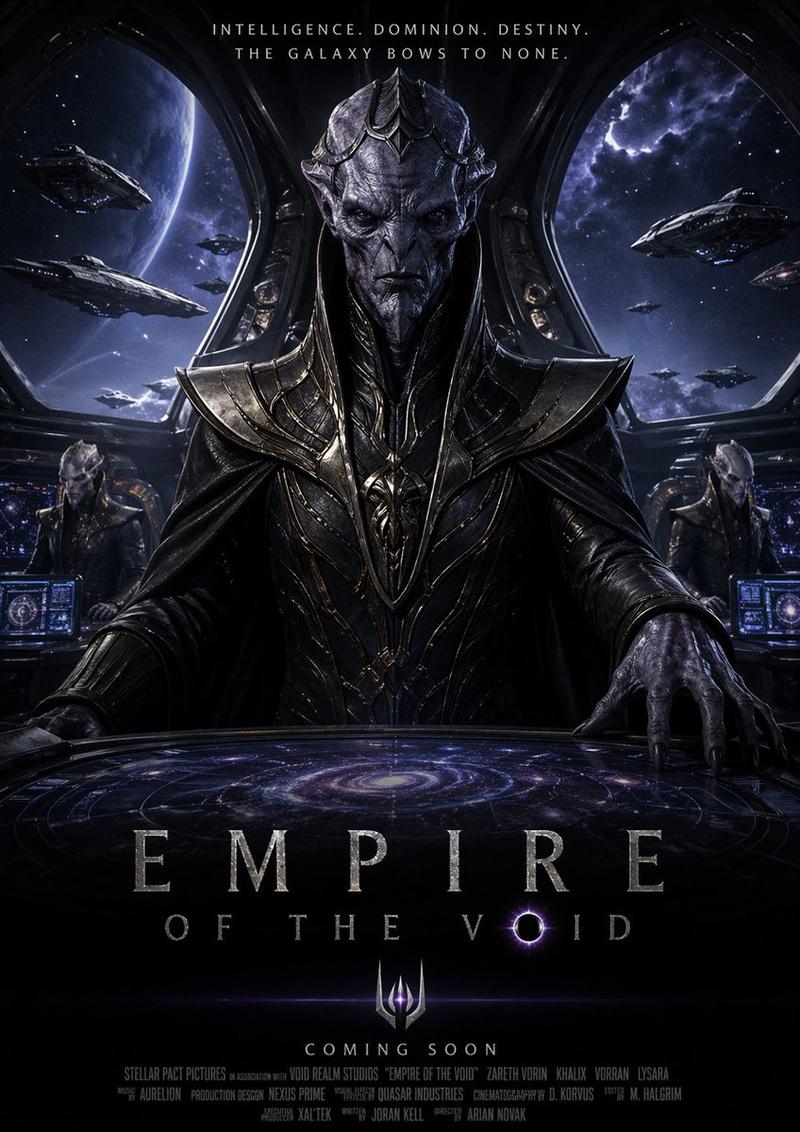
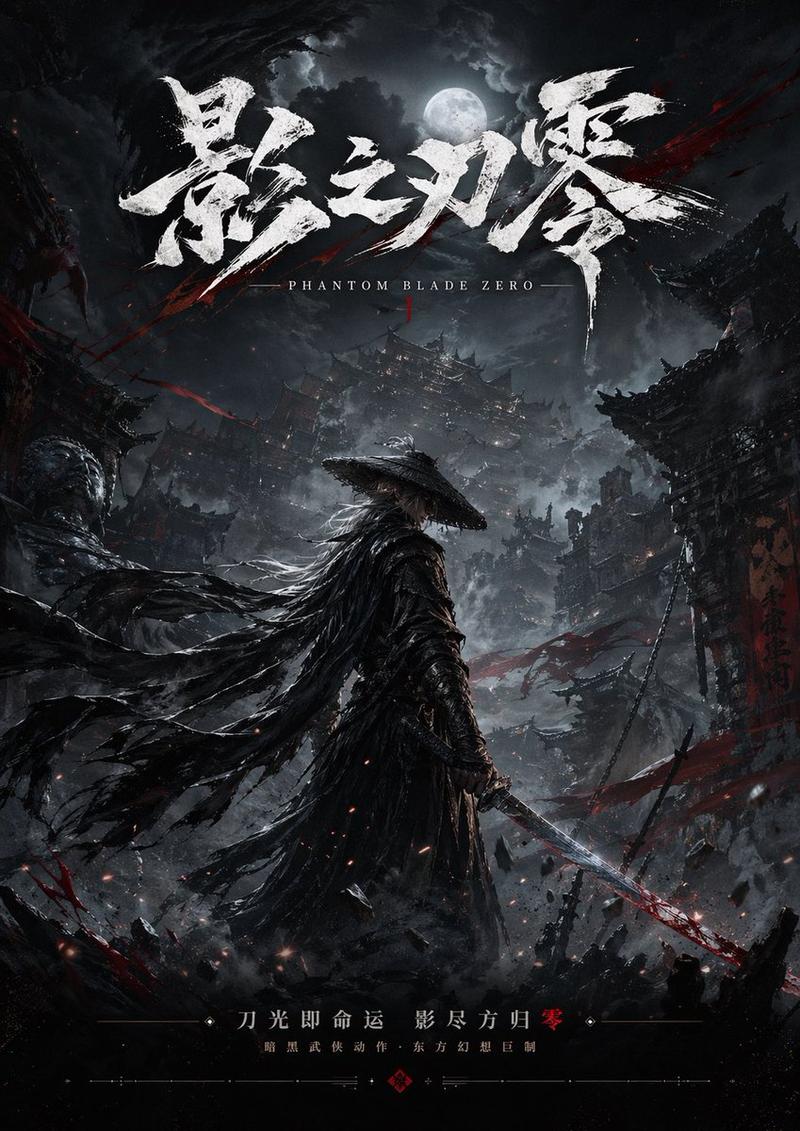
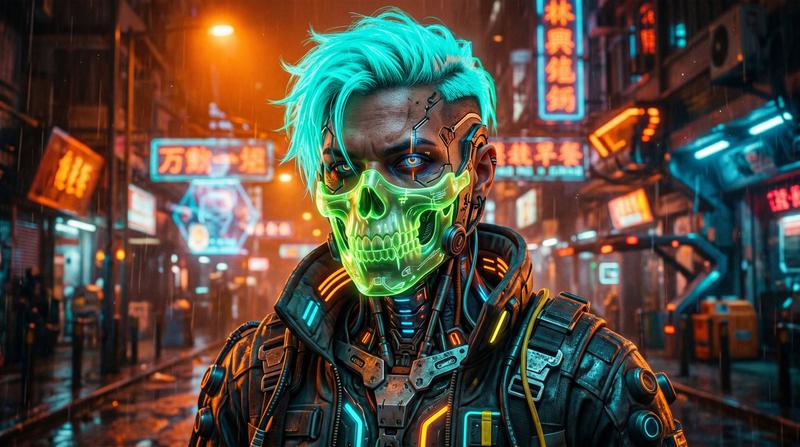
角色背景与动态声音的完美融合
Prompt
@ image1 character reference2 @ image2 use the background as the opening frame @ video1 take the motion and sound
- Category
- Video Prompts
- Model
- Seedance 2.0
- Creator
- @FrodoLoveRings
- Source ID
- 3177
- Published
- Mar 21, 2026
Views646
18
@ image1 character reference2 @ image2 use the background as the opening frame @ video1 take the motion and sound
Guide
"角色背景与动态声音的完美融合" AI image prompt for Seedance 2.0 (Video Prompts). @ 图片1 角色参考2 @ 图片2 使用背景作为首帧 @ 视频1 获取动作和声音 Copy it on Picva and recreate the look in one click.
The full copyable prompt and example visuals above are ready for AI image generation or one-click recreate in Picva.
Step 1
Review the example visuals, category, and full prompt text for "角色背景与动态声音的完美融合".
Step 2
Copy the prompt body from this page, or load it directly in Studio.
Step 3
Prefer Seedance 2.0. If you switch models, keep subject and composition and tweak style terms.
Step 4
Recreate the look in Picva, or export into your workflow for editing and publishing.