14

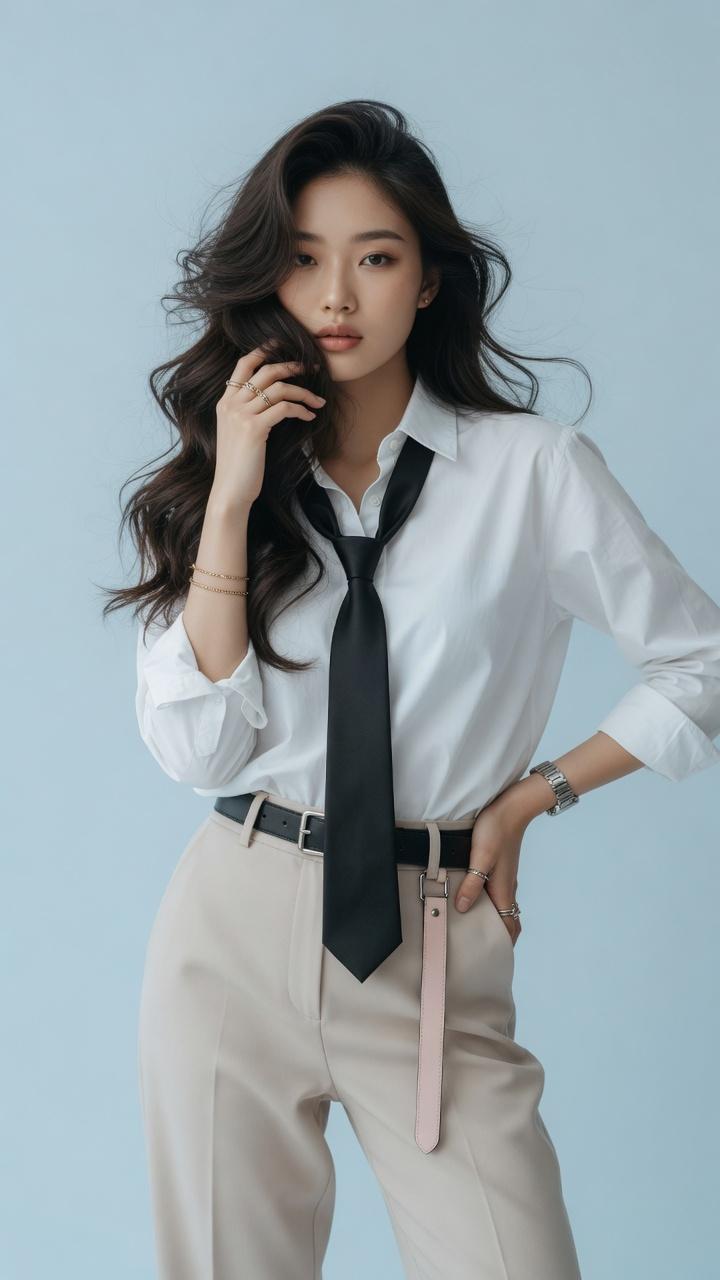
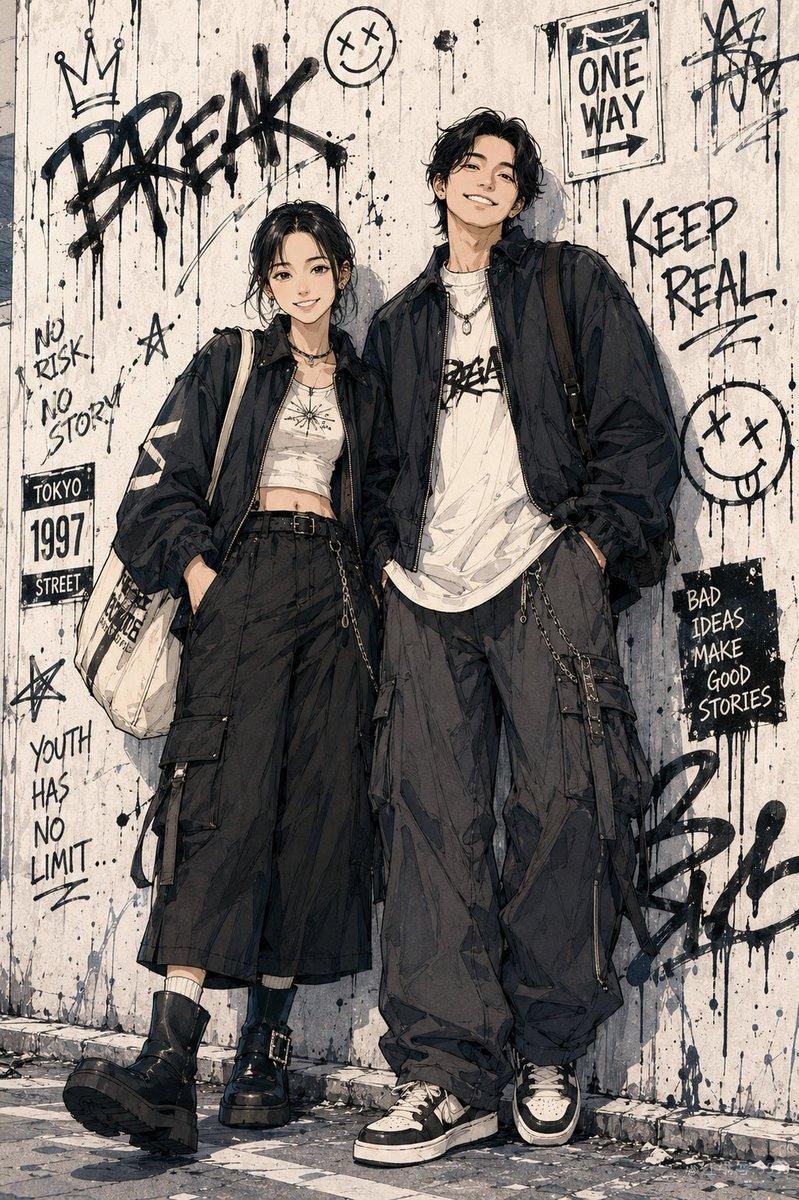
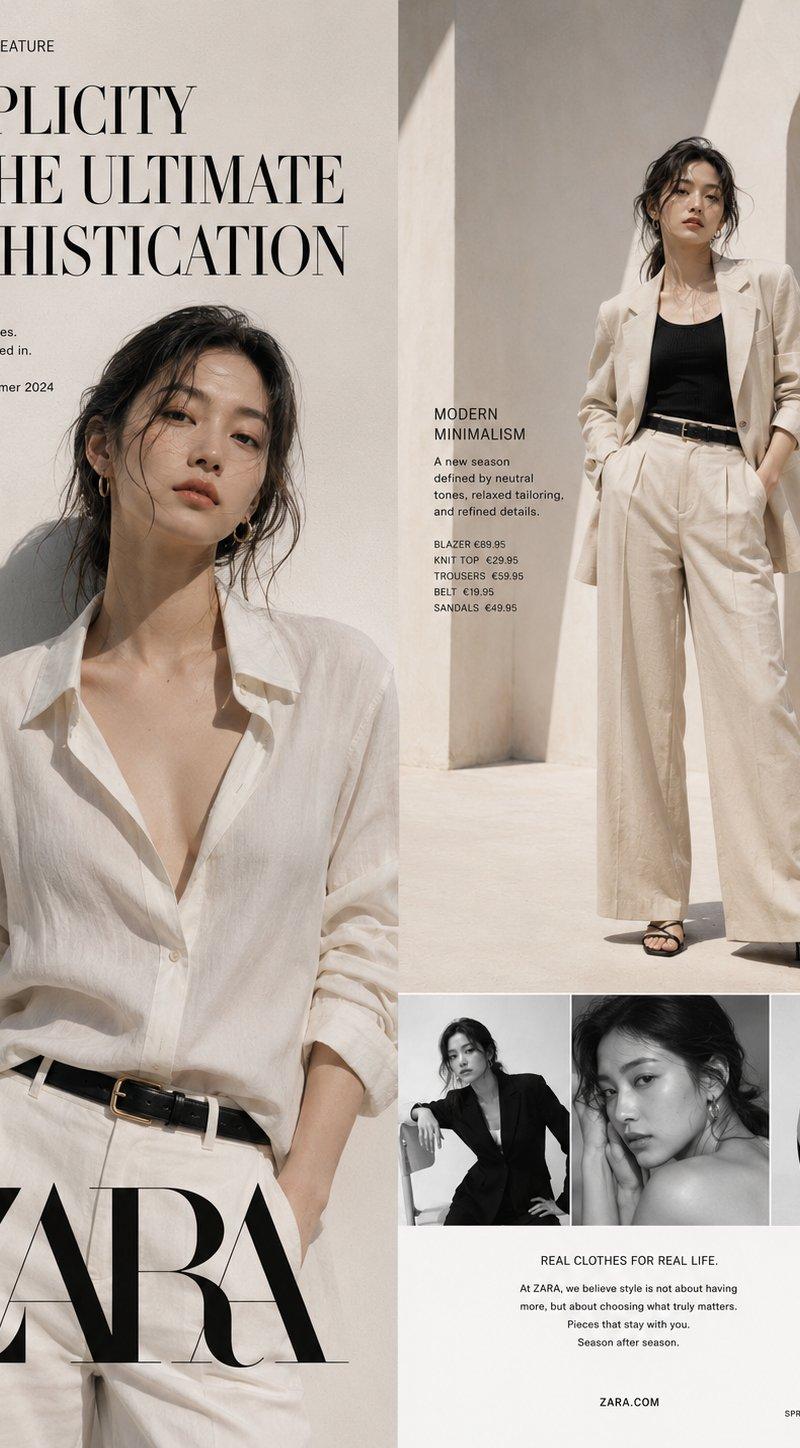
电影感时尚街头女性人像摄影
Enlarge

Example images

电影感时尚街头女性人像摄影

Prompt
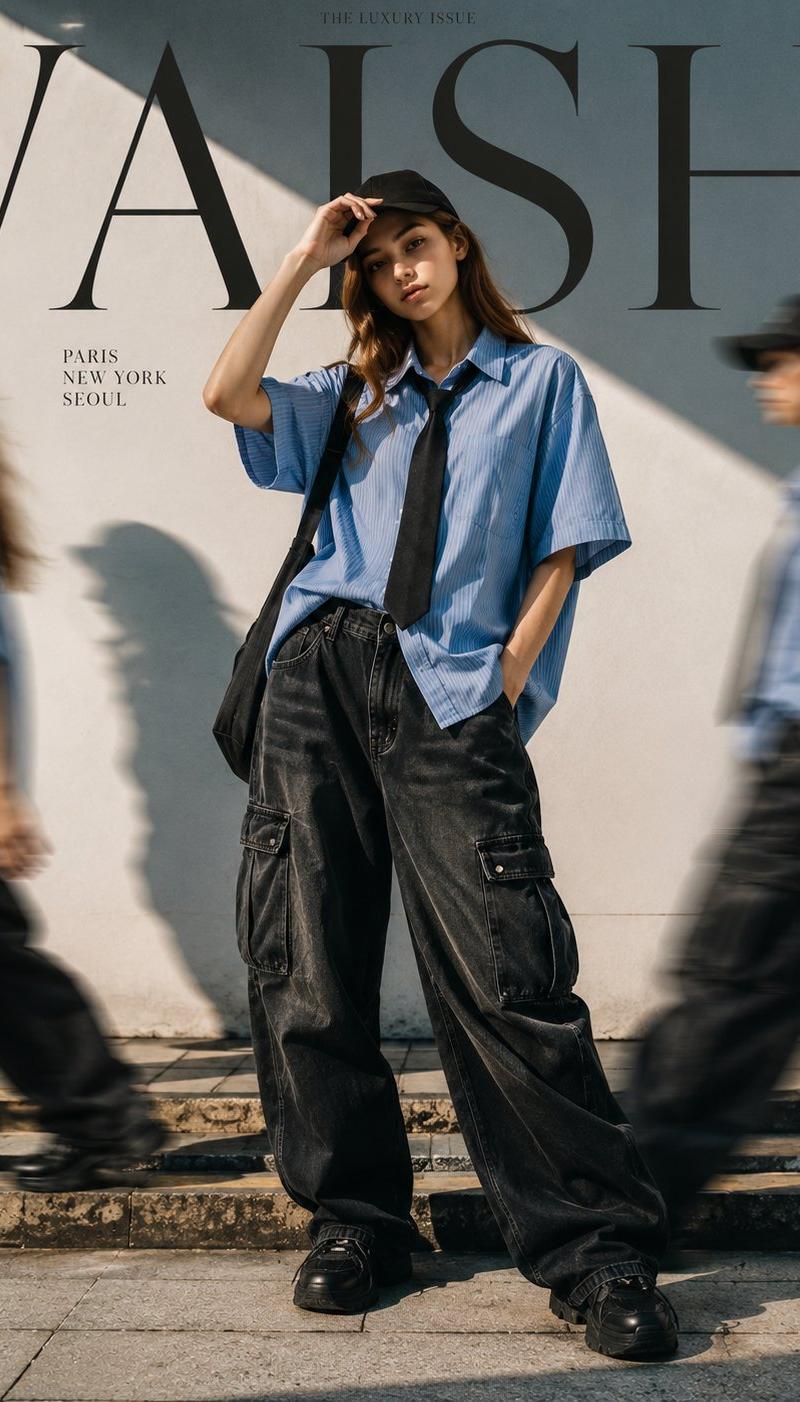
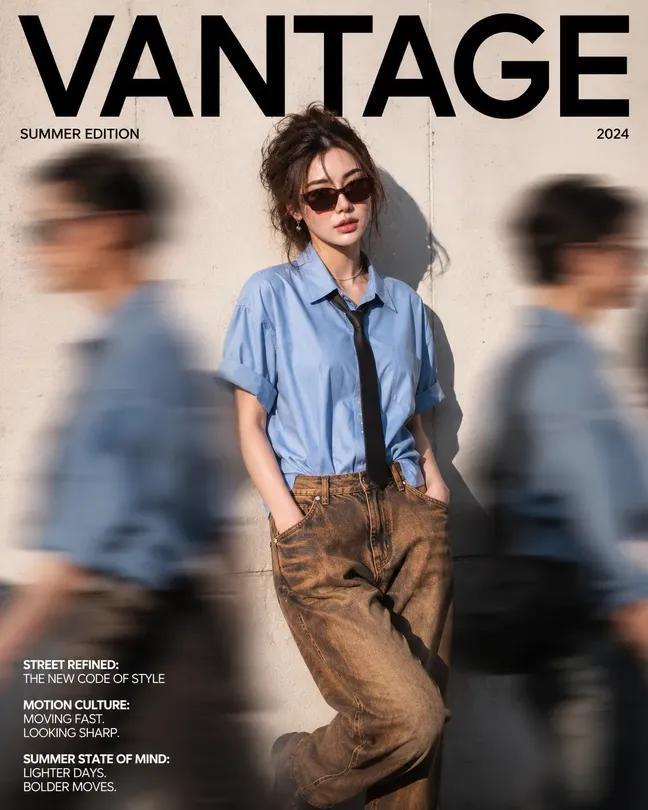
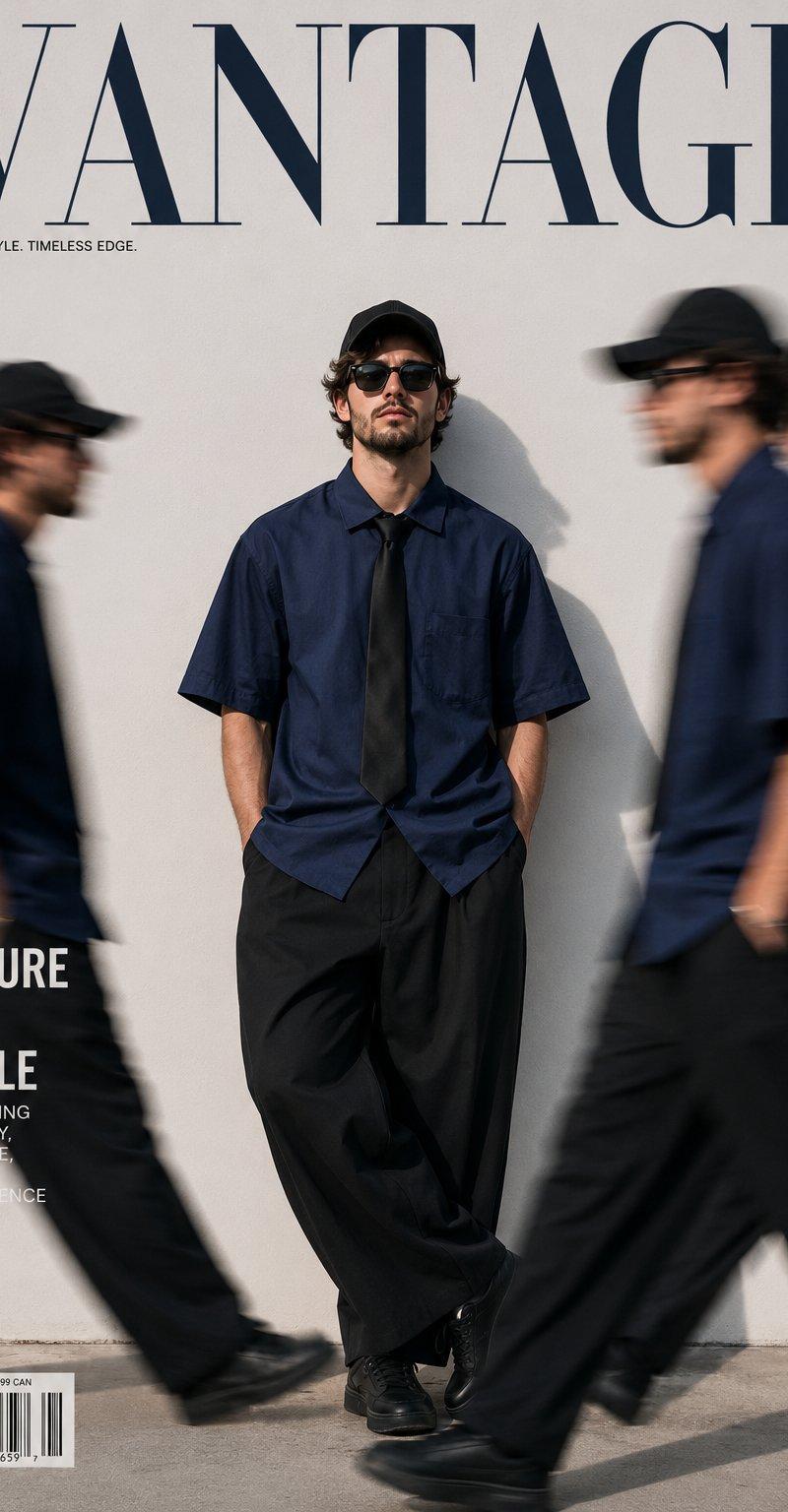
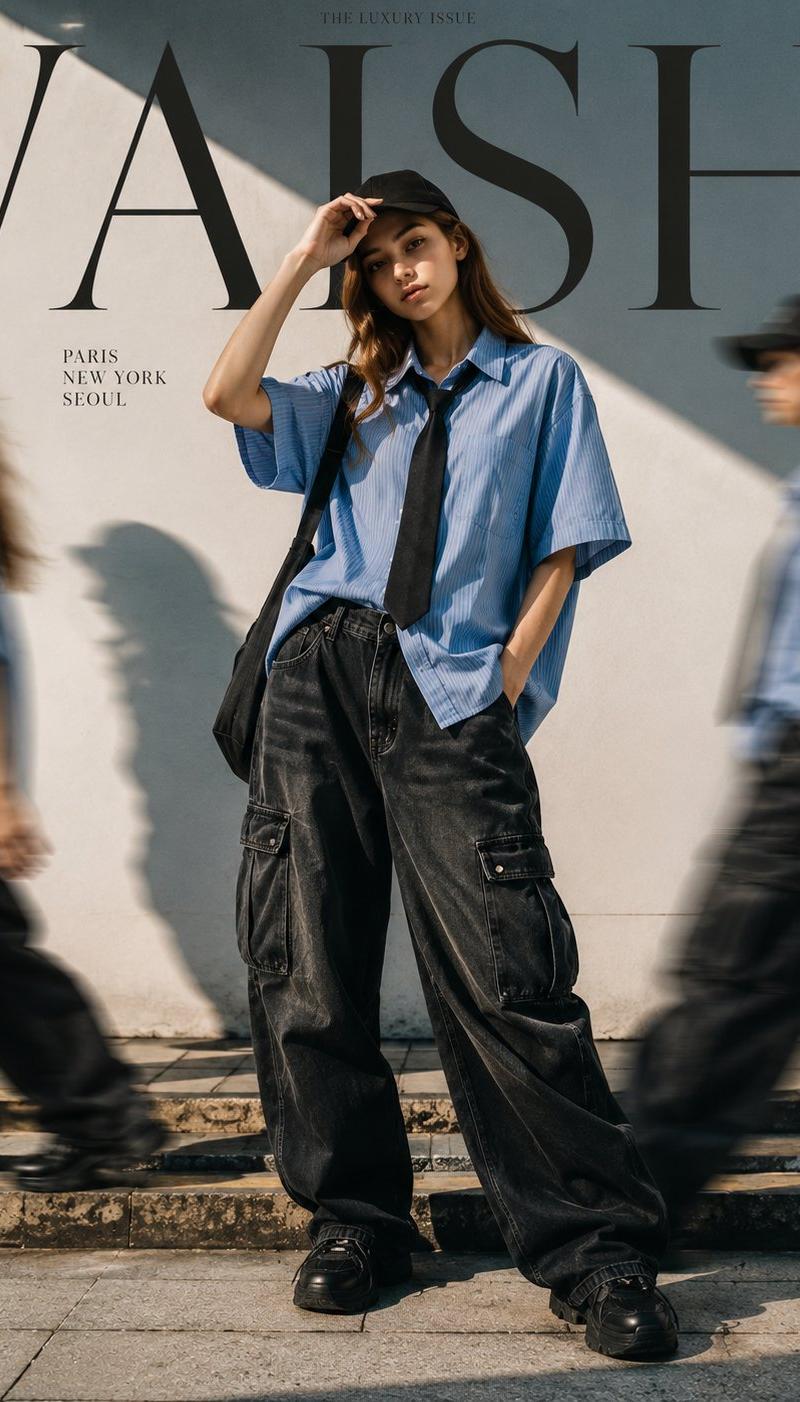
Cinematic fashion editorial photography of a woman with identical facial features as the reference image, wearing an oversized blue short-sleeve button-down shirt with a black tie, loose black baggy cargo jeans, black sneakers, and a black cap. She is standing confidently in front of a clean, minimal white wall, with dramatic direct sunlight casting sharp, strong geometric shadows. Relaxed, stylish pose with one hand touching the brim of her cap.
Motion clones of the same woman walk past on both sides with a cinematic motion blur effect. Wide-angle, low-angle shot, teal and orange color grading, luxury urban streetwear aesthetic. In the background, a high-fashion magazine cover design features the large, bold typography text "VAISH" seamlessly integrated behind her. Ultra-realistic texture, HDR, sharp focus, high detail, depth of field, 8k resolution.
Category
Charts & Infographics
Model
ChatGPT
Creator
@Aqsahere_
Source language
zh-CN
Views33
Source ID
16041
Published
Jun 16, 2026
Studio

Guide

About "电影感时尚街头女性人像摄影"

What is this prompt for?

"电影感时尚街头女性人像摄影" AI image prompt for ChatGPT (Charts & Infographics). 电影感时尚社论摄影,一名拥有与参考图像相同面部特征的女性,穿着一件超大号蓝色短袖纽扣衬衫并系着黑色领带,搭配宽松的黑色大口袋工装牛仔裤、黑色运动鞋和黑色帽子。她自信地站在一堵干净、…

The full copyable prompt and example visuals above are ready for AI image generation or one-click recreate in Picva.

How to use this prompt

  1. Step 1

    Open the prompt detail

    Review the example visuals, category, and full prompt text for "电影感时尚街头女性人像摄影".

  2. Step 2

    Copy the prompt

    Copy the prompt body from this page, or load it directly in Studio.

  3. Step 3

    Pick a model (ChatGPT)

    Prefer ChatGPT. If you switch models, keep subject and composition and tweak style terms.

  4. Step 4

    Generate and export

    Recreate the look in Picva, or export into your workflow for editing and publishing.

FAQ

What is the "电影感时尚街头女性人像摄影" prompt?
It is an AI image-generation prompt for ChatGPT in the Charts & Infographics category. This page includes the full prompt text, example visuals, and a one-click recreate path in Picva.
How do I use this prompt to generate an image?
Copy the prompt from this page, or use Generate / Studio. Paste it into a compatible image model, or recreate the look in Picva with optional reference images.
Which model is this prompt for?
This page lists ChatGPT. Most descriptive prompts also transfer to nearby image models such as GPT Image, Flux, or Midjourney with light style tweaks.
Can I use the result commercially?
You can usually copy the prompt for creation, but commercial use of the final image depends on the model terms, reference-image rights, and the generated content. Follow the source author and platform rules.