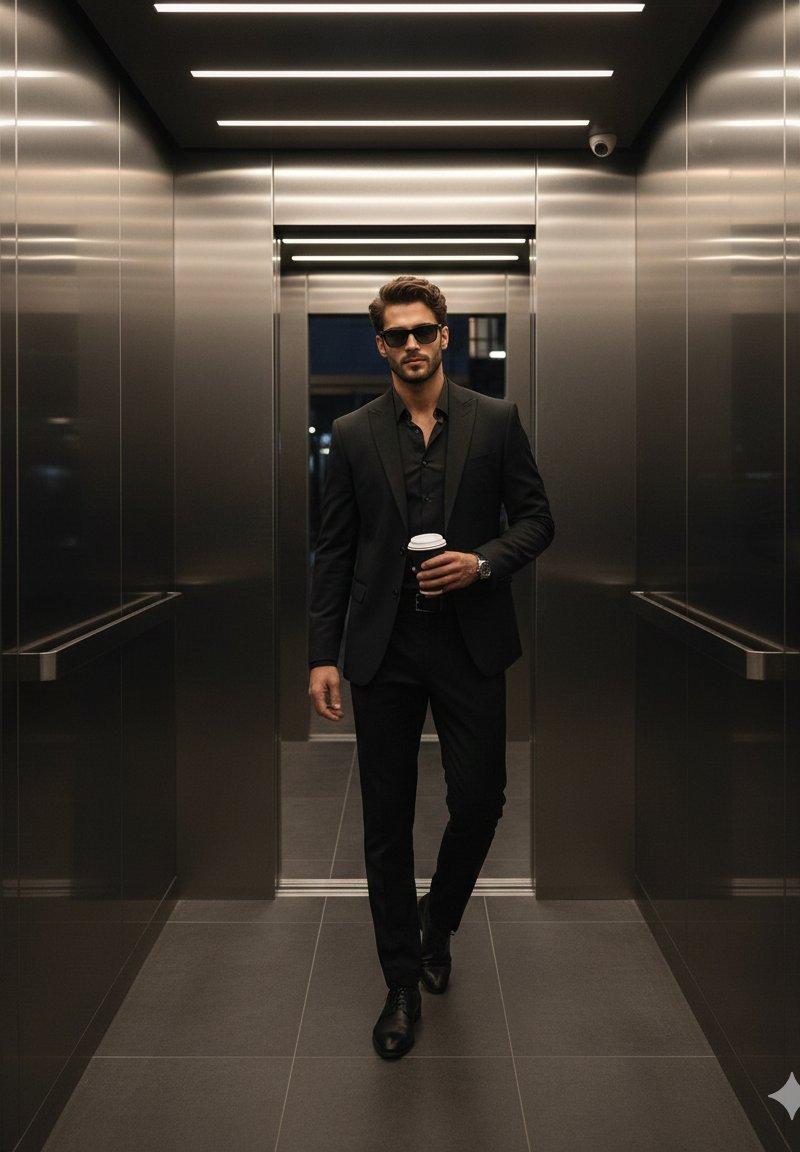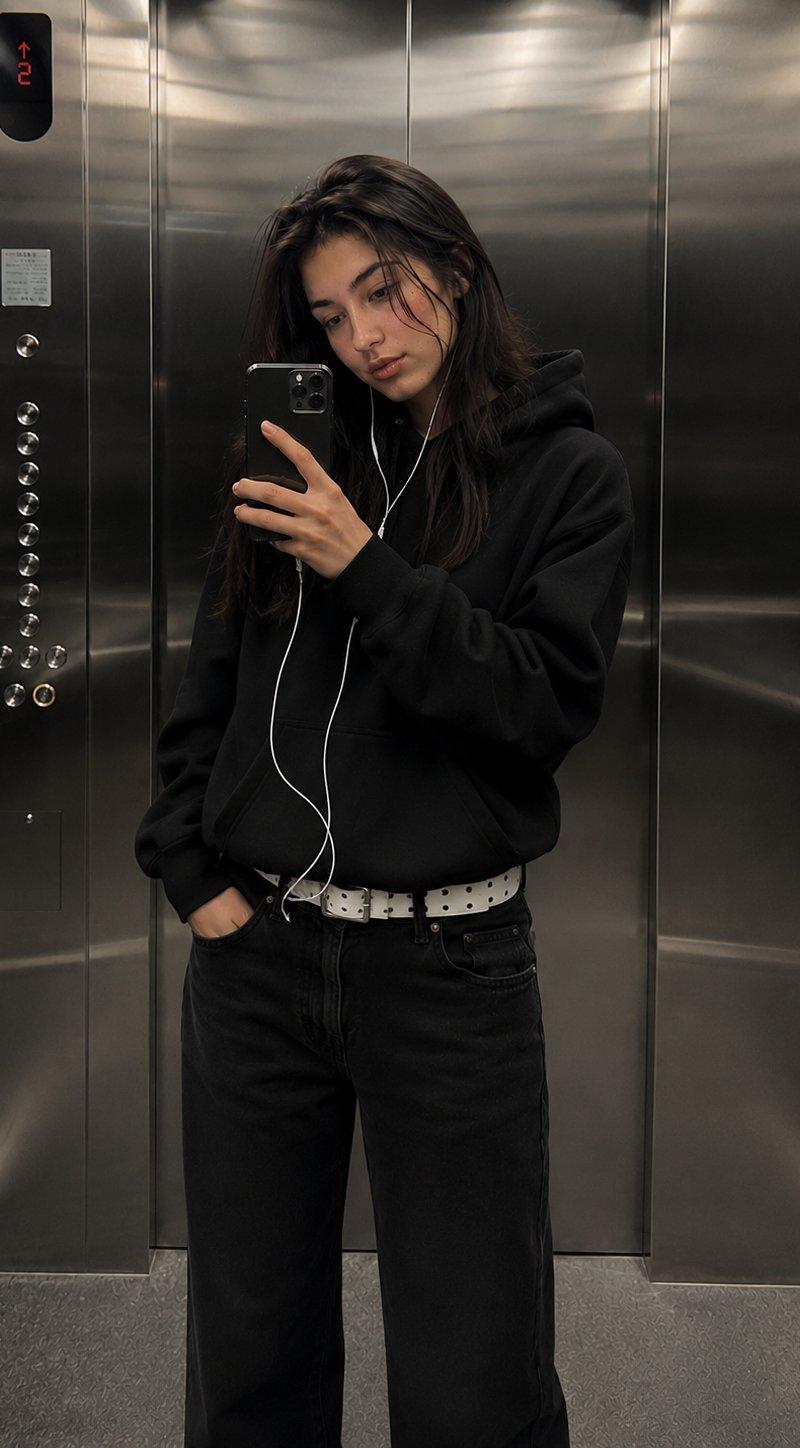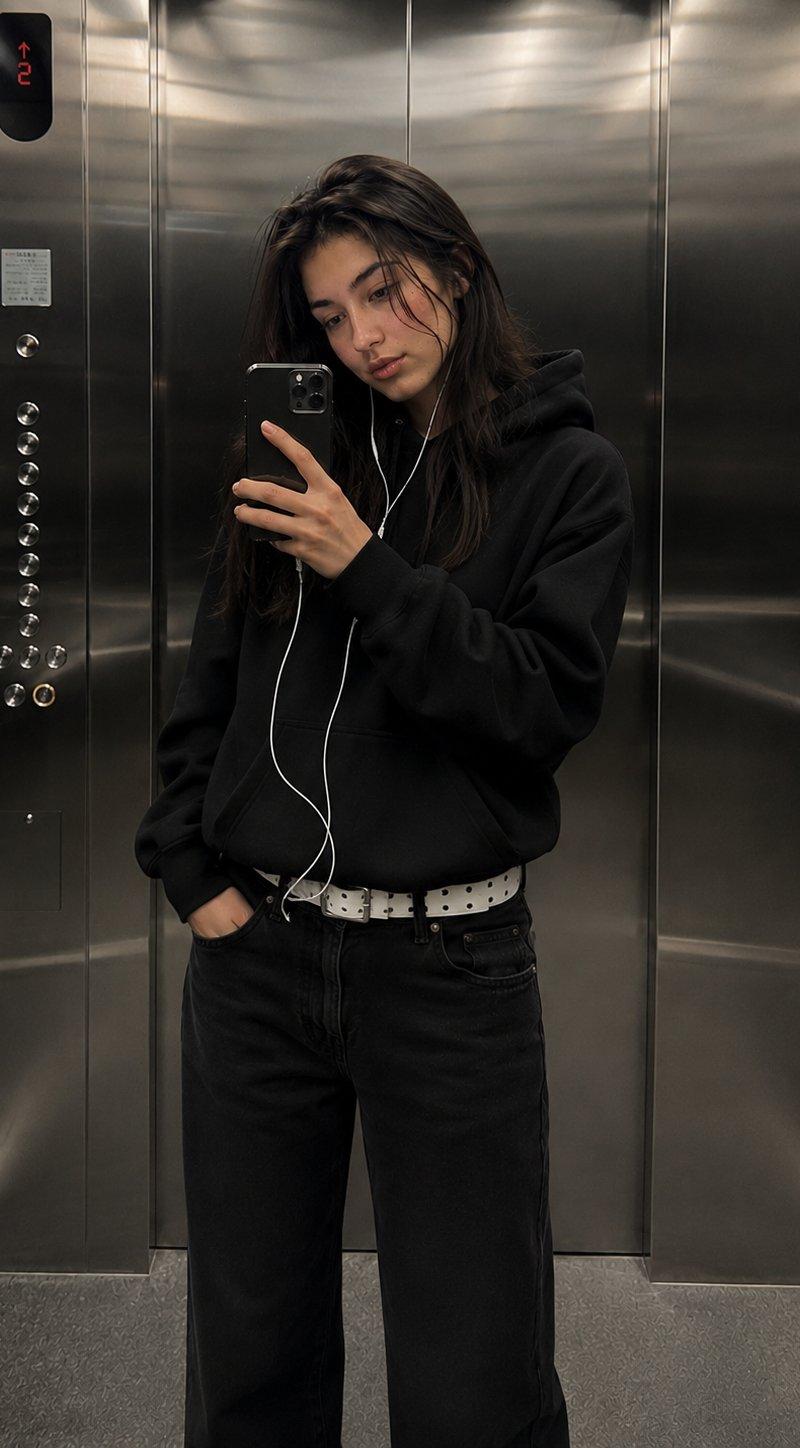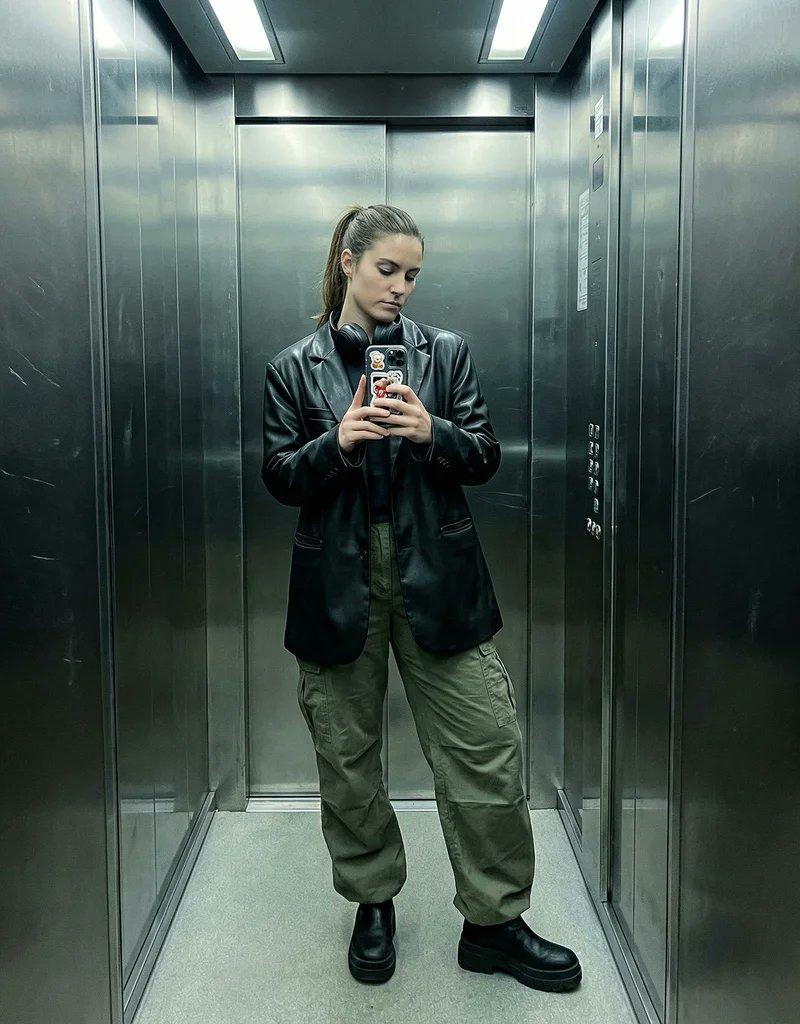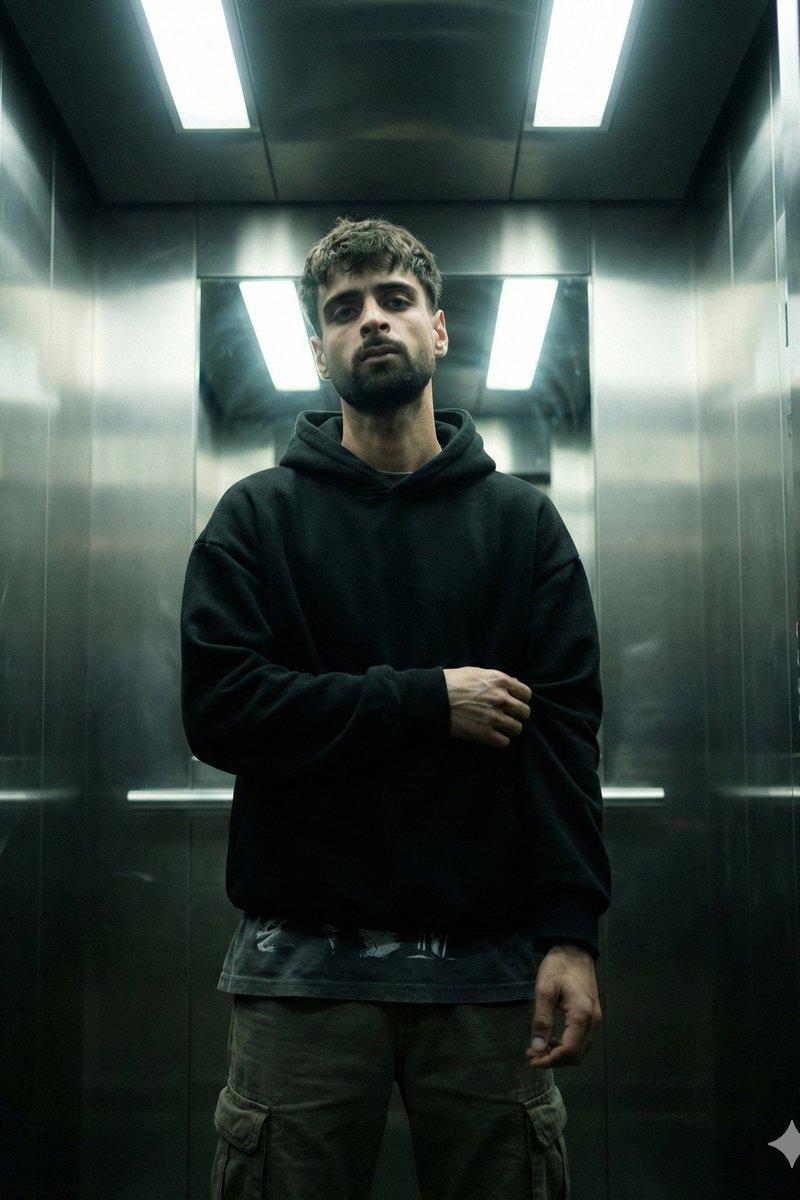
幽闭电梯间冷峻少年的电影感人像
Prompt
{ "genre": "cinematic urban realism", "mood": ["tense", "cold", "isolated", "quiet intensity"], "theme": "a man caught in a moment of silence inside a sterile industrial elevator" }, "subject": { "description": "young man with calm intense expression", "face": { "skin": "natural pores, realistic texture, slight under-eye shadow, no retouching", "beard": "short trimmed beard, natural density", "expression": "neutral but intimidating, relaxed jaw, eyes locked on camera" }, "hair": { "style": "messy short crop", "detail": "slight volume on top, natural uneven strands, not styled too clean" }, "pose": { "body_language": "still and grounded, subtle confidence", "hands": "one arm folded across torso, other arm relaxed downward", "stance": "centered, shoulders slightly forward, minimal movement" } }, "wardrobe": { "top": "oversized black hoodie, heavy fabric, matte texture", "layering": "dark graphic tee slightly visible below the hoodie hem", "bottom": "dark cargo pants with stitched pockets", "styling_notes": "streetwear minimal, clean silhouette, no bright branding" }, "environment": { "location": "metal elevator interior", "materials": ["brushed stainless steel walls", "reflective panels", "subtle fingerprints and smudges"], "lighting_elements": "overhead fluorescent light panels", "atmosphere": "thin mist/smoke floating around subject, faint haze near corners", "background": "no extra people, no clutter, clean symmetrical elevator geometry" }, "cinematography": { "shot_type": "medium-full portrait", "framing": "perfect symmetrical centered composition", "camera_angle": "slightly low angle for dominance and tension", "lens": { "focal_length": "35mm", "look": "cinematic wide portrait with depth", "distortion_control": "minimal distortion, straight vertical elevator lines" }, "depth_of_field": { "aperture": "f/2.8", "focus": "sharp focus on eyes and face", "falloff": "soft background blur but still readable environment" } }, "lighting": { "type": "overhead harsh fluorescent top-light", "contrast": "medium-high with deep shadows under jaw and hoodie folds", "highlights": "soft bloom on metallic walls, controlled, not blown out", "fill": "very subtle ambient bounce to keep facial details visible", "notes": "keep lighting realistic and slightly underexposed for cinematic tension" }, "color_grade": { "style": "dark cinematic teal-green industrial grade", "shadows": "cool teal tint", "highlights": "neutral to slightly cold", "saturation": "muted low saturation", "contrast": "clean but gritty", "black_levels": "slightly crushed blacks, not fully clipped" }, "texture_details": { "skin": "realistic pores and micro texture", "fabric": "h- Category
- Charts & Infographics
- Model
- Nano banana pro
- Creator
- @Maercihh
- Source language
- zh-CN
- Source ID
- 8455
- Published
- Mar 22, 2026
Views22