15

国家地图轮廓洞穴地标写实摄影提示词
Enlarge

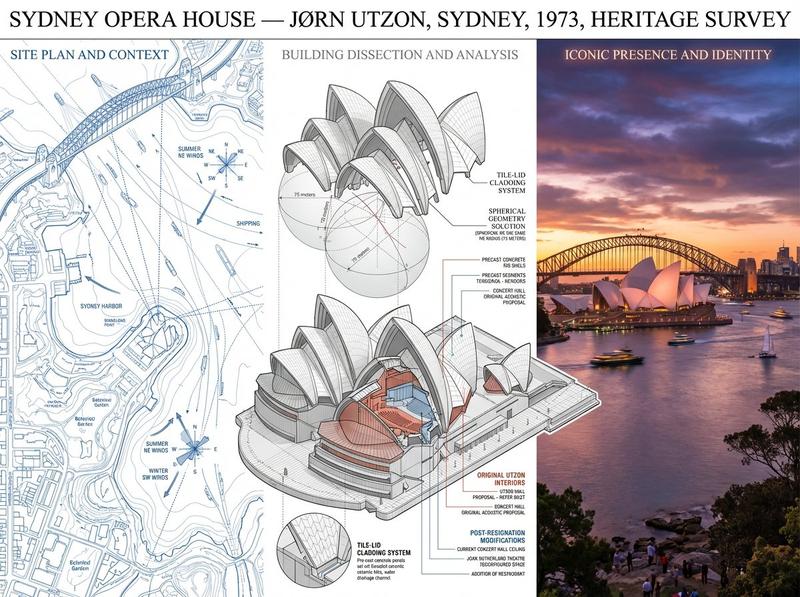
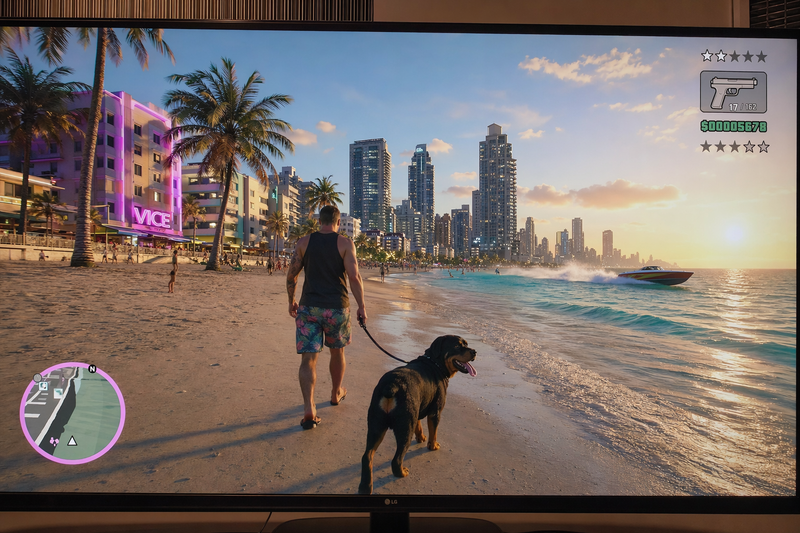
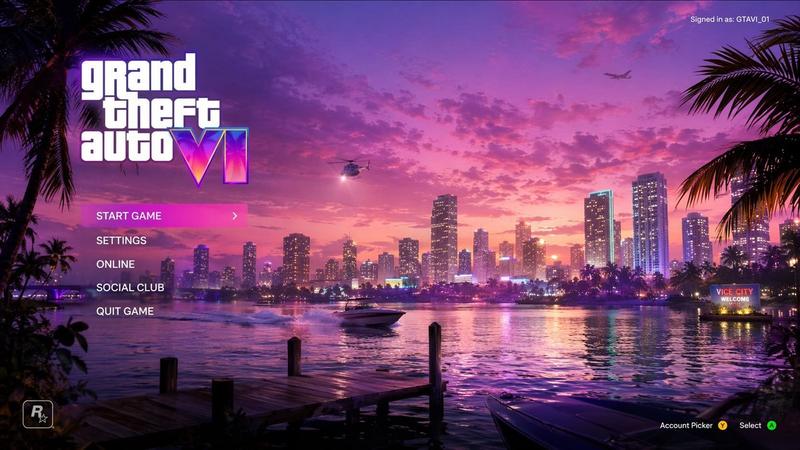
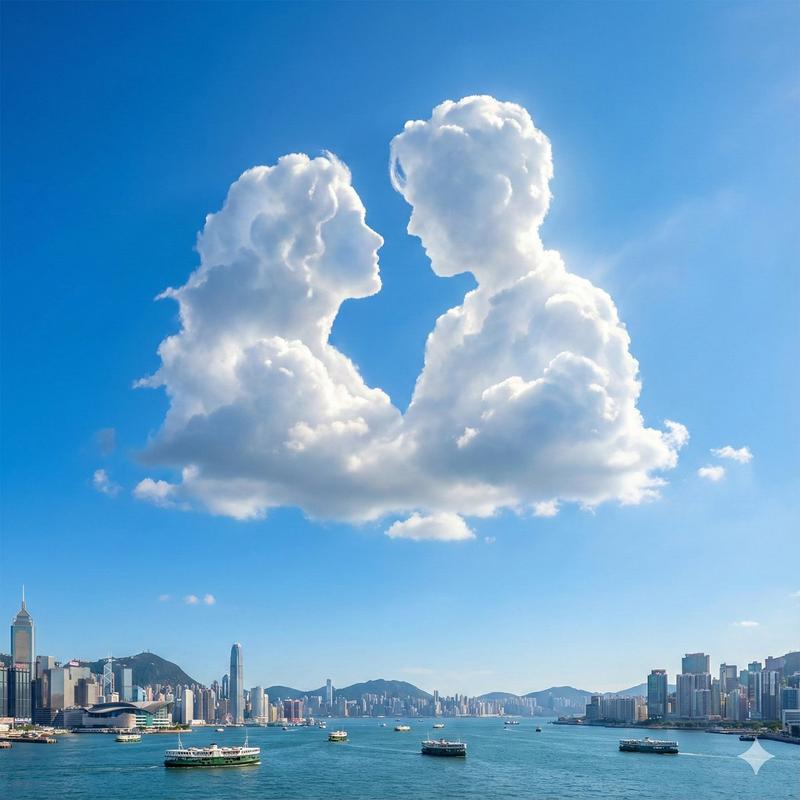
Example images

国家地图轮廓洞穴地标写实摄影提示词

Prompt
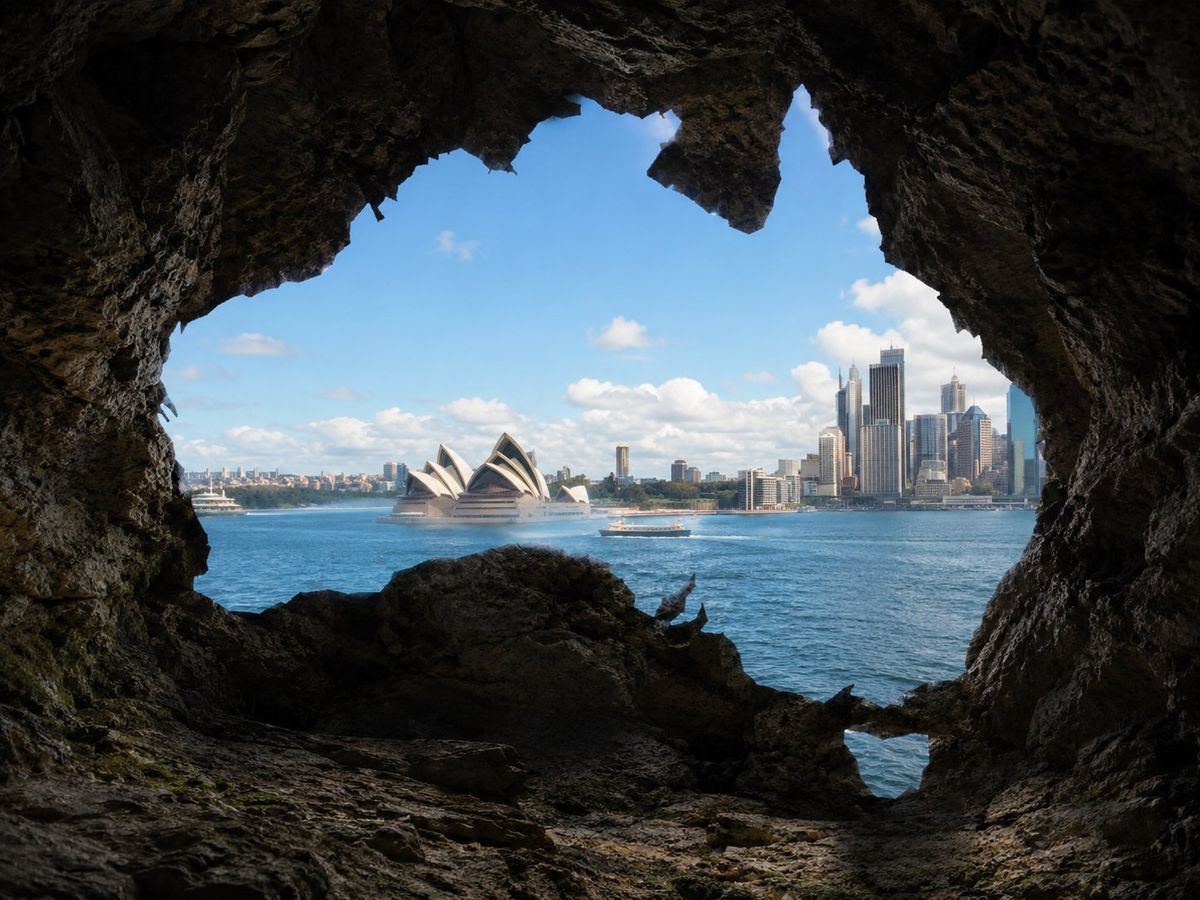
Create a photorealistic image viewed from inside a natural rocky cave looking outward. The cave opening should be clearly shaped like the recognizable map outline of [COUNTRY_NAME]. Use the country silhouette accurately, including its major geographic contours, extensions, peninsulas, bays, and distinctive coastline features, while making the opening look naturally eroded into the rock rather than like a flat graphic cutout.

The cave interior should be dark, cinematic, and highly realistic, with rough stone walls, layered rock formations, uneven rocky floor, cracks, shadows, subtle moisture, moss, and lichen. The country-shaped opening should frame a bright outdoor scene.

Outside the opening, show a famous landmark or monument from [COUNTRY_NAME], specifically [MONUMENT_NAME], clearly visible and recognizable in the distance or midground. Surround it with a realistic natural or urban landscape appropriate to that monument, such as gardens, river, mountains, harbor, skyline, forest, or desert. Use bright natural daylight outside, with strong contrast between the shadowy cave interior and the sunlit view.

Style: photorealistic, cinematic, ultra-detailed, natural lighting, high depth, realistic textures. No text, no signs, no people in the foreground, no logos, no fantasy elements.
Category
Charts & Infographics
Model
ChatGPT
Creator
@umesh_ai
Views3
Source ID
15508
Published
Jun 8, 2026

Guide

About "国家地图轮廓洞穴地标写实摄影提示词"

What is this prompt for?

"国家地图轮廓洞穴地标写实摄影提示词" AI image prompt for ChatGPT (Charts & Infographics). 创建一个从自然岩石洞穴内部向外观察的写实图像。洞穴开口应清晰地呈现出[COUNTRY_NAME]的可辨识地图轮廓。准确使用该国家的轮廓,包括其主要的地理轮廓、延伸部分、半岛…

The full copyable prompt and example visuals above are ready for AI image generation or one-click recreate in Picva.

How to use this prompt

  1. Step 1

    Open the prompt detail

    Review the example visuals, category, and full prompt text for "国家地图轮廓洞穴地标写实摄影提示词".

  2. Step 2

    Copy the prompt

    Copy the prompt body from this page, or load it directly in Studio.

  3. Step 3

    Pick a model (ChatGPT)

    Prefer ChatGPT. If you switch models, keep subject and composition and tweak style terms.

  4. Step 4

    Generate and export

    Recreate the look in Picva, or export into your workflow for editing and publishing.

FAQ

What is the "国家地图轮廓洞穴地标写实摄影提示词" prompt?
It is an AI image-generation prompt for ChatGPT in the Charts & Infographics category. This page includes the full prompt text, example visuals, and a one-click recreate path in Picva.
How do I use this prompt to generate an image?
Copy the prompt from this page, or use Generate / Studio. Paste it into a compatible image model, or recreate the look in Picva with optional reference images.
Which model is this prompt for?
This page lists ChatGPT. Most descriptive prompts also transfer to nearby image models such as GPT Image, Flux, or Midjourney with light style tweaks.
Can I use the result commercially?
You can usually copy the prompt for creation, but commercial use of the final image depends on the model terms, reference-image rights, and the generated content. Follow the source author and platform rules.