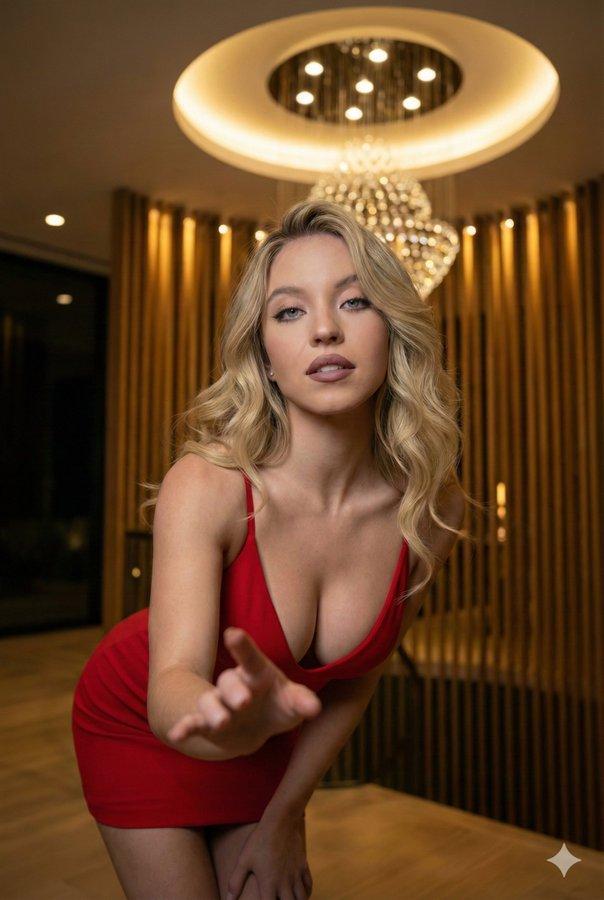
18

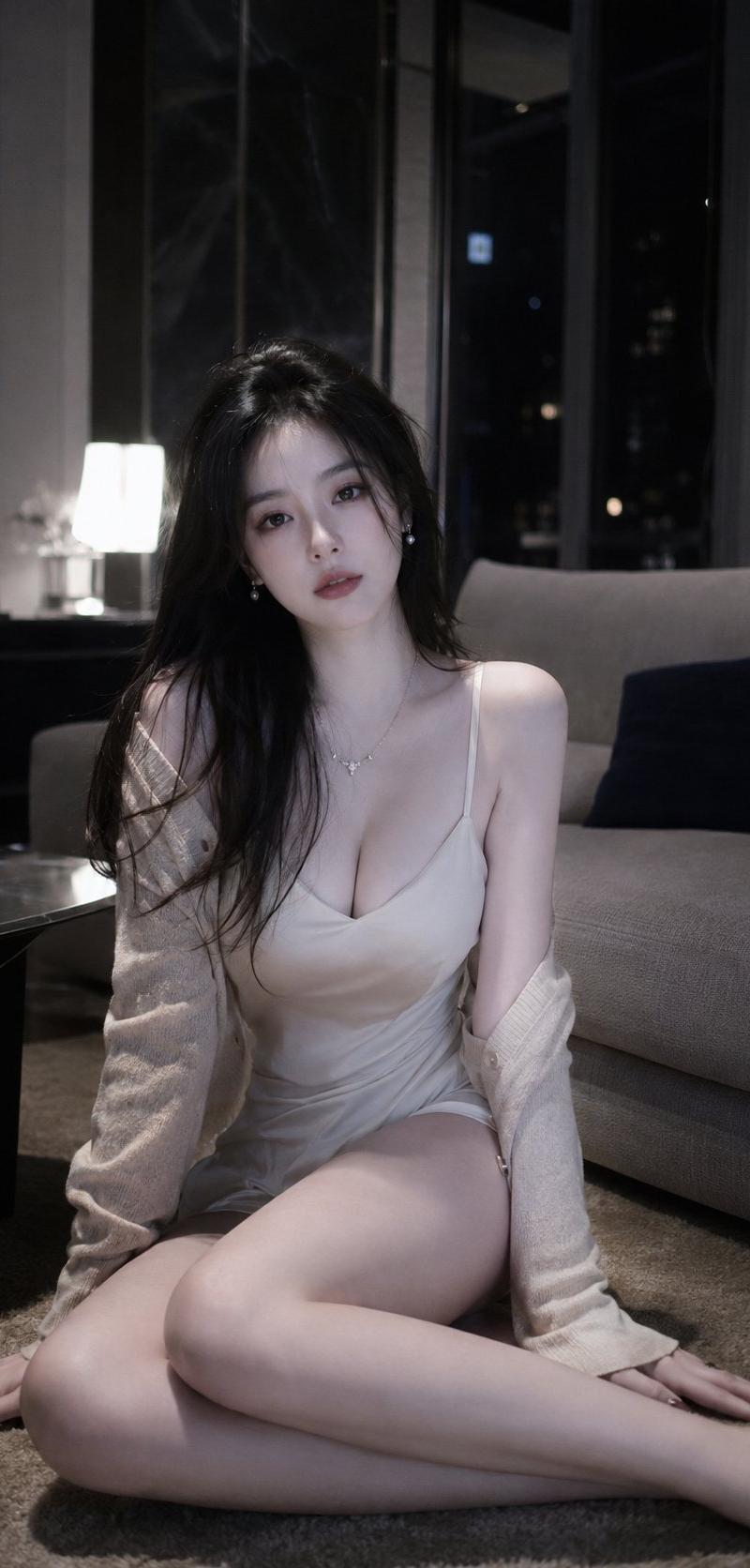
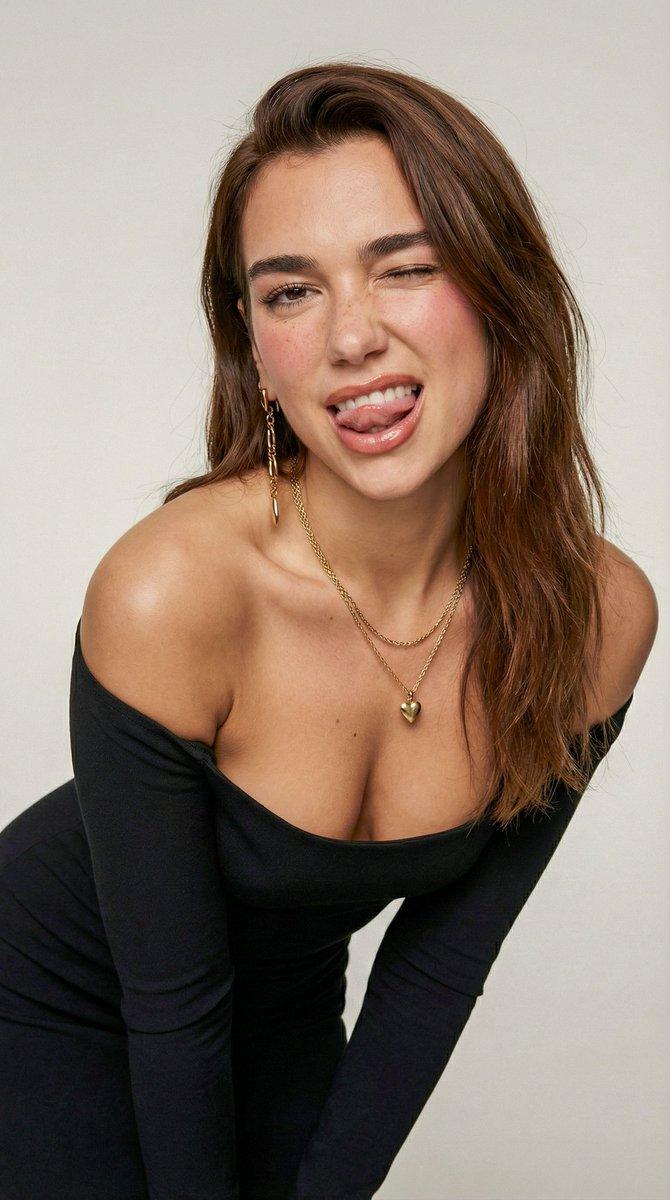
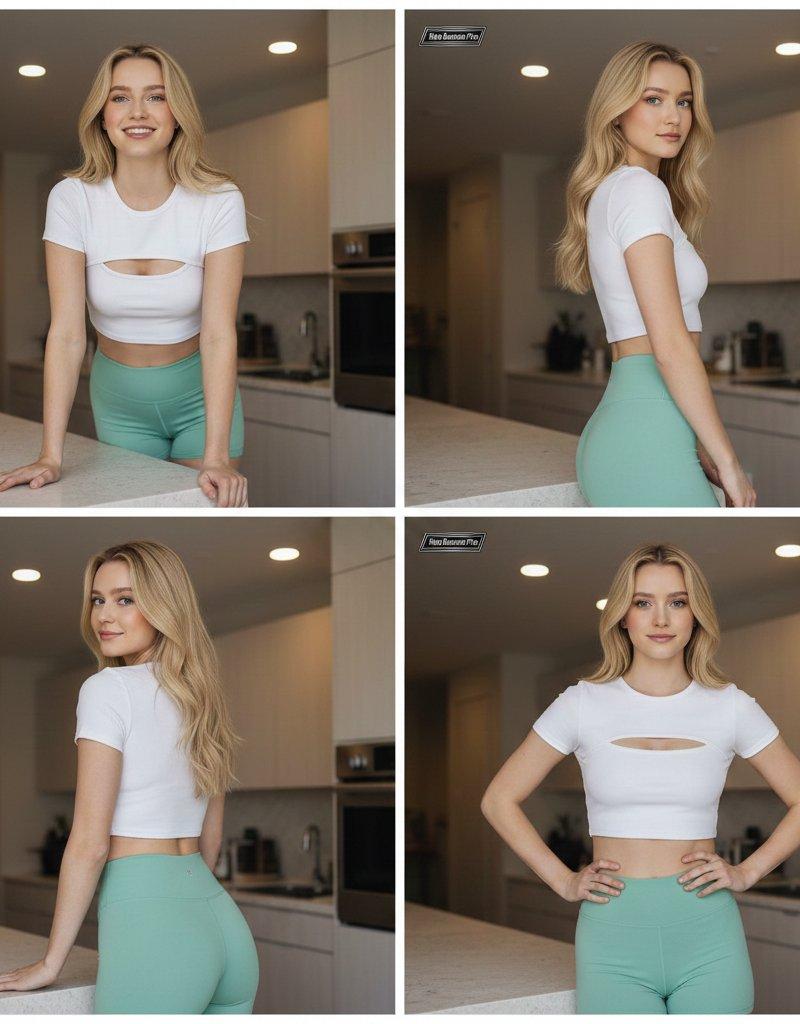
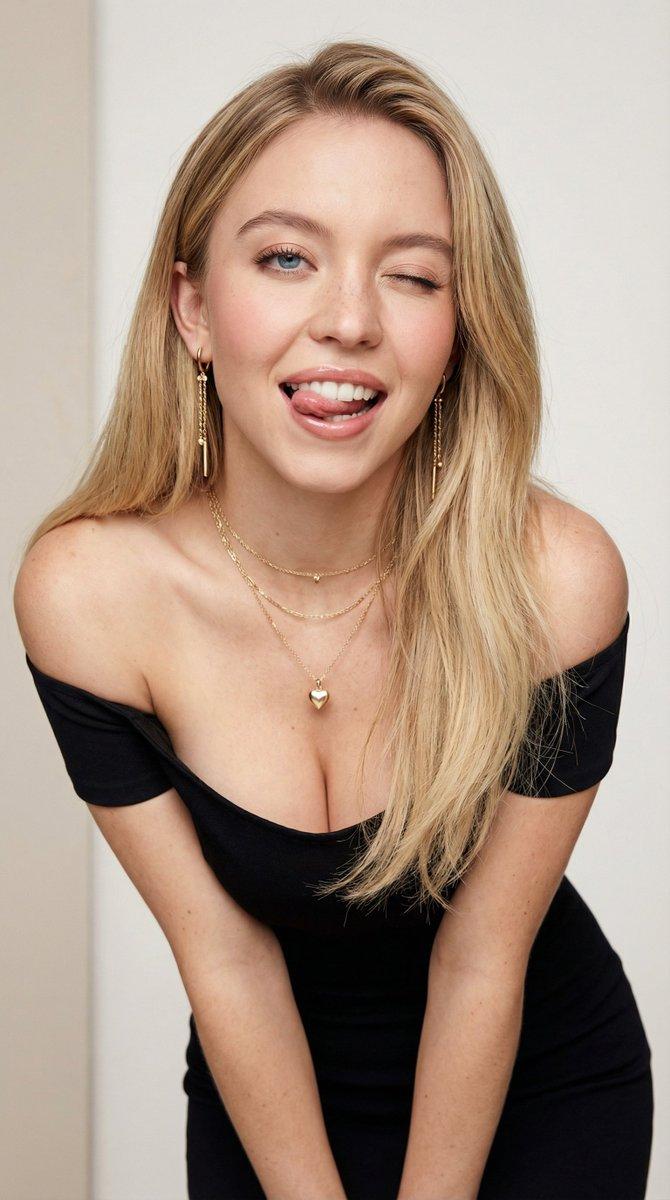
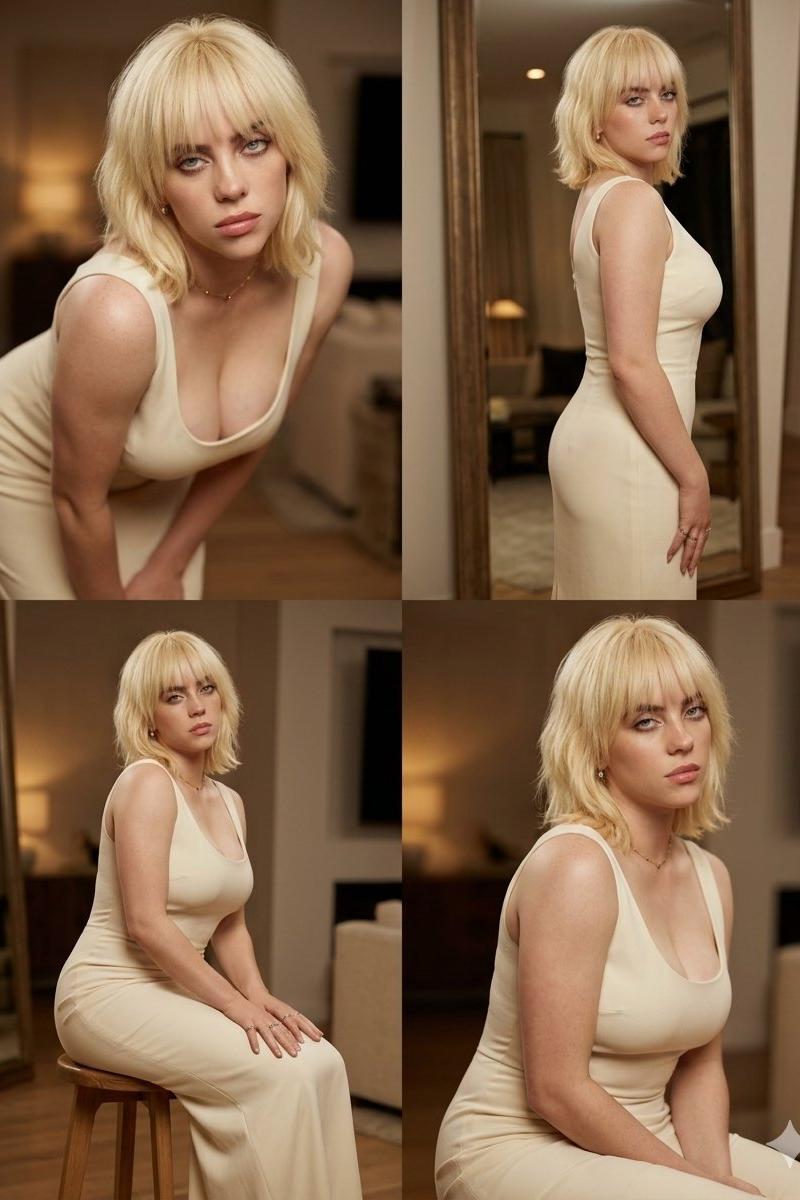
奶油色礼裙女性四宫格写真
Enlarge

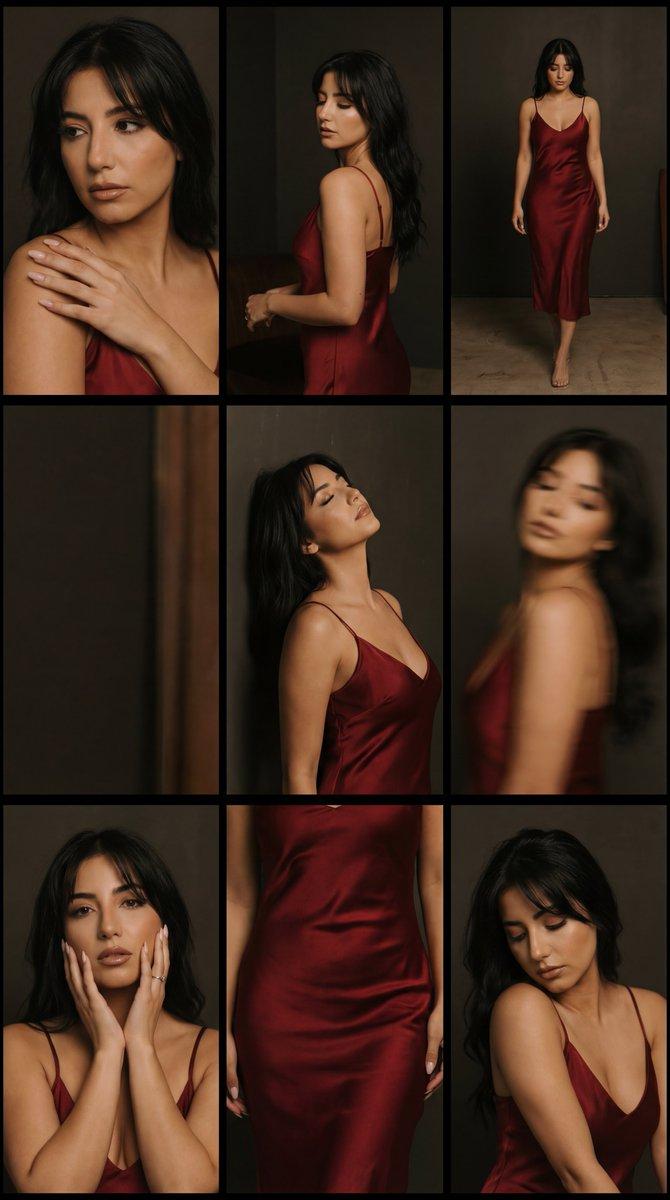
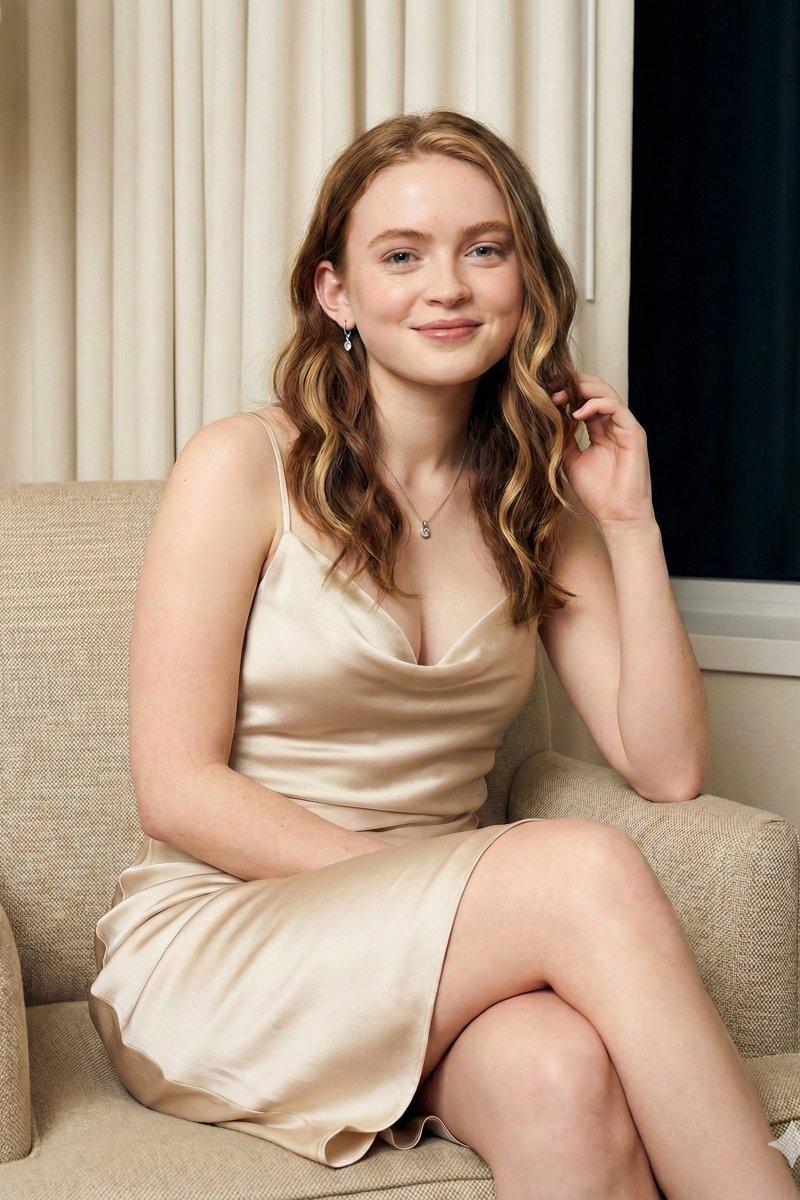
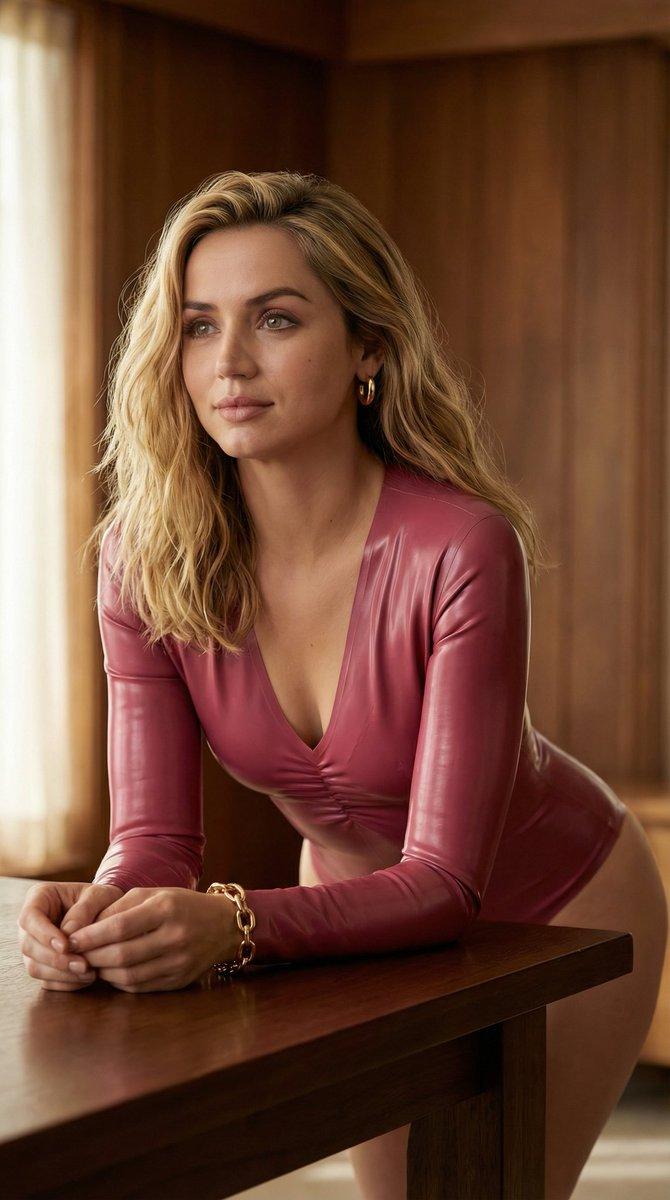
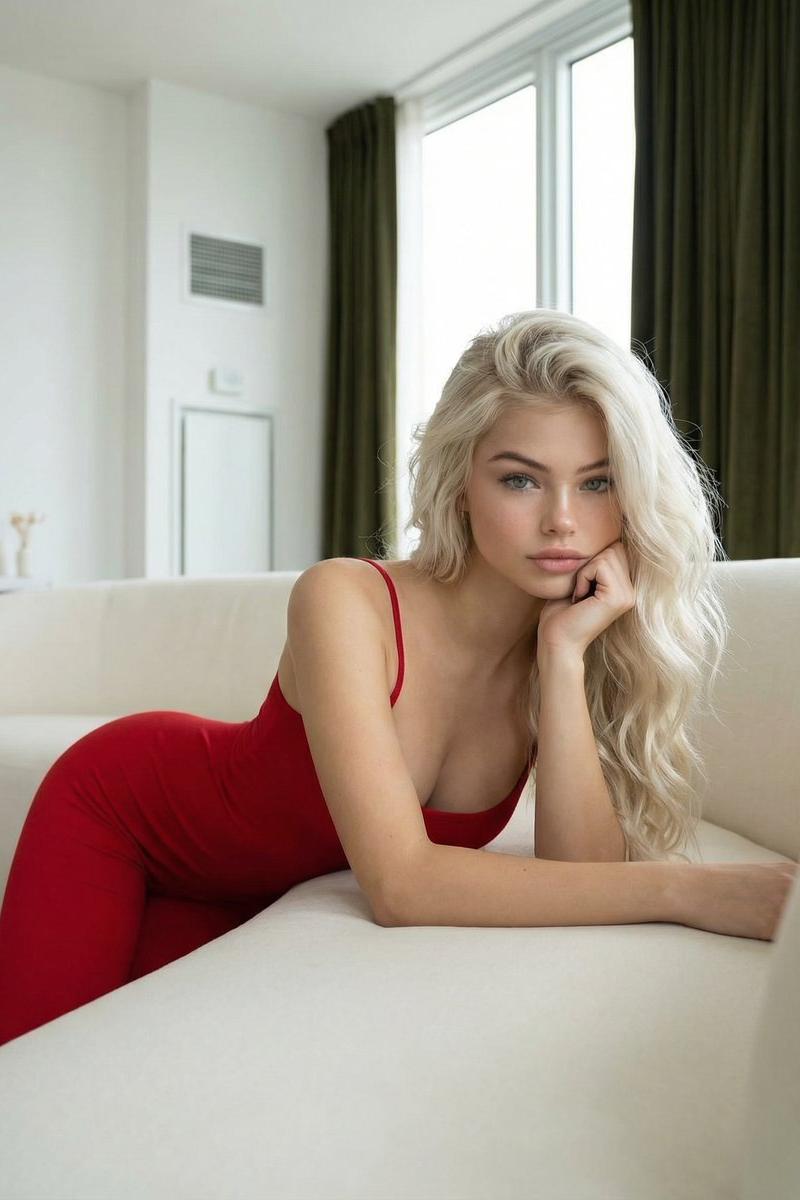
Example images

奶油色礼裙女性四宫格写真

Prompt
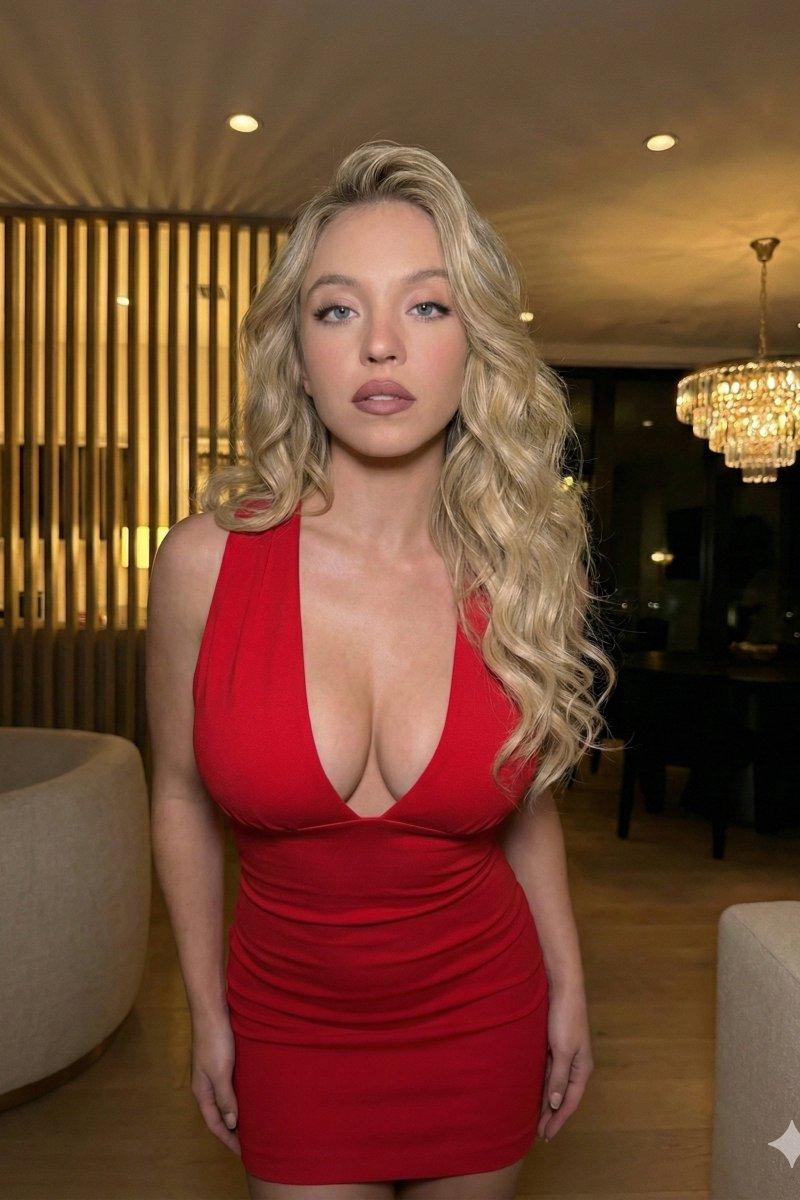
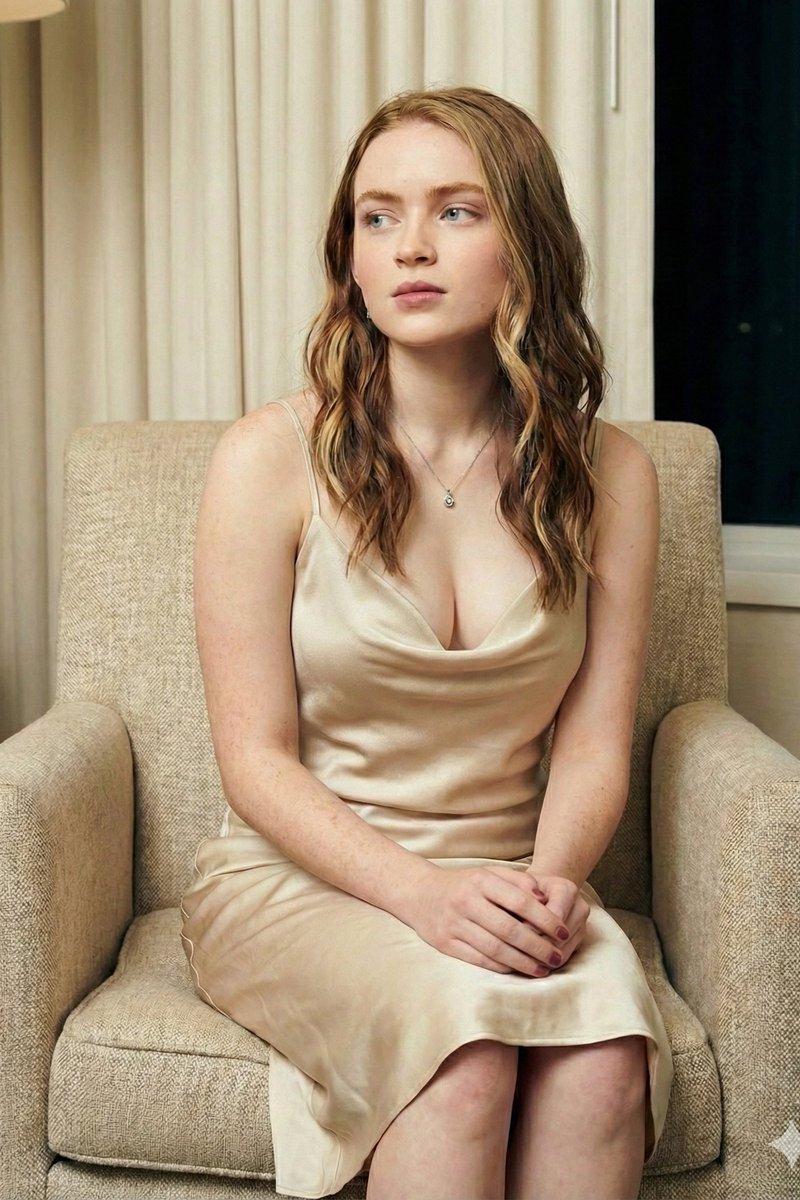
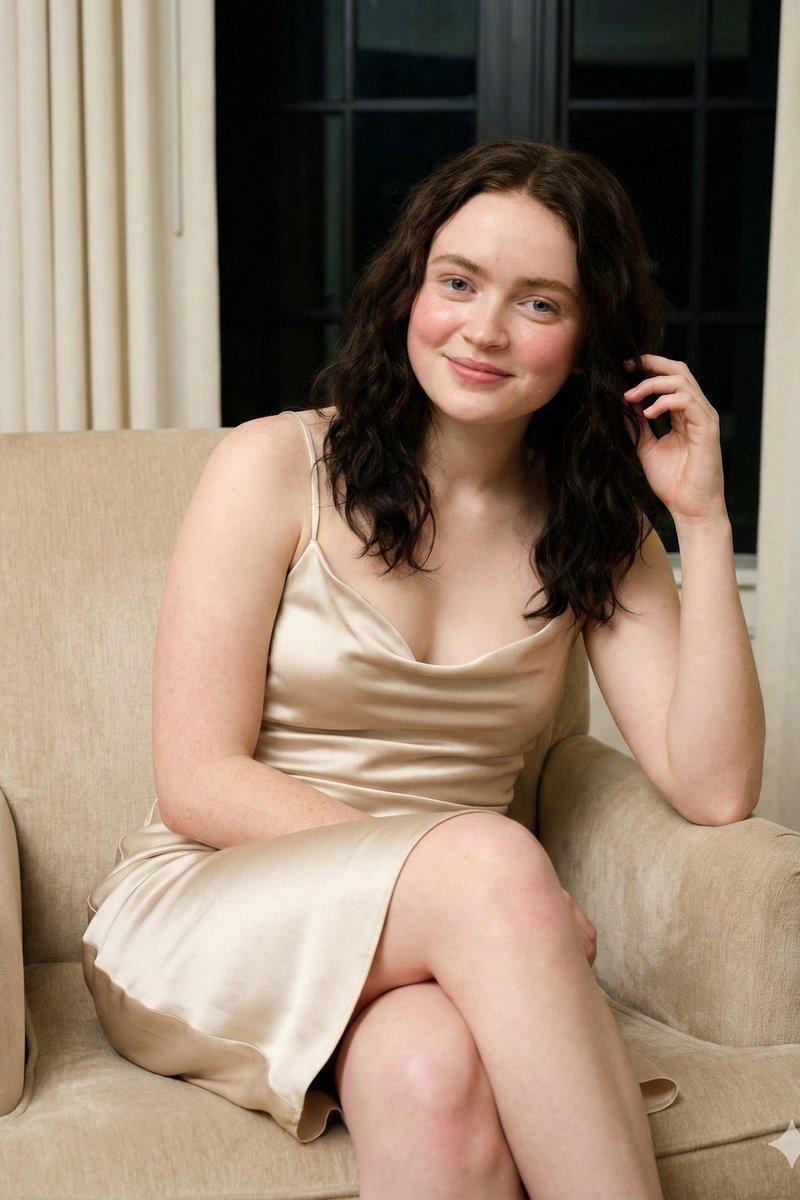
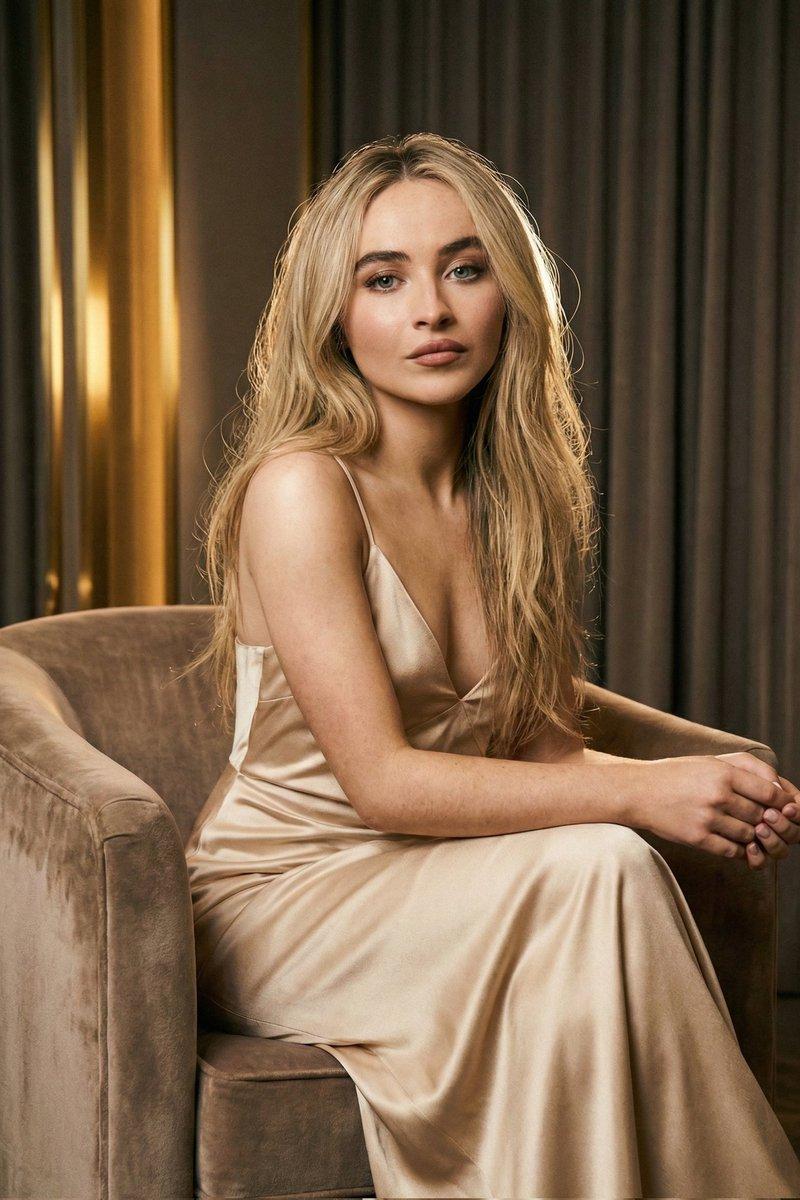
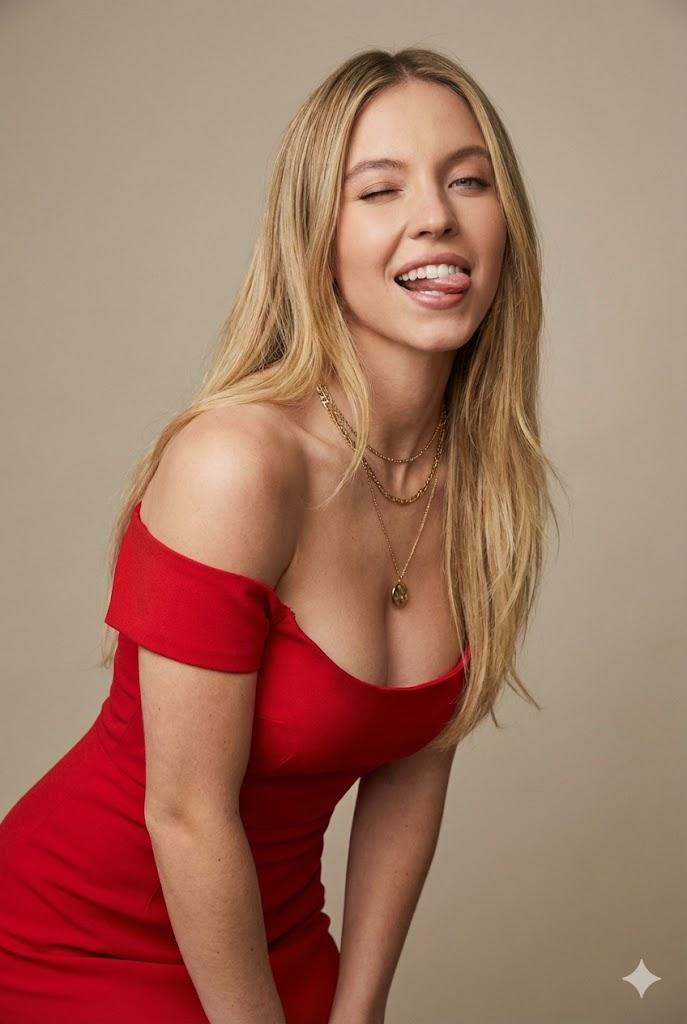
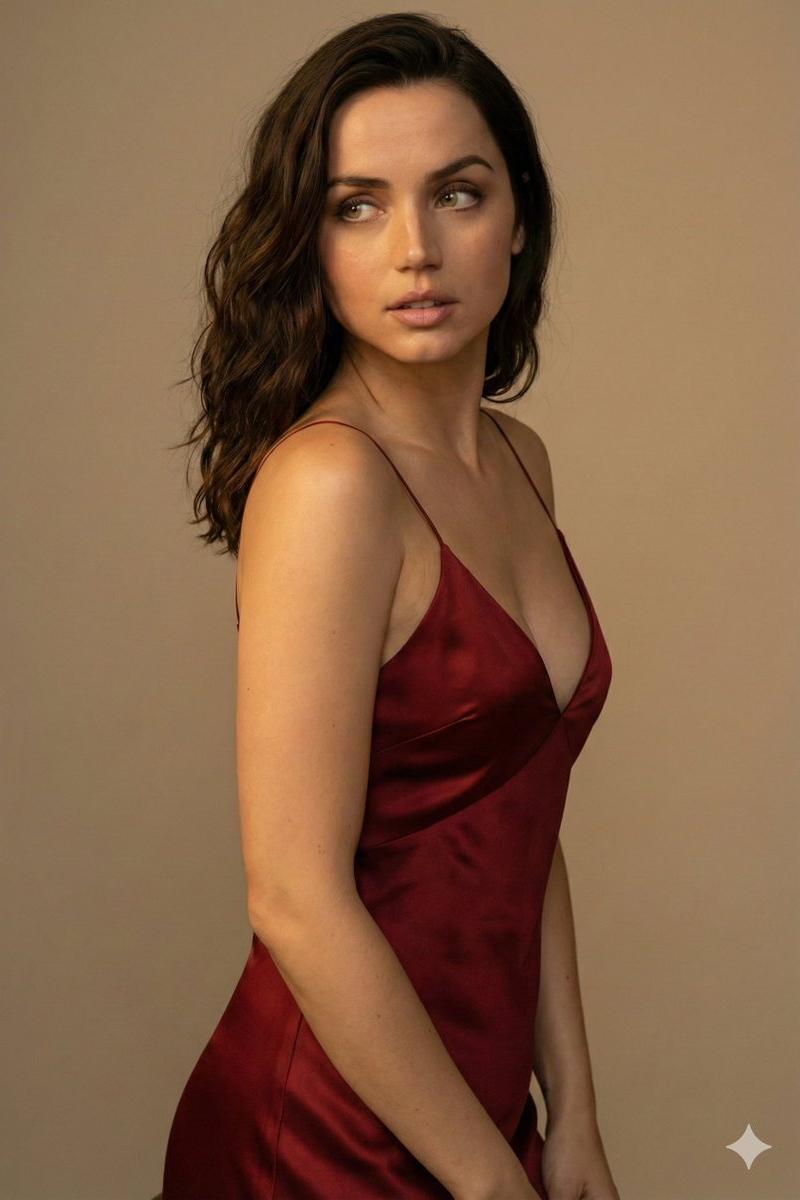
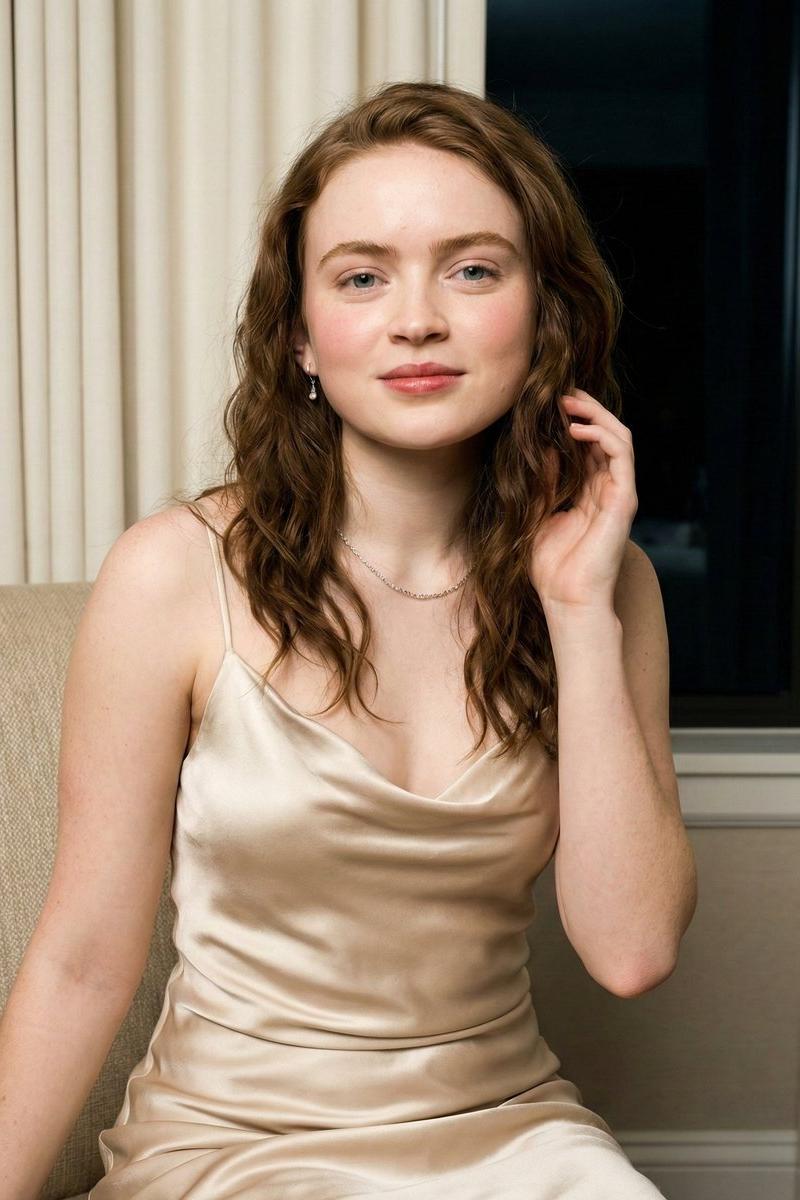
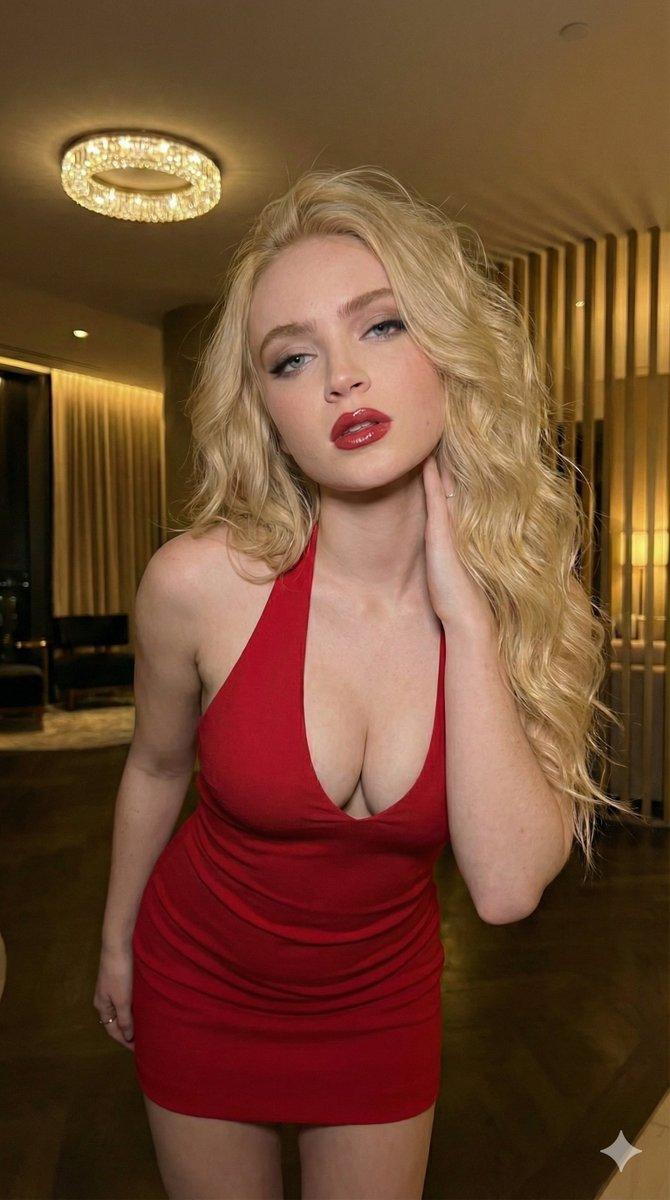
Create a 2×2 photo collage featuring the same beautiful woman in all four frames. Ultra-realistic cinematic photography, warm indoor lighting, soft depth of field, luxury apartment background. The subject wears a fitted elegant cream-colored dress. Each panel shows a different pose:
Top Left: leaning forward toward the camera with a confident expression.
Top Right: side profile standing pose near a mirror.
Bottom Left: sitting on a wooden stool with relaxed posture.
Bottom Right: seated pose looking slightly away from the camera.
Consistent face, hairstyle, body proportions, outfit, and lighting across all panels. Professional fashion editorial photography, high detail skin texture, realistic shadows, sharp focus, 8K quality, cinematic color grading, magazine photoshoot aesthetic, seamless 4-image grid collage, Instagram viral style.
Category
Charts & Infographics
Model
Nano banana pro
Creator
@AIwithZeeshi
Source language
zh-CN
Views25
Source ID
15577
Published
Jun 7, 2026
Studio

Guide

About "奶油色礼裙女性四宫格写真"

What is this prompt for?

"奶油色礼裙女性四宫格写真" AI image prompt for Nano banana pro (Charts & Infographics). 创建一个2×2的照片拼贴,四个画框中都是同一位美丽的女性。超写实电影摄影,温暖的室内光线,柔和的景深,豪华公寓背景。主体穿着一件合身优雅的奶油色连衣裙。每个面板展示不…

The full copyable prompt and example visuals above are ready for AI image generation or one-click recreate in Picva.

How to use this prompt

  1. Step 1

    Open the prompt detail

    Review the example visuals, category, and full prompt text for "奶油色礼裙女性四宫格写真".

  2. Step 2

    Copy the prompt

    Copy the prompt body from this page, or load it directly in Studio.

  3. Step 3

    Pick a model (Nano banana pro)

    Prefer Nano banana pro. If you switch models, keep subject and composition and tweak style terms.

  4. Step 4

    Generate and export

    Recreate the look in Picva, or export into your workflow for editing and publishing.

FAQ

What is the "奶油色礼裙女性四宫格写真" prompt?
It is an AI image-generation prompt for Nano banana pro in the Charts & Infographics category. This page includes the full prompt text, example visuals, and a one-click recreate path in Picva.
How do I use this prompt to generate an image?
Copy the prompt from this page, or use Generate / Studio. Paste it into a compatible image model, or recreate the look in Picva with optional reference images.
Which model is this prompt for?
This page lists Nano banana pro. Most descriptive prompts also transfer to nearby image models such as GPT Image, Flux, or Midjourney with light style tweaks.
Can I use the result commercially?
You can usually copy the prompt for creation, but commercial use of the final image depends on the model terms, reference-image rights, and the generated content. Follow the source author and platform rules.