18

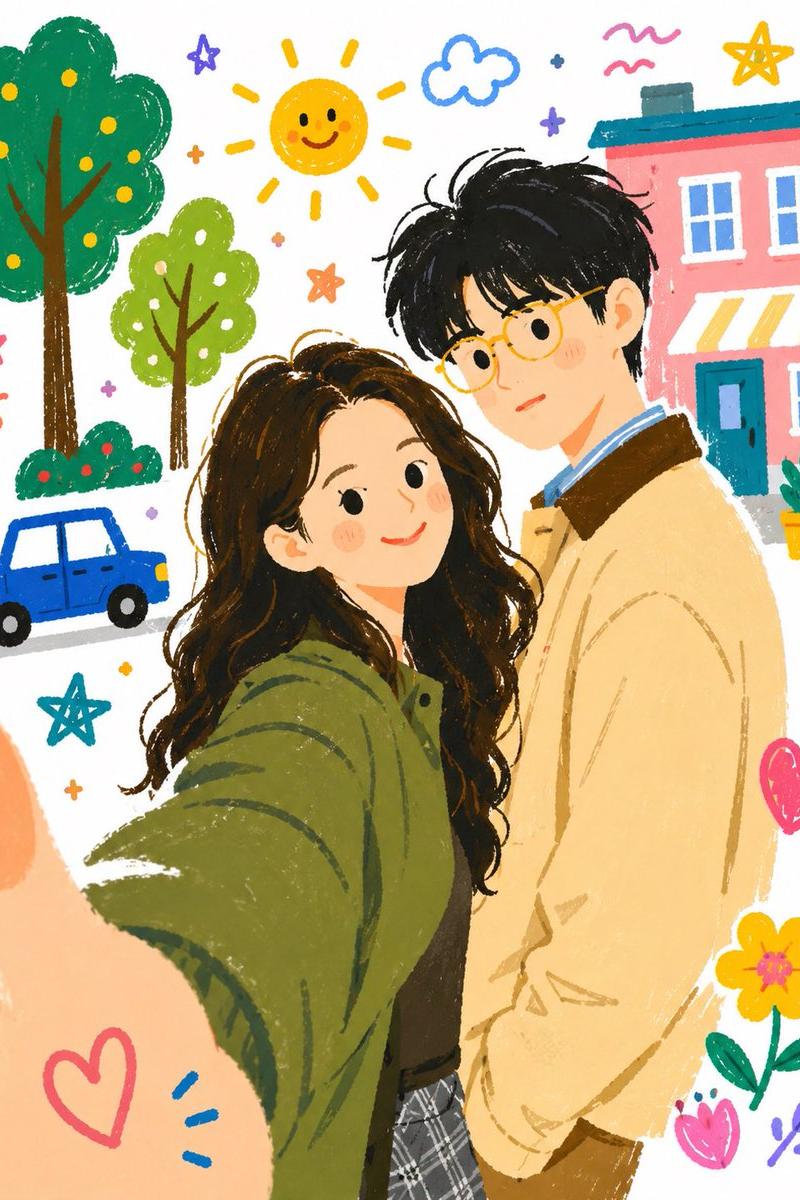
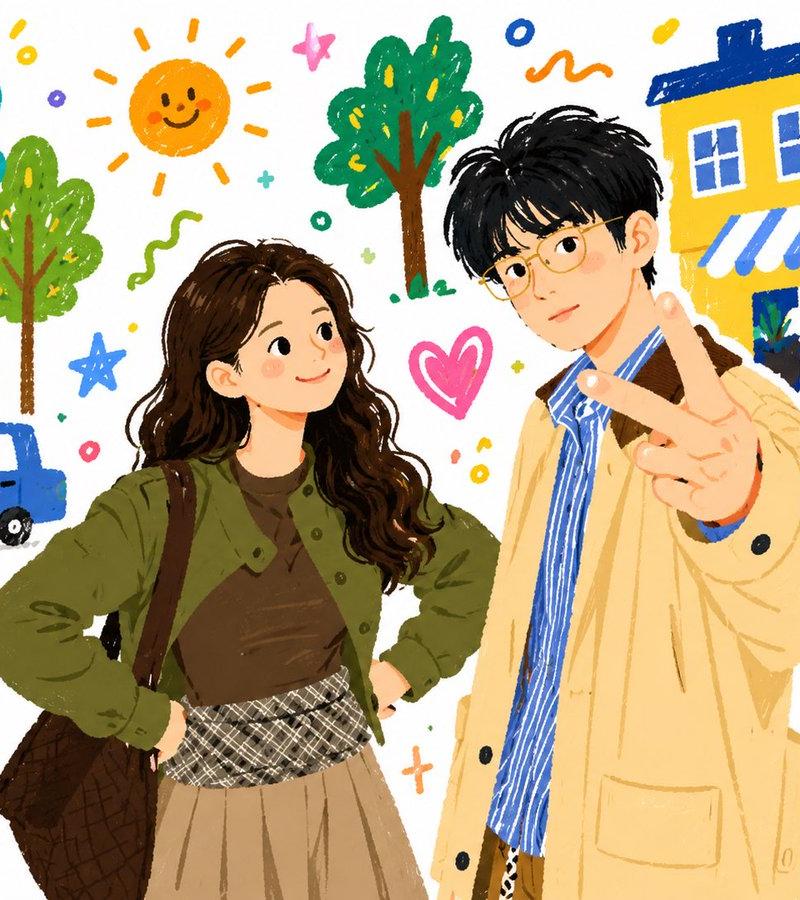
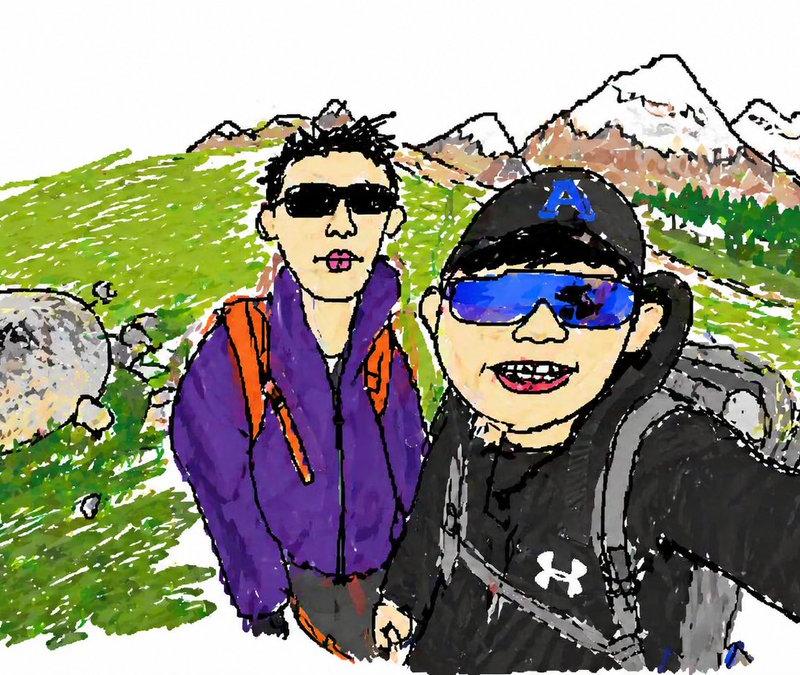
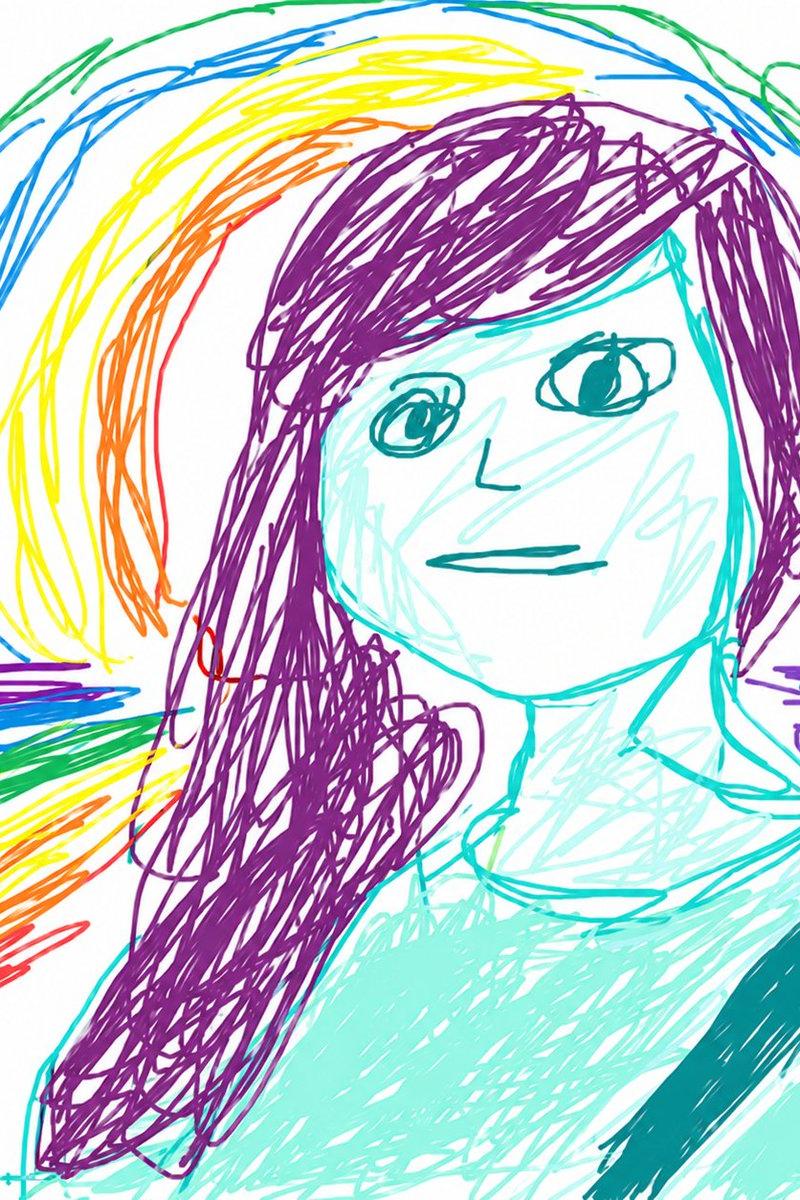
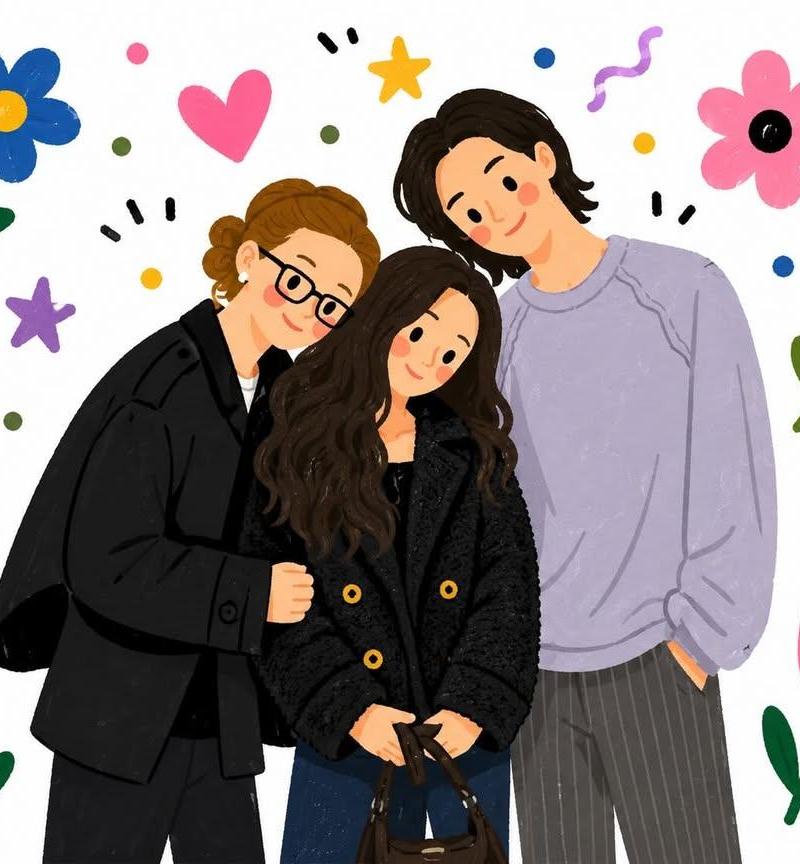
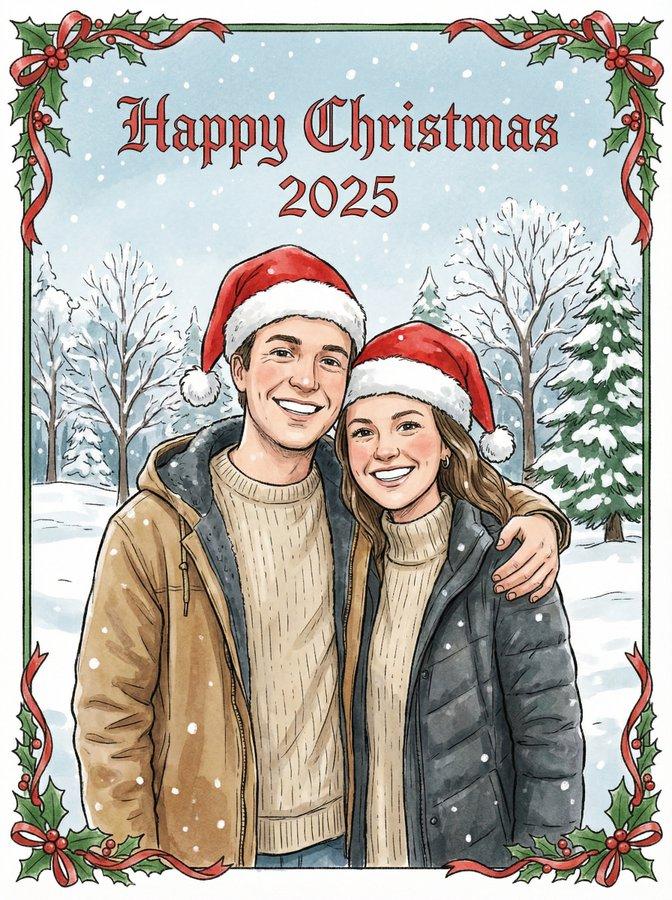
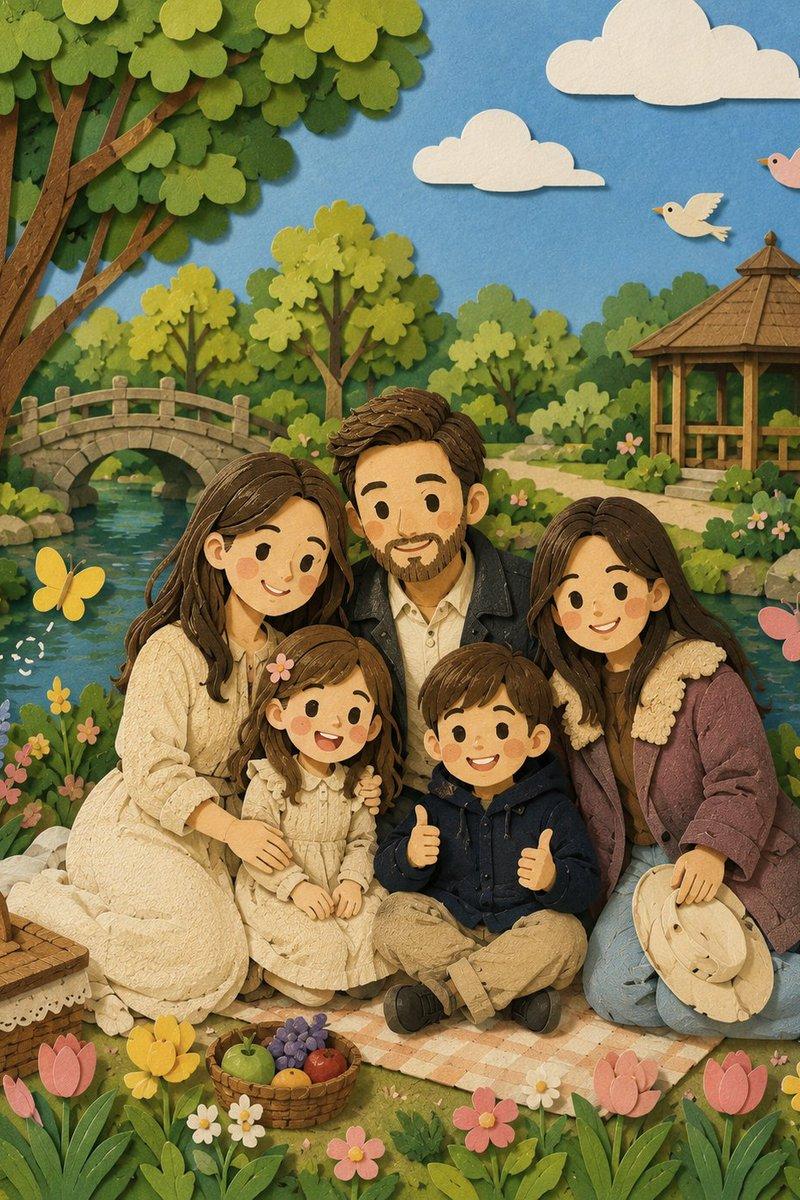
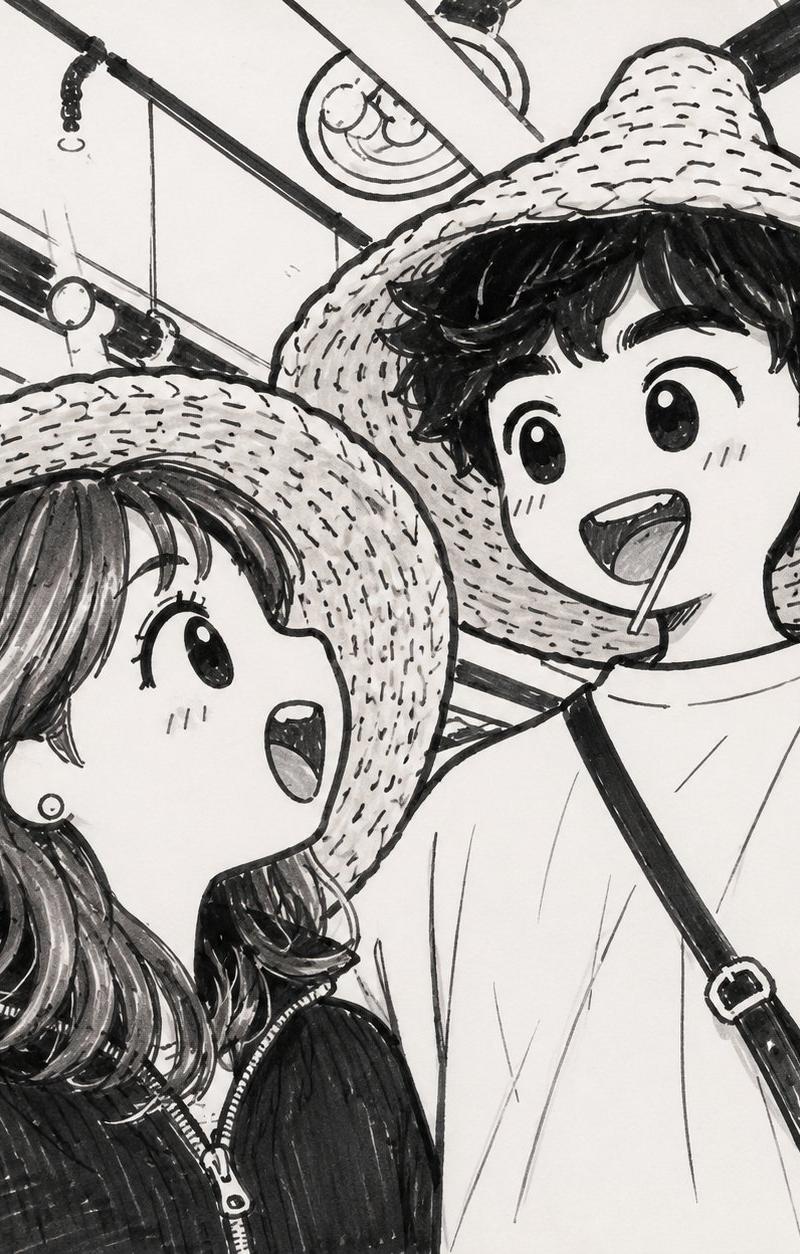
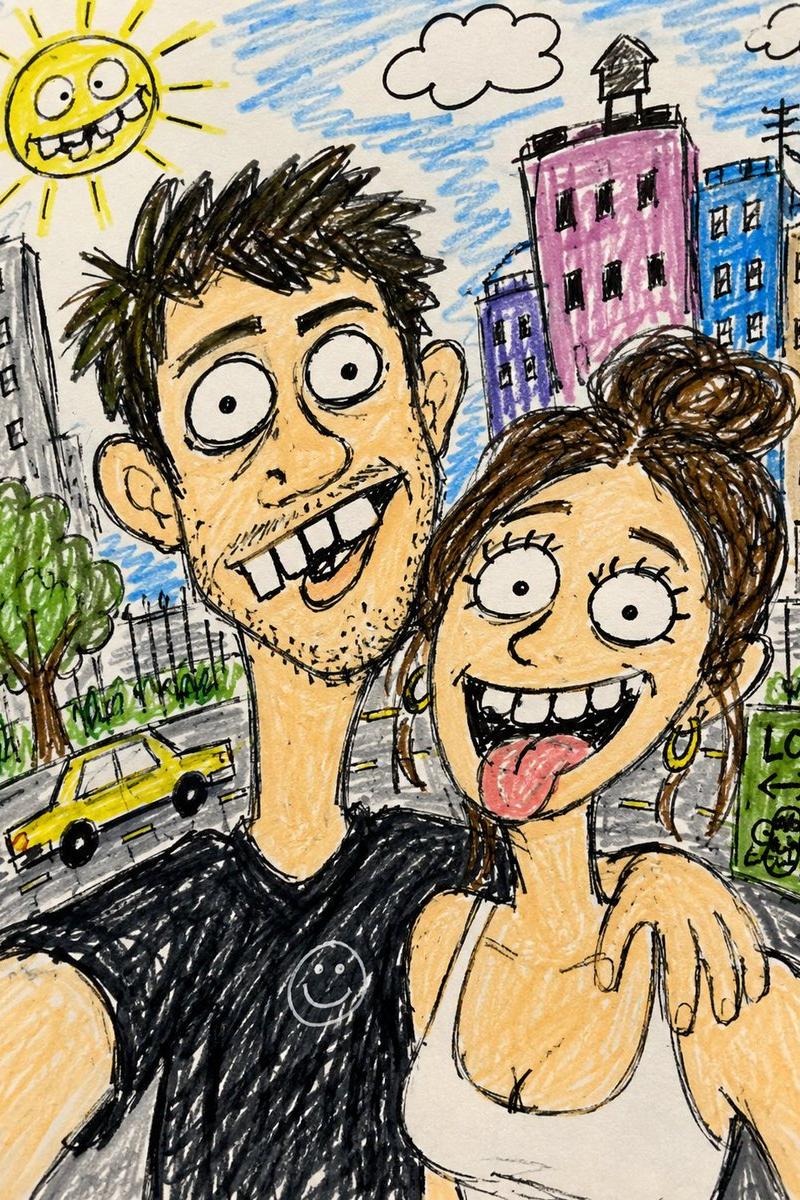
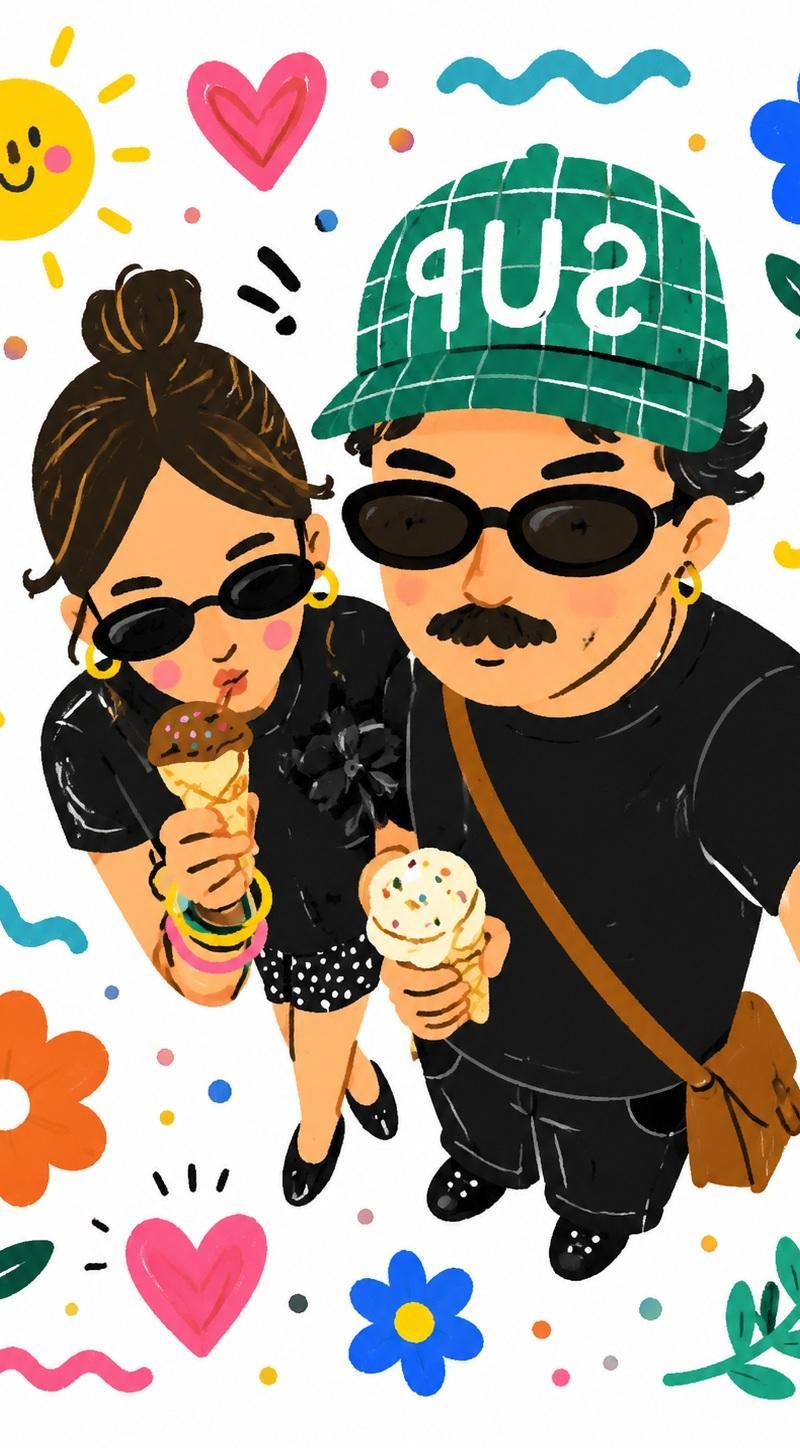
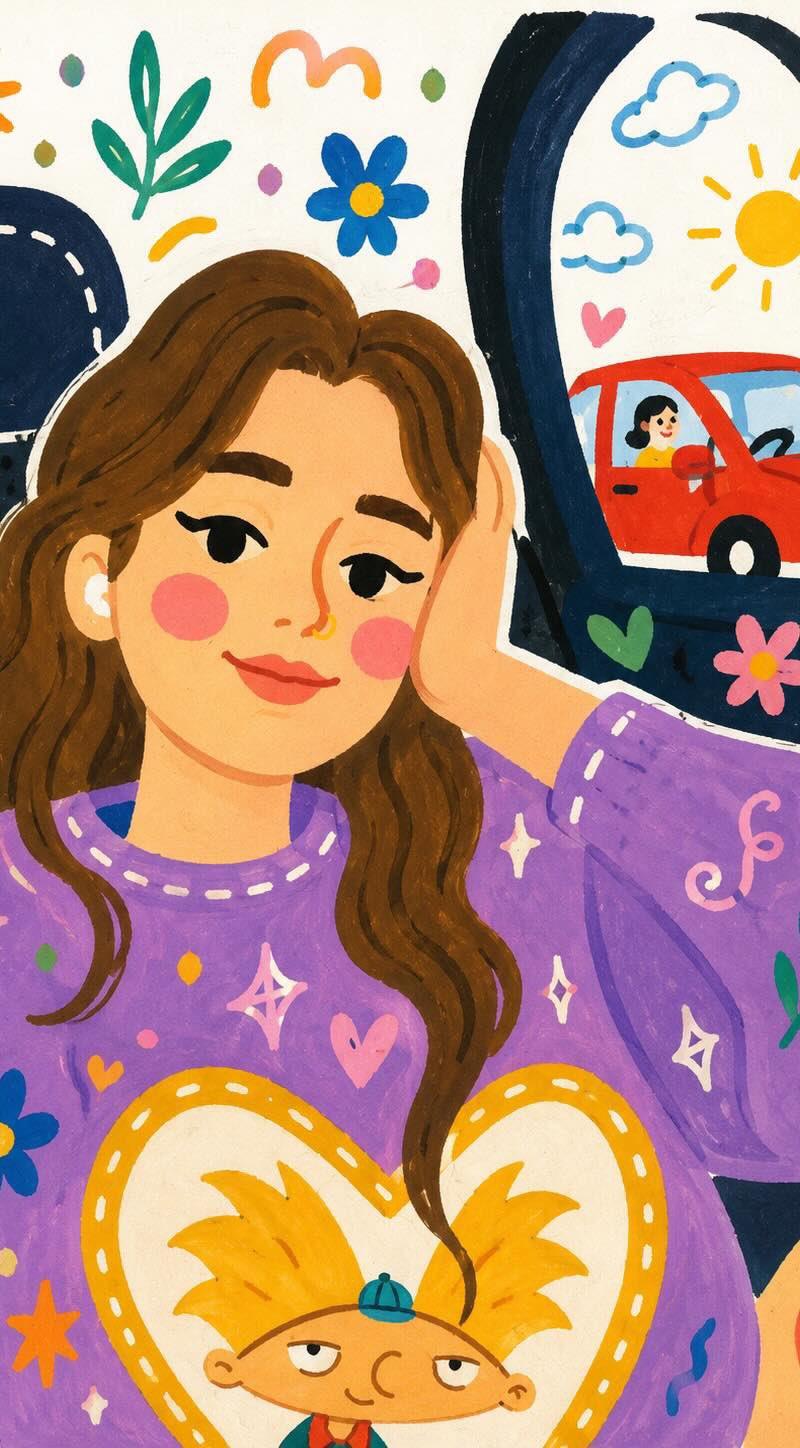
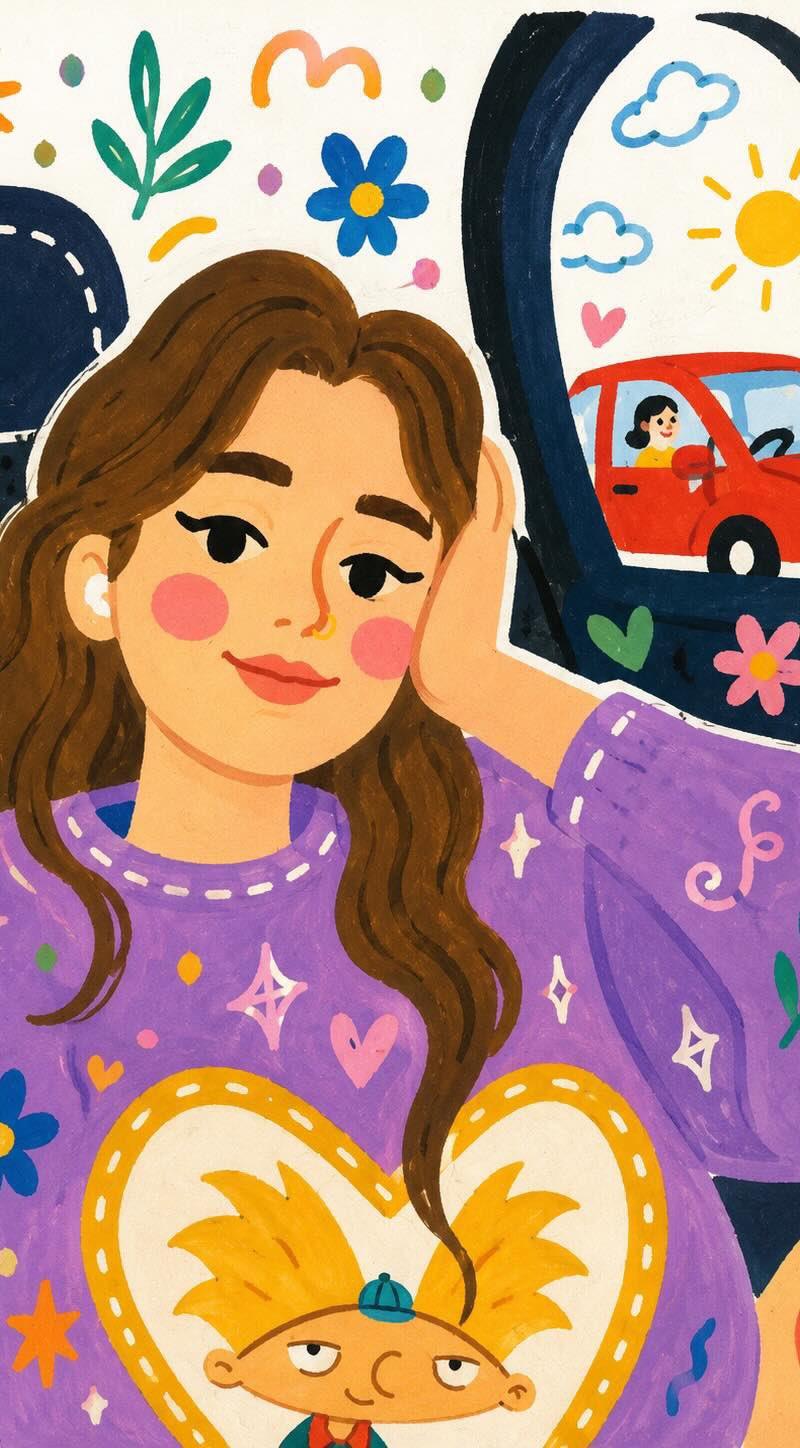
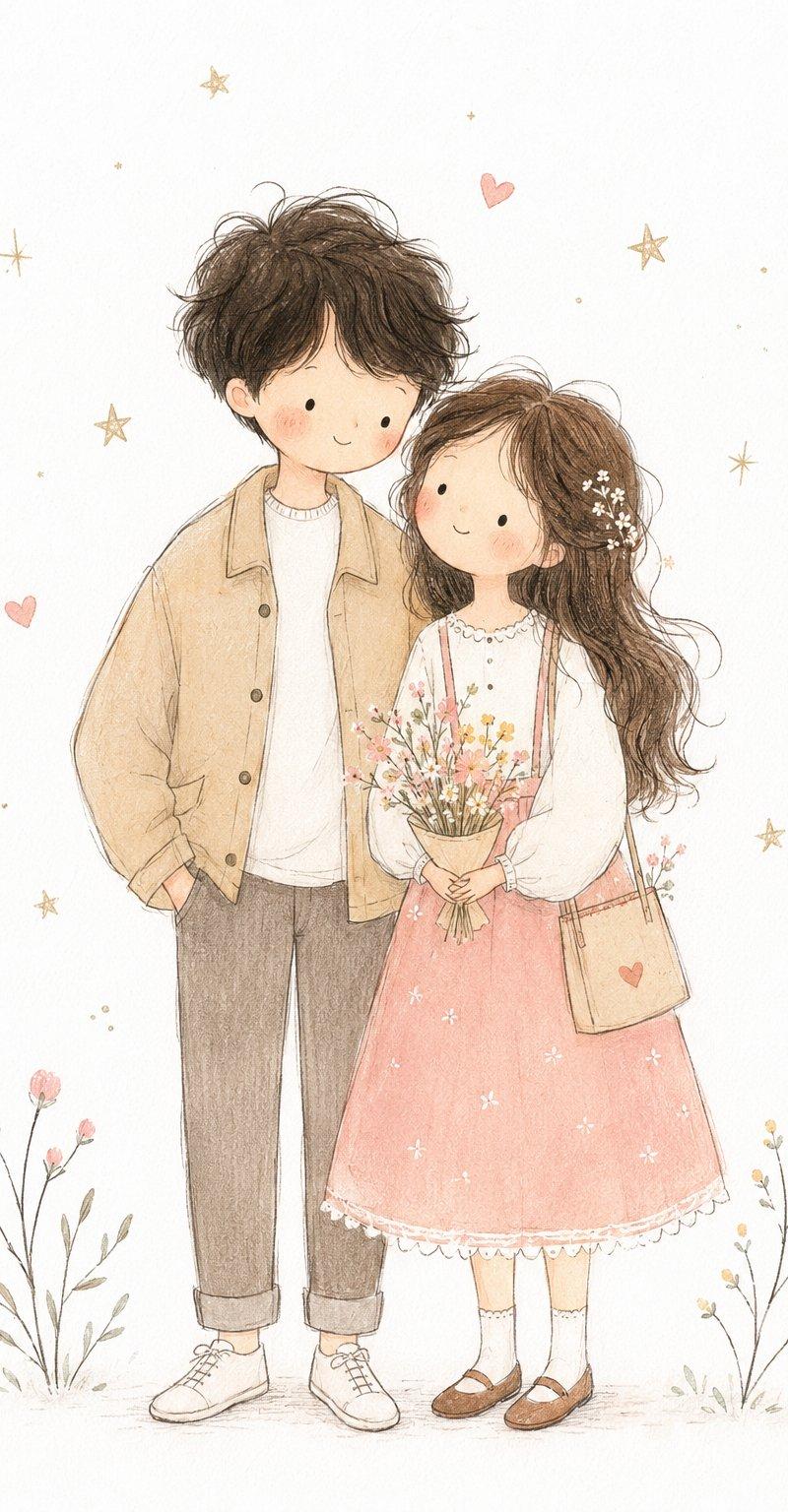
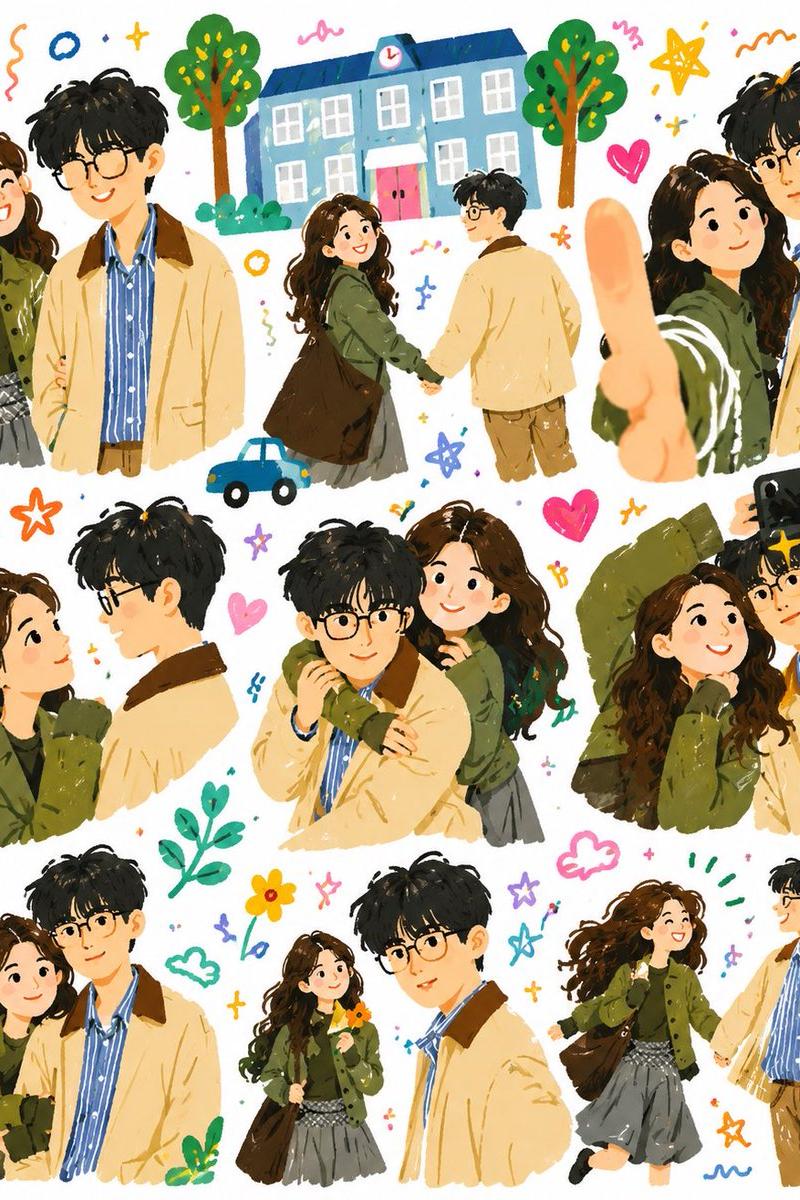
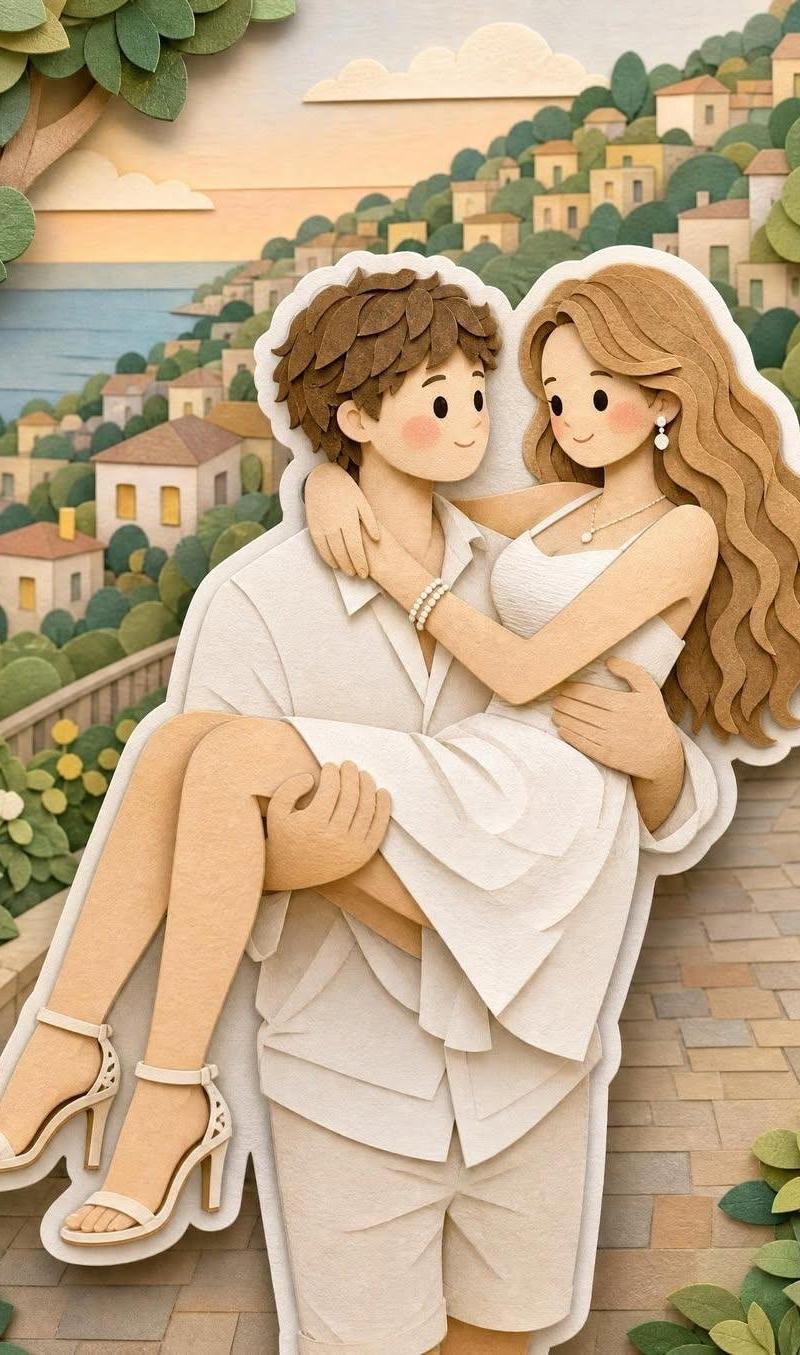
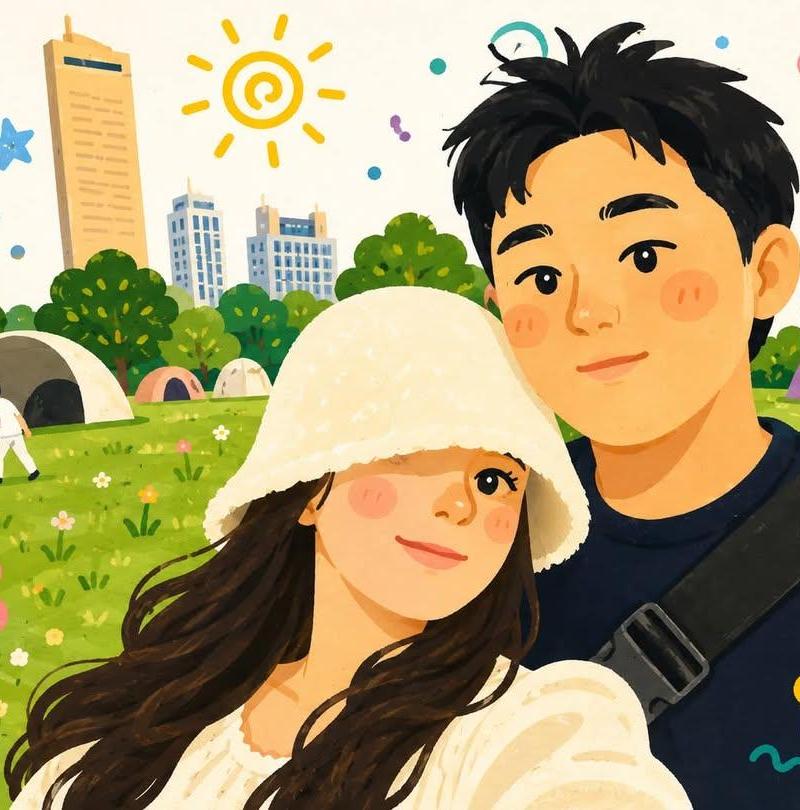
可爱韩系手绘漫绘风格幸福情侣自拍
Enlarge

Example images

可爱韩系手绘漫绘风格幸福情侣自拍

Prompt
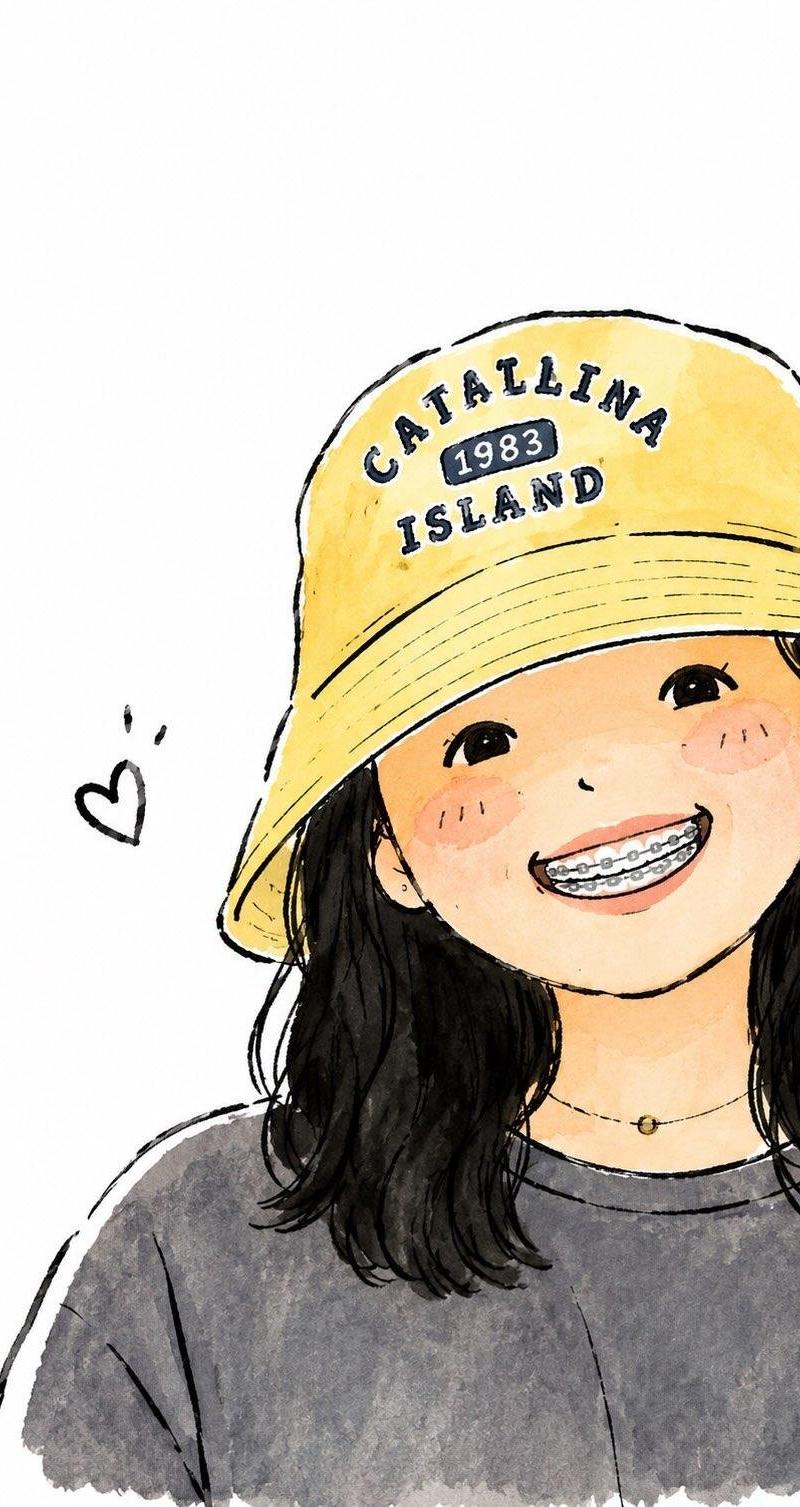
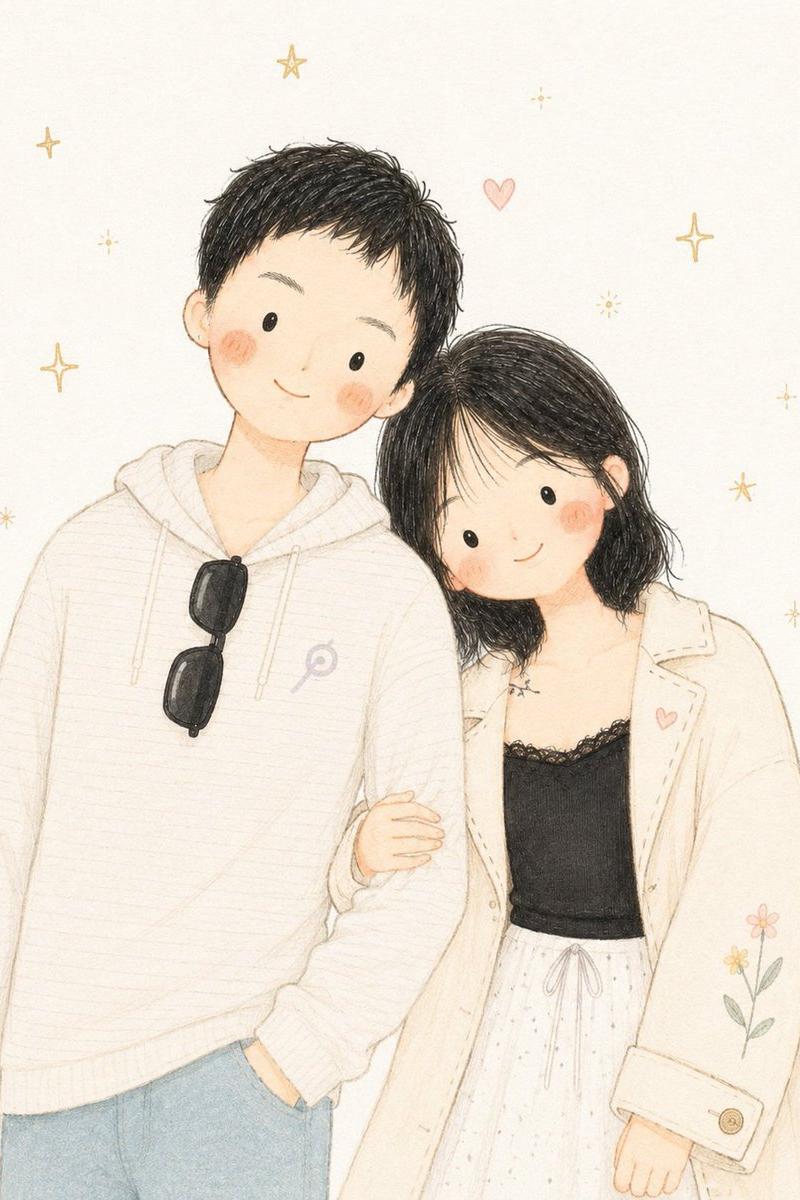
Transform the uploaded photo into a cute hand-painted Korean webtoon illustration of a happy couple taking a selfie outdoors. Soft pastel color palette, round expressive eyes, rosy cheeks, warm smiles, cozy romantic atmosphere, charming doodle elements floating around them (hearts, flowers, stars, swirls, sunshine icons). Lush green park or beach scenery in the background, bright sunny day, whimsical children's-book aesthetic, clean line art, soft painterly shading, adorable proportions, cozy cottagecore vibes, dreamy and cheerful mood, highly detailed digital illustration, storybook quality, kawaii aesthetic, gentle textures, vibrant yet soft colors, Instagram-worthy artwork, wholesome couple portrait, cute lifestyle illustration, masterpiece, ultra detailed.
Category
Charts & Infographics
Model
ChatGPT
Creator
@Taaruk_
Source language
zh-CN
Views40
Source ID
15979
Published
Jun 12, 2026
Studio

Guide

About "可爱韩系手绘漫绘风格幸福情侣自拍"

What is this prompt for?

"可爱韩系手绘漫绘风格幸福情侣自拍" AI image prompt for ChatGPT (Charts & Infographics). 将上传的照片转换为一张可爱的手绘韩系网络漫画插画,描绘一对在户外自拍的幸福情侣。柔和的淡雅色调,圆圆的有表现力的眼睛,红润的面颊,温暖的微笑,舒适浪漫的氛围,周围漂浮着迷人的…

The full copyable prompt and example visuals above are ready for AI image generation or one-click recreate in Picva.

How to use this prompt

  1. Step 1

    Open the prompt detail

    Review the example visuals, category, and full prompt text for "可爱韩系手绘漫绘风格幸福情侣自拍".

  2. Step 2

    Copy the prompt

    Copy the prompt body from this page, or load it directly in Studio.

  3. Step 3

    Pick a model (ChatGPT)

    Prefer ChatGPT. If you switch models, keep subject and composition and tweak style terms.

  4. Step 4

    Generate and export

    Recreate the look in Picva, or export into your workflow for editing and publishing.

FAQ

What is the "可爱韩系手绘漫绘风格幸福情侣自拍" prompt?
It is an AI image-generation prompt for ChatGPT in the Charts & Infographics category. This page includes the full prompt text, example visuals, and a one-click recreate path in Picva.
How do I use this prompt to generate an image?
Copy the prompt from this page, or use Generate / Studio. Paste it into a compatible image model, or recreate the look in Picva with optional reference images.
Which model is this prompt for?
This page lists ChatGPT. Most descriptive prompts also transfer to nearby image models such as GPT Image, Flux, or Midjourney with light style tweaks.
Can I use the result commercially?
You can usually copy the prompt for creation, but commercial use of the final image depends on the model terms, reference-image rights, and the generated content. Follow the source author and platform rules.