17

电商级男装单品精准提取与白底展示
Enlarge

Example images

电商级男装单品精准提取与白底展示

Prompt
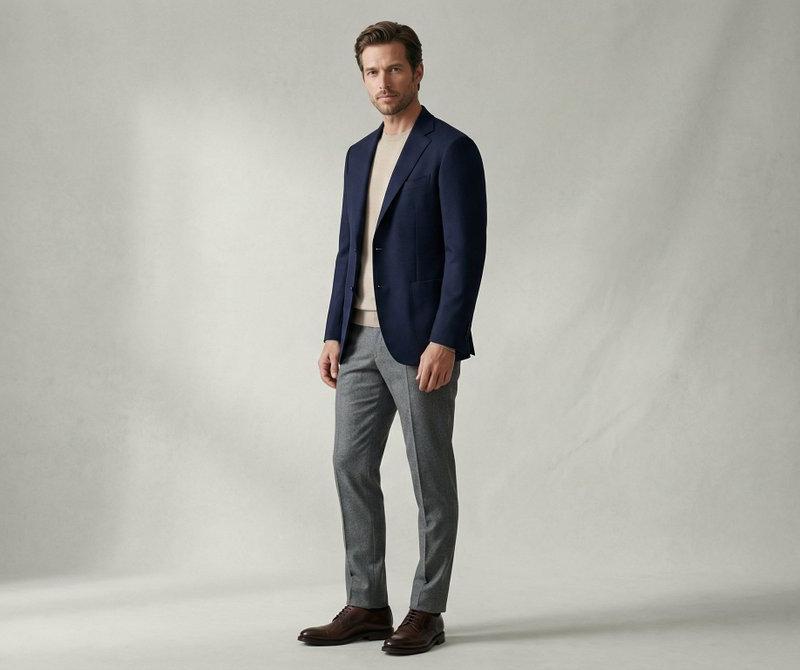
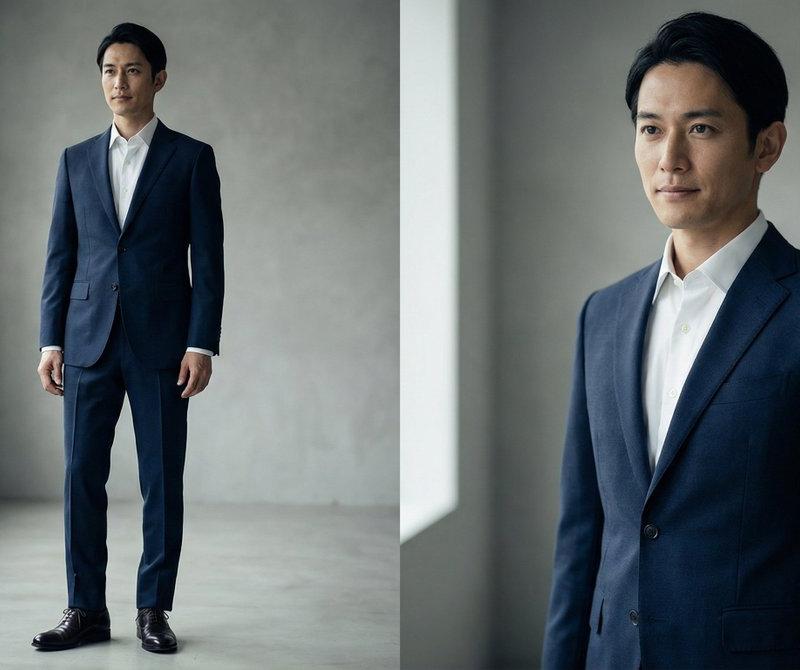
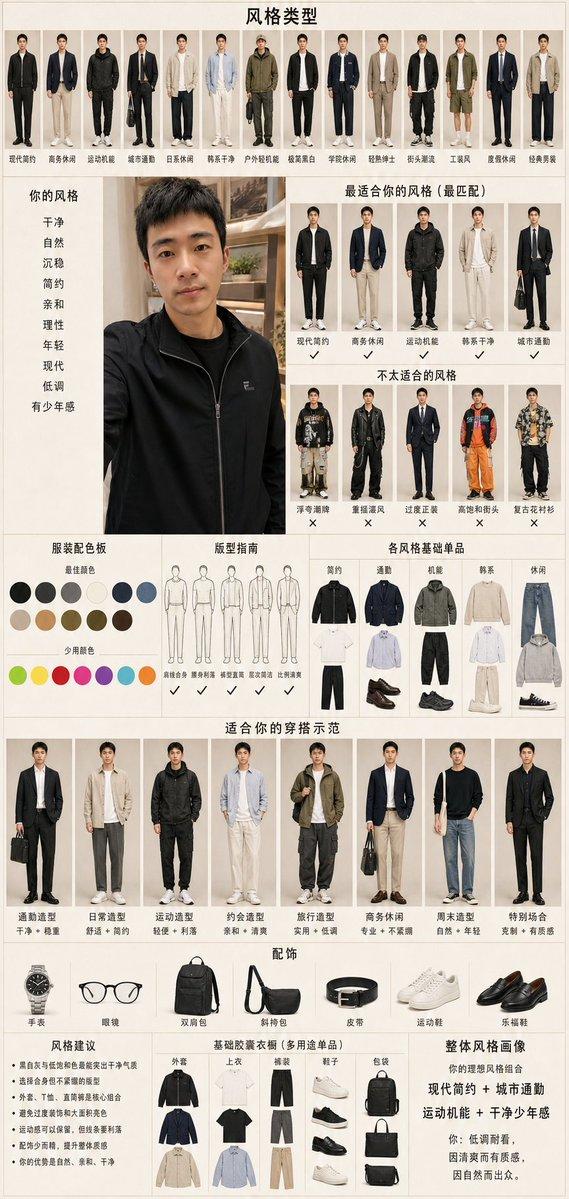
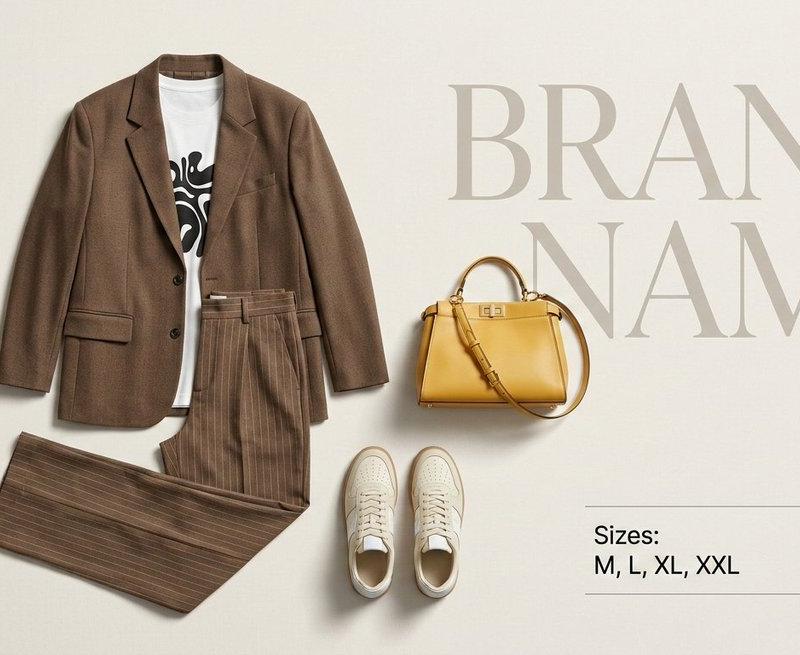
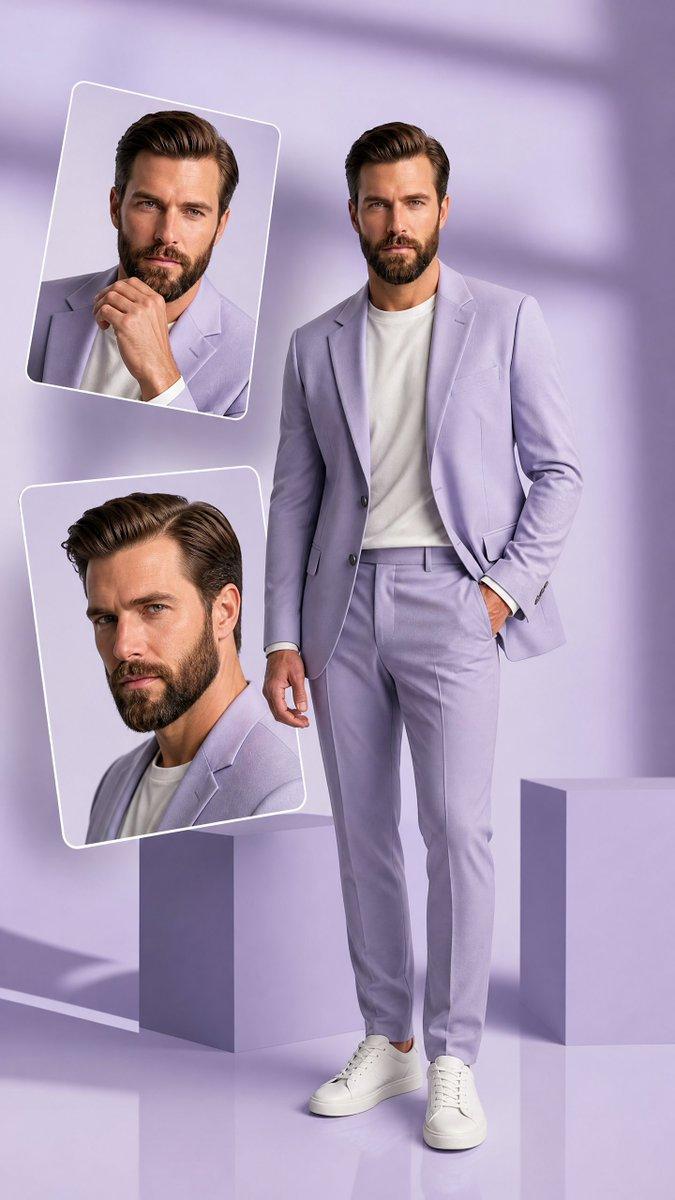
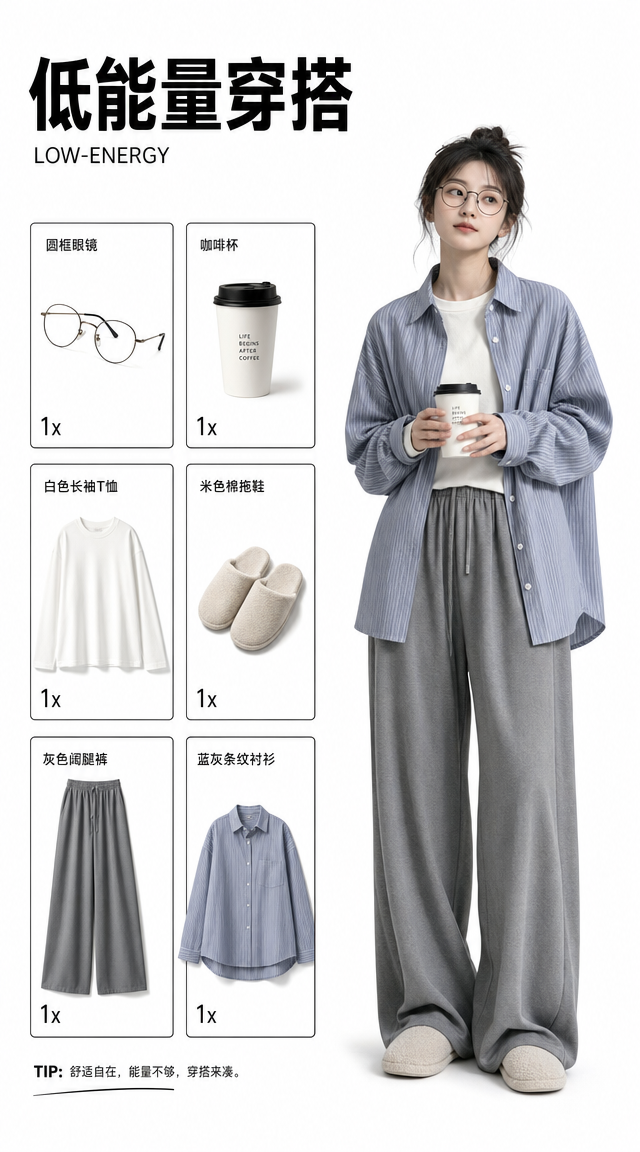
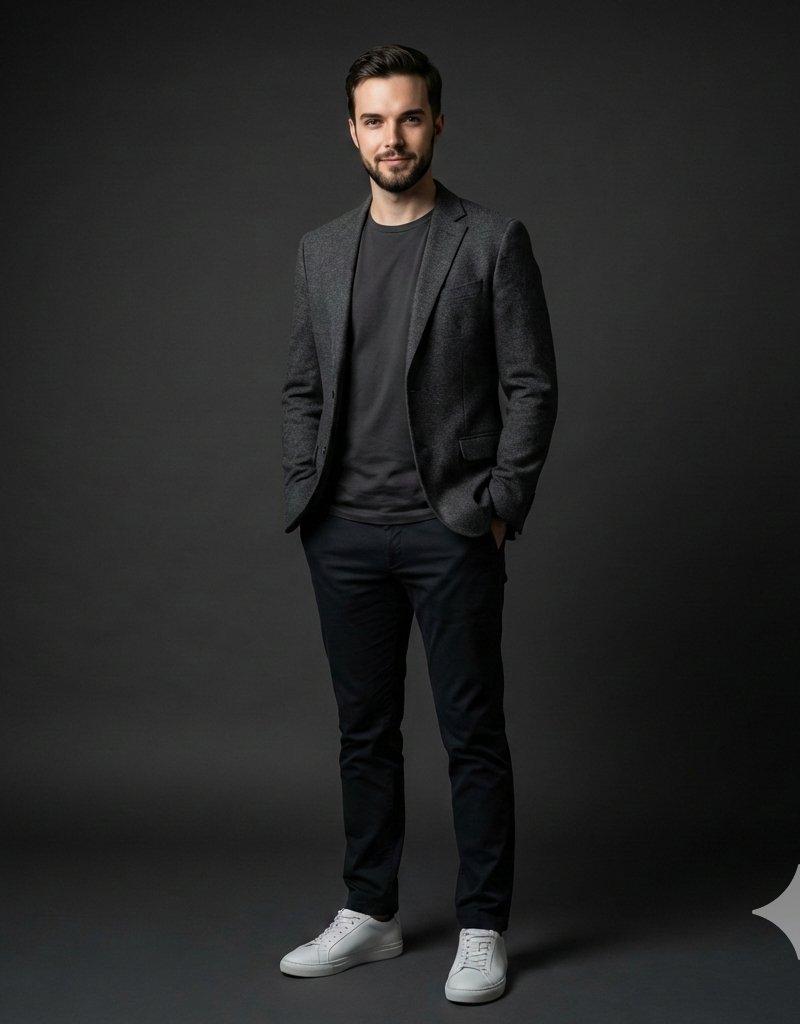
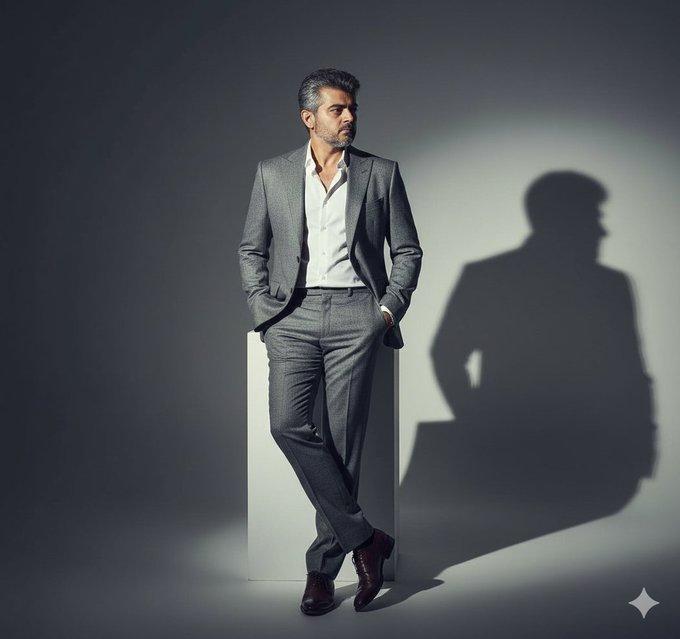
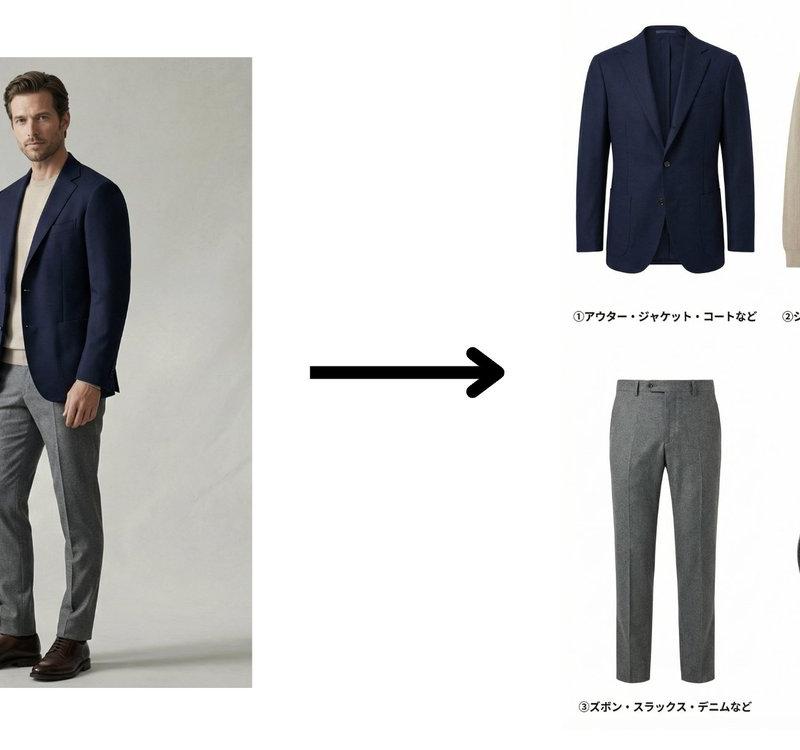
You are a professional fashion catalog creator. Analyze the clothing worn by the man in the reference image. Based strictly on the actual designs of the clothes he is wearing, extract and separate them into the following four categories: ① Outerwear / jacket / coat ② Shirt / innerwear / dress shirt ③ Pants / slacks / denim ④ Shoes / sneakers / leather shoes Each extracted item must accurately reflect the original clothing’s color, material texture, shape, and details. Do NOT redesign, modify, stylize, or reinterpret the clothing in any way. Do NOT show the human body. Extract and display the clothing items only. The output image must be: ・white background ・front-facing view ・no shadows, no noise ・high-quality product photography, apparel e-commerce style Arrange the four items neatly in either a horizontal row or a 2×2 grid. Add Japanese labels to each item exactly as follows: ① アウター・ジャケット・コートなど ② シャツ・インナー・ワイシャツなど ③ ズボン・スラックス・デニムなど ④ 靴・スニーカー・革靴など Create a clean, easy-to-read catalog-style image. ultra high resolution, photorealistic, studio product lighting, flat lighting, extremely detailed fabric texture, apparel catalog quality Negative prompt: anime, illustration, cartoon, stylized, redesigned clothing, fashion sketch, mannequin, human body, model wearing clothes, background, shadow, reflection, blur, low quality, noisy image, dramatic lighting
Category
Charts & Infographics
Model
Nano banana pro
Creator
@tanabe_fragm
Source language
zh-CN
Views23
Source ID
8067
Published
Mar 22, 2026
Studio

Guide

About "电商级男装单品精准提取与白底展示"

What is this prompt for?

"电商级男装单品精准提取与白底展示" AI image prompt for Nano banana pro (Charts & Infographics). 您是一位专业的时尚目录创作者。 分析参考图片中男士所穿的服装。 严格根据他所穿服装的实际设计,将其提取并分为以下四类: ① 外套 / 夹克 / 大衣 ② 衬衫…

The full copyable prompt and example visuals above are ready for AI image generation or one-click recreate in Picva.

How to use this prompt

  1. Step 1

    Open the prompt detail

    Review the example visuals, category, and full prompt text for "电商级男装单品精准提取与白底展示".

  2. Step 2

    Copy the prompt

    Copy the prompt body from this page, or load it directly in Studio.

  3. Step 3

    Pick a model (Nano banana pro)

    Prefer Nano banana pro. If you switch models, keep subject and composition and tweak style terms.

  4. Step 4

    Generate and export

    Recreate the look in Picva, or export into your workflow for editing and publishing.

FAQ

What is the "电商级男装单品精准提取与白底展示" prompt?
It is an AI image-generation prompt for Nano banana pro in the Charts & Infographics category. This page includes the full prompt text, example visuals, and a one-click recreate path in Picva.
How do I use this prompt to generate an image?
Copy the prompt from this page, or use Generate / Studio. Paste it into a compatible image model, or recreate the look in Picva with optional reference images.
Which model is this prompt for?
This page lists Nano banana pro. Most descriptive prompts also transfer to nearby image models such as GPT Image, Flux, or Midjourney with light style tweaks.
Can I use the result commercially?
You can usually copy the prompt for creation, but commercial use of the final image depends on the model terms, reference-image rights, and the generated content. Follow the source author and platform rules.