16

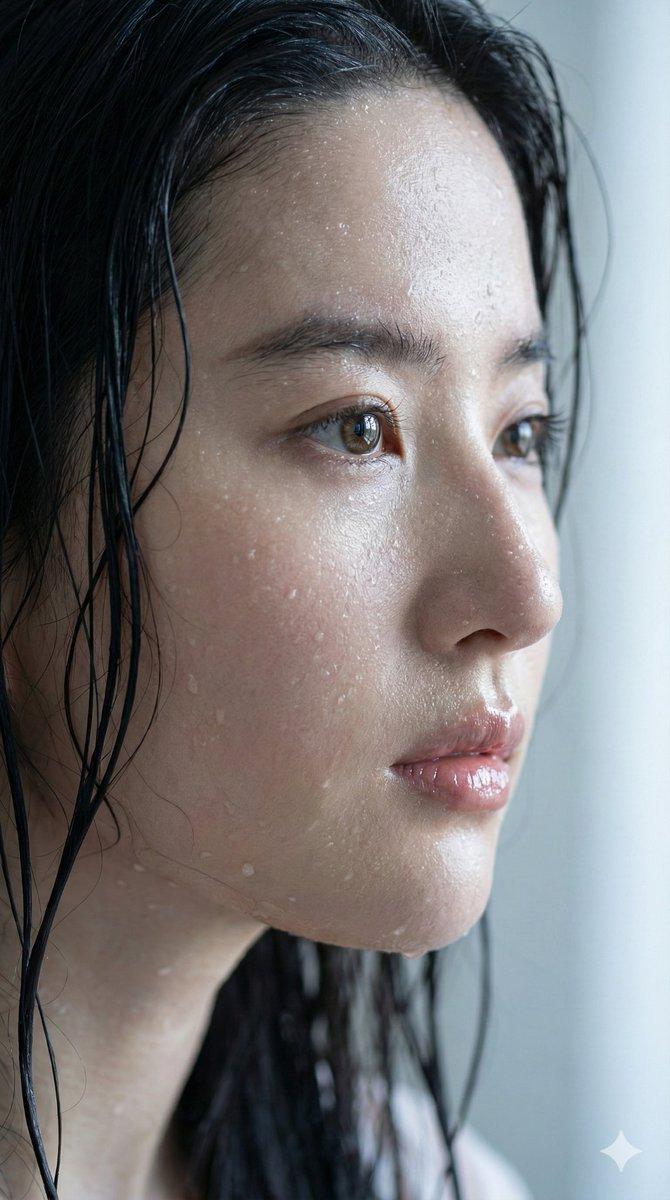
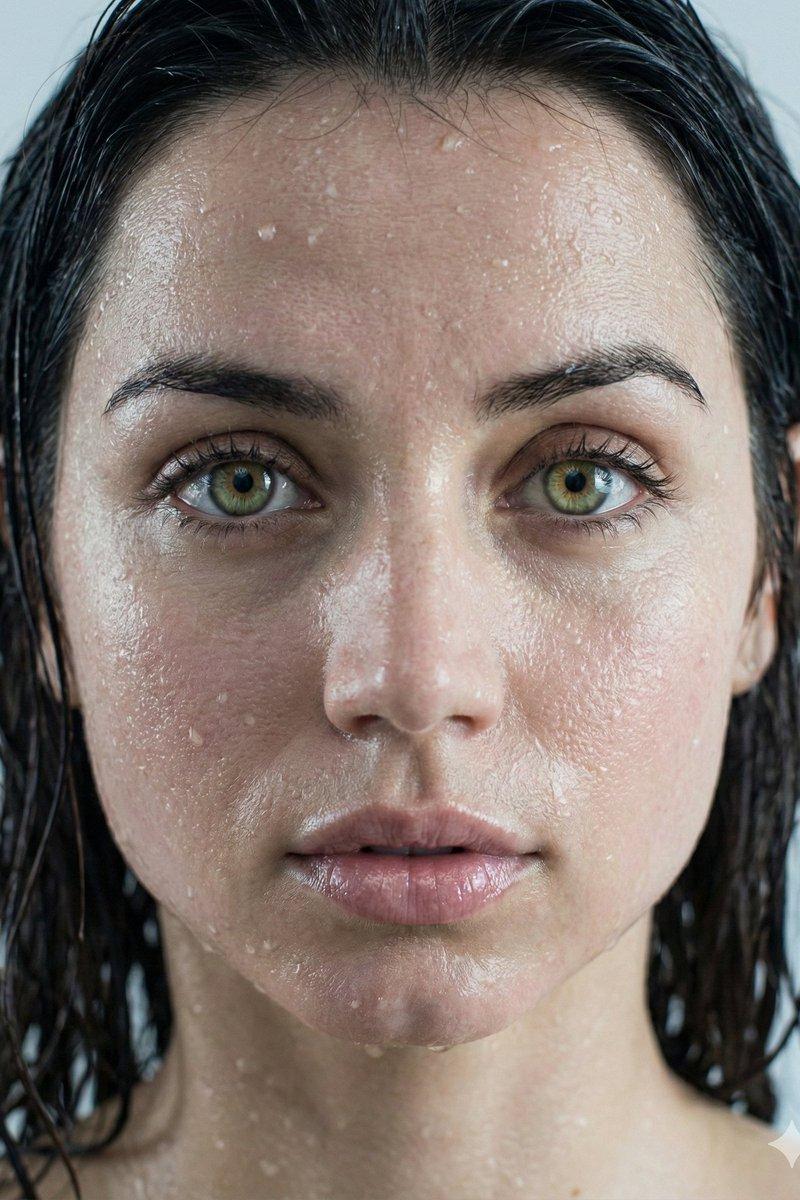
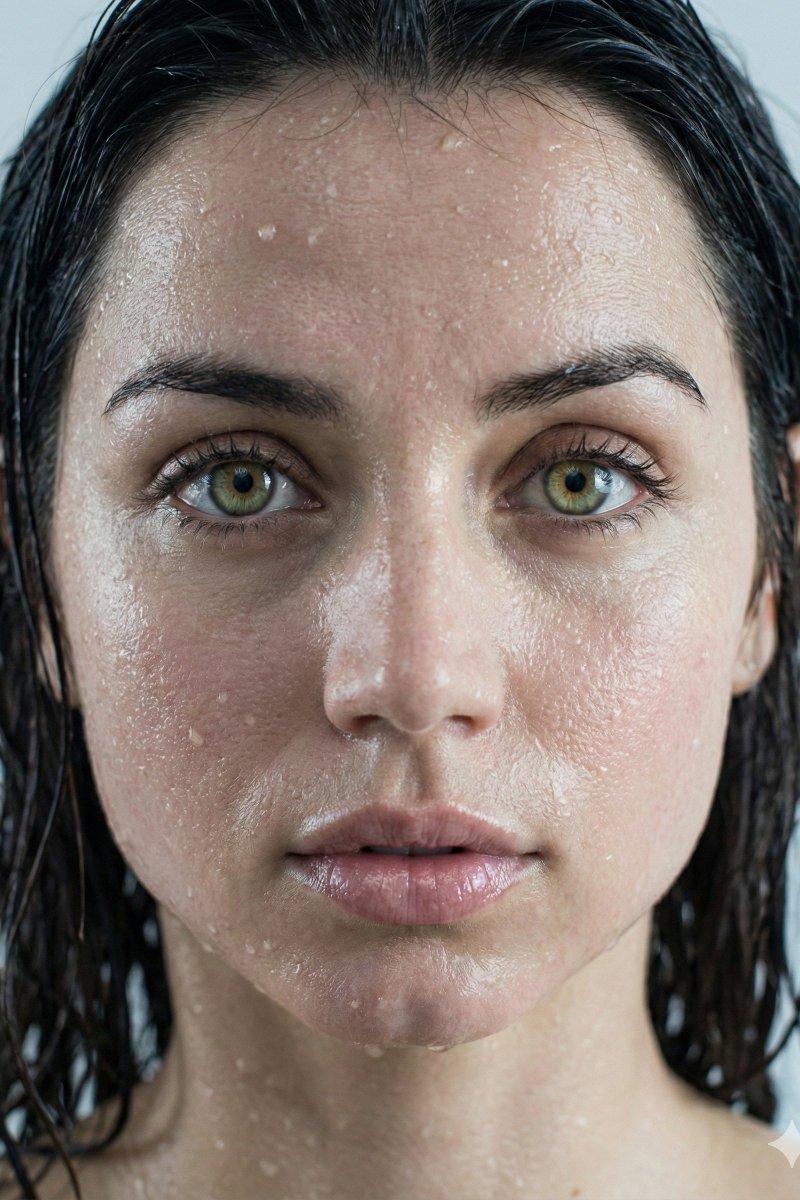
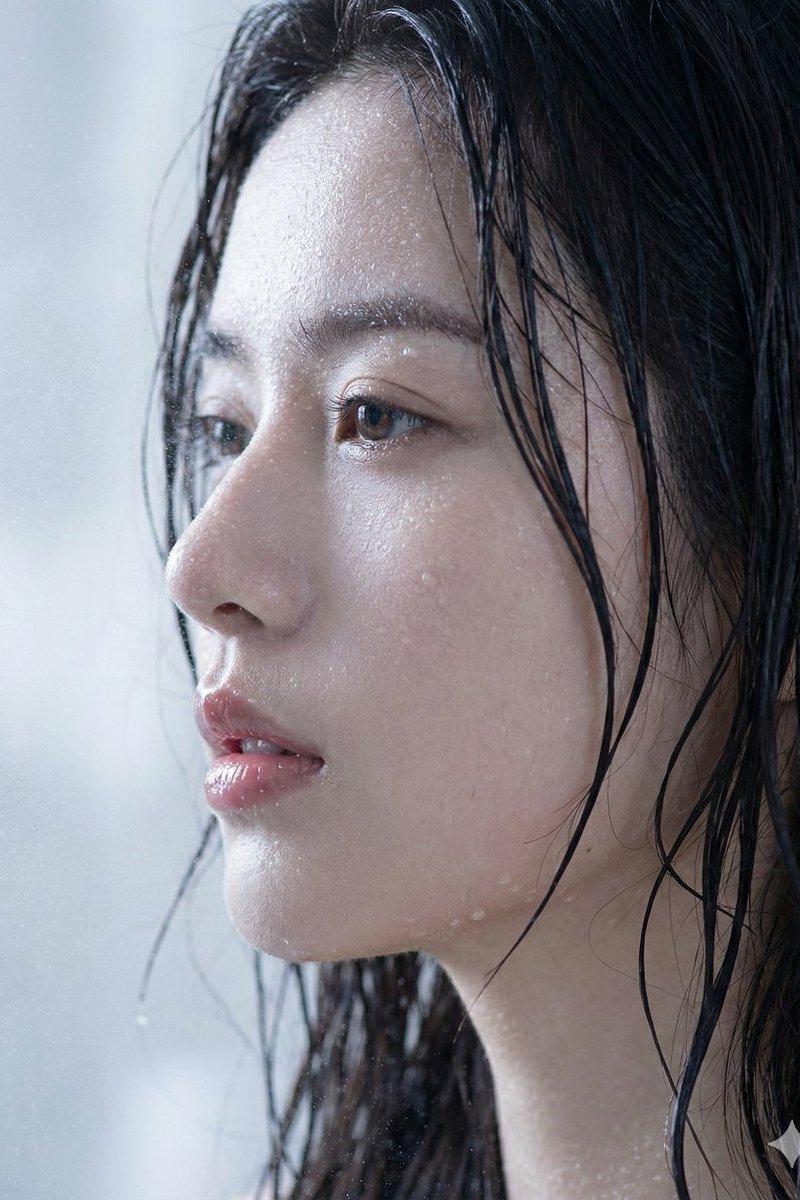
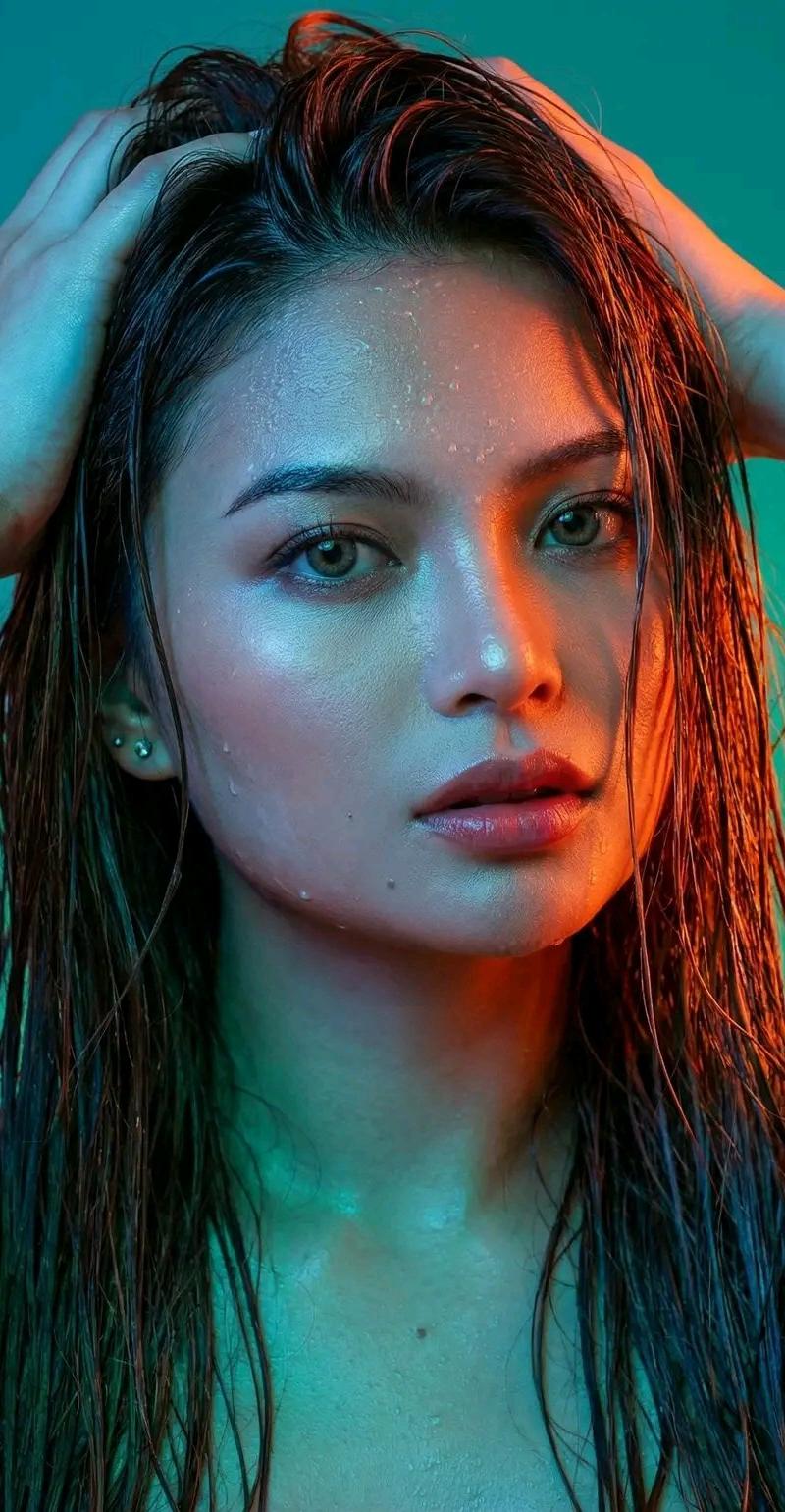
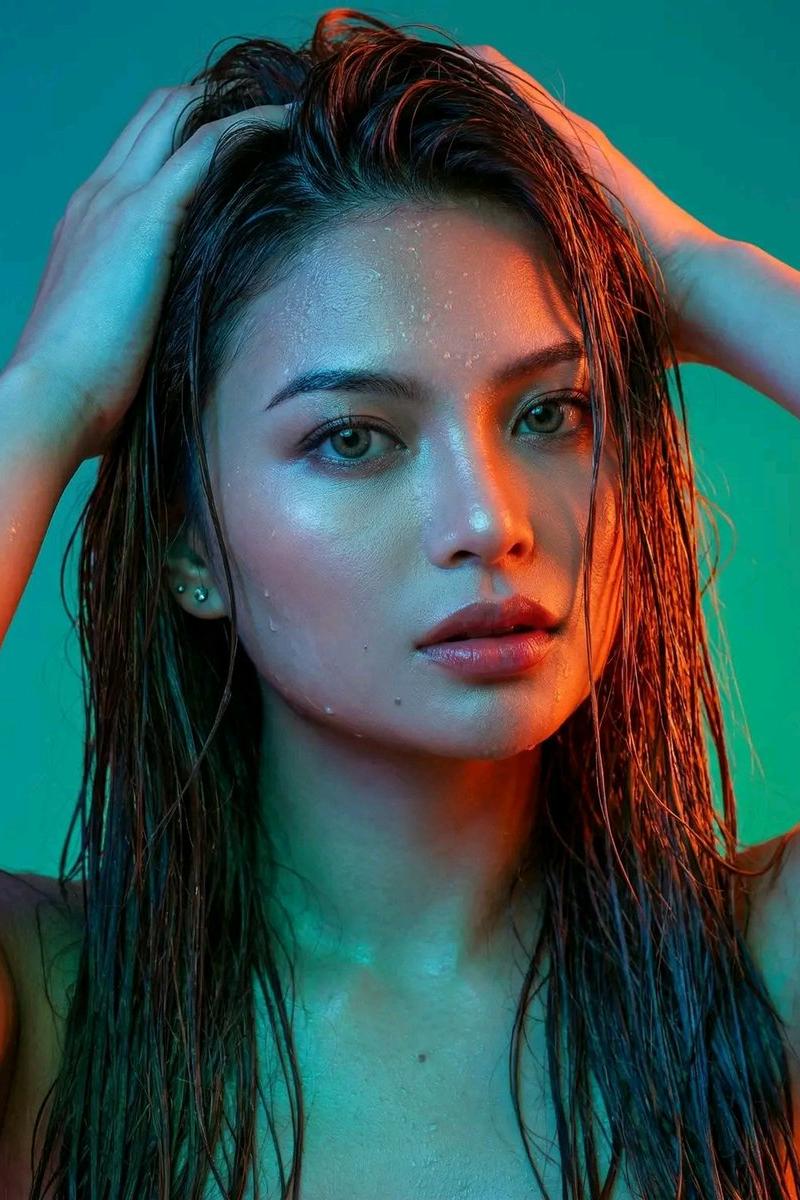
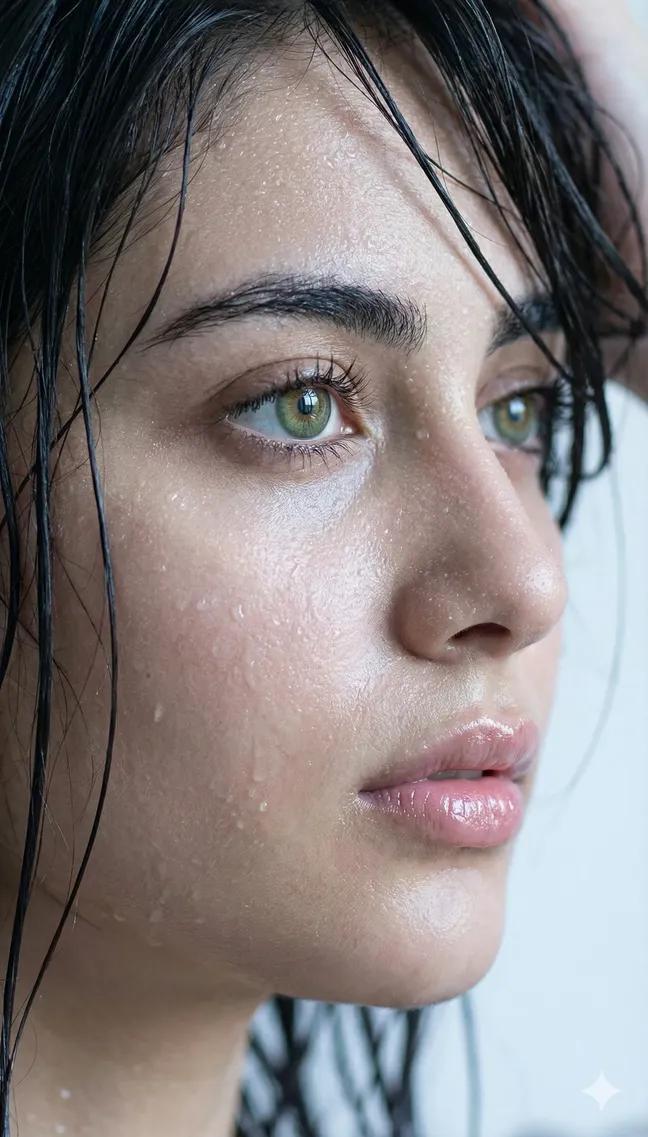
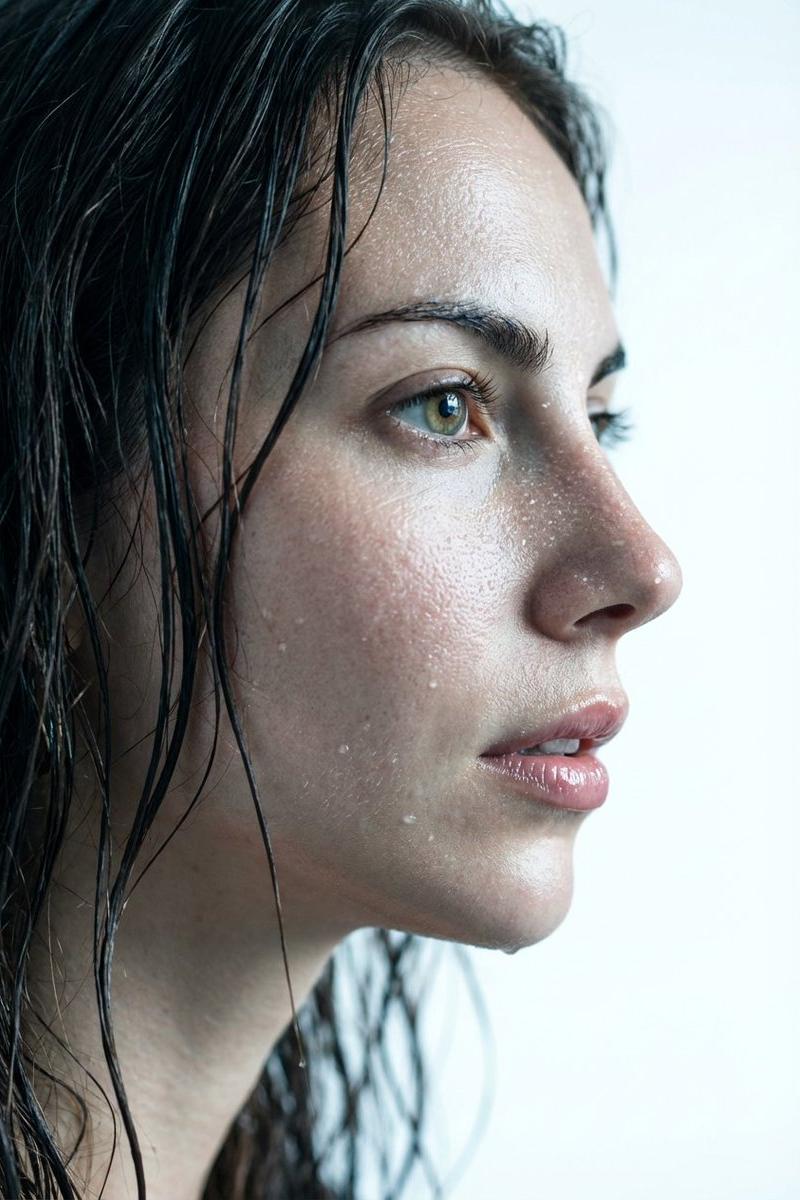
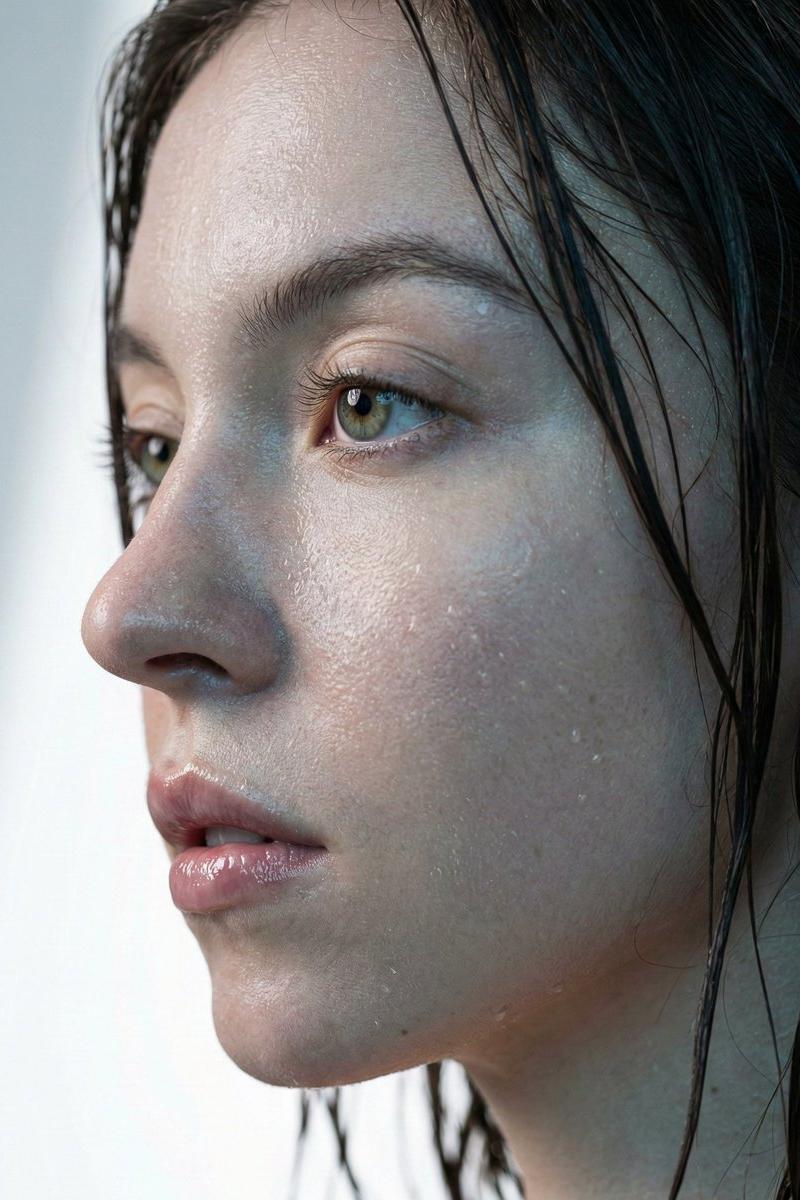
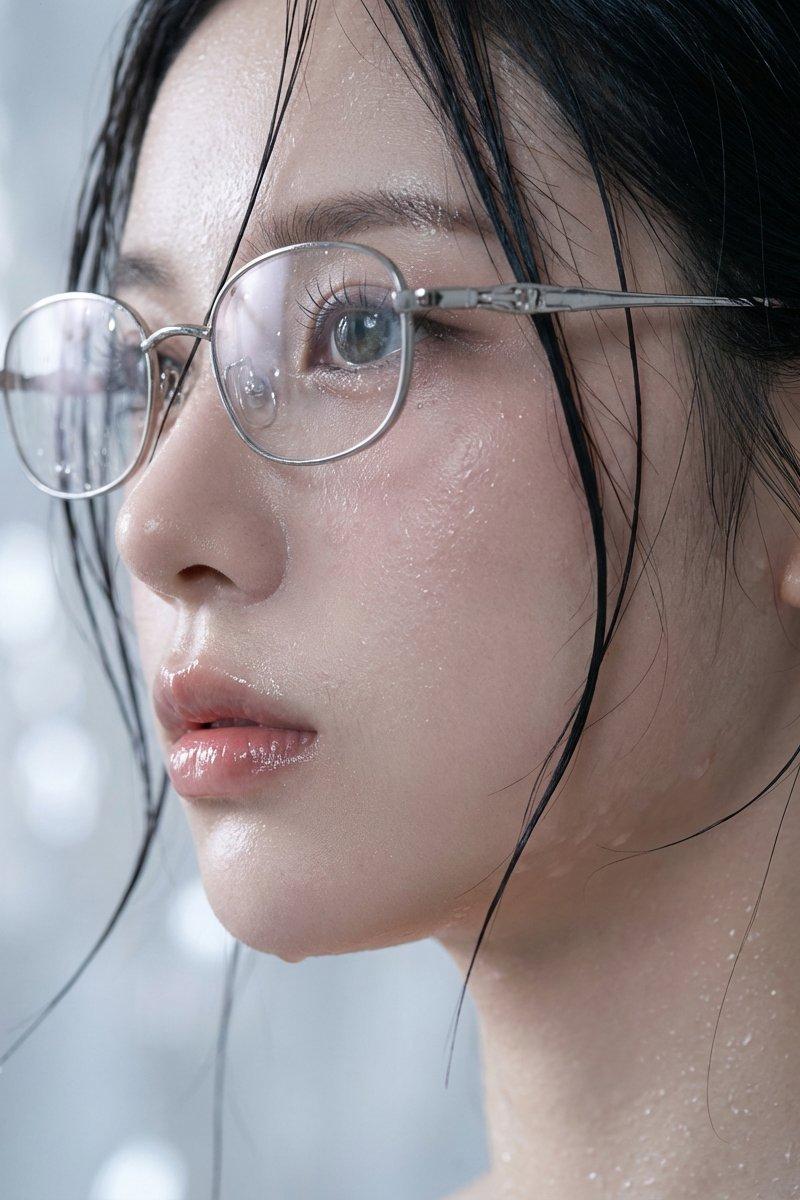
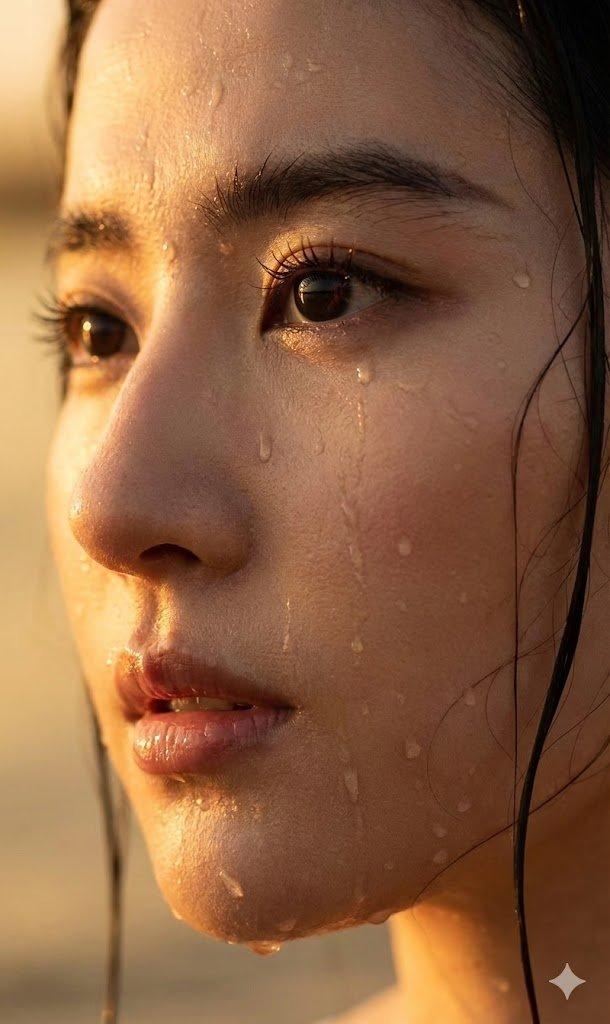
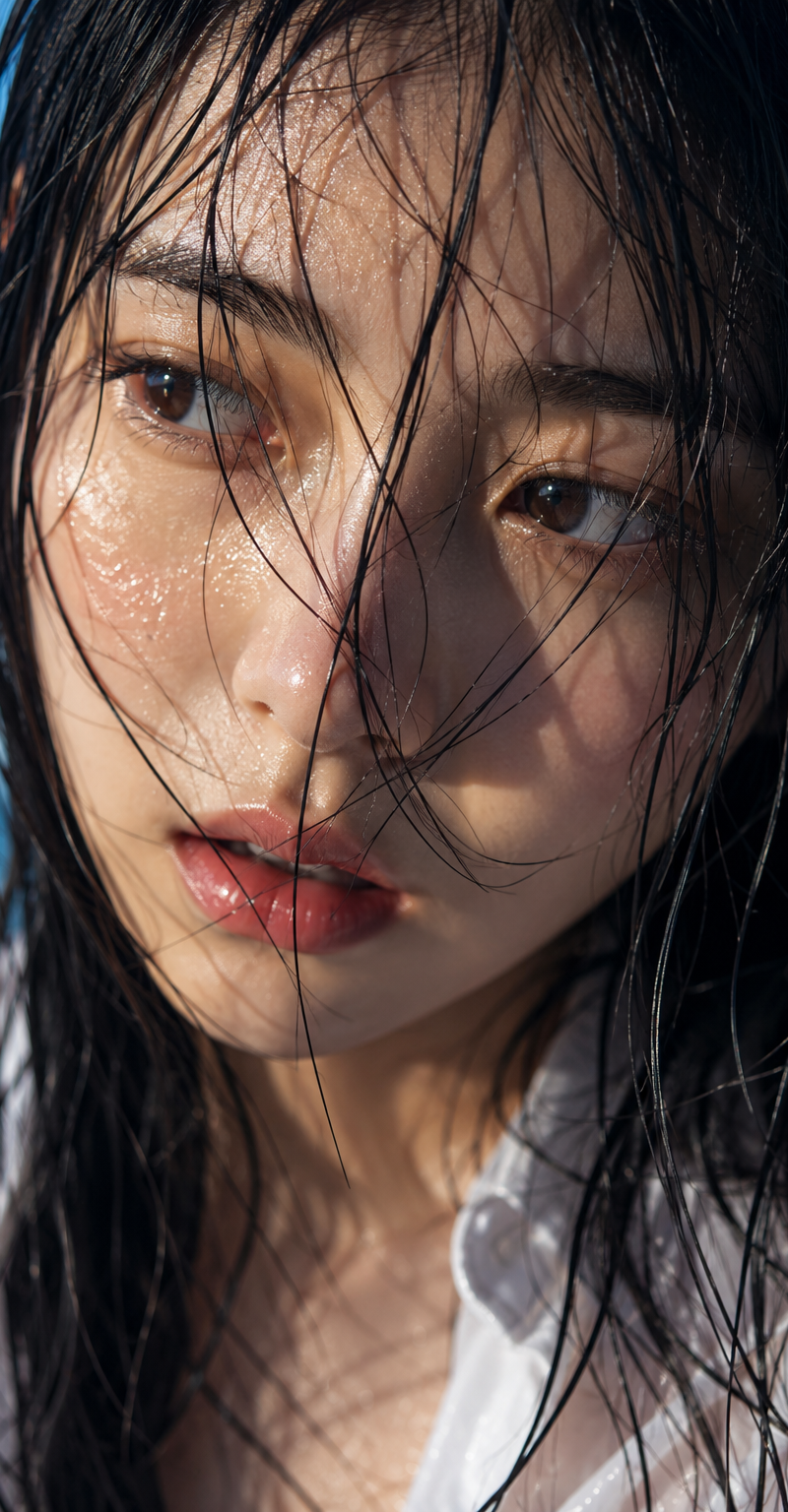
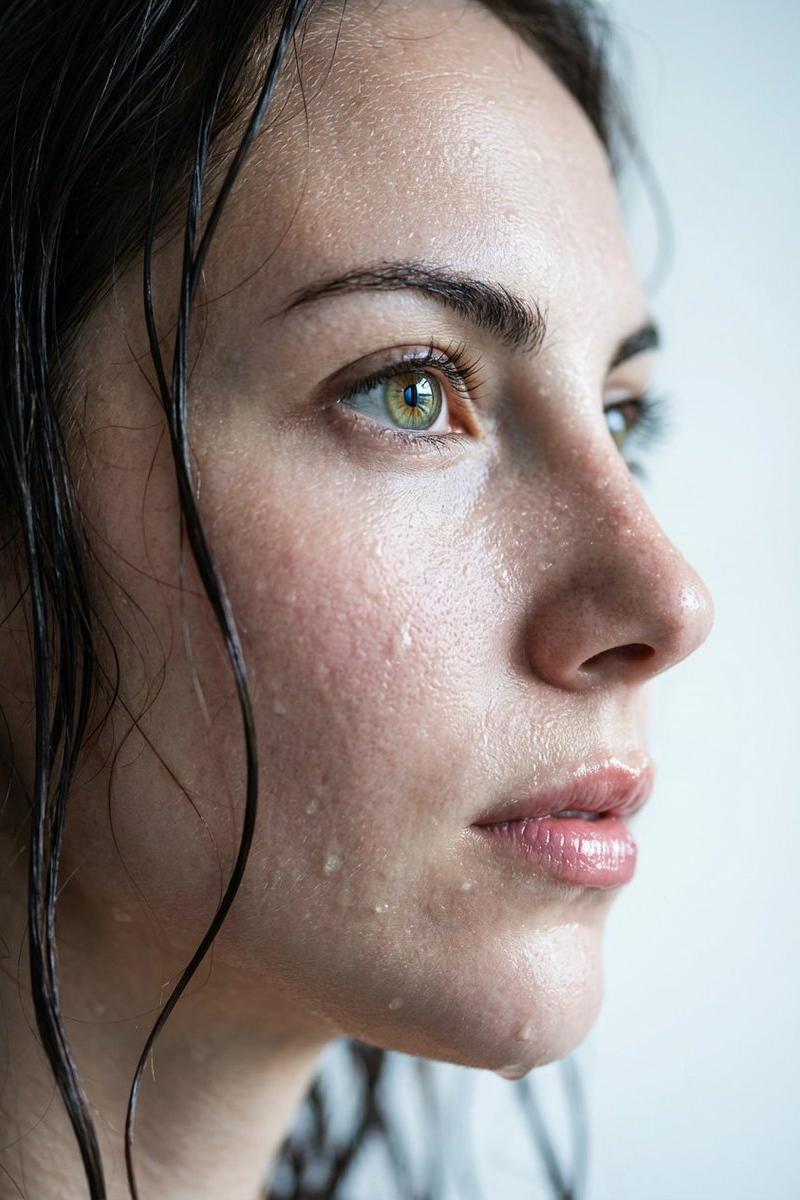
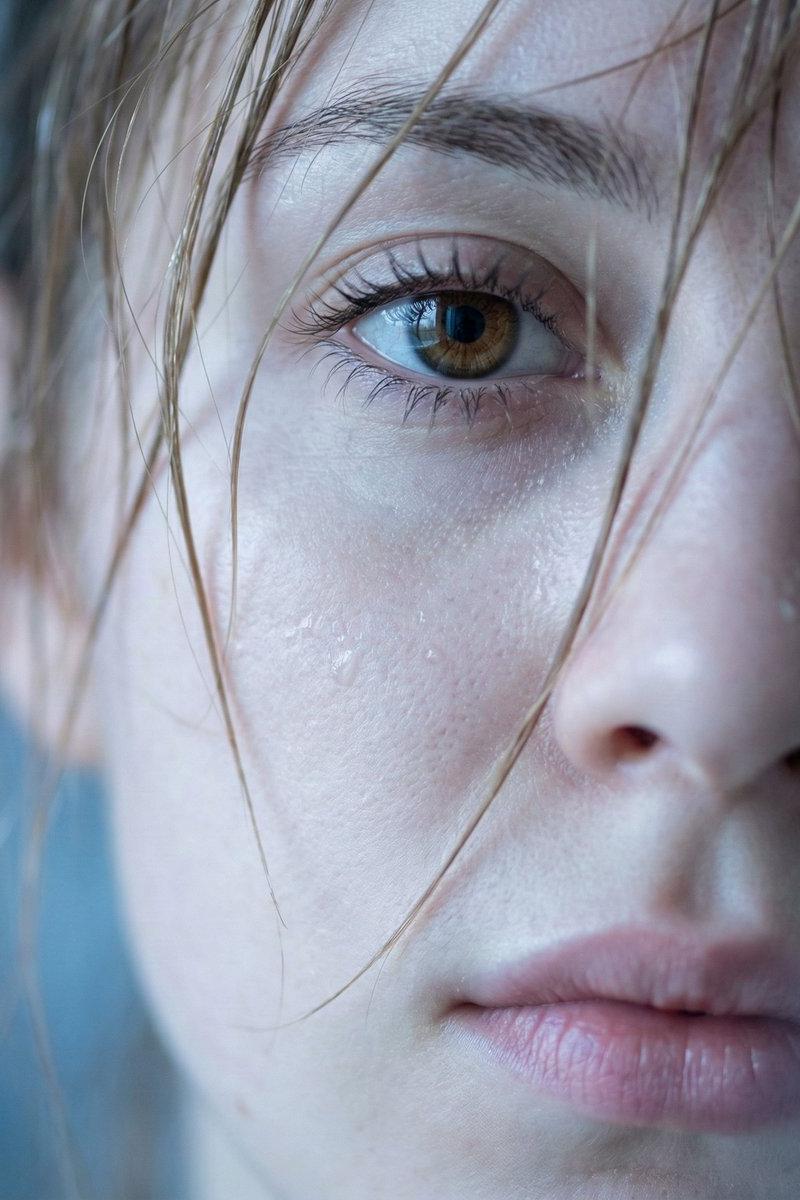
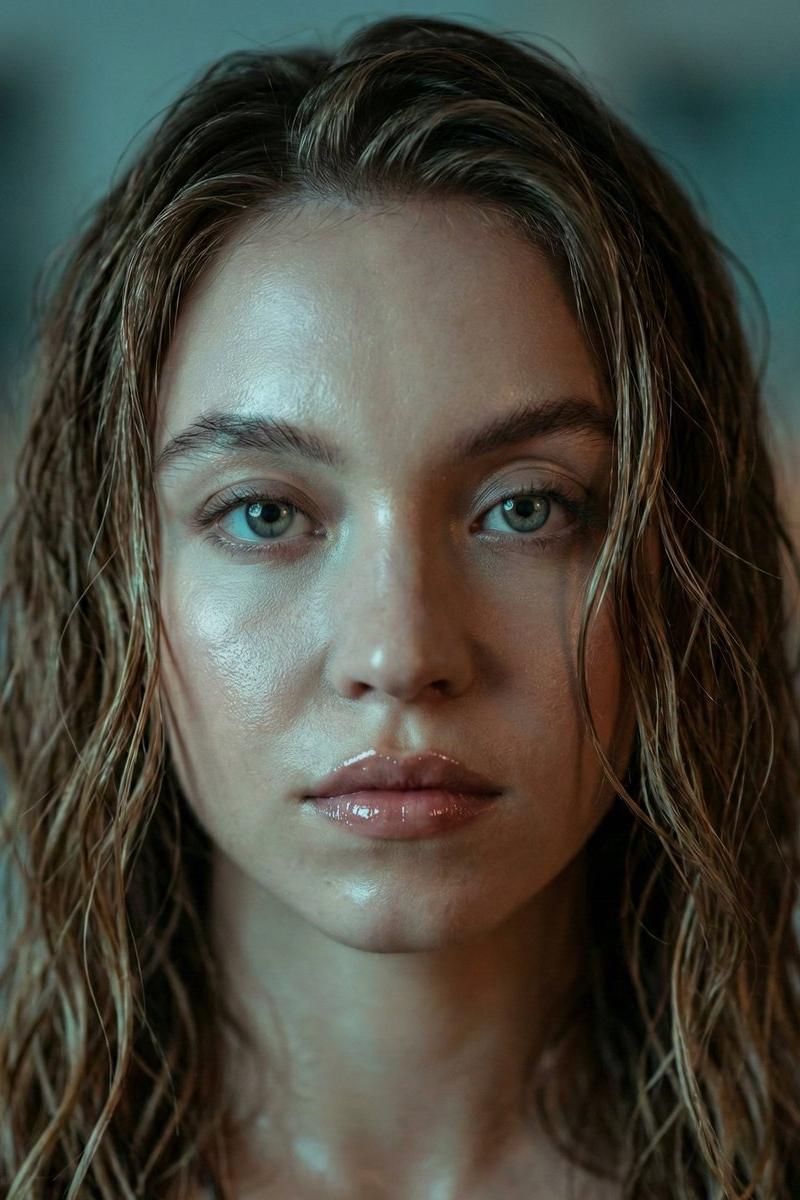
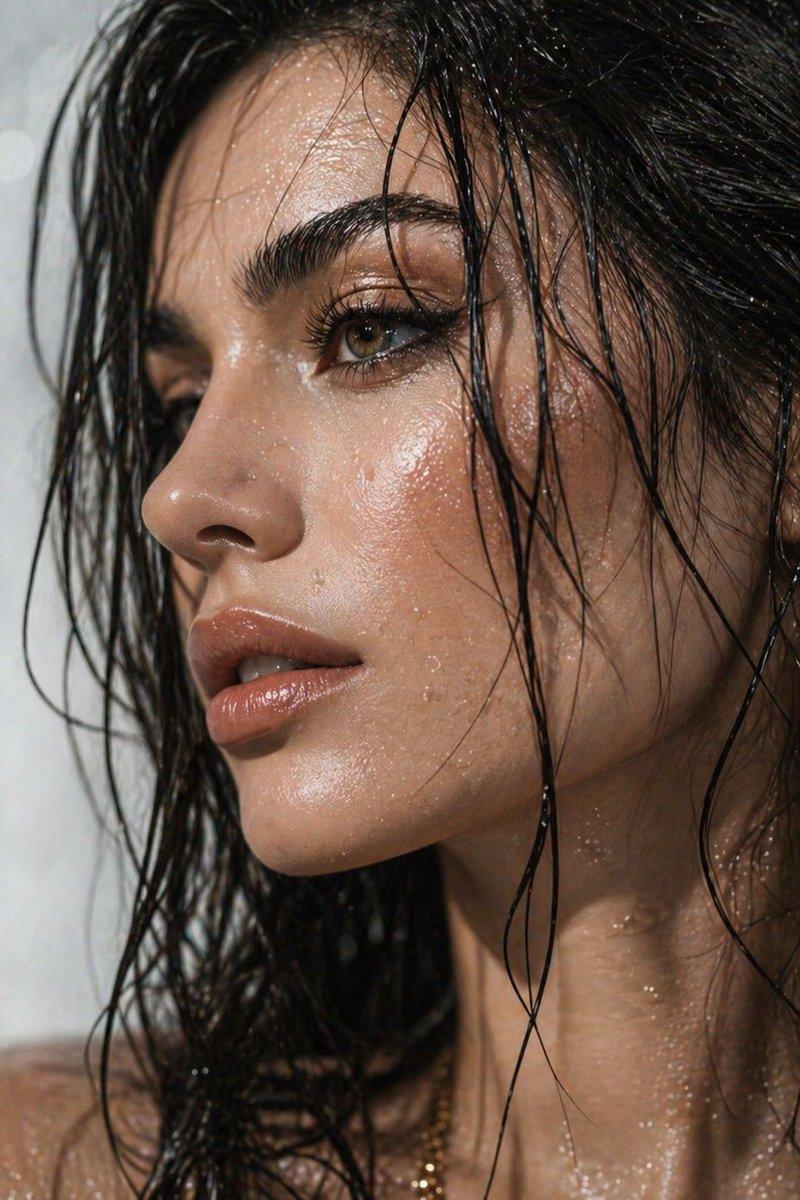
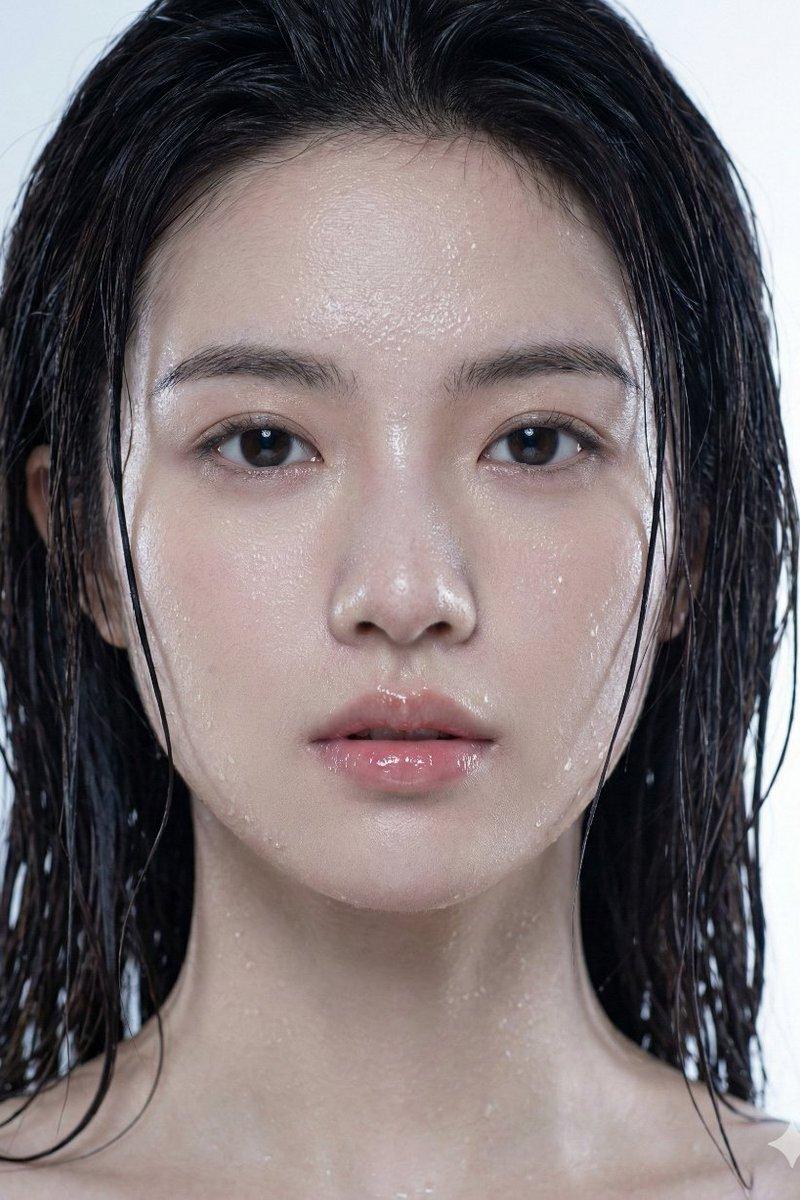
极致侧颜下的湿润发丝与微距皮肤纹理
Enlarge

Example images

极致侧颜下的湿润发丝与微距皮肤纹理

Prompt
{ "request_metadata": { "version": "2.0", "priority_focus": "Hyper-realistic skin textures and identity fidelity", "aspect_ratio": "3:4" }, "subject_configuration": { "identity": { "name": "the person I uploaded", "reference_mode": "strict_identity_matching", "source_reference": "uploaded_files", "preservation_weight": 1.0, "angle": "Extreme profile view" }, "facial_attributes": { "eyes": { "reflection_type": "Realistic catchlights", "aesthetic_constraint": "Avoid synthetic gloss or excessive shine" }, "lips": { "state": "Parted / Moist", "surface_texture": "Soft natural ridges", "finish": "Glossy sheen without distortion" }, "hair": { "color": "Dark Brunette", "state": "Saturated / Wet", "styling": "Clumping in natural strands, adhered to temples and neck" } } }, "environmental_rendering": { "moisture_fx": { "sweat_layer": "Fine glistening mist across the bridge of nose and forehead", "water_droplets": "Micro-droplets scattered on cheekbones and jawline", "surface_tension": "Realistic liquid adhesion to skin" }, "lighting_and_color": { "lighting_style": "Soft-box diffusion", "temperature": "Cool tones", "color_palette": ["Steel Blue", "Soft Cyan", "Natural Skin Tones"], "background": { "description": "Minimalist bokeh", "colors": ["Light Grey", "Pure White"], "depth_of_field": "Shallow" } } }, "technical_execution": { "rendering_engine": "CGI Photorealistic", "focal_length": "85mm macro", "texture_detail": "Pore-level resolution", "post_processing": "Raw photography style, no airbrushing" } }
Category
Charts & Infographics
Model
Nano banana pro
Creator
@Adam38363368936
Source language
zh-CN
Views88
Source ID
8237
Published
Mar 22, 2026
Studio

Guide

About "极致侧颜下的湿润发丝与微距皮肤纹理"

What is this prompt for?

"极致侧颜下的湿润发丝与微距皮肤纹理" AI image prompt for Nano banana pro (Charts & Infographics). { "request_metadata": { "version": "2.0", "priority_focus": "超逼真的皮肤纹理和身份保真度",…

The full copyable prompt and example visuals above are ready for AI image generation or one-click recreate in Picva.

How to use this prompt

  1. Step 1

    Open the prompt detail

    Review the example visuals, category, and full prompt text for "极致侧颜下的湿润发丝与微距皮肤纹理".

  2. Step 2

    Copy the prompt

    Copy the prompt body from this page, or load it directly in Studio.

  3. Step 3

    Pick a model (Nano banana pro)

    Prefer Nano banana pro. If you switch models, keep subject and composition and tweak style terms.

  4. Step 4

    Generate and export

    Recreate the look in Picva, or export into your workflow for editing and publishing.

FAQ

What is the "极致侧颜下的湿润发丝与微距皮肤纹理" prompt?
It is an AI image-generation prompt for Nano banana pro in the Charts & Infographics category. This page includes the full prompt text, example visuals, and a one-click recreate path in Picva.
How do I use this prompt to generate an image?
Copy the prompt from this page, or use Generate / Studio. Paste it into a compatible image model, or recreate the look in Picva with optional reference images.
Which model is this prompt for?
This page lists Nano banana pro. Most descriptive prompts also transfer to nearby image models such as GPT Image, Flux, or Midjourney with light style tweaks.
Can I use the result commercially?
You can usually copy the prompt for creation, but commercial use of the final image depends on the model terms, reference-image rights, and the generated content. Follow the source author and platform rules.