11

寓言动物品牌标识标志设计
Enlarge

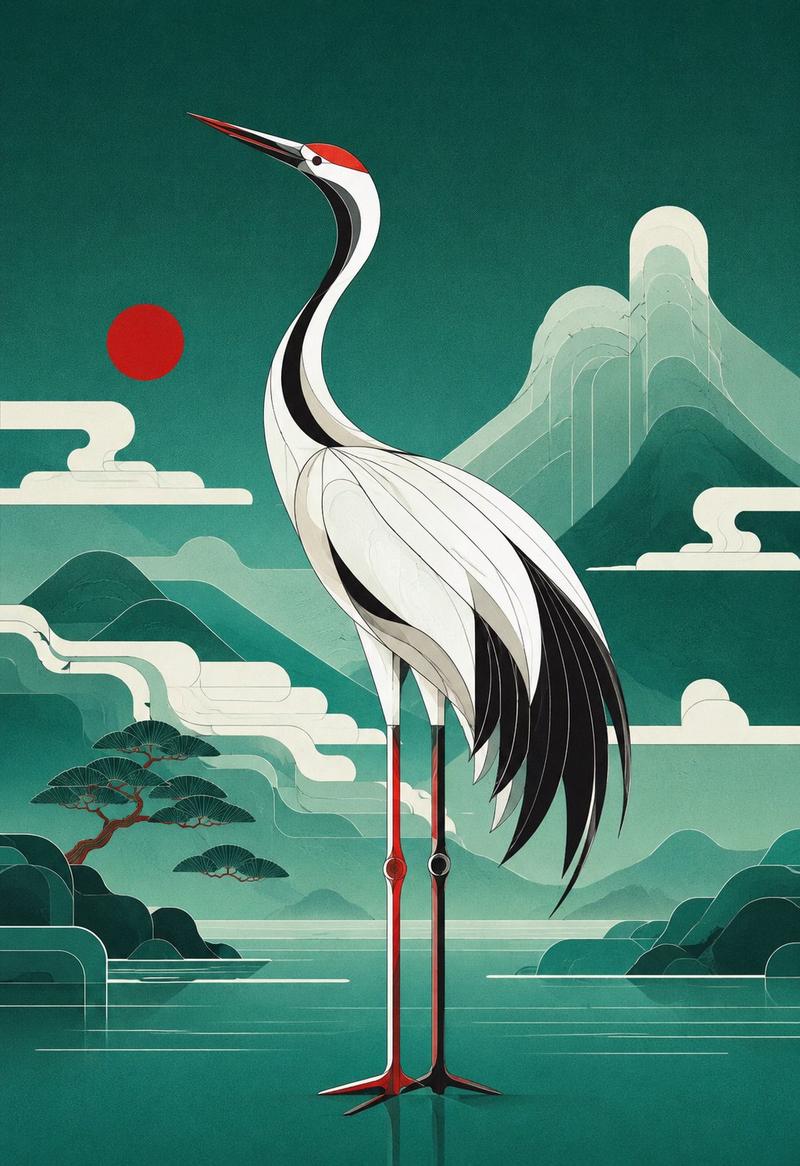
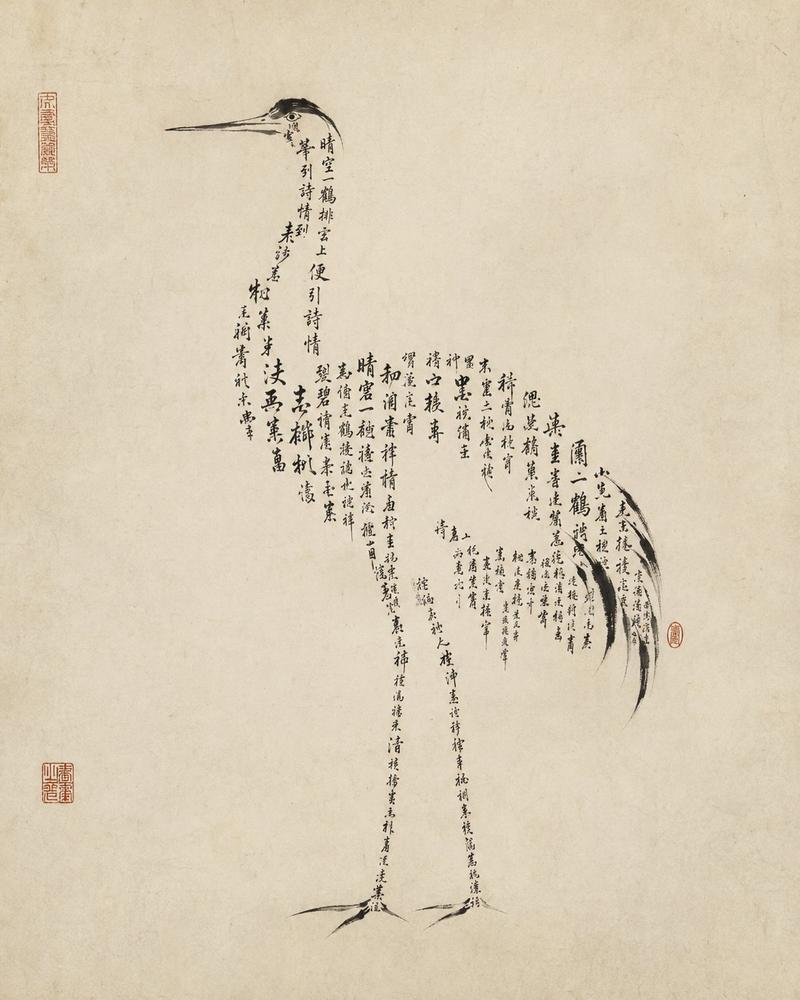
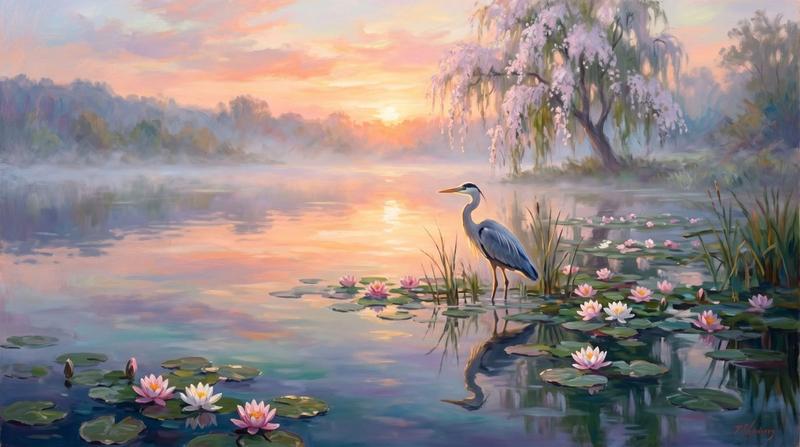
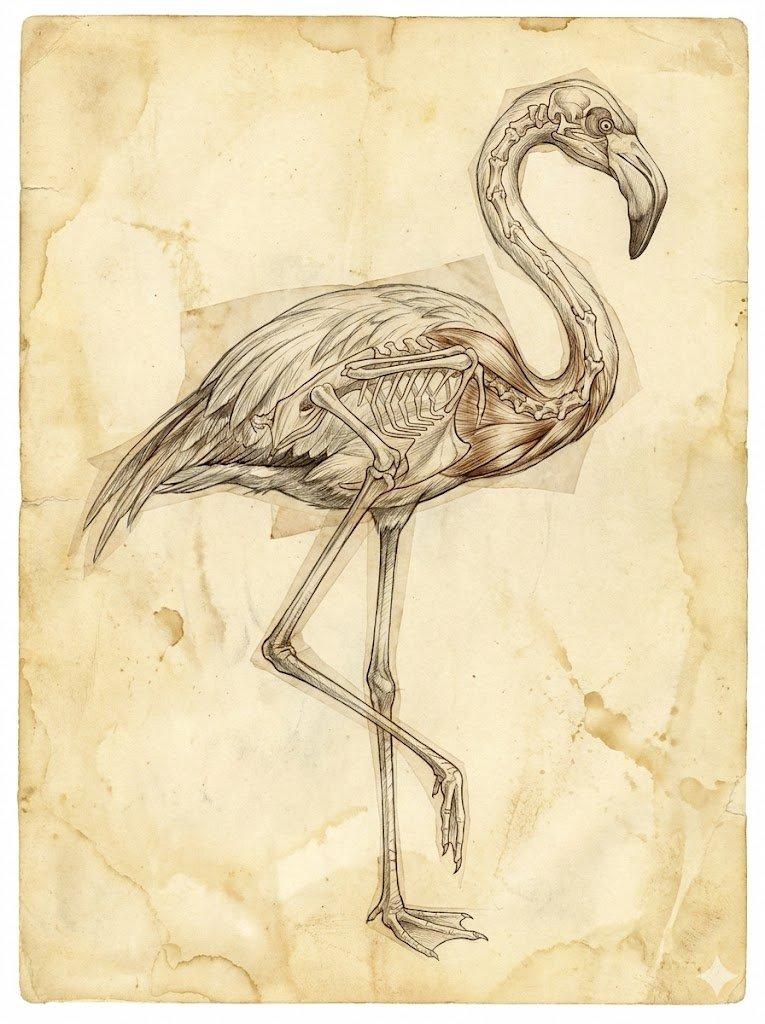
Example images

寓言动物品牌标识标志设计

Prompt
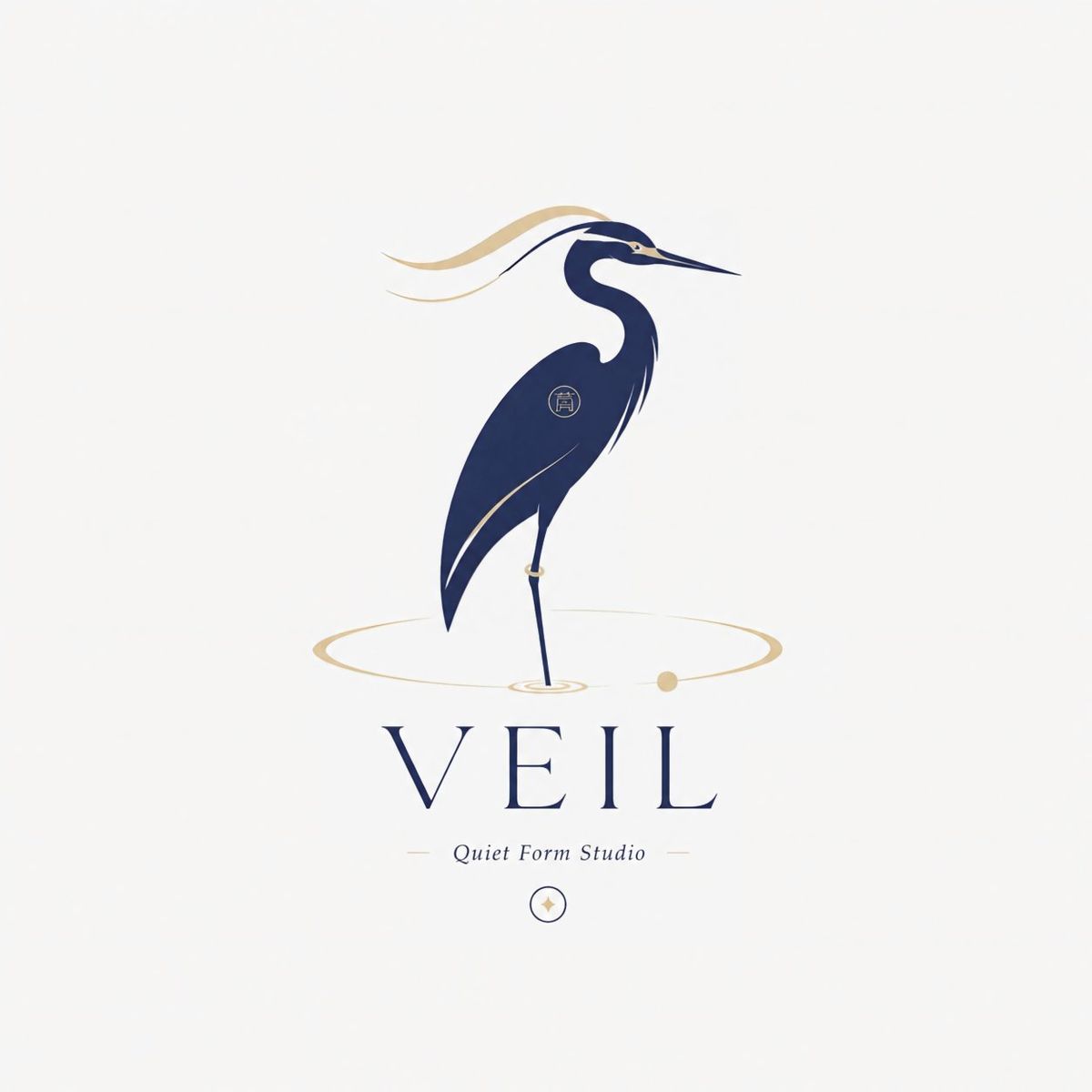
Create an original “Fable Animal Brand Mark” logo.

Brand name: [BRAND NAME]
Subtitle: [CATEGORY / TAGLINE]
Animal: [ANIMAL]
Symbolic meaning: [MOOD / IDEA / EMOTION]
Color palette: [RESTRAINED PREMIUM COLORS]

Design an elegant animal silhouette logo where the animal feels like a symbolic figure, not a cute mascot. Use surreal but refined posture, flowing body lines, editorial typography, tiny symbolic details, large negative space, and a clean white or ivory background.

The logo should feel poetic, premium, mysterious, and brand-ready.

Avoid cartoon style, realistic animal drawing, childish mascot feeling, complex background, 3D, messy colors, generic fonts, and direct copying of any reference.

Final result: a refined fable-like animal brand mark for a lifestyle brand, design studio, fragrance label, art publisher, or conceptual boutique brand.
Category
Charts & Infographics
Model
ChatGPT
Creator
@MrLarus
Views27
Source ID
16468
Published
Jun 21, 2026

Guide

About "寓言动物品牌标识标志设计"

What is this prompt for?

"寓言动物品牌标识标志设计" AI image prompt for ChatGPT (Charts & Infographics). 创建一个原创的“寓言动物品牌标识”标志。 品牌名称:[品牌名称] 副标题:[类别 / 标语] 动物:[动物] 象征意义:[情绪 / 想法 / 情感] 配色方案:[克制的高级色彩] 设…

The full copyable prompt and example visuals above are ready for AI image generation or one-click recreate in Picva.

How to use this prompt

  1. Step 1

    Open the prompt detail

    Review the example visuals, category, and full prompt text for "寓言动物品牌标识标志设计".

  2. Step 2

    Copy the prompt

    Copy the prompt body from this page, or load it directly in Studio.

  3. Step 3

    Pick a model (ChatGPT)

    Prefer ChatGPT. If you switch models, keep subject and composition and tweak style terms.

  4. Step 4

    Generate and export

    Recreate the look in Picva, or export into your workflow for editing and publishing.

FAQ

What is the "寓言动物品牌标识标志设计" prompt?
It is an AI image-generation prompt for ChatGPT in the Charts & Infographics category. This page includes the full prompt text, example visuals, and a one-click recreate path in Picva.
How do I use this prompt to generate an image?
Copy the prompt from this page, or use Generate / Studio. Paste it into a compatible image model, or recreate the look in Picva with optional reference images.
Which model is this prompt for?
This page lists ChatGPT. Most descriptive prompts also transfer to nearby image models such as GPT Image, Flux, or Midjourney with light style tweaks.
Can I use the result commercially?
You can usually copy the prompt for creation, but commercial use of the final image depends on the model terms, reference-image rights, and the generated content. Follow the source author and platform rules.