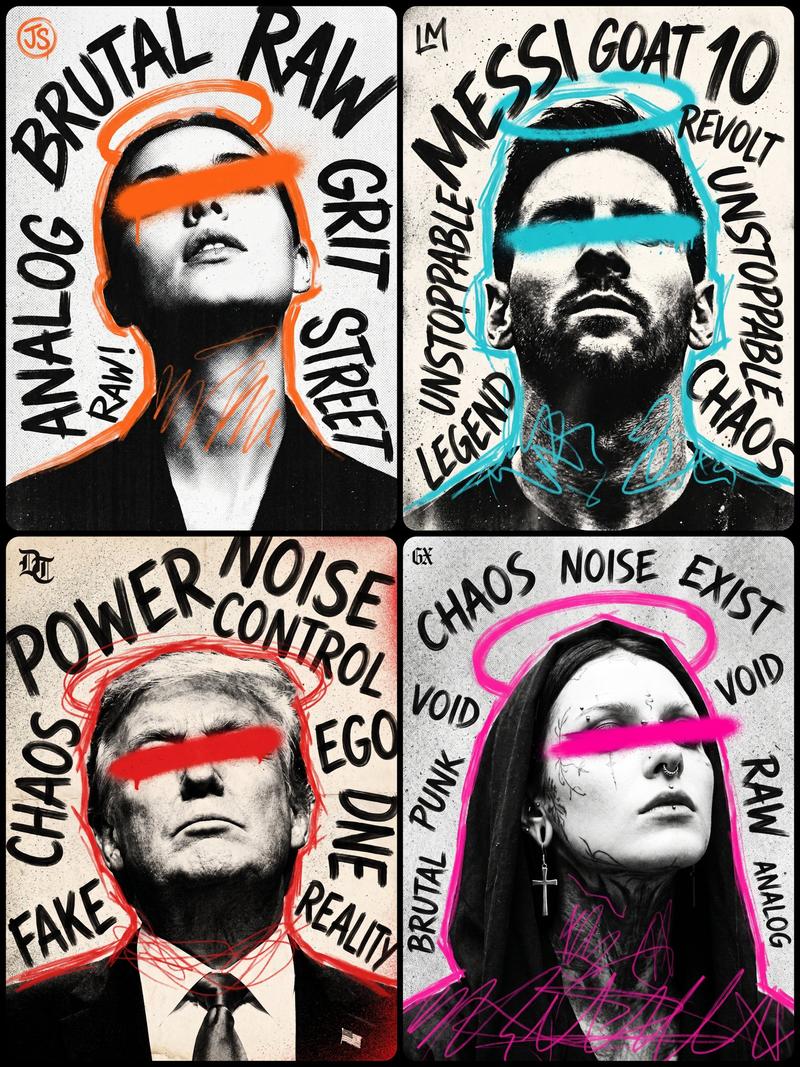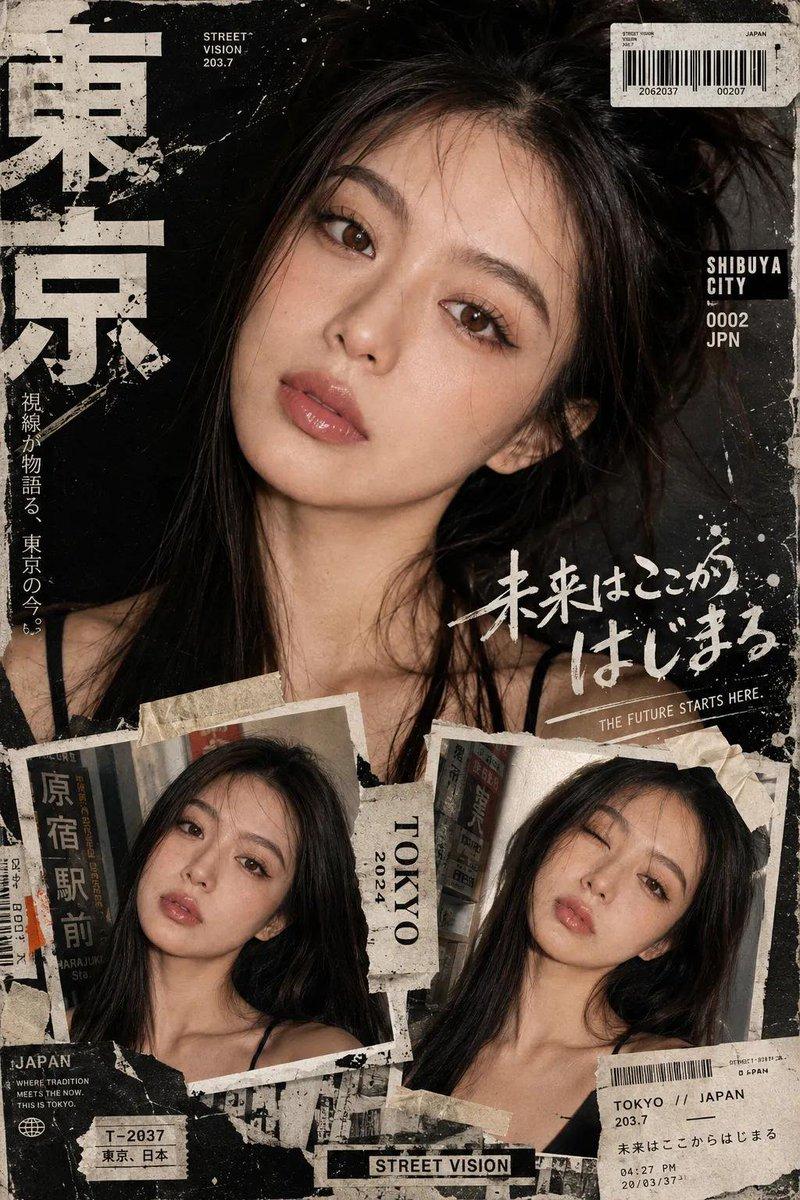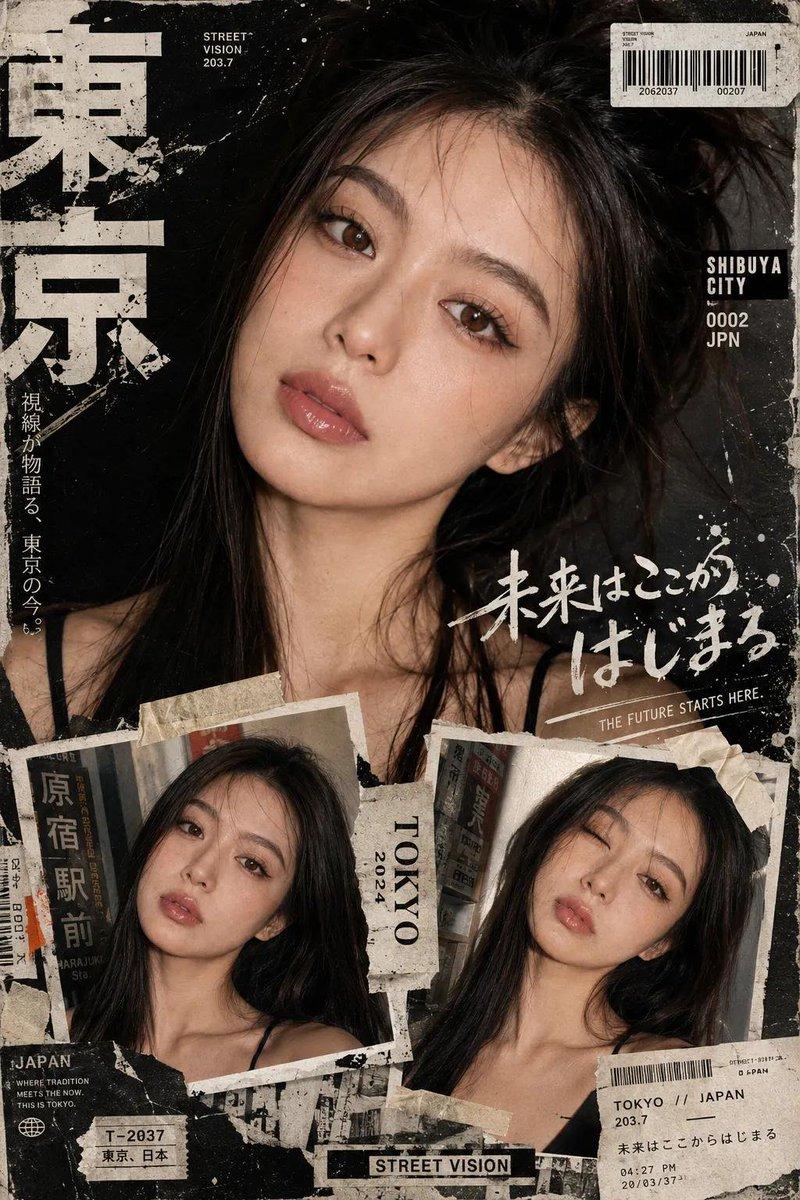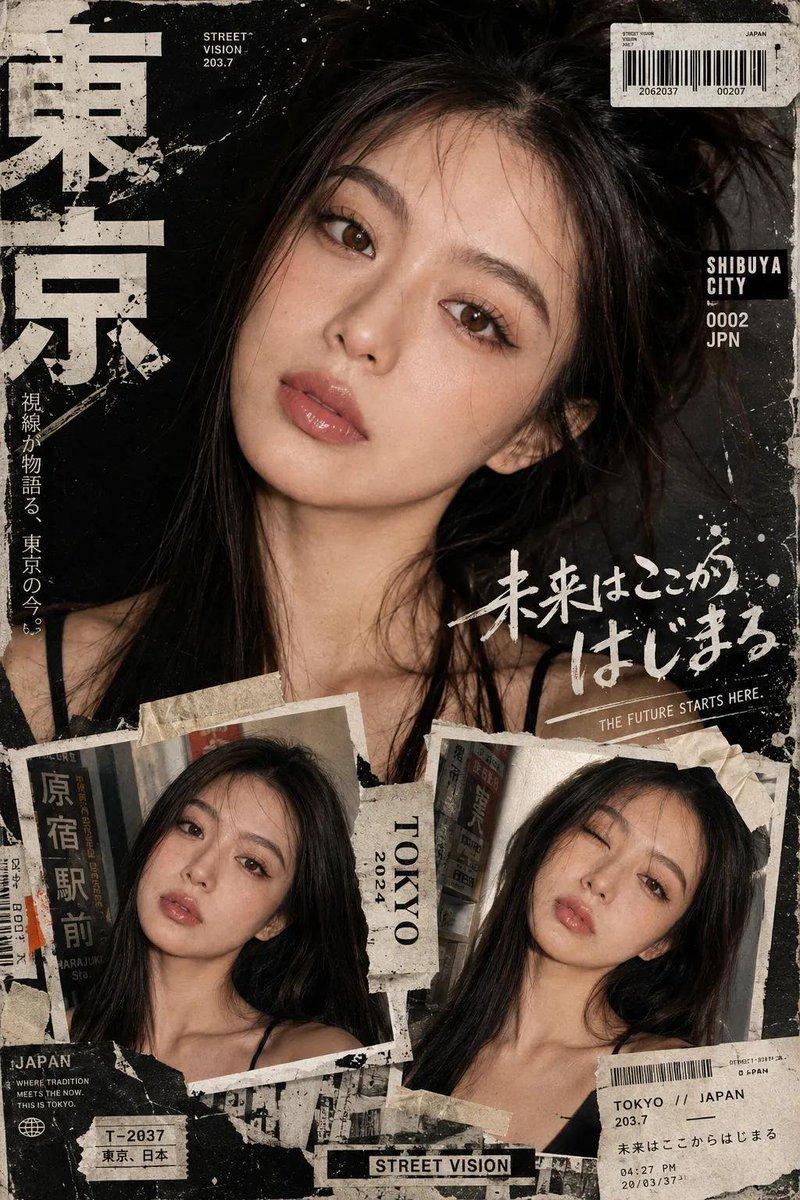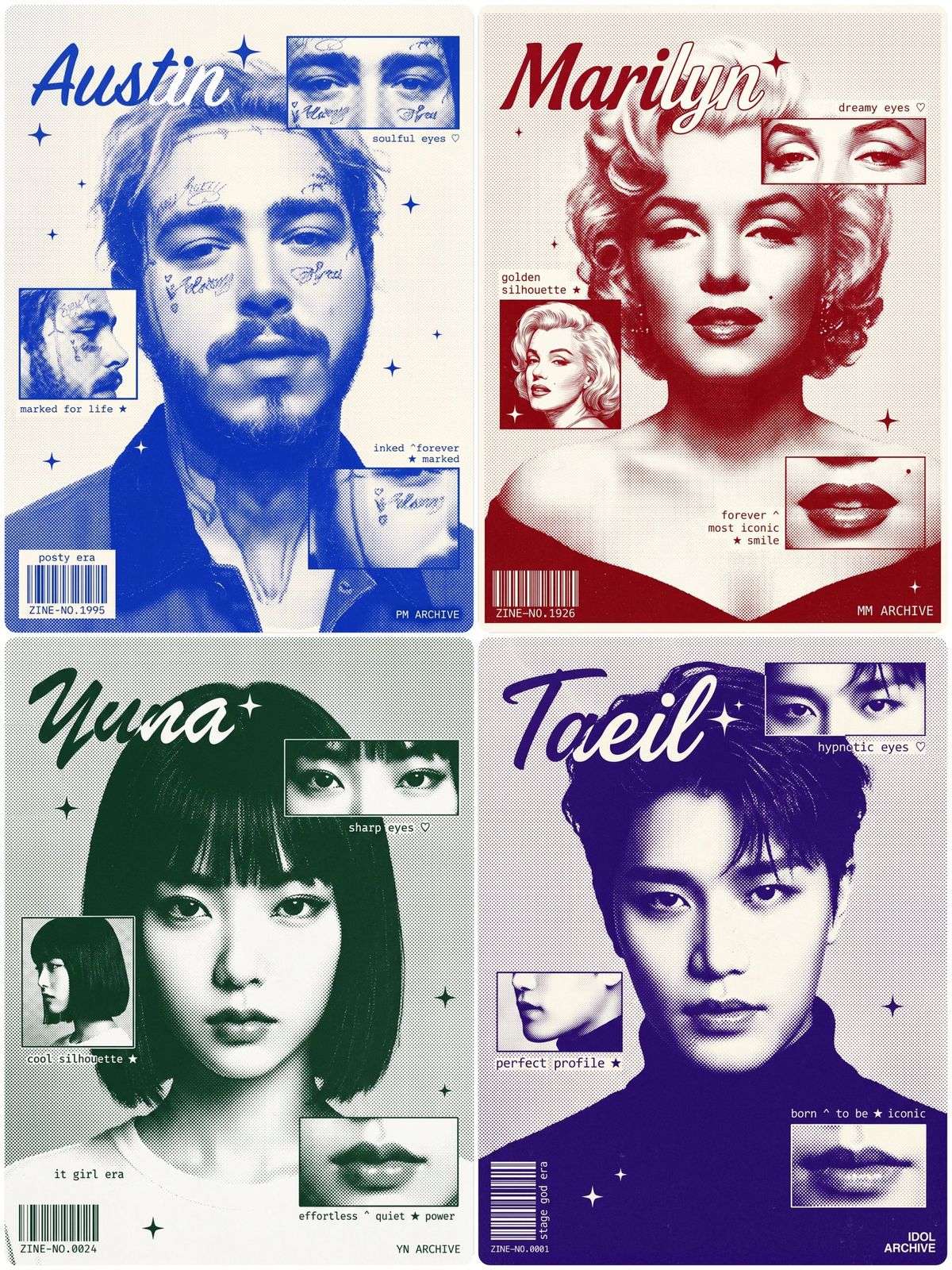
复古孔版印刷粉丝杂志海报
Prompt
A fan zine editorial poster of [CHARACTER NAME], [DESCRIBE KEY PHYSICAL FEATURES — hair color/style, defining traits, expression], tight shoulder-up crop — head and face fill 70-75% of the frame height, only the very top edge of shoulders and shirt collar barely visible at the bottom of the frame, the bottom of the poster cuts off exactly at the shoulder line, NO chest, NO torso visible, wearing [DESCRIBE COLLAR/NECKLINE EDGE ONLY], facing forward, [DESCRIBE EXPRESSION].

Rendered in halftone dot photographic style, duotone — [DESCRIBE INK COLOR] bright and saturated but not neon, like classic risograph screen-print ink, NOT dark, NOT muted, NOT pale — a bold alive mid-tone [COLOR/HEX CODE], on off-white/cream paper texture. Subtle film grain and analog noise texture layered over the entire image, the grain is light and organic like a physically printed risograph zine, NOT heavy, NOT overwhelming — just enough to remove the digital cleanness and add tactile printed paper feel throughout.

CRITICAL — background extends fully to all four edges and corners of the image with zero white border or margin, no padding, no frame, no white edge — the halftone dot texture fills the entire canvas edge-to-edge. Background has a uniform fine halftone dot pattern at very low density and small uniform dot size, spread evenly across the entire background to all four corners, creating a subtle grainy newspaper/risograph texture. The main portrait also rendered in halftone dot style but with higher dot density creating tonal depth.

Three rectangular inset panels in fine-line photographic style, each panel has a clean thin border line:
- top-right panel: [DESCRIBE PANEL 1 DETAIL], positioned at upper-right, partially overlapping the portrait
- middle-left panel: [DESCRIBE PANEL 2 DETAIL], positioned at mid-left, overlapping the portrait edge
- bottom-right panel: [DESCRIBE PANEL 3 DETAIL], positioned at lower-right area

Character name "[NAME]" in medium-sized expressive italic script font, positioned top-left corner only — CRITICAL SIZE AND PLACEMENT: the name is modest in size, NOT large, NOT dominating the composition, the LEFT half of the word sits outside the portrait over the background area rendered in [SAME INK COLOR], the RIGHT half overlaps the character's hair/face rendered in pure white, this split naturally happens because the word starts at the left edge and drifts into the portrait. Small four-pointed sparkle star decorative element next to the name, small four-pointed sparkle stars scattered across composition.

Small monospace typewriter annotation texts placed DIRECTLY on the background dot-pattern texture, NO white highlight, NO text box, NO background fill behind any text — raw text only over the existing surface:
- near eyes panel right side: "[ANNOTATION 1 — e.g. beautiful eyes ♡]"
- near profile panel left side: "[ANNOTATION 2 — e.g. golden jaw ★]"
- lower-right area: "[ANNOTATION 3 — e.g. born ^ to be ★ iconic]"

Barcode rendered as WHITE vertical lines only, printed directly onto the dot-pattern background, bottom-left corner, NO box, NO background fill, NO outline behind it — just bare white barcode stripes over the existing background texture, tiny zine number "ZINE-NO.[XXXX]" in small white monospace text below it, "[TAGLINE]" on top of the white barcode stripes. Brand label text "[BRAND NAME]" bottom-right corner.

Strict duotone — [SAME INK COLOR] and off-white/cream ONLY, full bleed edge-to-edge composition, no white margins anywhere, vintage risograph silkscreen fan zine aesthetic. CRITICAL — zero white rectangles or fills behind any annotation text anywhere, all text floats transparently over the composition with no background.
- Category
- Charts & Infographics
- Model
- Nano banana pro
- Creator
- @Arminn_Ai
- Source ID
- 16710
- Published
- Jun 24, 2026
Views22