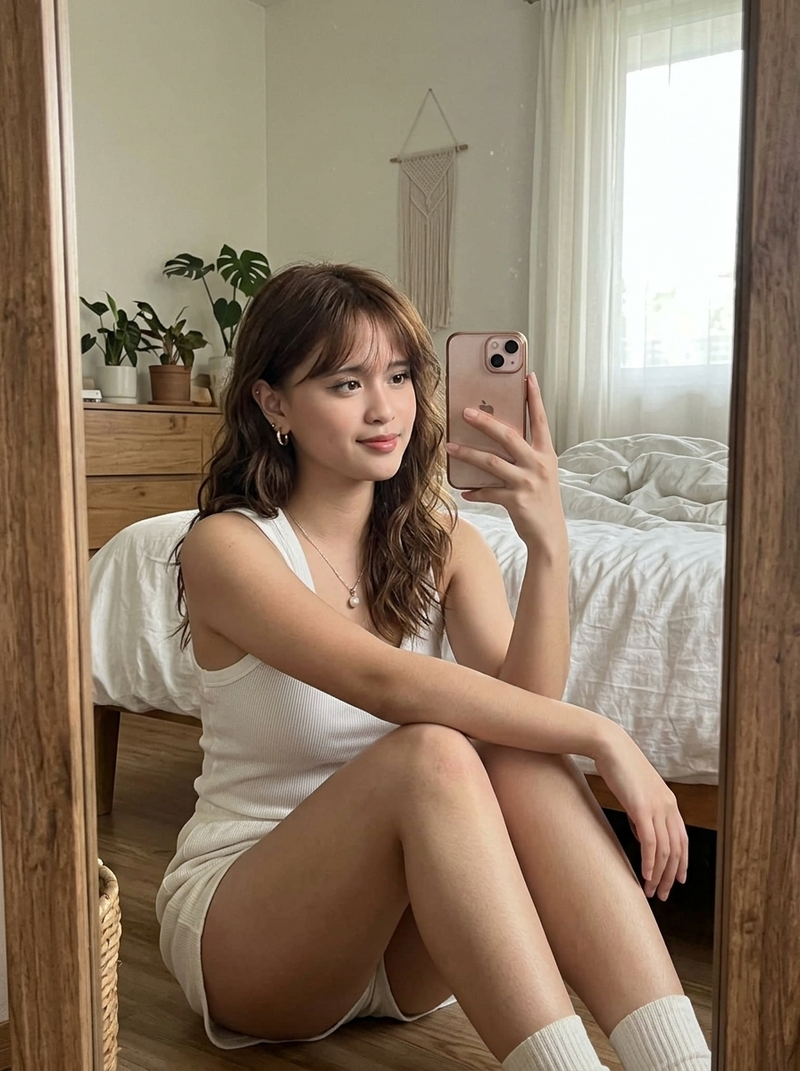
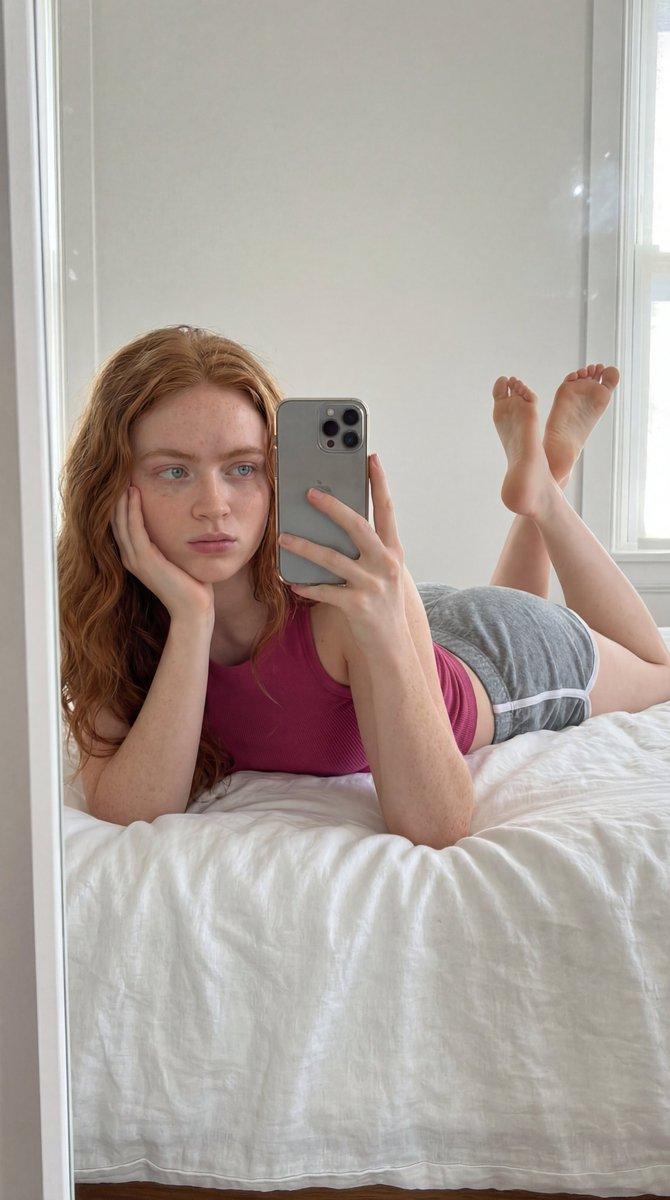
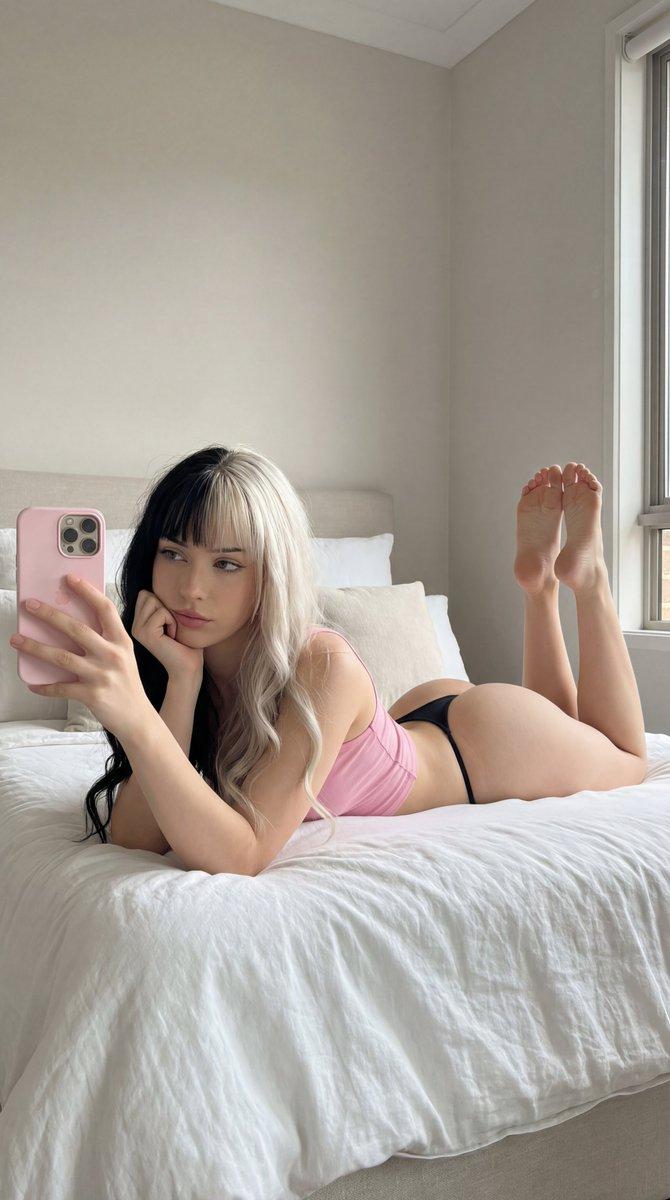
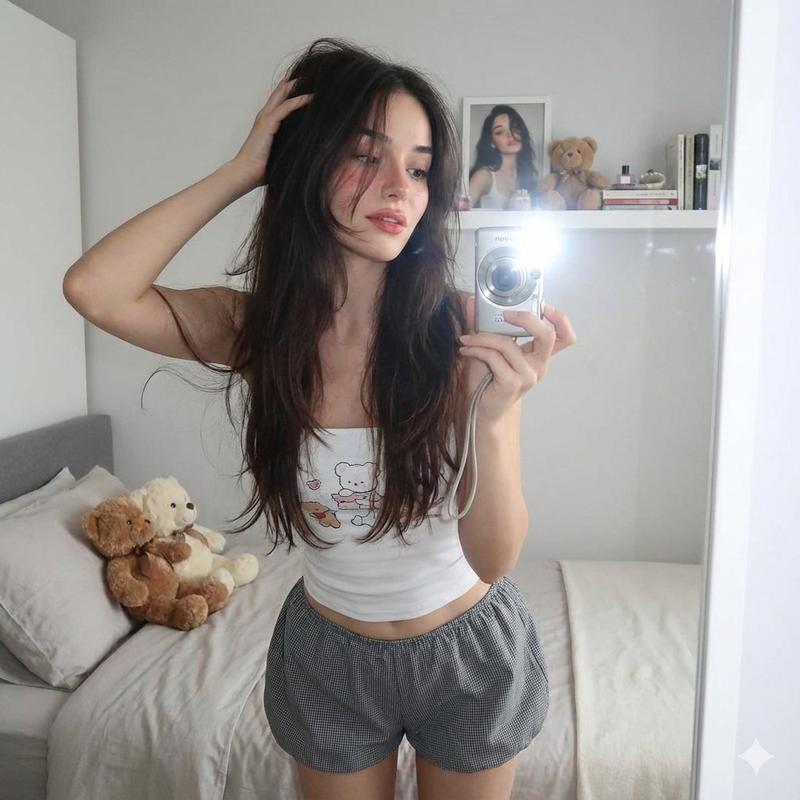
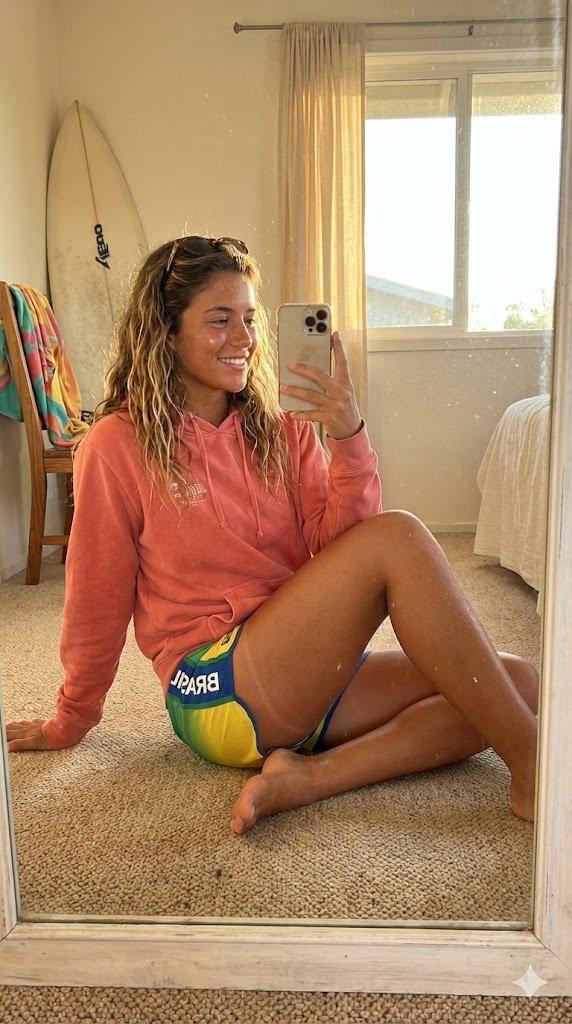
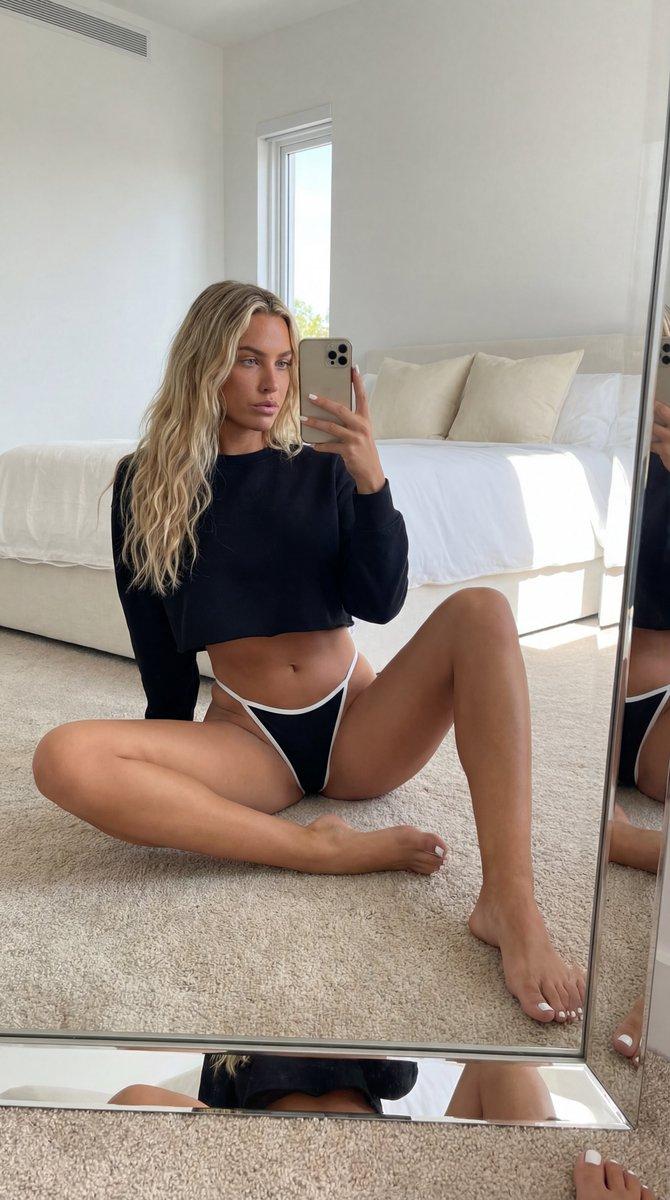
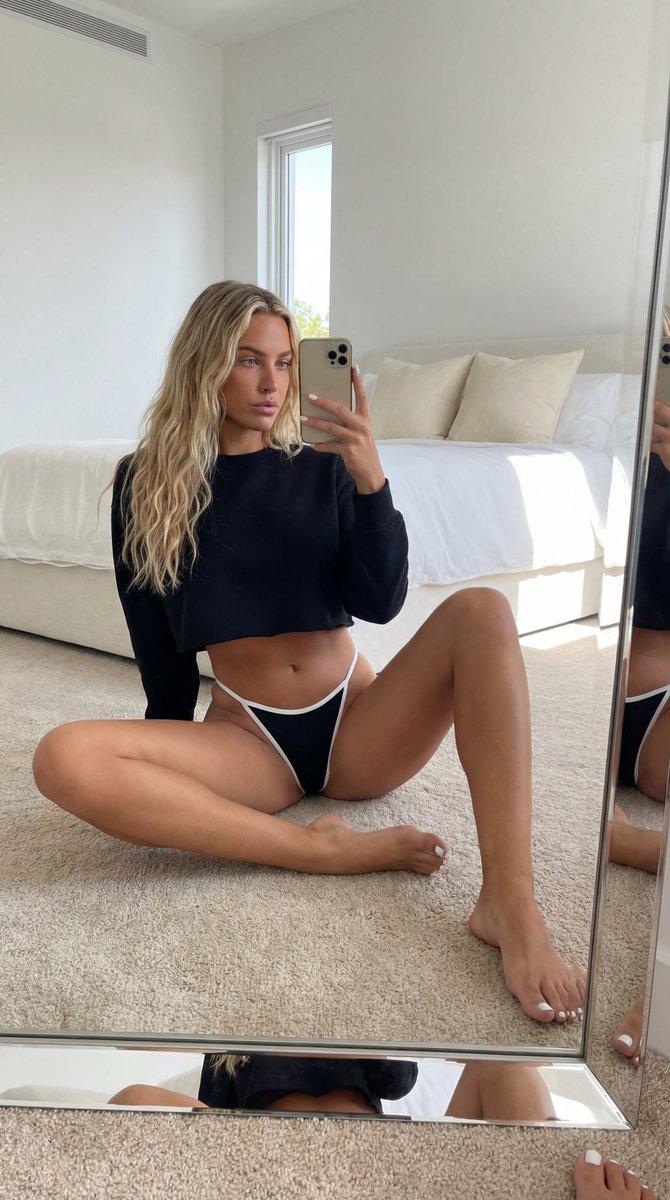
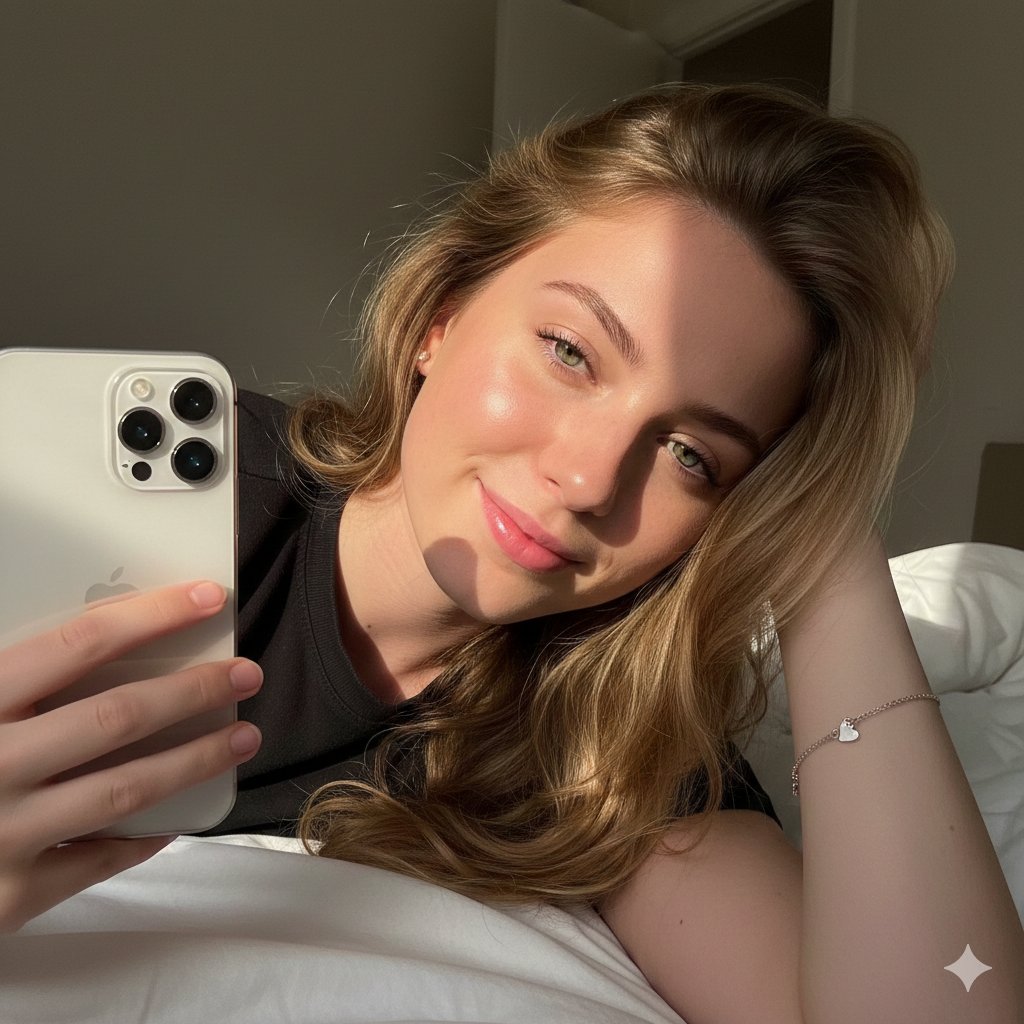
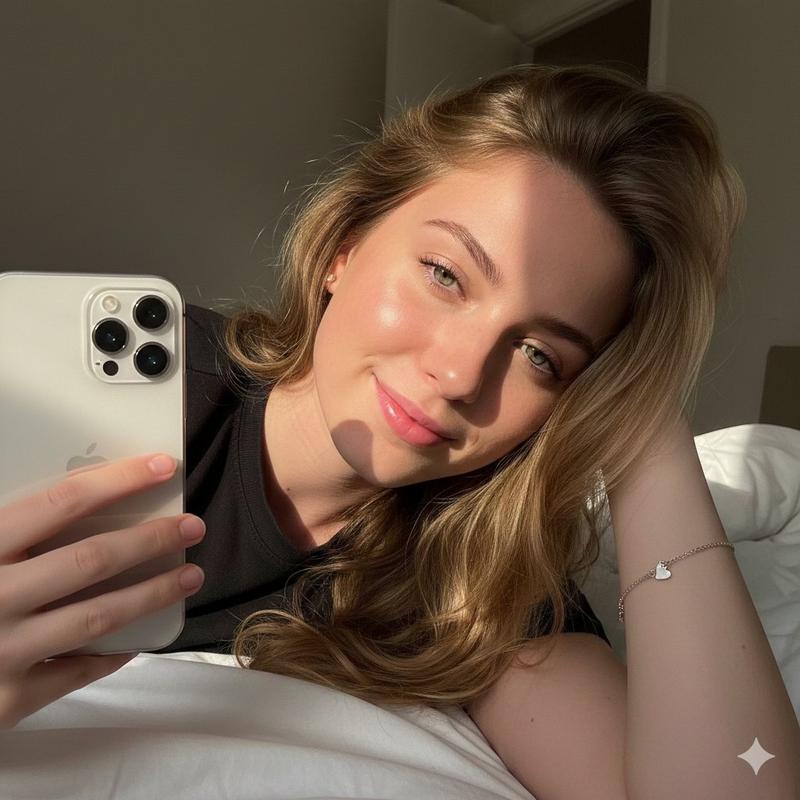
沐浴金色夕阳的居家黑衣少女自拍
Prompt
{ "scene": "Bedroom interior selfie, golden hour lighting, intimate and casual atmosphere", "subject": { "character": "Young woman", "face": { "structure": "Soft contours, high cheekbones, visible dimples", "skin": "Tan, glowing warm tone", "eyes": { "shape": "Almond, looking down", "expression": "Happy, shy smile" }, "mouth": { "lips": "Natural pink, wide smile showing teeth" }, "makeup": "Natural, glowing skin, subtle mascara" }, "hair": { "color": "Dark brown / Black", "length": "Shoulder length (lob)", "texture": "Straight with slight curve", "style": "Loose with full bangs covering forehead", "shine": "High sheen from sunlight" }, "accessories": { "necklace": "Thin delicate chain", "earrings": "Gold hoop earrings", "anklet": "Thin gold chain on left ankle" } }, "pose": { "overall": "Seated on floor, compacted crouch/squat position", "position": { "base": "Sitting on floor", "orientation": "Facing forward/slightly angled to mirror" }, "torso": { "direction": "Leaning slightly forward", "posture": "Relaxed but curled" }, "arms": { "position": "Right arm extended taking the photo, left arm tucked between legs/knees", "hands": "Relaxed" }, "legs": { "position": "Knees pulled up to chest, feet flat on floor", "visible": "Legs fully visible from thighs down", "feet": "Bare feet, toes visible with dark red nail polish" }, "head": { "turn": "Tilted slightly down and to the side", "expression": "Joyful, candid" } }, "outfit": { "bodysuit": { "type": "Black bodysuit or lingerie", "color": "Black", "style": "Minimalist, snug fit", "details": { "cut": "High leg cut" } } }, "body": { "type": "Slim, fit", "skin": "Smooth, warm undertone", "legs": "Smooth, sunlit" }, "environment": { "location": "Bedroom", "flooring": { "material": "Light wood laminate", "style": "Plank pattern" }, "furniture": { "bed": "White bedding, white bed frame visible in background" }, "decor": { "rug": "White fluffy faux fur rug on the left" } }, "lighting": { "type": "Natural sunlight (Golden Hour)", "quality": { "intensity": "Strong, warm, directional", "direction": "Side lighting from window" }, "on_subject": { "skin": "Strong warm highlights on knees, feet, and face side", "hair": "Backlit glow on hair strands" } }, "photography": { "angle": "High angle (looking down)", "framing": "Vertical selfie, cropped at shoulder on left", "focus": "Sharp focus on subject", "style": "Mirror selfie, casual, aesthetic" }, "color_palette": { "subject": { "hair": "Black", "skin": "Warm tan/bronze", "outfit": "Black", "nails": "Dark red/Burgundy" }, "environment": { "floor": "Beige/Light Oak", "bedding": "White", "rug": "Off-white" } }, "vibe": { "energy": "Warm, sunny, happy", "mood": "Relaxed, playful, cozy", "aesthetic": "Clean girl, golden hour, minimalistic" }, "critical_requirements": { "HAIR": "Shoulder-length dark hair with bangs", "POSE": "Sitting on floor, knees pulled to chest", "FACE": "Smiling, looking down, dimples", "OUTFIT": "Bl- Category
- Charts & Infographics
- Model
- Nano banana pro
- Creator
- @SedraLab
- Source ID
- 8464
- Published
- Mar 22, 2026
Views38