14

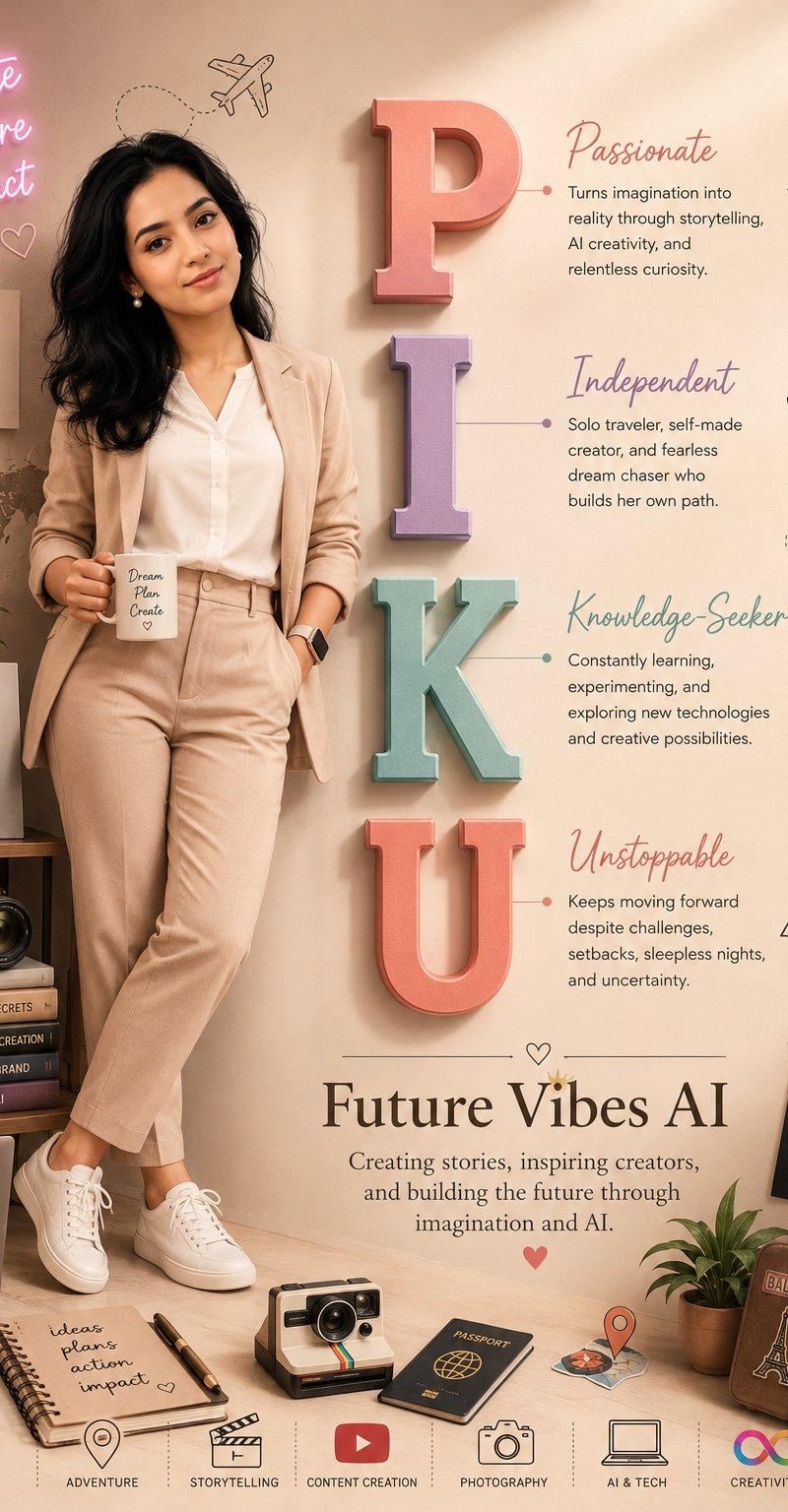
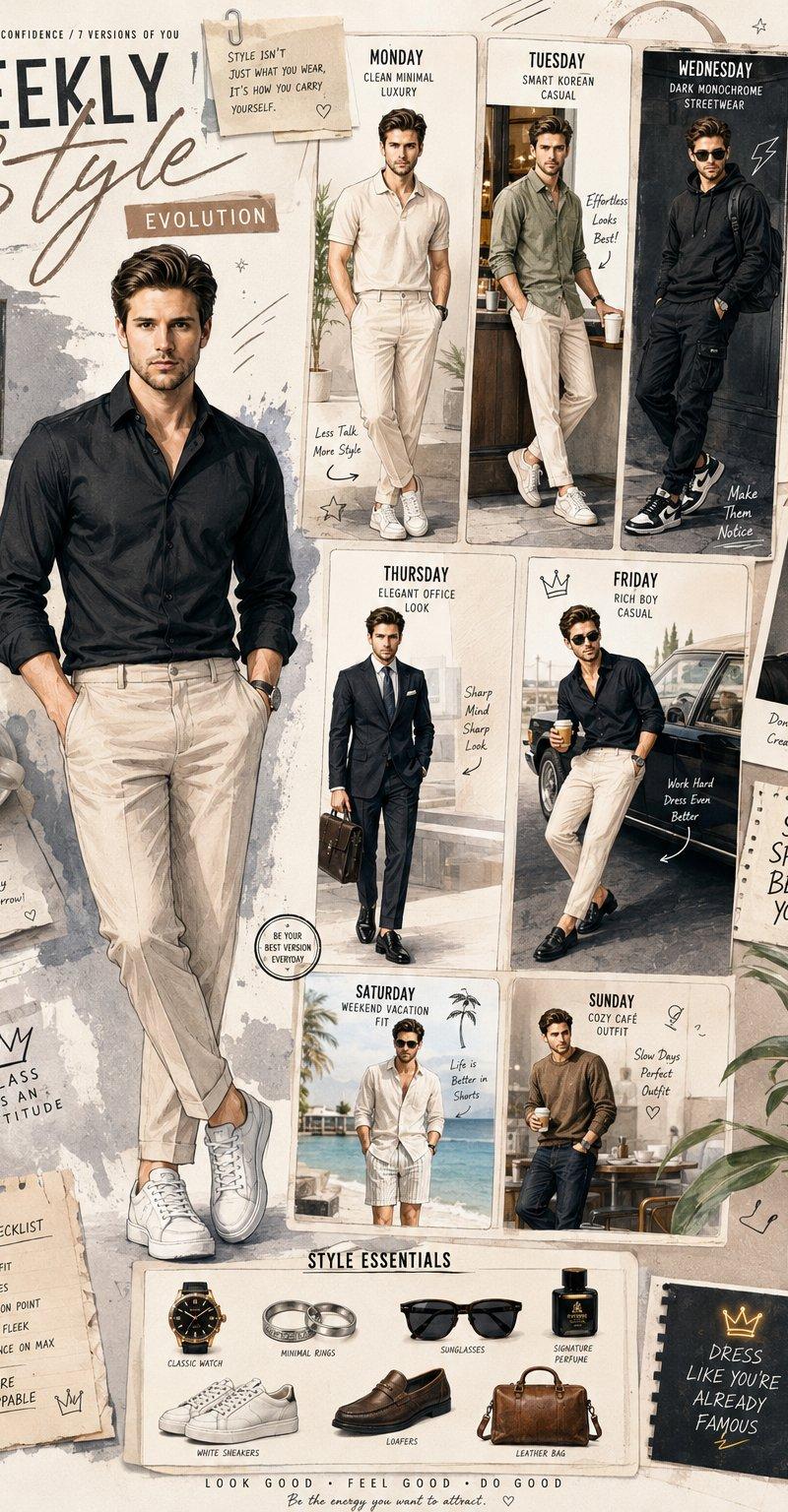
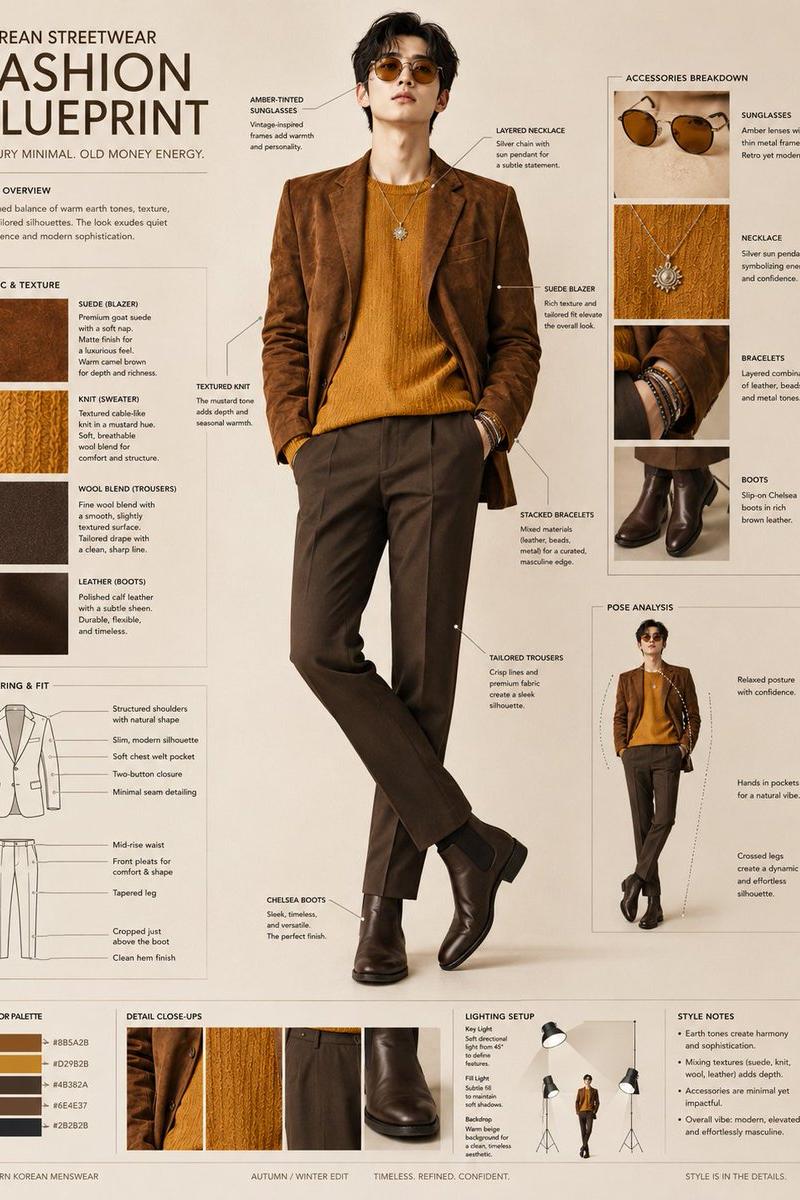
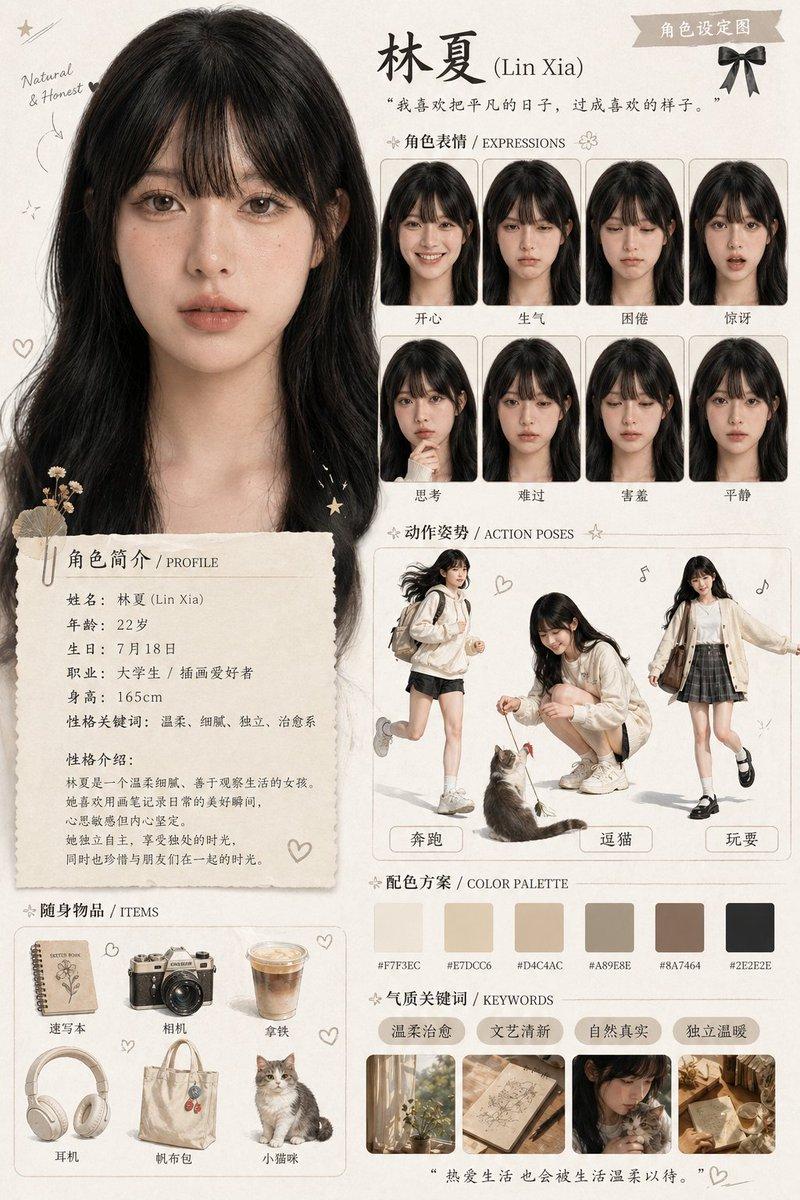
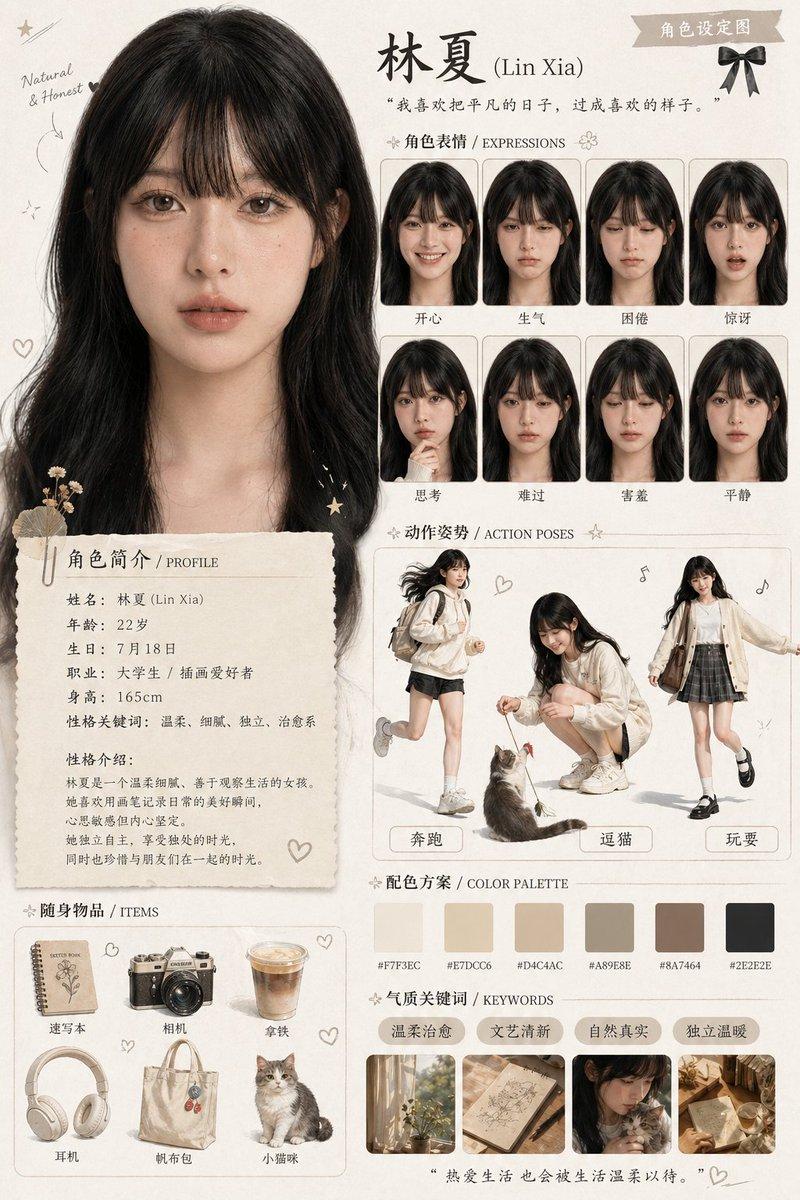
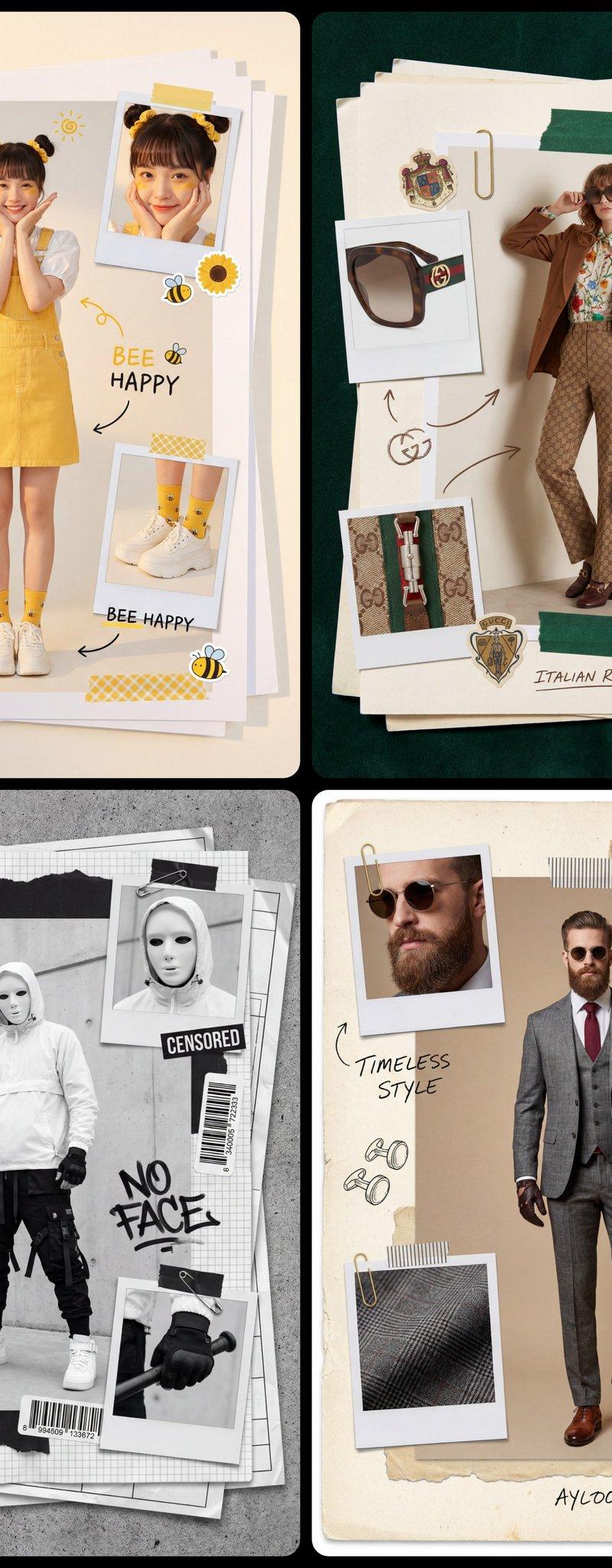
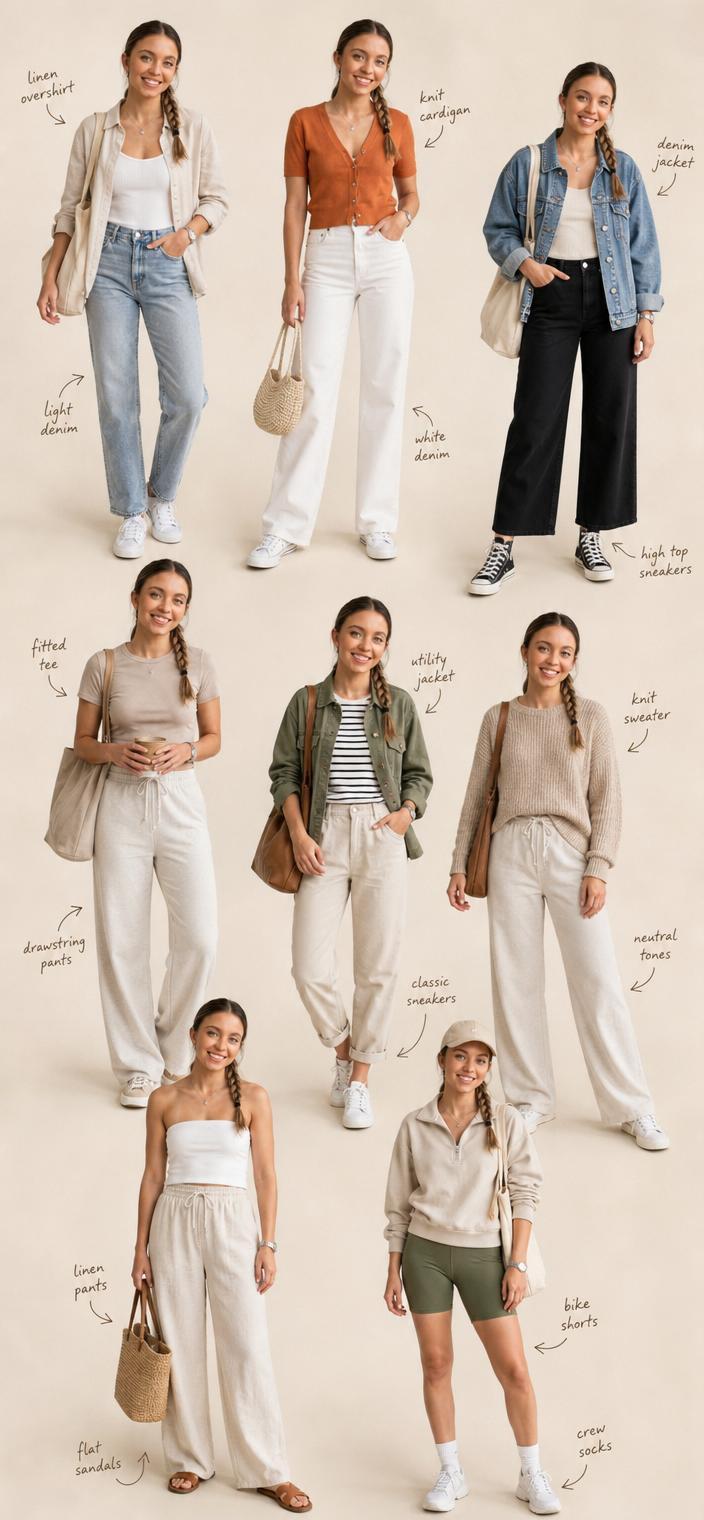
复古手绘速写本人物设计表
Enlarge

Example images

复古手绘速写本人物设计表

Prompt
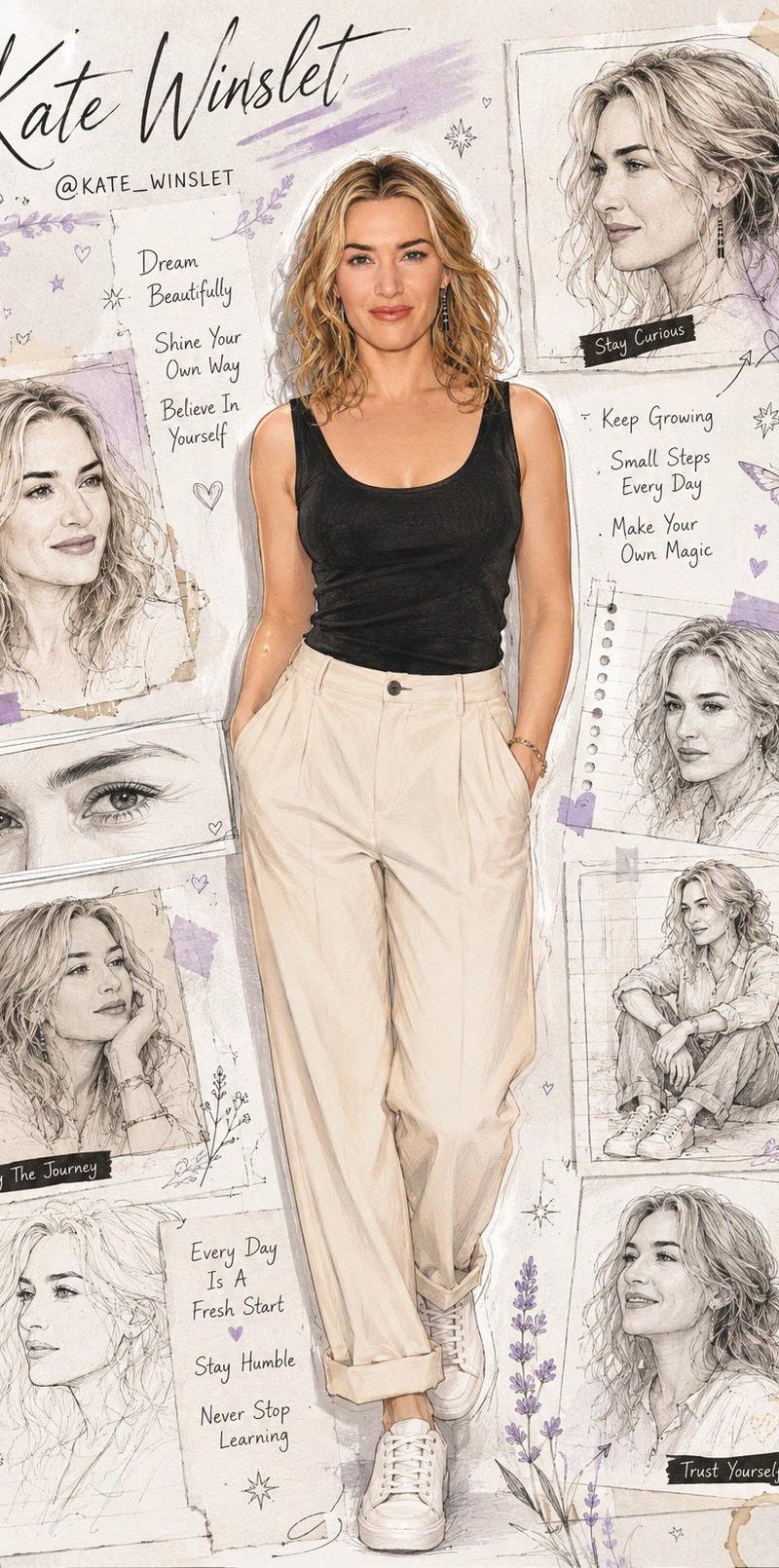
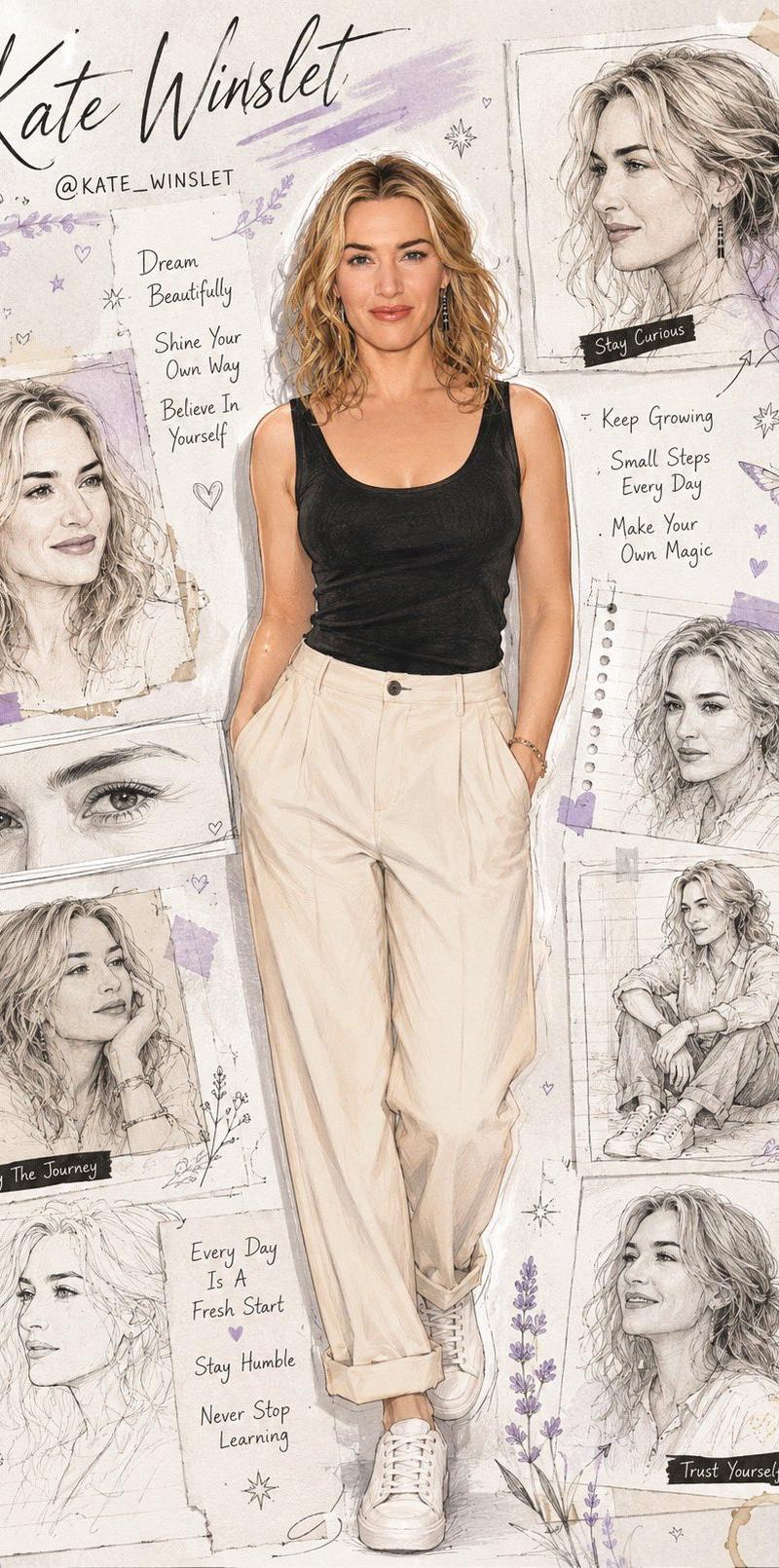
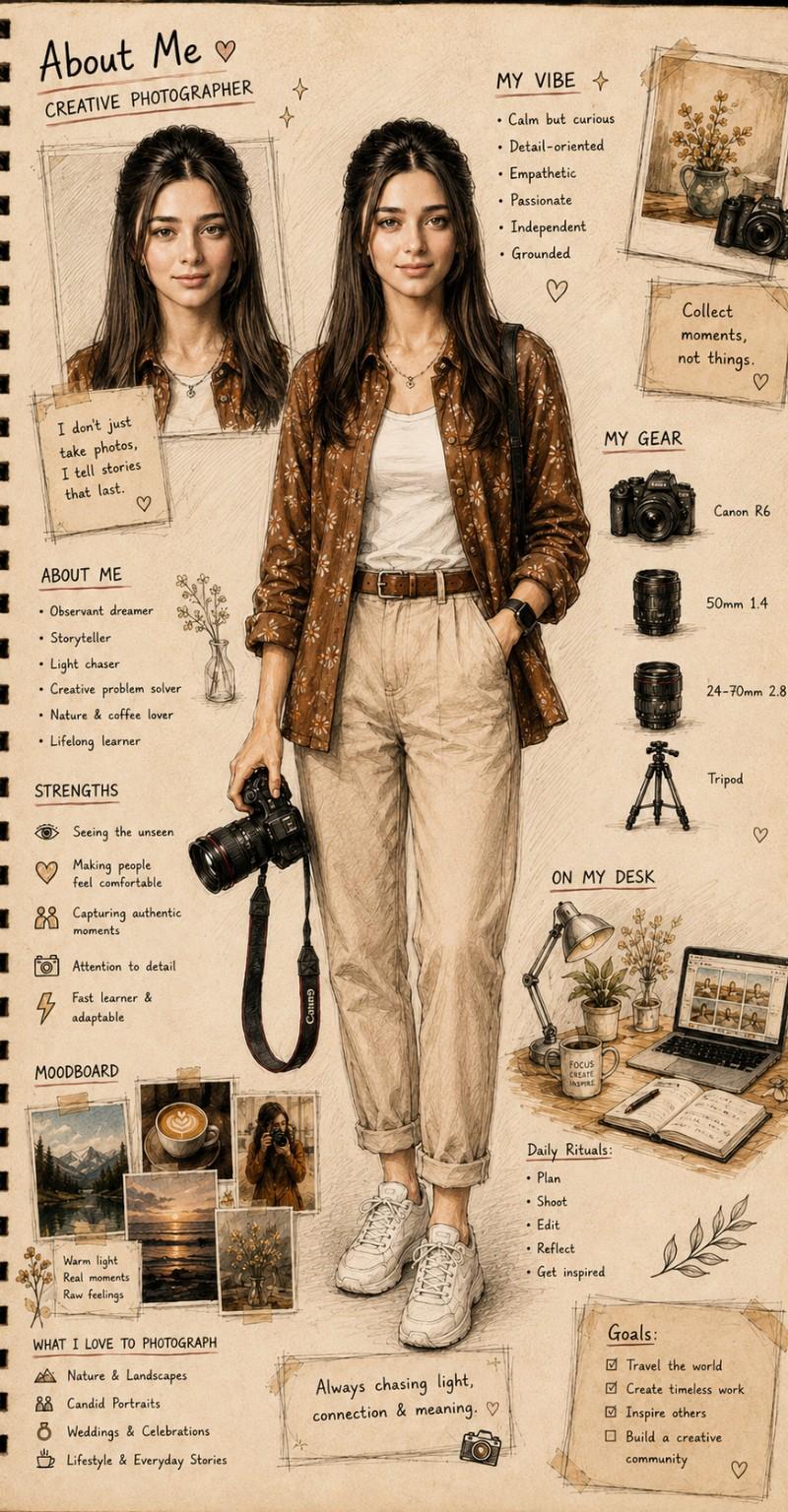
Turn the uploaded photo into a detailed hand-drawn sketchbook character sheet.
Create a full-body character design page on a vintage notebook paper background. Include a large full-body illustration in the center and a smaller portrait close-up. Surround the character with handwritten notes, personality traits, hobbies, favorite items, daily routine, goals, mood board photos, creative tools, icons, sketches, doodles, and aesthetic annotations.

Use warm watercolor and pencil sketch textures, soft sepia tones, ink outlines, realistic facial features, artistic journal layout, scrapbook style, concept art presentation, highly detailed hand-drawn illustration, cozy creative atmosphere, visual storytelling, Pinterest-worthy aesthetic, professional character sheet design.

Add headings such as "About Me", "My Vibe", "My Favorites", "Daily Rituals", "Goals", and "Moodboard". Make everything look naturally handwritten in an artist's sketchbook.

Ultra detailed, high quality, realistic sketchbook illustration, character design sheet, watercolor + pencil drawing style.
Category
Brand & Logos
Model
ChatGPT
Creator
@AiwithLariab
Source language
zh-CN
Views5
Source ID
15351
Published
Jun 4, 2026
Studio

Guide

About "复古手绘速写本人物设计表"

What is this prompt for?

"复古手绘速写本人物设计表" AI image prompt for ChatGPT (Brand & Logos). 将上传的照片转变为详细的手绘速写本人物设计表。 在复古笔记本纸背景上创建一个全身人物设计页面。在中心包含一个大的全身插图和一个较小的头像特写。在角色周围环绕着手写笔记、性格特征、爱好、最喜欢的物品、…

The full copyable prompt and example visuals above are ready for AI image generation or one-click recreate in Picva.

How to use this prompt

  1. Step 1

    Open the prompt detail

    Review the example visuals, category, and full prompt text for "复古手绘速写本人物设计表".

  2. Step 2

    Copy the prompt

    Copy the prompt body from this page, or load it directly in Studio.

  3. Step 3

    Pick a model (ChatGPT)

    Prefer ChatGPT. If you switch models, keep subject and composition and tweak style terms.

  4. Step 4

    Generate and export

    Recreate the look in Picva, or export into your workflow for editing and publishing.

FAQ

What is the "复古手绘速写本人物设计表" prompt?
It is an AI image-generation prompt for ChatGPT in the Brand & Logos category. This page includes the full prompt text, example visuals, and a one-click recreate path in Picva.
How do I use this prompt to generate an image?
Copy the prompt from this page, or use Generate / Studio. Paste it into a compatible image model, or recreate the look in Picva with optional reference images.
Which model is this prompt for?
This page lists ChatGPT. Most descriptive prompts also transfer to nearby image models such as GPT Image, Flux, or Midjourney with light style tweaks.
Can I use the result commercially?
You can usually copy the prompt for creation, but commercial use of the final image depends on the model terms, reference-image rights, and the generated content. Follow the source author and platform rules.