14

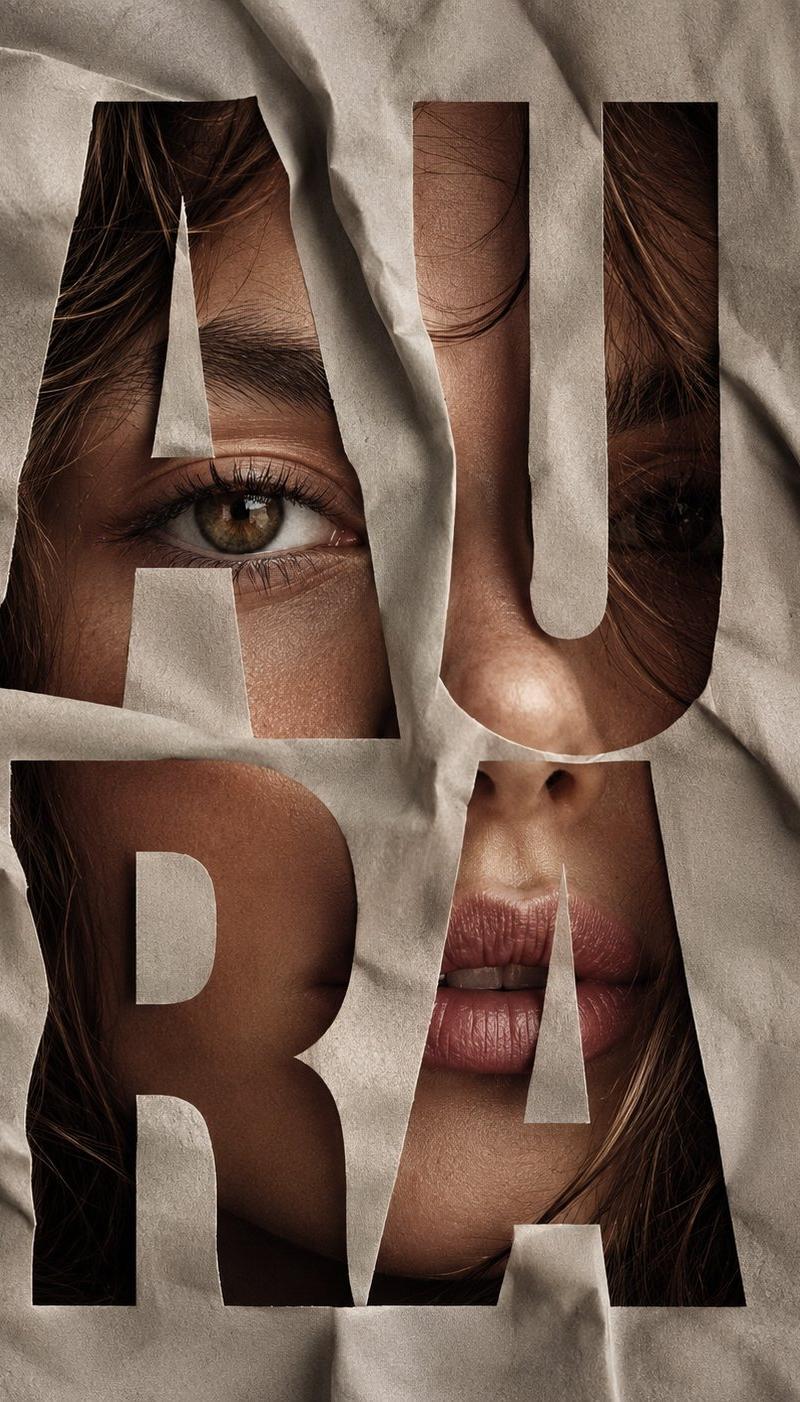
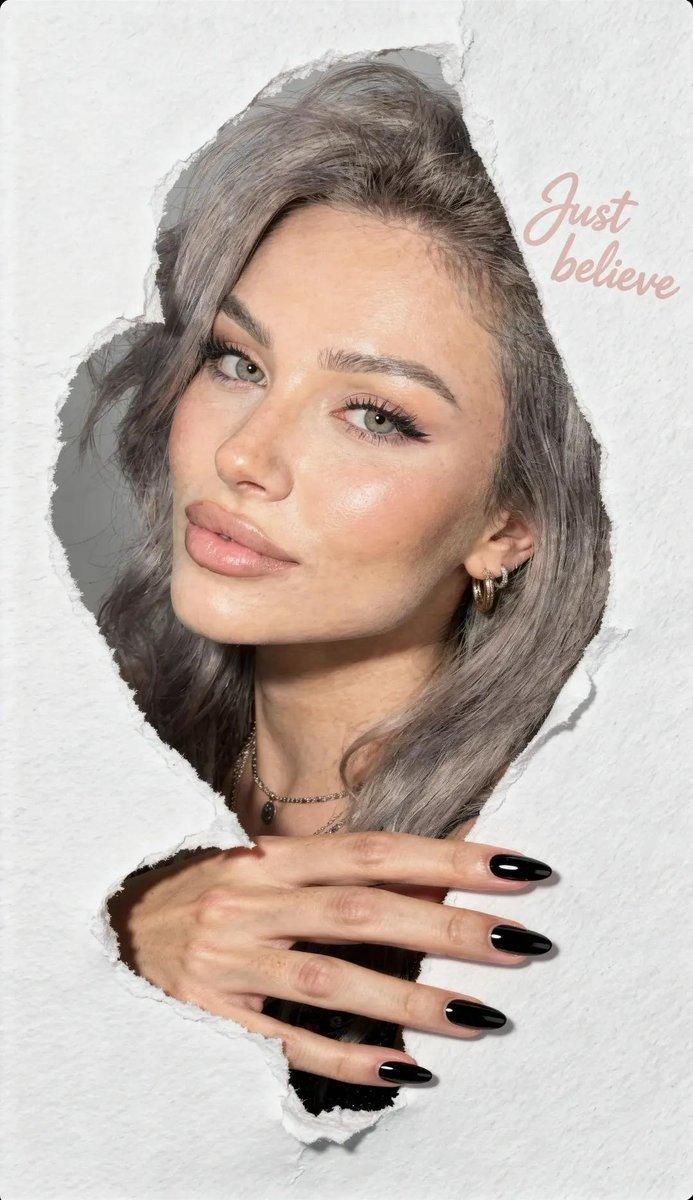
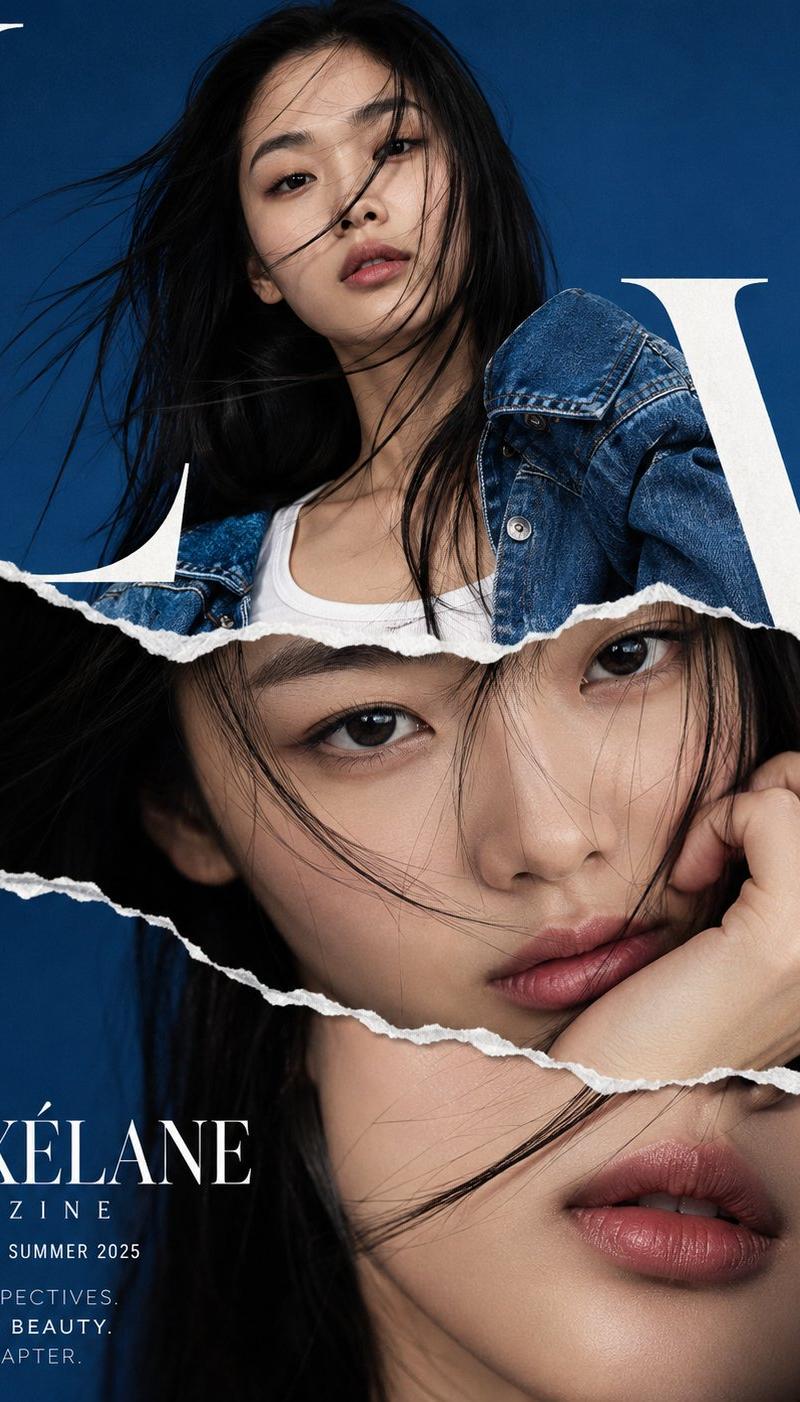
高端时尚杂志封面撕纸拼接风东亚女性
Enlarge

Example images

高端时尚杂志封面撕纸拼接风东亚女性

Prompt
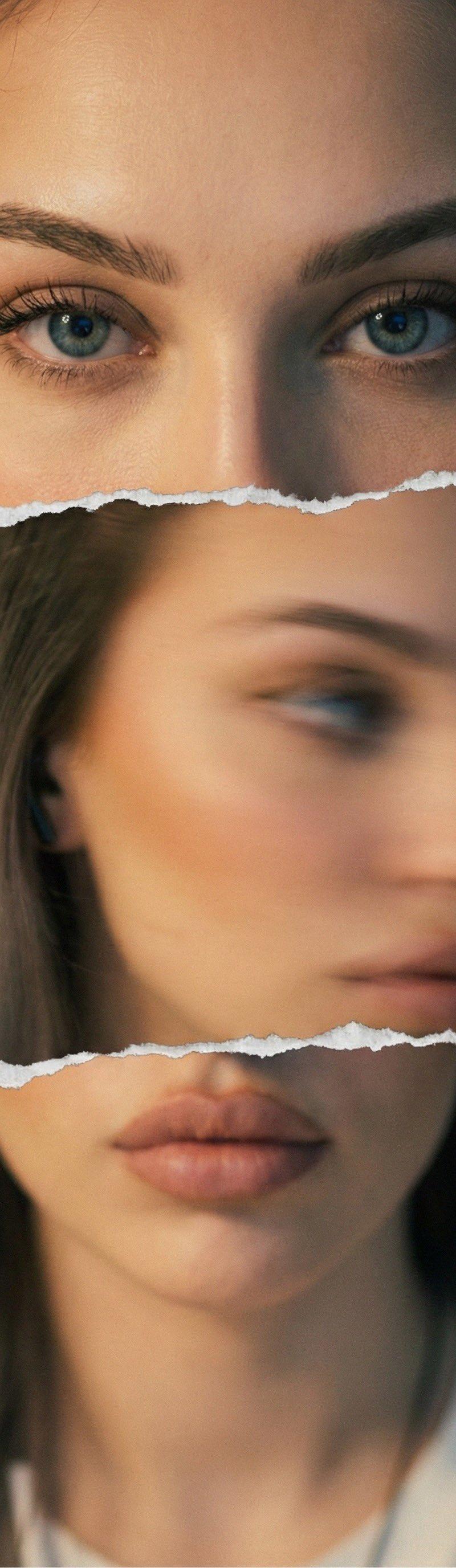
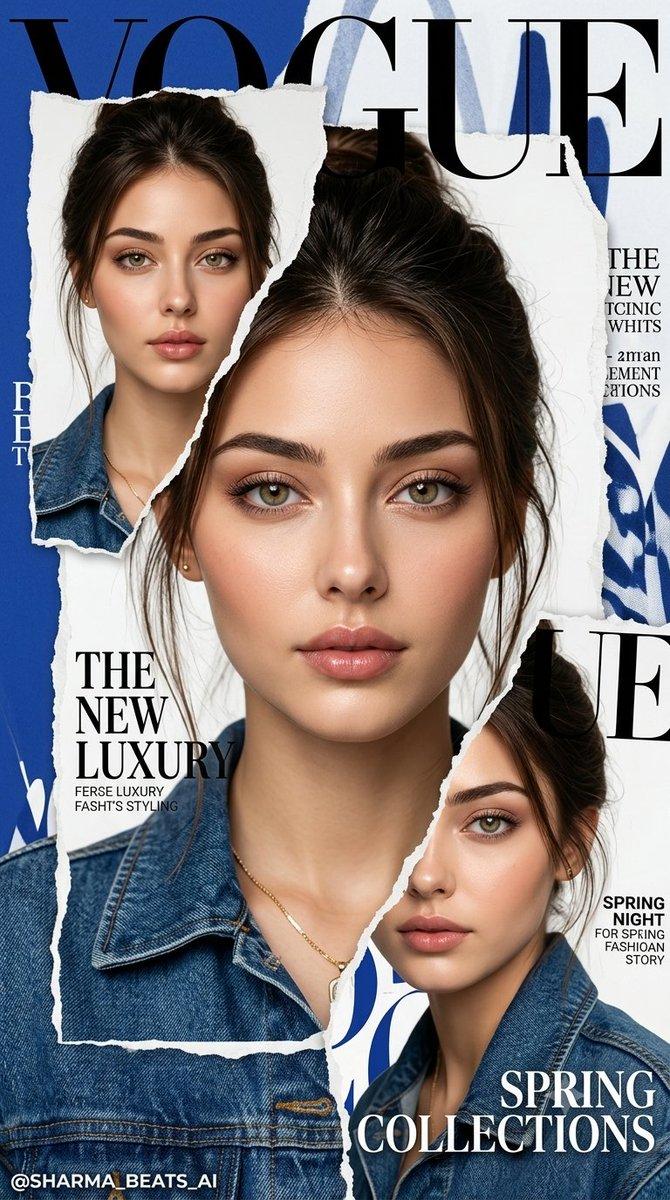
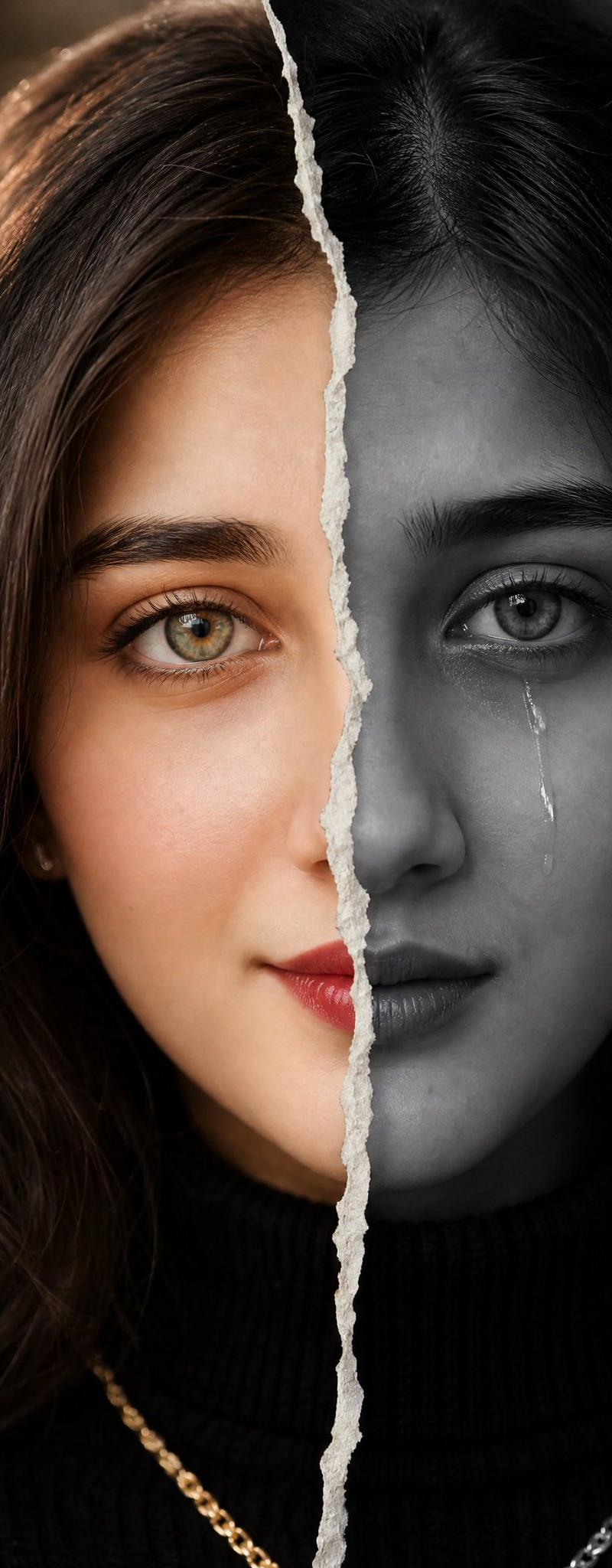
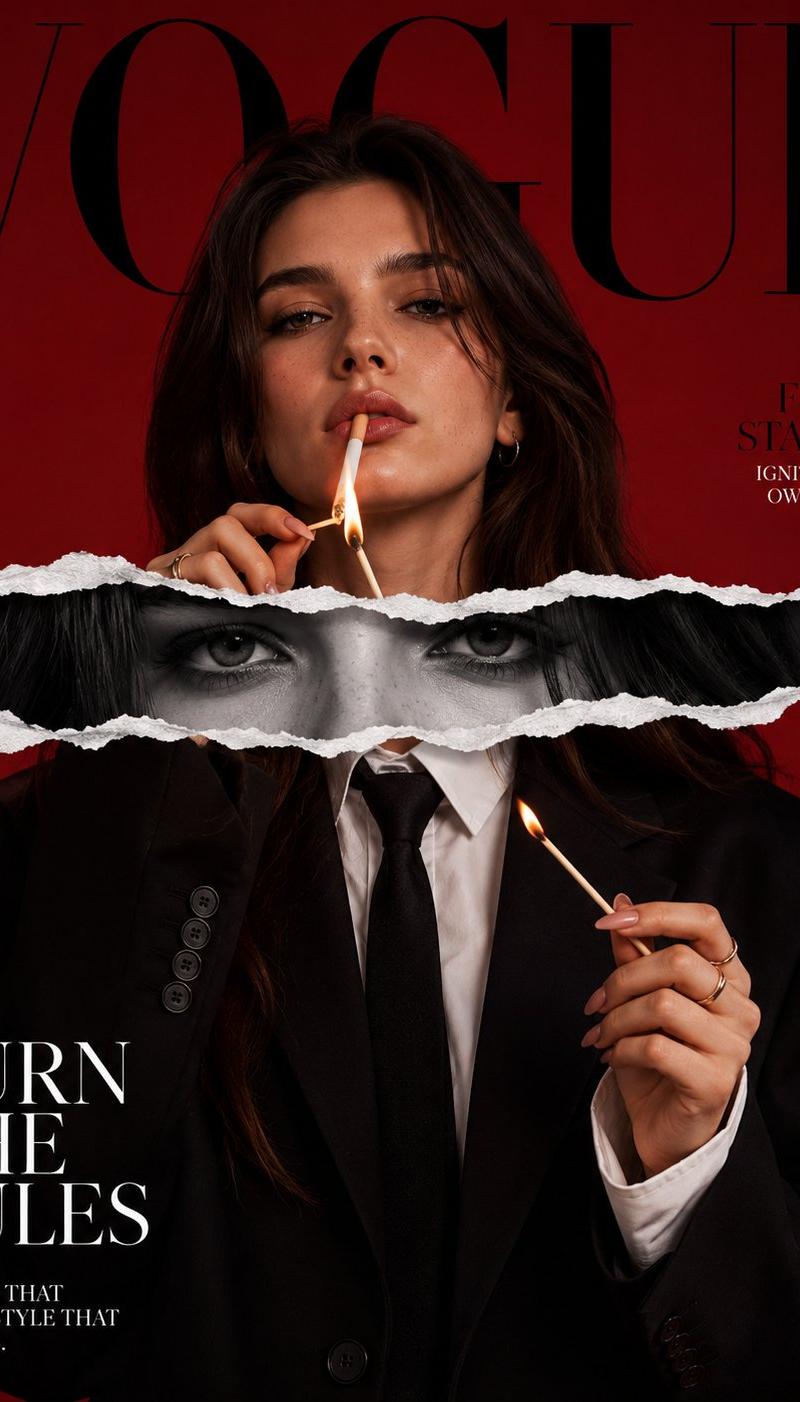
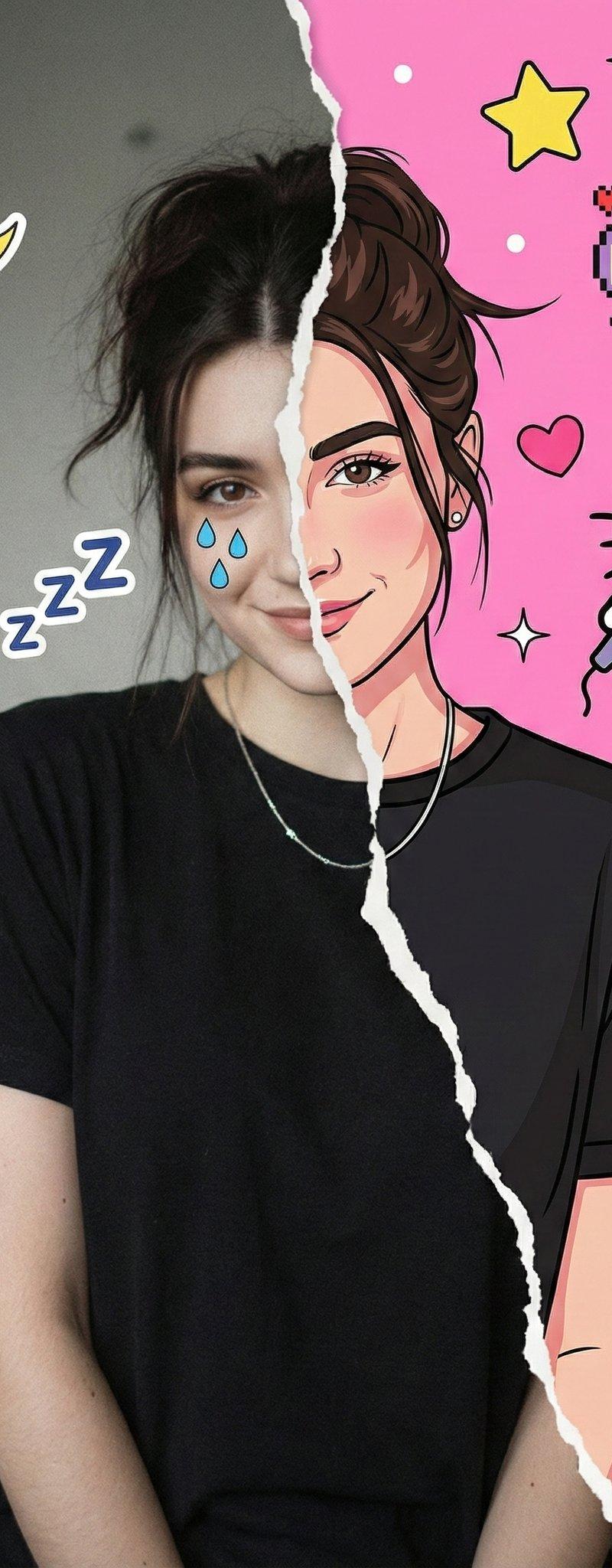
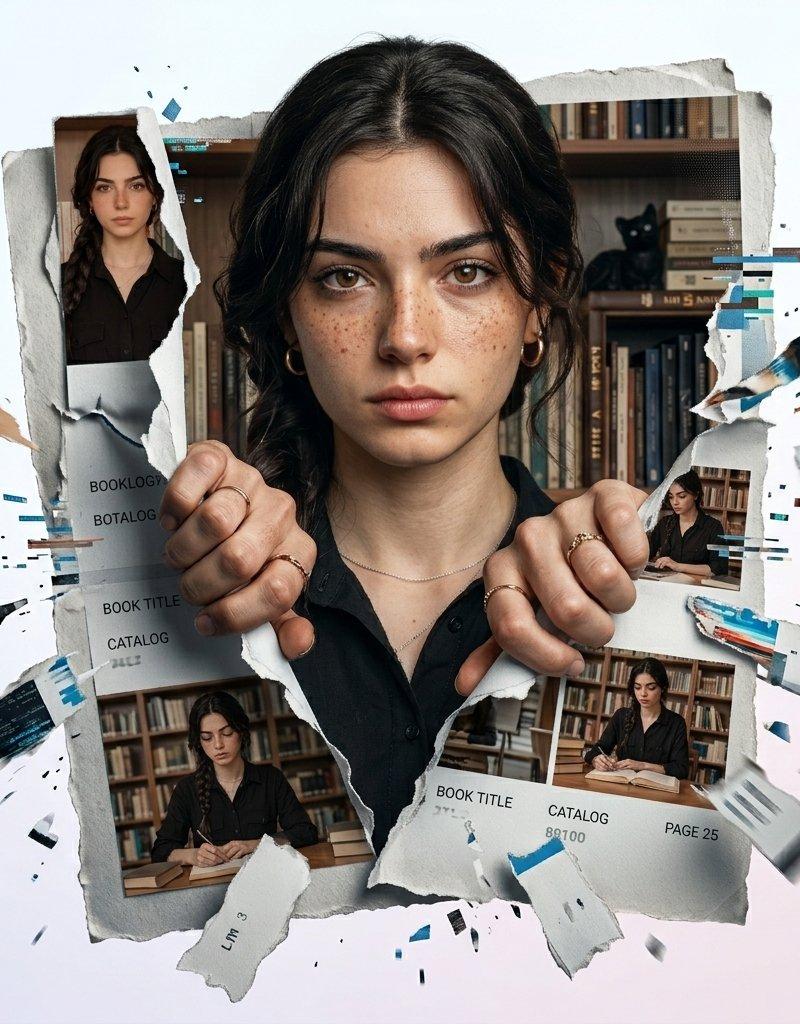
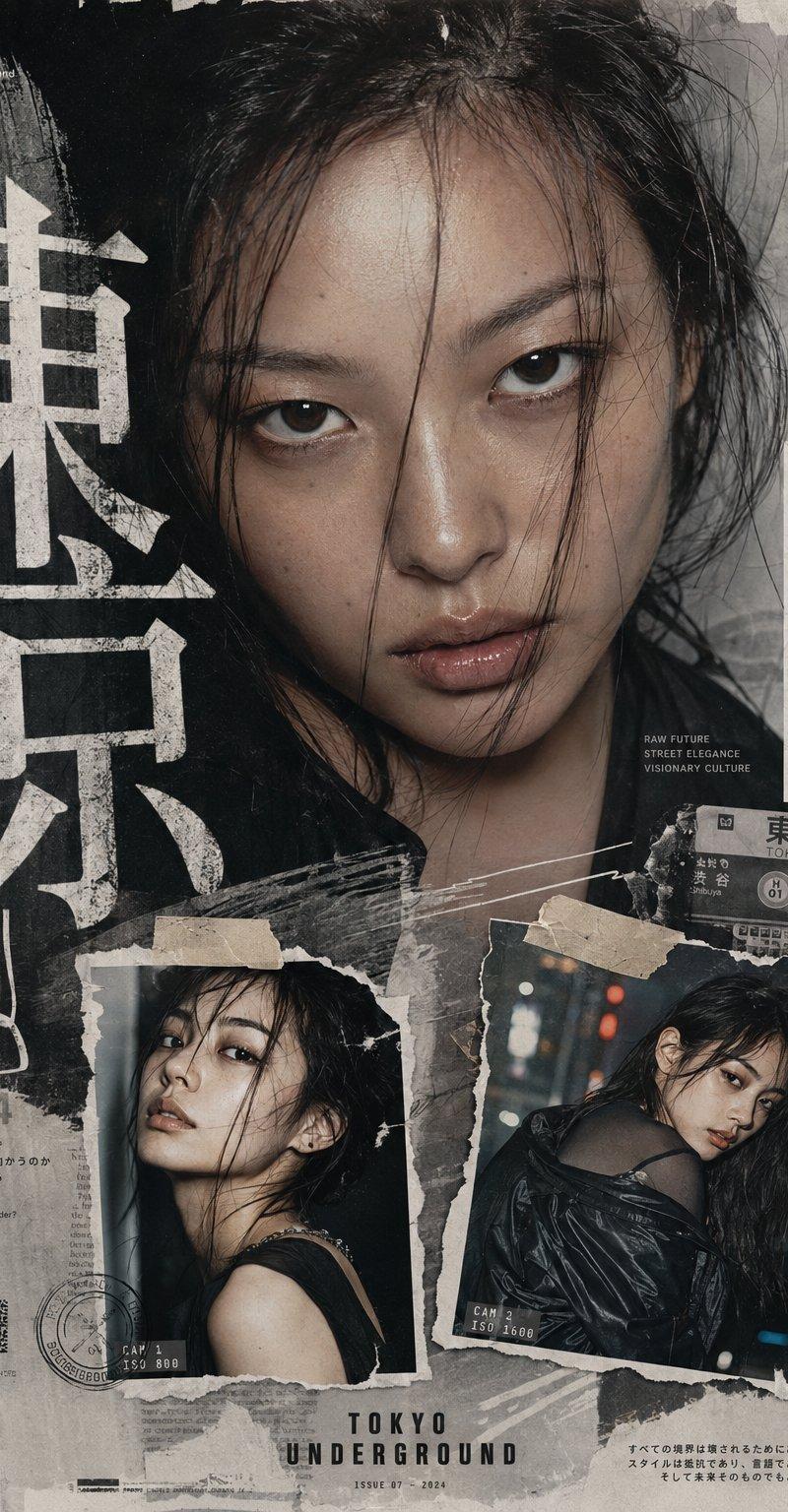
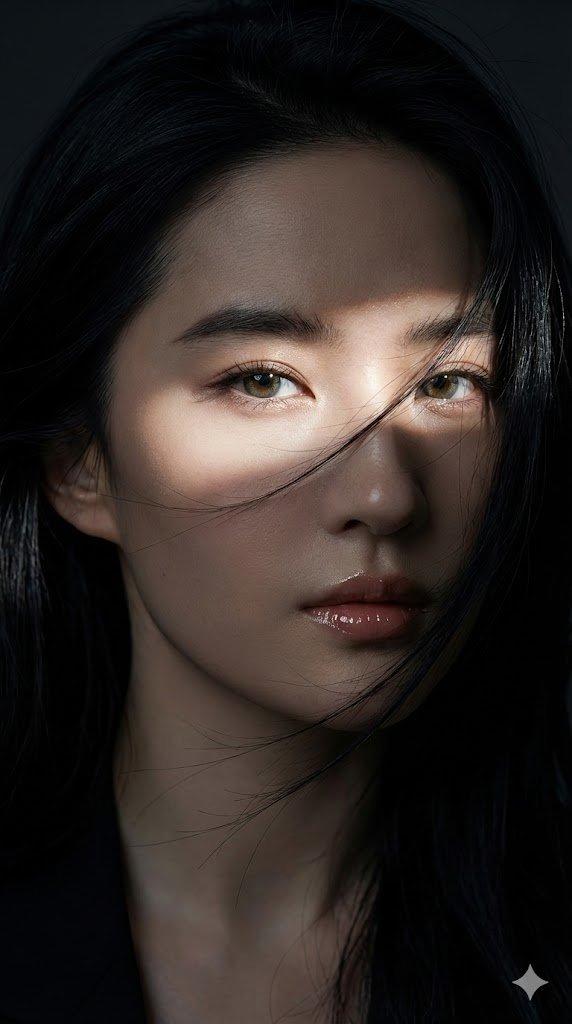
High-fashion magazine cover design, torn-paper collage effect, young East Asian woman with long black hair, top layer shows her with wind-blown hair wearing denim jacket over white top against solid deep blue background, torn paper edge transitions to close-up crop of her face with hand resting near chin, dark eyes looking directly at camera, soft lips, bottom layer shows another torn fragment repeating a cropped close-up of her lips and jaw, bold deep blue solid background throughout, large white serif letterform overlapping and bleeding behind the torn photo layers, clean editorial typography style, generic fictional magazine masthead text at bottom left, small fictional brand logo top right, vertical barcode graphic bottom right, sophisticated deconstructed collage layout, vertical 4:5 composition, premium fashion magazine cover design --ar 4:5 --v 6
Category
Charts & Infographics
Model
ChatGPT
Creator
@meng_dagg695
Source language
zh-CN
Views48
Source ID
16979
Published
Jun 28, 2026
Studio

Guide

About "高端时尚杂志封面撕纸拼接风东亚女性"

What is this prompt for?

"高端时尚杂志封面撕纸拼接风东亚女性" AI image prompt for ChatGPT (Charts & Infographics). 高级时尚杂志封面设计,撕纸拼贴效果,长黑发的年轻东亚女性,顶层显示她头发随风飘动,穿着牛仔夹克和白色上衣,背景为纯深蓝色,撕纸边缘过渡到她脸部的特写裁剪,手靠在下巴附近,深…

The full copyable prompt and example visuals above are ready for AI image generation or one-click recreate in Picva.

How to use this prompt

  1. Step 1

    Open the prompt detail

    Review the example visuals, category, and full prompt text for "高端时尚杂志封面撕纸拼接风东亚女性".

  2. Step 2

    Copy the prompt

    Copy the prompt body from this page, or load it directly in Studio.

  3. Step 3

    Pick a model (ChatGPT)

    Prefer ChatGPT. If you switch models, keep subject and composition and tweak style terms.

  4. Step 4

    Generate and export

    Recreate the look in Picva, or export into your workflow for editing and publishing.

FAQ

What is the "高端时尚杂志封面撕纸拼接风东亚女性" prompt?
It is an AI image-generation prompt for ChatGPT in the Charts & Infographics category. This page includes the full prompt text, example visuals, and a one-click recreate path in Picva.
How do I use this prompt to generate an image?
Copy the prompt from this page, or use Generate / Studio. Paste it into a compatible image model, or recreate the look in Picva with optional reference images.
Which model is this prompt for?
This page lists ChatGPT. Most descriptive prompts also transfer to nearby image models such as GPT Image, Flux, or Midjourney with light style tweaks.
Can I use the result commercially?
You can usually copy the prompt for creation, but commercial use of the final image depends on the model terms, reference-image rights, and the generated content. Follow the source author and platform rules.