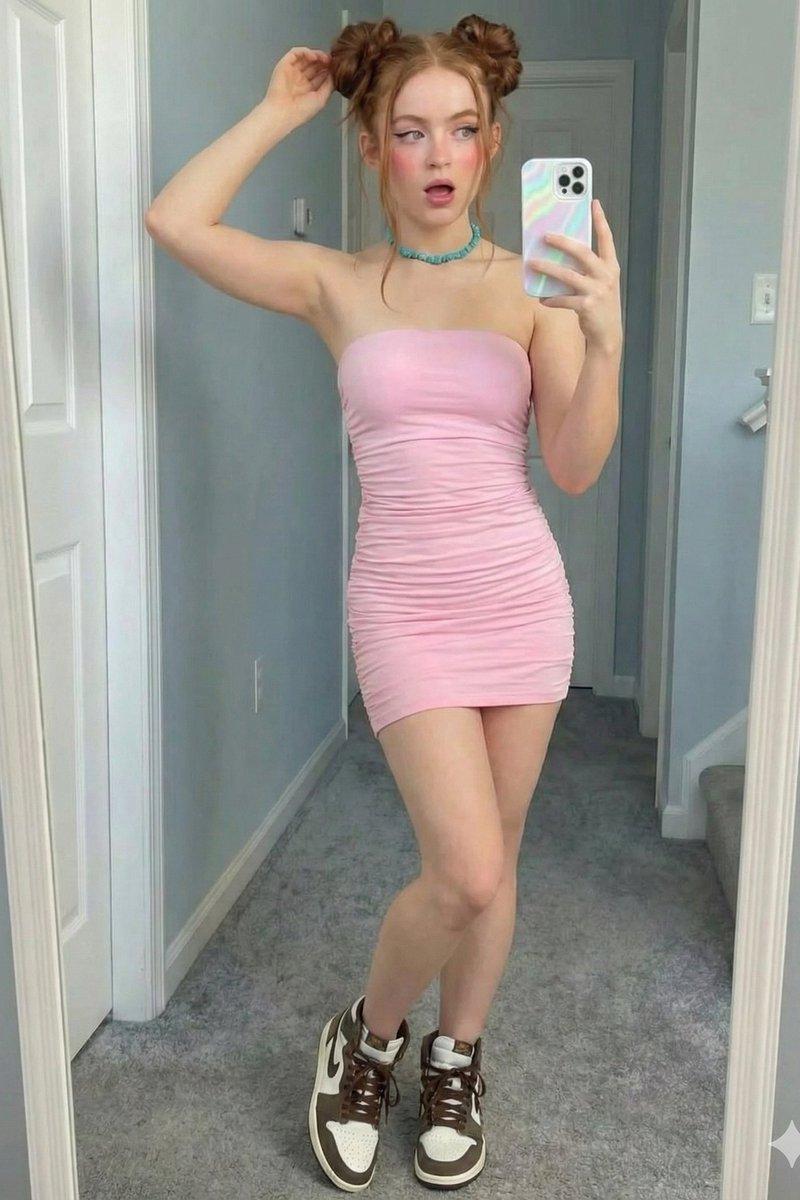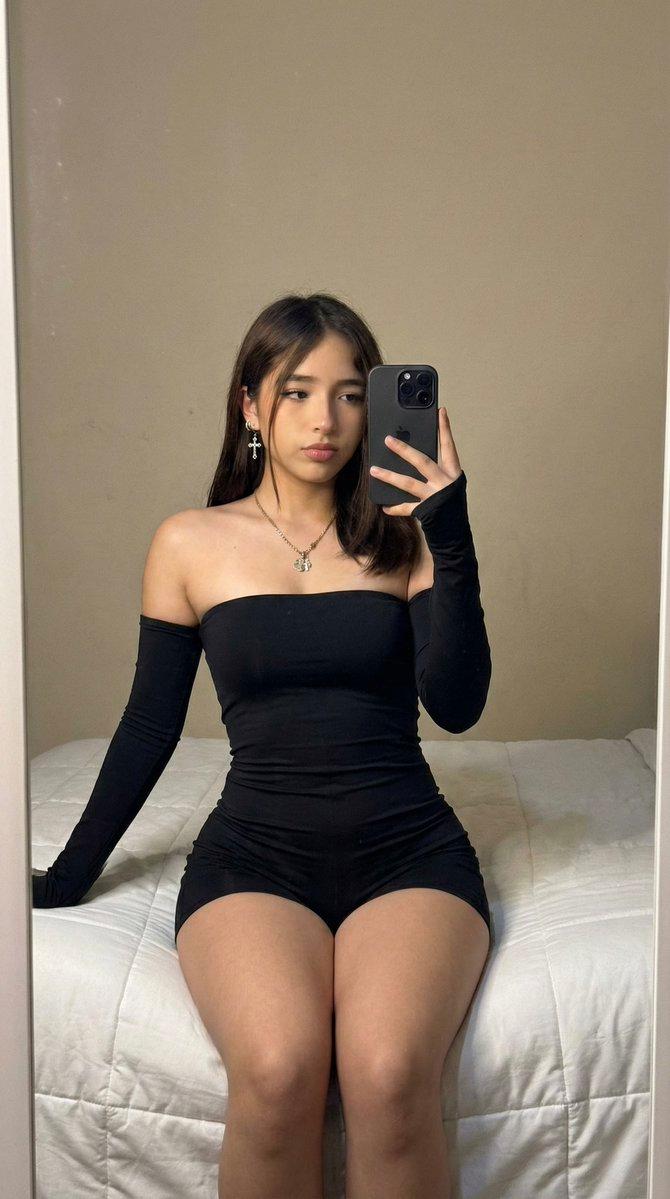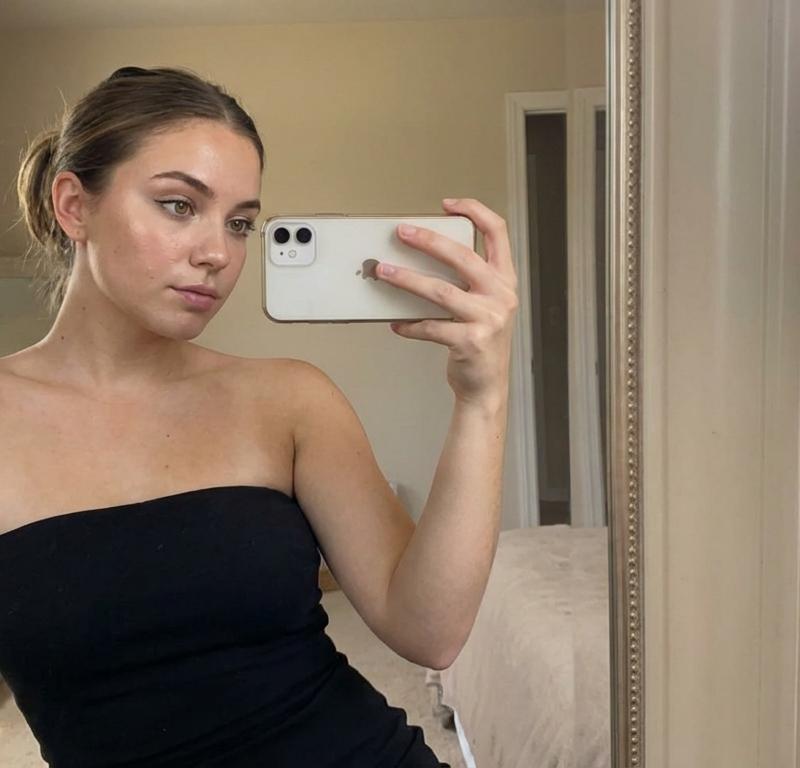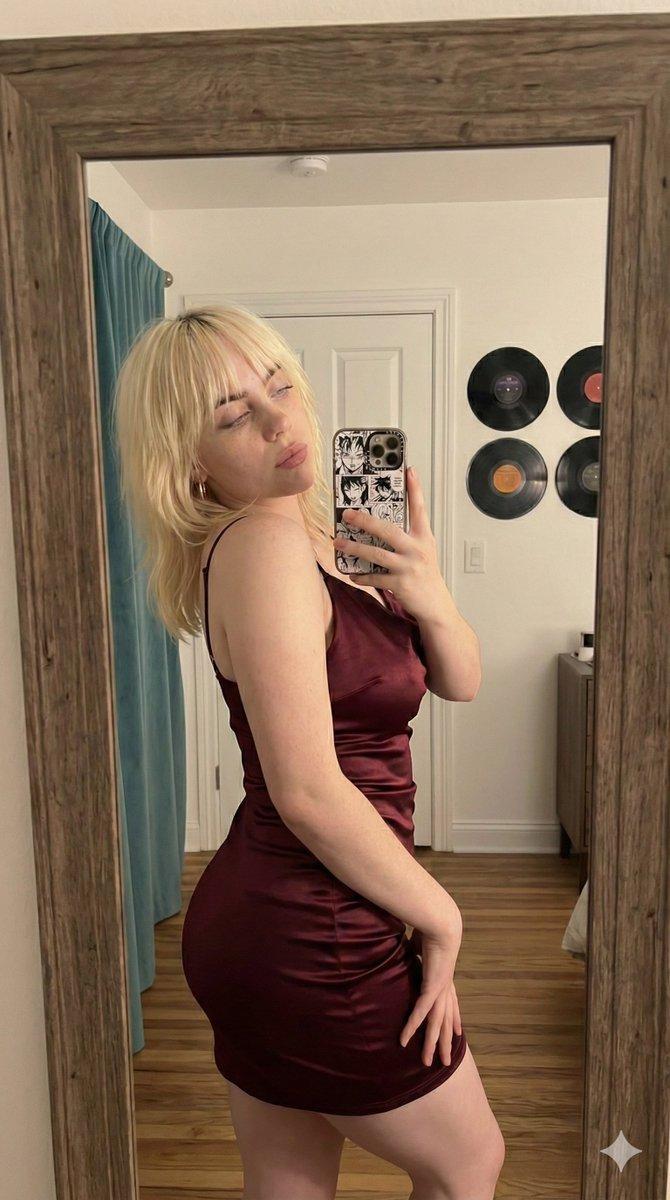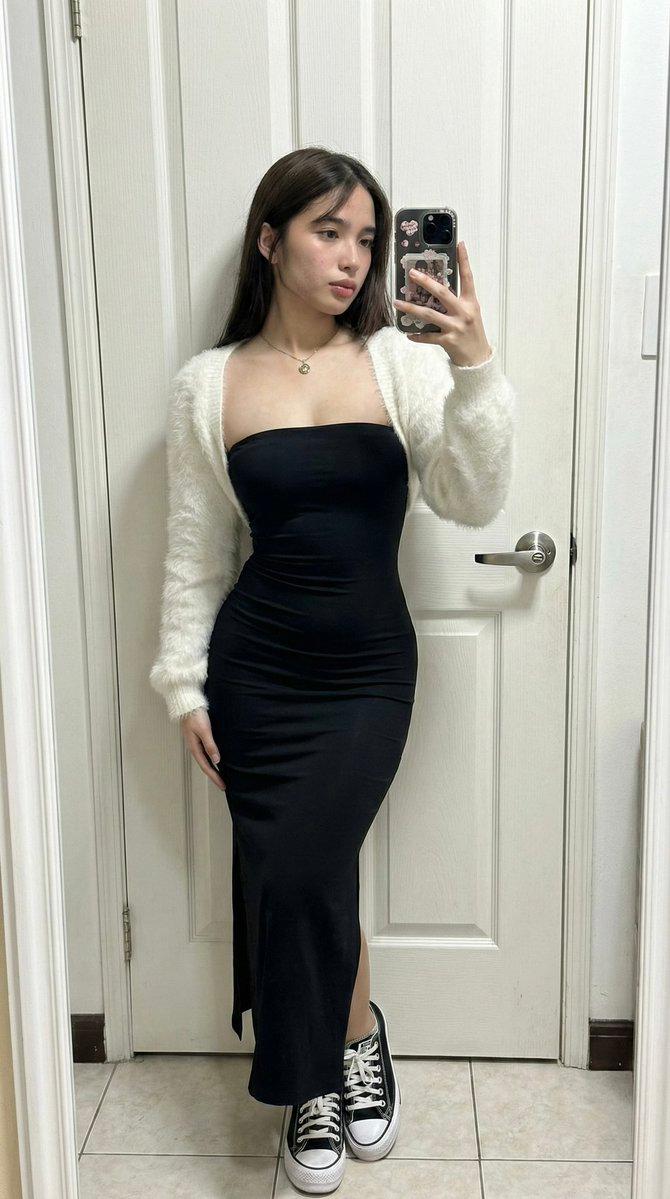
iPhone原片感超广角镜面穿搭真实还原
Prompt
(Vertical 9:16 smartphone aspect ratio). A raw, high-contrast [Candid Mirror Capture] taken with an iPhone 17 Pro using the 0.5x ultra-wide-angle lens. NO ARTIFICIAL BOKEH. Every focal plane is SHARP and in focus from the device's lens to the background architectural details. Subject & Identity Locking: Identity: Strictly preserve the exact facial structure and unique features of the person in Image 1 (Selfie). Bio-Fidelity: Render high-fidelity "TrueLens" biological physics: visible micro-pores, natural "satin-finish" skin hydration glow, and fine vellus hair catching the light ONLY along the jawline. Her lower limbs show a healthy, smooth, and radiant surface texture. Silhouette Calibration (MAXIMUM UFF-FACTOR): Prioritize a dominant structural upper-torso volume and substantial, thick-toned anatomical depth in the lower extremities. Focus on an aggressive architectural tapering at the midsection to maximize the S-curve geometry. Outfit & Textural Interaction: Clothing: A high-density strapless matte-black compressed textile bodice with a strategic side-slit hem. Layered with an architectural high-pile white mohair-knit cropped outer shell. Tension: The technical black fabric exhibits extreme mechanical tension and a vacuum-tight fit, creating realistic textural expansion and skin-to-textile indentations where the material contours to her fit form. Footwear: High-contrast black and white vulcanized athletic footwear with prominent thick lacing, showing realistic textural contact with the tiled surface. Pose & Composition: Pose: A straight-on frontal mirror composition. She is leaning her back against a white structural door, popping her left hip to maximize the visual impact of her fit, symmetrical proportions and lower-body volume. Action: Her RIGHT HAND holds a smartphone with a decorative casing, capturing the full-body "fit-check" reflection. Environment & Social Realism: Lighting: Direct indoor illumination creating high-contrast specular highlights and deep, defining shadows that amplify her 3D volume. Background (SHARP): A detailed domestic setting showing uncurated realism. A white paneled door with a black circular handle/knob, a tiled floor, and the corner of a textured surface are all perfectly IN FOCUS. No artificial blur. Quality: Raw unedited social-media dump aesthetic, high dynamic range, visible digital grain in the deep shadows, 8k resolution. Everything is sharp, detailed, and physically real.
- Category
- Brand & Logos
- Model
- Nano Banana Pro
- Creator
- @daaaaanc
- Source language
- zh-CN
- Source ID
- 8911
- Published
- May 29, 2026
Views50