16

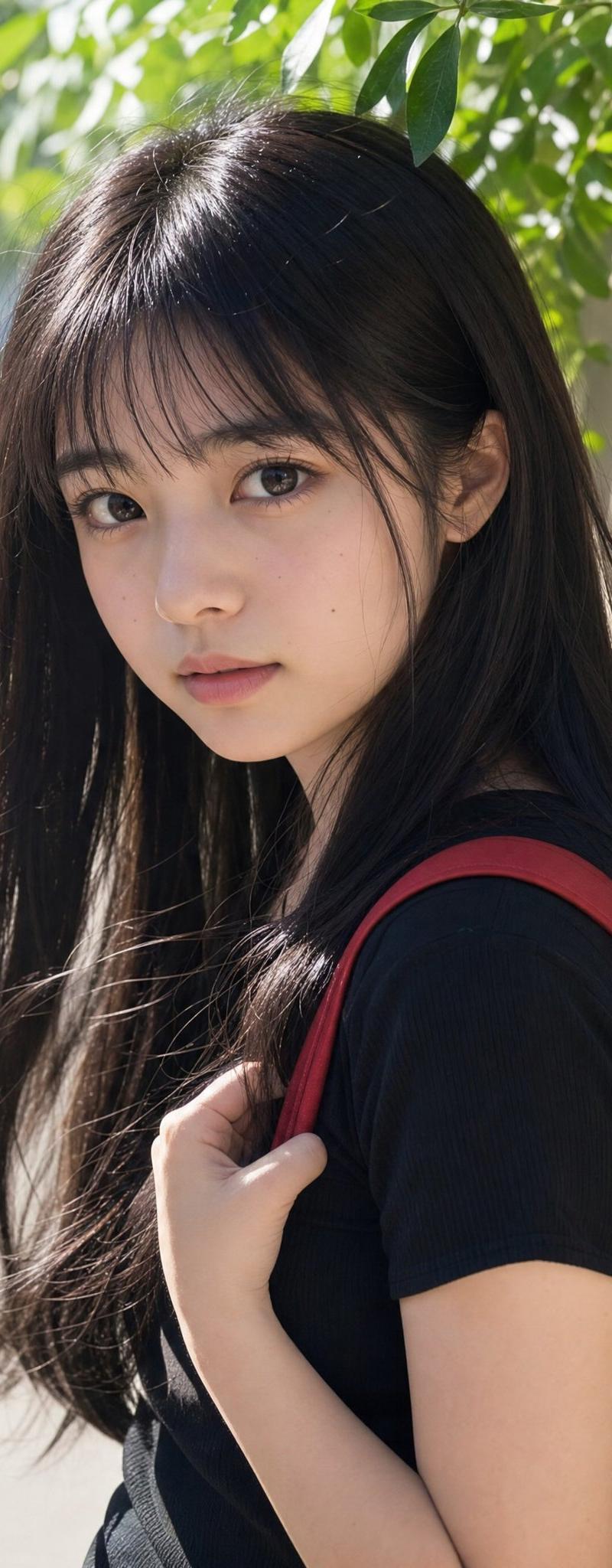
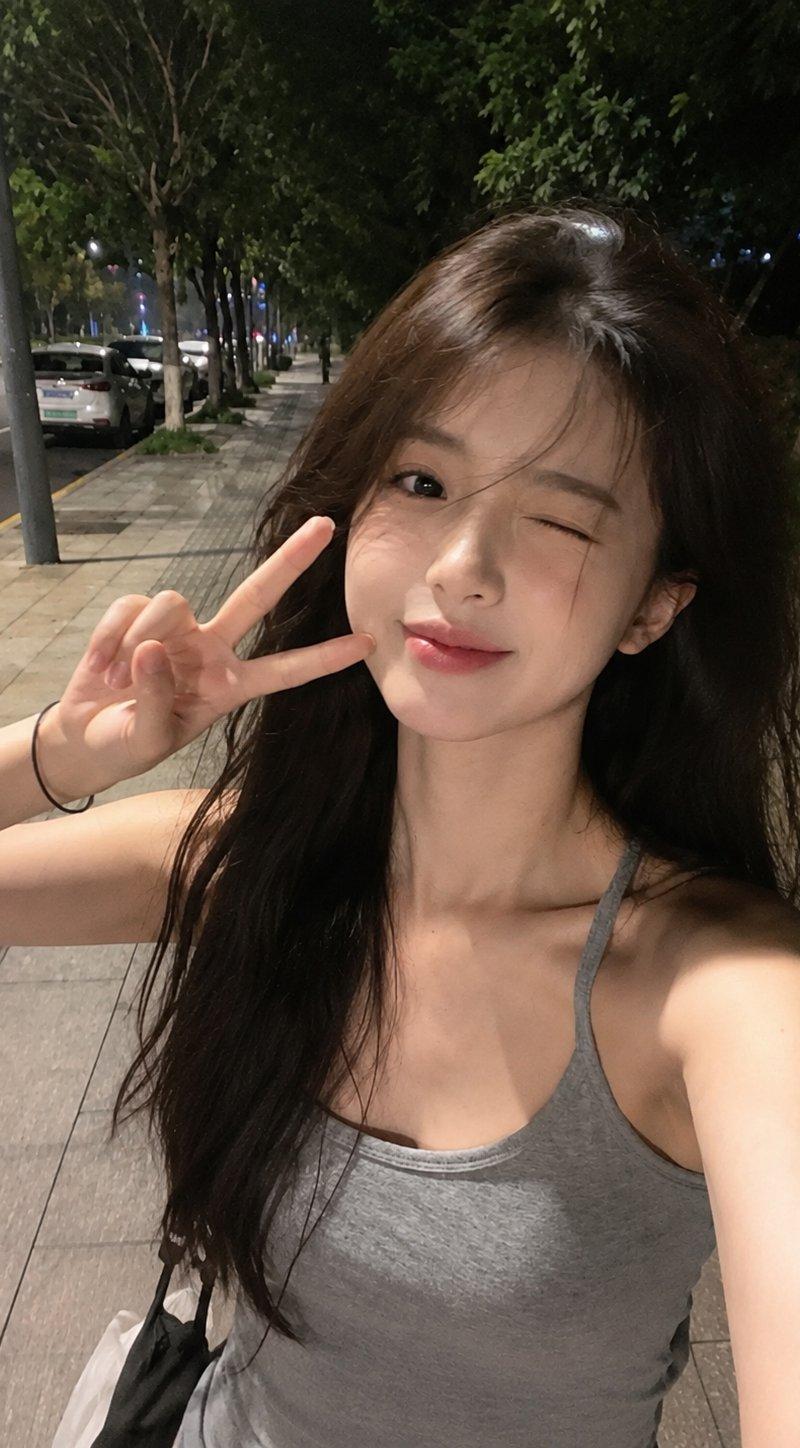
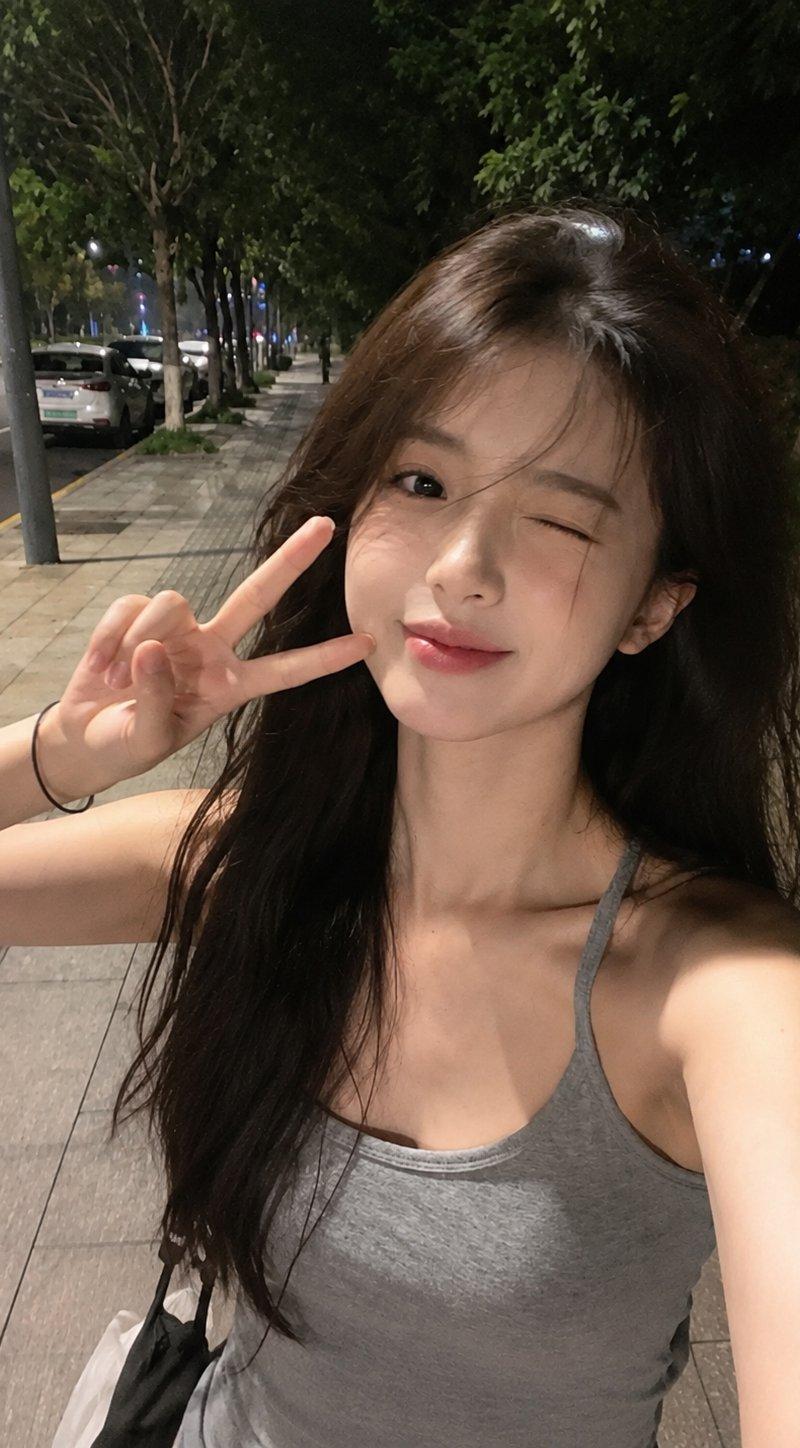
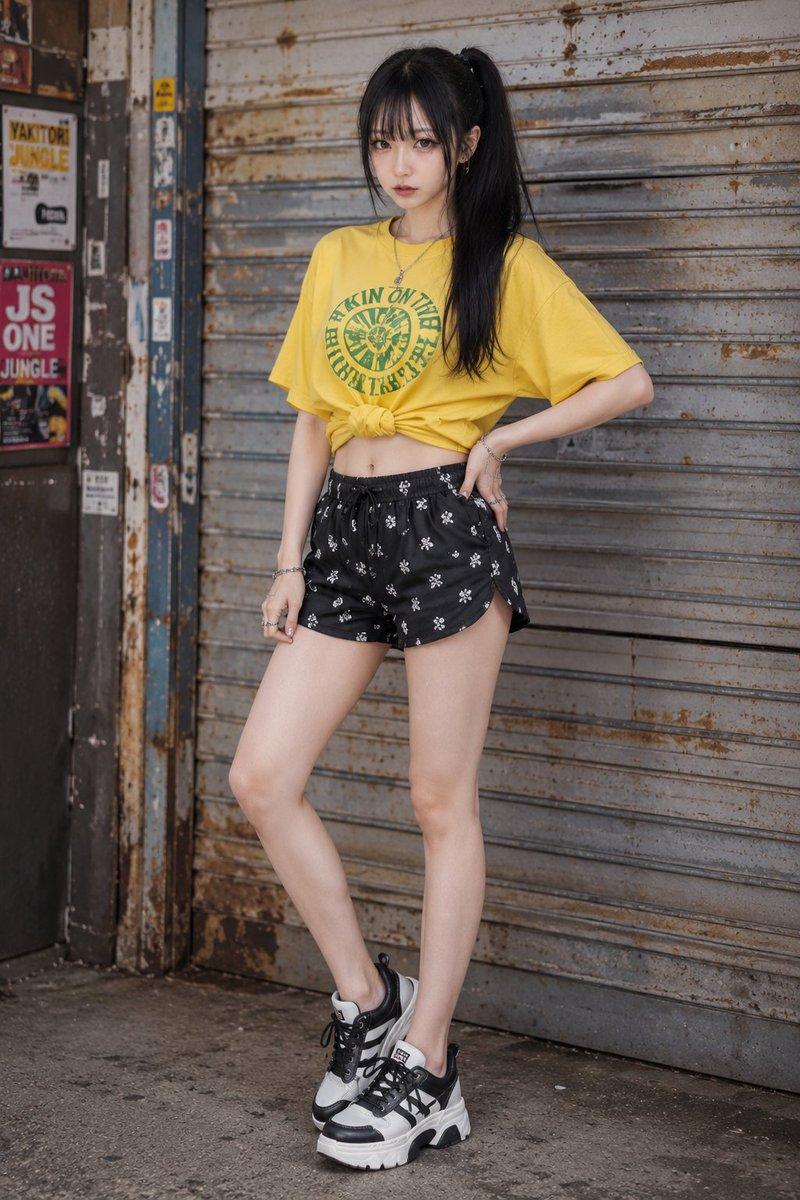
黑色棒球帽日本女孩住宅区午后散步
Enlarge

Example images

黑色棒球帽日本女孩住宅区午后散步

Prompt
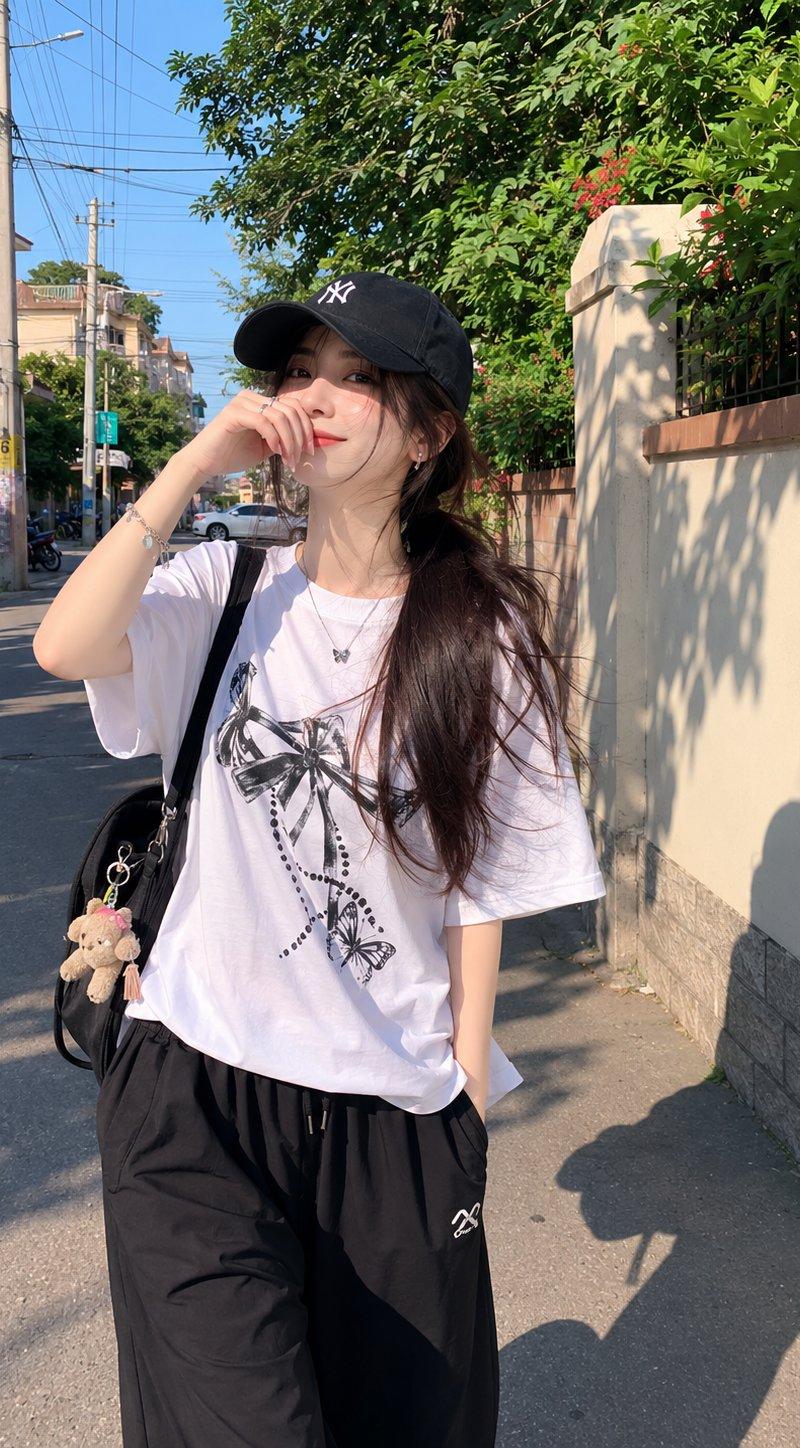
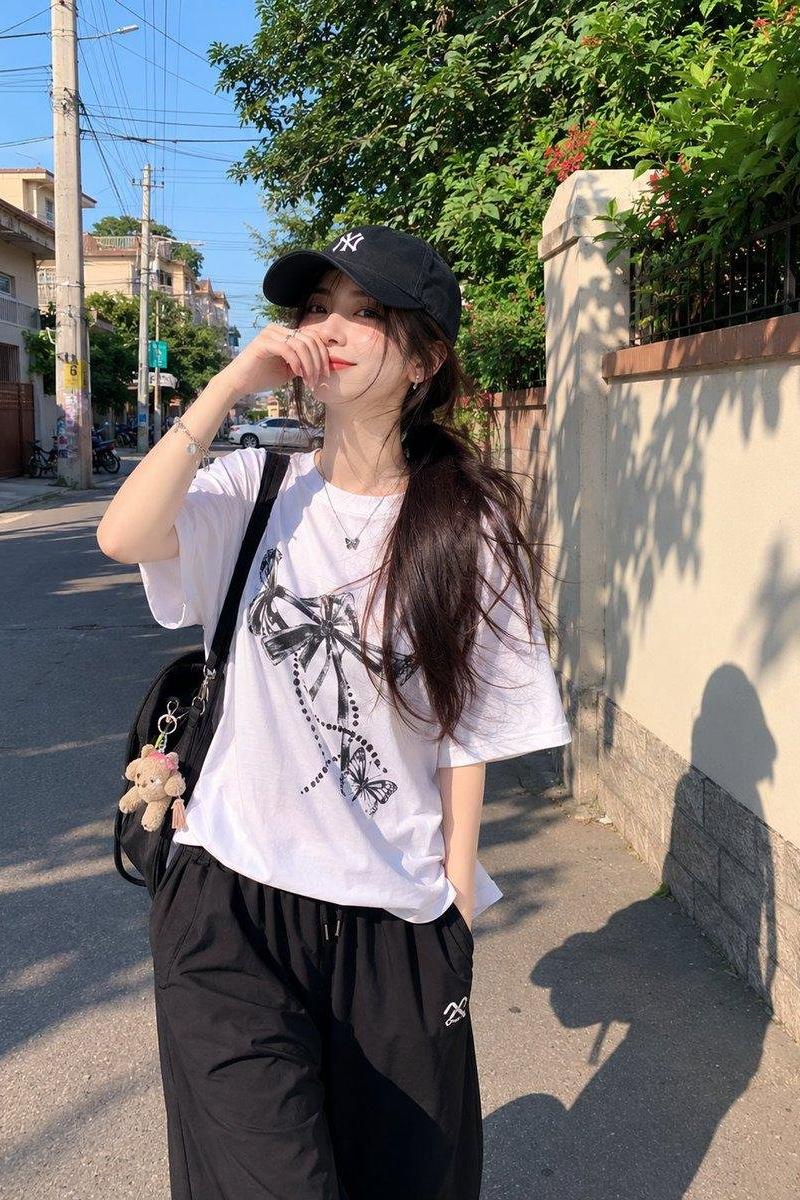
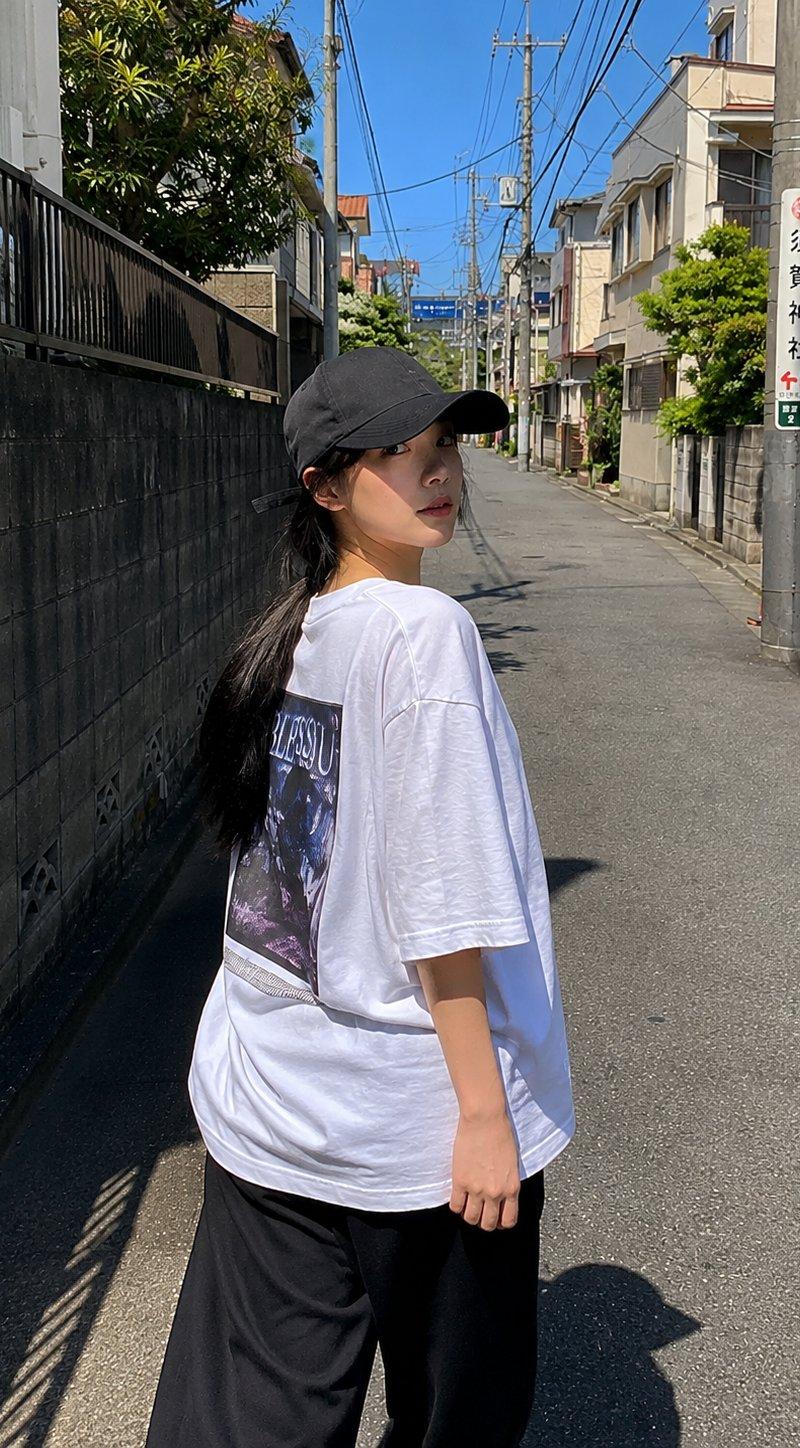
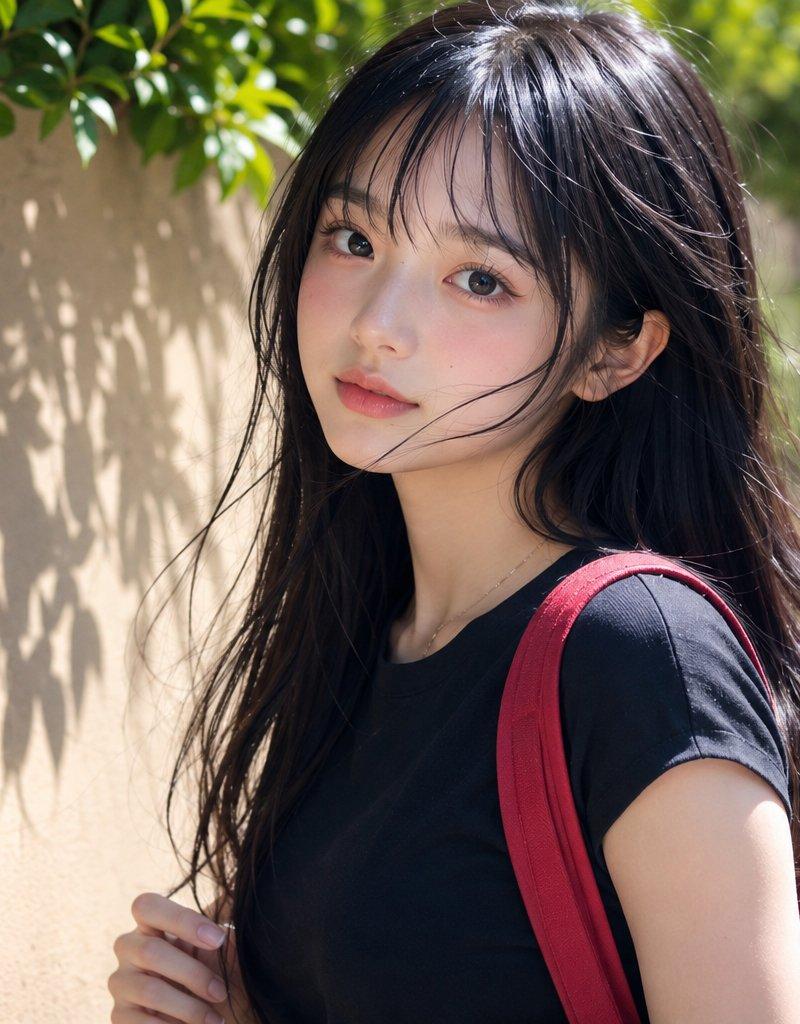
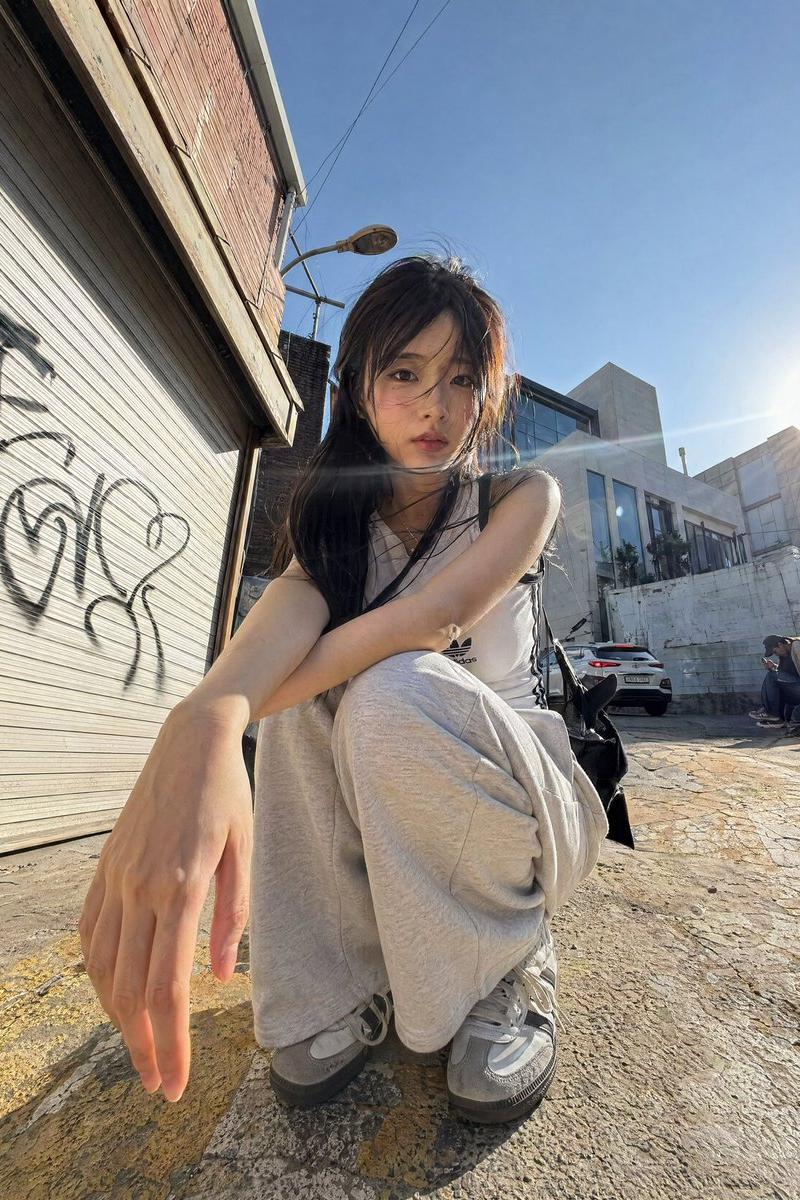
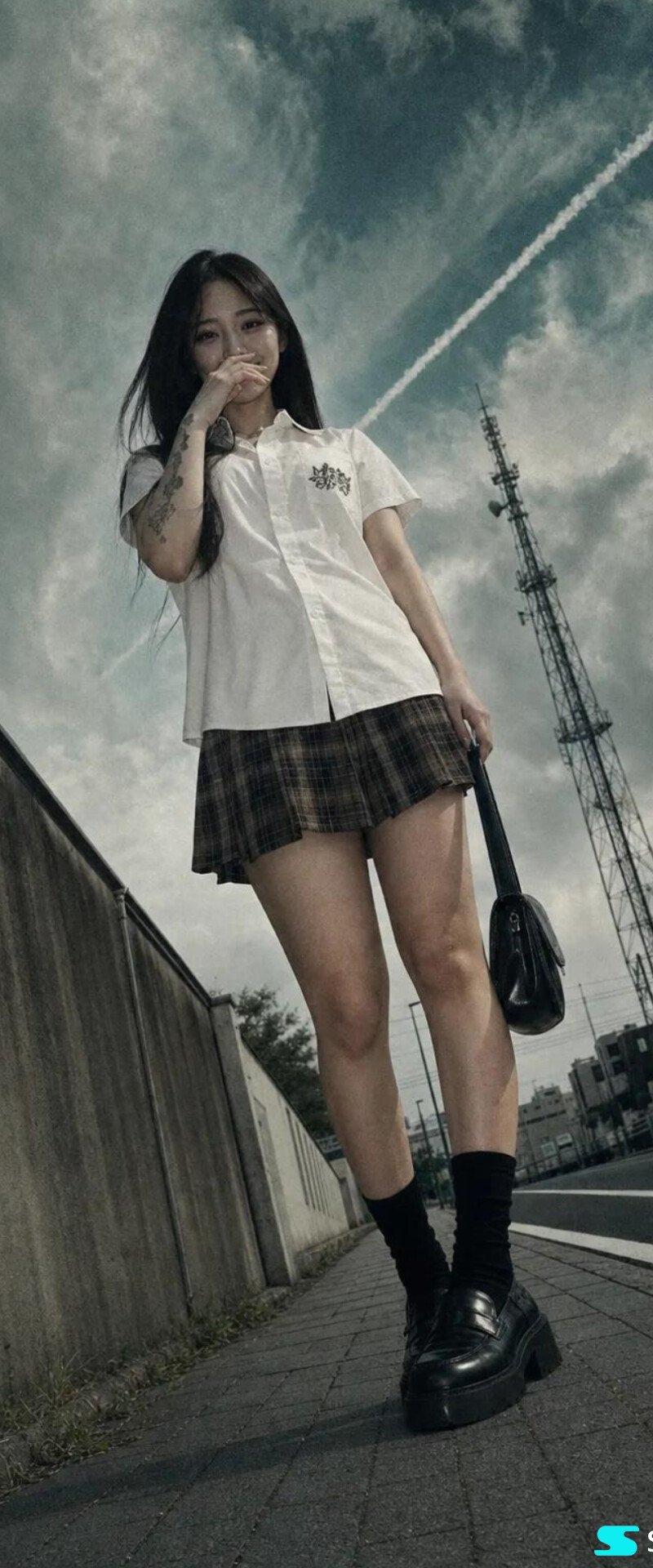
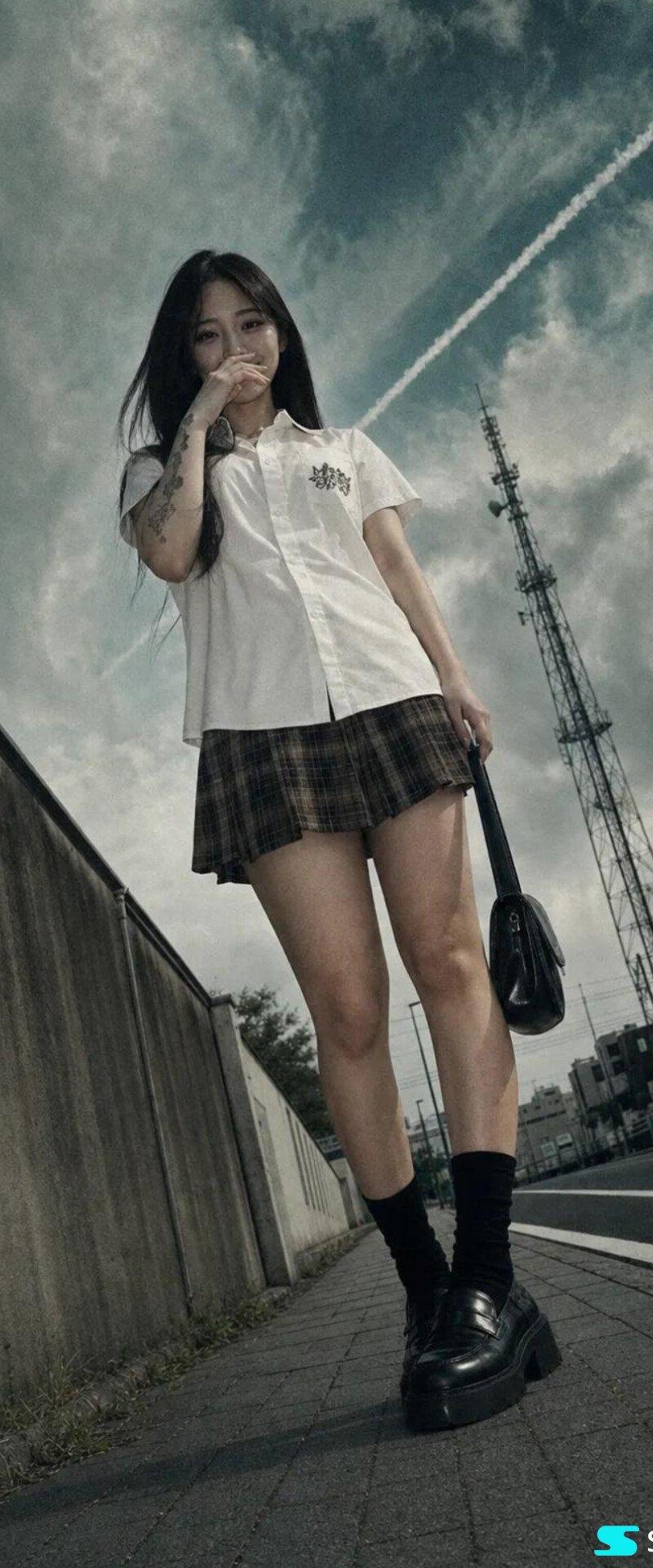
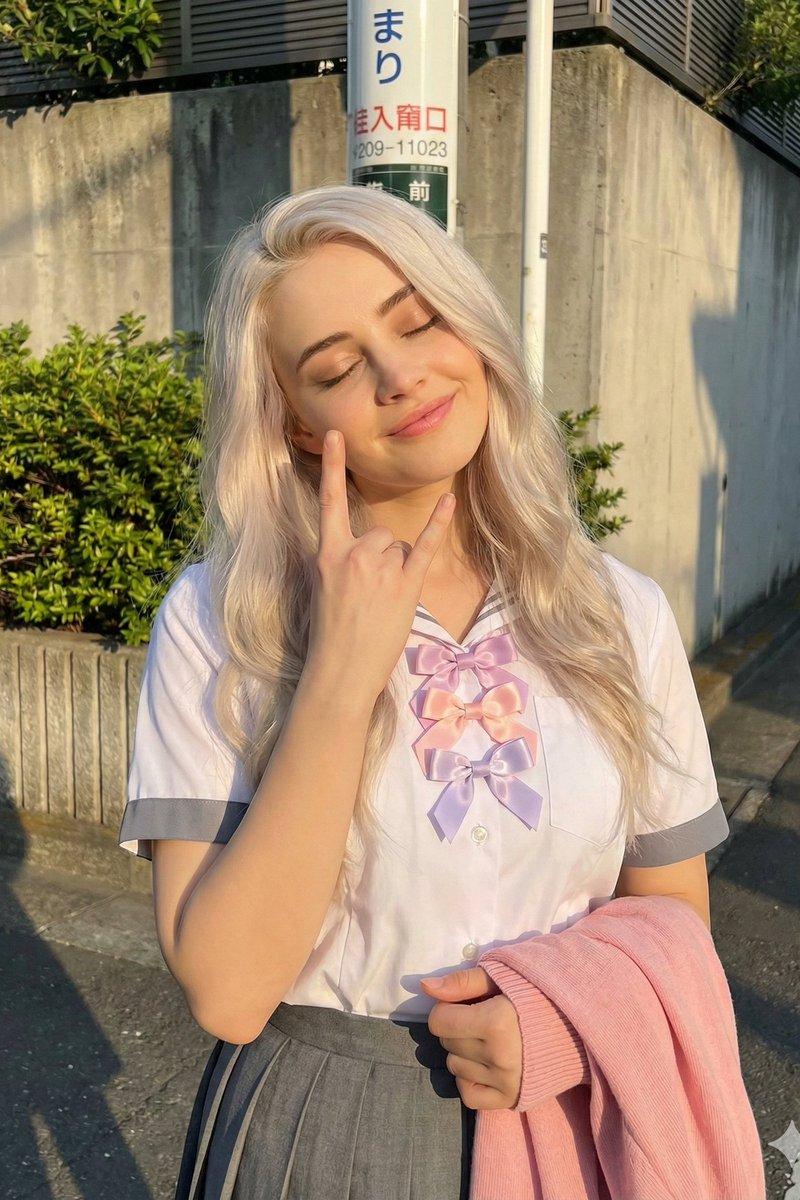
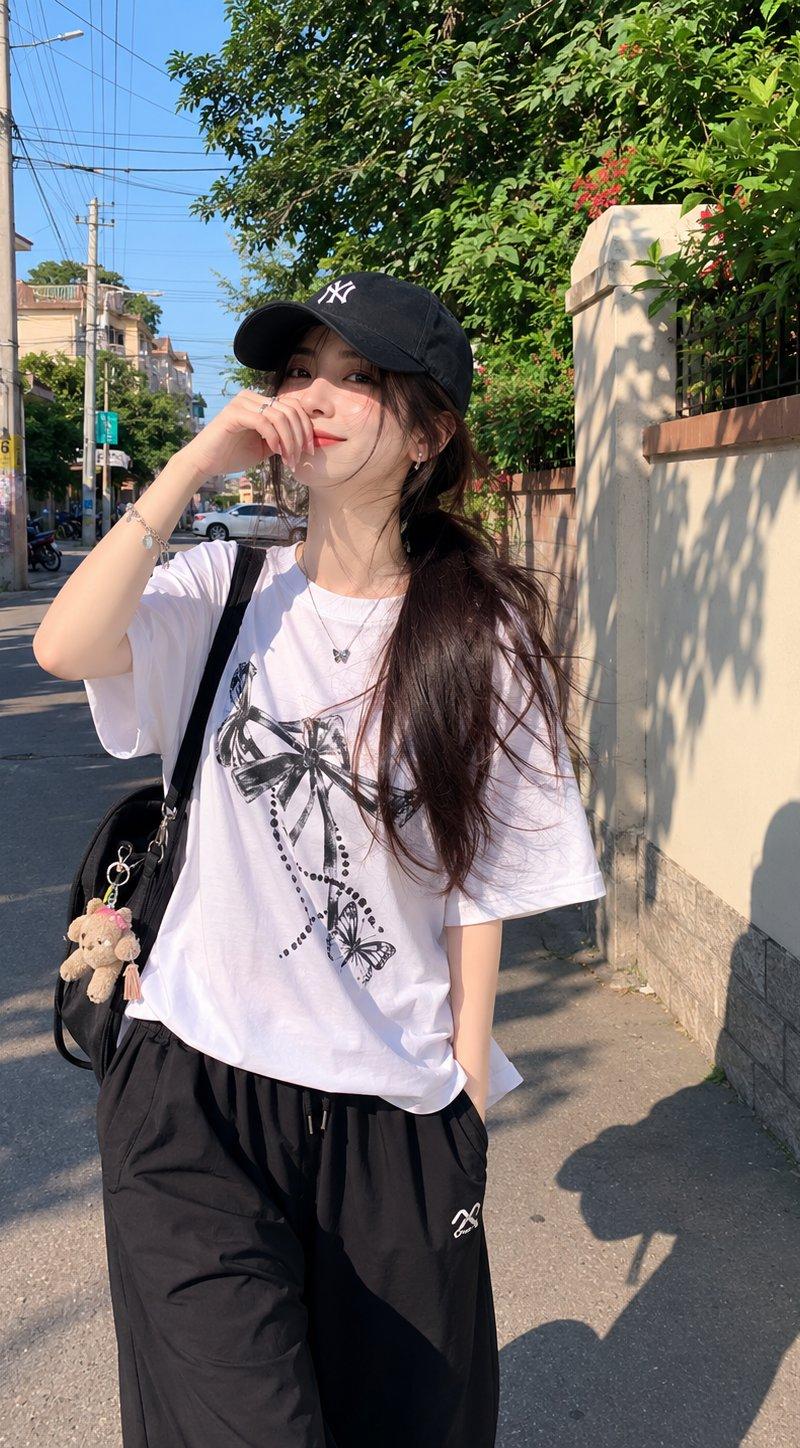
Beautiful young Japanese girl with fair skin, soft natural makeup, and long dark hair tied in a low ponytail under a black baseball cap, wearing an oversized white graphic t-shirt and loose black full-length athletic pants. Walking casually through a quiet residential alley on a sunny afternoon, one hand raised near her face in a natural candid gesture. Warm sunlight, realistic shadows on the pavement and walls, ordinary neighborhood background with utility poles, small houses, and greenery. Captured with a smartphone camera, casual everyday snapshot, handheld iPhone photo, slightly imperfect framing, natural colors, authentic mobile HDR processing, realistic skin texture, no professional modeling pose, no studio lighting, no cinematic grading, social media lifestyle aesthetic, spontaneous street moment, photorealistic, high-quality phone camera image, natural perspective, everyday life photography.
Category
Charts & Infographics
Model
ChatGPT
Creator
@saniaspeaks_
Source language
zh-CN
Views135
Source ID
16429
Published
Jun 20, 2026
Studio

Guide

About "黑色棒球帽日本女孩住宅区午后散步"

What is this prompt for?

"黑色棒球帽日本女孩住宅区午后散步" AI image prompt for ChatGPT (Charts & Infographics). 美丽的年轻日本女孩,皮肤白皙,妆容自然柔和,黑色长发在黑色棒球帽下扎成低马尾,穿着一件超大号白色印花T恤和宽松的黑色全长运动裤。在一个阳光明媚的下午,悠闲地走在安静的住宅区小…

The full copyable prompt and example visuals above are ready for AI image generation or one-click recreate in Picva.

How to use this prompt

  1. Step 1

    Open the prompt detail

    Review the example visuals, category, and full prompt text for "黑色棒球帽日本女孩住宅区午后散步".

  2. Step 2

    Copy the prompt

    Copy the prompt body from this page, or load it directly in Studio.

  3. Step 3

    Pick a model (ChatGPT)

    Prefer ChatGPT. If you switch models, keep subject and composition and tweak style terms.

  4. Step 4

    Generate and export

    Recreate the look in Picva, or export into your workflow for editing and publishing.

FAQ

What is the "黑色棒球帽日本女孩住宅区午后散步" prompt?
It is an AI image-generation prompt for ChatGPT in the Charts & Infographics category. This page includes the full prompt text, example visuals, and a one-click recreate path in Picva.
How do I use this prompt to generate an image?
Copy the prompt from this page, or use Generate / Studio. Paste it into a compatible image model, or recreate the look in Picva with optional reference images.
Which model is this prompt for?
This page lists ChatGPT. Most descriptive prompts also transfer to nearby image models such as GPT Image, Flux, or Midjourney with light style tweaks.
Can I use the result commercially?
You can usually copy the prompt for creation, but commercial use of the final image depends on the model terms, reference-image rights, and the generated content. Follow the source author and platform rules.