18

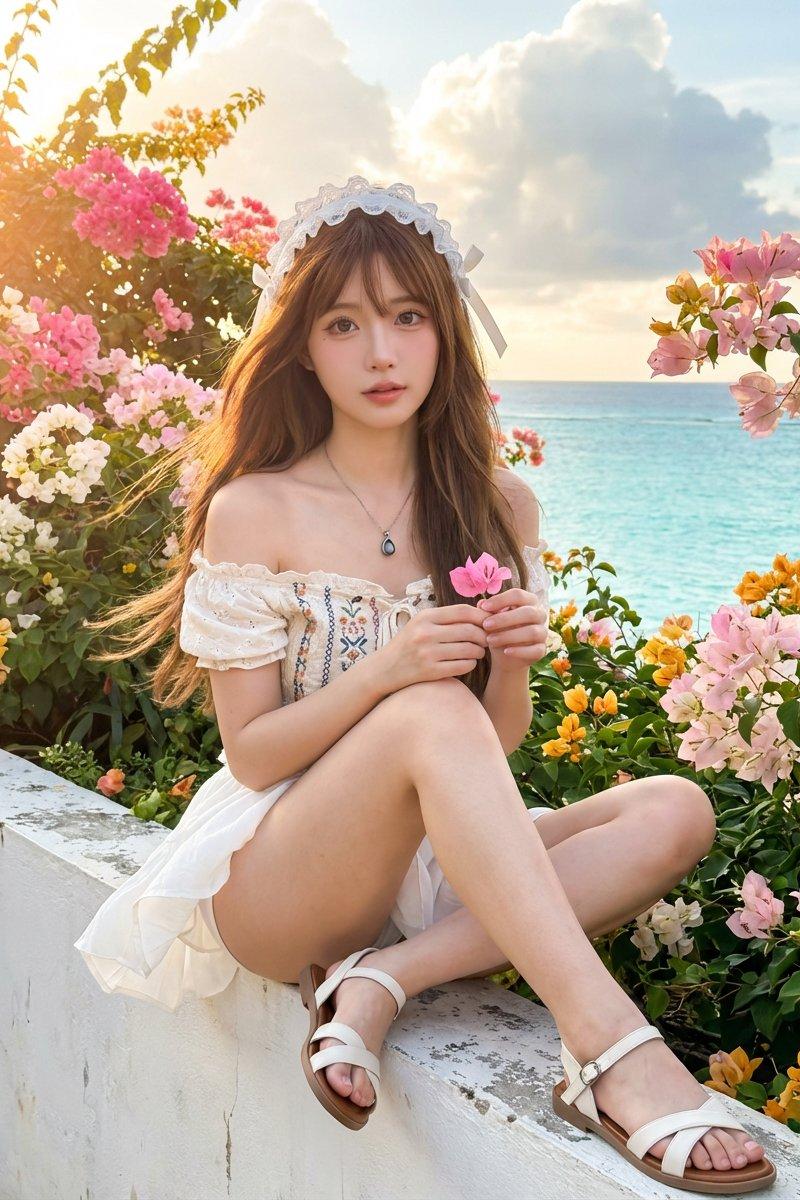
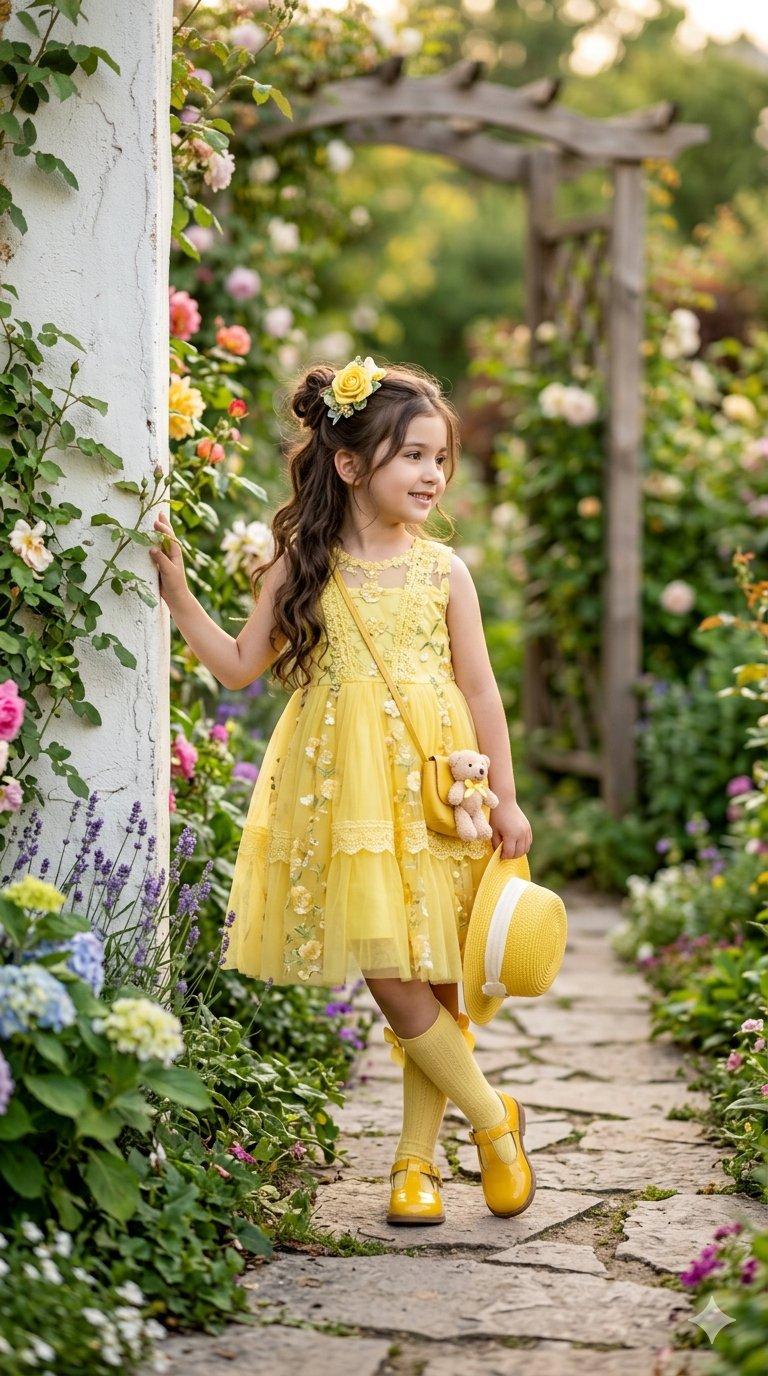
黄色裙装女孩花园写实肖像
Enlarge

Example images

黄色裙装女孩花园写实肖像

Prompt
{
 "title": "Little Girl in Yellow Garden Portrait",
 "quality": "4K UHD",
 "aspect_ratio": "9:16",
 "style": "Ultra-realistic photography, natural light, soft bokeh, high-end children's fashion portrait",
 "subject": {
 "age": "4-6 years old",
 "gender": "girl",
 "hair": "long wavy dark brown hair, half-up bun",
 "expression": "gentle smile, looking sideways"
 },
 "outfit": {
 "dress": "bright yellow sleeveless tulle dress with floral details",
 "accessories": [
 "yellow rose hair clip",
 "yellow crossbody mini bag with teddy bear charm",
 "yellow knee-high socks with bow",
 "yellow patent shoes",
 "yellow straw hat with white ribbon"
 ]
 },
 "location": "outdoor garden walkway beside a white wall",
 "background": "lush green foliage and colorful flowers, creamy bokeh",
 "lighting": "soft natural golden daylight",
 "camera": {
 "shot_type": "full body portrait",
 "depth_of_field": "shallow",
 "focus": "sharp on subject"
 },
 "photos": [
 {
 "pose": "leaning against white wall, holding hat in one hand"
 },
 {
 "pose": "walking forward in the garden, holding hat with both hands, looking at camera"
 }
 ]
}
Category
Charts & Infographics
Model
ChatGPT
Creator
@Aadilpktm
Source language
zh-CN
Views97
Source ID
15646
Published
Jun 7, 2026
Studio

Guide

About "黄色裙装女孩花园写实肖像"

What is this prompt for?

"黄色裙装女孩花园写实肖像" AI image prompt for ChatGPT (Charts & Infographics). { "标题": "黄色花园中的小女孩肖像", "质量": "4K UHD", "纵横比": "9:16", "风格": "超写实摄影,自然光,柔和虚化,高端儿童时尚人像", "主体"…

The full copyable prompt and example visuals above are ready for AI image generation or one-click recreate in Picva.

How to use this prompt

  1. Step 1

    Open the prompt detail

    Review the example visuals, category, and full prompt text for "黄色裙装女孩花园写实肖像".

  2. Step 2

    Copy the prompt

    Copy the prompt body from this page, or load it directly in Studio.

  3. Step 3

    Pick a model (ChatGPT)

    Prefer ChatGPT. If you switch models, keep subject and composition and tweak style terms.

  4. Step 4

    Generate and export

    Recreate the look in Picva, or export into your workflow for editing and publishing.

FAQ

What is the "黄色裙装女孩花园写实肖像" prompt?
It is an AI image-generation prompt for ChatGPT in the Charts & Infographics category. This page includes the full prompt text, example visuals, and a one-click recreate path in Picva.
How do I use this prompt to generate an image?
Copy the prompt from this page, or use Generate / Studio. Paste it into a compatible image model, or recreate the look in Picva with optional reference images.
Which model is this prompt for?
This page lists ChatGPT. Most descriptive prompts also transfer to nearby image models such as GPT Image, Flux, or Midjourney with light style tweaks.
Can I use the result commercially?
You can usually copy the prompt for creation, but commercial use of the final image depends on the model terms, reference-image rights, and the generated content. Follow the source author and platform rules.