17

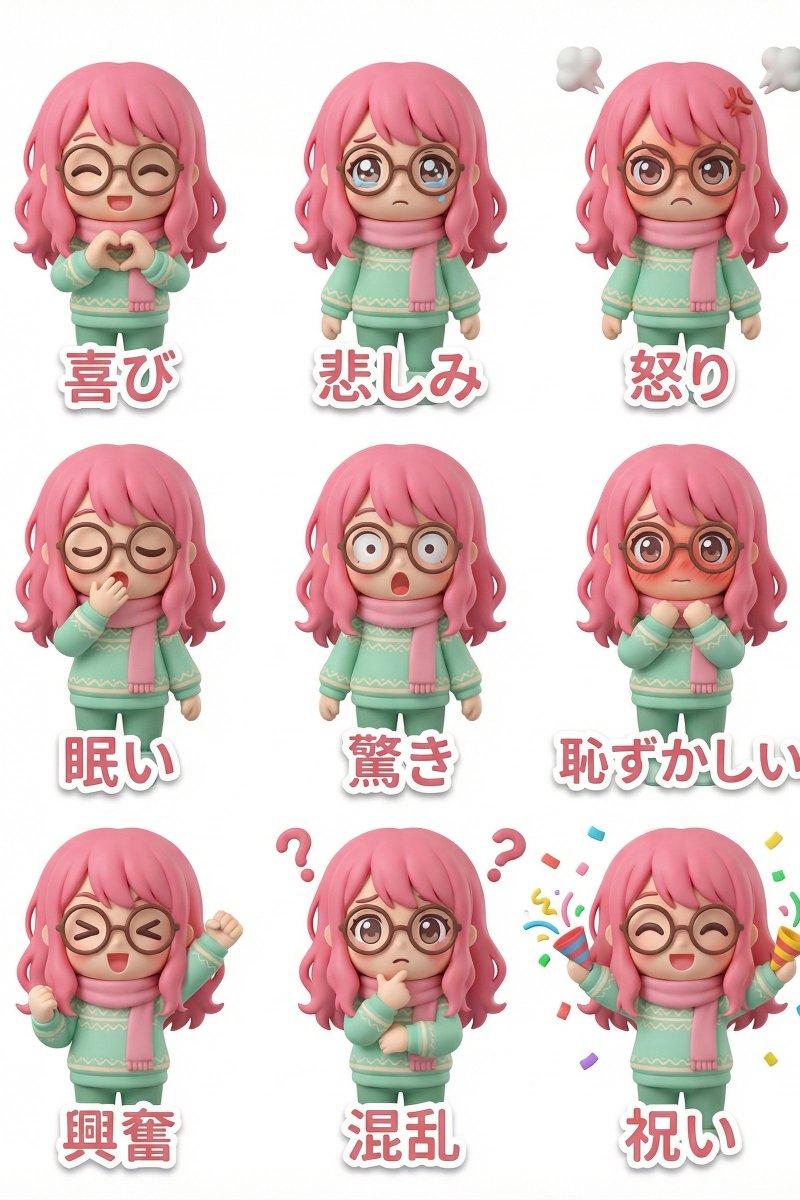
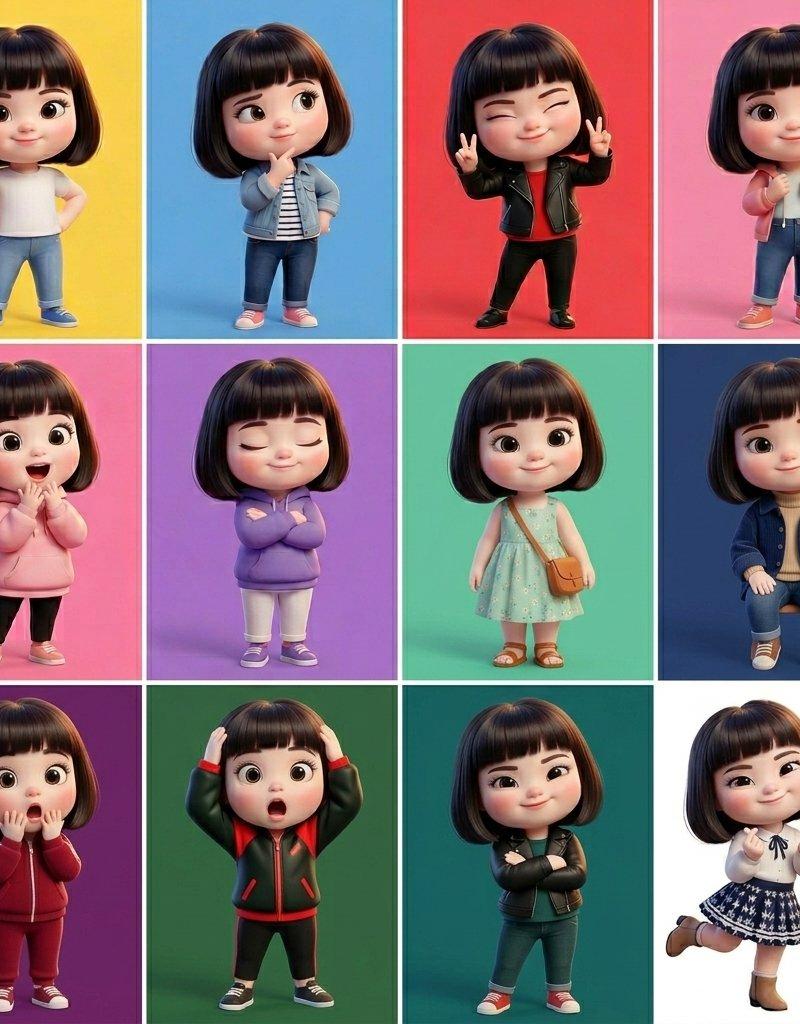
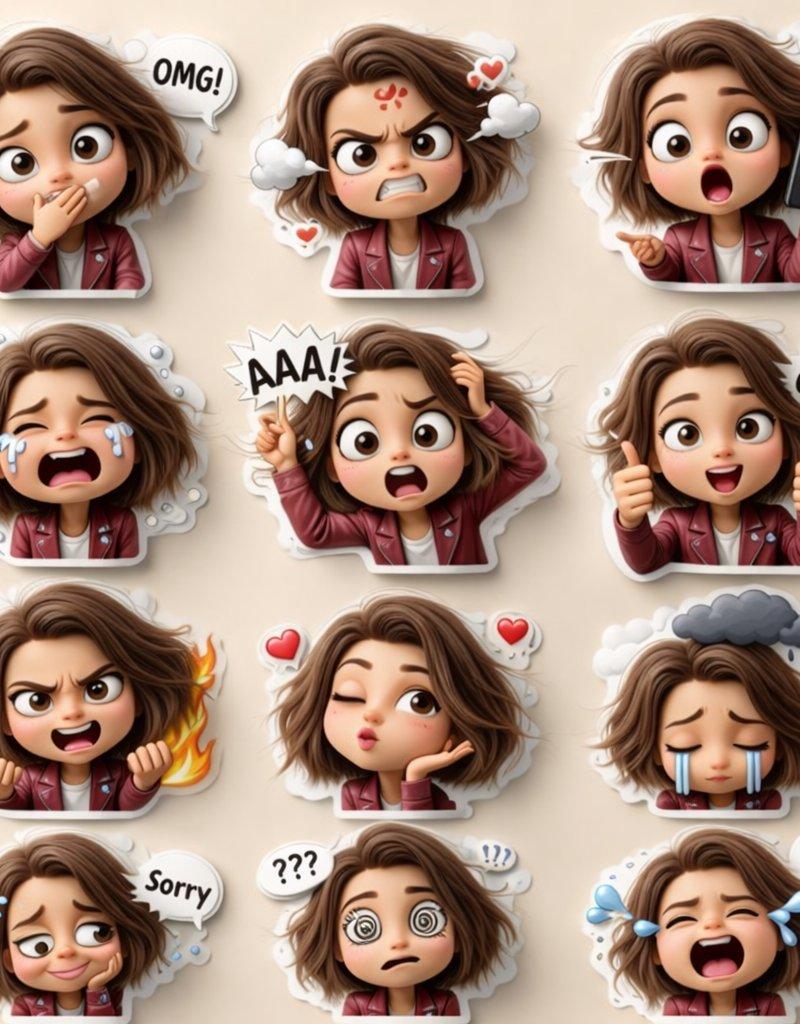
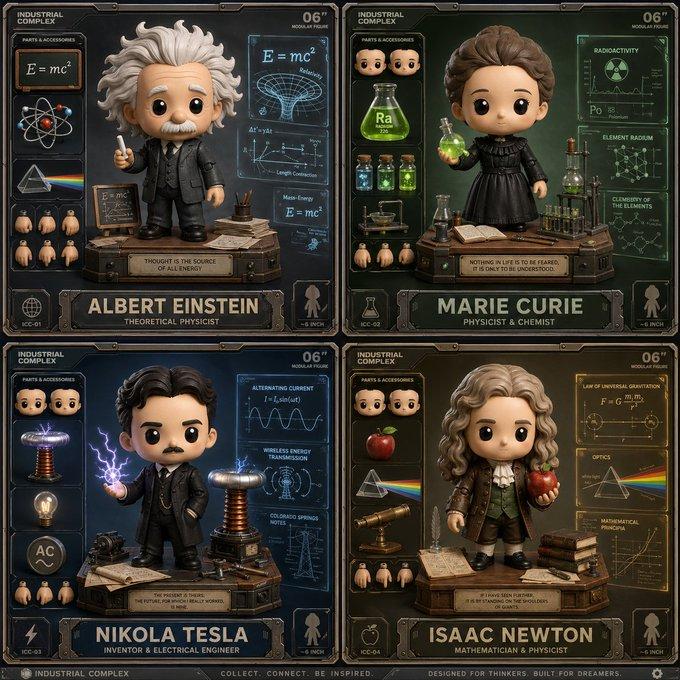
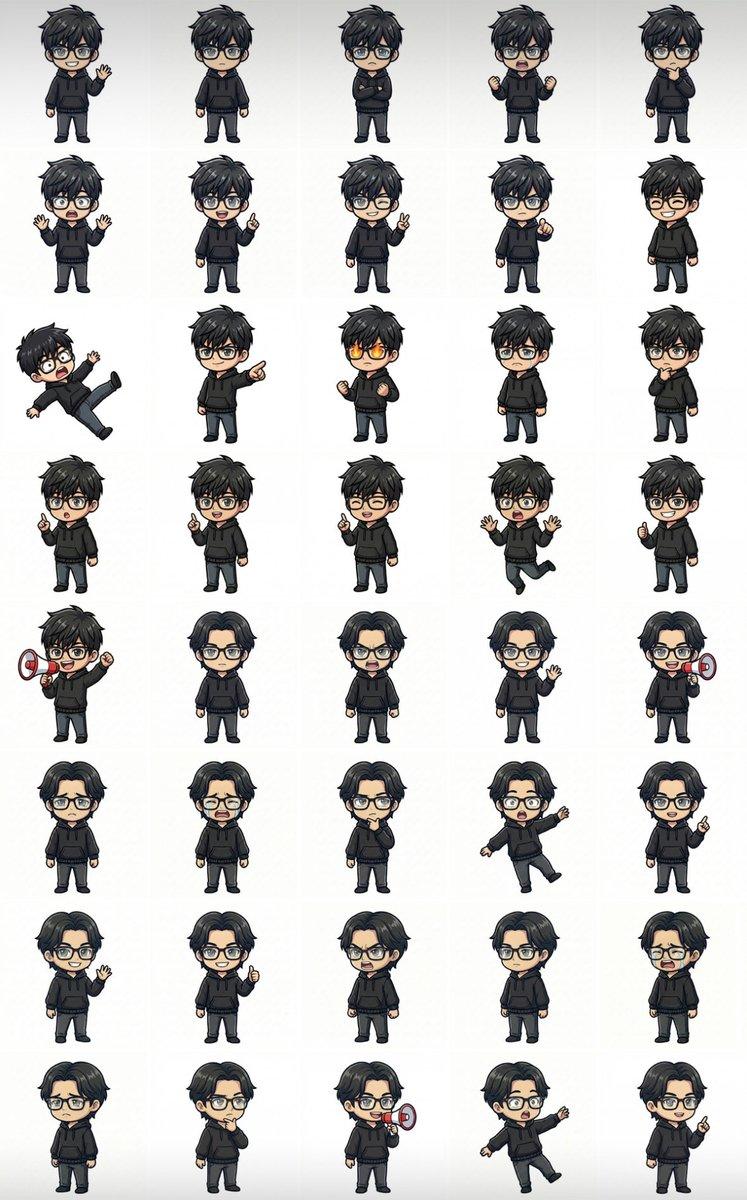
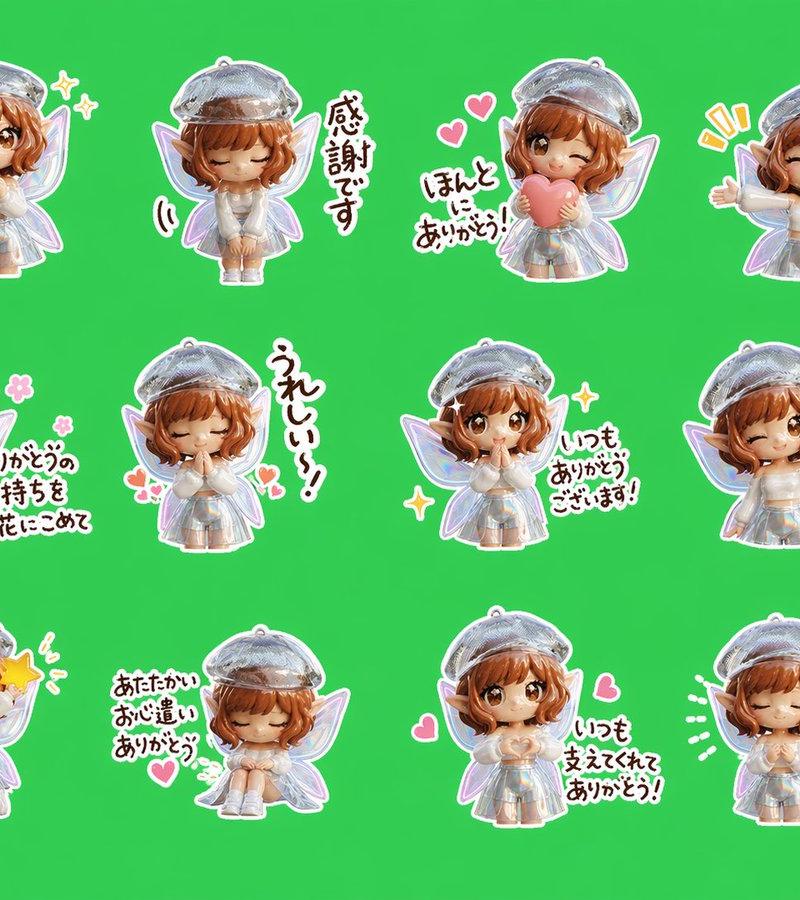
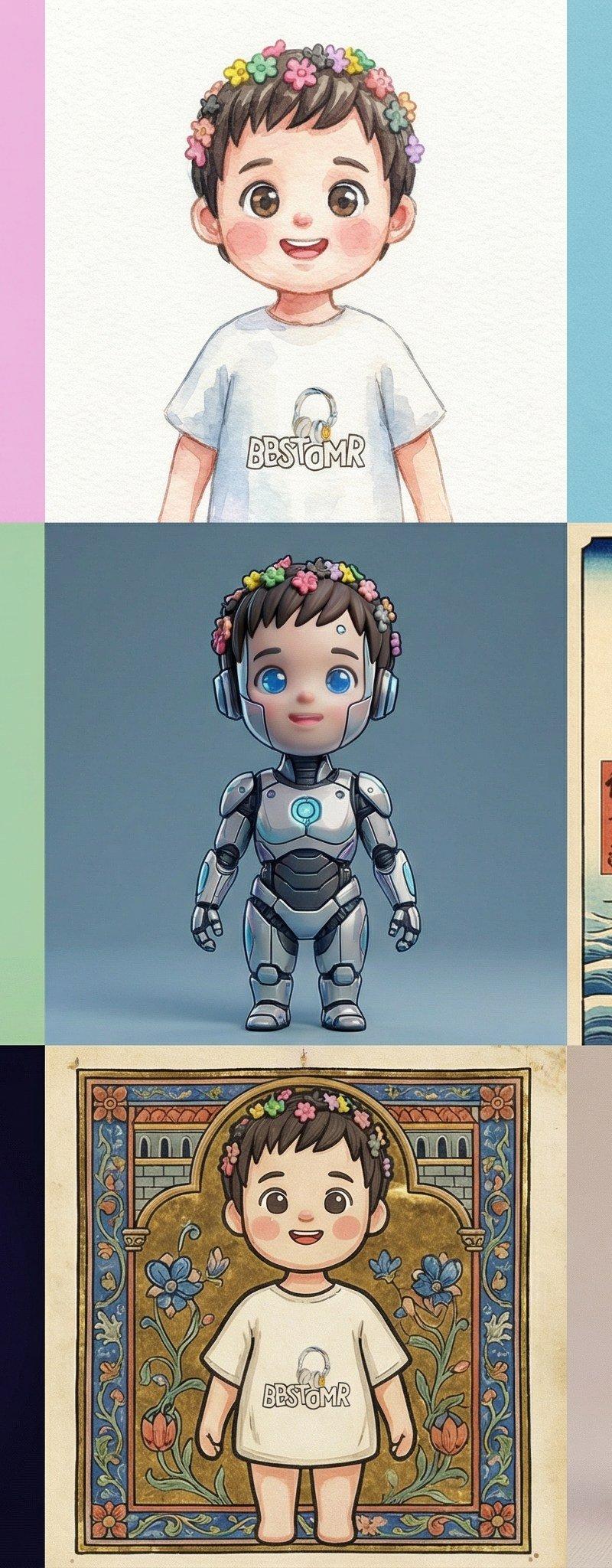
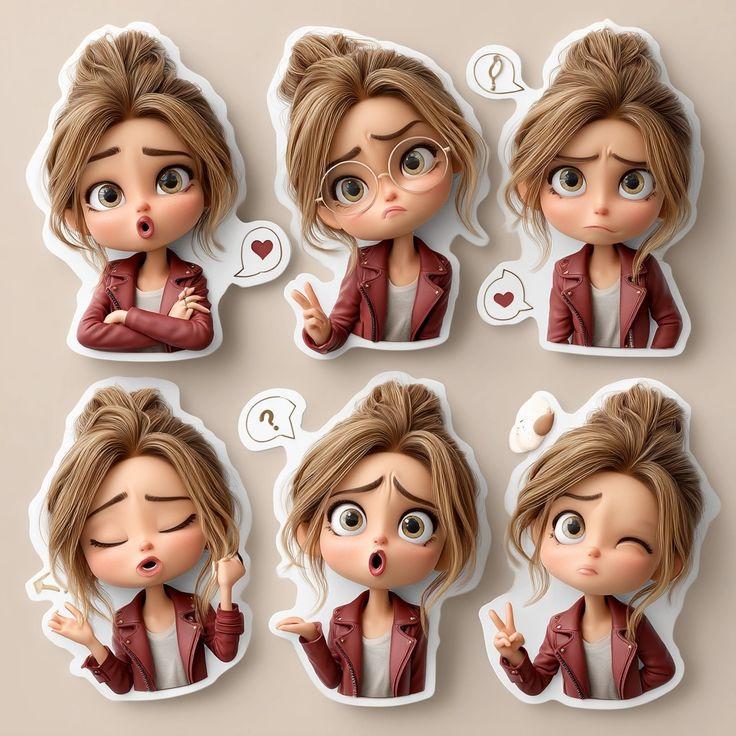
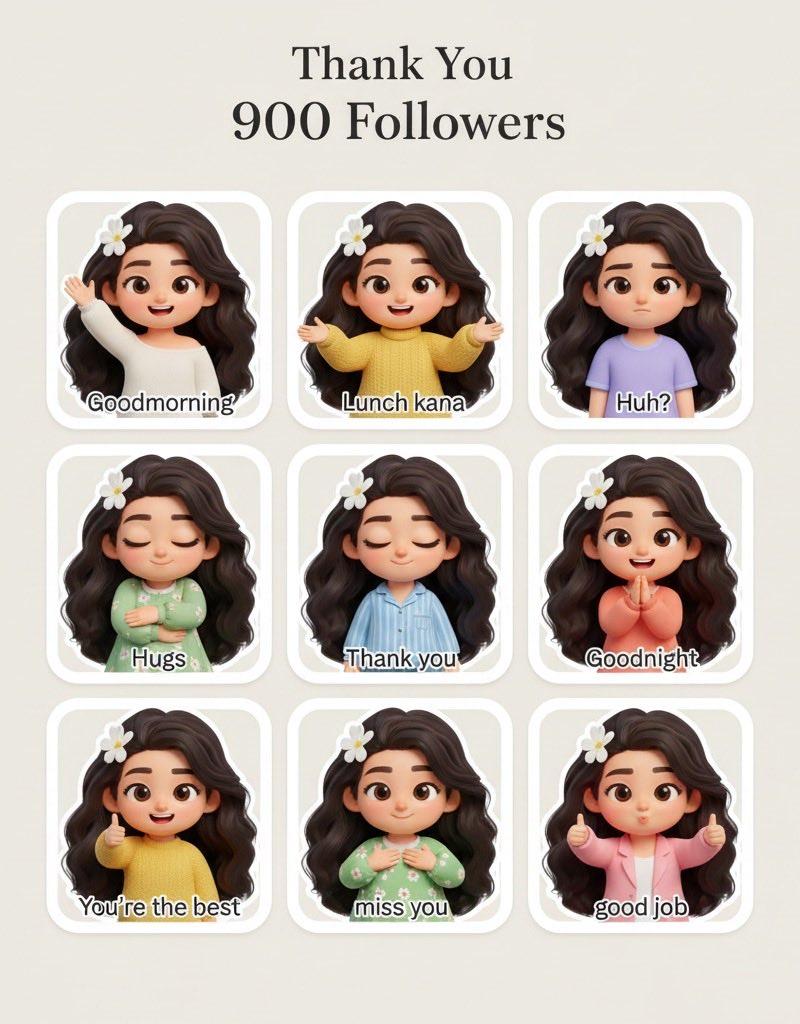
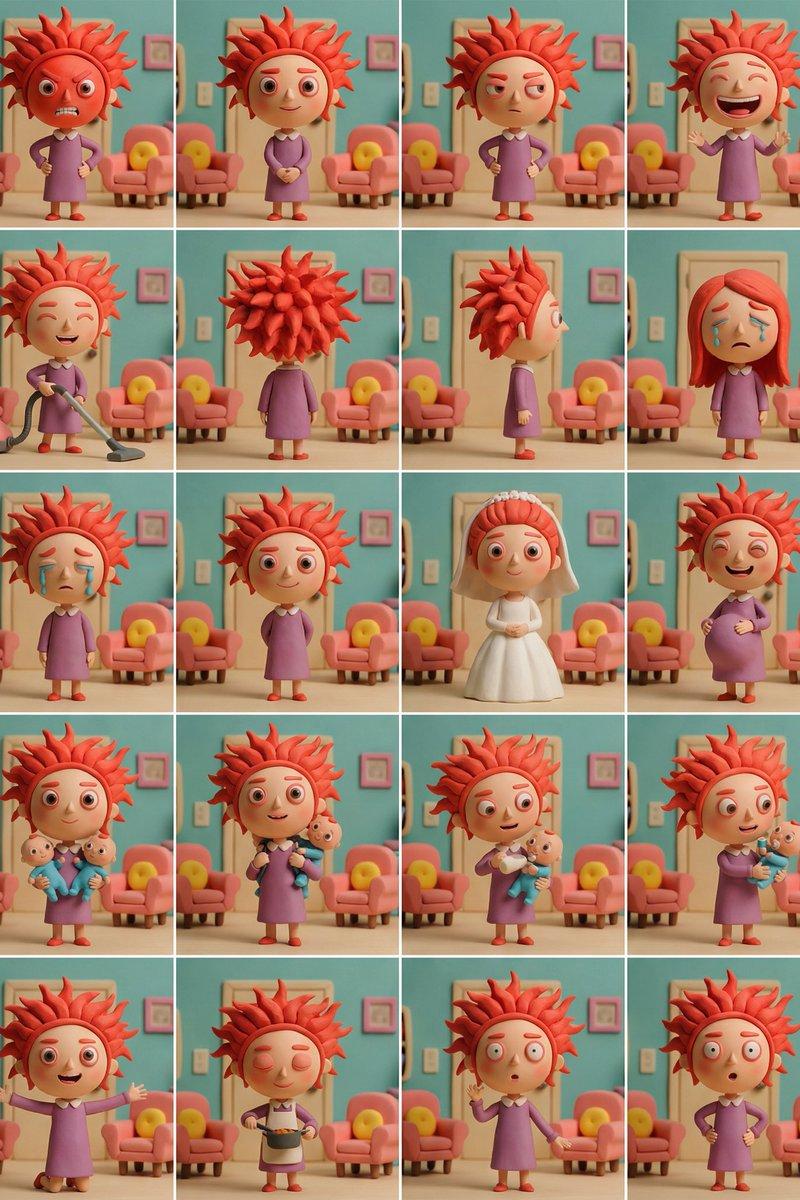
生动有趣的二十种多角度角色表情姿势设计图
Enlarge

Example images

生动有趣的二十种多角度角色表情姿势设计图

Prompt
Based on the attached image, continuously create the following 20 patterns of patterns Background is white. Expressions and poses should be freely changed according to the scene ・Face red with anger ・Smiling gently ・Looking suspiciously ・Laughing loudly with mouth wide open ・Holding a vacuum cleaner and cleaning ・Back view ・Side view (※Specify freely below)
Category
Characters & People
Model
Nano Banana Pro
Creator
@KTGW_aiart
Source language
zh-CN
Views86
Source ID
7071
Published
Mar 18, 2026
Studio

Guide

About "生动有趣的二十种多角度角色表情姿势设计图"

What is this prompt for?

"生动有趣的二十种多角度角色表情姿势设计图" AI image prompt for Nano Banana Pro (Characters & People). 根据附图,持续创建以下 20 patterns 种图案 背景为 white。 表情和姿势应根据场景自由变化 ・气得脸红 ・温柔地微笑 ・怀疑地看着 ・张大…

The full copyable prompt and example visuals above are ready for AI image generation or one-click recreate in Picva.

How to use this prompt

  1. Step 1

    Open the prompt detail

    Review the example visuals, category, and full prompt text for "生动有趣的二十种多角度角色表情姿势设计图".

  2. Step 2

    Copy the prompt

    Copy the prompt body from this page, or load it directly in Studio.

  3. Step 3

    Pick a model (Nano Banana Pro)

    Prefer Nano Banana Pro. If you switch models, keep subject and composition and tweak style terms.

  4. Step 4

    Generate and export

    Recreate the look in Picva, or export into your workflow for editing and publishing.

FAQ

What is the "生动有趣的二十种多角度角色表情姿势设计图" prompt?
It is an AI image-generation prompt for Nano Banana Pro in the Characters & People category. This page includes the full prompt text, example visuals, and a one-click recreate path in Picva.
How do I use this prompt to generate an image?
Copy the prompt from this page, or use Generate / Studio. Paste it into a compatible image model, or recreate the look in Picva with optional reference images.
Which model is this prompt for?
This page lists Nano Banana Pro. Most descriptive prompts also transfer to nearby image models such as GPT Image, Flux, or Midjourney with light style tweaks.
Can I use the result commercially?
You can usually copy the prompt for creation, but commercial use of the final image depends on the model terms, reference-image rights, and the generated content. Follow the source author and platform rules.