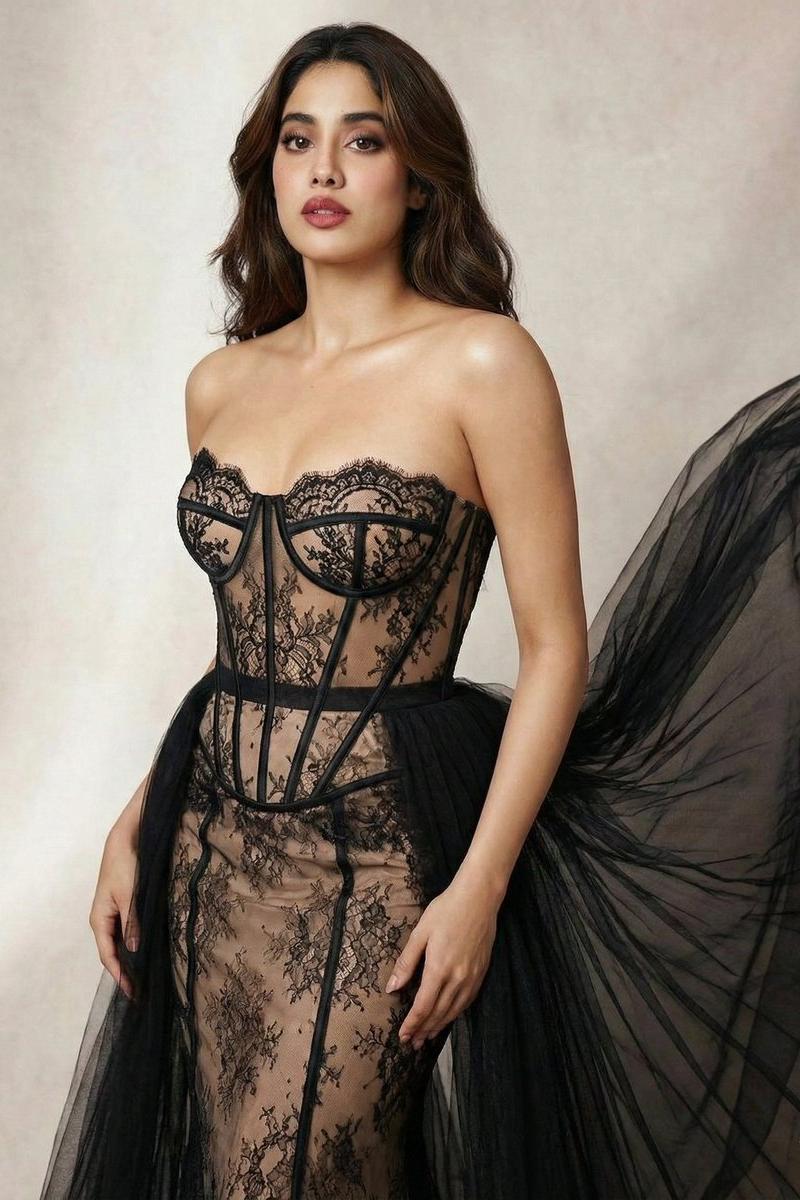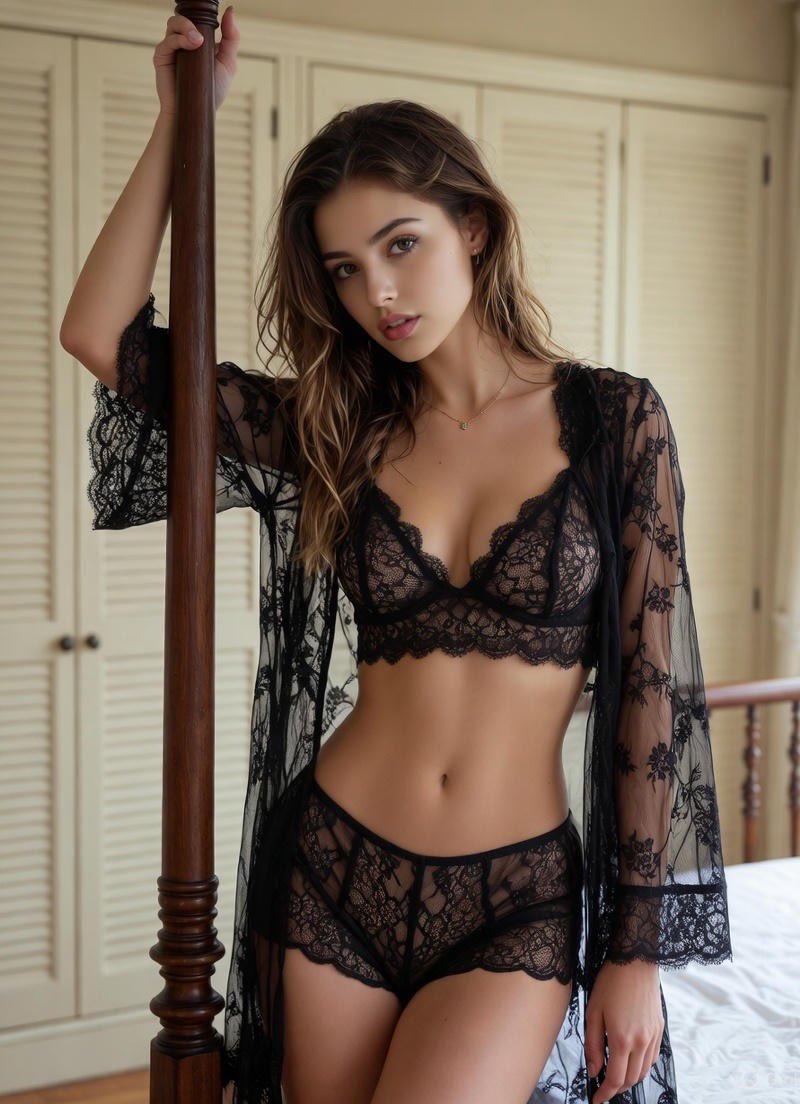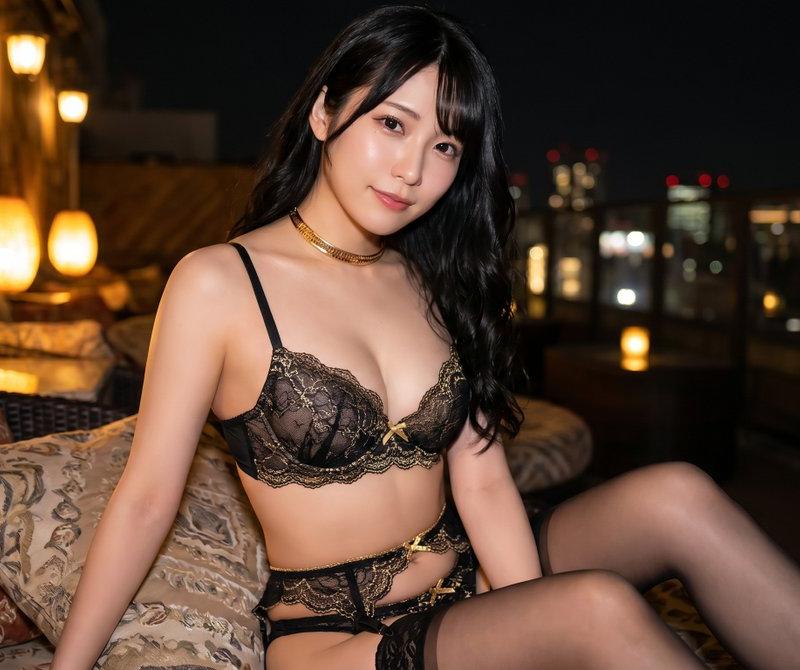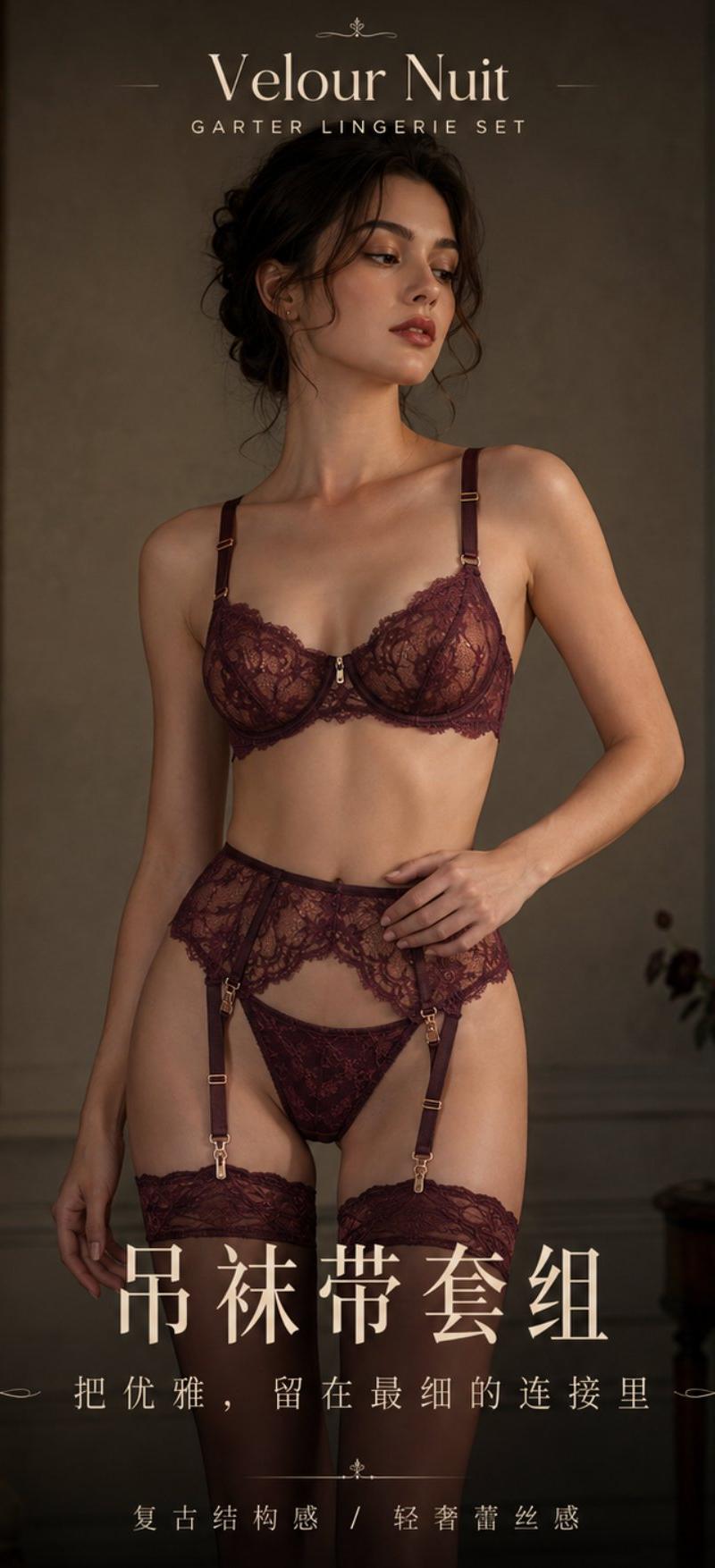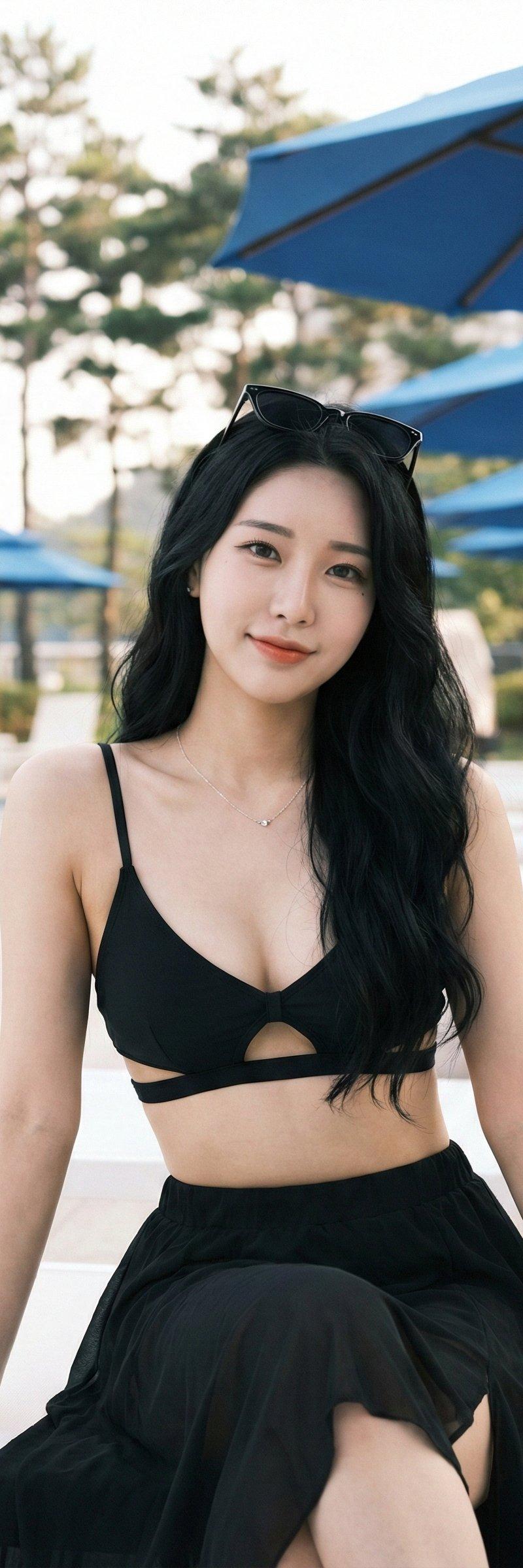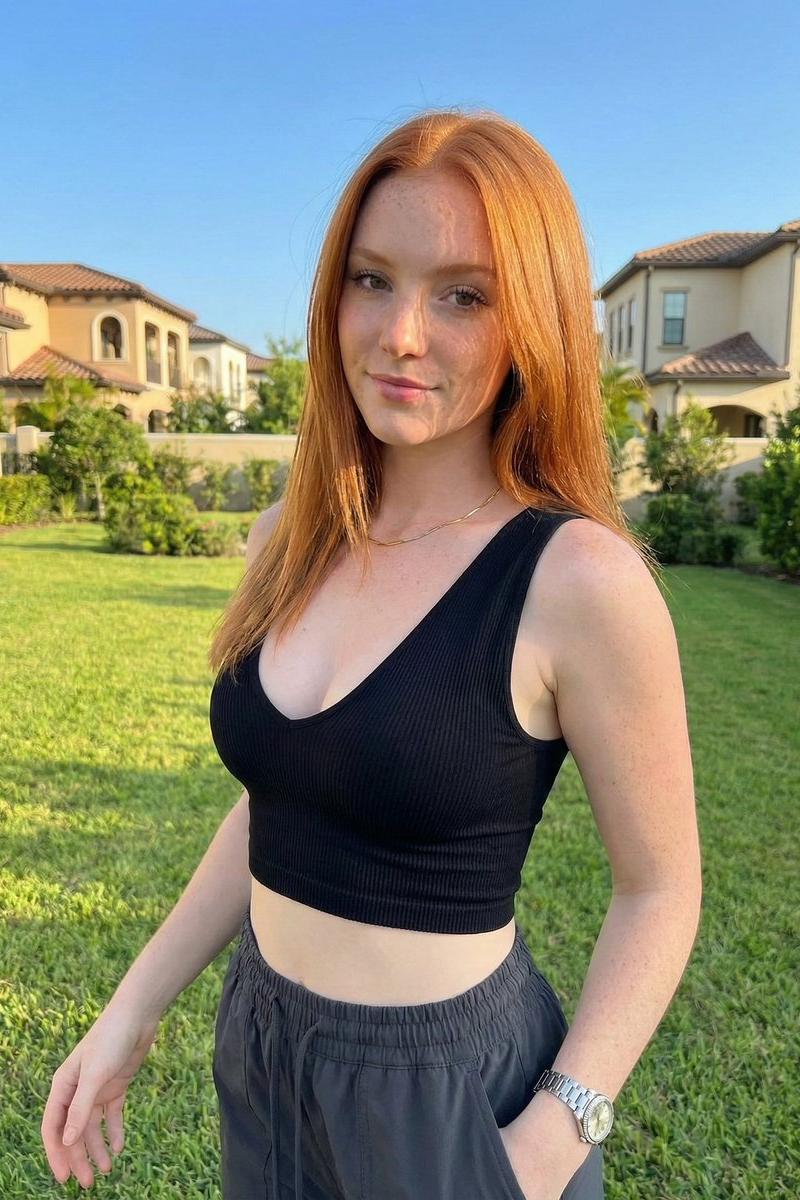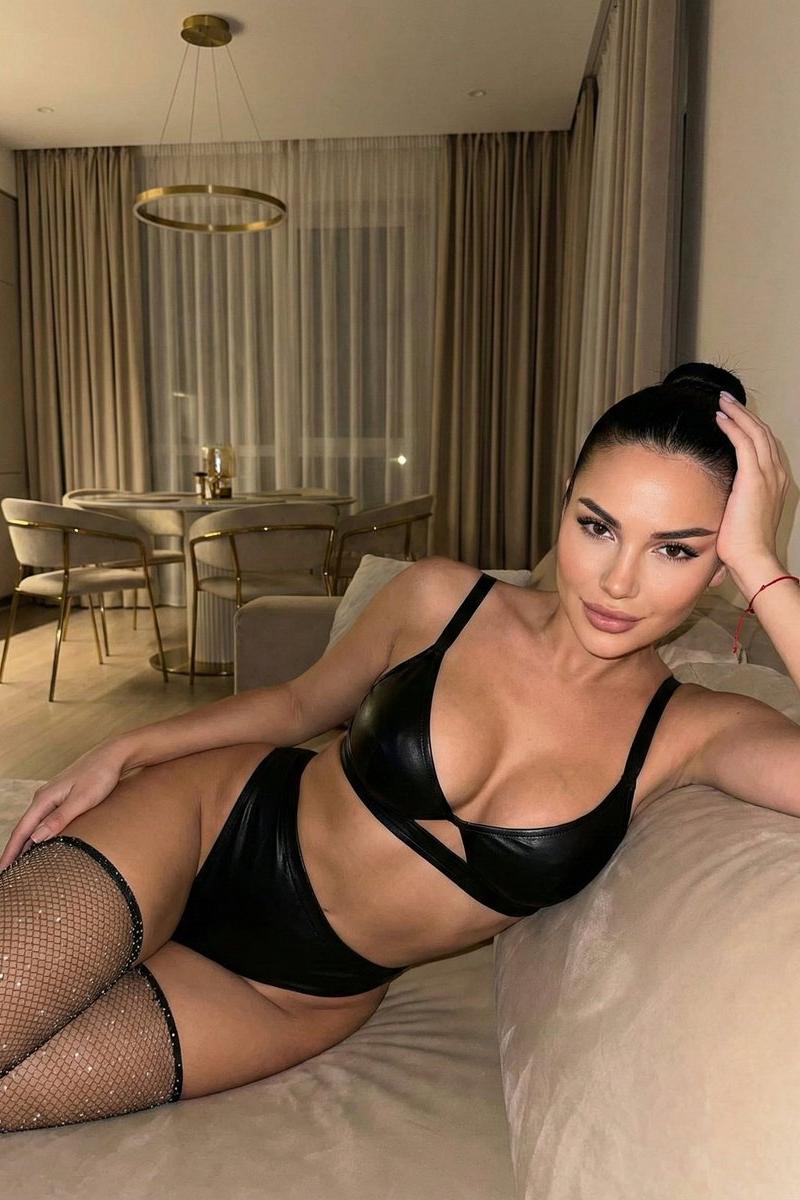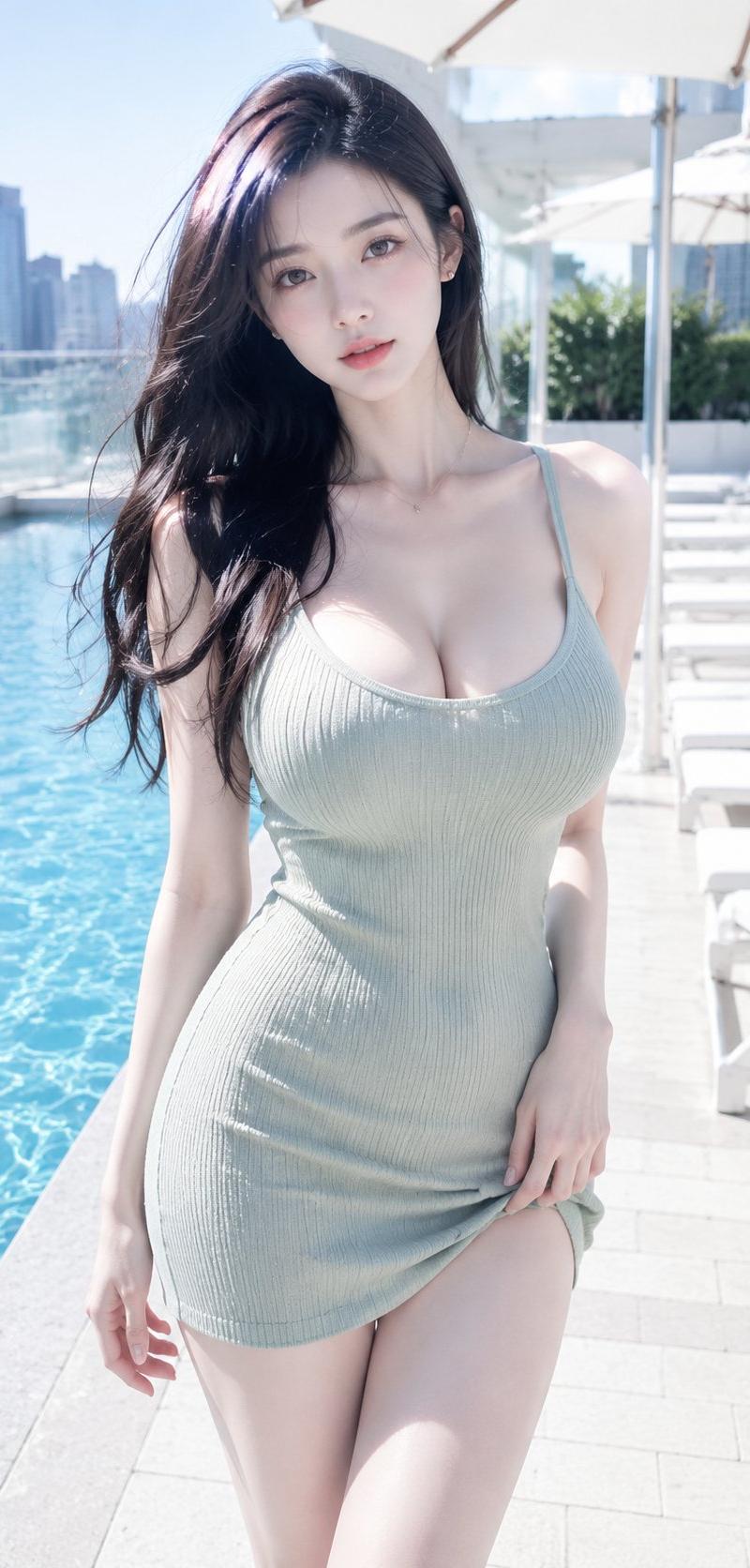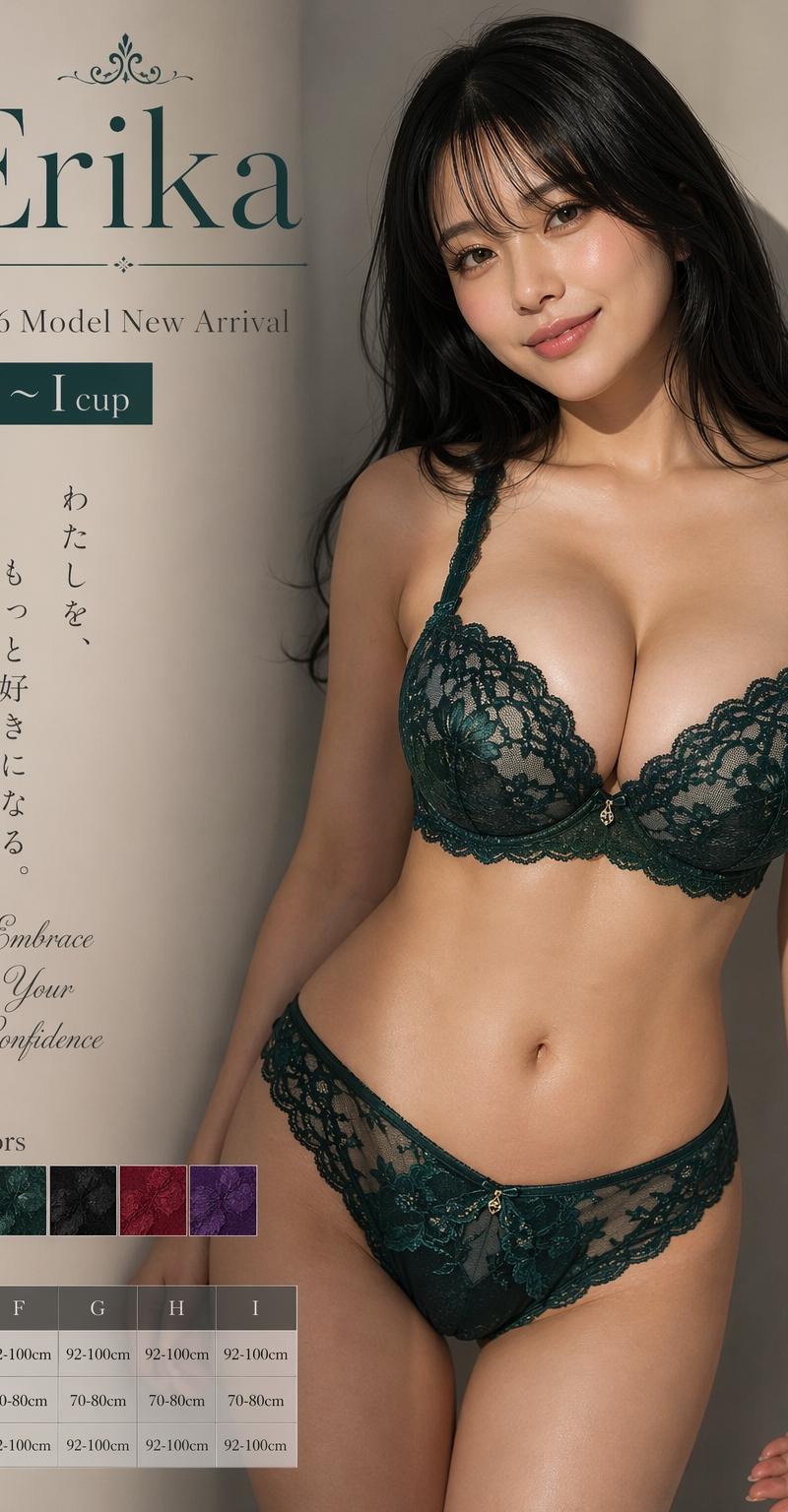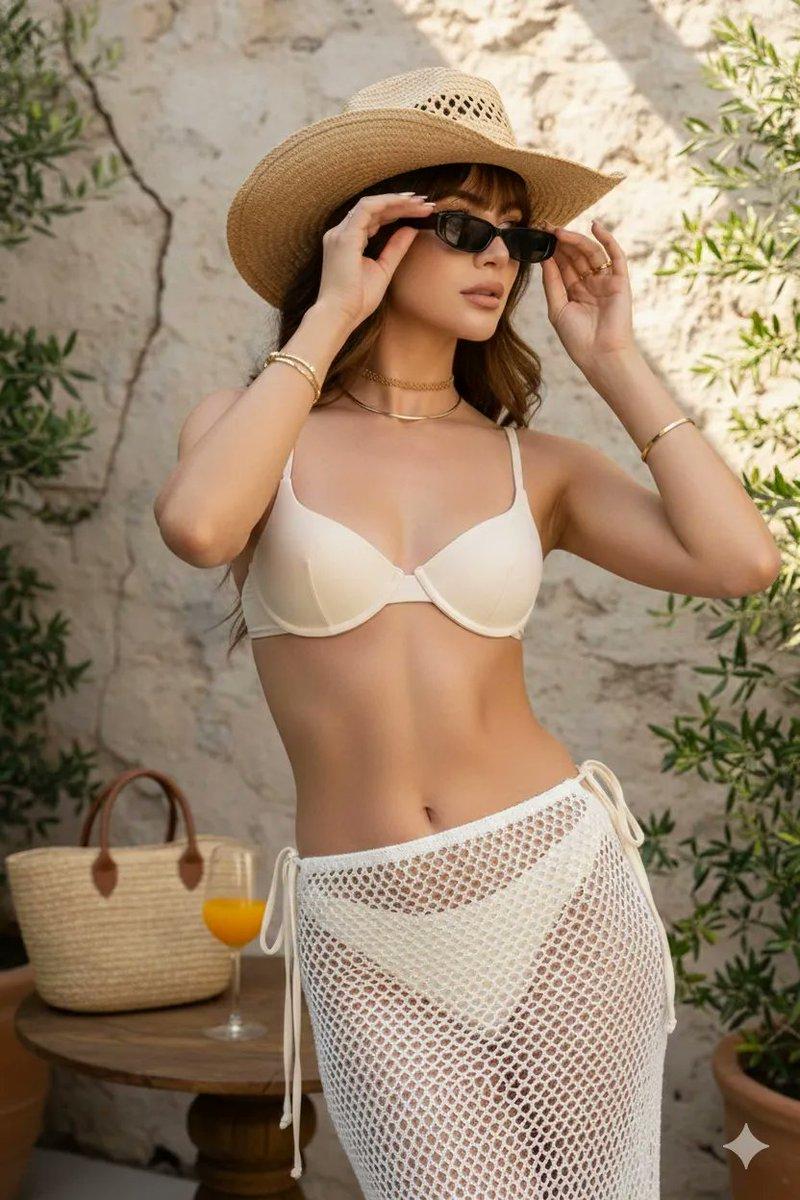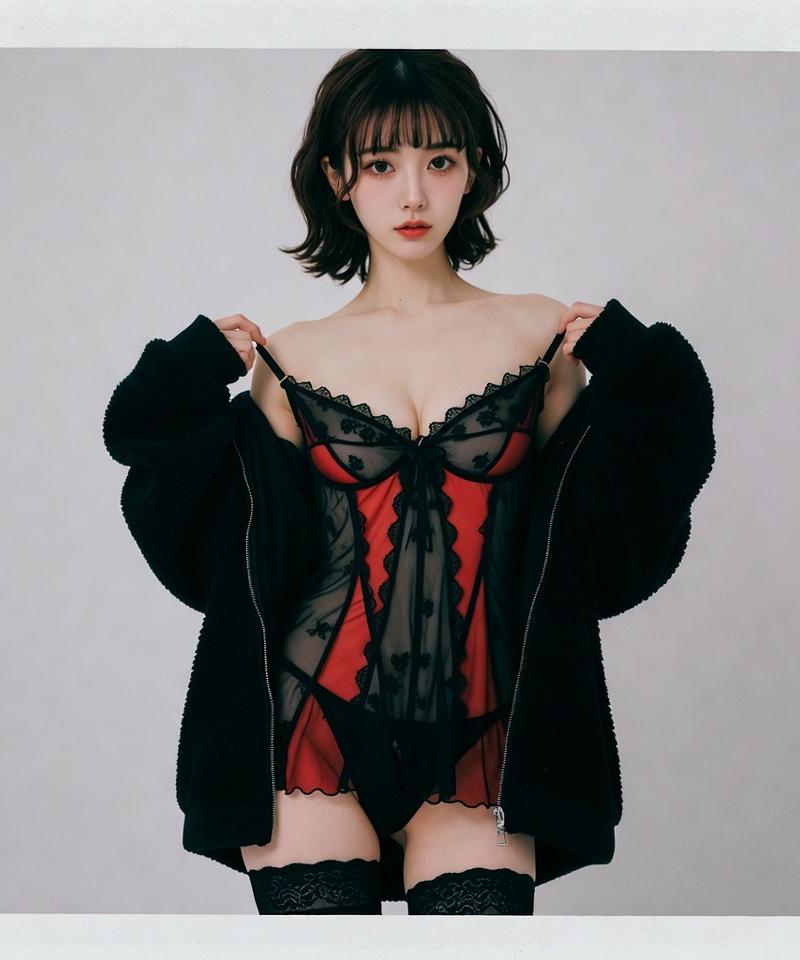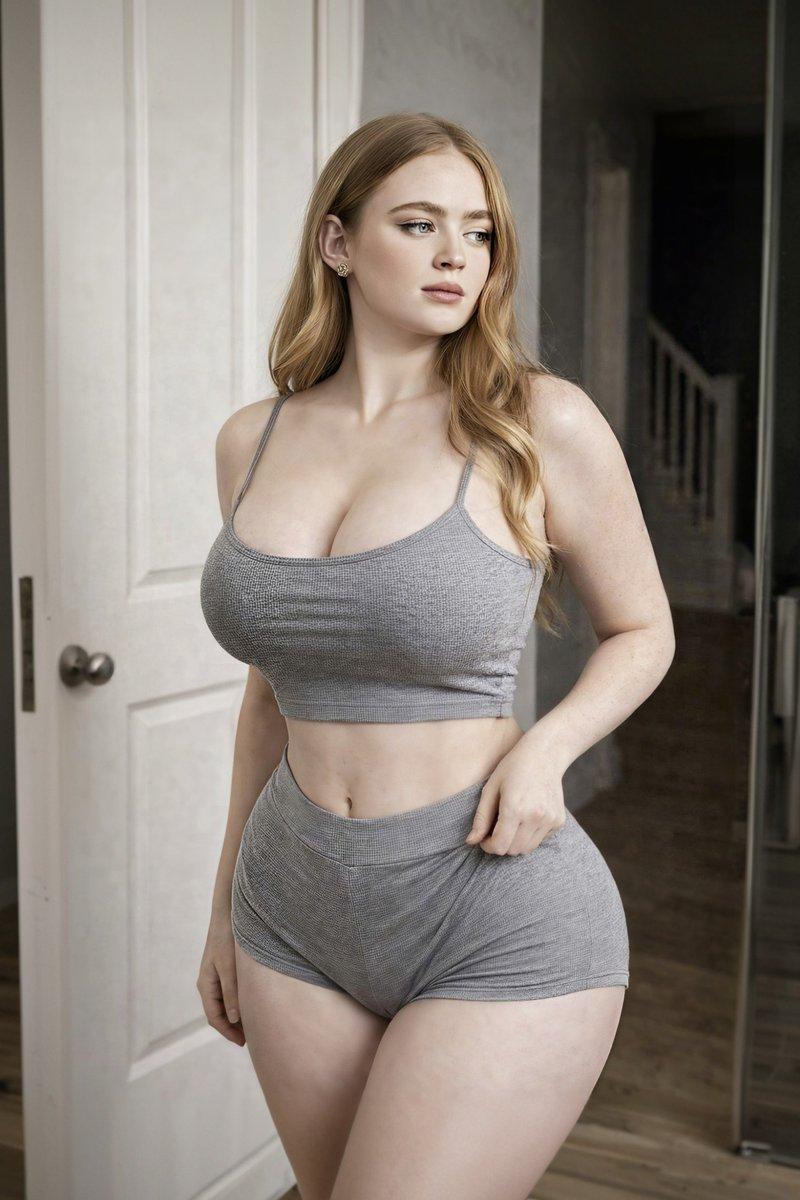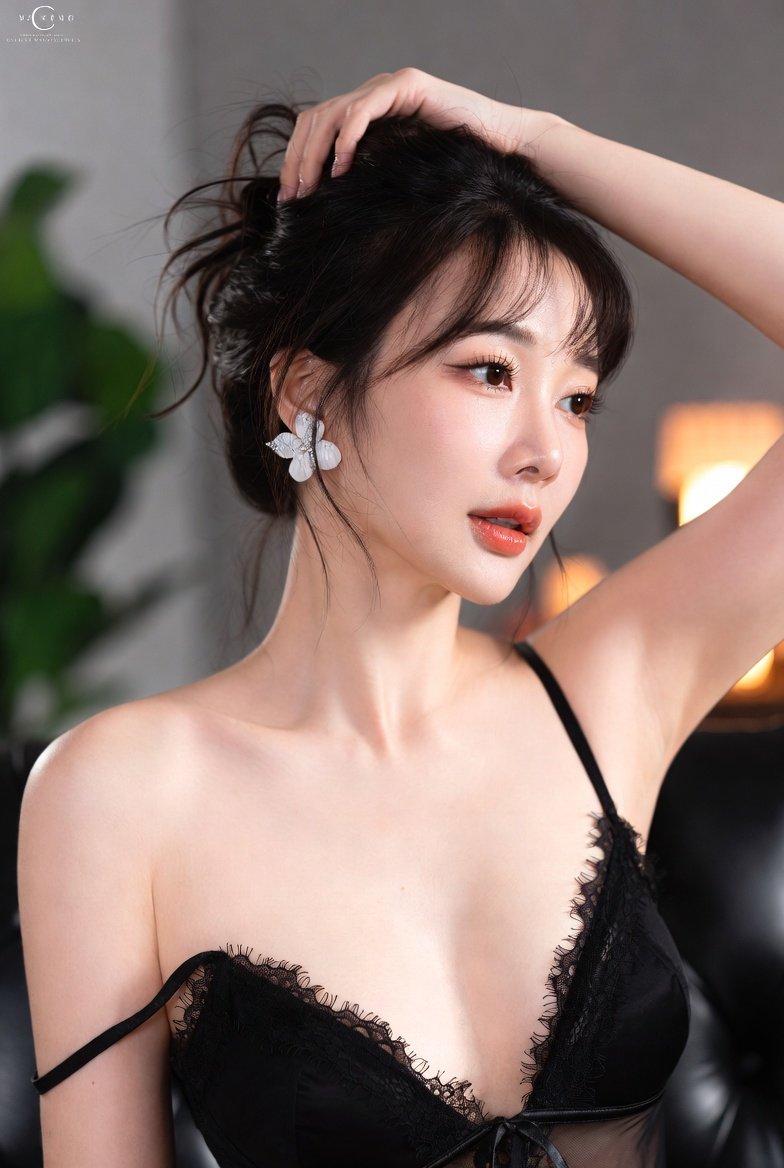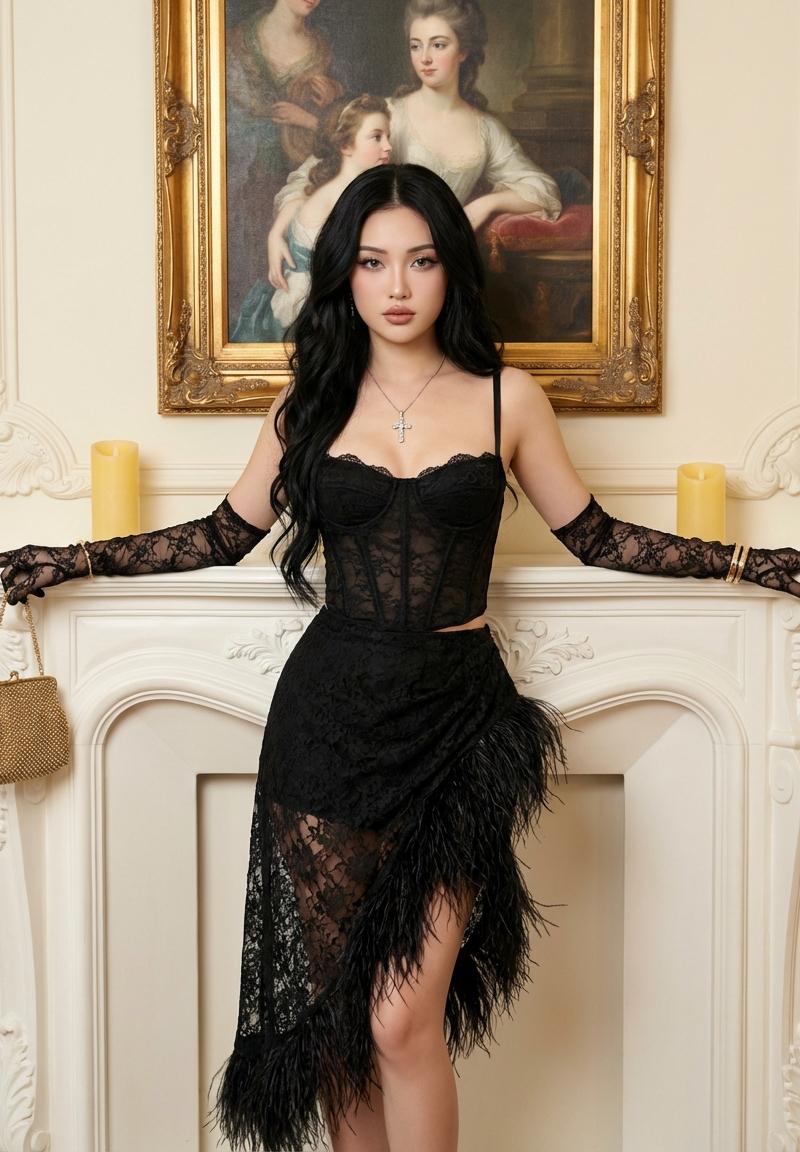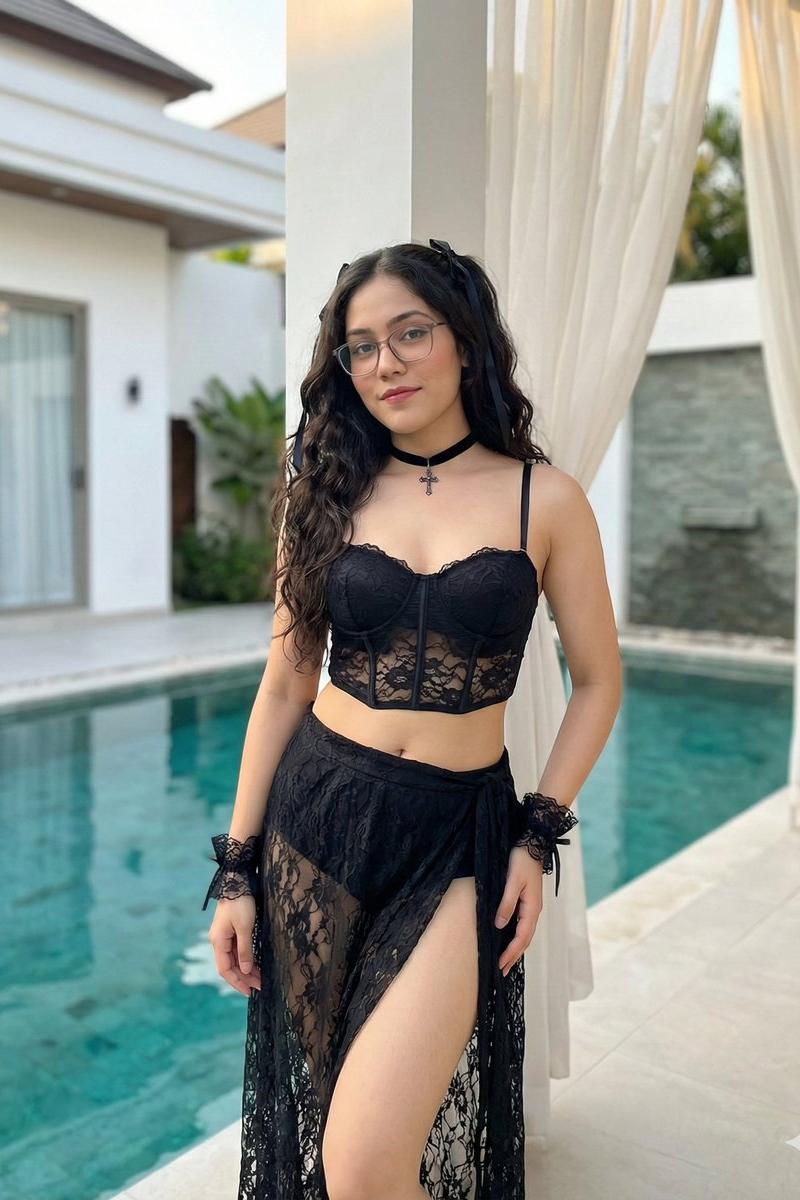
奢华泳池畔的哥特弥海砂时尚写真
Prompt
{ "prompt_type": "Luxury Poolside Fashion Portrait (Pure Gothic Misa Amane Cosplay, Reference Character)", "style": [ "ultra-realistic", "high-fashion editorial", "fully photographic realism", "soft natural lighting", "cinematic depth of field", "8K detail" ], "subject": { "identity": "Use the same woman from the provided reference image", "consistency": [ "maintain identical facial structure", "preserve skin tone and complexion", "match eye shape, nose, lips, and facial proportions", "retain natural facial features without anime stylization" ], "character_cosplay": "Misa Amane (Death Note)", "cosplay_guidance": [ "pure gothic fashion interpretation of Misa Amane", "cosplay through wardrobe, styling, and attitude only", "no anime rendering, no illustration effects" ], "age": "young adult (as inferred from reference image)", "pose": "standing confidently near a swimming pool, slight hip tilt, relaxed yet alluring posture", "expression": "soft, confident, subtly seductive expression inspired by gothic idol aesthetics", "hair": { "style": "long hair styled in loose gothic waves or subtle twin-tail variation", "color": "adapt toward platinum or pale blonde tones only if compatible with reference, otherwise preserve reference hair color", "accessories": [ "black gothic ribbons or lace headband" ] } }, "outfit": { "top": "black gothic corset-style bikini top with lace, leather, or satin textures", "bottom": "black gothic wrap skirt or mini skirt with lace trim and soft flowing fabric", "accessories": [ "black choker with metallic or cross detailing", "lace wrist cuffs or fingerless gloves", "subtle Death Note–inspired gothic jewelry motifs" ], "fit_guidance": "outfit should conform naturally to the reference character’s body shape while maintaining gothic cosplay accuracy" }, "environment": { "location": "luxury villa poolside", "background": "clear turquoise swimming pool creating contrast against black gothic fashion, white modern villa architecture, soft flowing curtains", "lighting": "natural daylight with soft shadows, carefully balanced to preserve dark fabric detail and skin realism" }, "camera": { "shot_type": "mid-length portrait", "angle": "eye-level", "lens": "85mm portrait lens", "focus": "sharp focus on reference character, softly blurred background" }, "color_palette": [ "black", "charcoal", "deep shadow tones", "turquoise", "white", "natural skin tones" ], "mood": "dark gothic elegance, confident idol presence, luxurious fashion editorial", "quality_tags": [ "photorealistic", "high detail skin texture", "editorial cosplay photography", "pure gothic fashion", "identity-accurate reference rendering", "clean composition" ], "refer" }- Category
- Charts & Infographics
- Model
- Nano banana pro
- Creator
- @twocellz
- Source language
- zh-CN
- Source ID
- 7810
- Published
- Mar 21, 2026
Views0