15

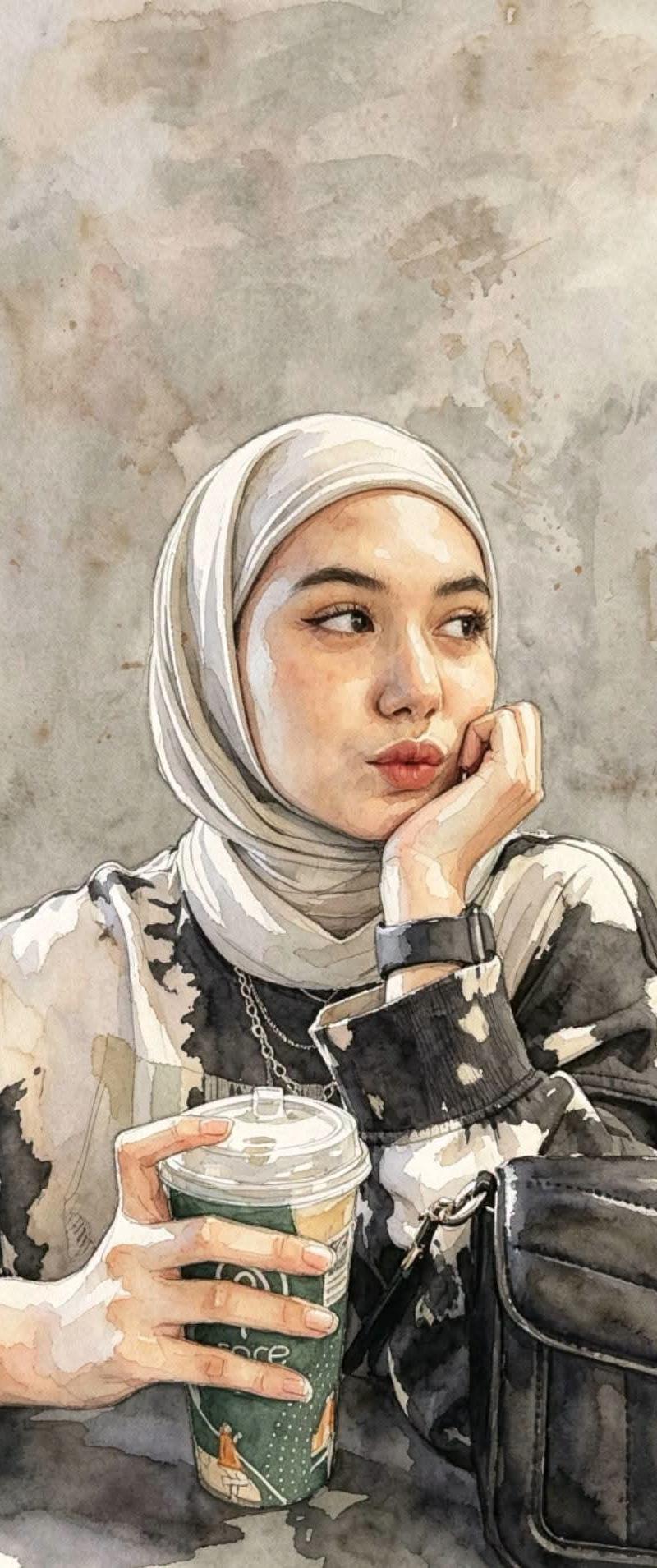
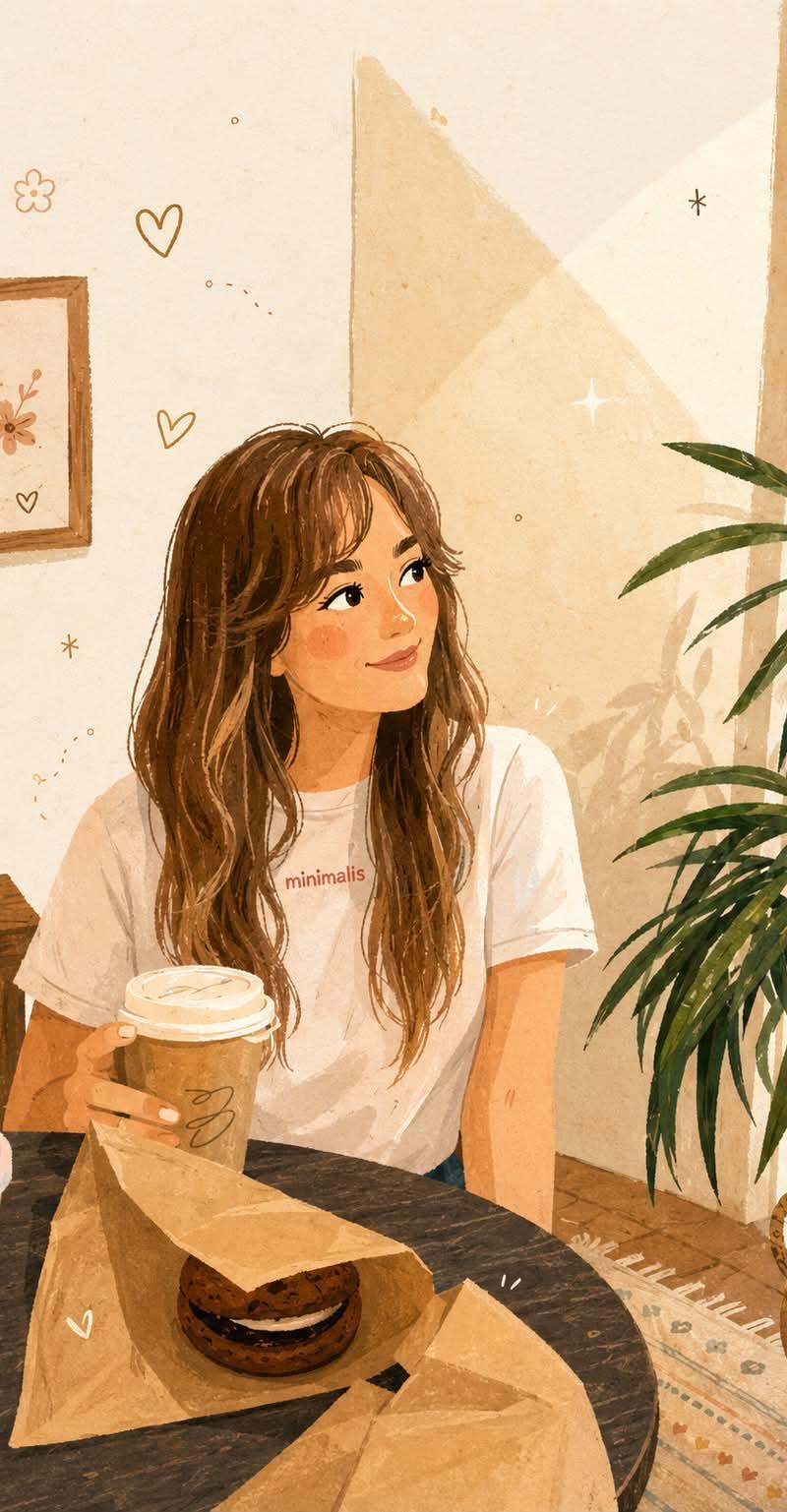
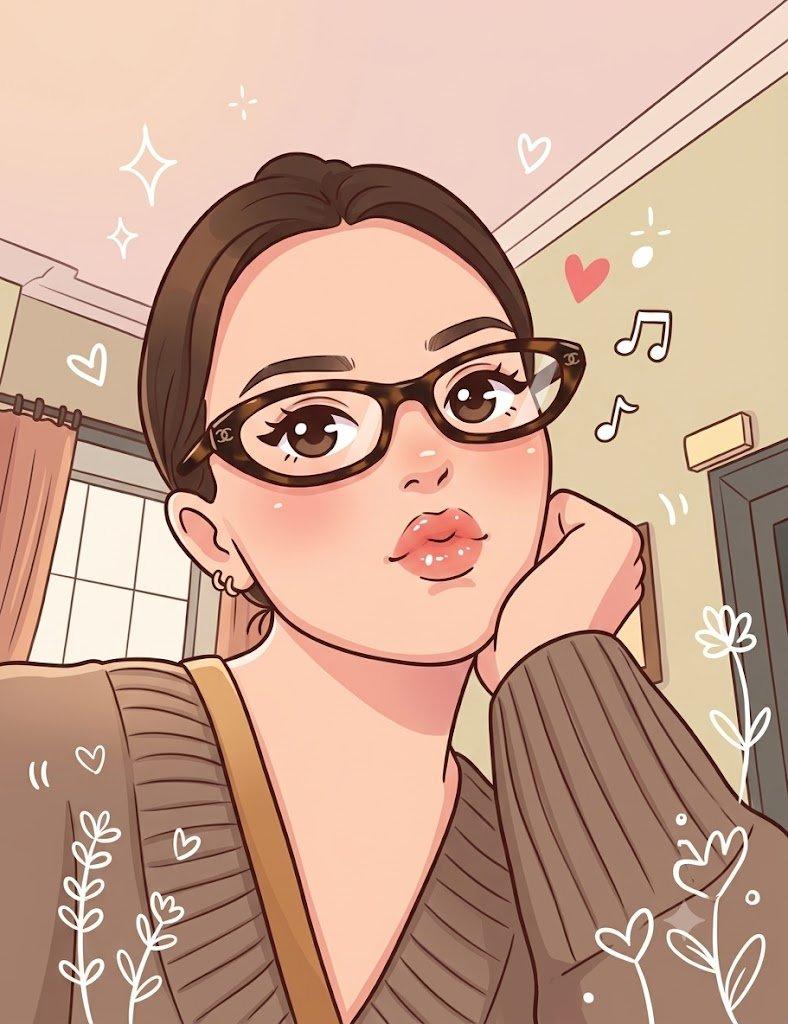
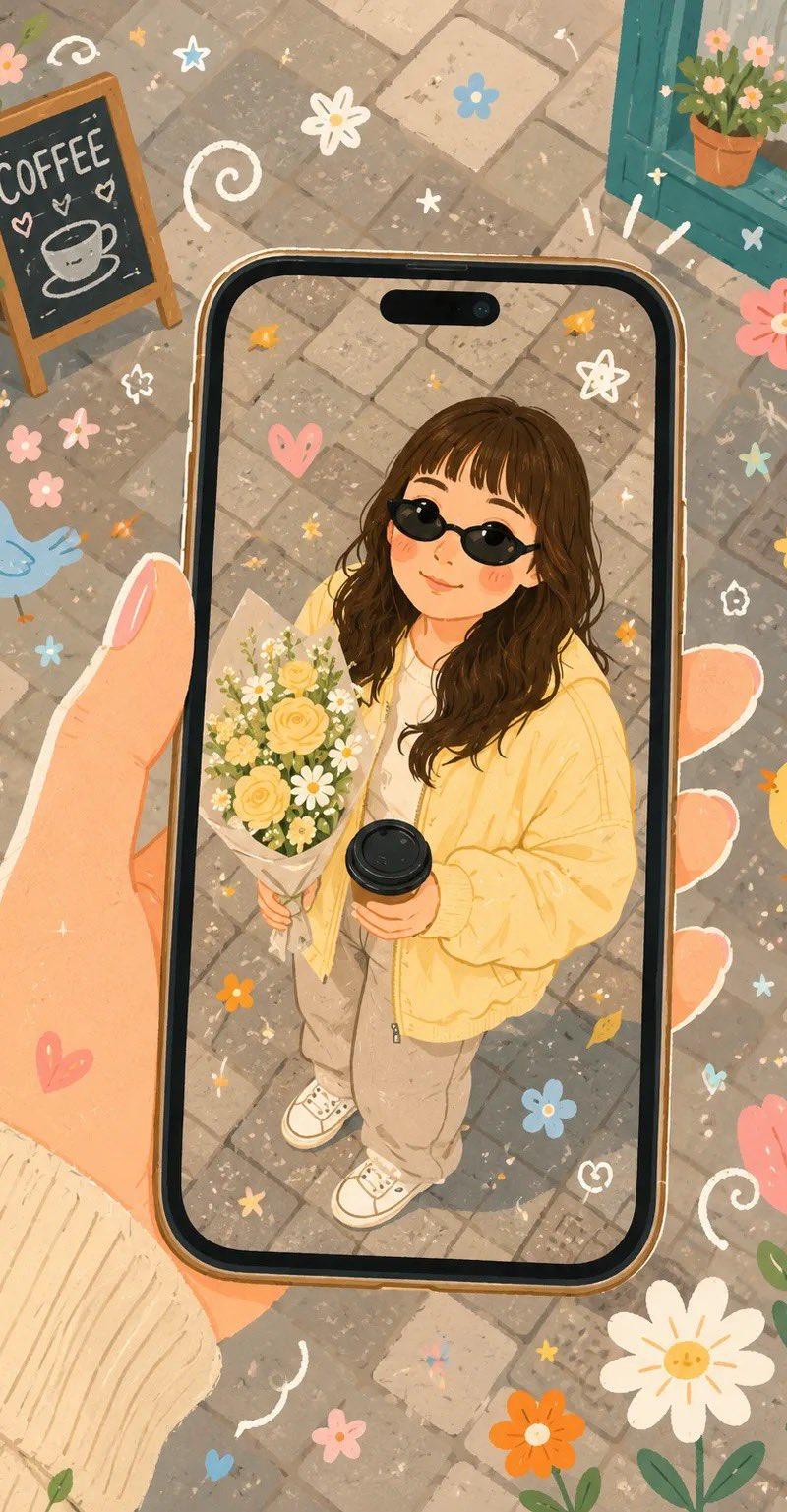
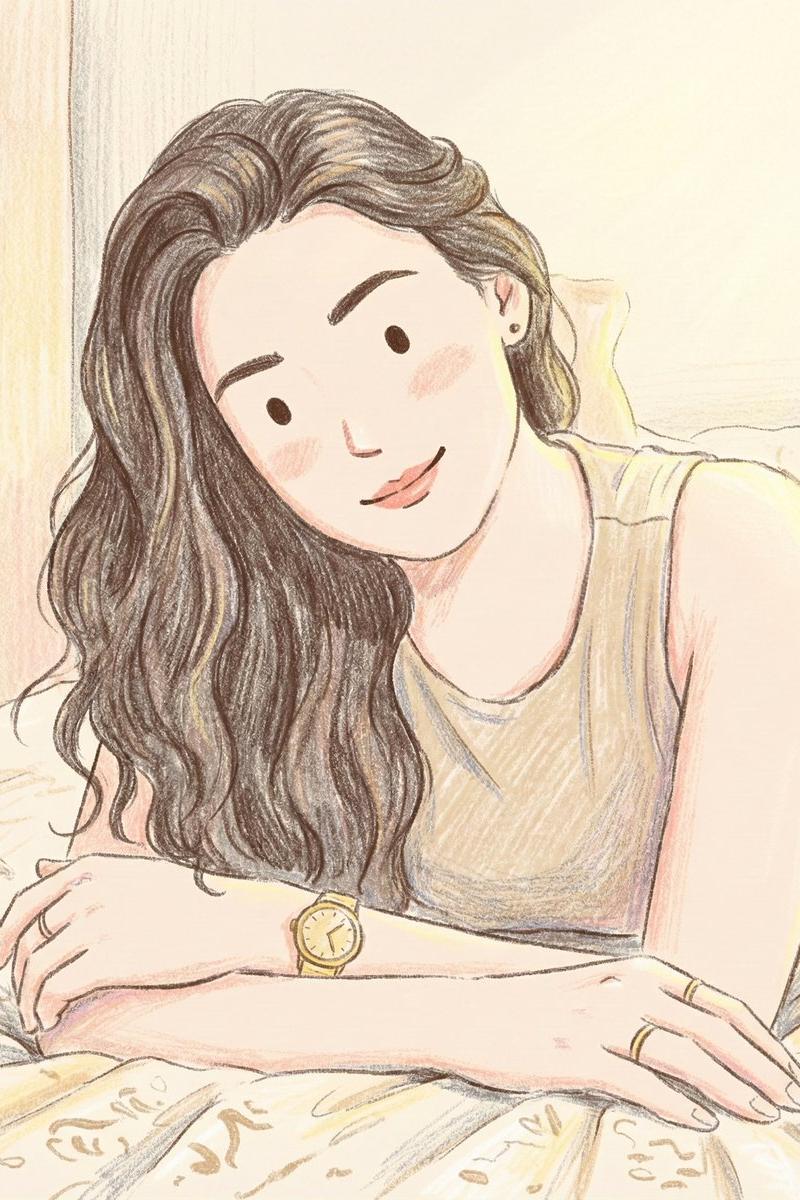
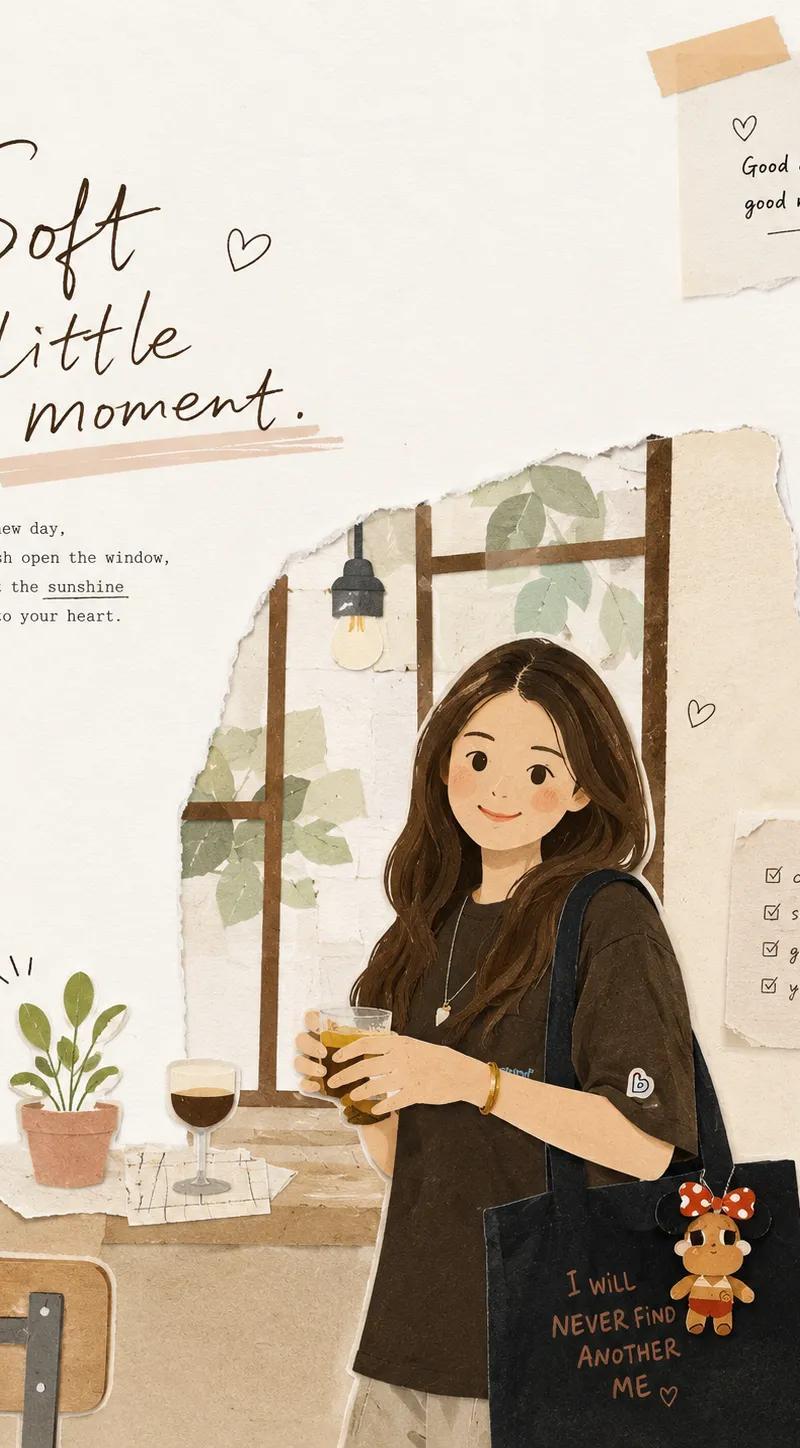
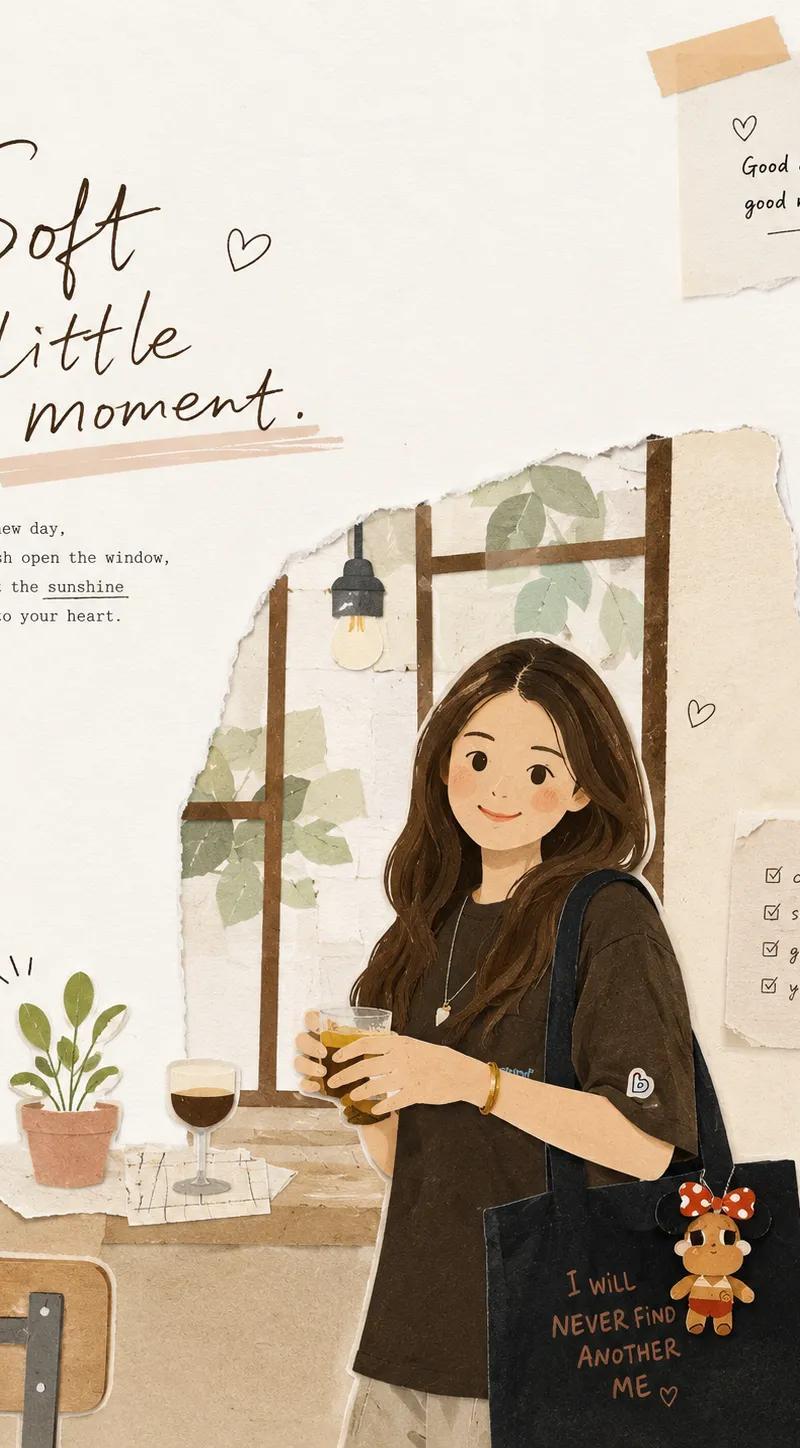
现代水粉民俗风格手绘纹理插画
Enlarge

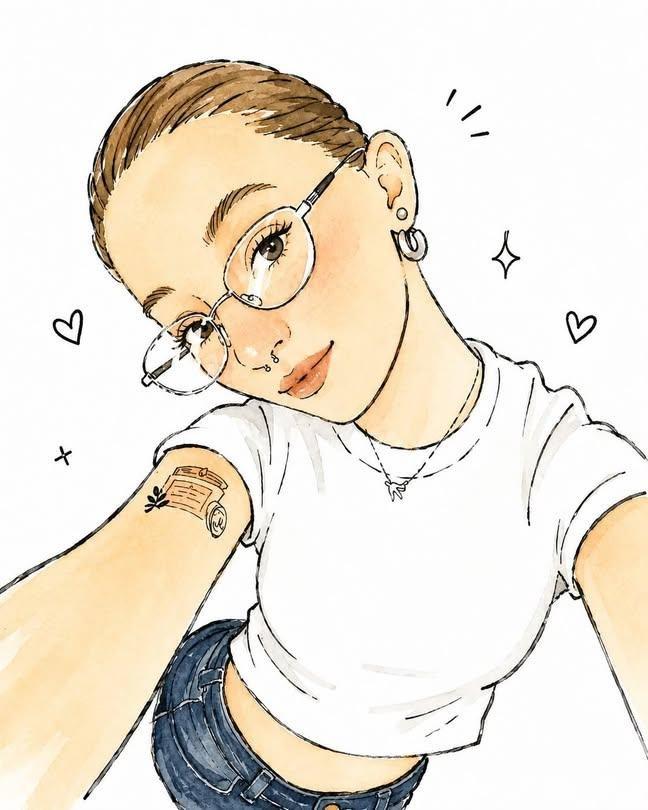
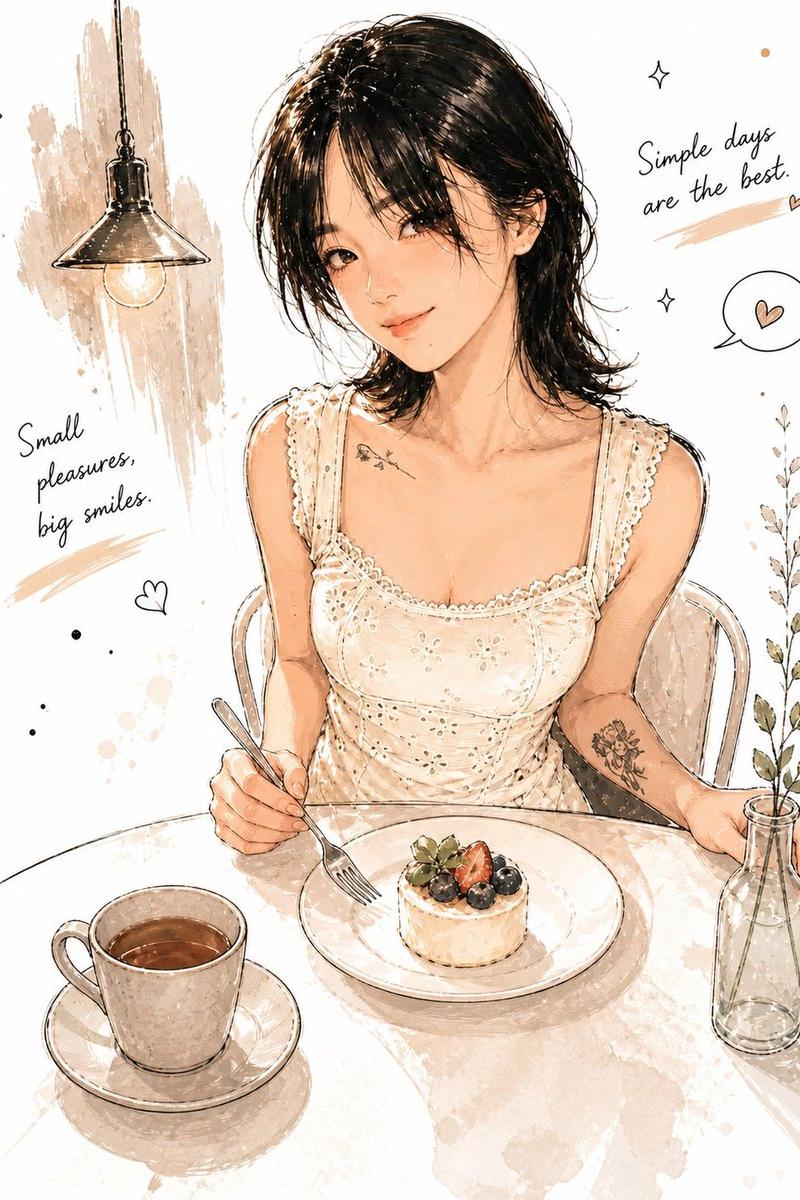
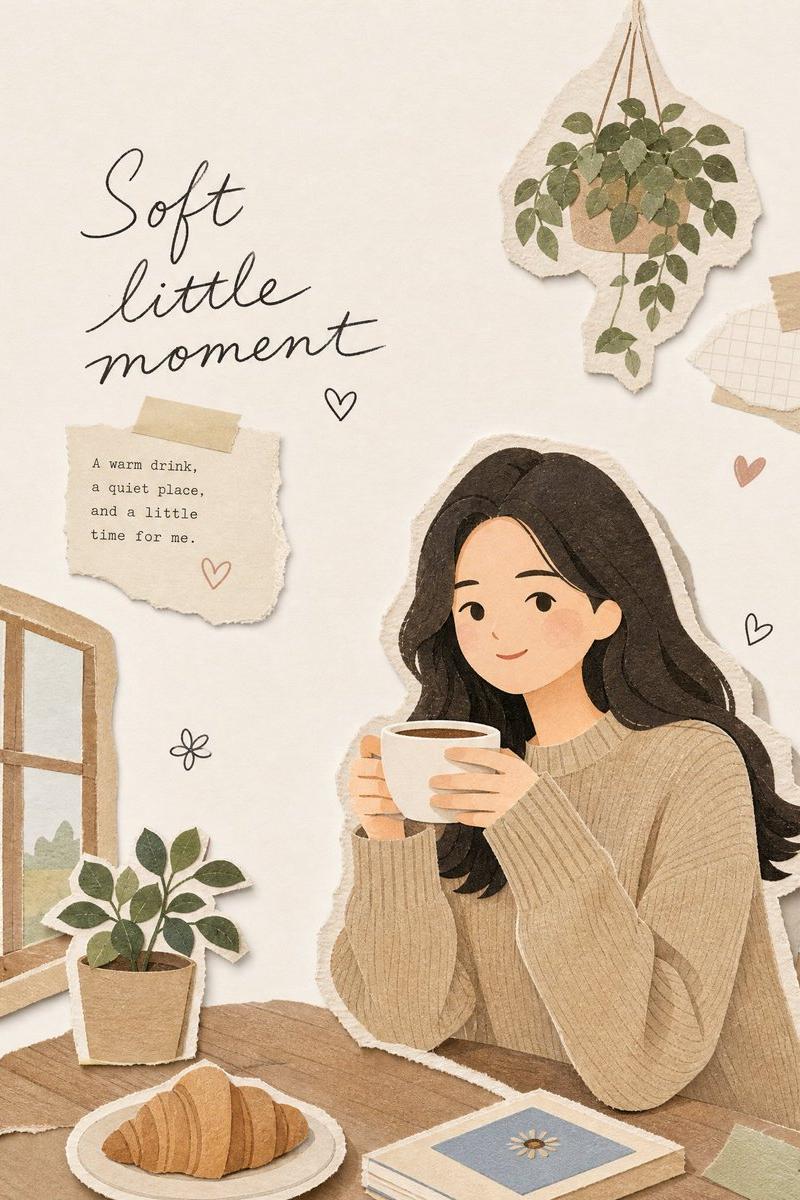
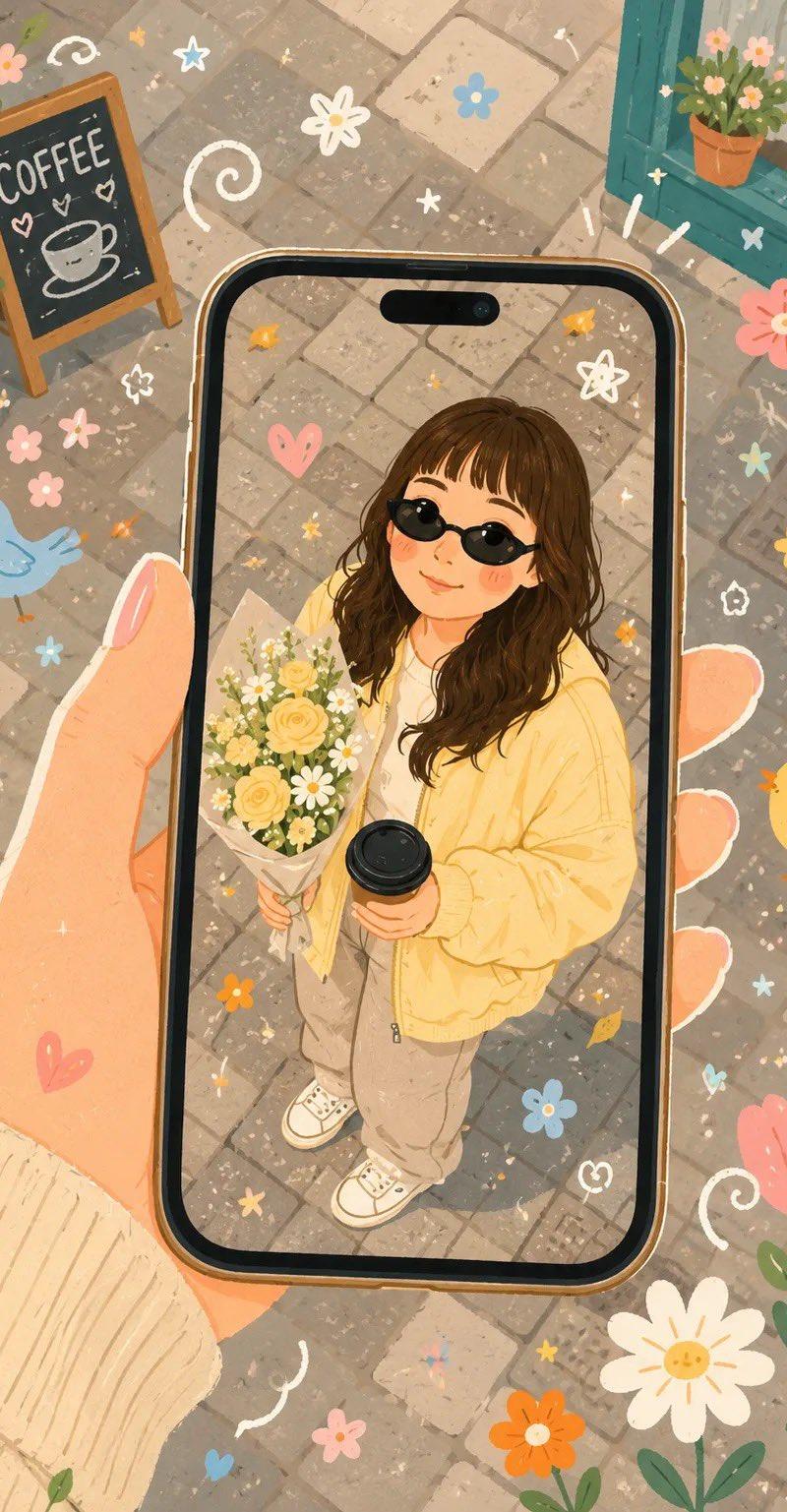
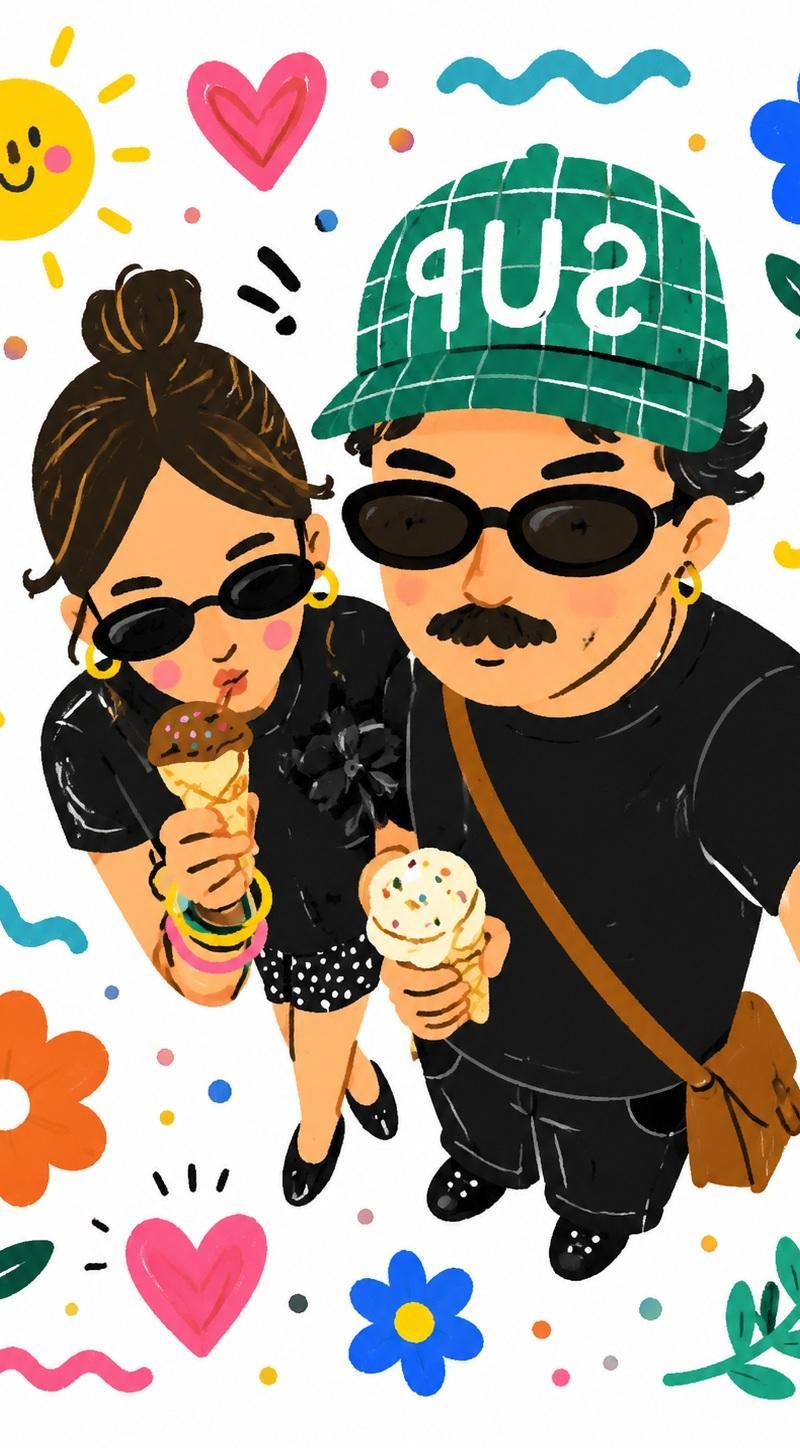
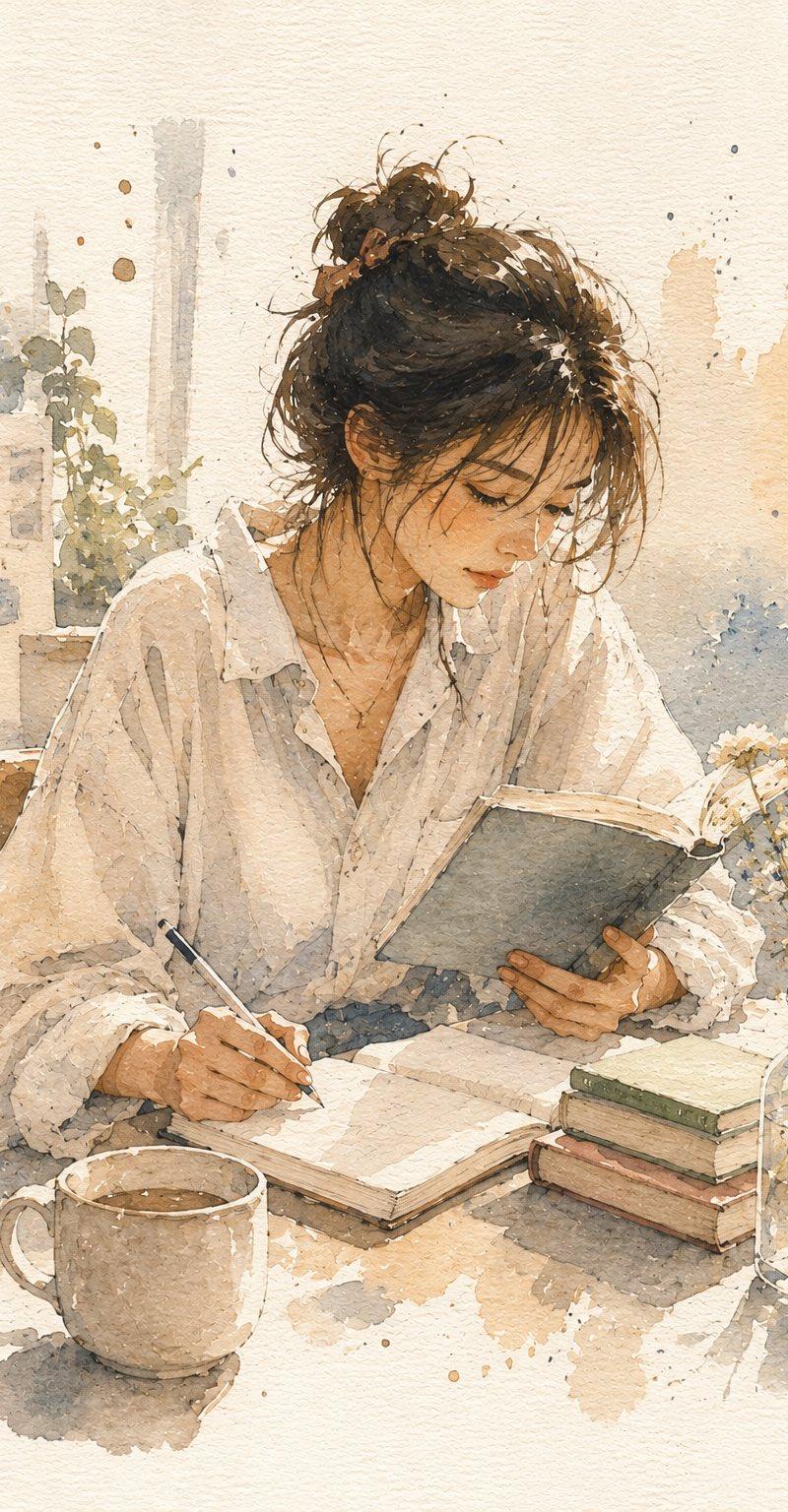
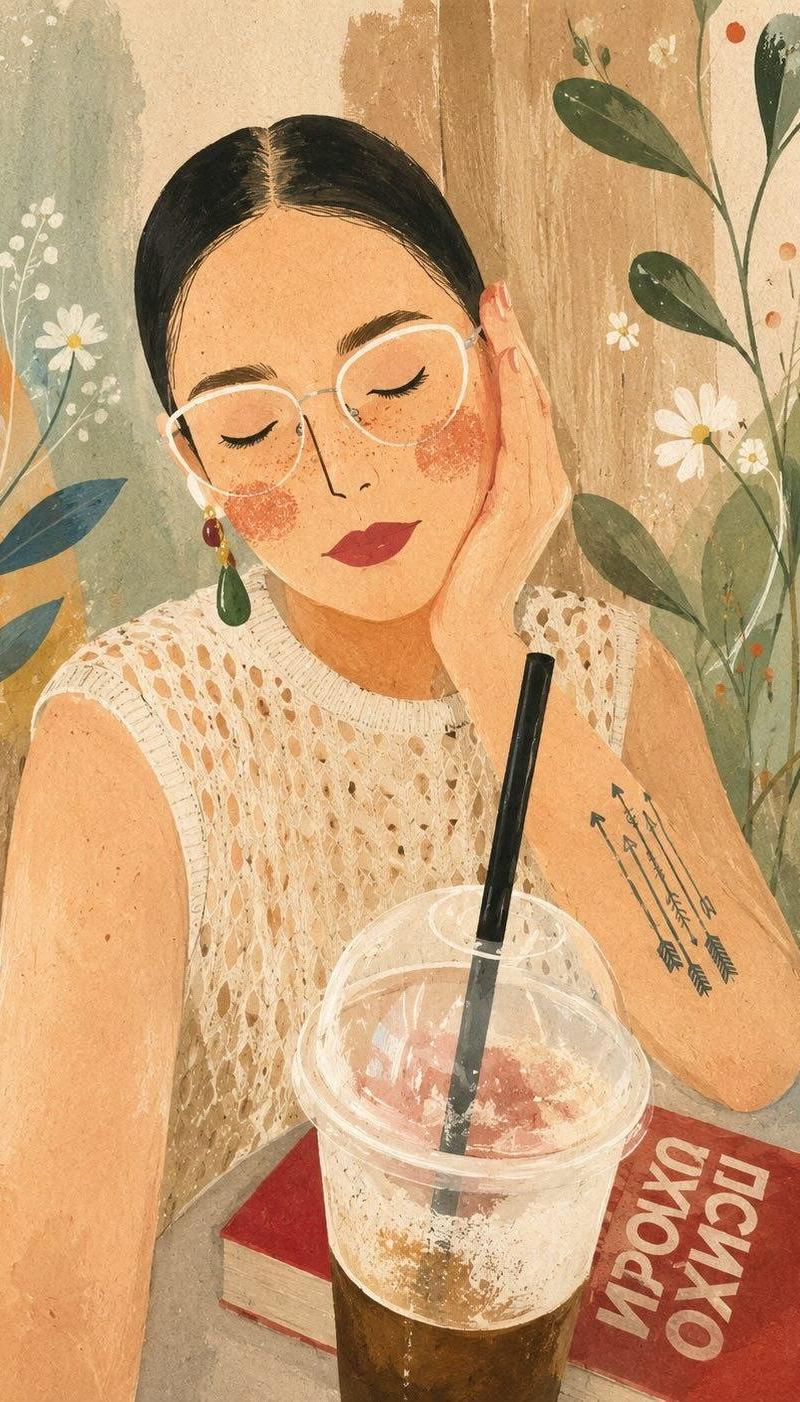
Example images

现代水粉民俗风格手绘纹理插画

Prompt
Create a stylized watercolor and gouache illustration based on the following artistic style. Do not invent a new scene, transform the user's reference photo using these exact visual characteristics:

- Style: Modern gouache folk art illustration with hand-painted watercolor textures and a matte finish.
- Anatomy & Lines: Distorted anatomy, expressive blocky shapes, fluid outlines, and visible soft brushstrokes.

- Facial Features: Stylized closed eyes, thin arched eyebrows, a long sharp nose, and simple flat lips. Distinct, clean, and minimalist facial structures.
- Complexion: Warm skin tones, heavy distinct freckles, and prominent rosy textured cheeks with a stippled or dry-brush effect.
- Composition: Organic flowing composition, interwoven layers, shallow depth of field, and a soft pastel background with vibrant botanical overlays.

- Color Palette: Warm earth tones contrasted against cool botanical accent colors.
Category
Charts & Infographics
Model
ChatGPT
Creator
@Ciri_ai
Source language
zh-CN
Views38
Source ID
16146
Published
Jun 17, 2026
Studio

Guide

About "现代水粉民俗风格手绘纹理插画"

What is this prompt for?

"现代水粉民俗风格手绘纹理插画" AI image prompt for ChatGPT (Charts & Infographics). 根据以下艺术风格创作一张程式化的水彩和水粉插画。不要虚构新场景,使用这些精确的视觉特征来转换用户的参考照片: - 风格:具有手绘水彩纹理和哑光效果的现代水粉民俗艺术插画。 - 解…

The full copyable prompt and example visuals above are ready for AI image generation or one-click recreate in Picva.

How to use this prompt

  1. Step 1

    Open the prompt detail

    Review the example visuals, category, and full prompt text for "现代水粉民俗风格手绘纹理插画".

  2. Step 2

    Copy the prompt

    Copy the prompt body from this page, or load it directly in Studio.

  3. Step 3

    Pick a model (ChatGPT)

    Prefer ChatGPT. If you switch models, keep subject and composition and tweak style terms.

  4. Step 4

    Generate and export

    Recreate the look in Picva, or export into your workflow for editing and publishing.

FAQ

What is the "现代水粉民俗风格手绘纹理插画" prompt?
It is an AI image-generation prompt for ChatGPT in the Charts & Infographics category. This page includes the full prompt text, example visuals, and a one-click recreate path in Picva.
How do I use this prompt to generate an image?
Copy the prompt from this page, or use Generate / Studio. Paste it into a compatible image model, or recreate the look in Picva with optional reference images.
Which model is this prompt for?
This page lists ChatGPT. Most descriptive prompts also transfer to nearby image models such as GPT Image, Flux, or Midjourney with light style tweaks.
Can I use the result commercially?
You can usually copy the prompt for creation, but commercial use of the final image depends on the model terms, reference-image rights, and the generated content. Follow the source author and platform rules.