14

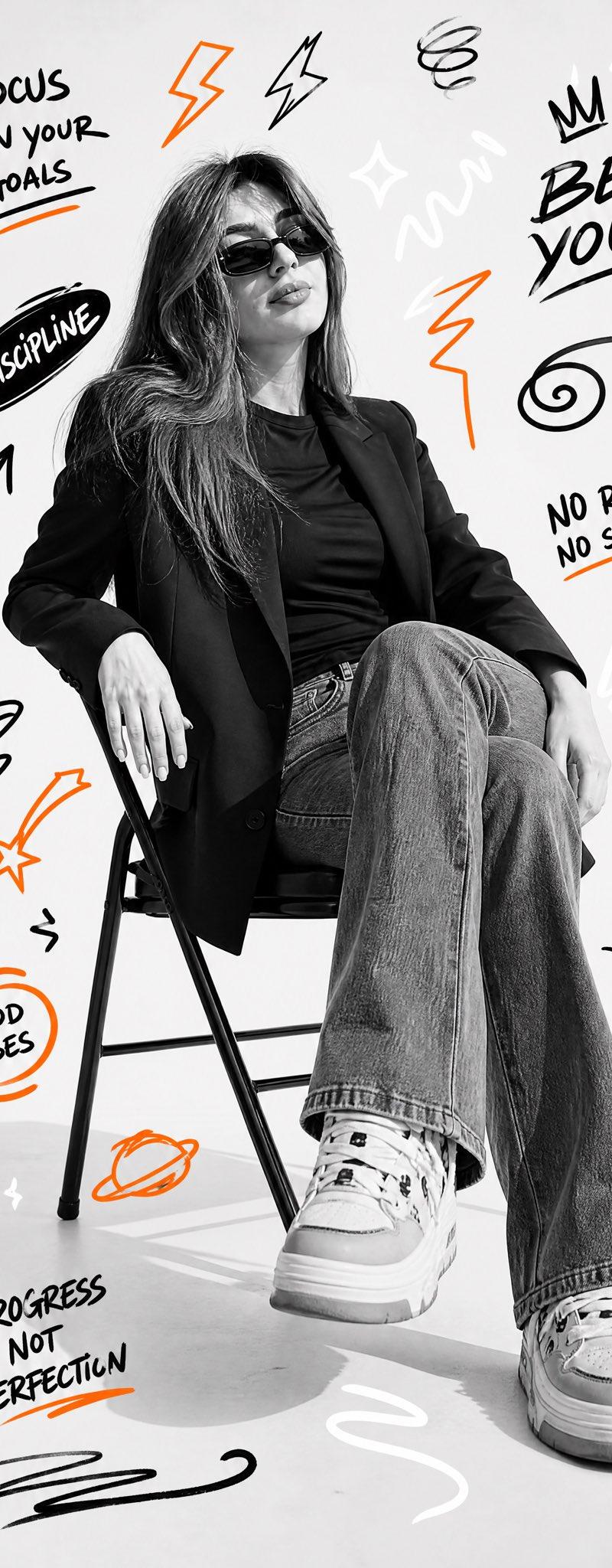
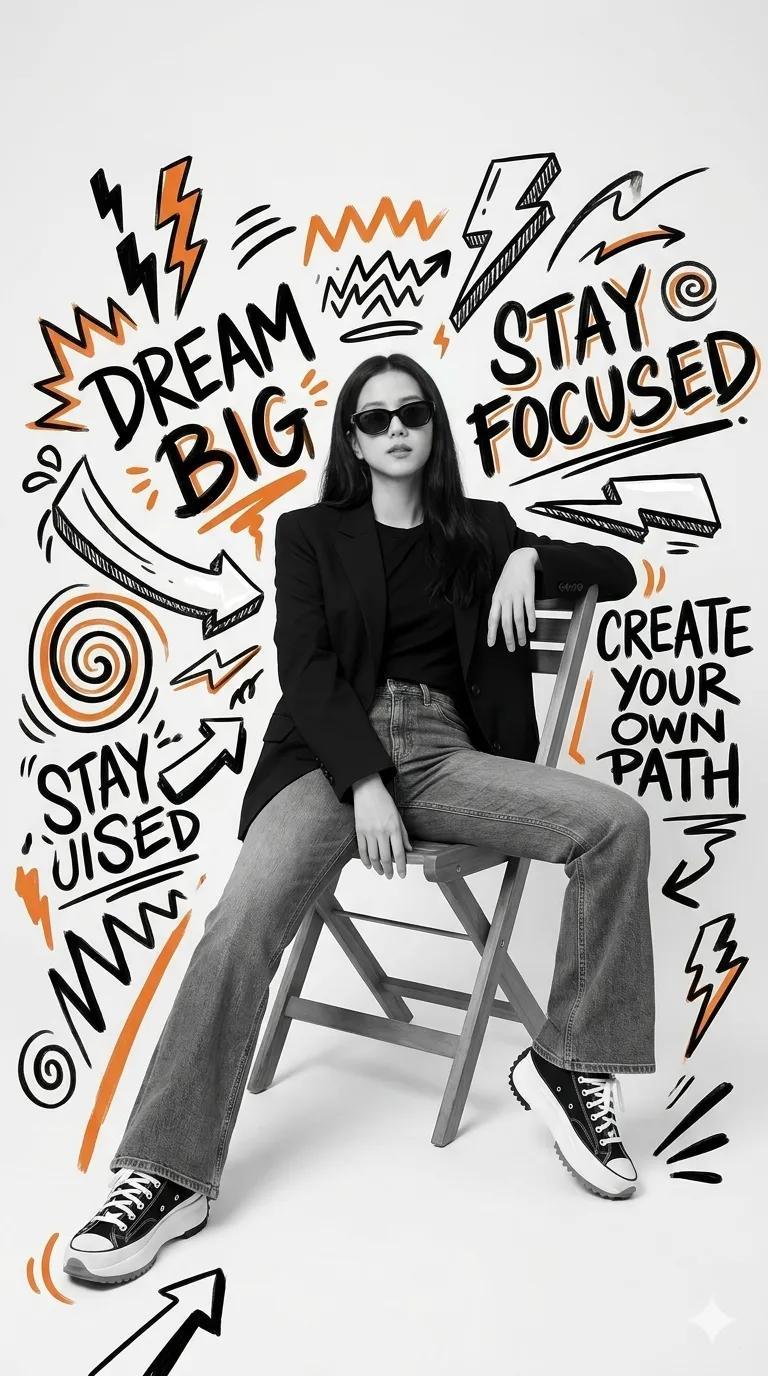
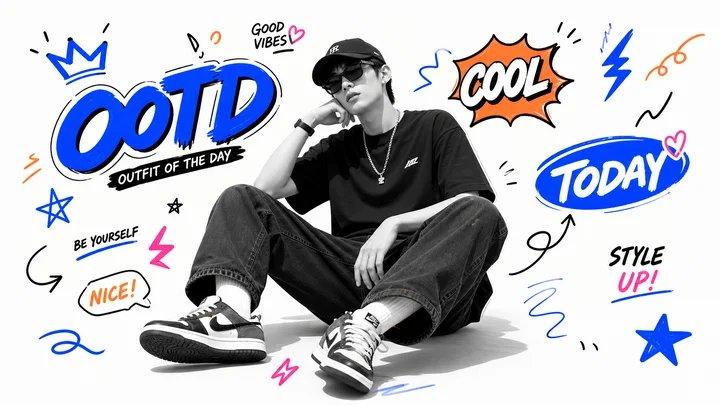
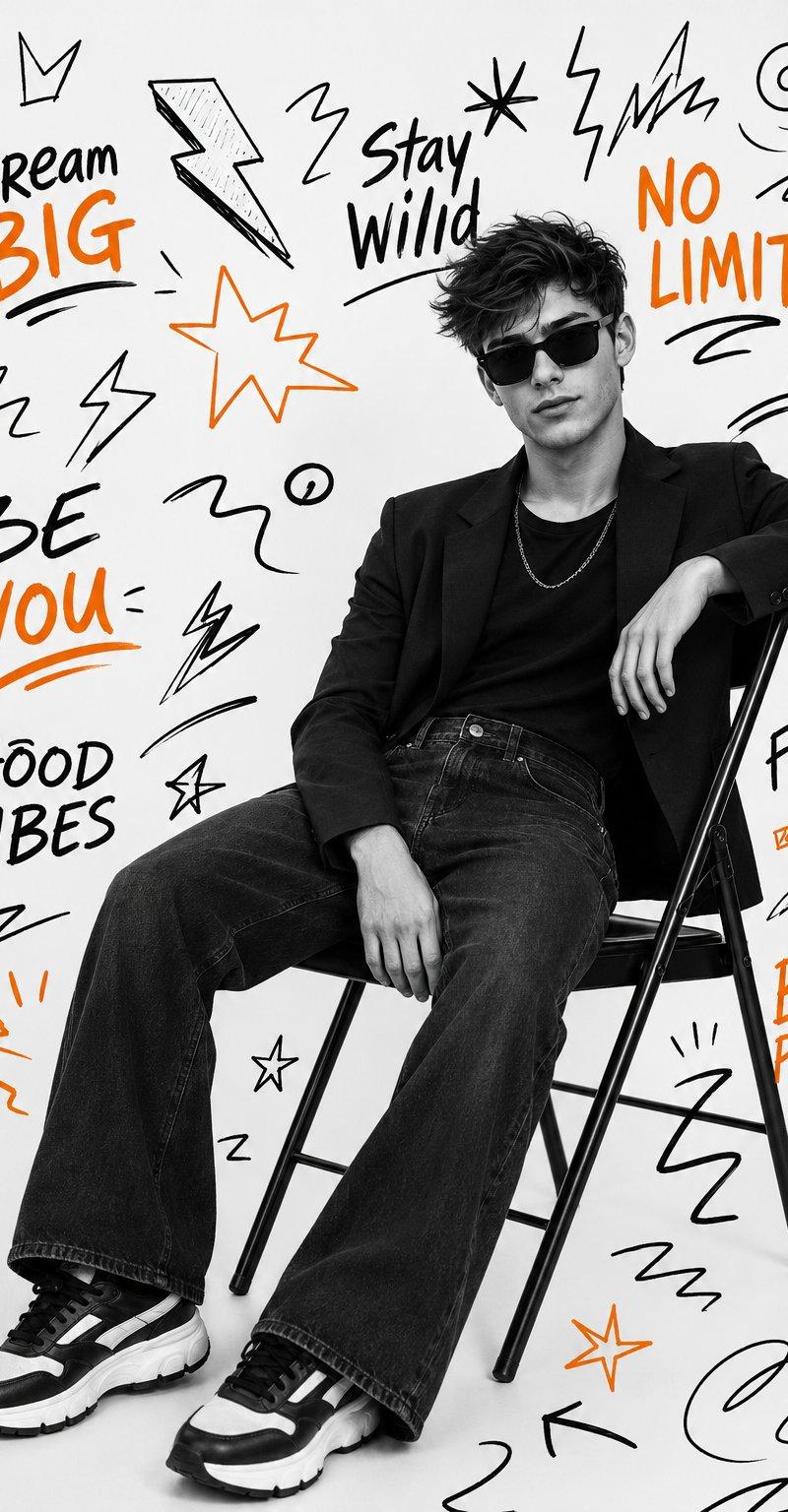
黑白人像橙色点缀街头涂鸦风时尚青年海报
Enlarge

Example images

黑白人像橙色点缀街头涂鸦风时尚青年海报

Prompt
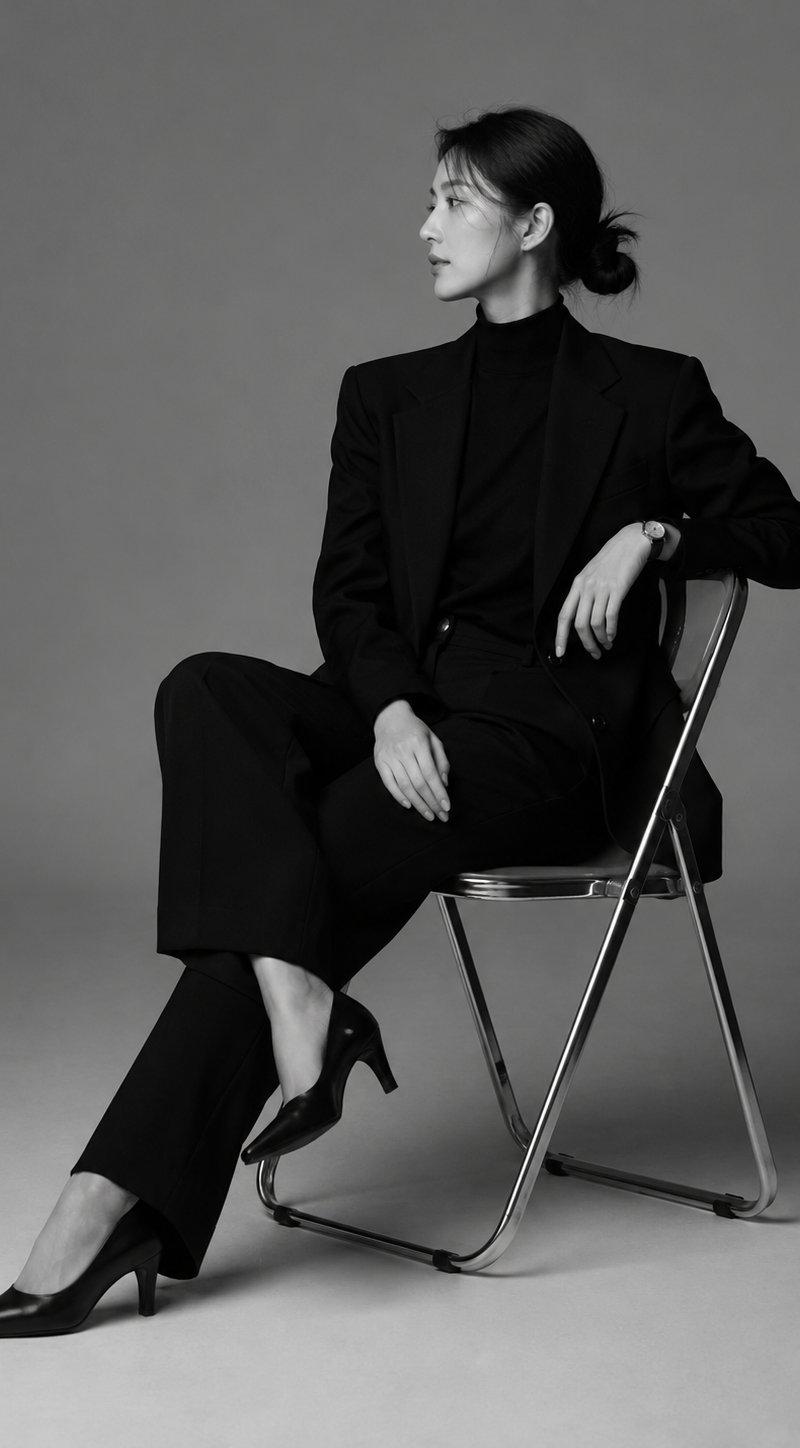
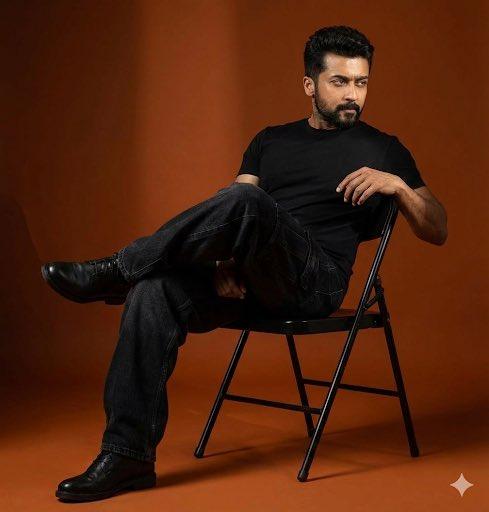
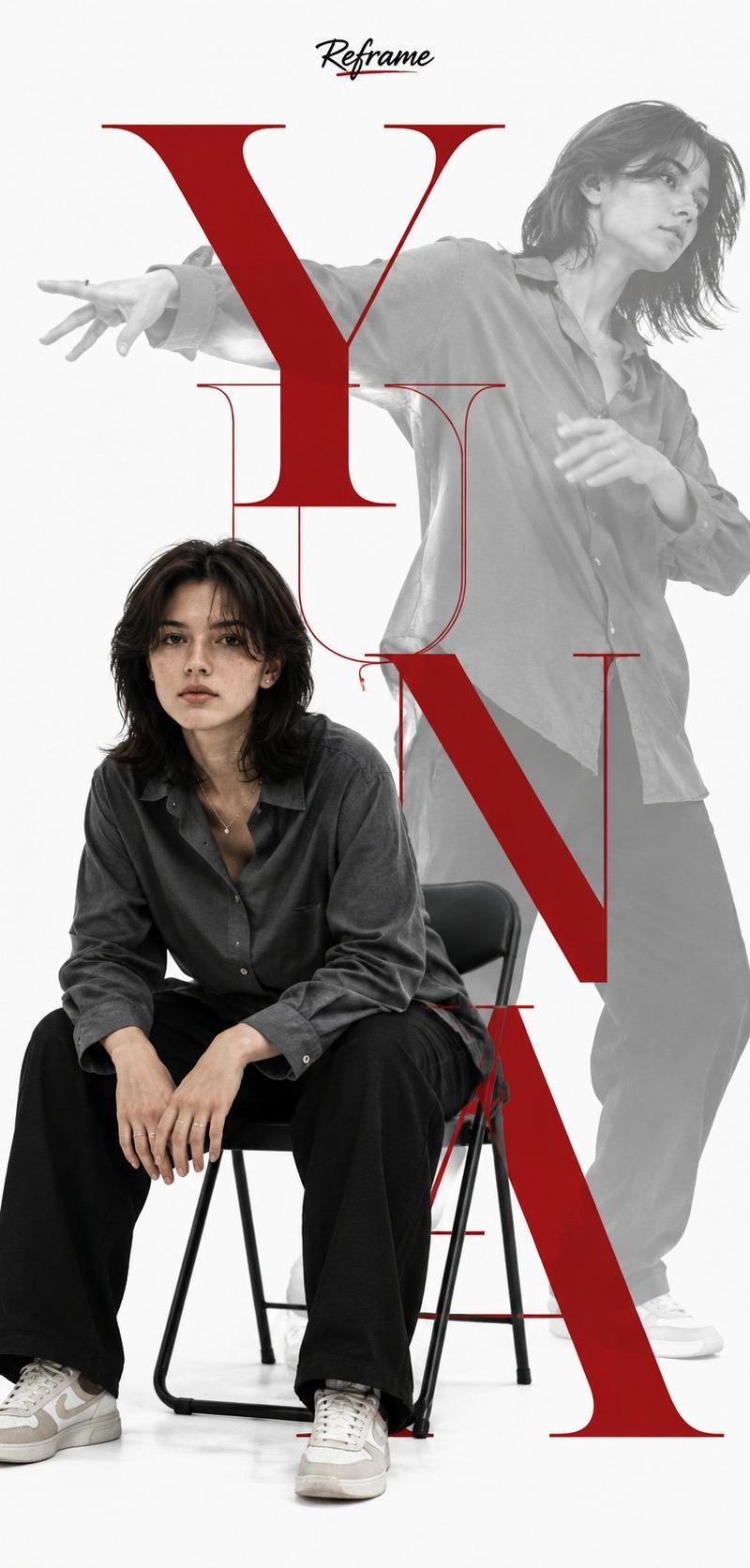
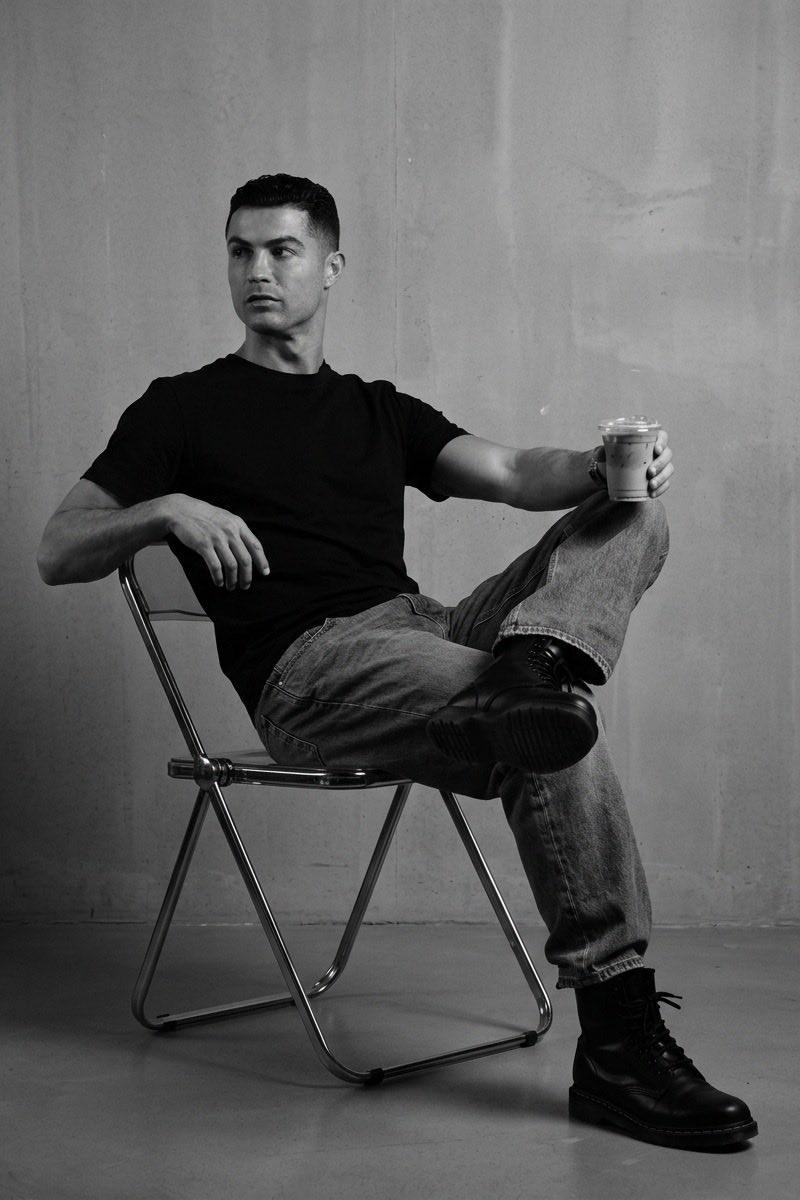
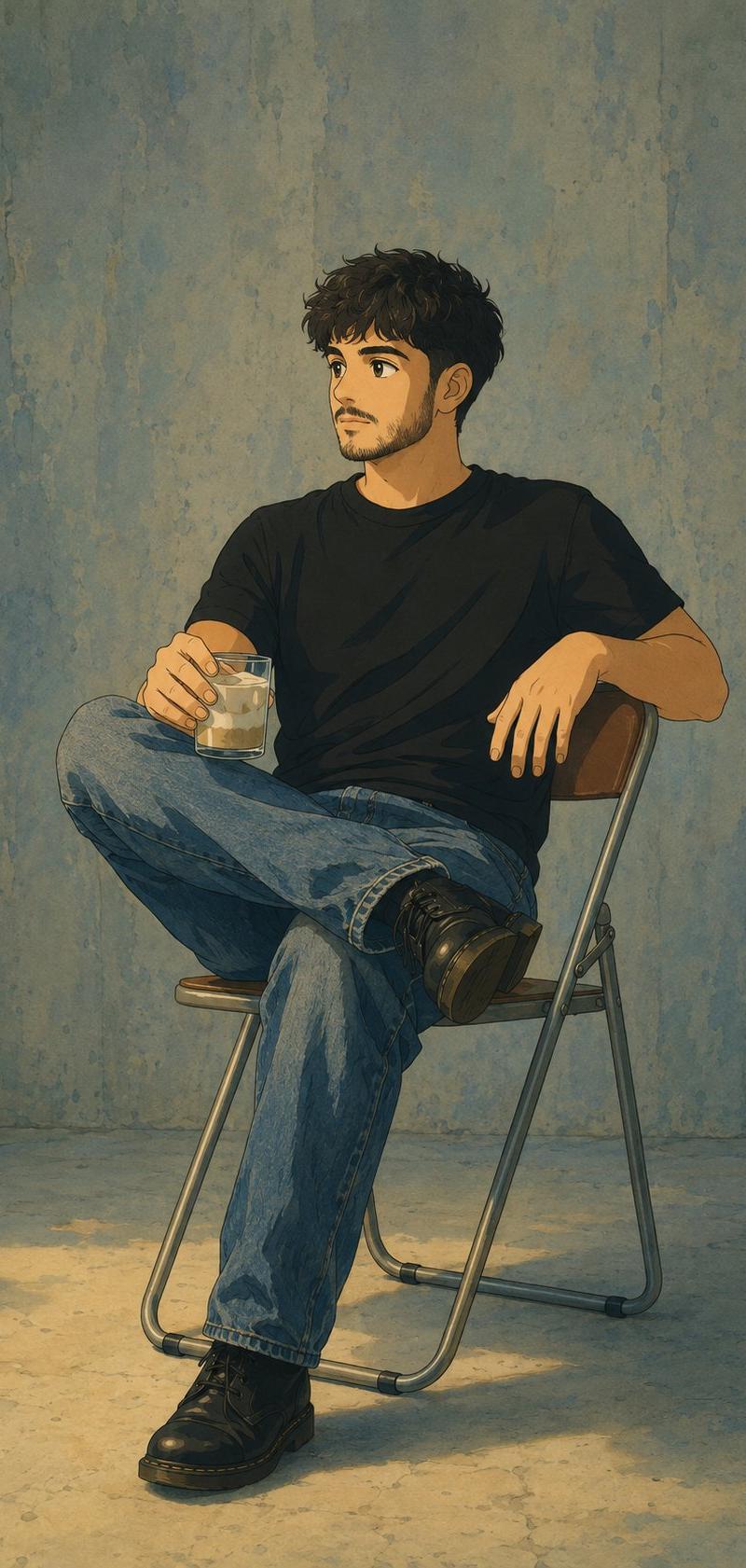
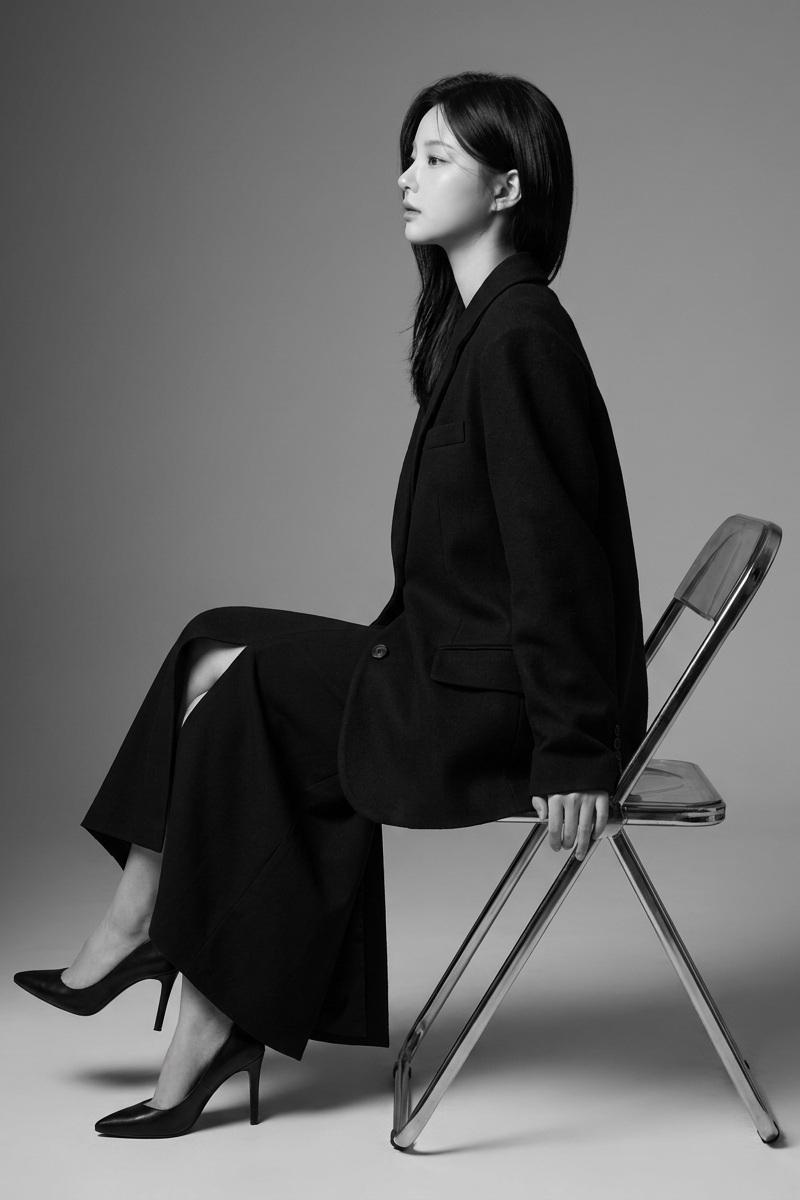
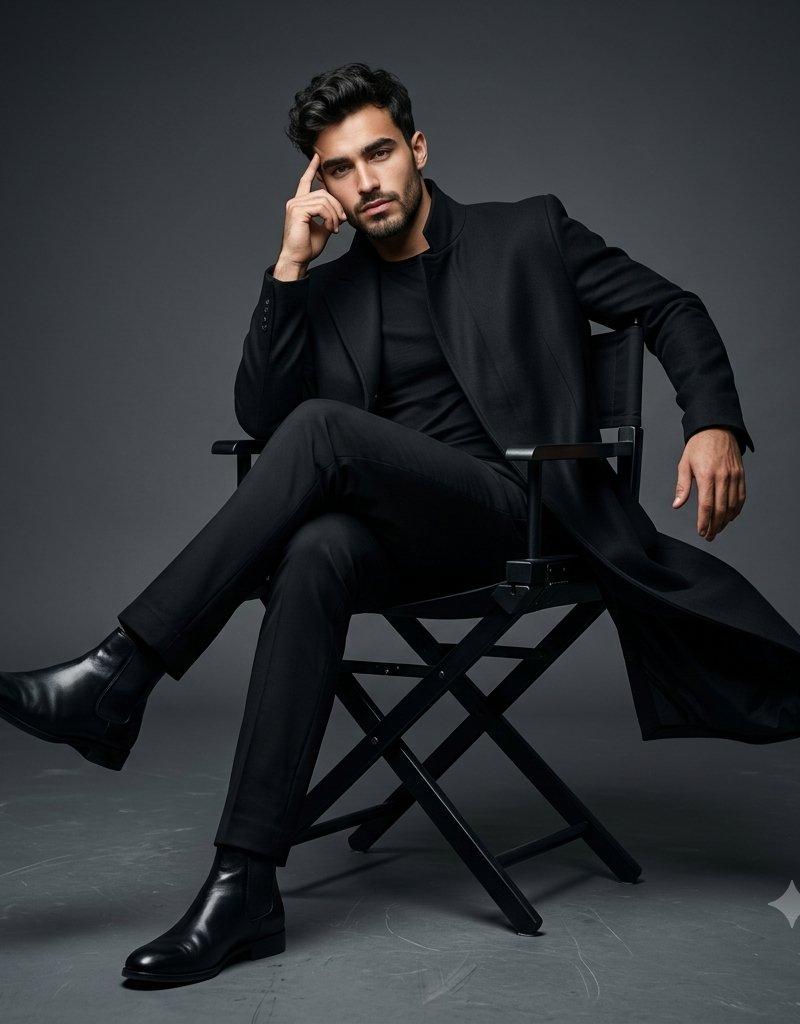
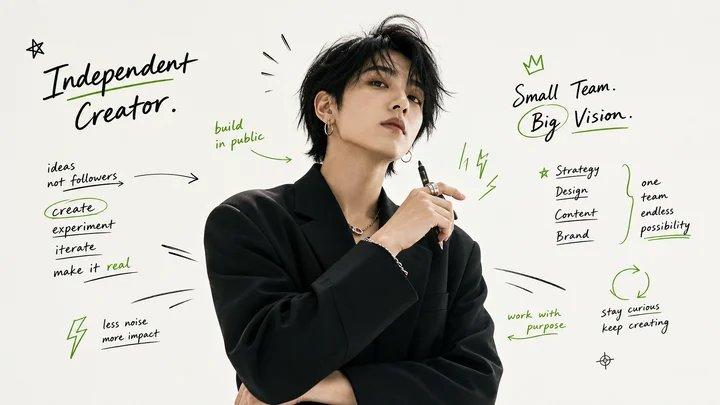
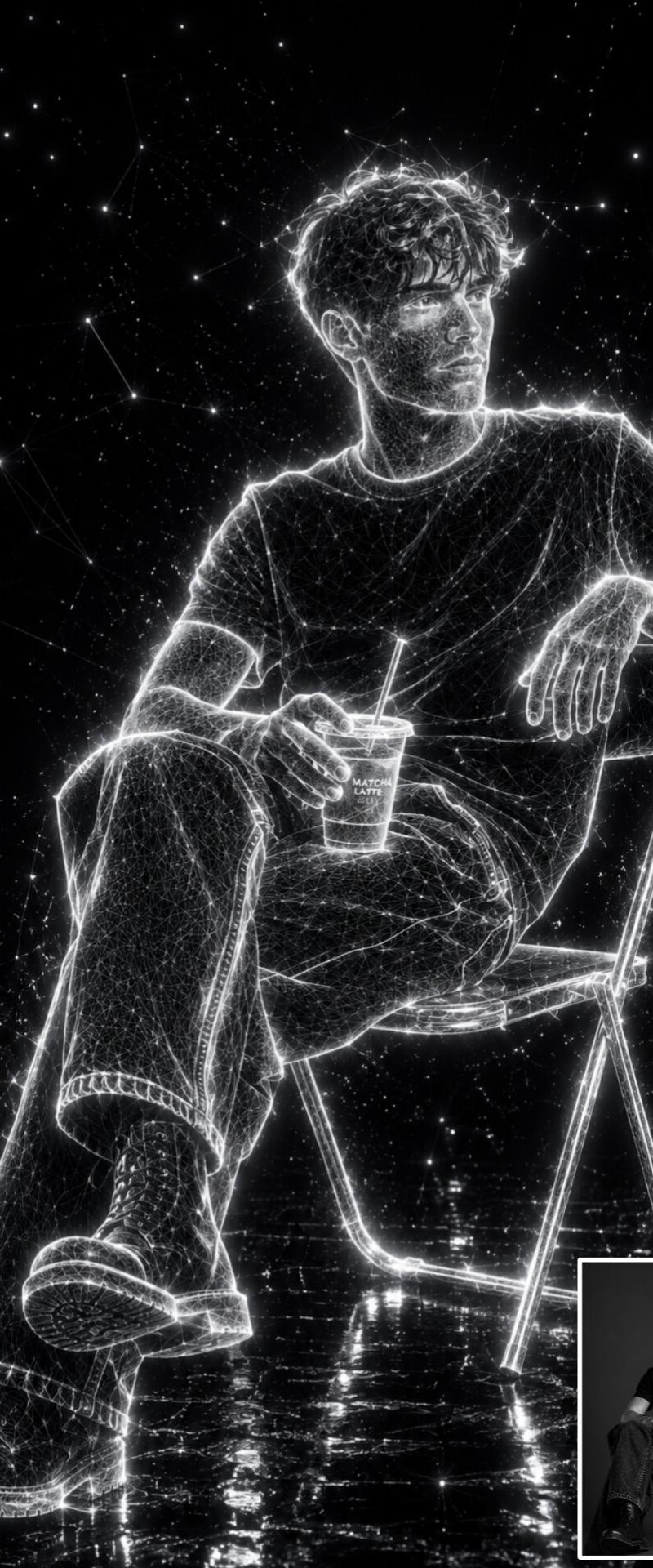
A confident young man sitting casually on a black folding chair in a modern studio, wearing a black blazer, black t-shirt, dark wide-leg jeans, chunky black-and-white sneakers, and stylish black sunglasses. He has thick wavy hair and a relaxed, self-assured pose. Black-and-white portrait photography with selective orange accents. The background is filled with hand-drawn doodles, arrows, stars, lightning bolts, and motivational typography in a bold street-art style. Text elements include: “Dream BIG,” “Stay Wild,” “NO LIMITS,” “BE YOU,” “GOOD VIBES,” “FOCUS,” and “BOY POWER.” High-fashion editorial look, clean white backdrop, sharp lighting, high contrast, trendy social media poster design, motivational aesthetic, ultra-detailed, professional photography.
Category
Charts & Infographics
Model
ChatGPT
Creator
@OrhanGhazi65942
Source language
zh-CN
Views25
Source ID
16597
Published
Jun 23, 2026
Studio

Guide

About "黑白人像橙色点缀街头涂鸦风时尚青年海报"

What is this prompt for?

"黑白人像橙色点缀街头涂鸦风时尚青年海报" AI image prompt for ChatGPT (Charts & Infographics). 一位自信的年轻男子随意坐在现代摄影棚的一张黑色折叠椅上,穿着黑色西装外套、黑色 T 恤、深色阔腿牛仔裤、笨重的黑白运动鞋和时尚的黑色太阳镜。他留着浓密的波浪发,姿态放松…

The full copyable prompt and example visuals above are ready for AI image generation or one-click recreate in Picva.

How to use this prompt

  1. Step 1

    Open the prompt detail

    Review the example visuals, category, and full prompt text for "黑白人像橙色点缀街头涂鸦风时尚青年海报".

  2. Step 2

    Copy the prompt

    Copy the prompt body from this page, or load it directly in Studio.

  3. Step 3

    Pick a model (ChatGPT)

    Prefer ChatGPT. If you switch models, keep subject and composition and tweak style terms.

  4. Step 4

    Generate and export

    Recreate the look in Picva, or export into your workflow for editing and publishing.

FAQ

What is the "黑白人像橙色点缀街头涂鸦风时尚青年海报" prompt?
It is an AI image-generation prompt for ChatGPT in the Charts & Infographics category. This page includes the full prompt text, example visuals, and a one-click recreate path in Picva.
How do I use this prompt to generate an image?
Copy the prompt from this page, or use Generate / Studio. Paste it into a compatible image model, or recreate the look in Picva with optional reference images.
Which model is this prompt for?
This page lists ChatGPT. Most descriptive prompts also transfer to nearby image models such as GPT Image, Flux, or Midjourney with light style tweaks.
Can I use the result commercially?
You can usually copy the prompt for creation, but commercial use of the final image depends on the model terms, reference-image rights, and the generated content. Follow the source author and platform rules.