19

海军蓝黑曜石CCD冷感都市夜行
Enlarge

海军蓝黑曜石CCD冷感都市夜行

Prompt
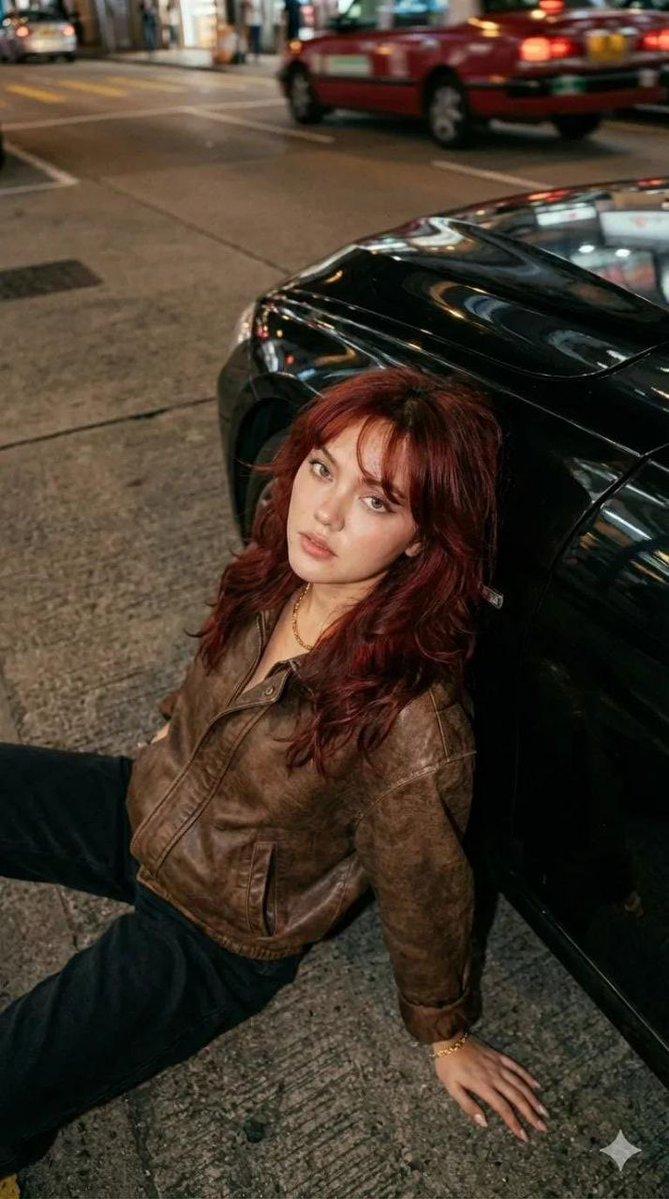
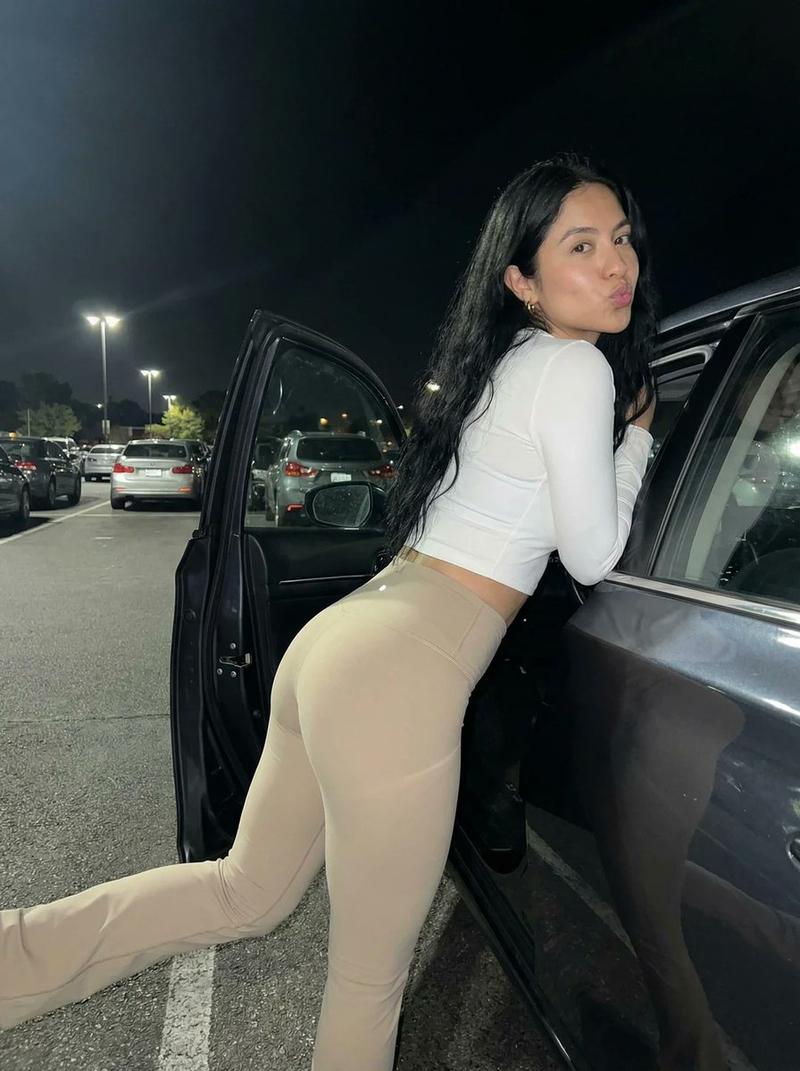
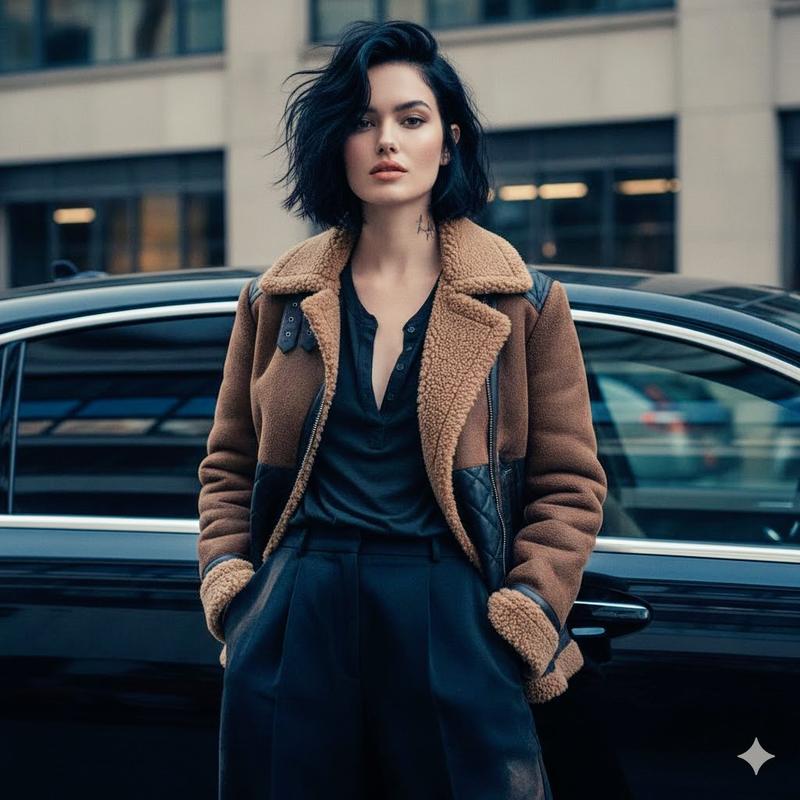
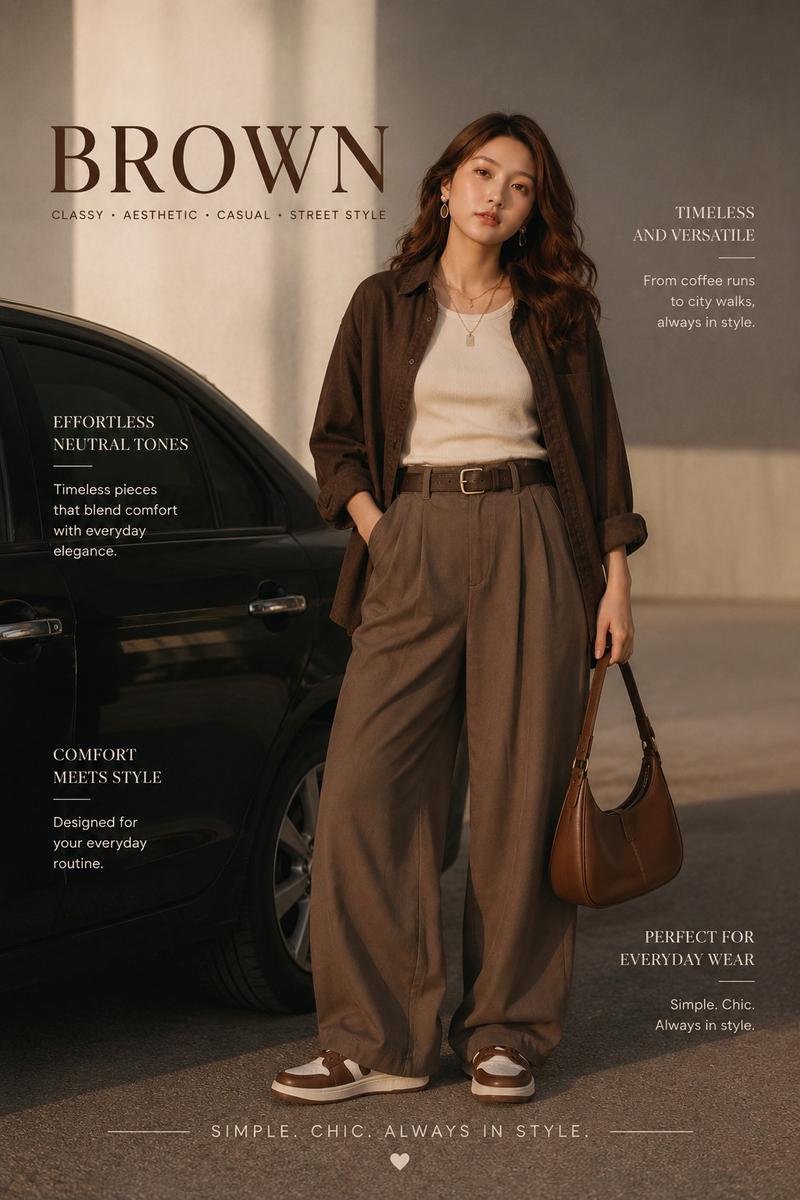
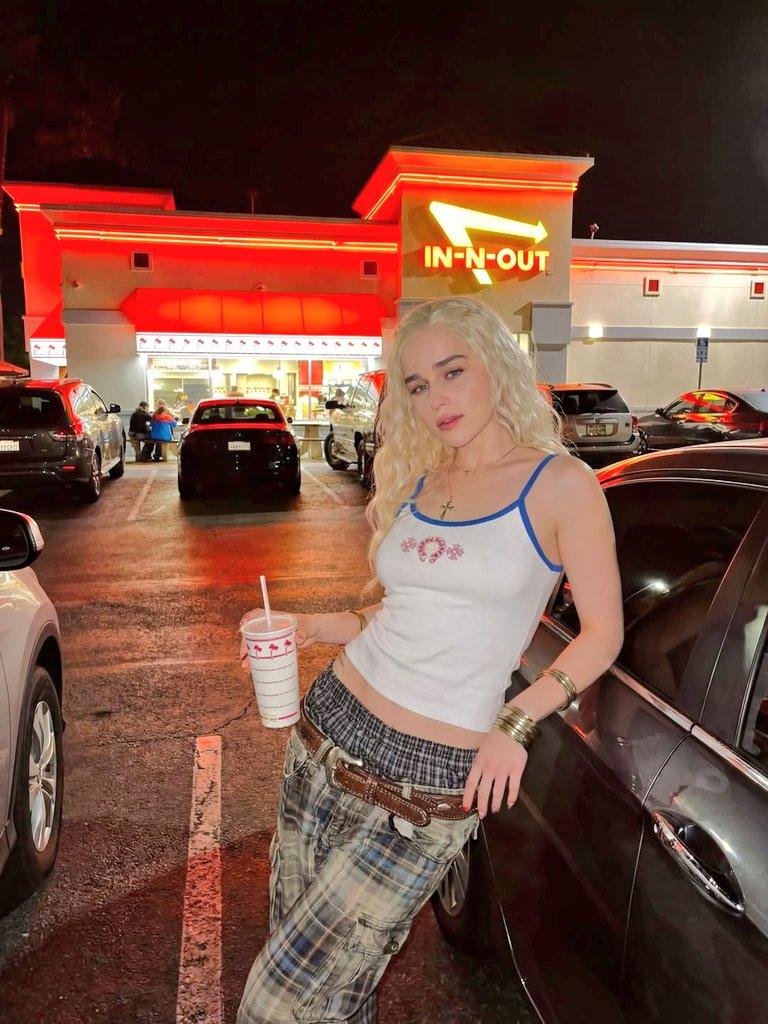
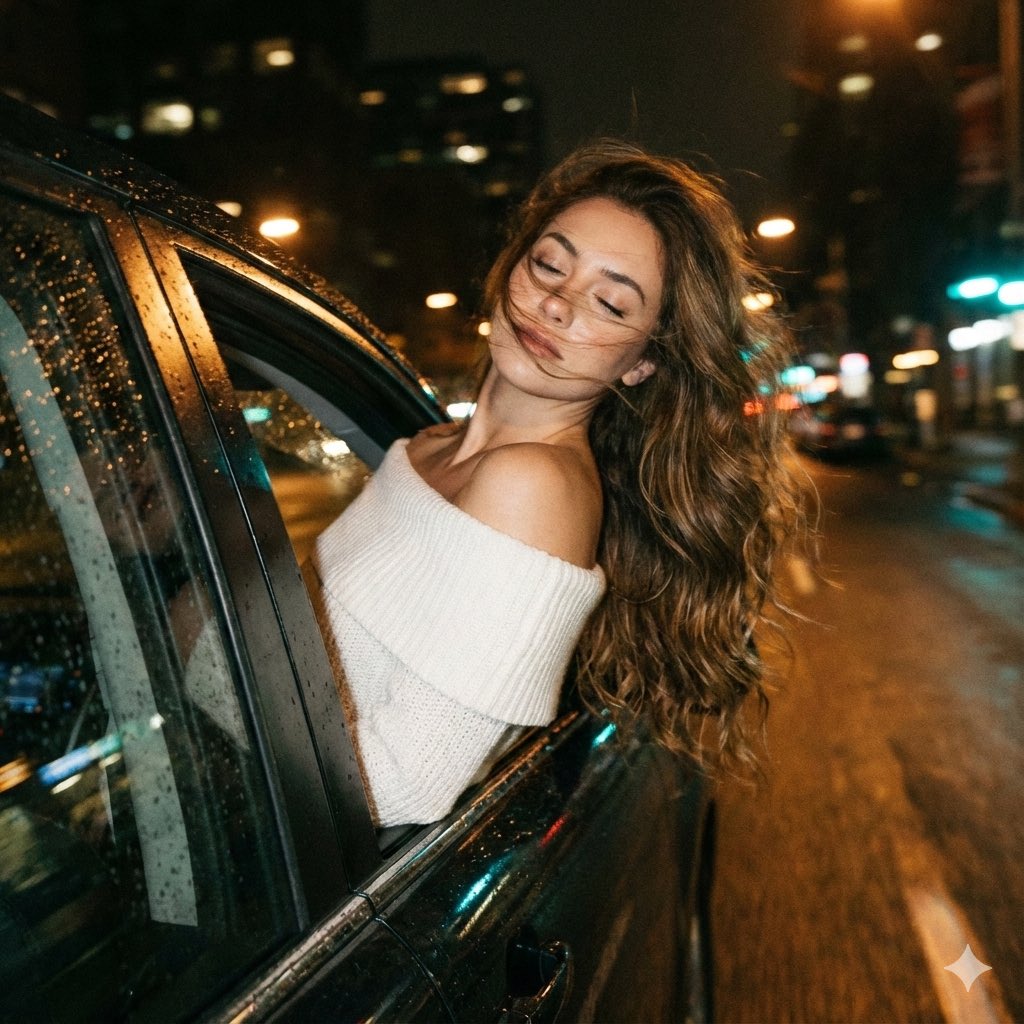
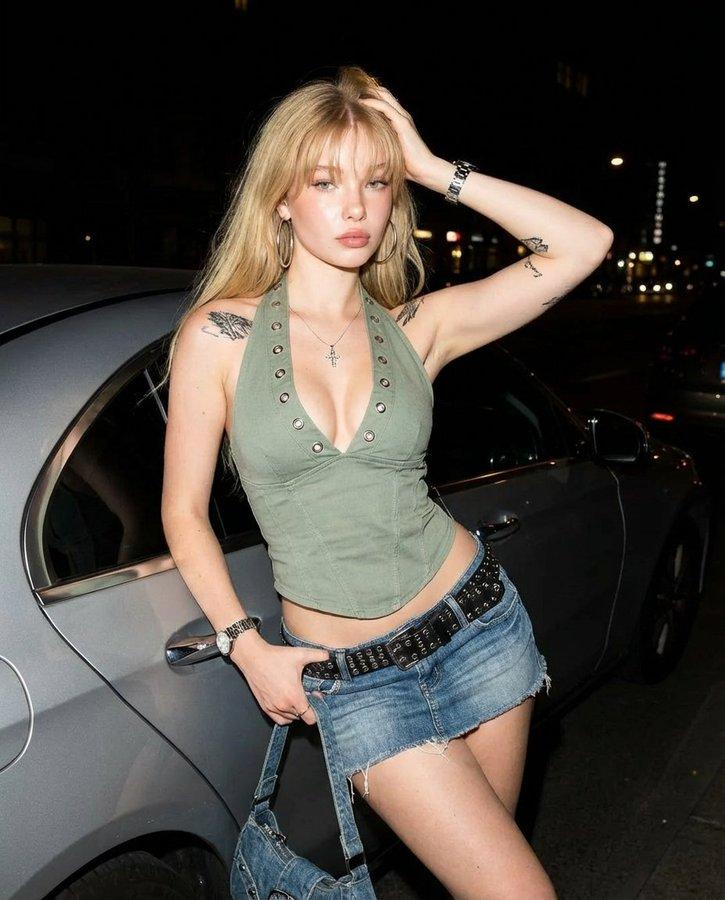
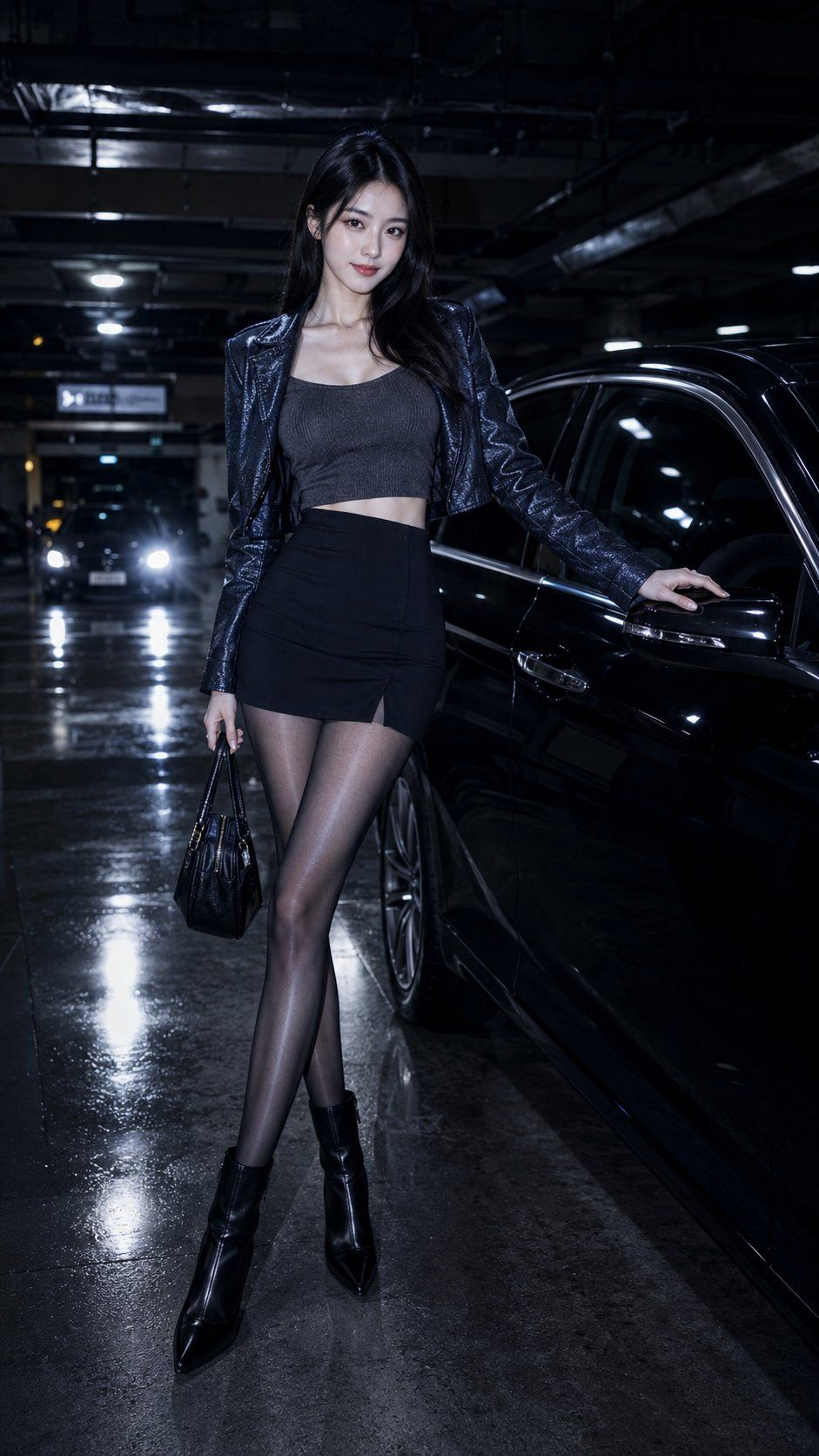
Navy blue obsidian CCD flash filter, low saturation navy obsidian CCD flash, low saturation navy blue night tones and obsidian shadows, cold white direct flash brightening the subject, slight overexposure, light grain, clear reflections on car paint and ground, overall urban cold, sharp, strong night return atmosphere. Subject is a clearly adult young Oriental woman, sharp small oval face, clean facial contours, slender phoenix-like eye shape, eyes are bright but restrained, expression with a slight eyebrow raise and faint smile. Clothing is a black-blue slim-fit short leather jacket over a dark gray knit camisole, bottom is a black high-waisted mini skirt, paired with black-gray thin sheer glossy stockings and pointed ankle boots, overall urban night travel style, not historical. Scene is a luxury underground parking garage at night, next to a black sedan, cold white light reflections on the car body, subtle water reflections on the ground, blurred car lights in the distance. The subject leans against the car door, smiling towards the camera, one hand lightly resting on the car window, the other holding a small bag, body forming a natural S-shaped standing pose. Shot is a full-body close-up, highlighting the bust, waistline, leg length, and car body reflection texture, the image is cold black, sharp, high-end, not messy, not cheap street photography. 9:16
Category
Charts & Infographics
Model
ChatGPT
Creator
@liyue_ai
Views83
Source ID
16950
Published
Jun 28, 2026

Guide

About "海军蓝黑曜石CCD冷感都市夜行"

What is this prompt for?

"海军蓝黑曜石CCD冷感都市夜行" AI image prompt for ChatGPT (Charts & Infographics). 海军蓝黑曜 CCD 闪光灯滤镜,low saturation navy obsidian CCD flash,低饱和海军蓝夜色与黑曜暗部,冷白直闪提亮人物,轻微过曝,轻颗粒,车…

The full copyable prompt and example visuals above are ready for AI image generation or one-click recreate in Picva.

How to use this prompt

  1. Step 1

    Open the prompt detail

    Review the example visuals, category, and full prompt text for "海军蓝黑曜石CCD冷感都市夜行".

  2. Step 2

    Copy the prompt

    Copy the prompt body from this page, or load it directly in Studio.

  3. Step 3

    Pick a model (ChatGPT)

    Prefer ChatGPT. If you switch models, keep subject and composition and tweak style terms.

  4. Step 4

    Generate and export

    Recreate the look in Picva, or export into your workflow for editing and publishing.

FAQ

What is the "海军蓝黑曜石CCD冷感都市夜行" prompt?
It is an AI image-generation prompt for ChatGPT in the Charts & Infographics category. This page includes the full prompt text, example visuals, and a one-click recreate path in Picva.
How do I use this prompt to generate an image?
Copy the prompt from this page, or use Generate / Studio. Paste it into a compatible image model, or recreate the look in Picva with optional reference images.
Which model is this prompt for?
This page lists ChatGPT. Most descriptive prompts also transfer to nearby image models such as GPT Image, Flux, or Midjourney with light style tweaks.
Can I use the result commercially?
You can usually copy the prompt for creation, but commercial use of the final image depends on the model terms, reference-image rights, and the generated content. Follow the source author and platform rules.