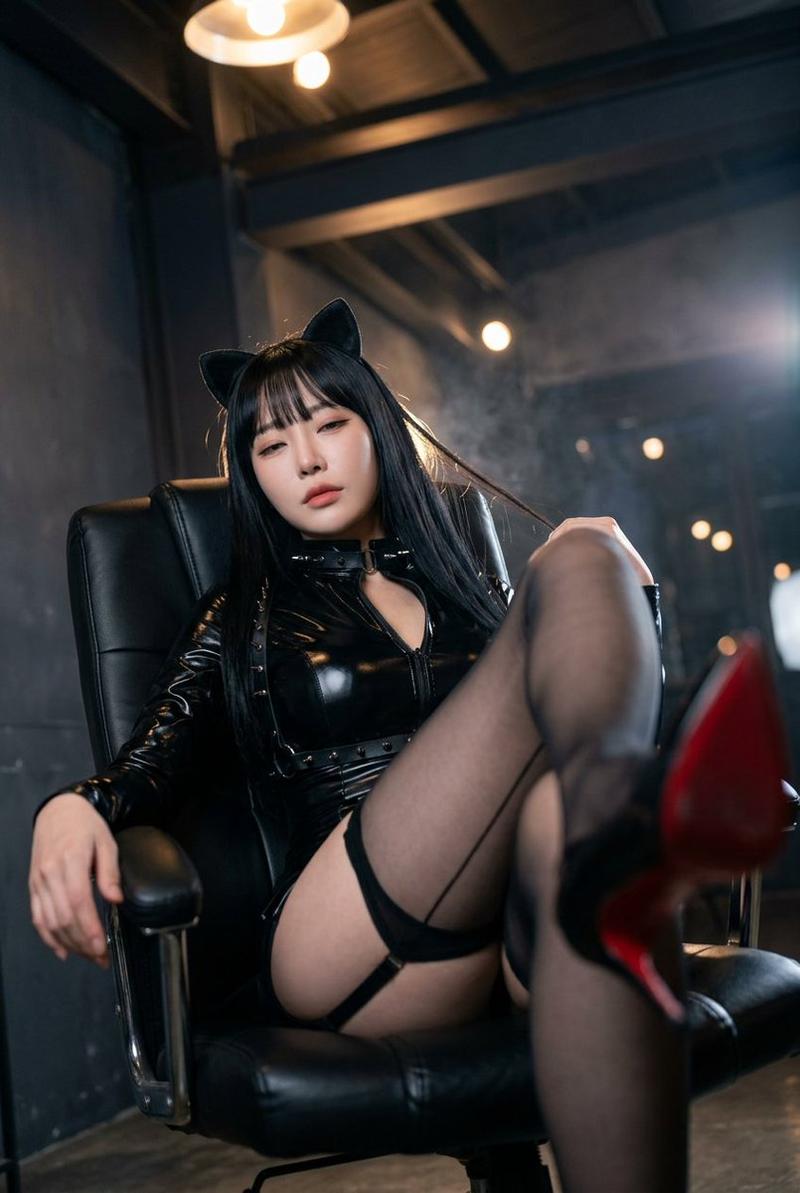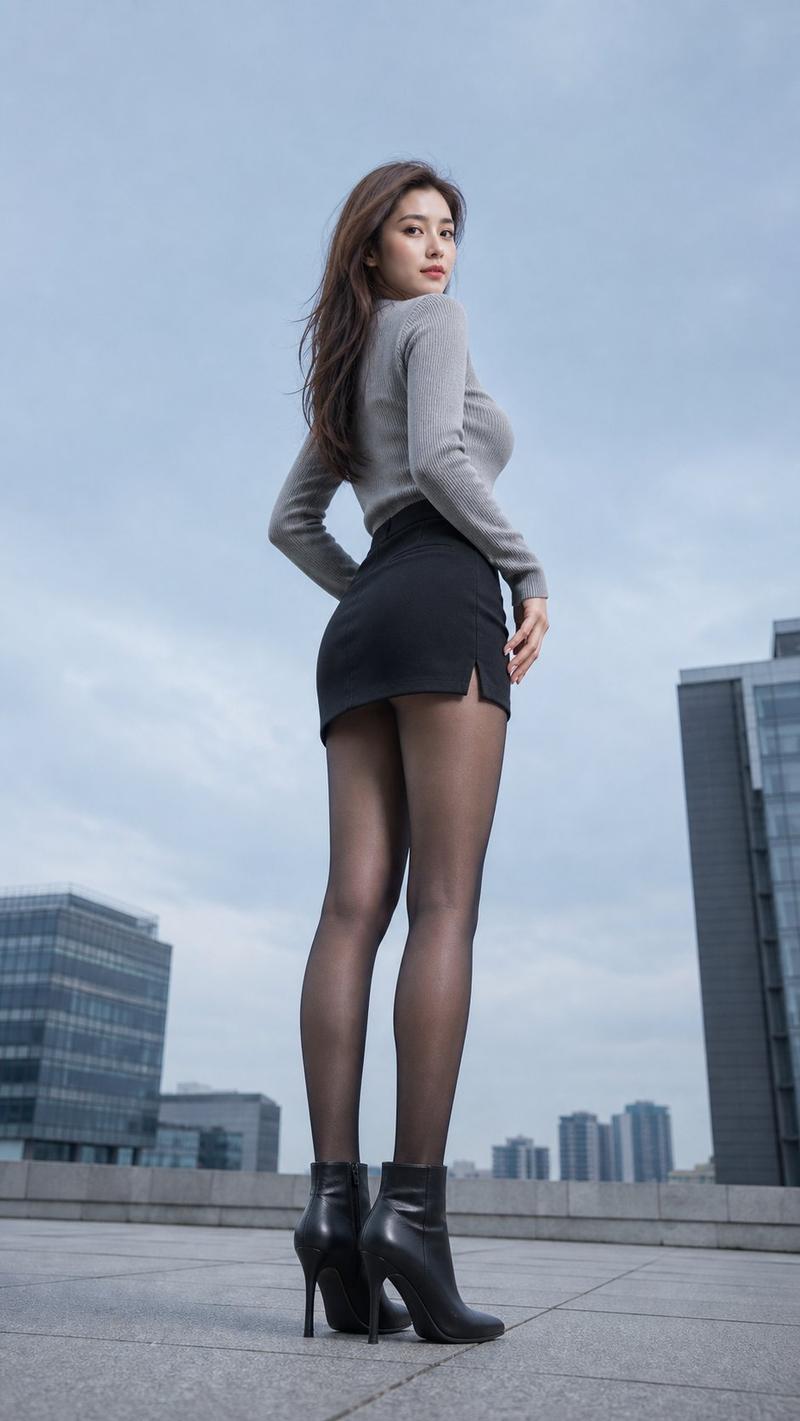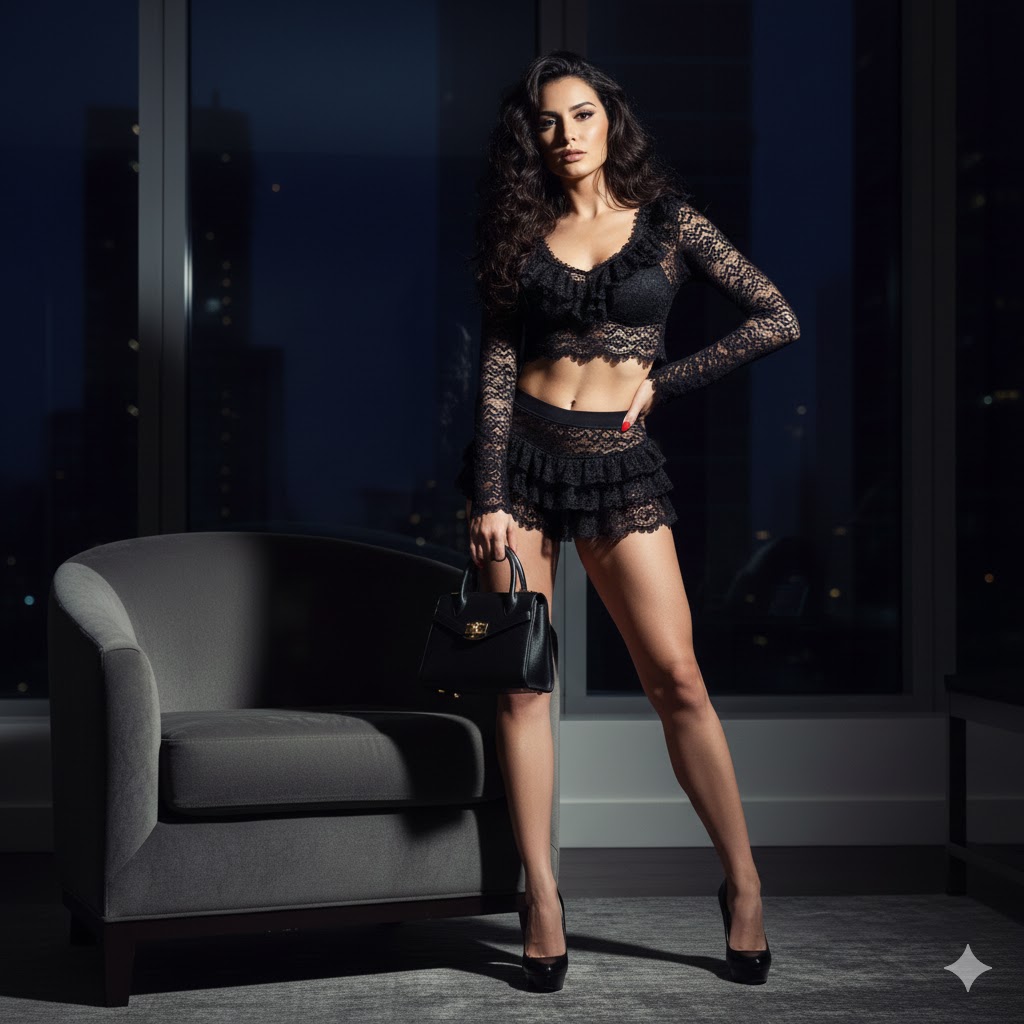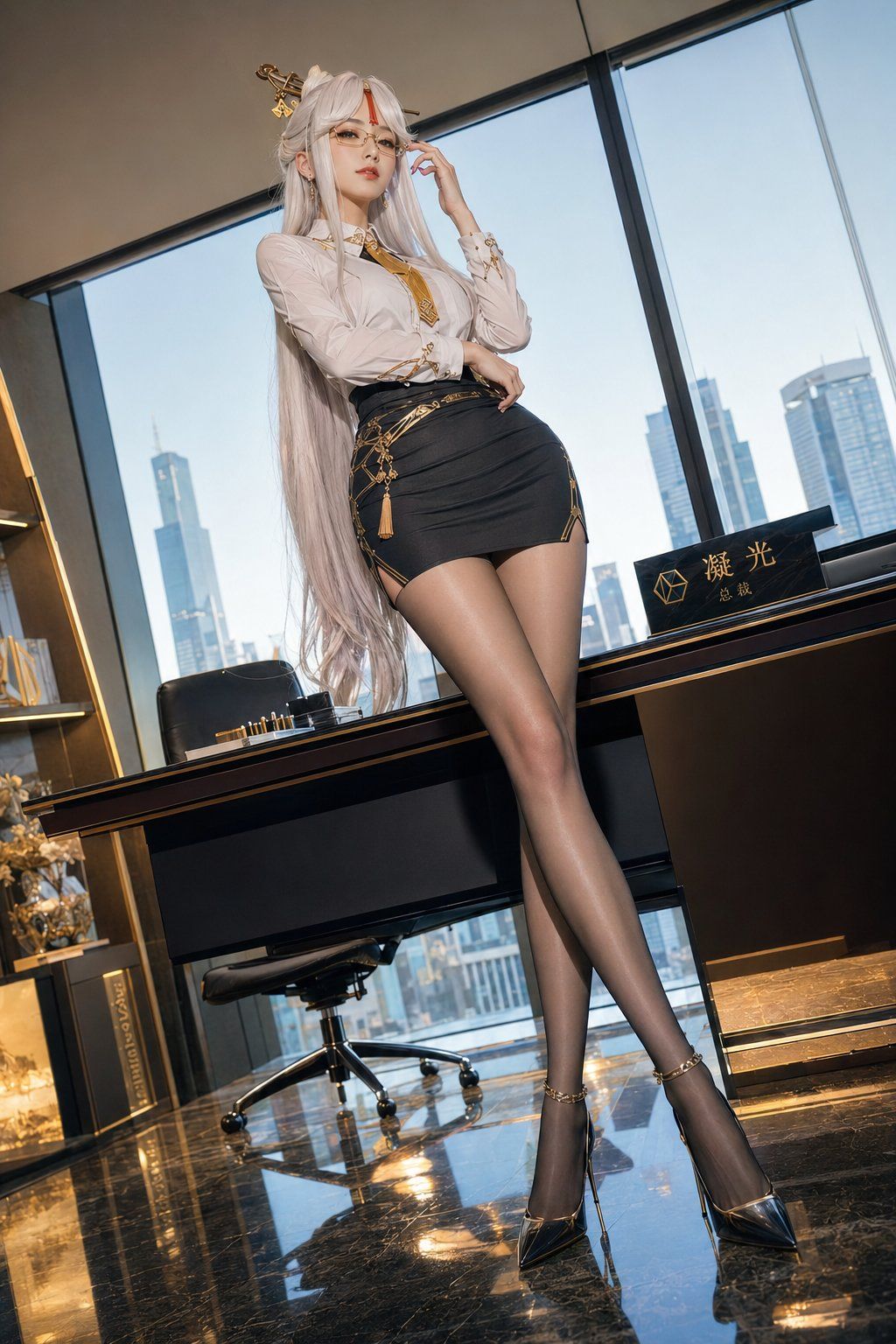
18

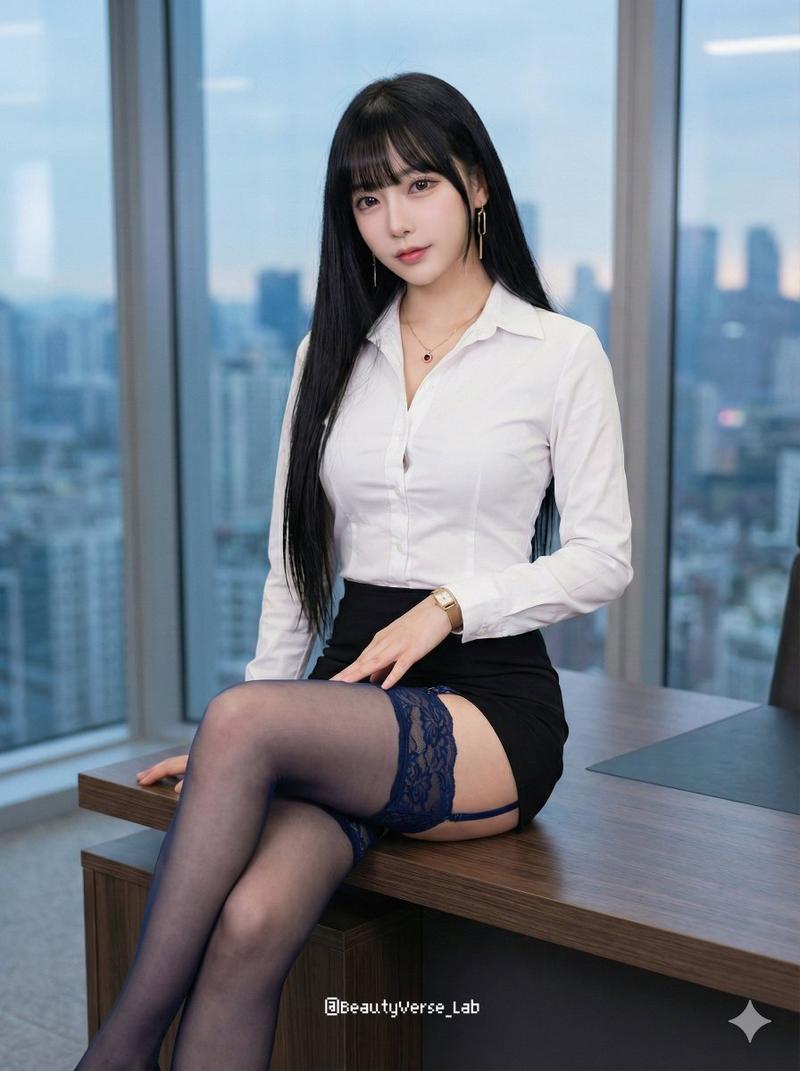
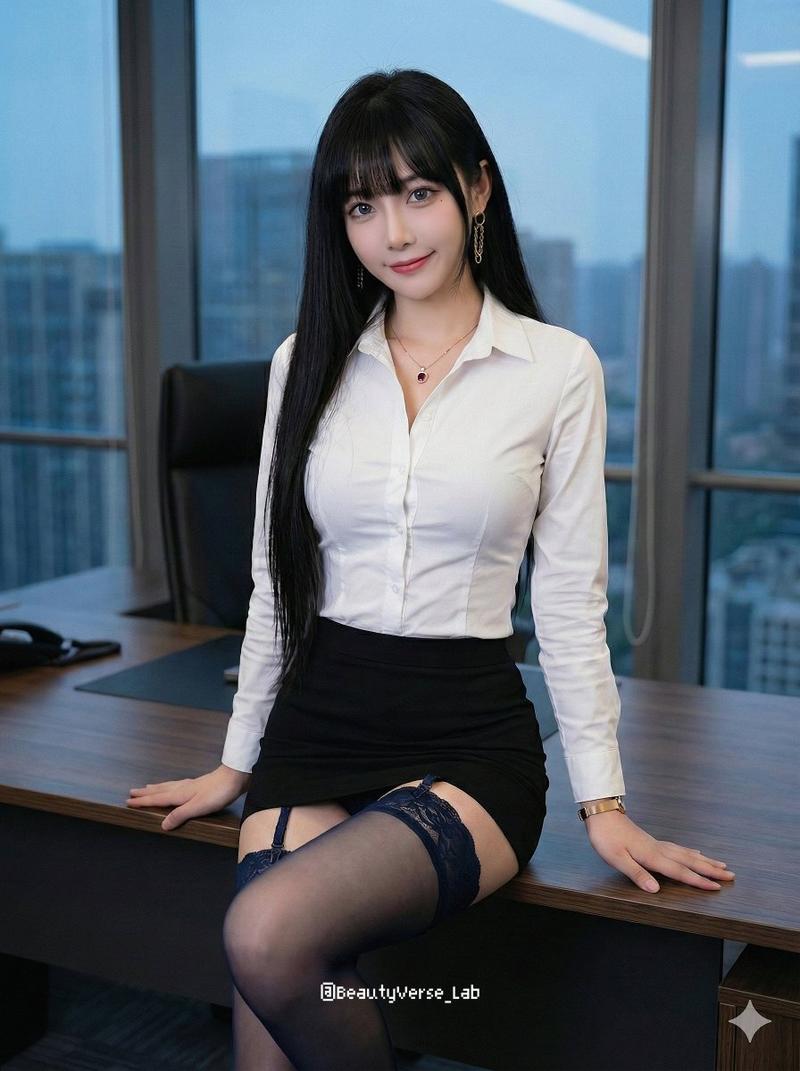
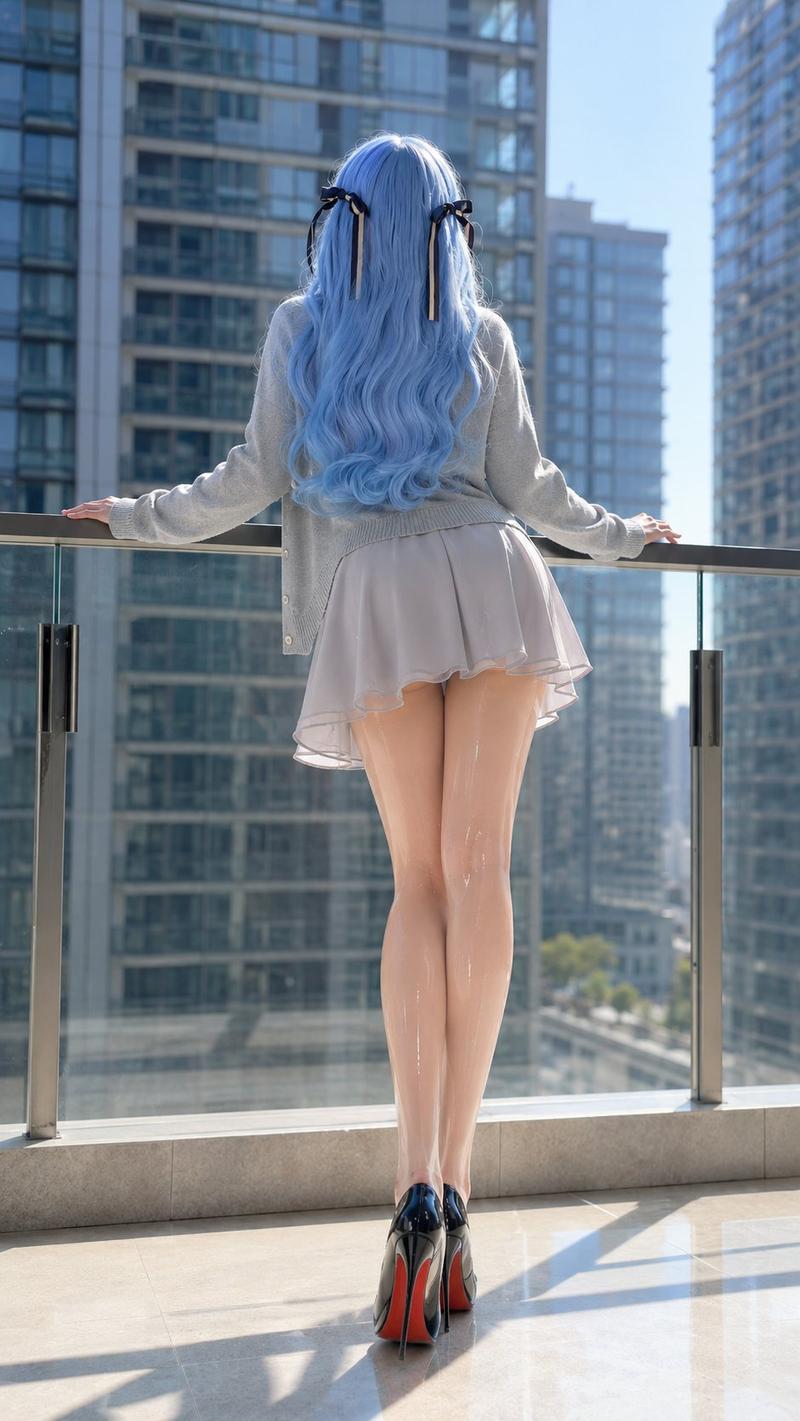
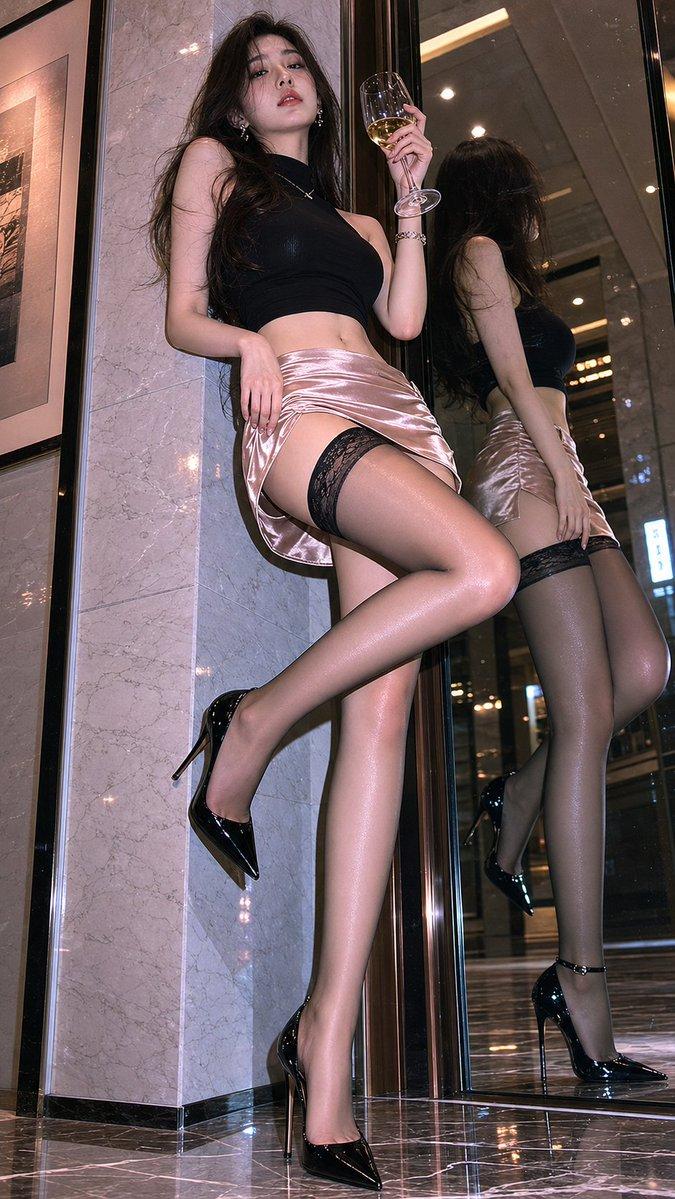
超现实日常编辑摄影原神凝光迪拜泳池比基尼
Enlarge

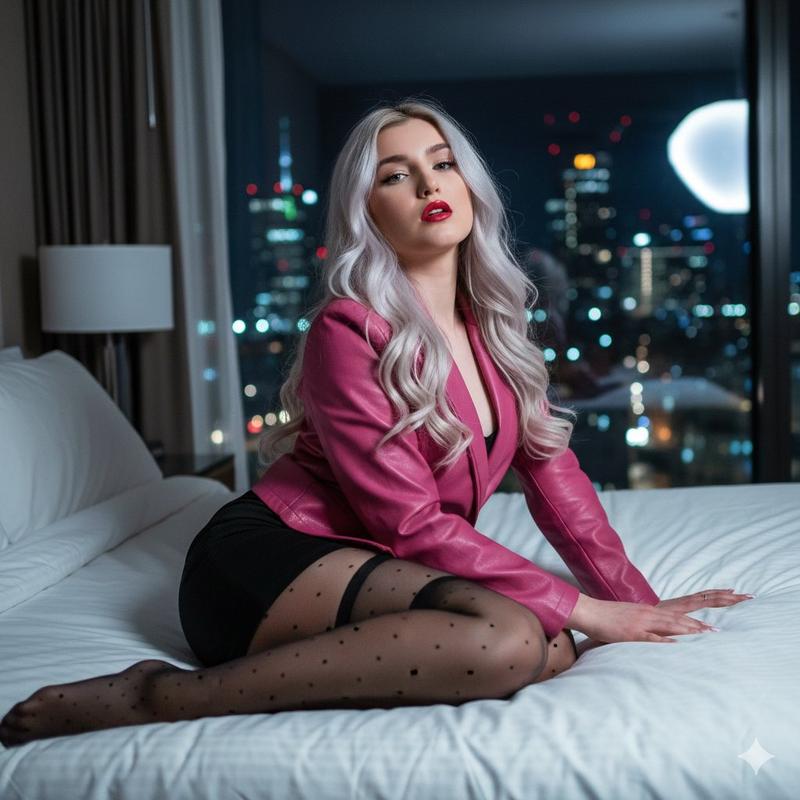
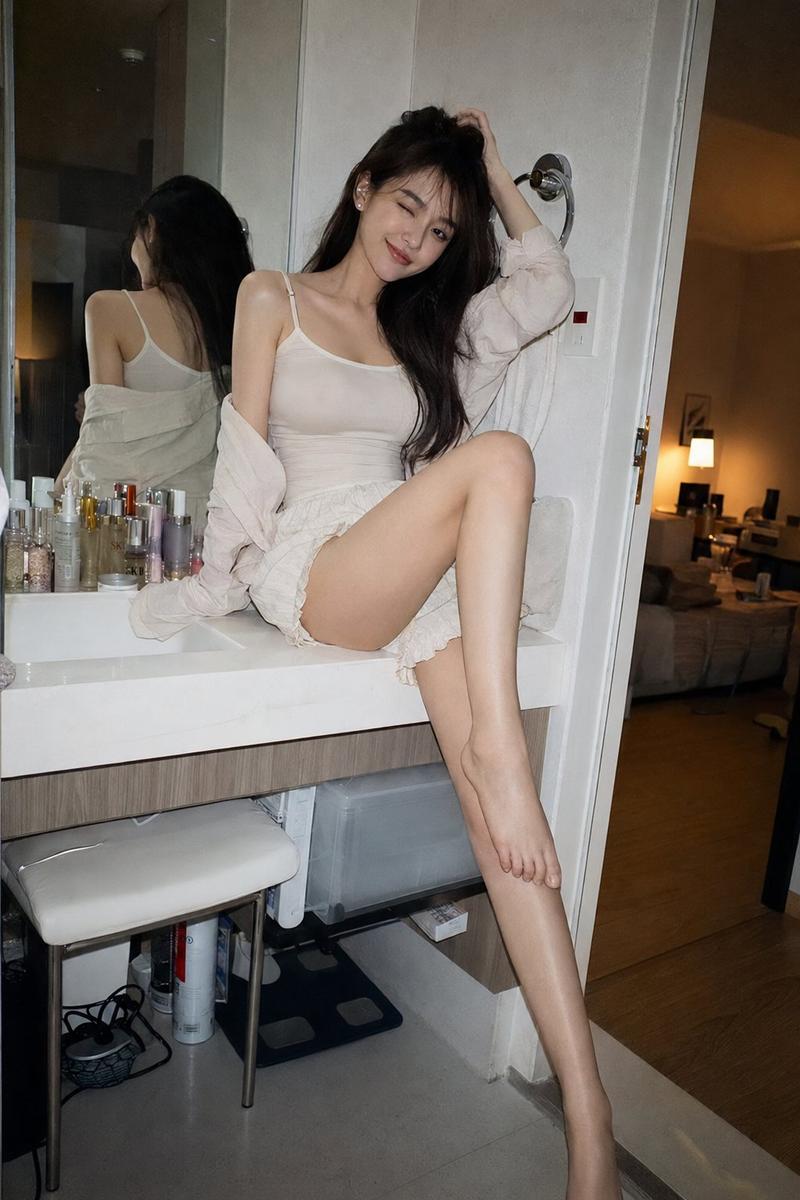
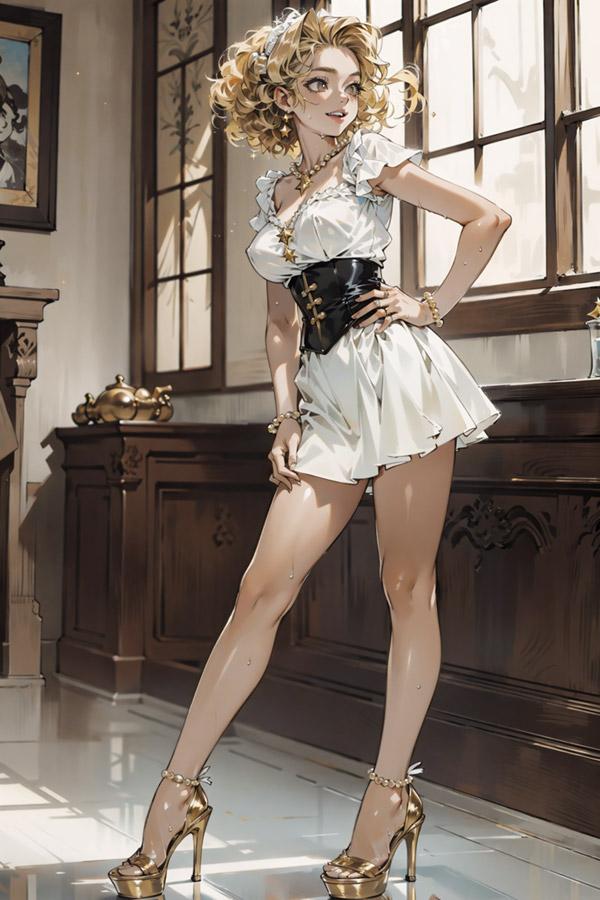
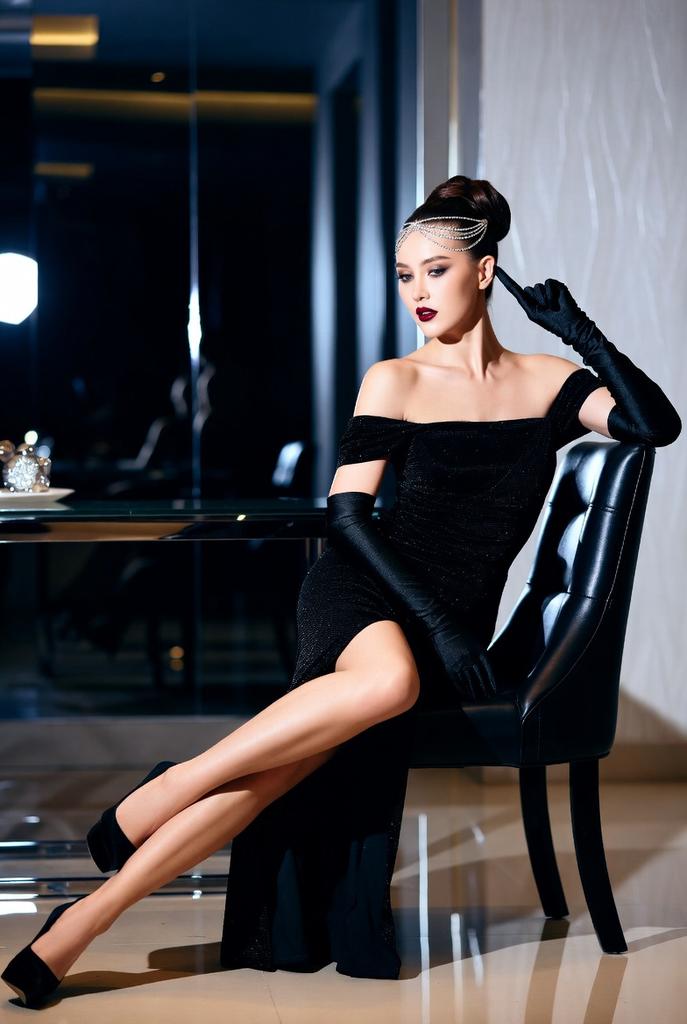
Example images

超现实日常编辑摄影原神凝光迪拜泳池比基尼

Prompt
Surrealist composition daily editorial photography, the protagonist is [Ningguang] from [Genshin Impact], depicted as a female tourist. 

Strict Identity Lock:
Faithfully preserve [Ningguang]'s classic identity to the maximum extent: 
[Classic hair color, length, style],
[Classic eye color],
[Key facial features],
[Iconic accessories or non-human features],
[Personality atmosphere: elegant, playful, majestic, mischievous, shy, dangerous, serene, etc.].
She must maintain an instantly recognizable image.

Scene:
Dubai, skyscraper, infinity pool 

Pose and Action:
Body slightly turned into an S-curve, shoulder and neck elongated, hips slightly pushed to the side, legs crossed and elongated, fingers lightly touching glasses, lips, or the side of the neck, eyes half-lidded staring directly at the camera, a cold, restrained, dangerously seductive siren pose.

Clothing:
Bikini, extending the visual proportion of the legs, adapted to her classic color palette.
Clothing can incorporate subtle patterns inspired by her original outfit, faction, elements, badges, culture, or power, such as bowties, cuffs, hem patterns, or school badge details. If she has ears, horns, halos, hair accessories, or other signature features, keep them visible and naturally integrated.

Photography Style:
CCD direct flash, realistic skin texture, slightly tilted composition, spider-eye view.
Category
Charts & Infographics
Model
ChatGPT
Creator
@0xkyne
Views224
Source ID
16564
Published
Jun 23, 2026

Guide

About "超现实日常编辑摄影原神凝光迪拜泳池比基尼"

What is this prompt for?

"超现实日常编辑摄影原神凝光迪拜泳池比基尼" AI image prompt for ChatGPT (Charts & Infographics). 超现实主义构图日常编辑摄影,主角为[原神]中的[凝光],描绘成女游客 严格身份锁定: 以最大限度忠实保留[凝光]的经典身份: [经典发色、长度、风格], [经典眼色]…

The full copyable prompt and example visuals above are ready for AI image generation or one-click recreate in Picva.

How to use this prompt

  1. Step 1

    Open the prompt detail

    Review the example visuals, category, and full prompt text for "超现实日常编辑摄影原神凝光迪拜泳池比基尼".

  2. Step 2

    Copy the prompt

    Copy the prompt body from this page, or load it directly in Studio.

  3. Step 3

    Pick a model (ChatGPT)

    Prefer ChatGPT. If you switch models, keep subject and composition and tweak style terms.

  4. Step 4

    Generate and export

    Recreate the look in Picva, or export into your workflow for editing and publishing.

FAQ

What is the "超现实日常编辑摄影原神凝光迪拜泳池比基尼" prompt?
It is an AI image-generation prompt for ChatGPT in the Charts & Infographics category. This page includes the full prompt text, example visuals, and a one-click recreate path in Picva.
How do I use this prompt to generate an image?
Copy the prompt from this page, or use Generate / Studio. Paste it into a compatible image model, or recreate the look in Picva with optional reference images.
Which model is this prompt for?
This page lists ChatGPT. Most descriptive prompts also transfer to nearby image models such as GPT Image, Flux, or Midjourney with light style tweaks.
Can I use the result commercially?
You can usually copy the prompt for creation, but commercial use of the final image depends on the model terms, reference-image rights, and the generated content. Follow the source author and platform rules.