20

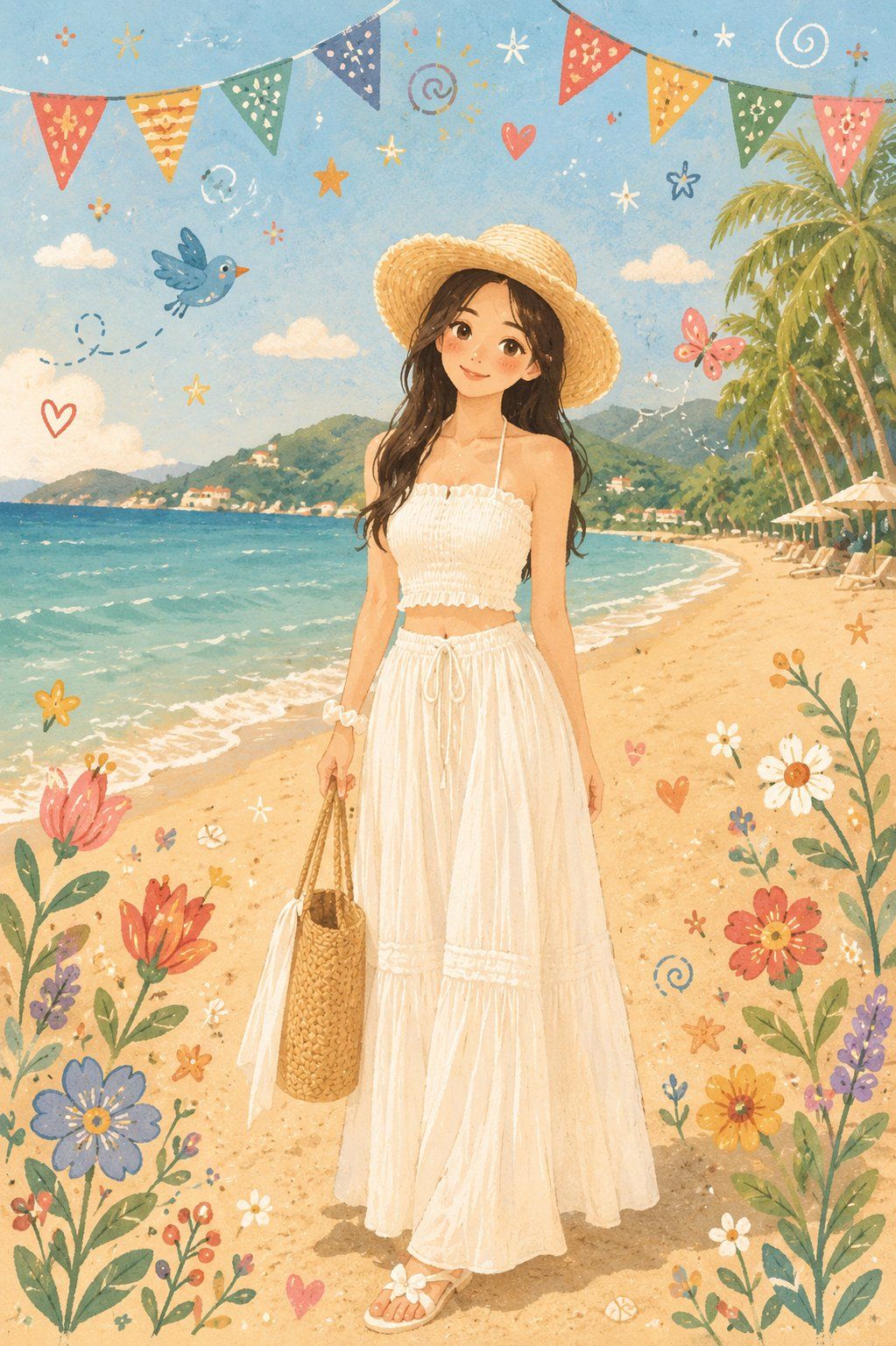
北欧民俗风温暖治愈儿童绘本插画
Enlarge

Example images

北欧民俗风温暖治愈儿童绘本插画

Prompt
Transform this photo into a warm, cozy Nordic Folk Flat Illustration style inspired by Scandinavian Folk Art, modern children's storybooks, soft watercolor textures, and cute hand-drawn doodles. Preserve the original person's identity, pose, clothing, hairstyle, facial expression, composition, and background layout exactly, changing only the visual style into a clean flat illustration. 

Give the character rounded, adorable facial features, rosy cheeks, a gentle smile, and natural hand-painted brush strokes. Use a pastel color palette accented with vibrant colors, and decorate the scene with whimsical flowers, birds, butterflies, hearts, stars, bunting flags, swirls, and playful handwritten doodles. 

Simplify the original background into a charming storybook landscape while maintaining its recognizable setting. Create a warm, dreamy, cheerful, handcrafted illustration with the feel of a contemporary children's picture book and authentic Nordic Folk Art.
Category
Charts & Infographics
Model
ChatGPT
Views29
Source ID
16913
Published
Jun 28, 2026

Guide

About "北欧民俗风温暖治愈儿童绘本插画"

What is this prompt for?

"北欧民俗风温暖治愈儿童绘本插画" AI image prompt for ChatGPT (Charts & Infographics). 将这张照片转换成温暖、舒适的北欧民间扁平插画风格,灵感来自斯堪的纳维亚民间艺术、现代儿童绘本、柔和的水彩纹理和可爱的涂鸦。精确保留原始人物的身份、姿势、服装、发型、面部表情、构…

The full copyable prompt and example visuals above are ready for AI image generation or one-click recreate in Picva.

How to use this prompt

  1. Step 1

    Open the prompt detail

    Review the example visuals, category, and full prompt text for "北欧民俗风温暖治愈儿童绘本插画".

  2. Step 2

    Copy the prompt

    Copy the prompt body from this page, or load it directly in Studio.

  3. Step 3

    Pick a model (ChatGPT)

    Prefer ChatGPT. If you switch models, keep subject and composition and tweak style terms.

  4. Step 4

    Generate and export

    Recreate the look in Picva, or export into your workflow for editing and publishing.

FAQ

What is the "北欧民俗风温暖治愈儿童绘本插画" prompt?
It is an AI image-generation prompt for ChatGPT in the Charts & Infographics category. This page includes the full prompt text, example visuals, and a one-click recreate path in Picva.
How do I use this prompt to generate an image?
Copy the prompt from this page, or use Generate / Studio. Paste it into a compatible image model, or recreate the look in Picva with optional reference images.
Which model is this prompt for?
This page lists ChatGPT. Most descriptive prompts also transfer to nearby image models such as GPT Image, Flux, or Midjourney with light style tweaks.
Can I use the result commercially?
You can usually copy the prompt for creation, but commercial use of the final image depends on the model terms, reference-image rights, and the generated content. Follow the source author and platform rules.
