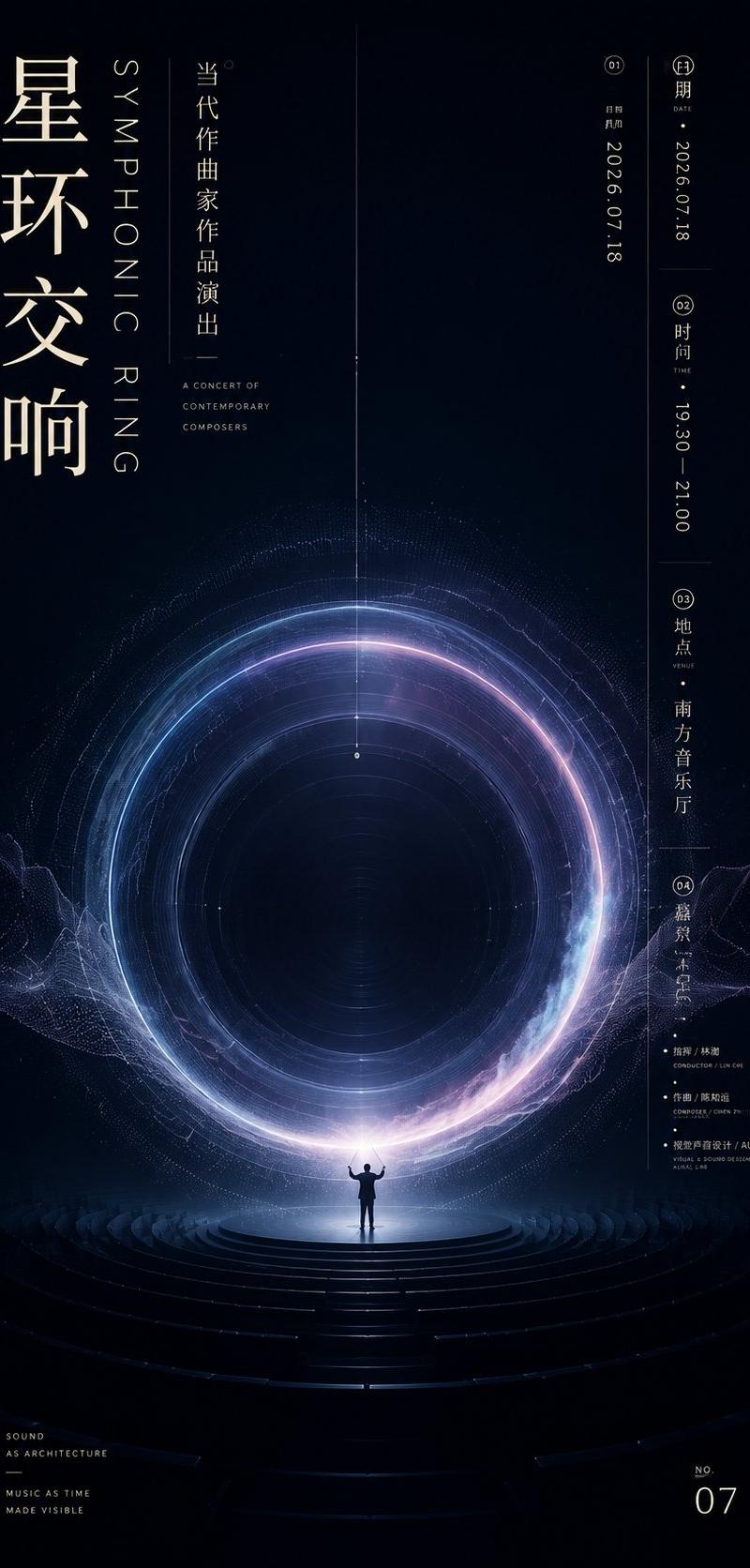
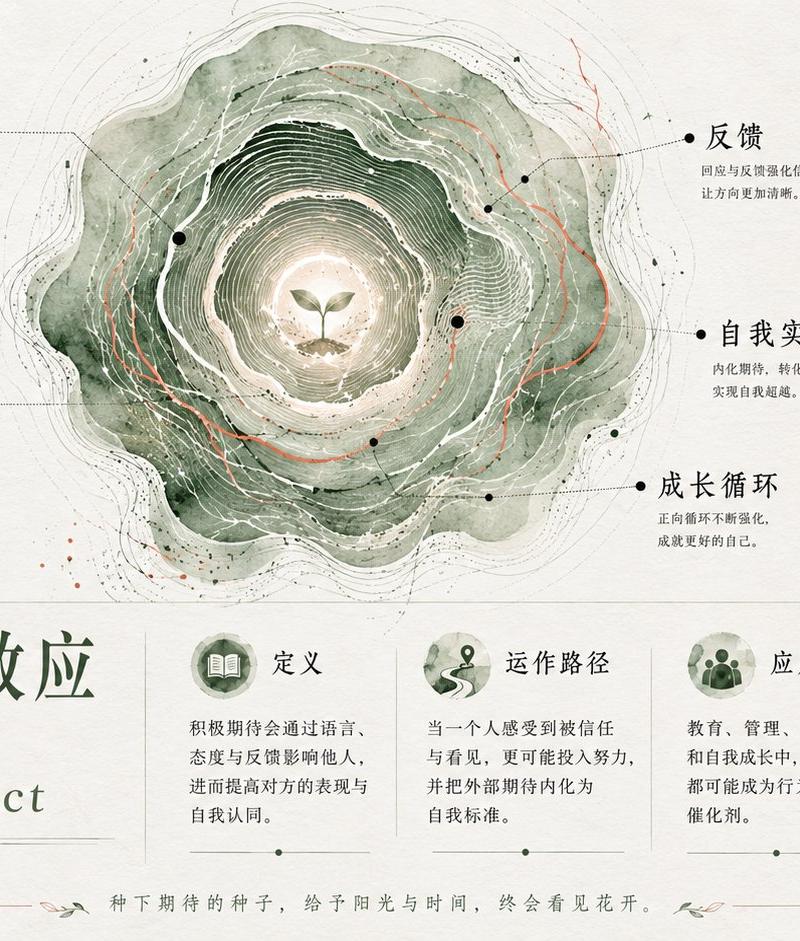
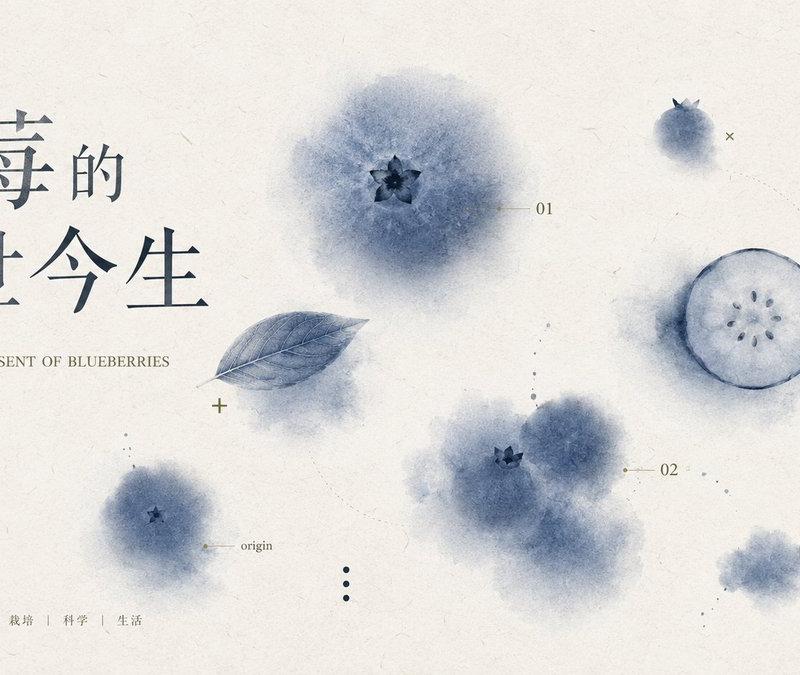
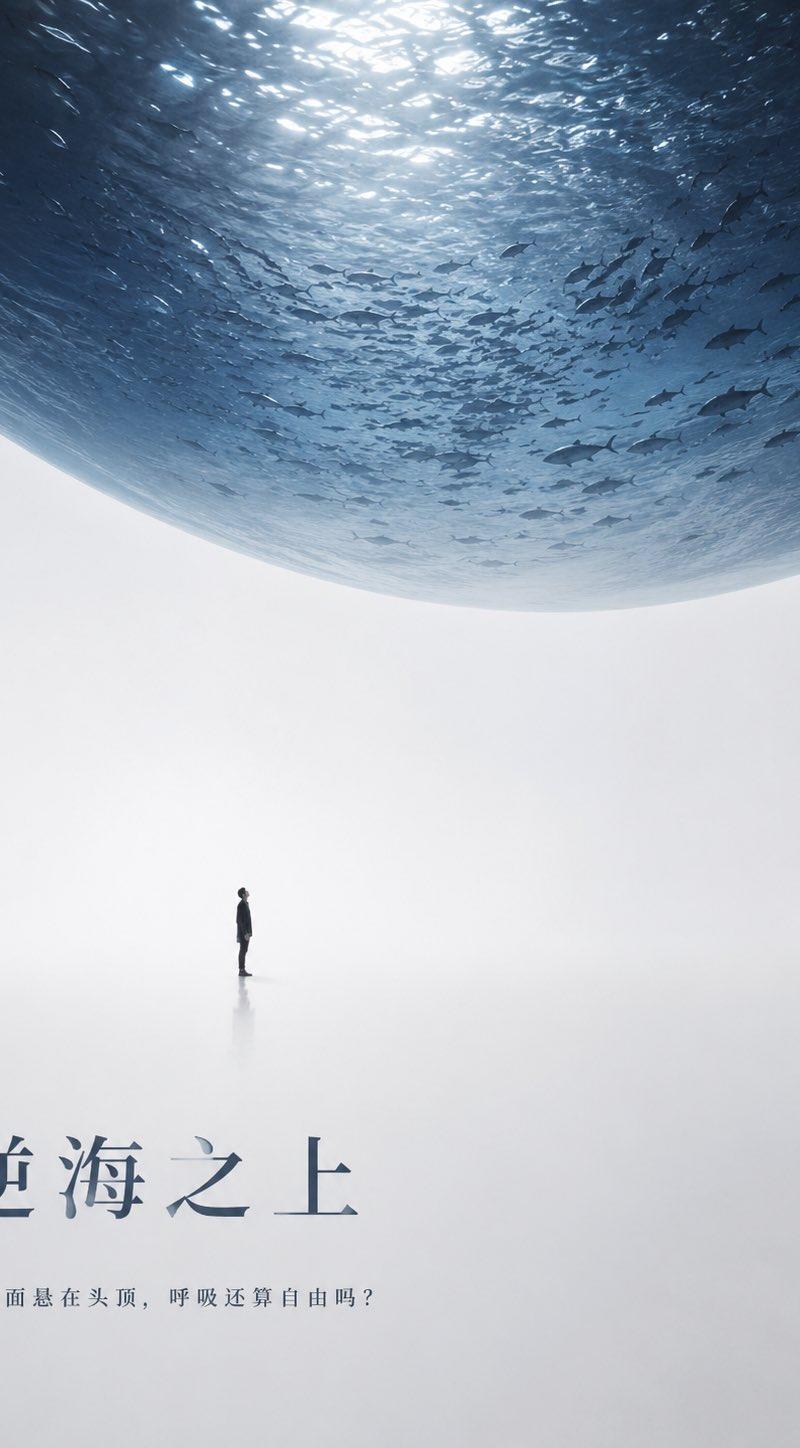
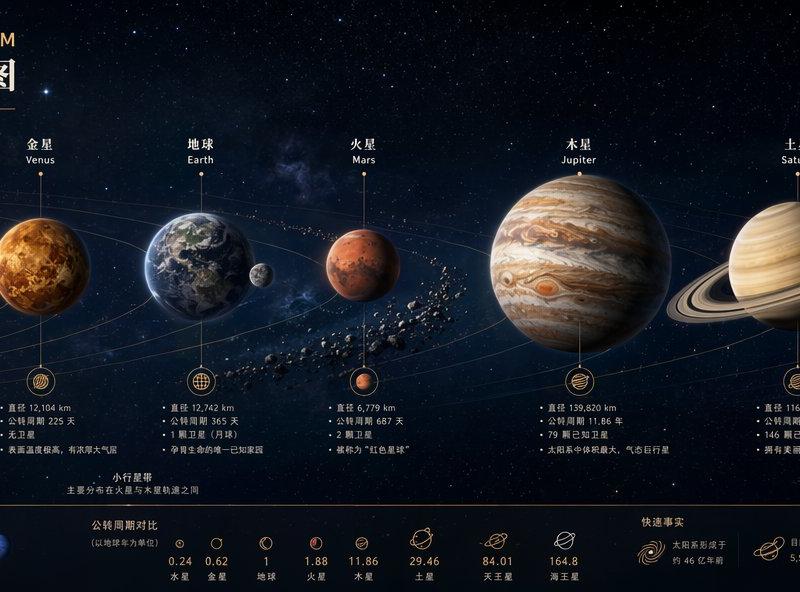
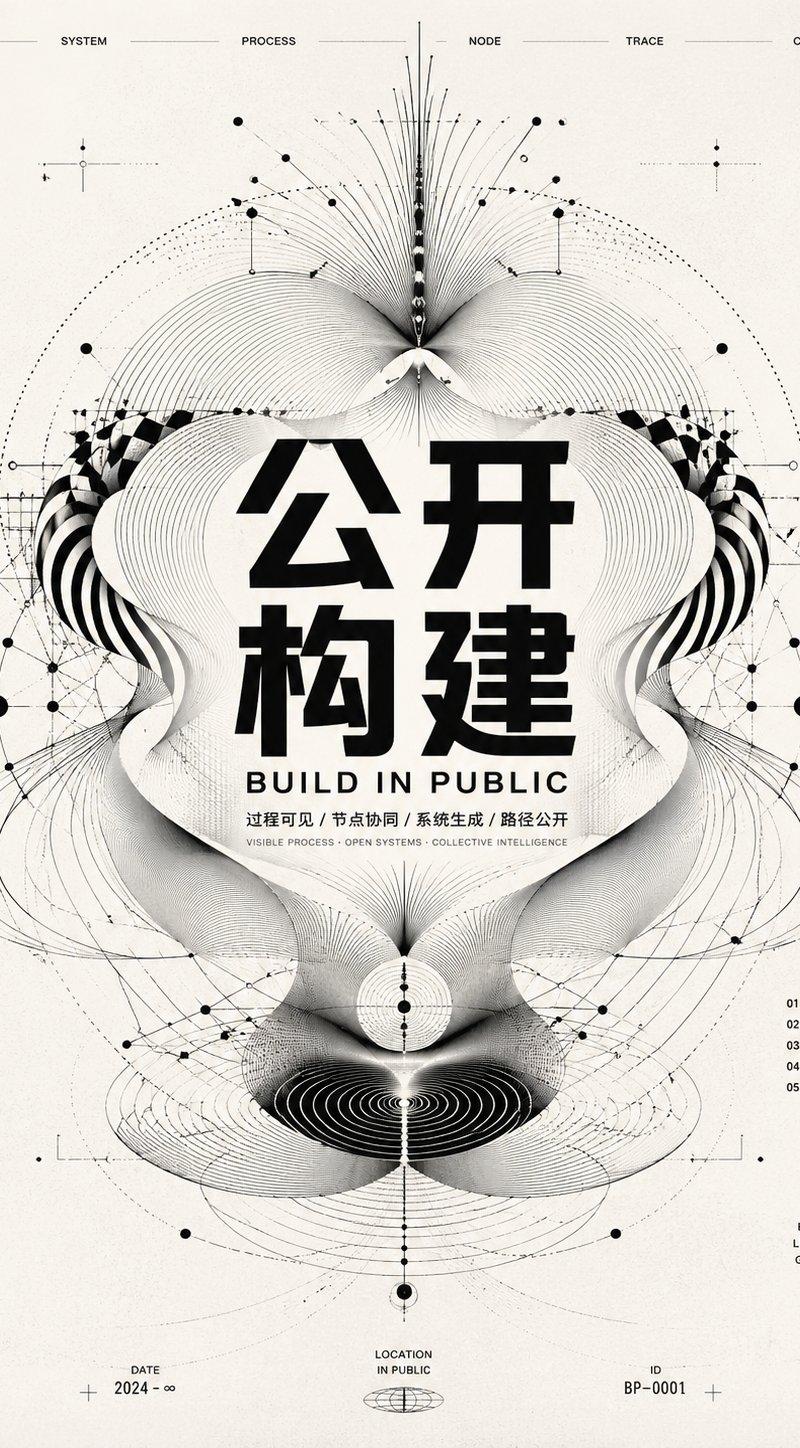
东方当代视觉曜变天目特展海报
Prompt
Generate an Oriental contemporary visual image with a strong sense of information around any subject object: let the subject object become a close-up circular or annular main carrier, occupying the core of the screen and featuring an enlarged deep surface, with internal textures like minerals, glaze, celestial bodies, liquids, or fine pores and light spots formed by the theme material itself. On the outside, another larger similar form appears, cropped at the edge, revealing only a partial curved surface, creating a first-glance impact of 'a giant object pressing in, the core object being revealed'. The background maintains a large area of clean dark base, leaving enough negative space to support the main subject and text; high-light textures derived from the theme are concentrated only on the circular main carrier and a few focal areas, small in area but clear in brightness, forming a calm, mysterious, and precise sense of clear secret ritual. Colors are extracted from the theme's own material, emotion, and cultural signals: dark structural colors are responsible for stabilizing the space, the main carrier carries the medium-to-high saturation luminous layer of the theme color, a few bright accent colors light up the texture, and the text and information layers use high-brightness clean colors, preserving large dark surfaces, small highlights, strong brightness differences, clear color gradations, and glossy transparent layers, avoiding muddy, gray, dirty, and stale textures. Typography uses oversized bold Chinese characters as edge visual anchors, with some characters cropped out of the frame; the central main title falls word by word along the axis and passes through the main carrier, and small-font explanatory text is compressed into clear sidebars and bottom information blocks, with thickness, size, and density forming a strong rhythm; text is not just explanation, but presses down on the screen like white structural beams. The overall completion level should be like a high-specification cultural exhibition or art release visual, with a clean black field, sharp edges, the main subject having glaze-like glimmer and detail density, complex information but clear levels, and core graphics, giant text, fine textures, and white space together creating a solemn, strange, and memorable visual moment. —————— Content to create: Yohen Tenmoku Tea Bowl Special Exhibition Poster, highlighting the blue star spots and annular mystery inside the black glaze bowl. Exhibition use: Art museum main visual and social media preview, information volume remains like formal exhibition news. Retained text: Main title can be 'Secrets of Yohen Tenmoku', date, location, and small text information clearly readable. Dimensions: Vertical version 9:16
- Category
- Charts & Infographics
- Model
- ChatGPT
- Creator
- @xiaoxiaodong01
- Source language
- zh-CN
- Source ID
- 16784
- Published
- Jun 25, 2026
Views31