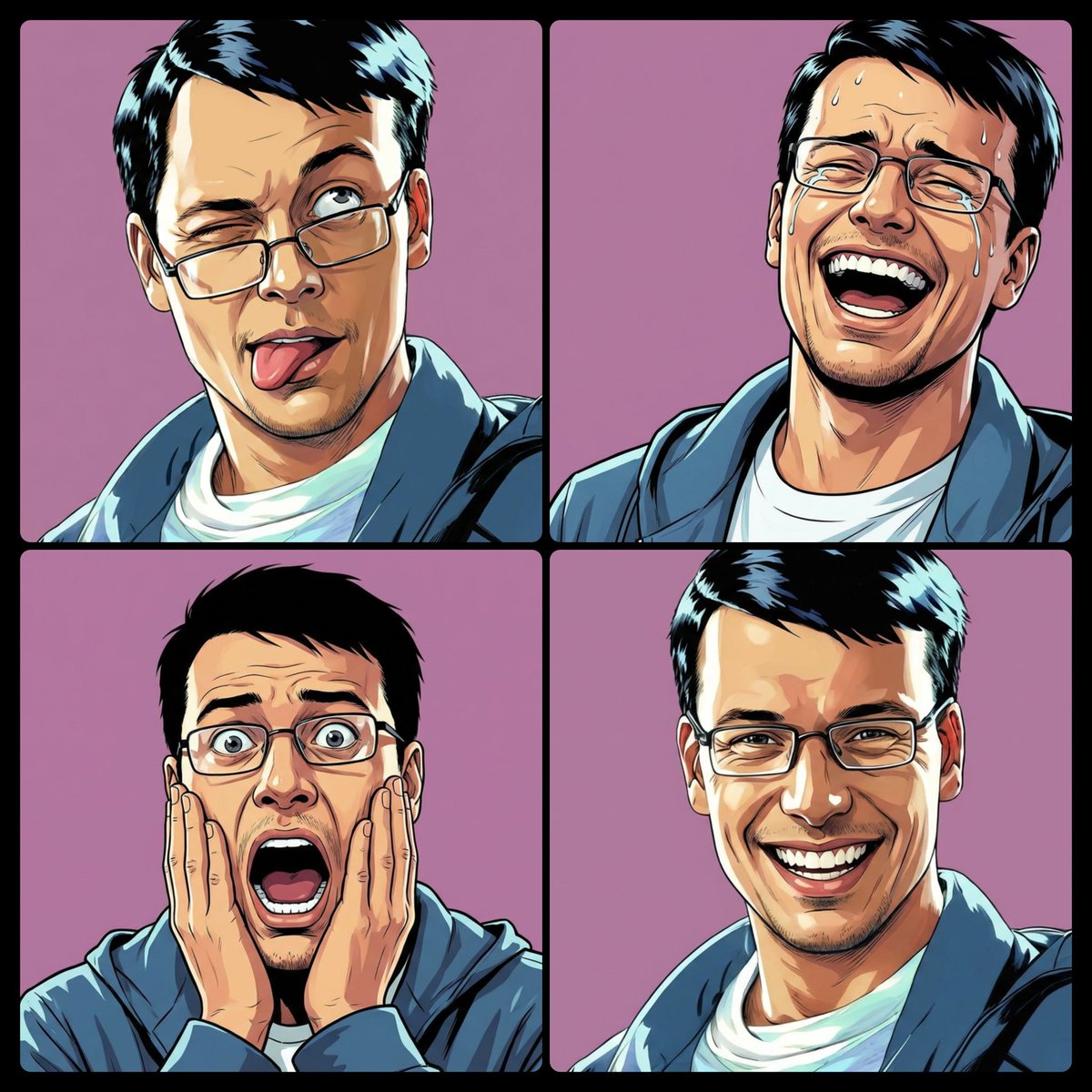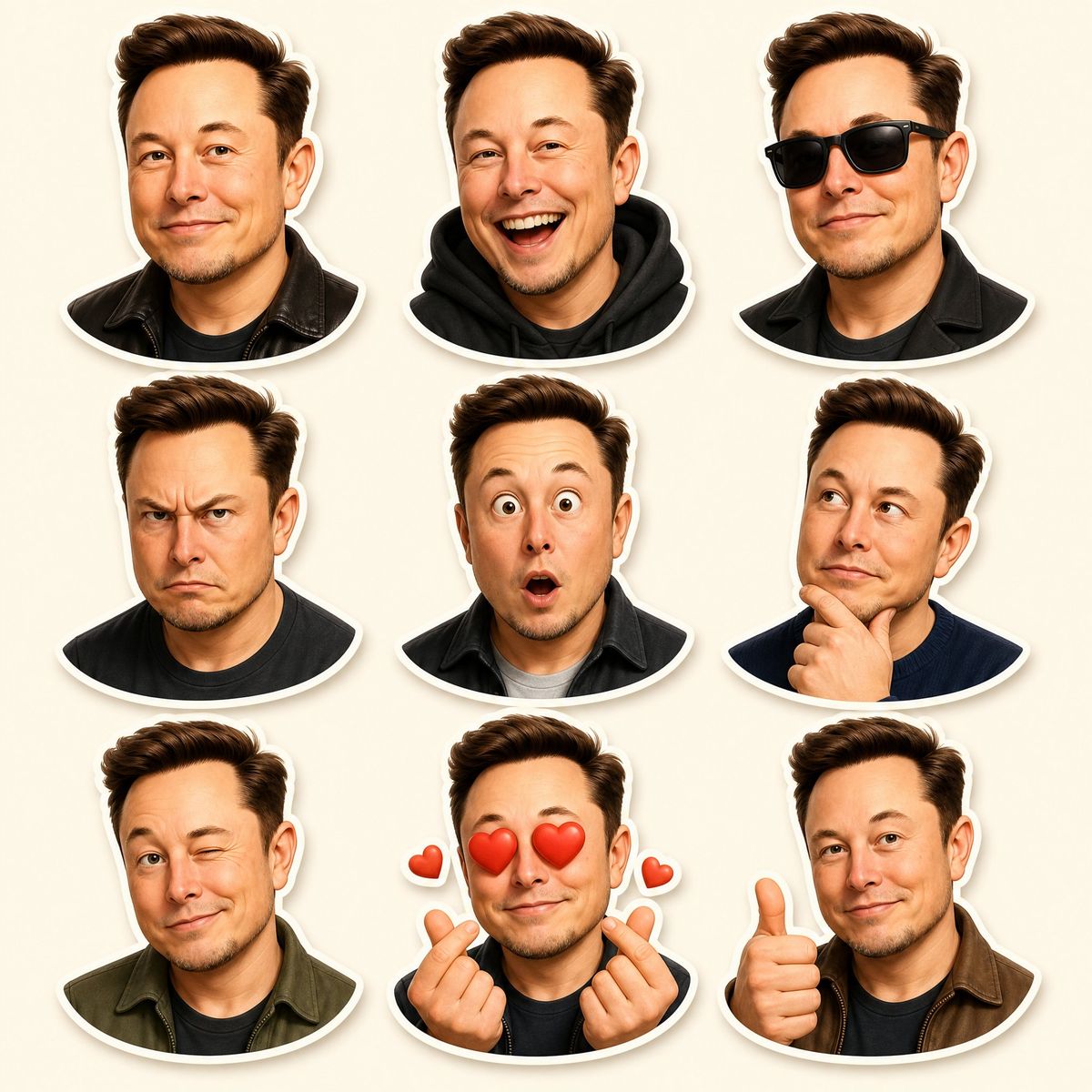
皮克斯风格3D角色贴纸集制作
Prompt
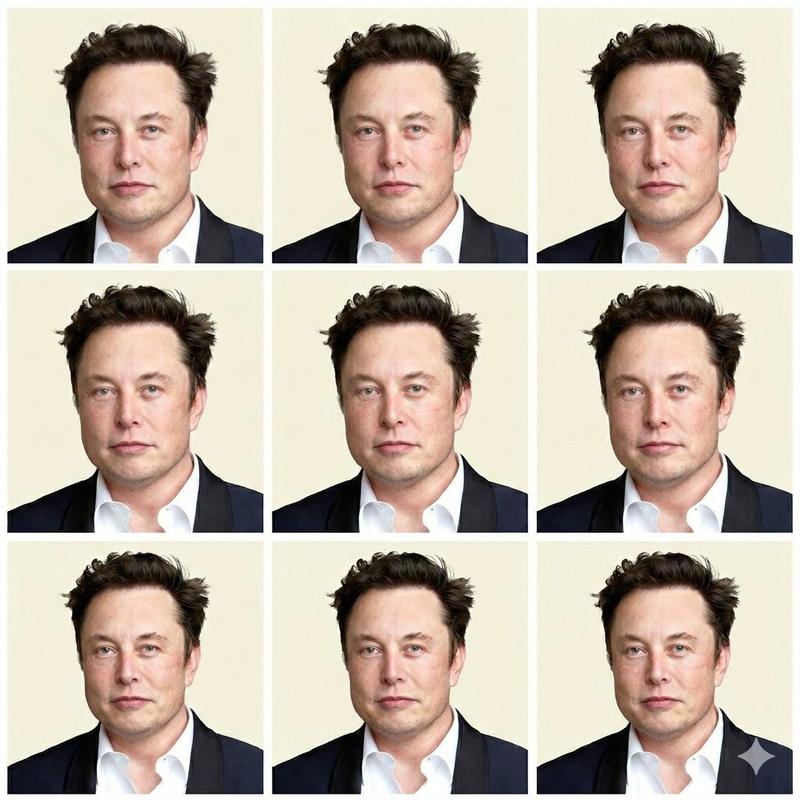
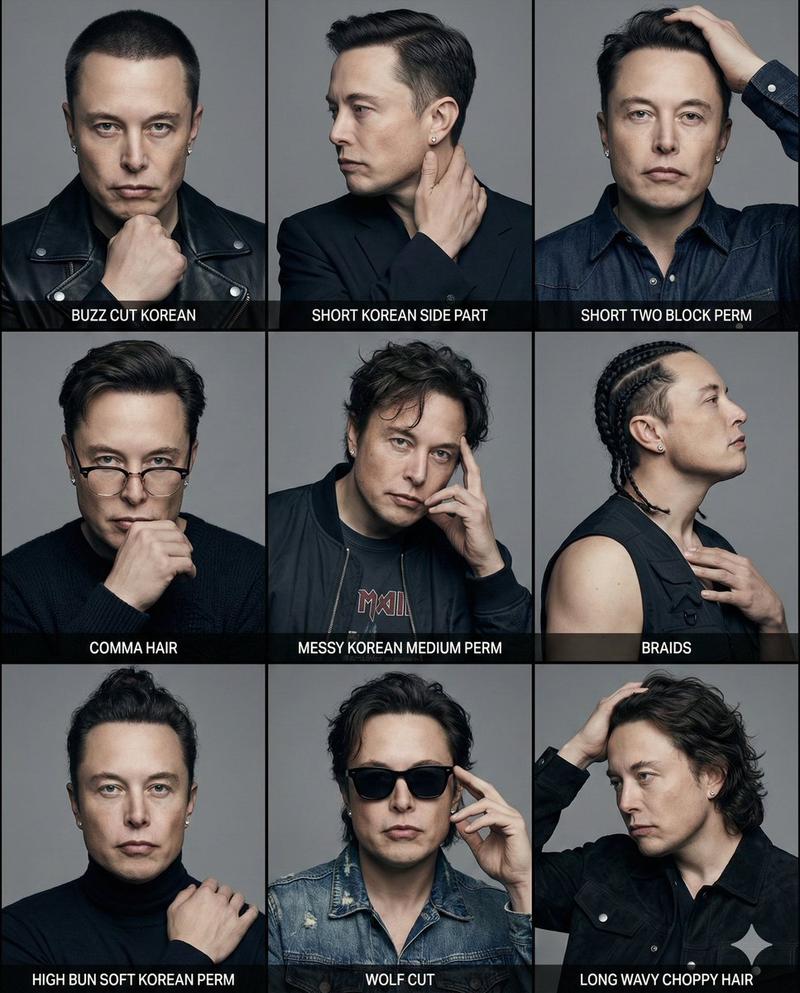
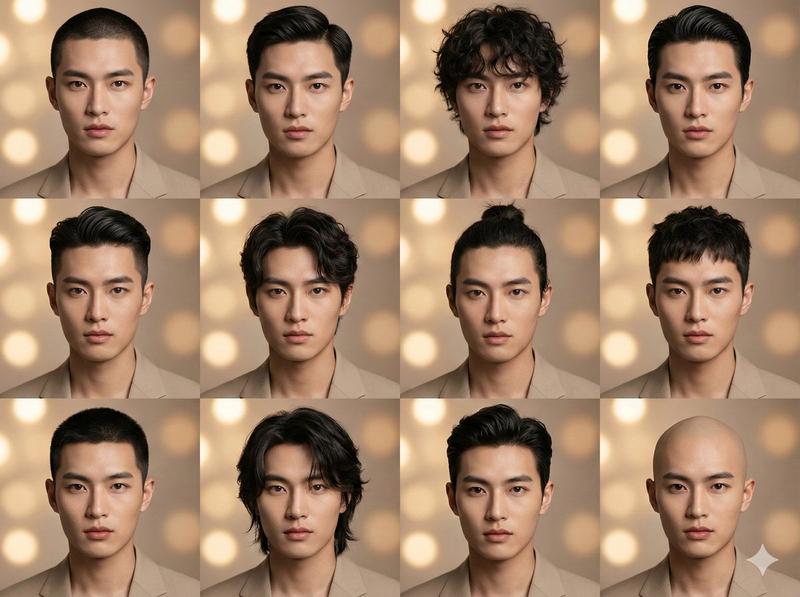
Create a premium Pixar-style 3D character sticker set that is clearly recognizable as the same person. Use the uploaded image as the ONLY facial reference.

Output Requirements:
3×3 grid layout (9 stickers total)
Final aspect ratio: 4:5
Ultra high resolution (4K)
Clean cream background
Each sticker is separated with clear spacing
Add a subtle drop shadow under each sticker for depth
Character Identity (VERY IMPORTANT):
MUST preserve exact facial structure, hairstyle, grooming details, and unique features from the uploaded image
Maintain high likeness accuracy
Do NOT over beautify or alter identity beyond recognition
Style:
Pixar-style 3D animation
Glossy, high-end rendering
soft global illumination
Smooth shading
High-detail facial textures
Framing:
All stickers must be head and shoulders (portrait close-up) only

No full-body or mid-body shots allowed

Focus tightly on face and upper shoulders to emphasize expressions

Outfit:
Modern casual and slightly stylized clothing
Each sticker must have a different outfit (no repetition at all)
Clean, minimal, and visually appealing for sticker use
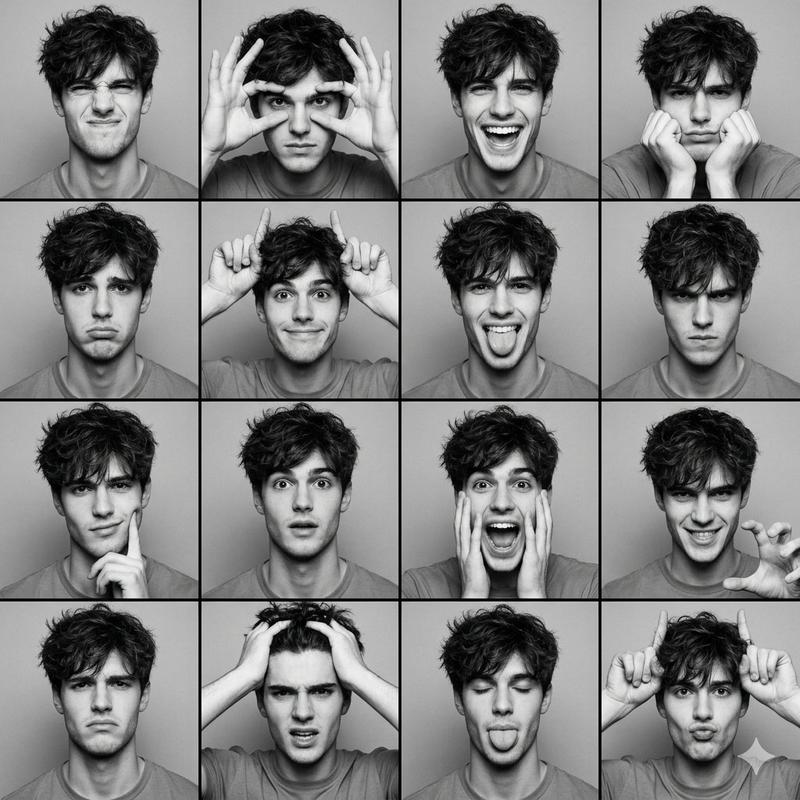
Expressions & Poses (9 variations):

1. Happy smile
2. Laughing
3. Cool (with sunglasses)
4. Angry/serious
5. Surprised
6. Thinking
7. Wink
8. Love (heart eyes and heart gesture)
9. Thumbs up

Sticker Design:
Bold, clean outline
Slightly exaggerated cartoon proportions
Strong emphasis on facial expressions
Optimized for digital sticker platforms
Each sticker must have a smooth rounded bottom cutout (semi-curved base)
No text
Lighting:
Soft studio lighting
Subtle rim light for depth and separation
Goal:
Create a highly engaging, cute, and expressive sticker pack that feels premium and collectable.
- Category
- Charts & Infographics
- Model
- ChatGPT
- Creator
- @Mind_Boticni
- Source ID
- 16927
- Published
- Jun 28, 2026
Views26