18

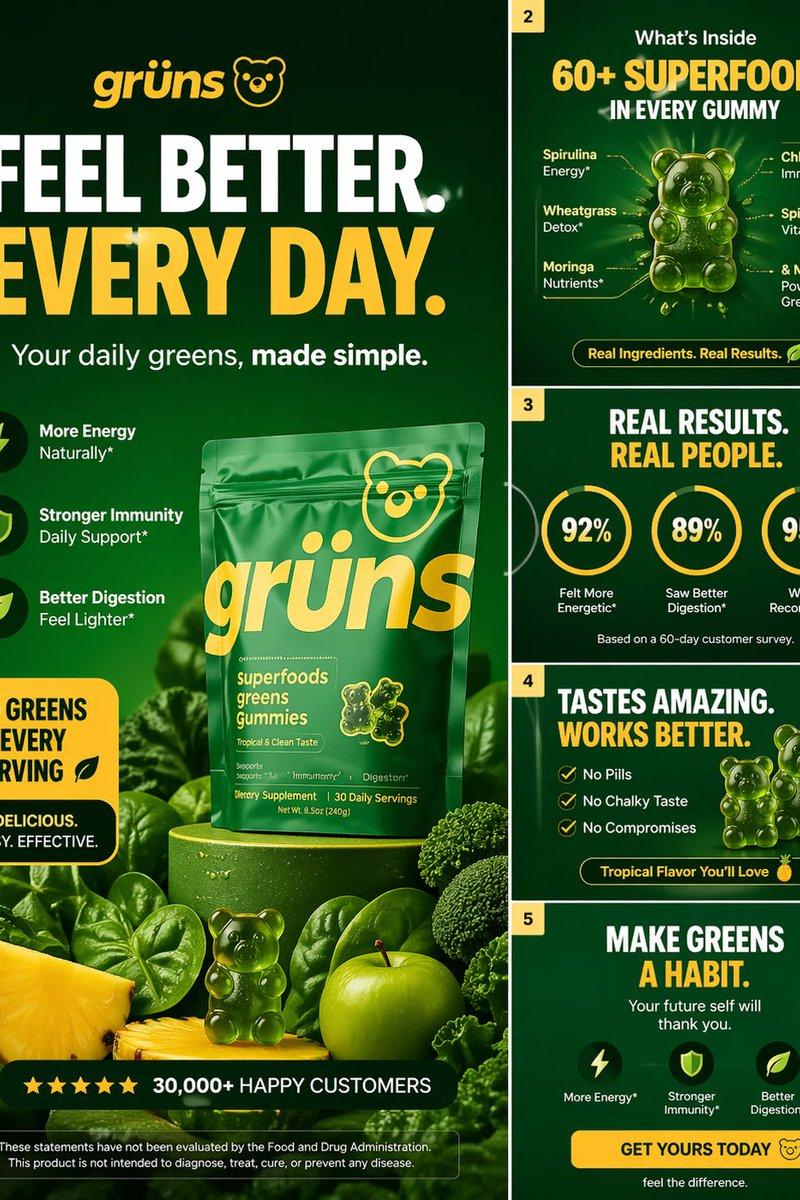
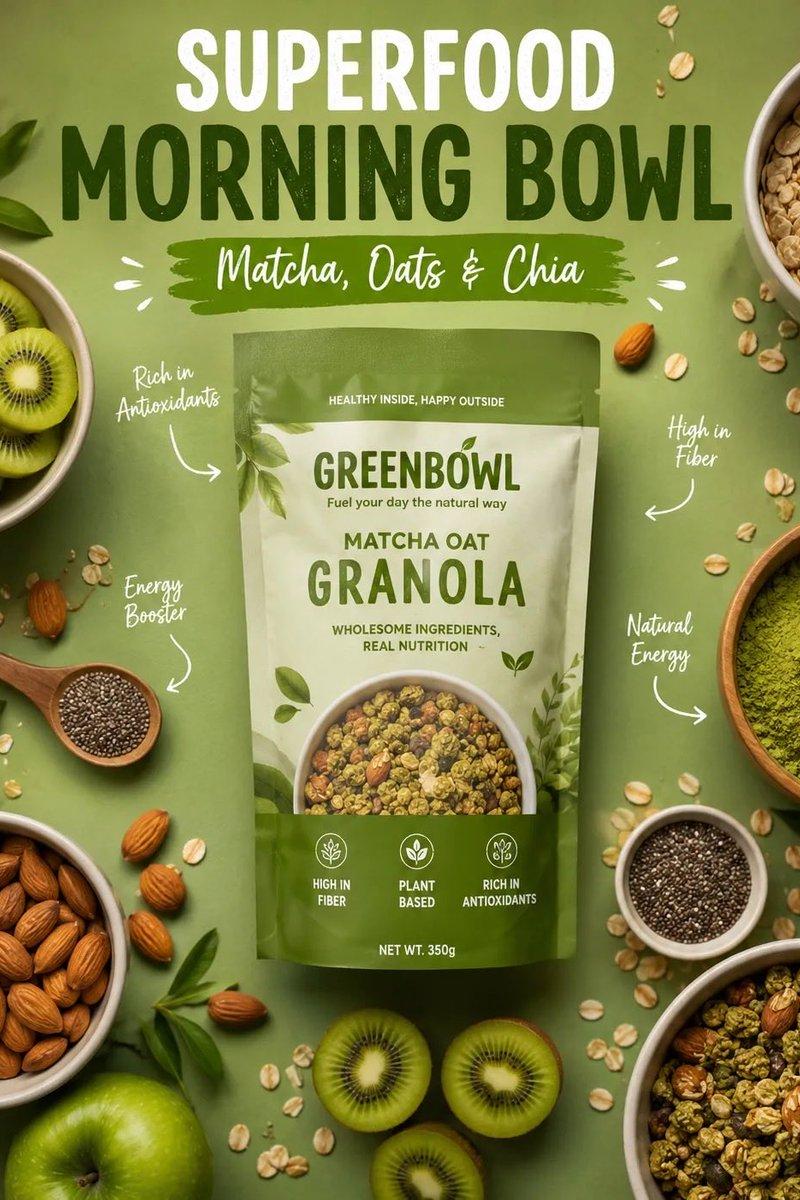
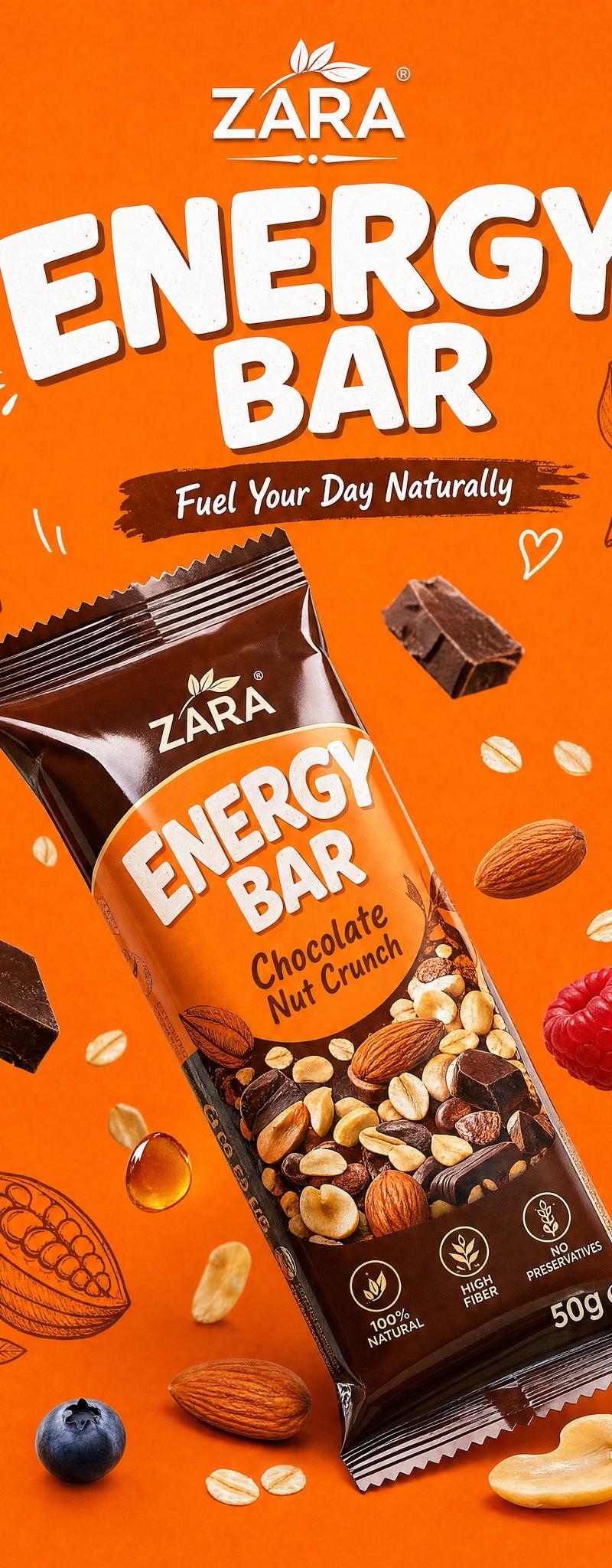
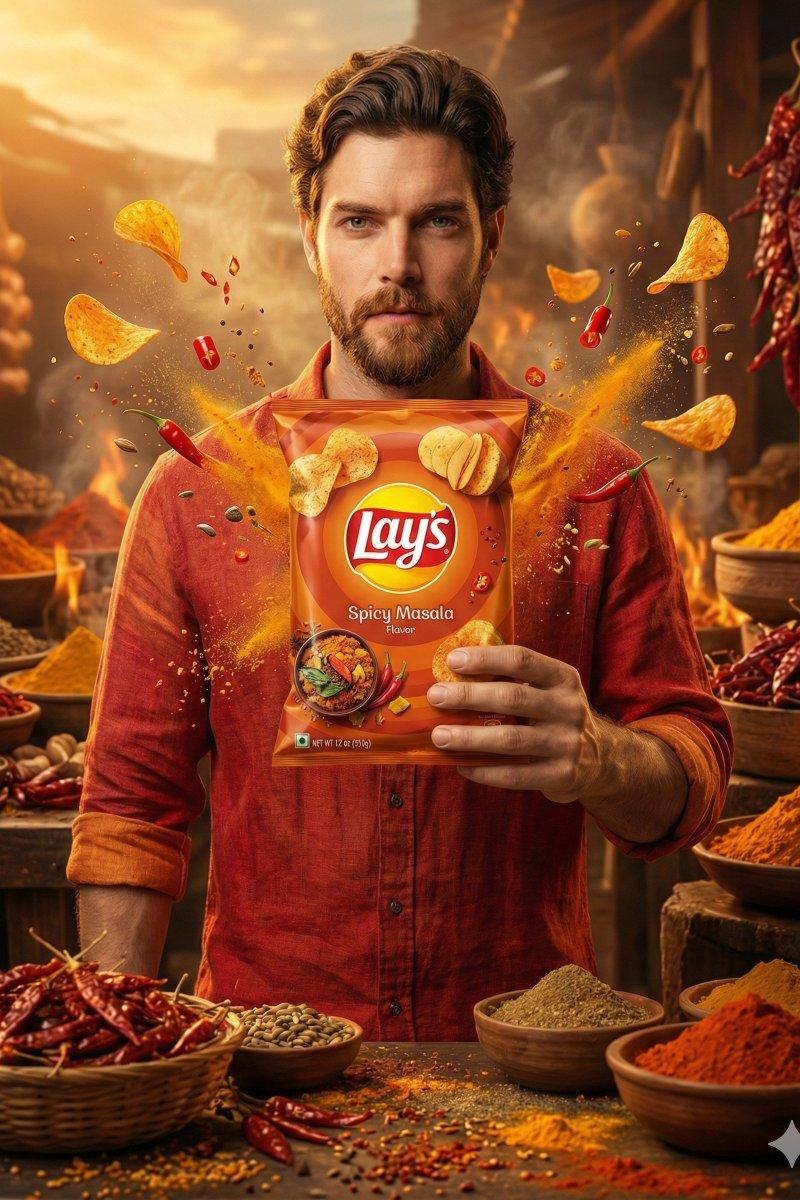
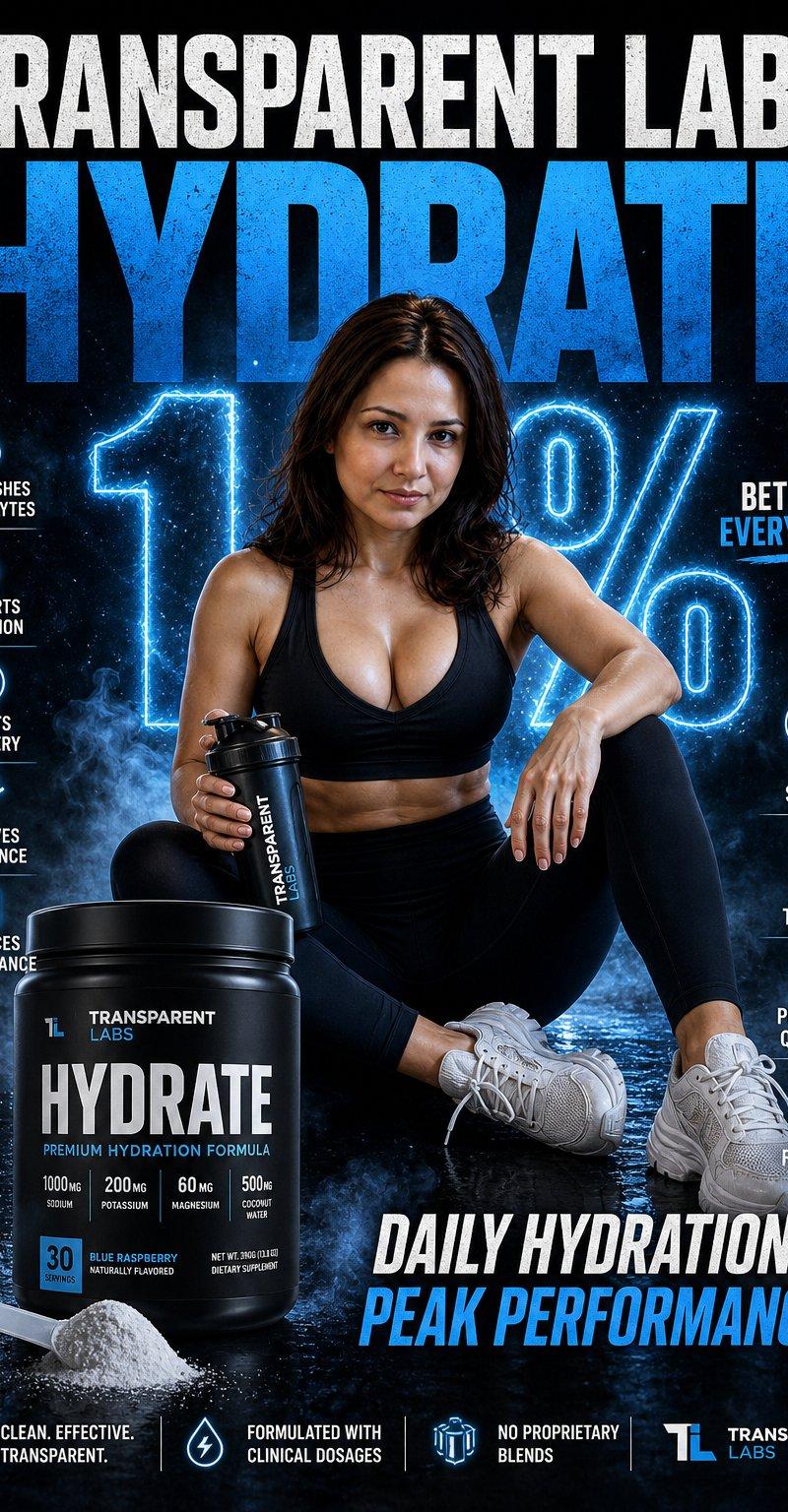
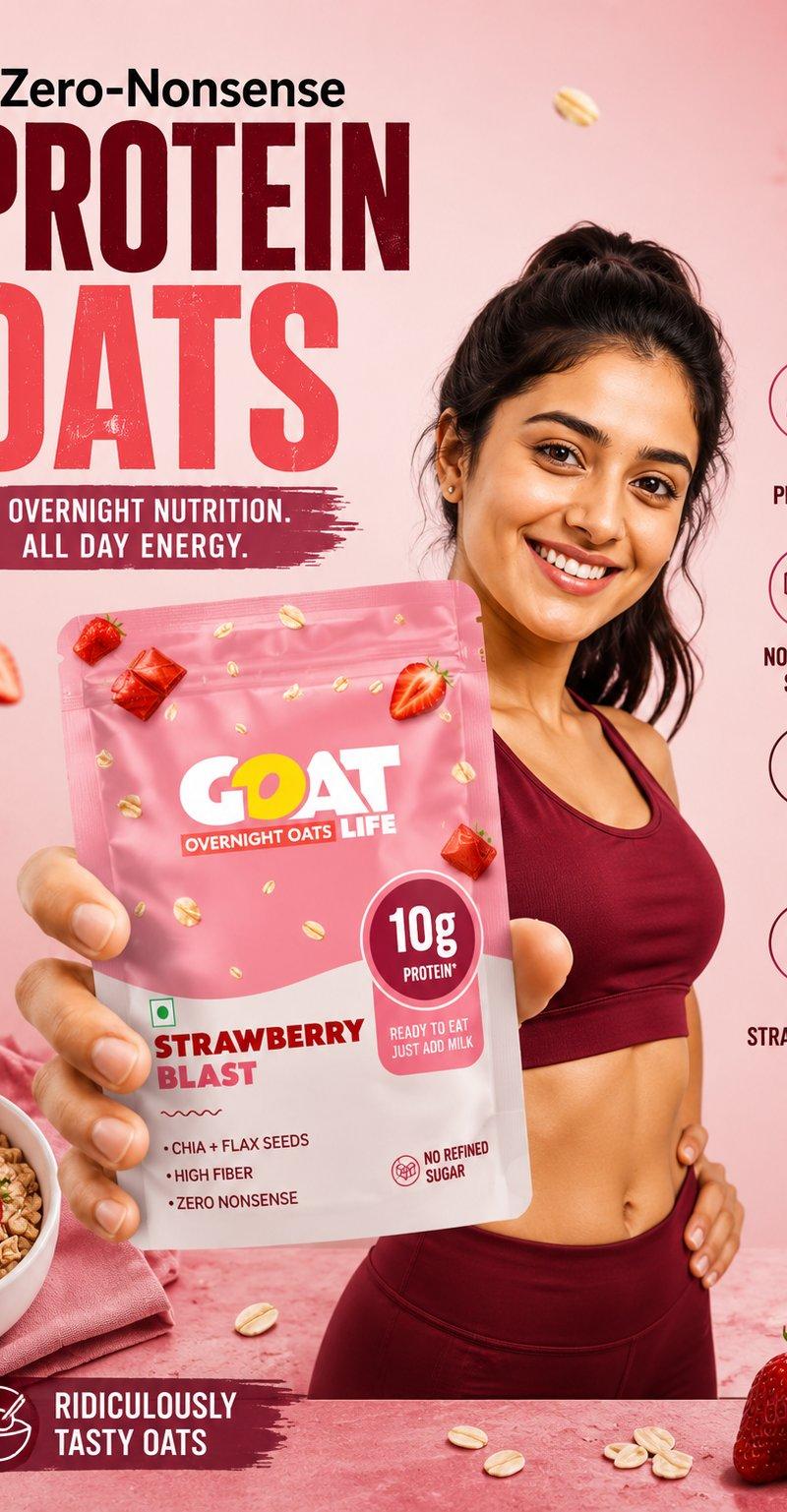
高端健身补剂产品广告海报设计
Enlarge

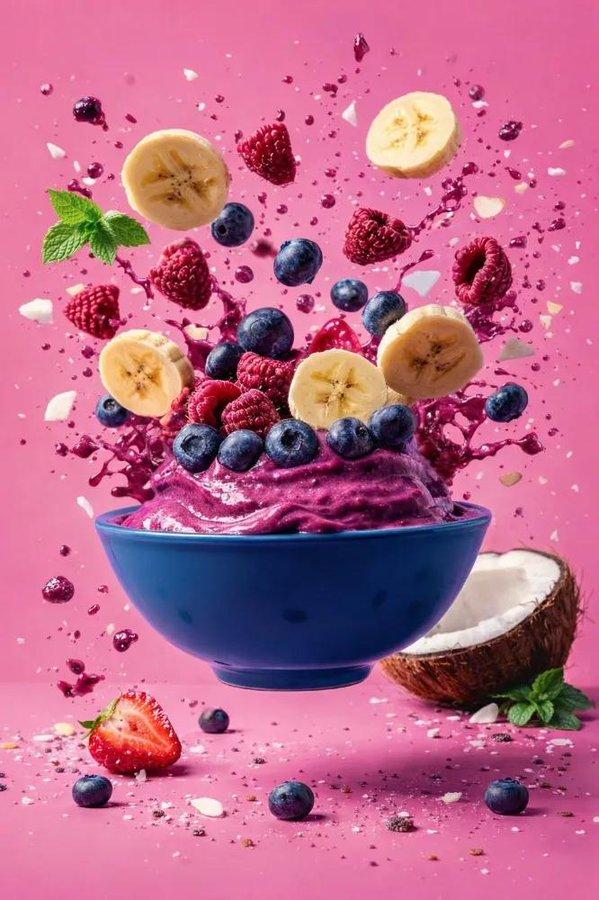
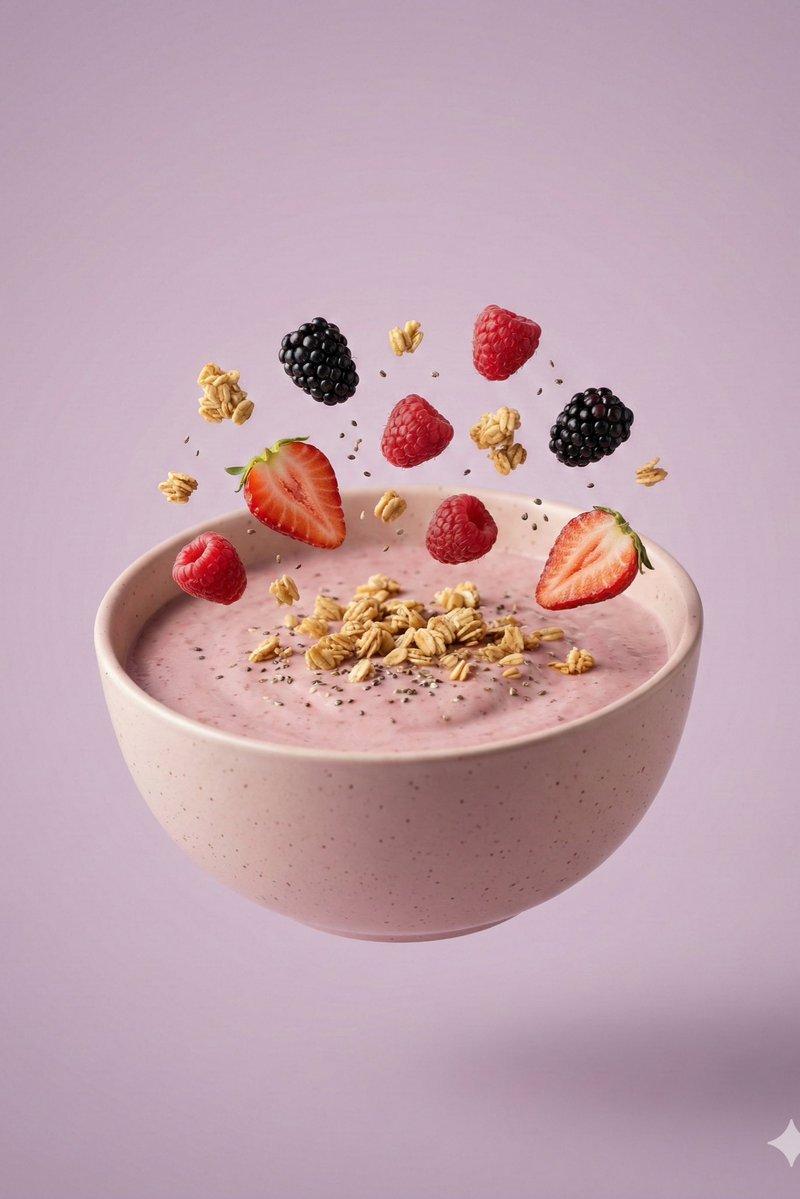
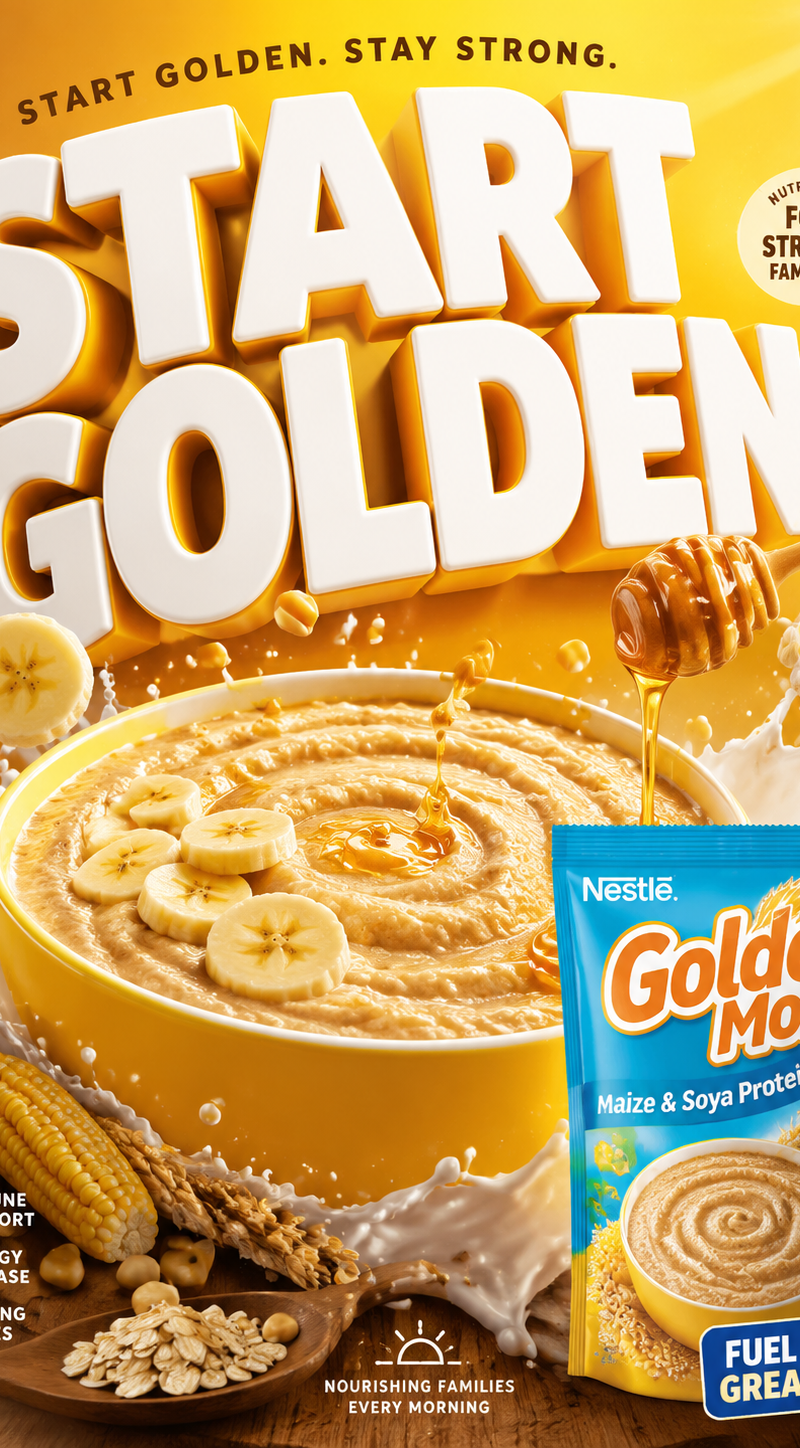
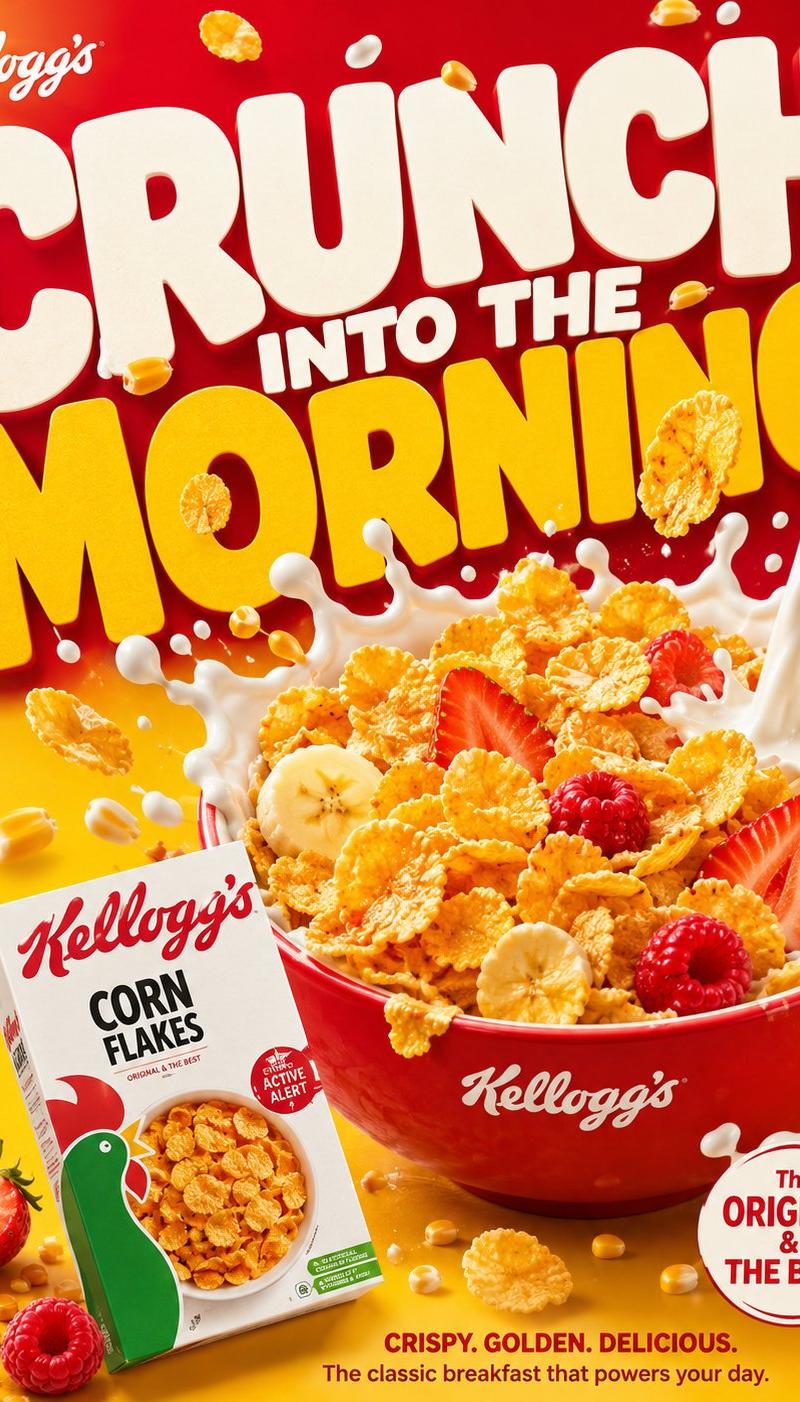
Example images

高端健身补剂产品广告海报设计

Prompt
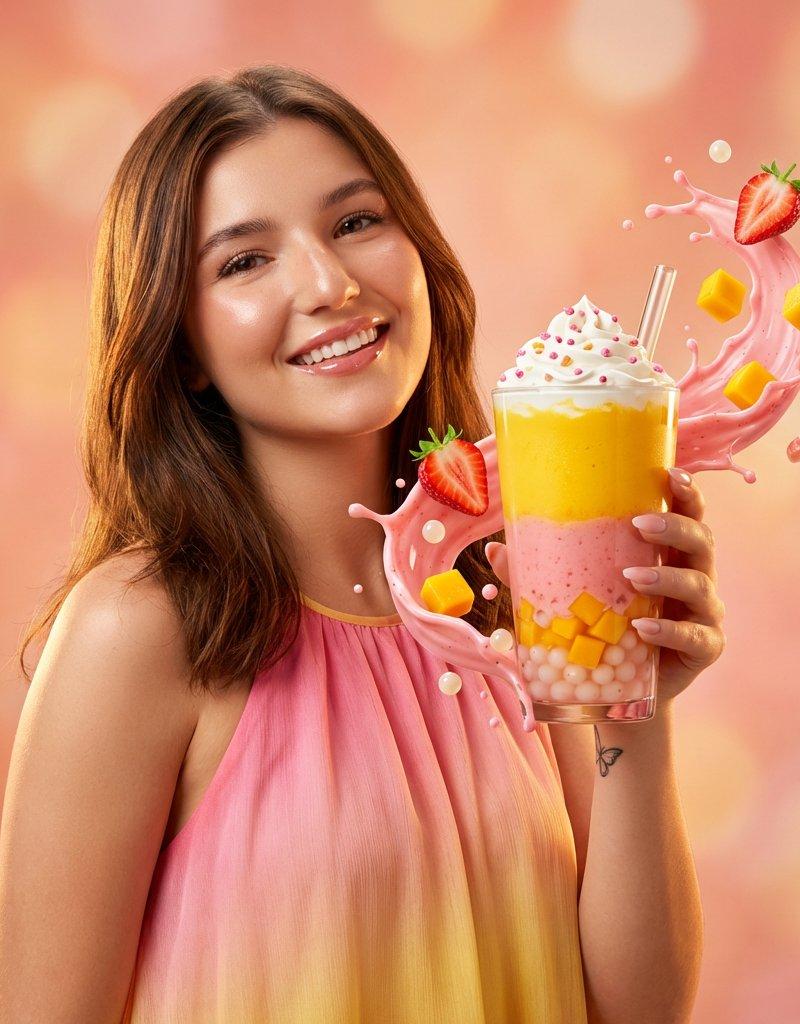
Create a premium fitness product advertisement poster for [PRODUCT NAME].

Theme: [COLOR THEME] gradient background, energetic and modern.

Scene:
A stylish [MODEL TYPE] female/male fitness model wearing [OUTFIT COLOR], holding [PRODUCT NAME] pouch in front with close-up hand perspective.

Product Details:
Brand: [BRAND NAME]
Flavor: [FLAVOR NAME]
Main headline: [MAIN HEADLINE]
Sub heading: [SUB HEADING]

Side Features:
• [PROTEIN AMOUNT]
• [FEATURE 1]
• [FEATURE 2]
• [FEATURE 3]

Elements:
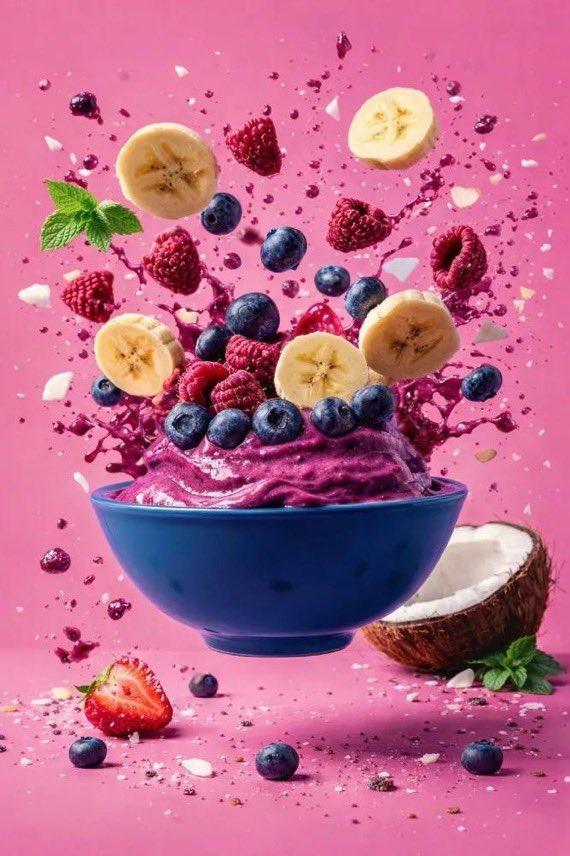
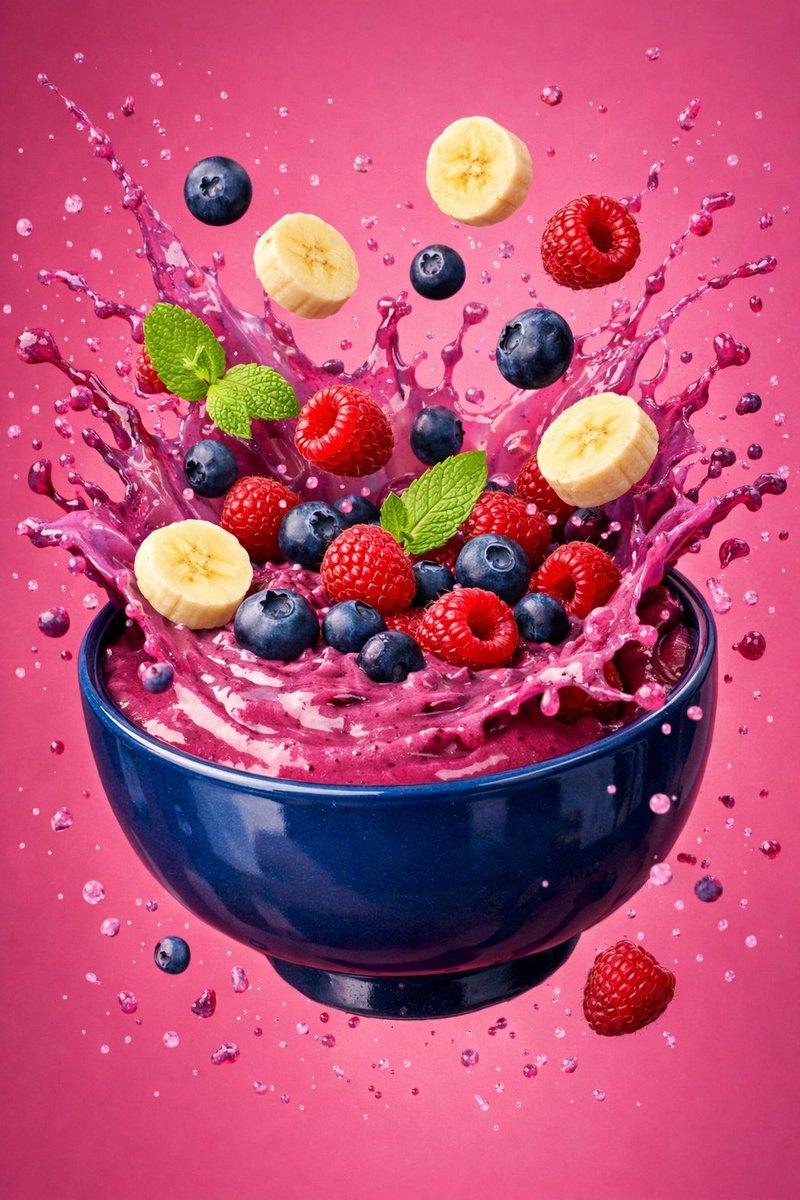
Floating oats, nuts, chocolate pieces, splash effects, ingredient particles flying.

Typography:
Bold premium commercial fonts, clean product spotlight layout

Output:
Ultra realistic, cinematic lighting, premium product poster, 4K square format.
Category
Charts & Infographics
Model
ChatGPT
Creator
@sha_zdiii
Source language
zh-CN
Views11
Source ID
16776
Published
Jun 25, 2026
Studio

Guide

About "高端健身补剂产品广告海报设计"

What is this prompt for?

"高端健身补剂产品广告海报设计" AI image prompt for ChatGPT (Charts & Infographics). 为 [PRODUCT NAME] 创建一张高端健身产品广告海报。 主题:[COLOR THEME] 渐变背景,充满活力且现代。 场景: 一位时尚的 [MODEL TYPE] 女性…

The full copyable prompt and example visuals above are ready for AI image generation or one-click recreate in Picva.

How to use this prompt

  1. Step 1

    Open the prompt detail

    Review the example visuals, category, and full prompt text for "高端健身补剂产品广告海报设计".

  2. Step 2

    Copy the prompt

    Copy the prompt body from this page, or load it directly in Studio.

  3. Step 3

    Pick a model (ChatGPT)

    Prefer ChatGPT. If you switch models, keep subject and composition and tweak style terms.

  4. Step 4

    Generate and export

    Recreate the look in Picva, or export into your workflow for editing and publishing.

FAQ

What is the "高端健身补剂产品广告海报设计" prompt?
It is an AI image-generation prompt for ChatGPT in the Charts & Infographics category. This page includes the full prompt text, example visuals, and a one-click recreate path in Picva.
How do I use this prompt to generate an image?
Copy the prompt from this page, or use Generate / Studio. Paste it into a compatible image model, or recreate the look in Picva with optional reference images.
Which model is this prompt for?
This page lists ChatGPT. Most descriptive prompts also transfer to nearby image models such as GPT Image, Flux, or Midjourney with light style tweaks.
Can I use the result commercially?
You can usually copy the prompt for creation, but commercial use of the final image depends on the model terms, reference-image rights, and the generated content. Follow the source author and platform rules.