18

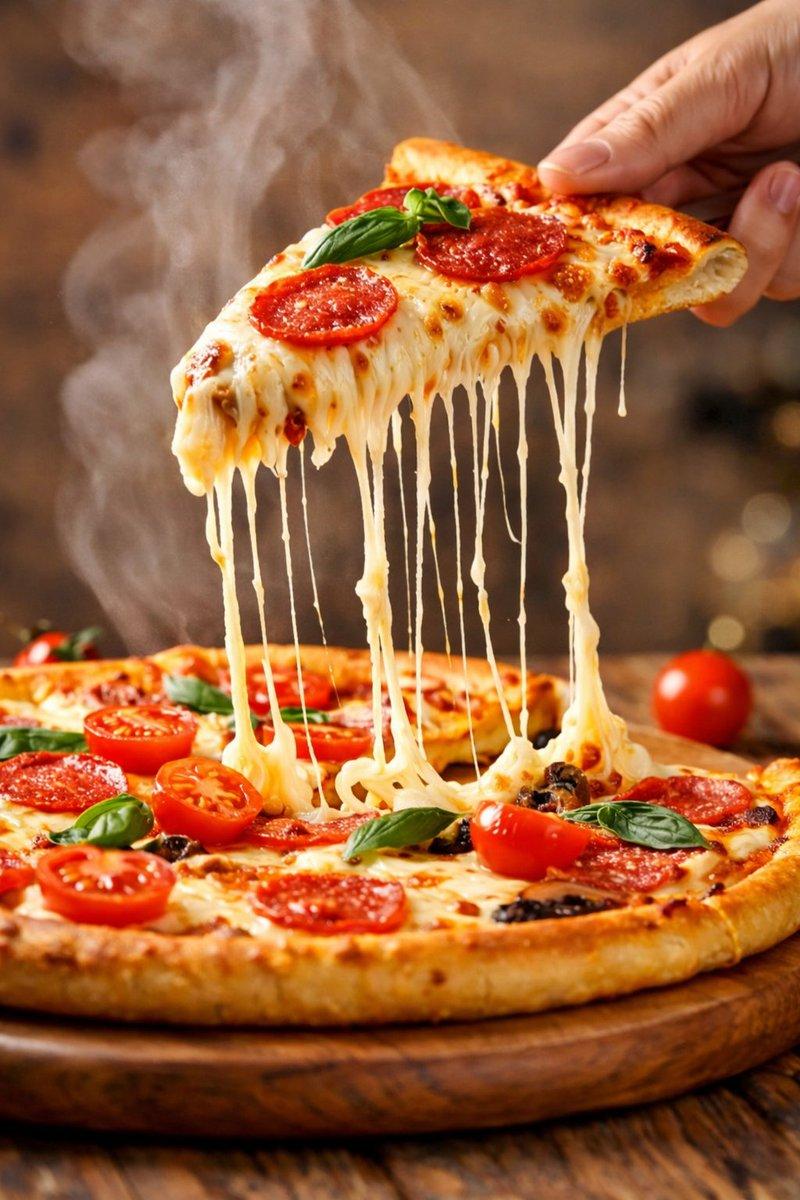
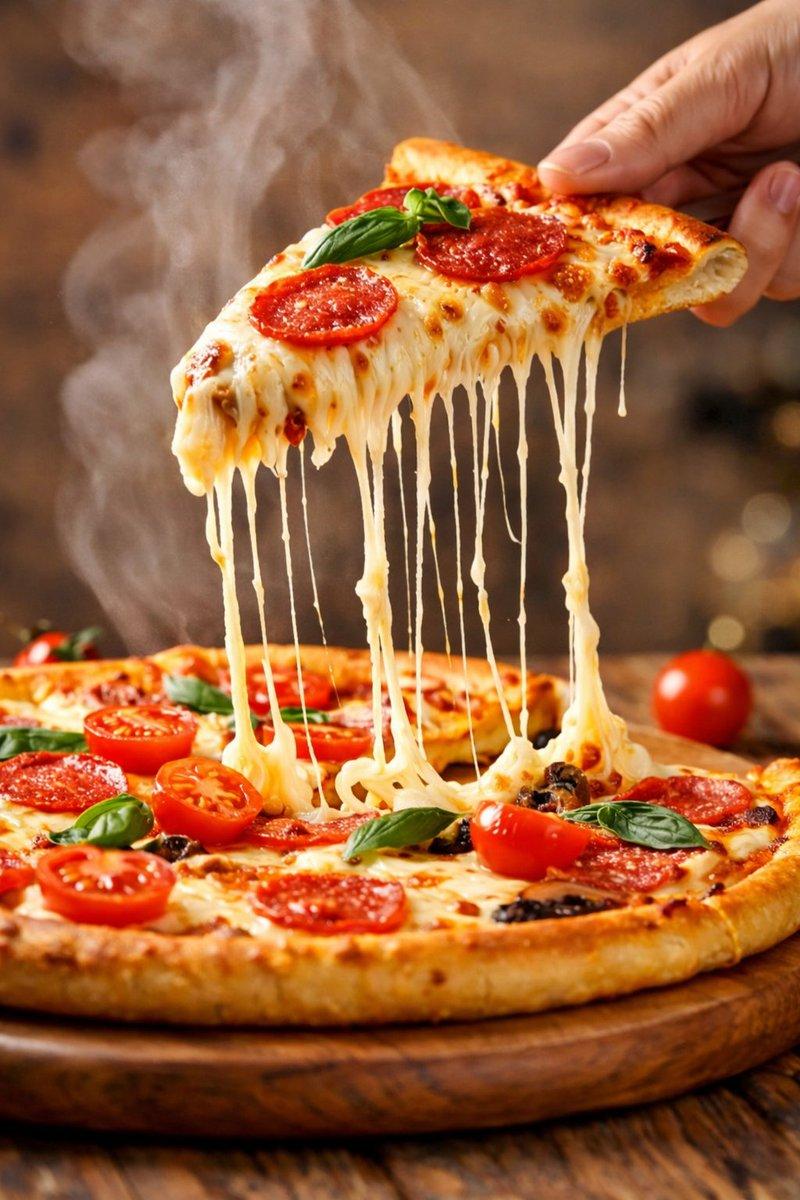
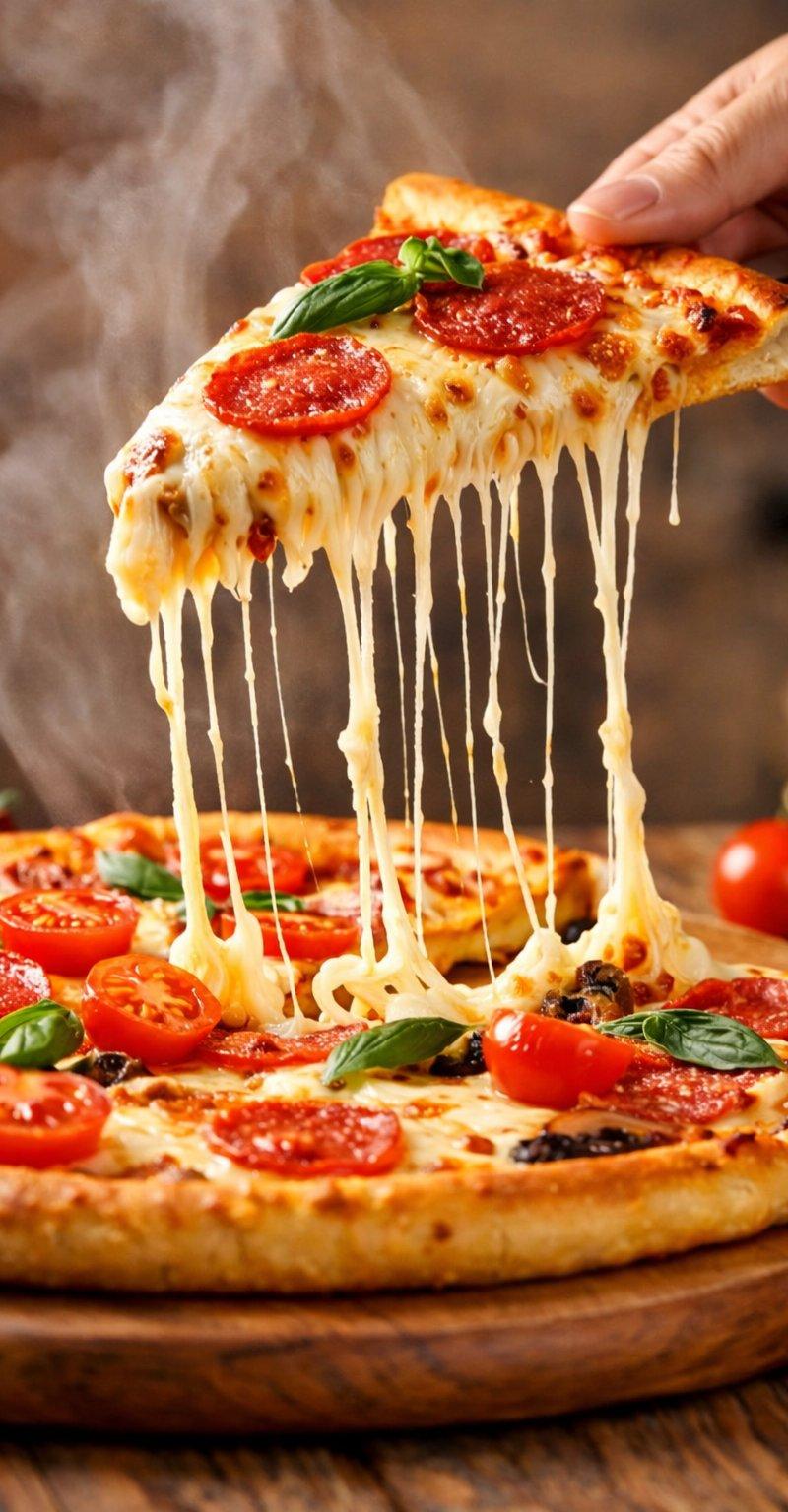
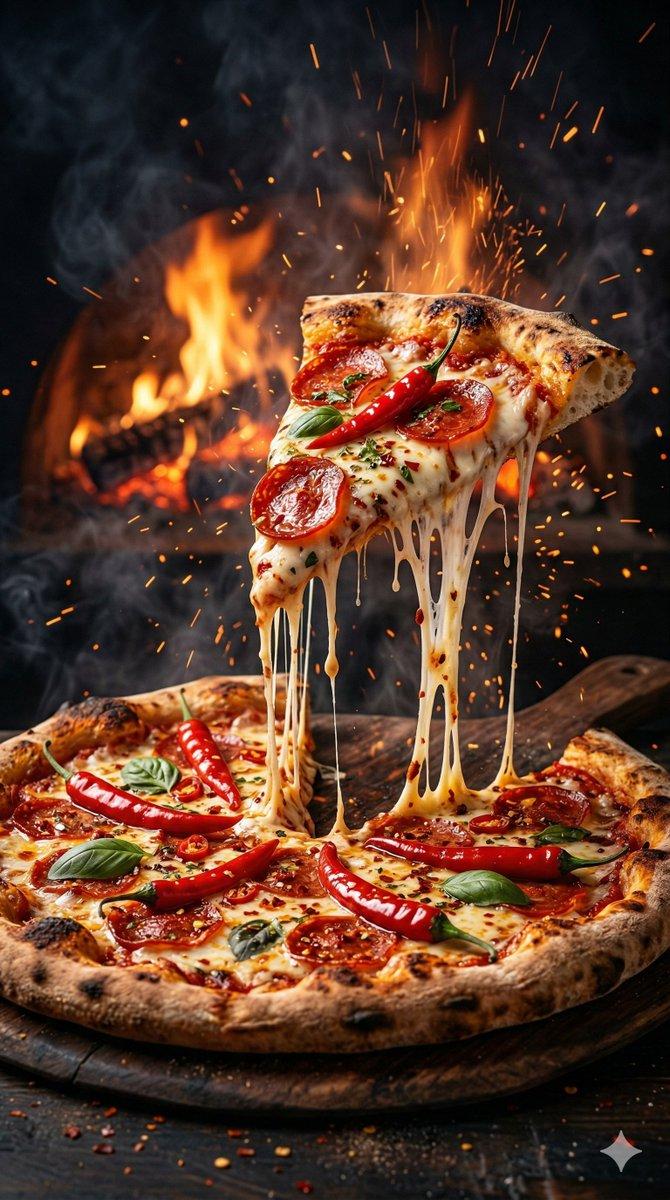
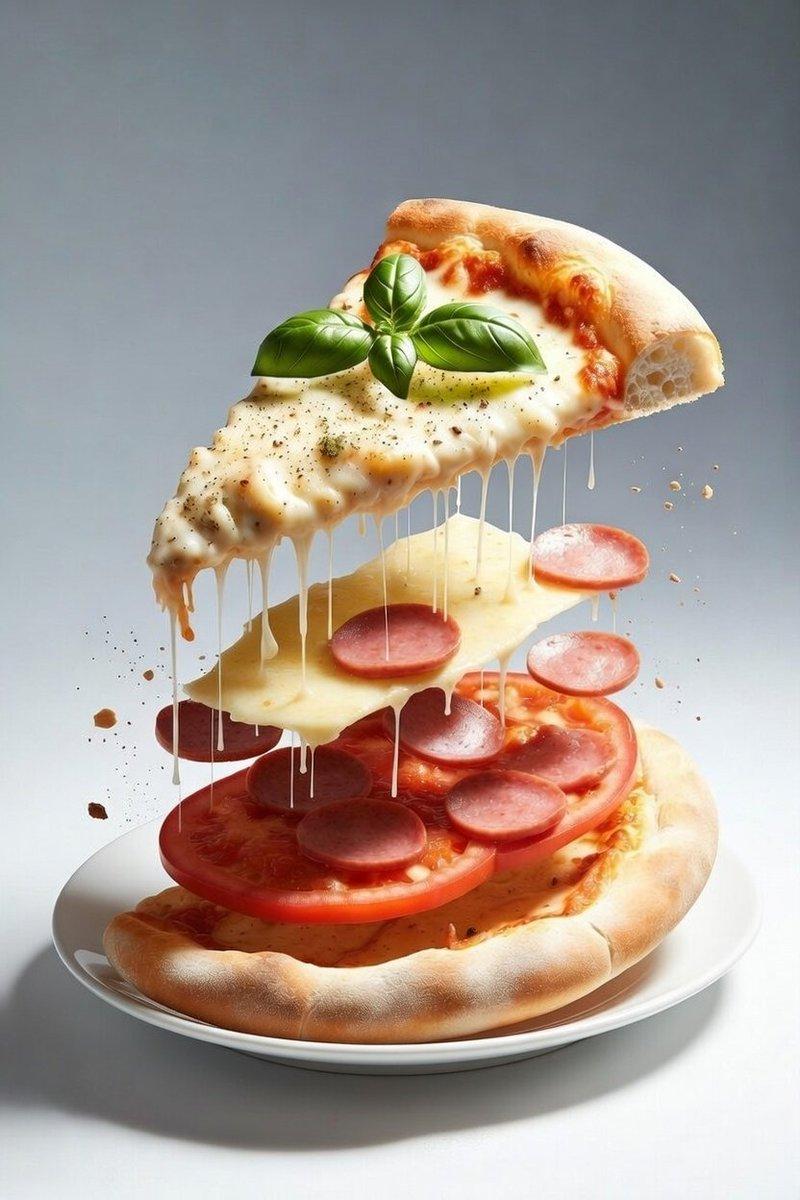
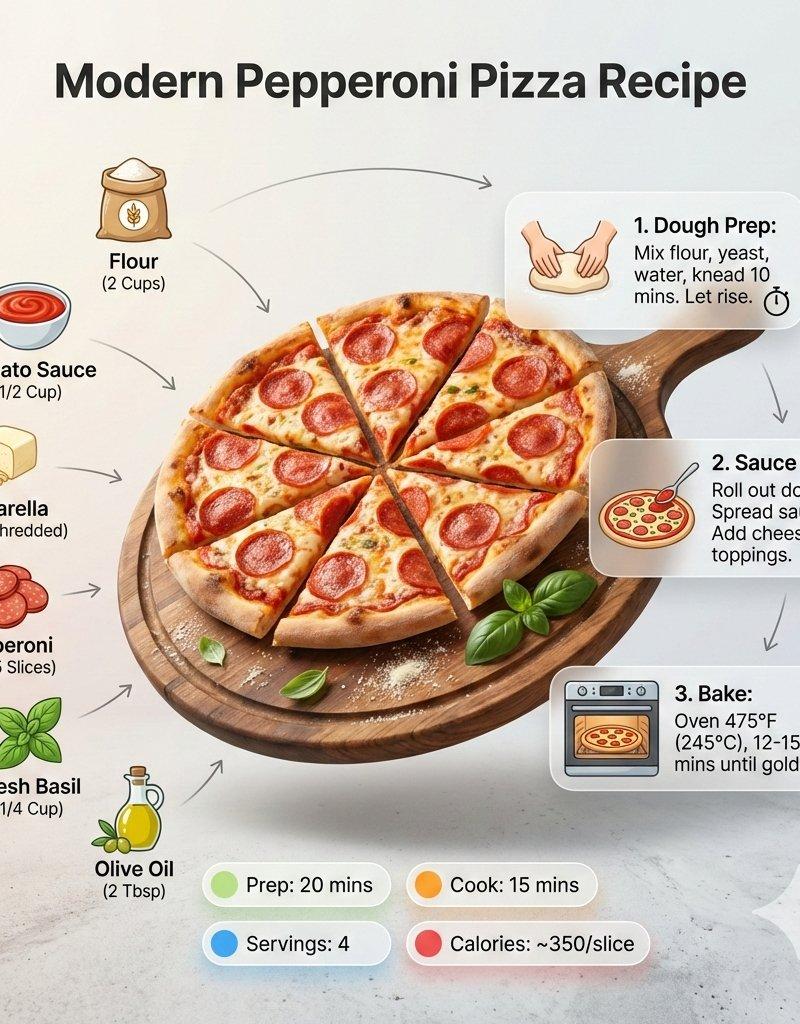
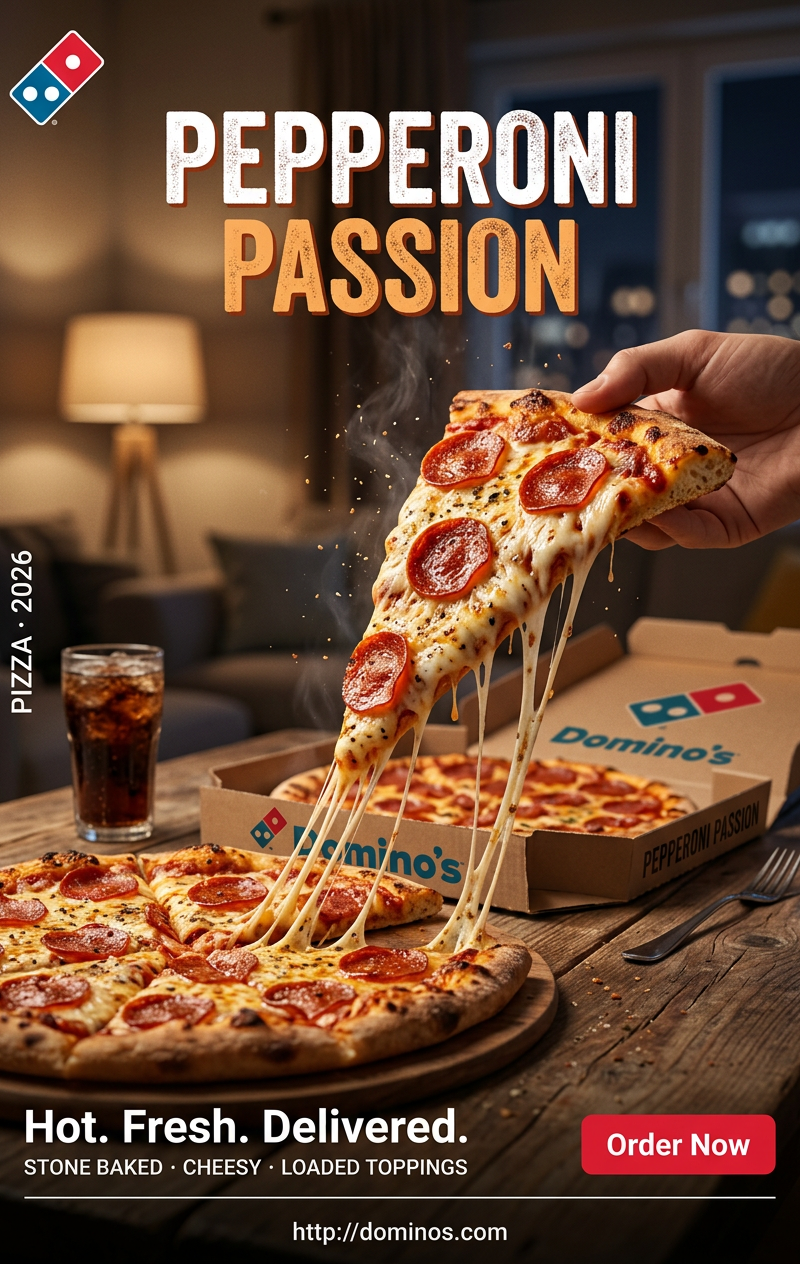
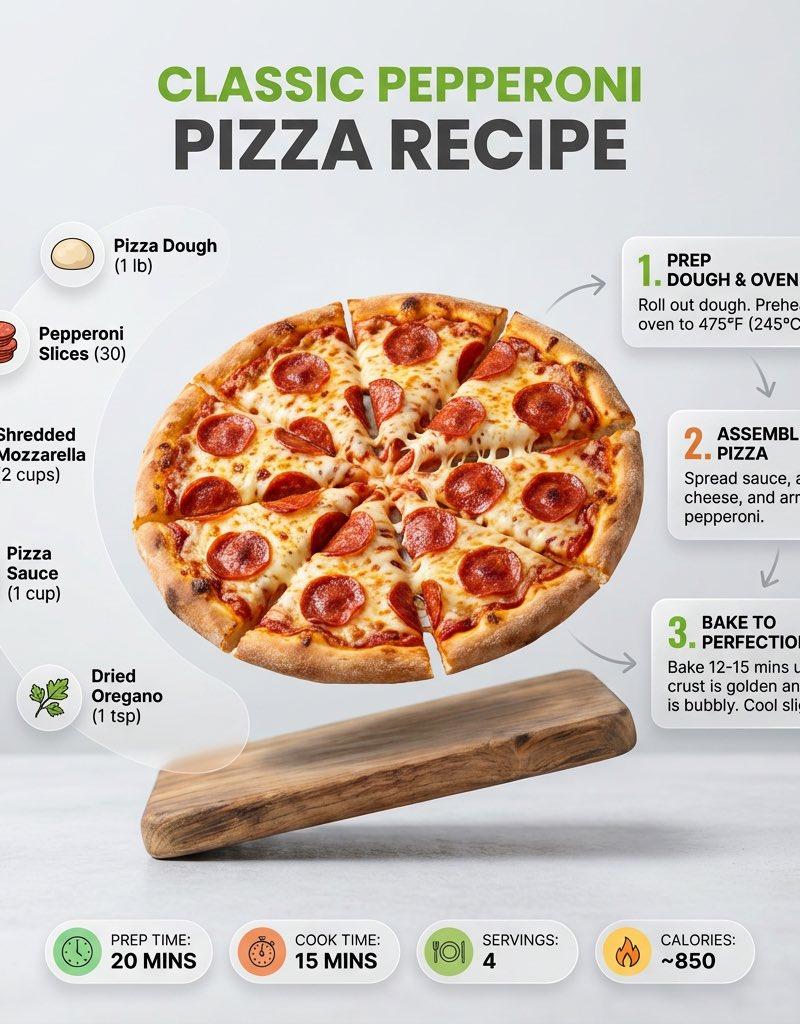
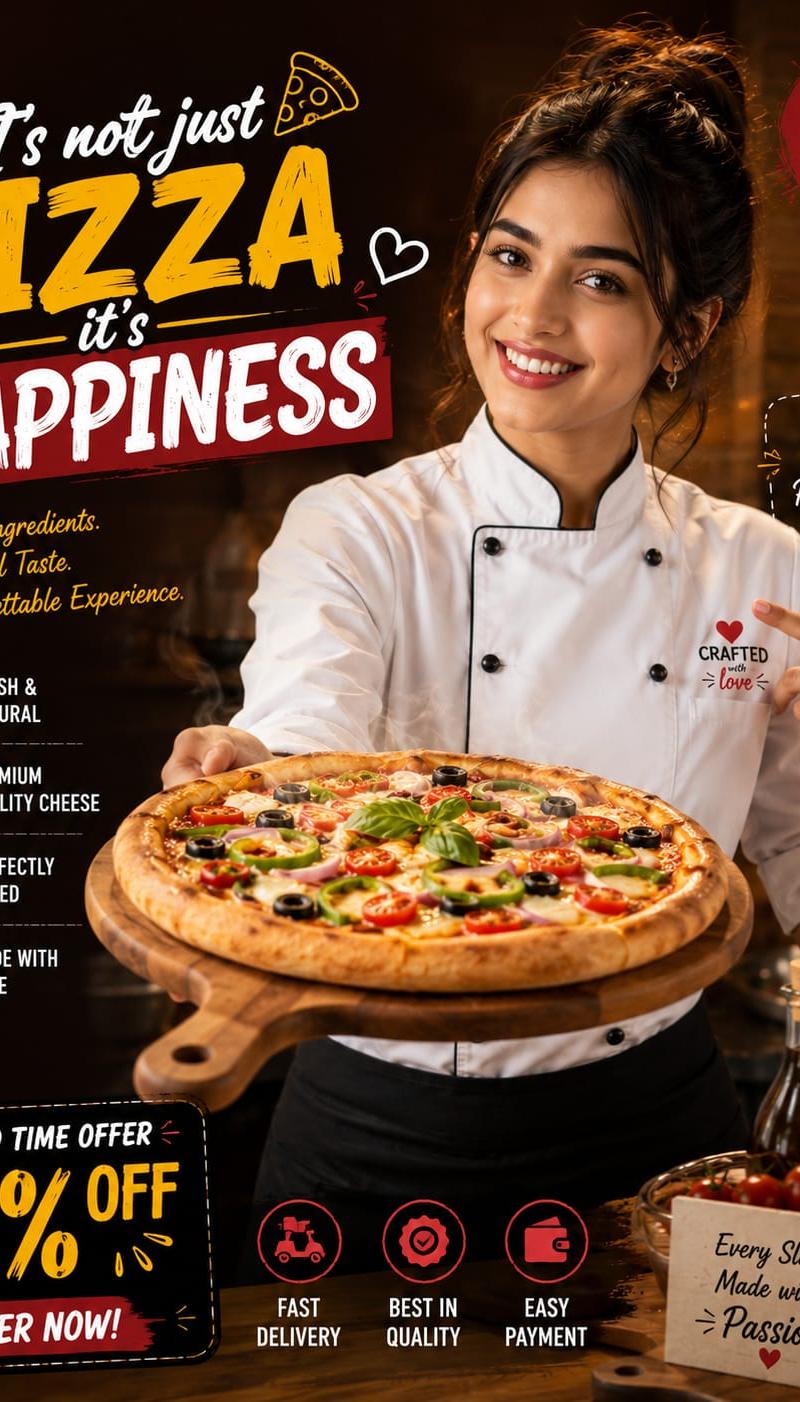
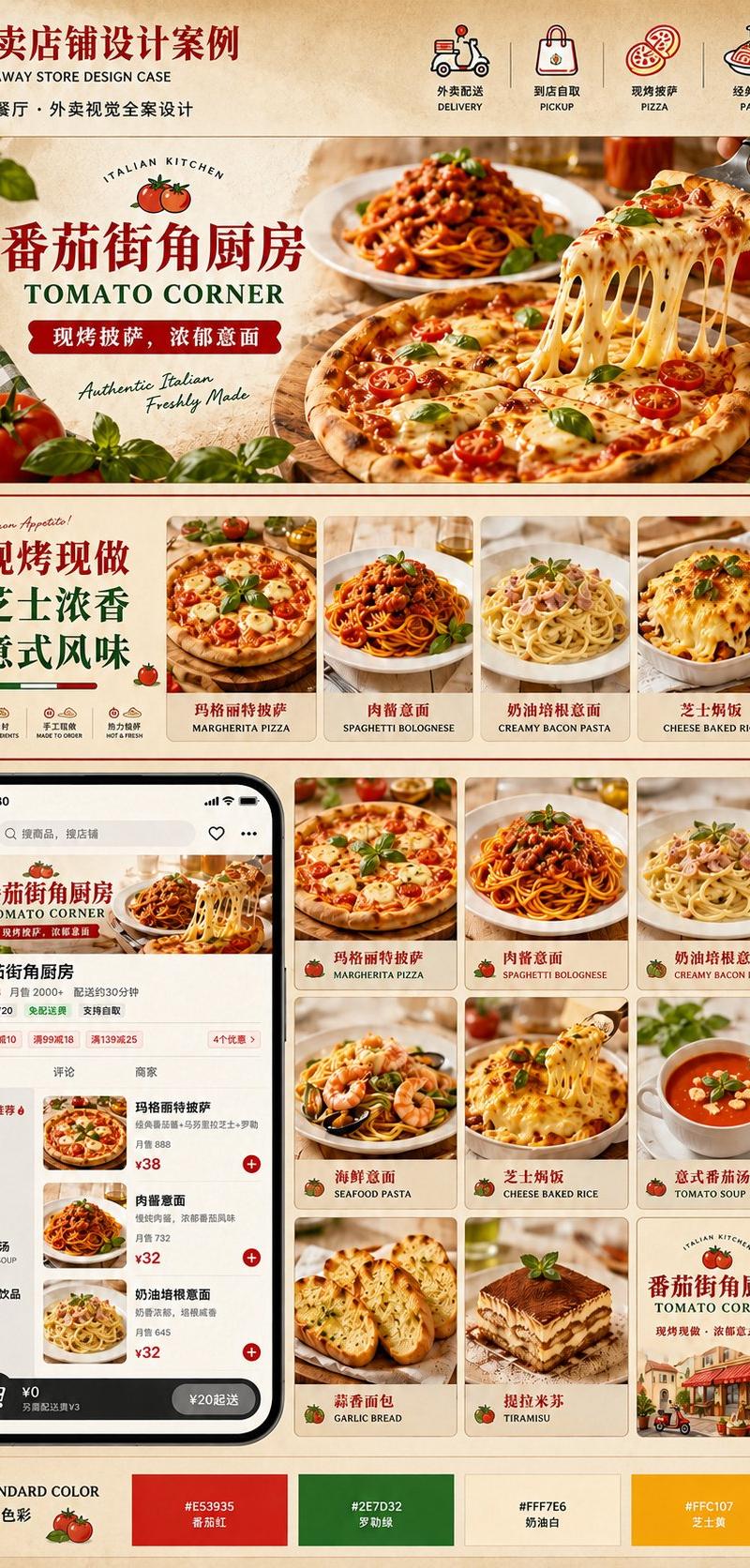
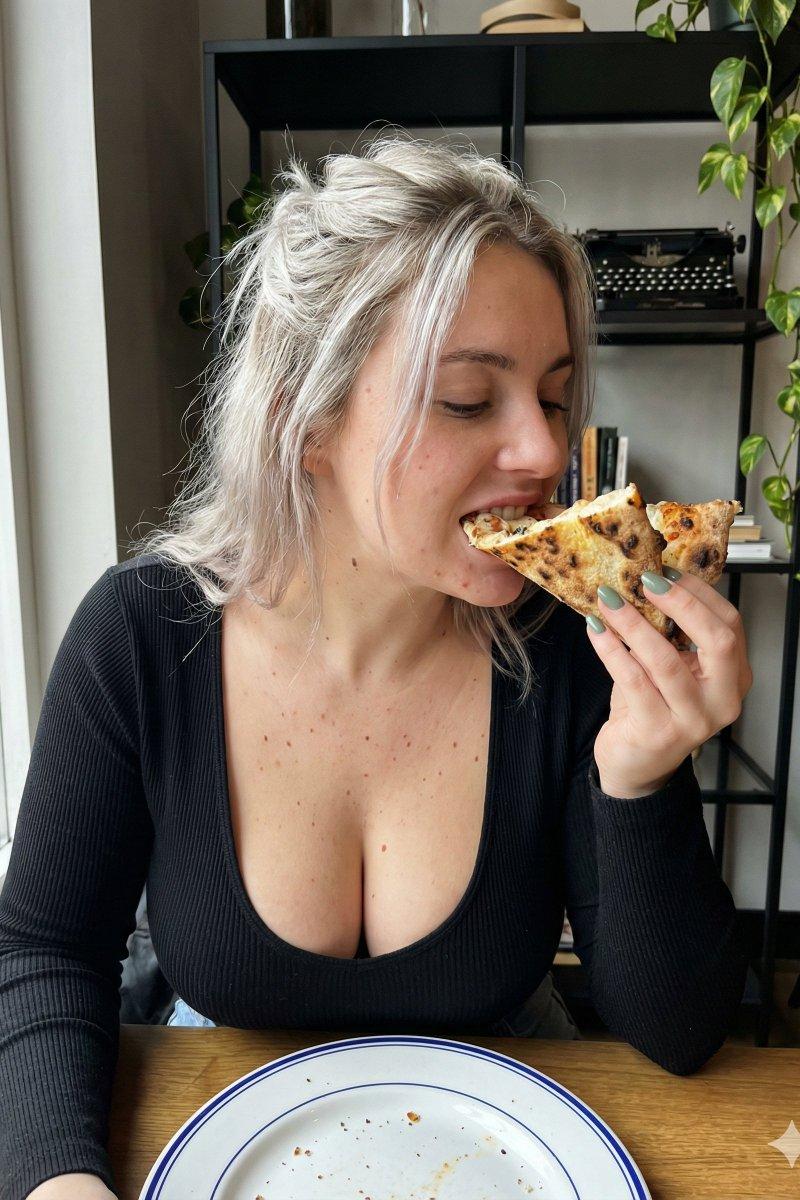
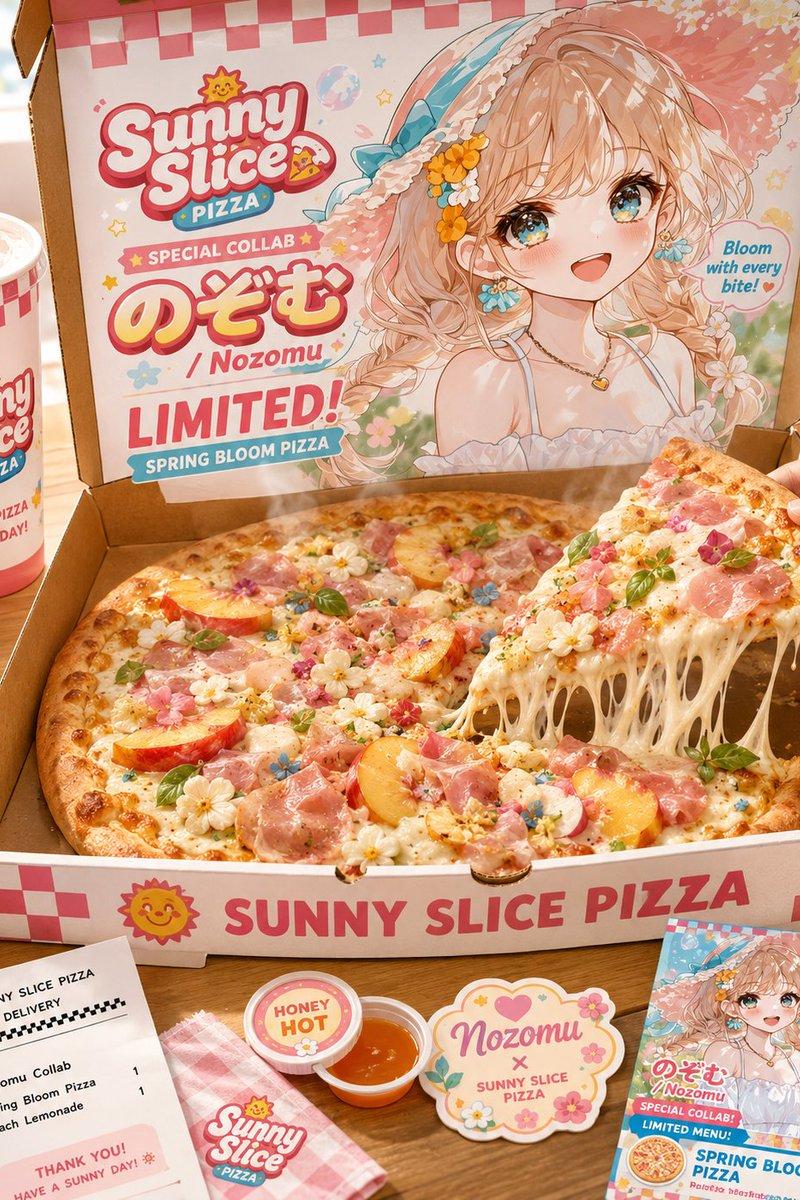
高端商业美食悬浮摄影与极致光影构图
Enlarge

Example images

高端商业美食悬浮摄影与极致光影构图

Prompt
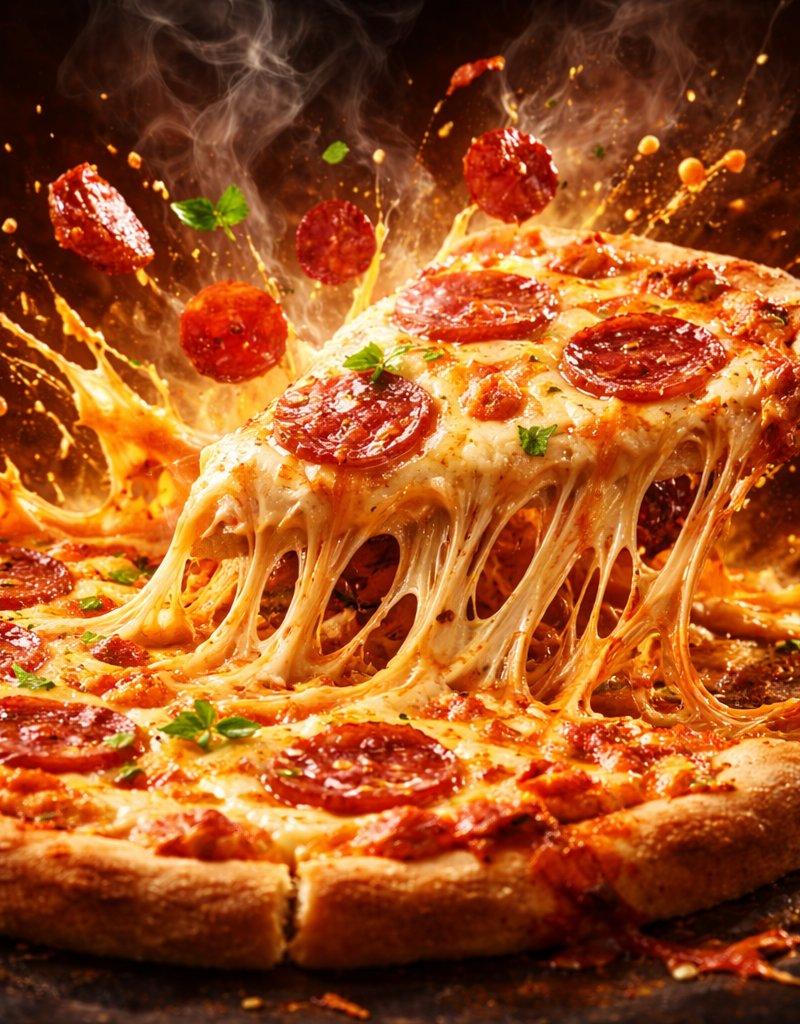
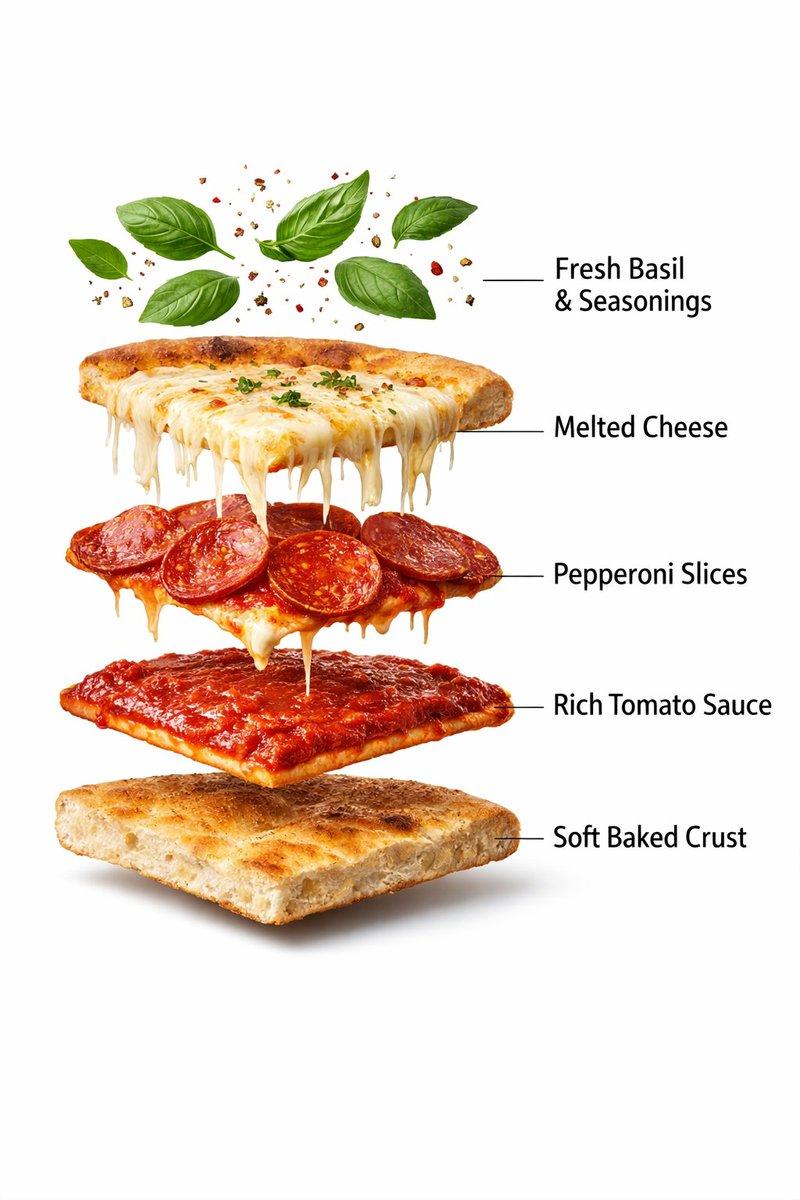
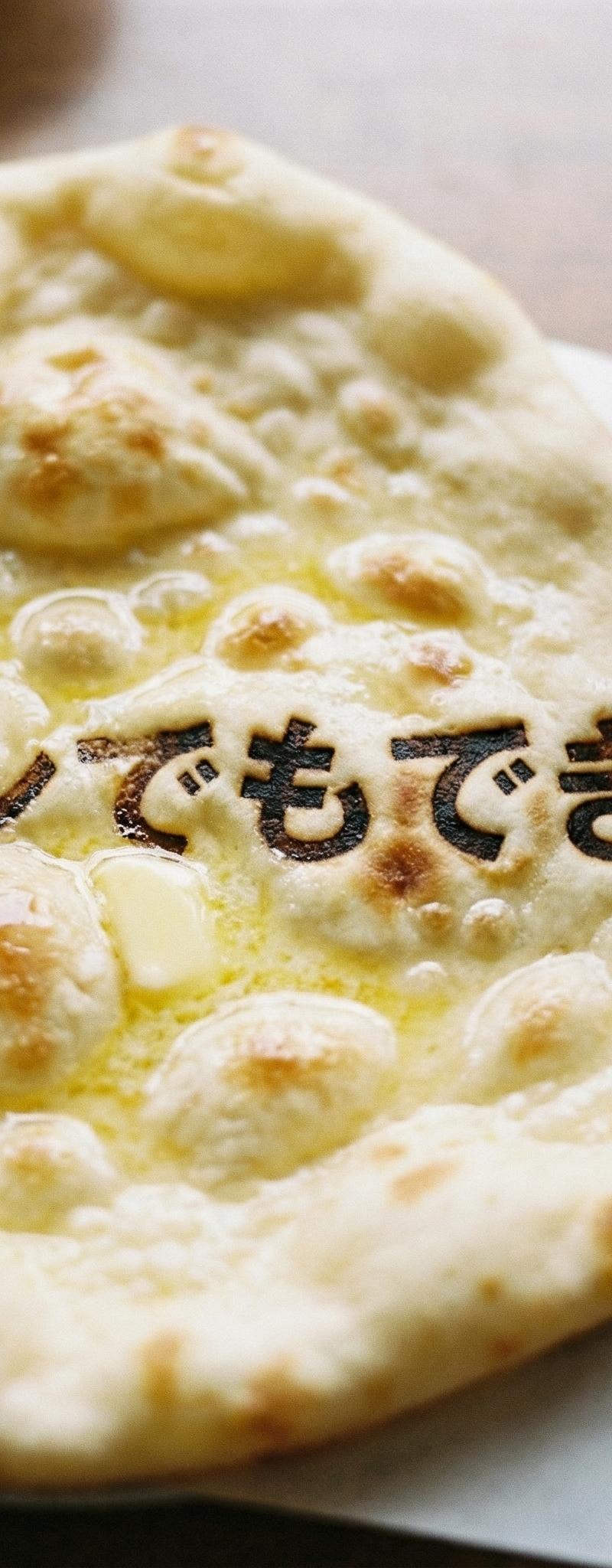
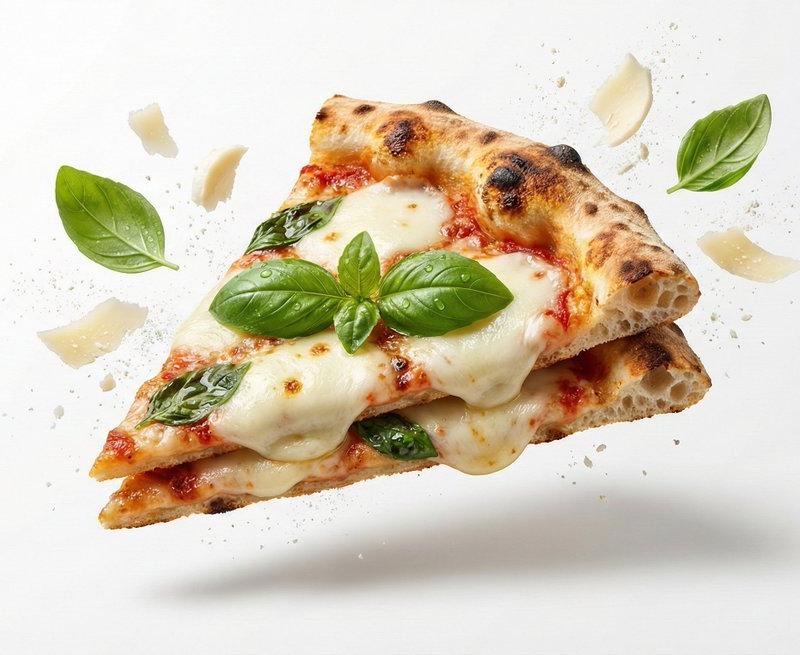
[FOOD NAME], premium food advertising photography on a white seamless background. High-key studio lighting with soft directional highlights emphasizing form, texture, and freshness. Floating, stacked composition with subtle levitation for dynamic depth, creating a clean, modern hero shot. Ingredients and natural garnishes associated with [FOOD NAME] gently suspended mid-air, minimal and intentional. Clean, minimalist layout with strong visual focus on the hero product. Crisp yet soft contact shadow grounding the composition. Ultra-realistic macro product photography look, 100mm lens aesthetic, f/8 aperture for full sharp focus. Subtle surface textures and natural imperfections clearly visible. Editorial-grade commercial styling, luxury food branding aesthetic. Photorealistic, 8K ultra-high resolution.
Category
Charts & Infographics
Model
Nano banana pro
Creator
@aleenaamiir
Source language
zh-CN
Views11
Source ID
7870
Published
Mar 21, 2026
Studio

Guide

About "高端商业美食悬浮摄影与极致光影构图"

What is this prompt for?

"高端商业美食悬浮摄影与极致光影构图" AI image prompt for Nano banana pro (Charts & Infographics). [FOOD NAME],在白色无缝背景上拍摄的优质美食广告摄影。 高调工作室布光,柔和的方向性高光强调食物的形状、质地和新鲜度。 漂浮、堆叠的构图,带有微妙…

The full copyable prompt and example visuals above are ready for AI image generation or one-click recreate in Picva.

How to use this prompt

  1. Step 1

    Open the prompt detail

    Review the example visuals, category, and full prompt text for "高端商业美食悬浮摄影与极致光影构图".

  2. Step 2

    Copy the prompt

    Copy the prompt body from this page, or load it directly in Studio.

  3. Step 3

    Pick a model (Nano banana pro)

    Prefer Nano banana pro. If you switch models, keep subject and composition and tweak style terms.

  4. Step 4

    Generate and export

    Recreate the look in Picva, or export into your workflow for editing and publishing.

FAQ

What is the "高端商业美食悬浮摄影与极致光影构图" prompt?
It is an AI image-generation prompt for Nano banana pro in the Charts & Infographics category. This page includes the full prompt text, example visuals, and a one-click recreate path in Picva.
How do I use this prompt to generate an image?
Copy the prompt from this page, or use Generate / Studio. Paste it into a compatible image model, or recreate the look in Picva with optional reference images.
Which model is this prompt for?
This page lists Nano banana pro. Most descriptive prompts also transfer to nearby image models such as GPT Image, Flux, or Midjourney with light style tweaks.
Can I use the result commercially?
You can usually copy the prompt for creation, but commercial use of the final image depends on the model terms, reference-image rights, and the generated content. Follow the source author and platform rules.