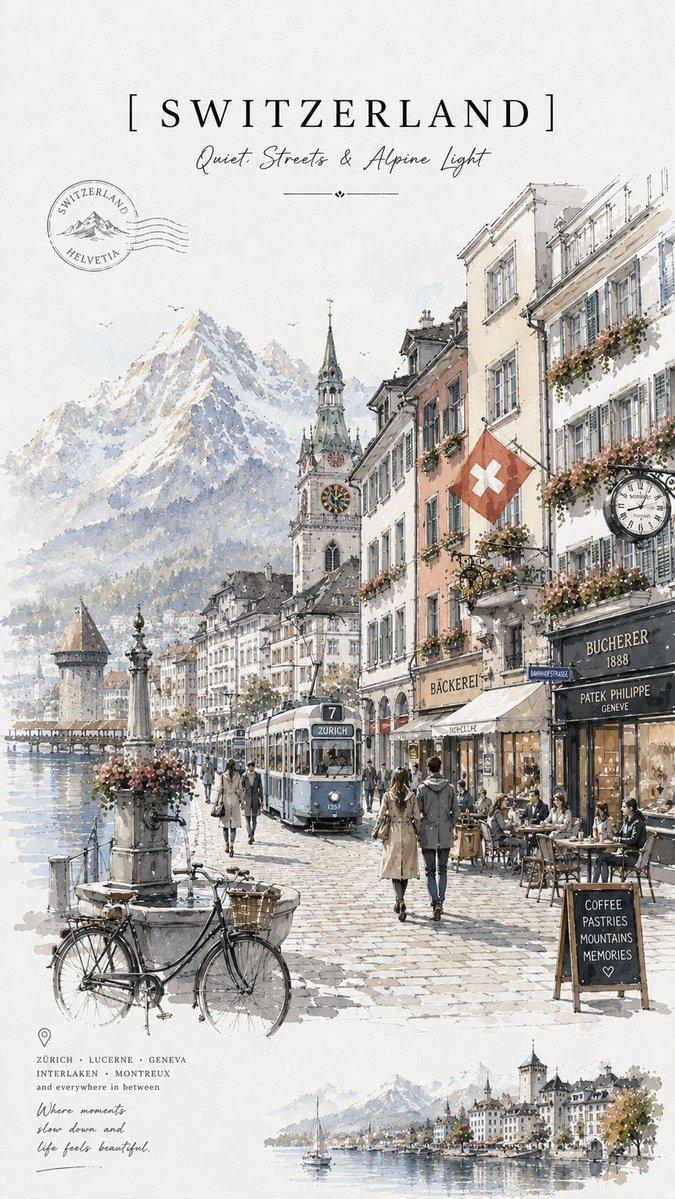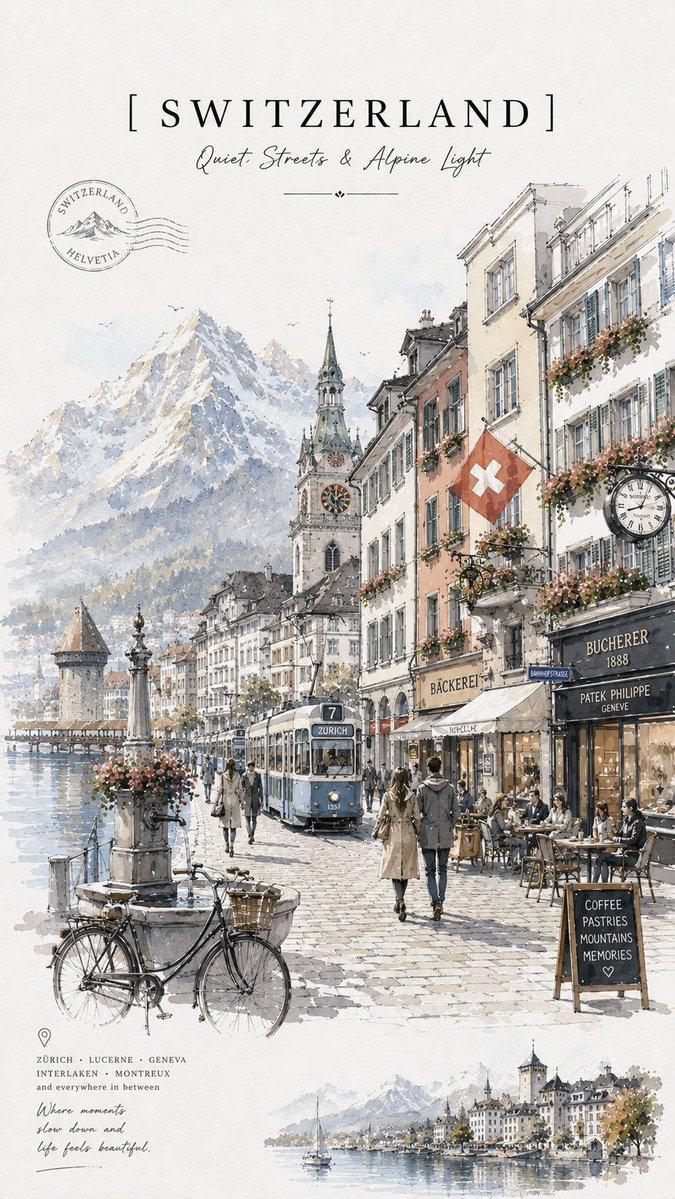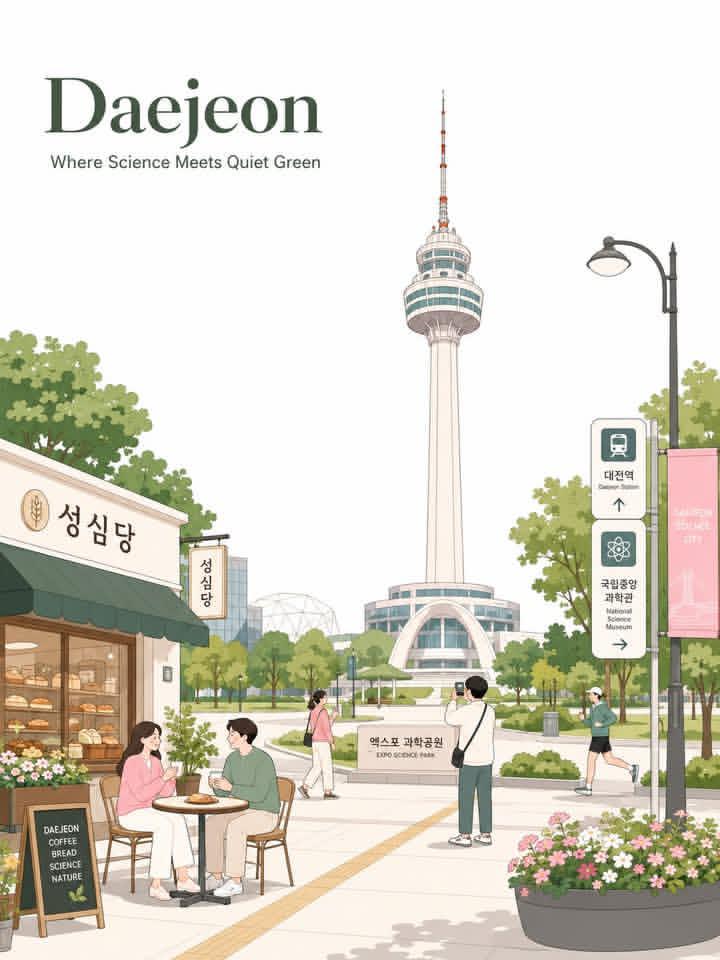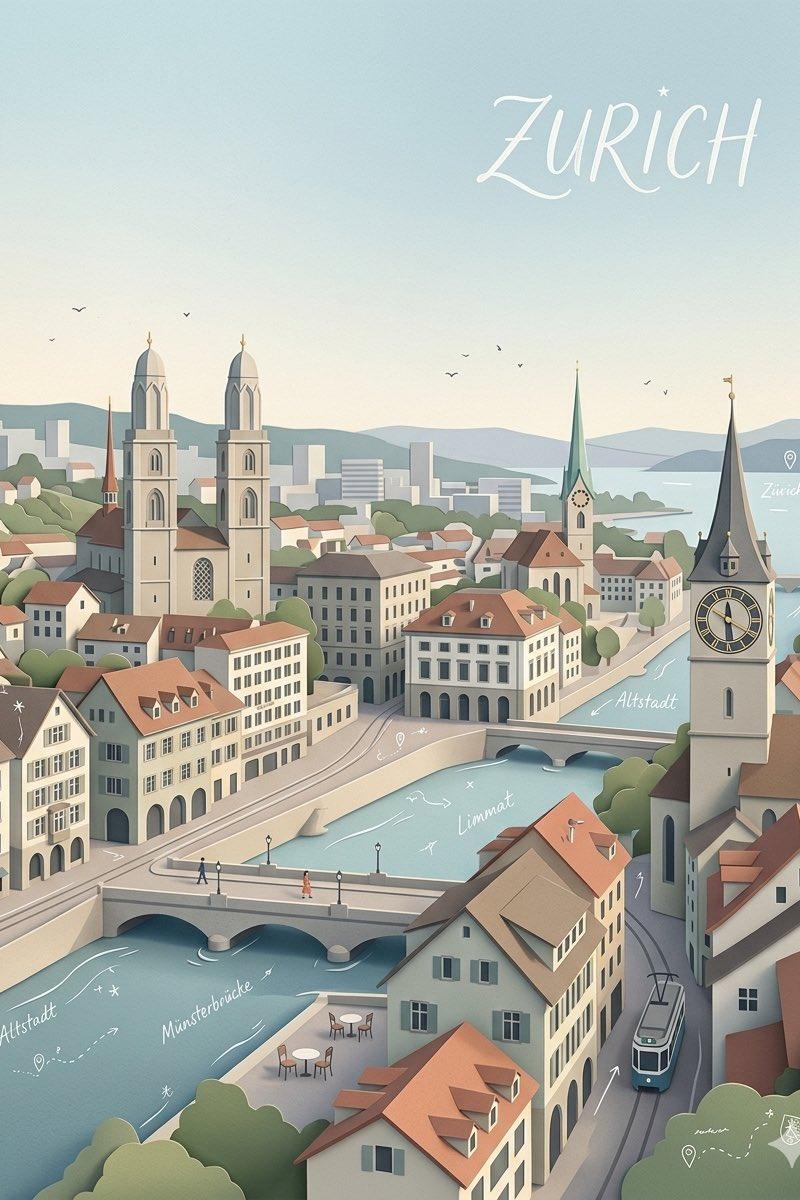
极简高级矢量城市旅行海报
Prompt
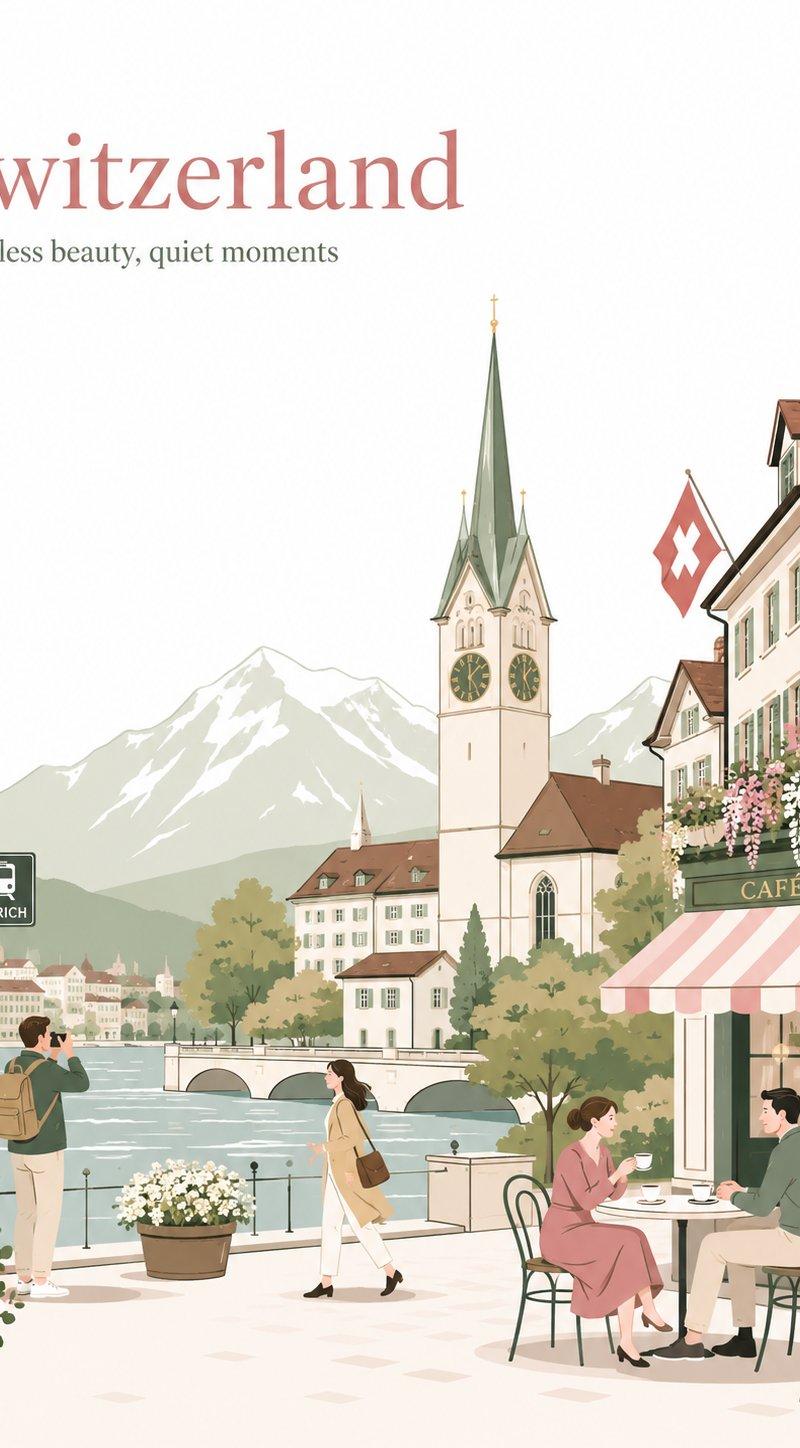
Premium minimal flat-vector travel poster for [CITY_NAME], 3:4 vertical.

Top-left typography:
[CITY_NAME]
[Short elegant English caption matching the city mood]

Create a soft premium stationery-style city travel poster with a clean, airy, high-end postcard mood.

BACKGROUND RULE:
Use a clean white or near-white background.
Keep the upper-left typography area mostly pure white and spacious.
Do not use peach, beige, cream, warm tinted background wash, or paper-like background color.
Warm tones may appear only in architecture, flowers, clothing, café details, and small objects.

CITY ADAPTATION:
Automatically adapt the scene to [CITY_NAME].
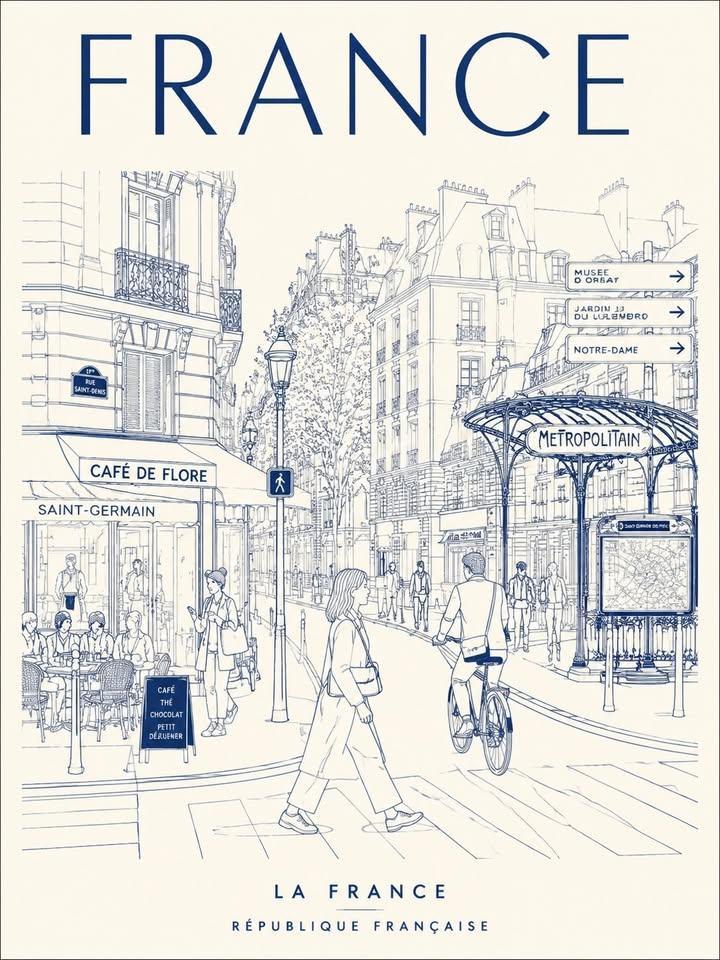
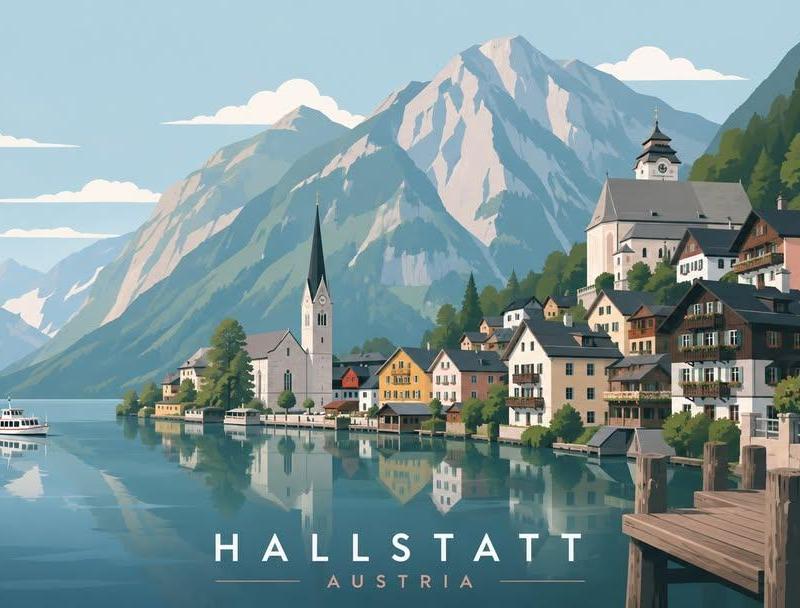
Use one iconic primary landmark as the main visual anchor in the middle or background.
Add local architecture, a small café or street-side shop, a local transport sign, a slim street lamp, trees, flower pots, and a few refined city-specific details.
Optional secondary landmark may appear very small and subtle in the far background, but it must not compete with the primary landmark.
Avoid landmark collage or overly dense city elements.

PEOPLE:
Use only 3–5 people.
Show small natural daily-life moments:
two people talking at a café table,
one person walking quietly,
one person taking a photo,
and optionally one person sketching or jogging.
Avoid crowds.
Avoid a single hero character.

COMPOSITION:
Keep large clean white negative space in the upper-left.
Place the main landmark clearly in the middle-to-background.
Place the café or local shop on one side.
Keep the scene simple, balanced, spacious, and uncluttered.
Avoid filling the top area with too many branches, clouds, birds, flowers, or decorative elements.

STYLE:
Soft stationery illustration aesthetic,
premium sticker illustration,
minimal flat-vector poster,
clean thin outlines,
consistent line weight,
flat colors only,
rounded forms,
tiny dot eyes,
simple facial features,
elegant graphic balance.

COLOR PALETTE:
blush pink,
dusty rose,
sage green,
warm cream,
soft beige,
muted gray-green.

Use these colors softly on objects only.
Do not use them as a full background wash.

MOOD:
minimal,
elegant,
calm,
refined,
romantic,
clean,
premium travel postcard,
greeting card,
wall art,
book-cover,
lifestyle branding.

CAPTION RULE:
Generate one short English caption, 3–7 words.
It should feel elegant, poetic, simple, and city-specific.
Avoid clichés, exclamation marks, and tourist brochure language.

NEGATIVE PROMPT:
No realism.
No photorealism.
No watercolor.
No painterly effects.
No gradients.
No shading.
No texture.
No peach background.
No beige background wash.
No dense background.
No crowded streets.
No excessive landmark collage.
No overly detailed architecture.
- Category
- Charts & Infographics
- Model
- ChatGPT
- Creator
- @AIwithAliya
- Source language
- zh-CN
- Source ID
- 16857
- Published
- Jun 28, 2026
Views15