17

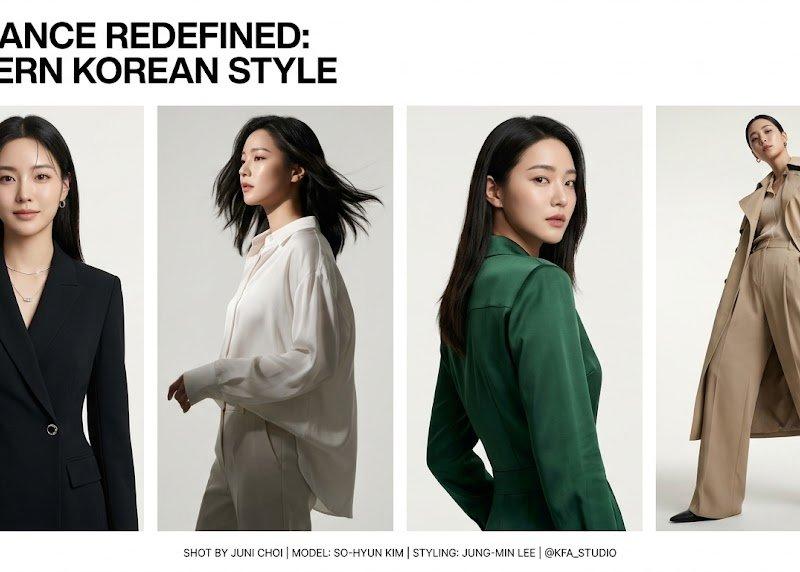
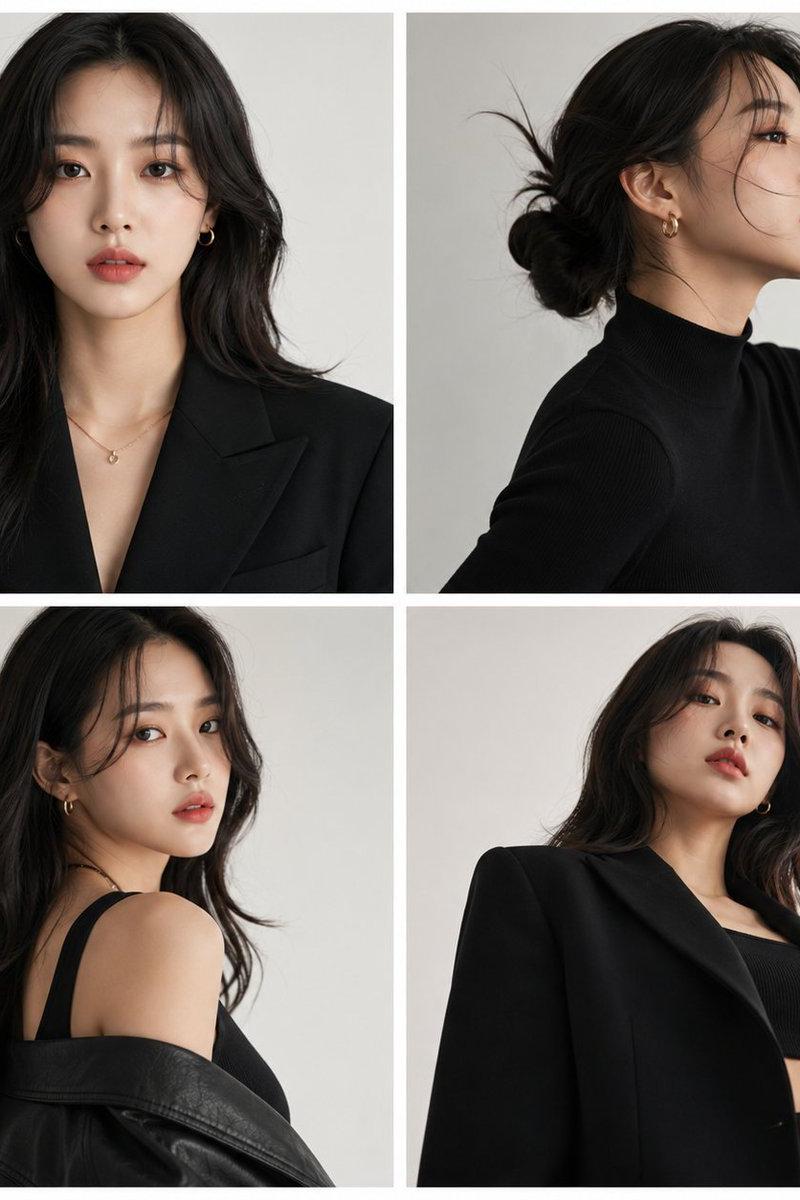
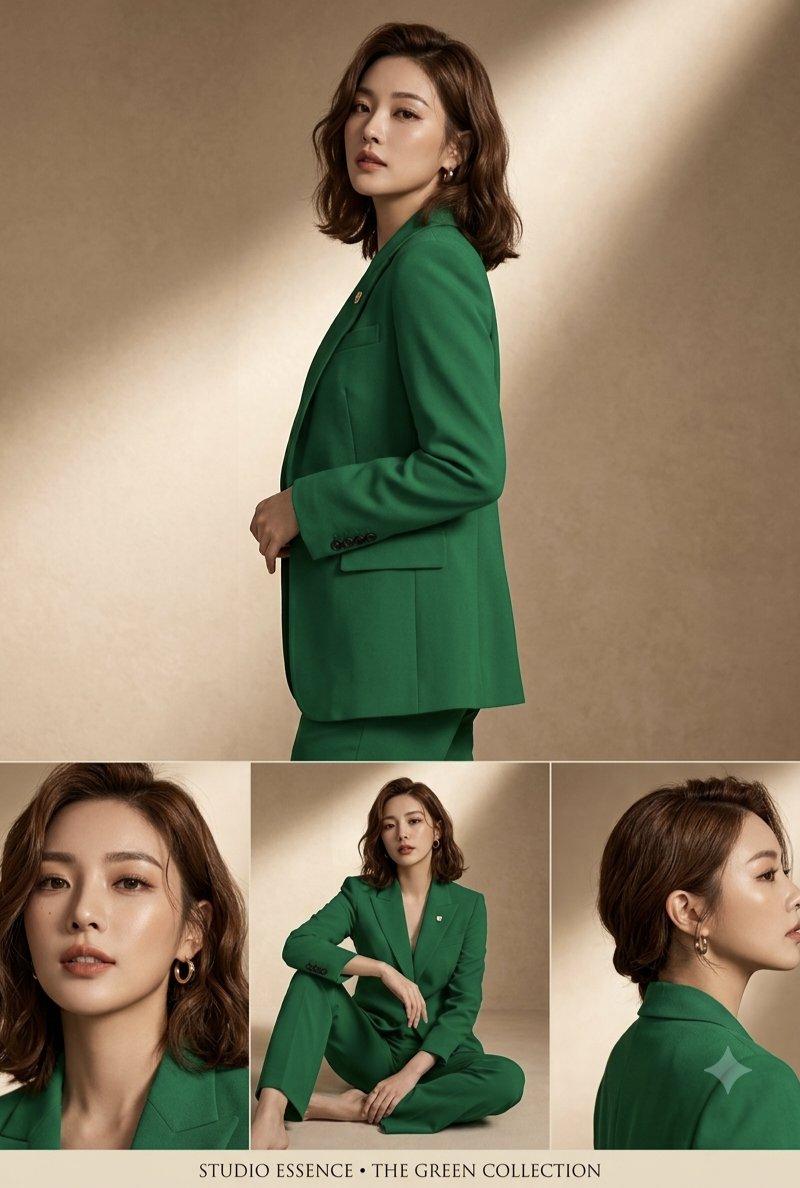
翡翠绿西装套装东亚女性多角度时尚摄影拼贴
Enlarge

Example images

翡翠绿西装套装东亚女性多角度时尚摄影拼贴

Prompt
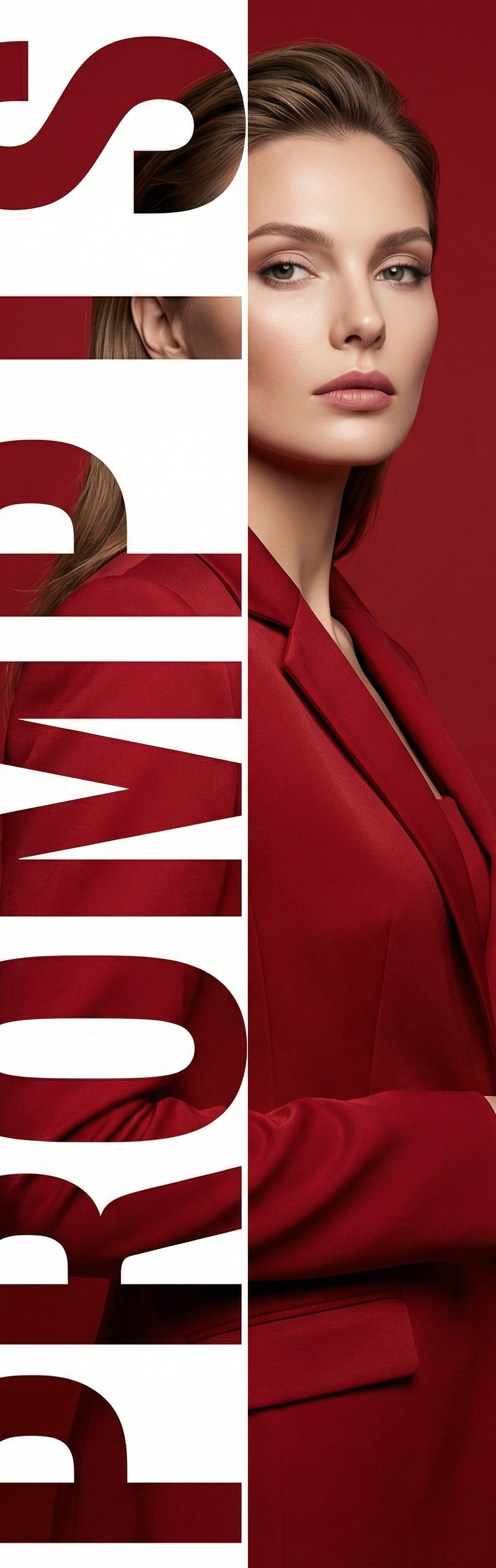
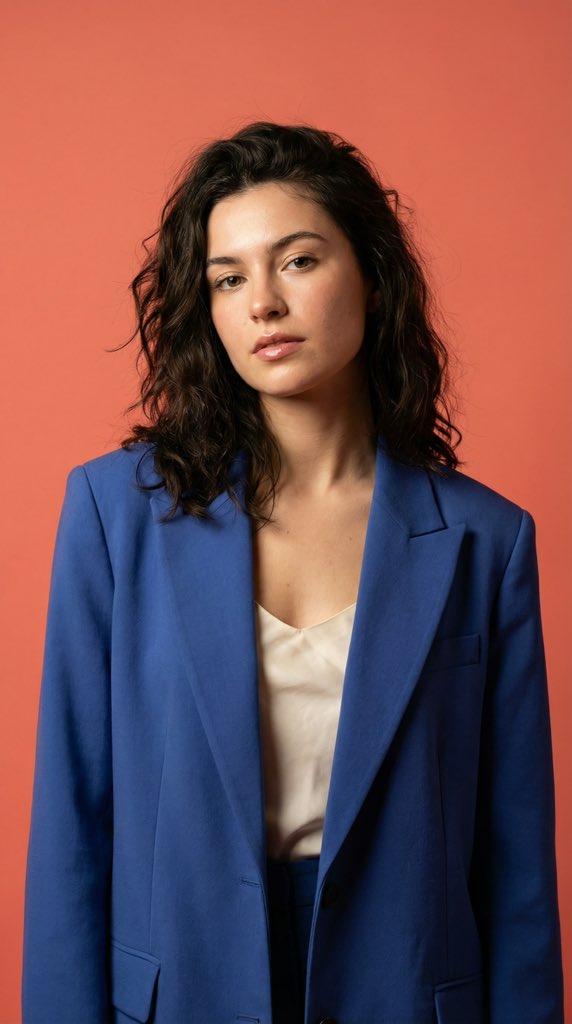
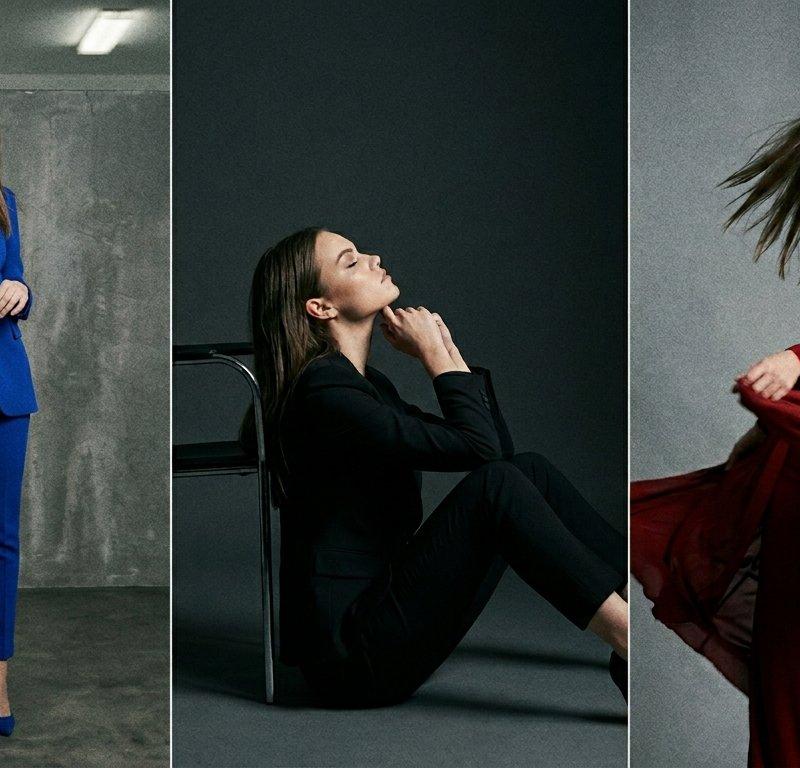
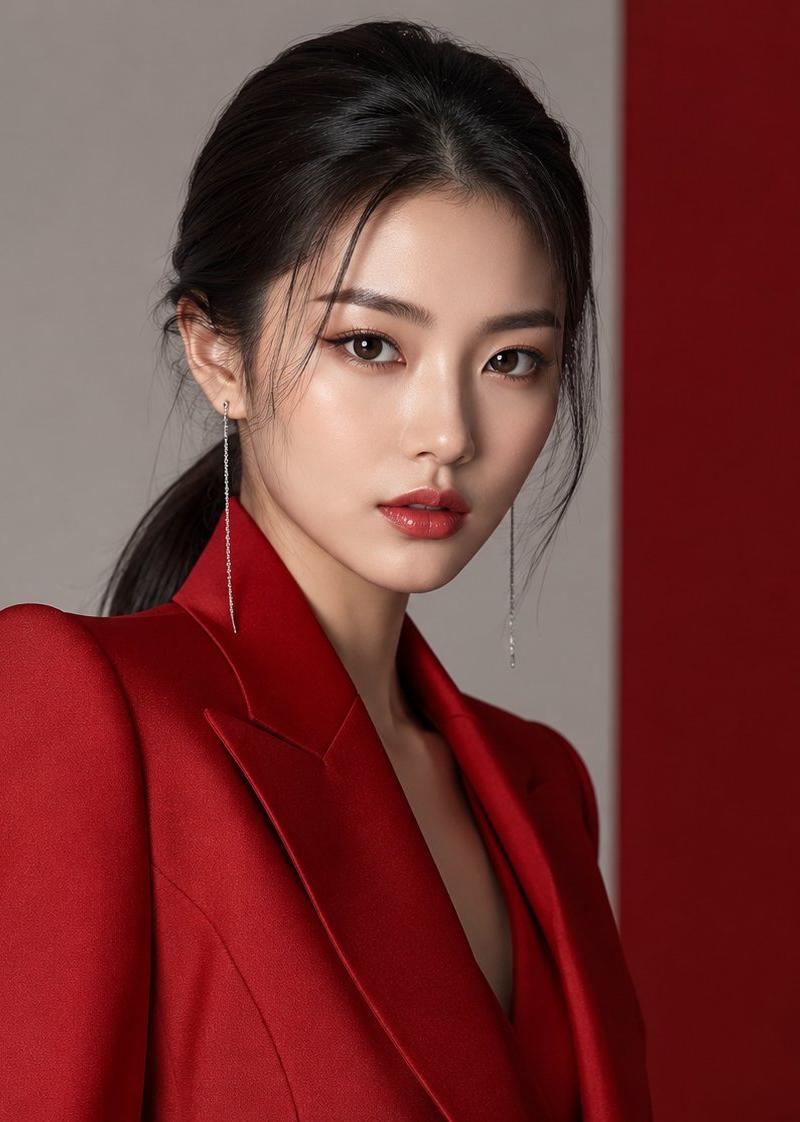
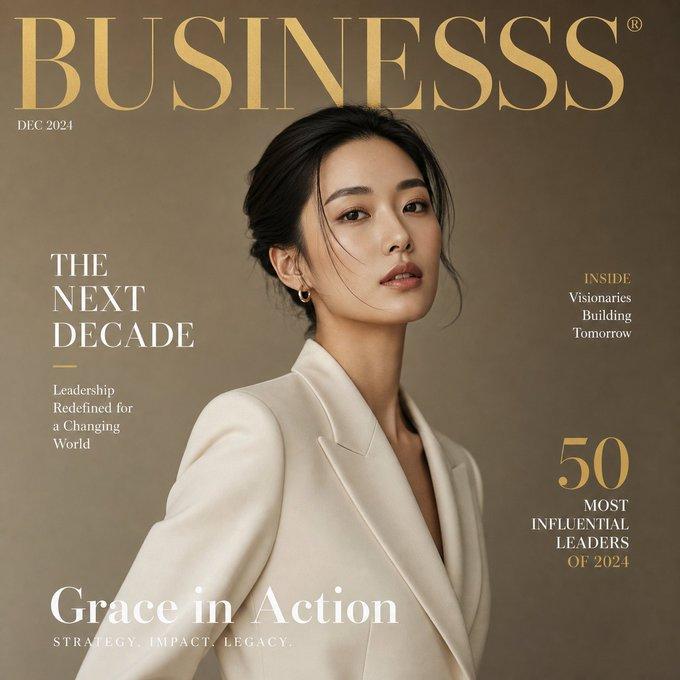
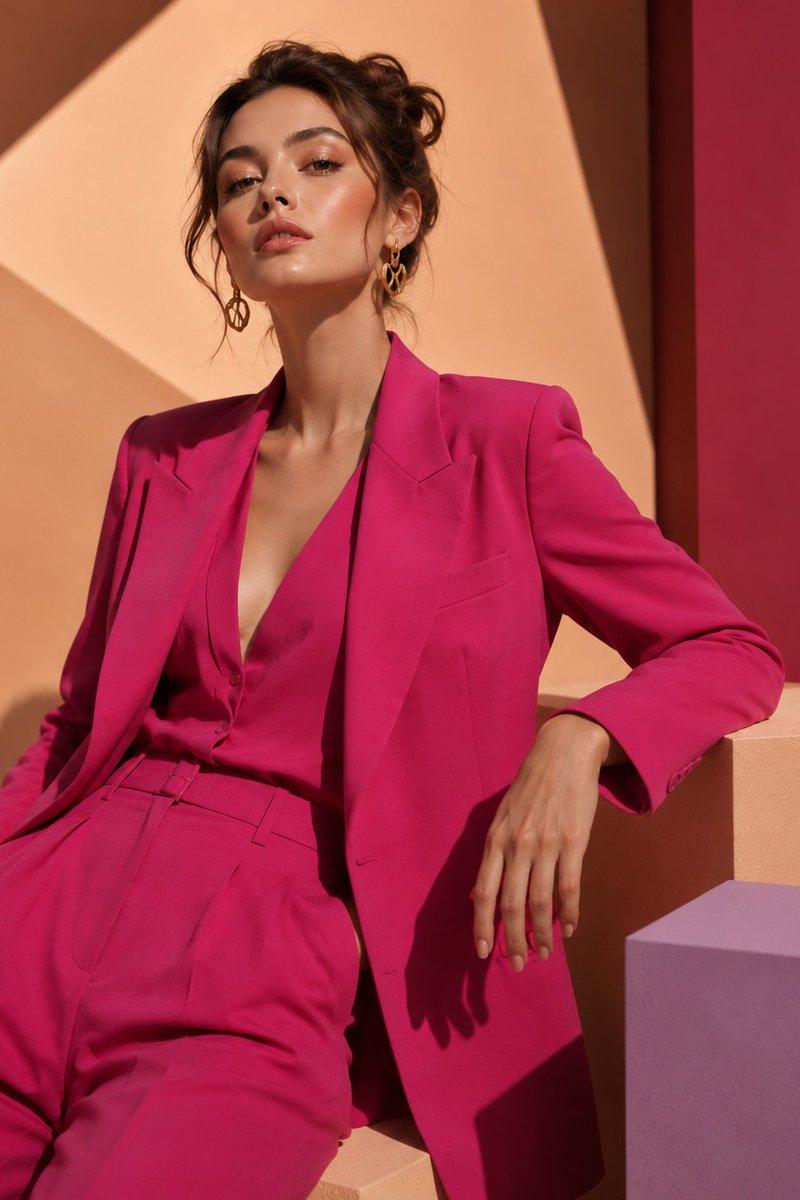
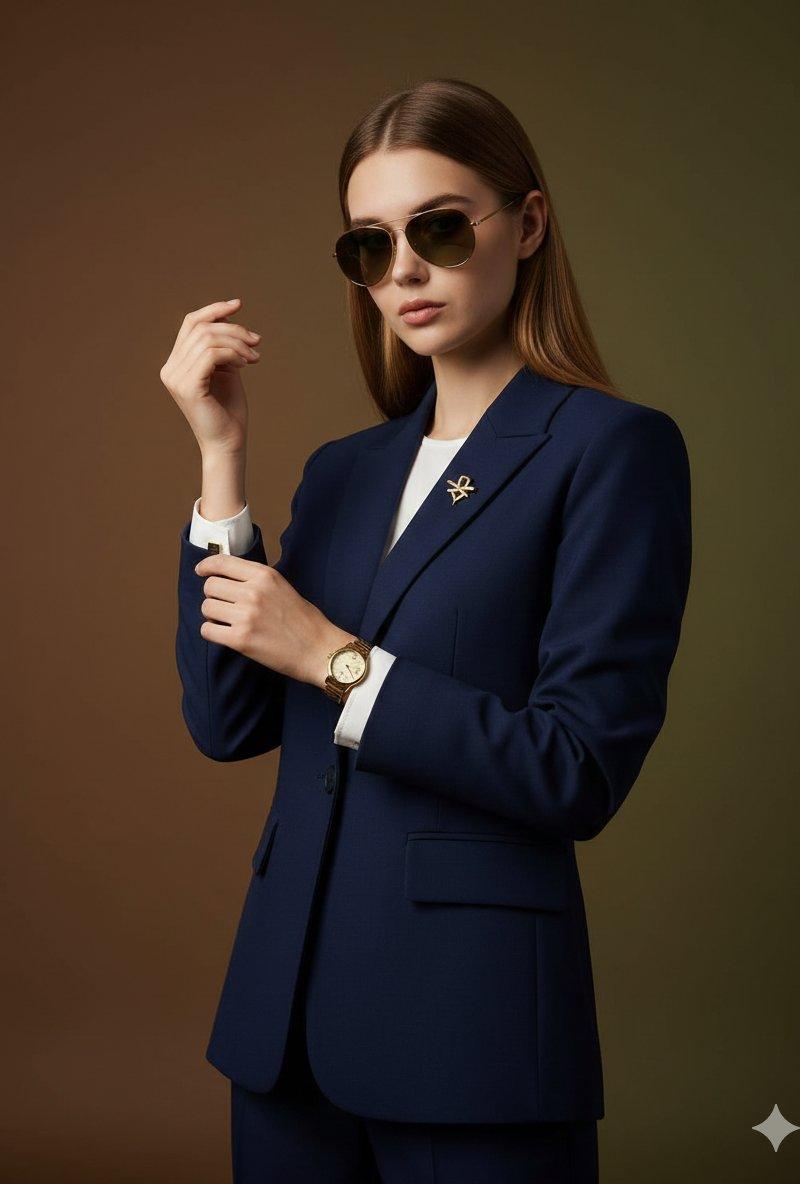
A professional multi-angle fashion photography collage featuring an elegant East Asian woman wearing a vibrant, tailored emerald green pantsuit. Her wavy, shoulder-length brunette hair is styled with soft curls, and she has subtle gold hoop earrings. The main shot shows her in a three-quarter profile standing pose, looking confidently toward the camera. Below, a row of three smaller panels captures different perspectives: a tight close-up portrait highlighting her soft, neutral makeup and dewy skin; a full-body shot of her sitting elegantly on the floor with crossed legs; and a side profile shot emphasizing her jawline and a neat updo style. The background is a minimalist, warm beige, textured studio backdrop illuminated by a soft, cinematic diagonal beam of light. The overall mood is sophisticated, modern, and editorial.
Category
Charts & Infographics
Model
Nano banana pro
Creator
@Minahil42298354
Source language
zh-CN
Views69
Source ID
16656
Published
Jun 24, 2026
Studio

Guide

About "翡翠绿西装套装东亚女性多角度时尚摄影拼贴"

What is this prompt for?

"翡翠绿西装套装东亚女性多角度时尚摄影拼贴" AI image prompt for Nano banana pro (Charts & Infographics). 一张专业的多角度时尚摄影拼贴,主角是一位穿着亮眼、剪裁得体的翡翠绿西装套装的优雅东亚女性。她那波浪般的、齐肩的深褐色头发打理成柔软的卷发,佩戴着精致的…

The full copyable prompt and example visuals above are ready for AI image generation or one-click recreate in Picva.

How to use this prompt

  1. Step 1

    Open the prompt detail

    Review the example visuals, category, and full prompt text for "翡翠绿西装套装东亚女性多角度时尚摄影拼贴".

  2. Step 2

    Copy the prompt

    Copy the prompt body from this page, or load it directly in Studio.

  3. Step 3

    Pick a model (Nano banana pro)

    Prefer Nano banana pro. If you switch models, keep subject and composition and tweak style terms.

  4. Step 4

    Generate and export

    Recreate the look in Picva, or export into your workflow for editing and publishing.

FAQ

What is the "翡翠绿西装套装东亚女性多角度时尚摄影拼贴" prompt?
It is an AI image-generation prompt for Nano banana pro in the Charts & Infographics category. This page includes the full prompt text, example visuals, and a one-click recreate path in Picva.
How do I use this prompt to generate an image?
Copy the prompt from this page, or use Generate / Studio. Paste it into a compatible image model, or recreate the look in Picva with optional reference images.
Which model is this prompt for?
This page lists Nano banana pro. Most descriptive prompts also transfer to nearby image models such as GPT Image, Flux, or Midjourney with light style tweaks.
Can I use the result commercially?
You can usually copy the prompt for creation, but commercial use of the final image depends on the model terms, reference-image rights, and the generated content. Follow the source author and platform rules.