20

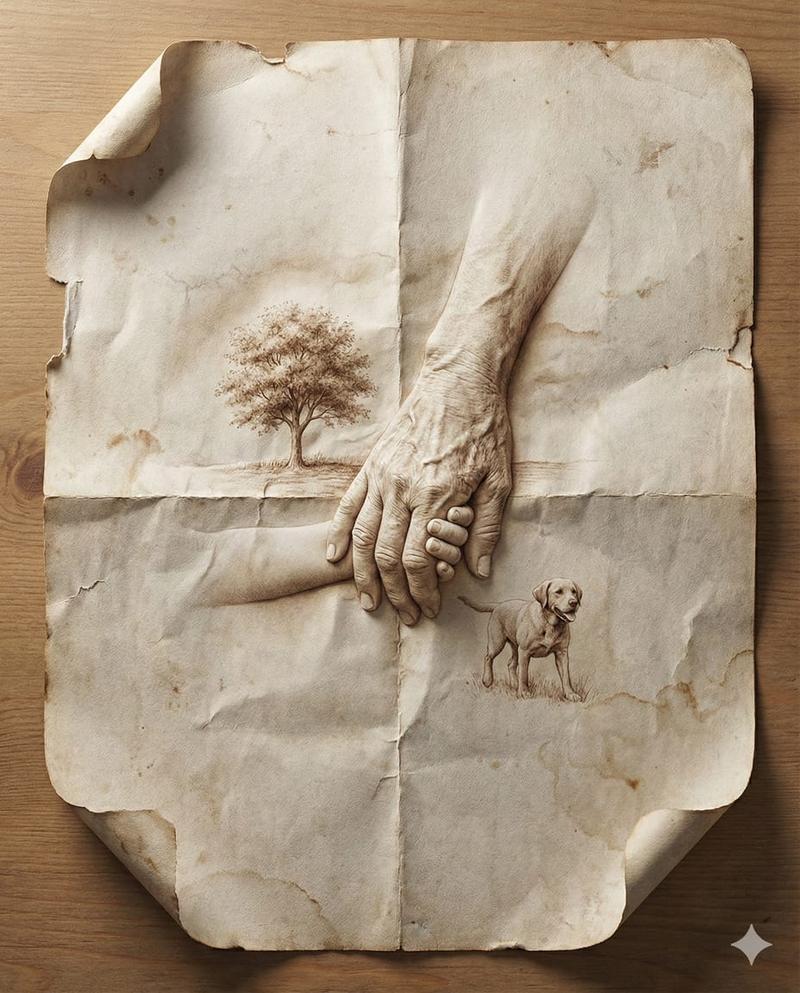
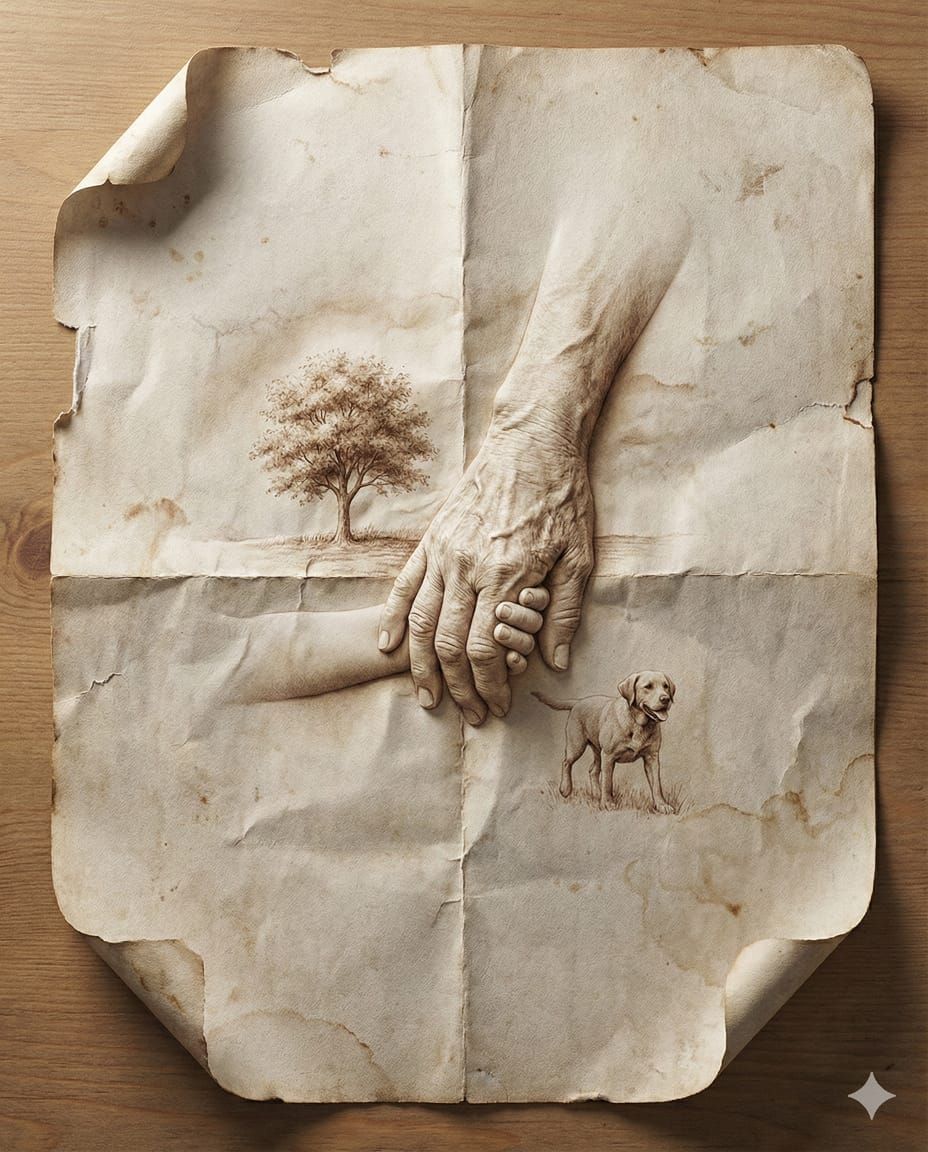
旧纸折痕间浮现的超写实立体记忆
Enlarge

旧纸折痕间浮现的超写实立体记忆

Prompt
Nano Banana Pro || 8K Ultra-Realistic Promotional Design a hyper-realistic close-up image of a folded sheet of aged paper. Within the paper’s creases and surfaces, depict a [SCENE OR MEMORY] emerging naturally from the folds, like sculpted origami. The environment and figures (if present) appear embossed or printed directly into the paper, using wrinkles, grain, and ink textures to build the illusion. Include subtle shadows, curled edges, torn corners, and ink fading to enhance realism. Set the paper on a neutral tabletop with soft directional light from one side, casting gentle shadows and enhancing dimensional depth. Photorealistic, emotional storytelling, handcrafted visual illusion, 8K ultra-detail, and image size 4 5.
Category
Charts & Infographics
Model
Nano banana pro
Views25
Source ID
8588
Published
Mar 22, 2026

Guide

About "旧纸折痕间浮现的超写实立体记忆"

What is this prompt for?

"旧纸折痕间浮现的超写实立体记忆" AI image prompt for Nano banana pro (Charts & Infographics). Nano Banana Pro || 8K 超现实宣传片 设计一张超现实的特写图像,描绘一张折叠的旧纸。在纸张的折痕和表面中,描绘一个 [场景或记忆],它像雕塑…

The full copyable prompt and example visuals above are ready for AI image generation or one-click recreate in Picva.

How to use this prompt

  1. Step 1

    Open the prompt detail

    Review the example visuals, category, and full prompt text for "旧纸折痕间浮现的超写实立体记忆".

  2. Step 2

    Copy the prompt

    Copy the prompt body from this page, or load it directly in Studio.

  3. Step 3

    Pick a model (Nano banana pro)

    Prefer Nano banana pro. If you switch models, keep subject and composition and tweak style terms.

  4. Step 4

    Generate and export

    Recreate the look in Picva, or export into your workflow for editing and publishing.

FAQ

What is the "旧纸折痕间浮现的超写实立体记忆" prompt?
It is an AI image-generation prompt for Nano banana pro in the Charts & Infographics category. This page includes the full prompt text, example visuals, and a one-click recreate path in Picva.
How do I use this prompt to generate an image?
Copy the prompt from this page, or use Generate / Studio. Paste it into a compatible image model, or recreate the look in Picva with optional reference images.
Which model is this prompt for?
This page lists Nano banana pro. Most descriptive prompts also transfer to nearby image models such as GPT Image, Flux, or Midjourney with light style tweaks.
Can I use the result commercially?
You can usually copy the prompt for creation, but commercial use of the final image depends on the model terms, reference-image rights, and the generated content. Follow the source author and platform rules.