15

复古90年代CRT界面超写实人像
Enlarge

复古90年代CRT界面超写实人像

Prompt
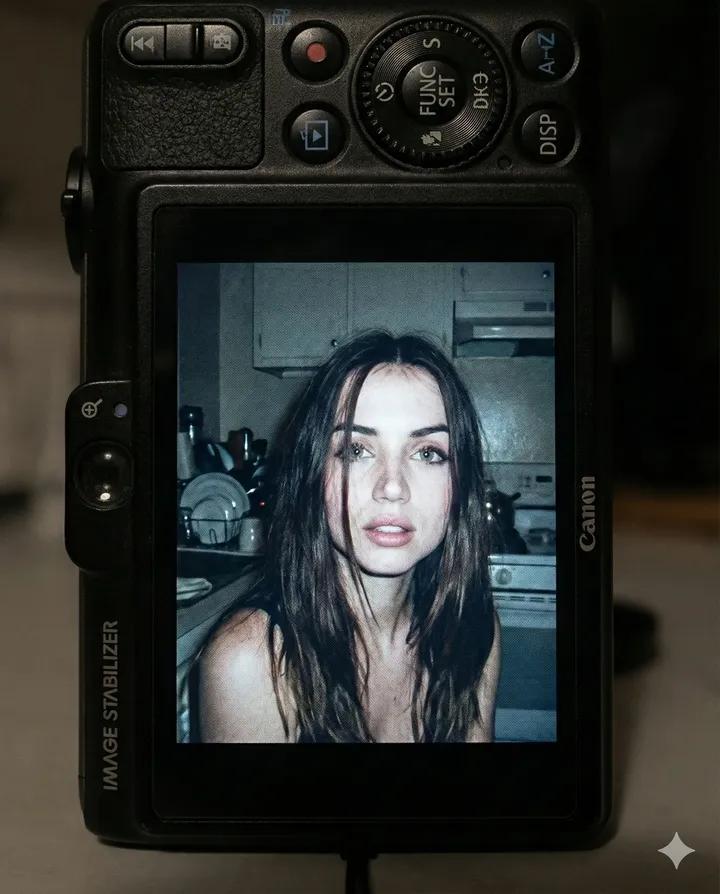
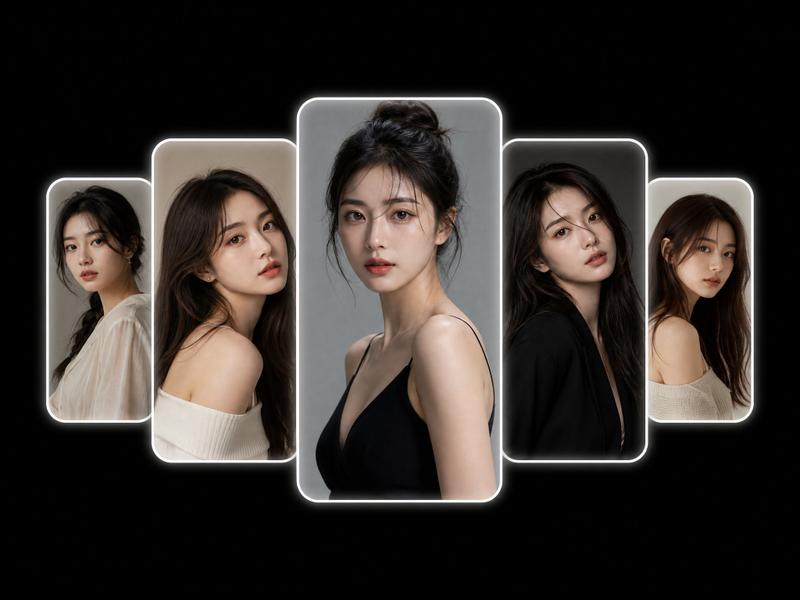
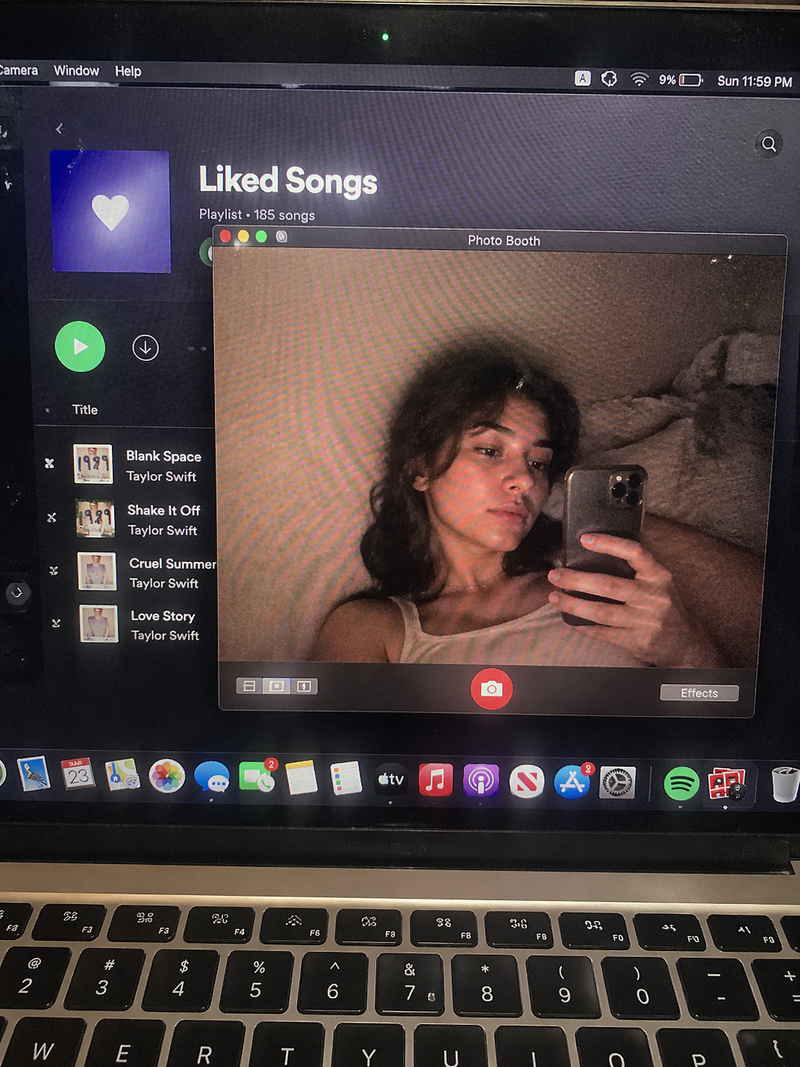
Ultra-realistic editorial portrait using the uploaded face reference, preserving exact facial features, skin tone, and proportions. Displayed inside a retro 1990s CRT computer interface titled “Instagram.exe”. Classic grey-blue OS window with pixel fonts, menu bar (“File • Edit • View • Options • Help”), and “Back” / “Next” buttons. Bottom filmstrip thumbnails labeled “Mac ’86”, “Apple II”, and “CGA 4”, showing alternate portraits of the same subject.

Main image: shoulders-up beauty portrait, 85mm lens look, shallow depth of field, three-quarter pose, slight head tilt, calm gaze just past camera, neutral parted lips, natural editorial expression. Soft studio lighting from front-left with subtle fill light and cool ambient glow.

CRT monitor aesthetic with curved screen distortion, scanlines, screen glare, chromatic aberration, cyan-blue digital tint, mild desaturation, film grain, digital noise, compression artifacts, soft vignette, and blurred UI edges. Hyper-realistic fashion photography embedded in a nostalgic vintage photo-viewing program, resembling a scanned CRT monitor screenshot from a professional model database.
Category
Charts & Infographics
Model
ChatGPT
Creator
@MissDelulu9
Source language
zh-CN
Views72
Source ID
15692
Published
Jun 9, 2026
Studio

Guide

About "复古90年代CRT界面超写实人像"

What is this prompt for?

"复古90年代CRT界面超写实人像" AI image prompt for ChatGPT (Charts & Infographics). 使用上传的面部参考的超写实社论肖像,保留精确的面部特征、肤色和比例。显示在标题为“Instagram.exe”的复古1990年代CRT电脑界面内。经典的灰蓝色操作系统窗口,配…

The full copyable prompt and example visuals above are ready for AI image generation or one-click recreate in Picva.

How to use this prompt

  1. Step 1

    Open the prompt detail

    Review the example visuals, category, and full prompt text for "复古90年代CRT界面超写实人像".

  2. Step 2

    Copy the prompt

    Copy the prompt body from this page, or load it directly in Studio.

  3. Step 3

    Pick a model (ChatGPT)

    Prefer ChatGPT. If you switch models, keep subject and composition and tweak style terms.

  4. Step 4

    Generate and export

    Recreate the look in Picva, or export into your workflow for editing and publishing.

FAQ

What is the "复古90年代CRT界面超写实人像" prompt?
It is an AI image-generation prompt for ChatGPT in the Charts & Infographics category. This page includes the full prompt text, example visuals, and a one-click recreate path in Picva.
How do I use this prompt to generate an image?
Copy the prompt from this page, or use Generate / Studio. Paste it into a compatible image model, or recreate the look in Picva with optional reference images.
Which model is this prompt for?
This page lists ChatGPT. Most descriptive prompts also transfer to nearby image models such as GPT Image, Flux, or Midjourney with light style tweaks.
Can I use the result commercially?
You can usually copy the prompt for creation, but commercial use of the final image depends on the model terms, reference-image rights, and the generated content. Follow the source author and platform rules.