17

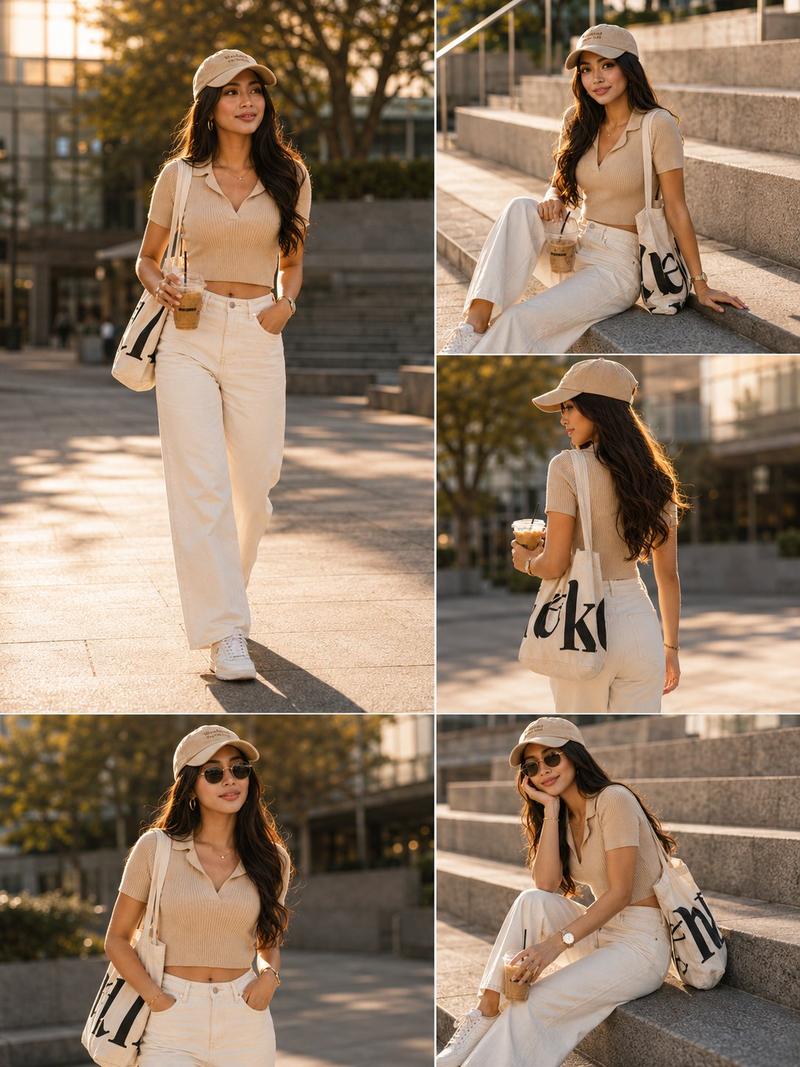
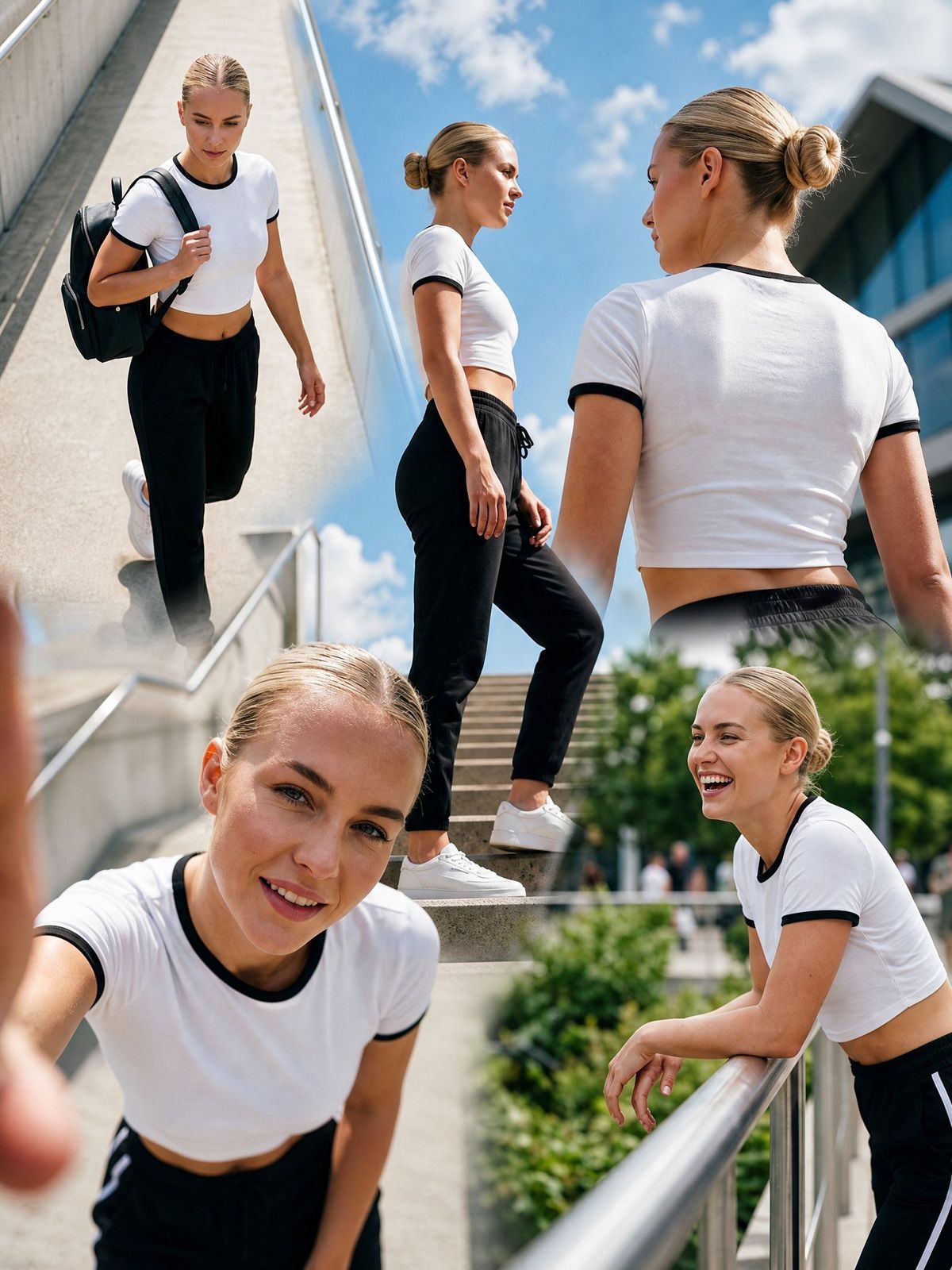
现代运动风时尚多帧社论摄影构图
Enlarge

现代运动风时尚多帧社论摄影构图

Prompt
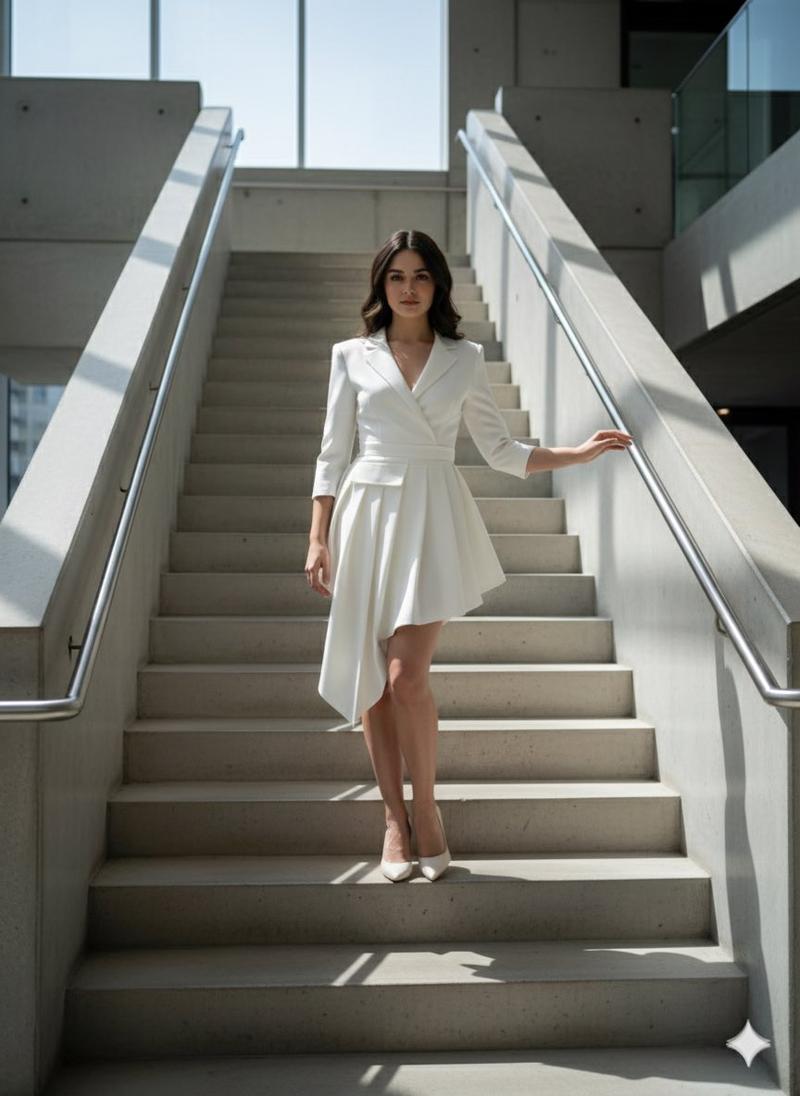
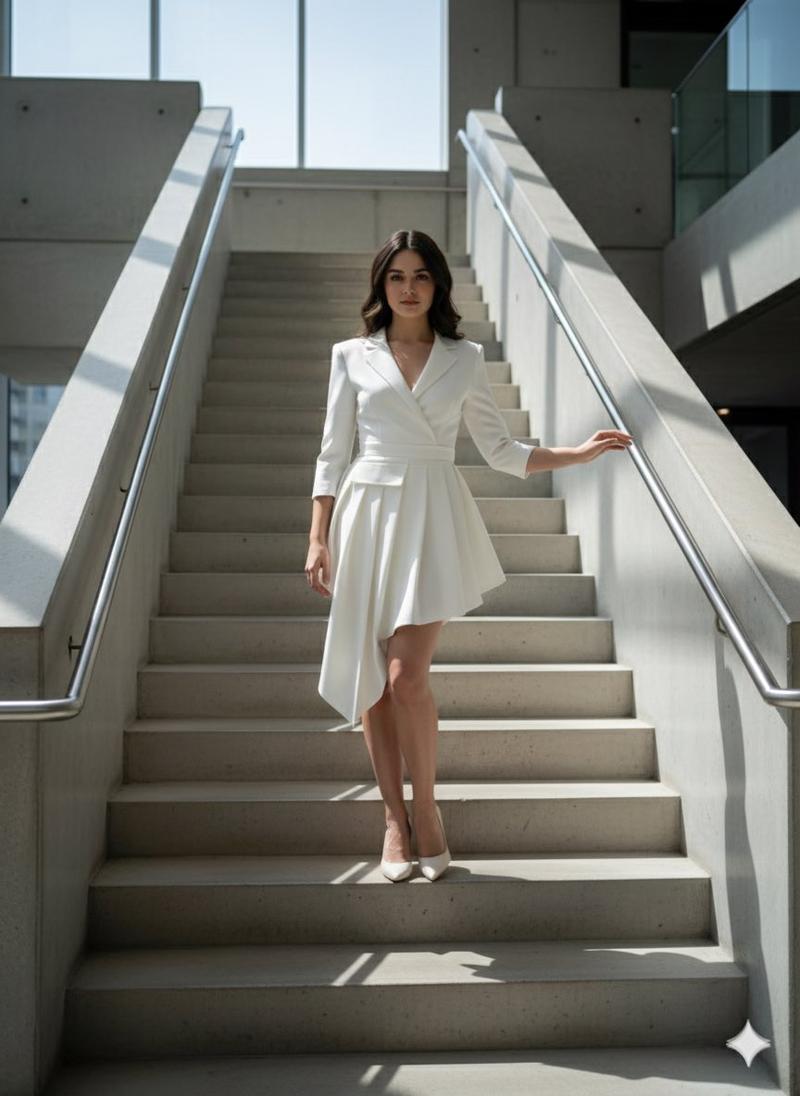
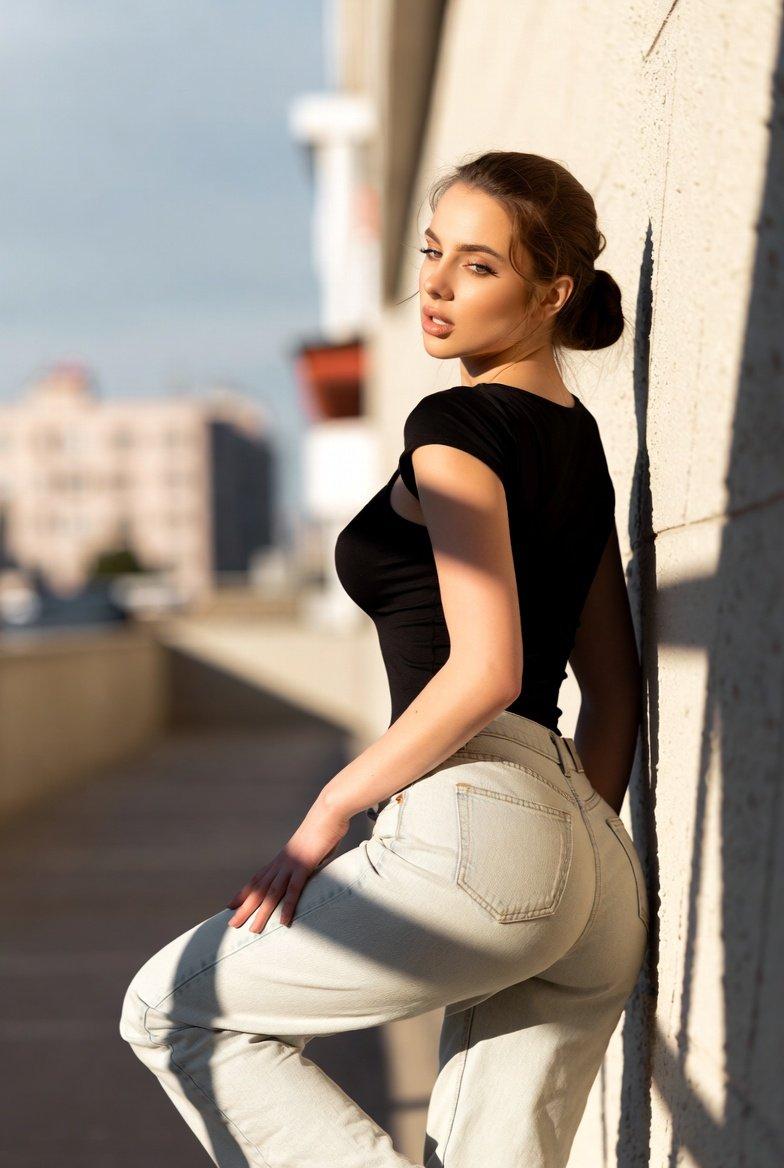
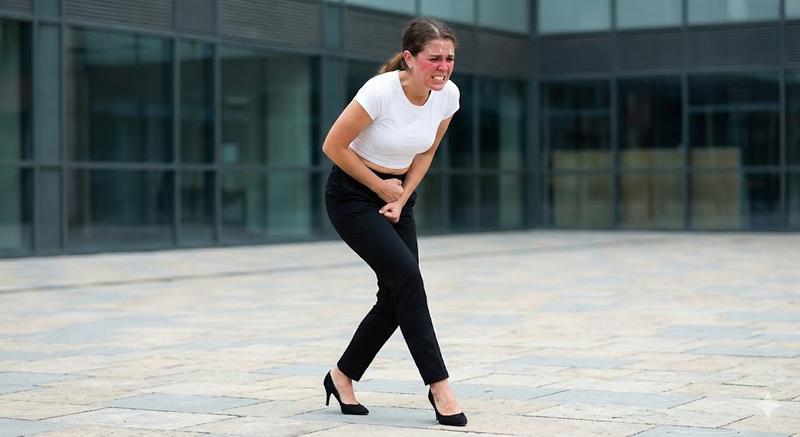
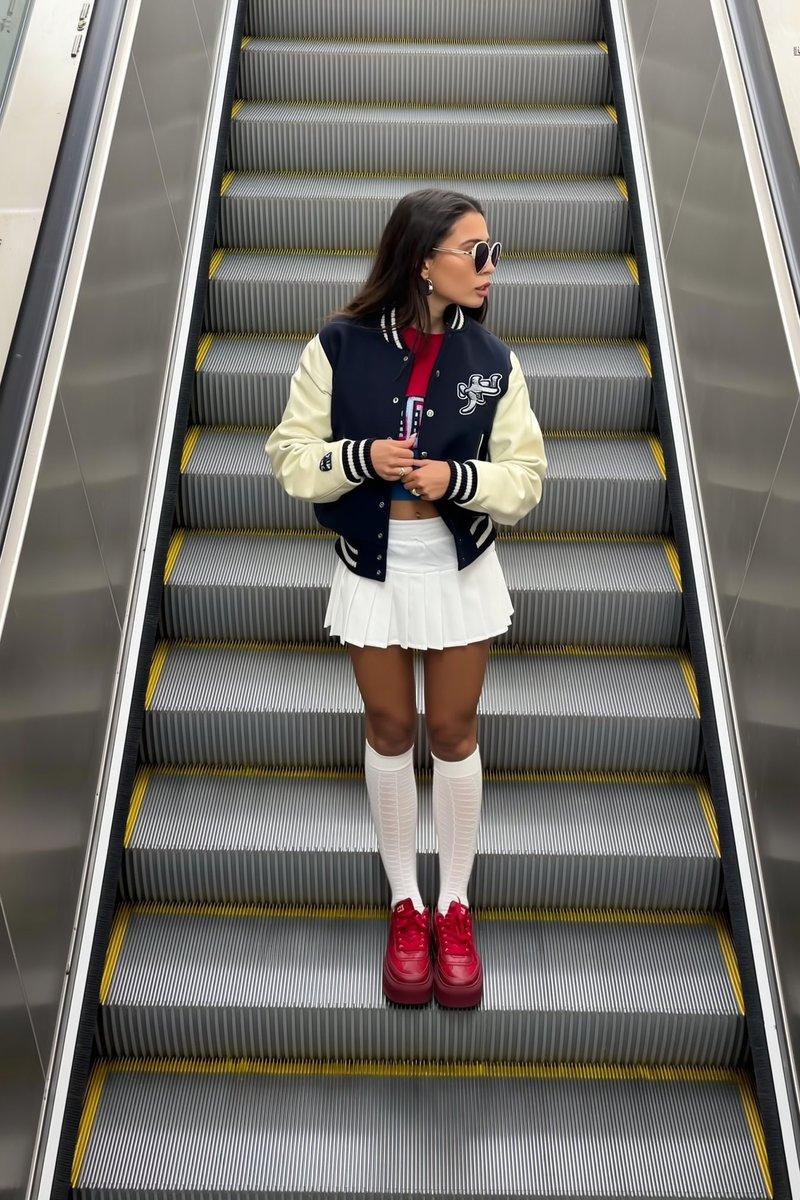
Reference image inspired. Create a seamless multi-frame fashion editorial composition featuring the same young athletic blonde woman with consistent facial identity, sleek bun hairstyle, and a stylish white crop top with black trim paired with matching contemporary fashion bottoms.

Dynamic layout with varying image sizes and positions, organic arrangement, no equal spacing, no symmetry, no structured panels. Bright blue sky with soft clouds and a modern outdoor environment. Natural sunlight, vibrant colors, luxury fashion campaign aesthetic, cinematic atmosphere, ultra-realistic fashion photography. Photographed with Fujifilm GFX100S, 80mm lens, f/2.2, ISO 100, shallow depth of field, professional color grading, HDR, magazine-quality, masterpiece

continuous composition, overlapping images, organic layout, seamless transitions, irregular arrangement, cinematic editorial sequence
Category
Charts & Infographics
Model
ChatGPT
Views23
Source ID
16350
Published
Jun 20, 2026

Guide

About "现代运动风时尚多帧社论摄影构图"

What is this prompt for?

"现代运动风时尚多帧社论摄影构图" AI image prompt for ChatGPT (Charts & Infographics). 参考图像灵感。创建一个无缝的多帧时尚社论构图,展示同一位年轻且具有运动感的金发女性,具有一致的面部身份,光滑的丸子头发型,以及一件时尚的带黑边白色露脐上衣,搭配配套的现代时尚下…

The full copyable prompt and example visuals above are ready for AI image generation or one-click recreate in Picva.

How to use this prompt

  1. Step 1

    Open the prompt detail

    Review the example visuals, category, and full prompt text for "现代运动风时尚多帧社论摄影构图".

  2. Step 2

    Copy the prompt

    Copy the prompt body from this page, or load it directly in Studio.

  3. Step 3

    Pick a model (ChatGPT)

    Prefer ChatGPT. If you switch models, keep subject and composition and tweak style terms.

  4. Step 4

    Generate and export

    Recreate the look in Picva, or export into your workflow for editing and publishing.

FAQ

What is the "现代运动风时尚多帧社论摄影构图" prompt?
It is an AI image-generation prompt for ChatGPT in the Charts & Infographics category. This page includes the full prompt text, example visuals, and a one-click recreate path in Picva.
How do I use this prompt to generate an image?
Copy the prompt from this page, or use Generate / Studio. Paste it into a compatible image model, or recreate the look in Picva with optional reference images.
Which model is this prompt for?
This page lists ChatGPT. Most descriptive prompts also transfer to nearby image models such as GPT Image, Flux, or Midjourney with light style tweaks.
Can I use the result commercially?
You can usually copy the prompt for creation, but commercial use of the final image depends on the model terms, reference-image rights, and the generated content. Follow the source author and platform rules.