19

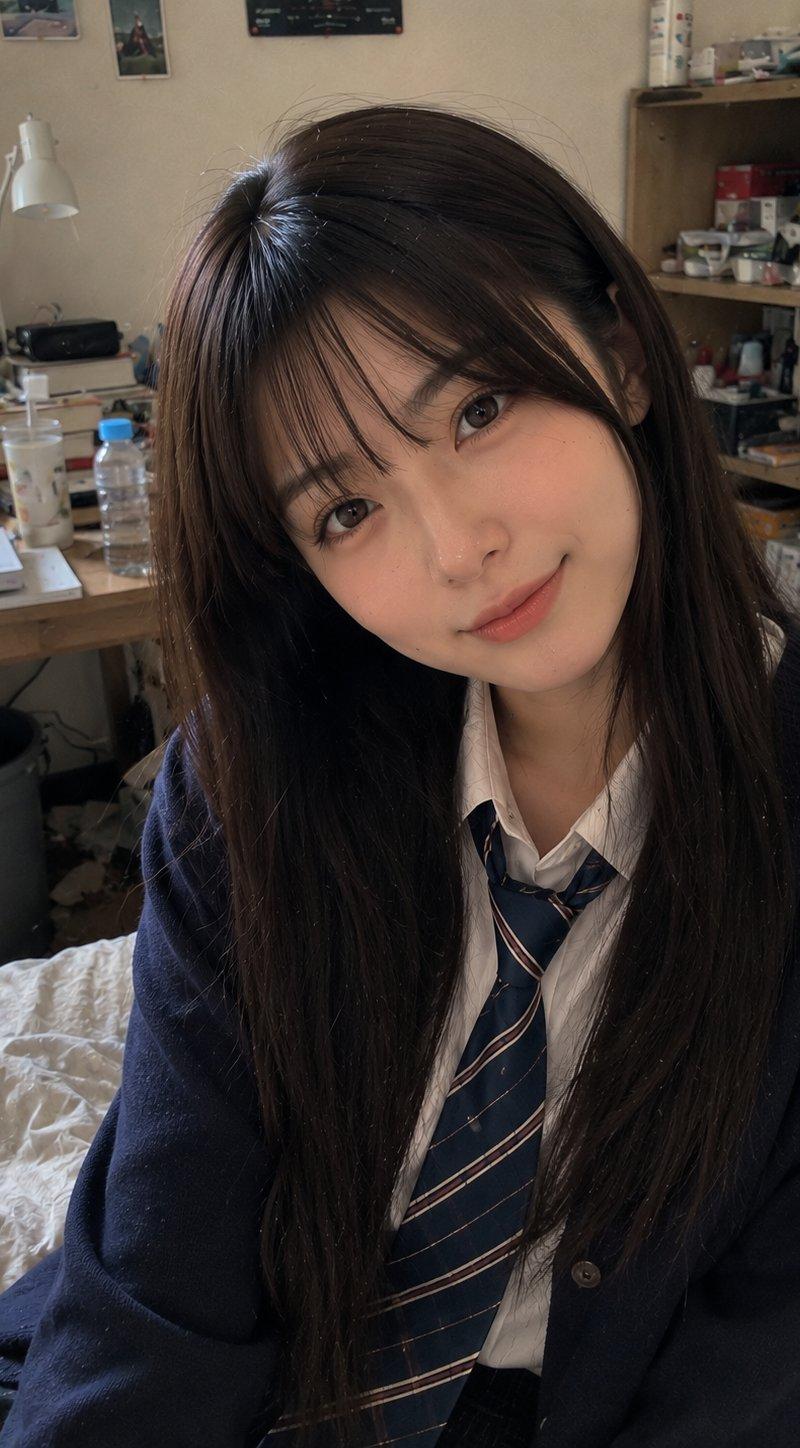
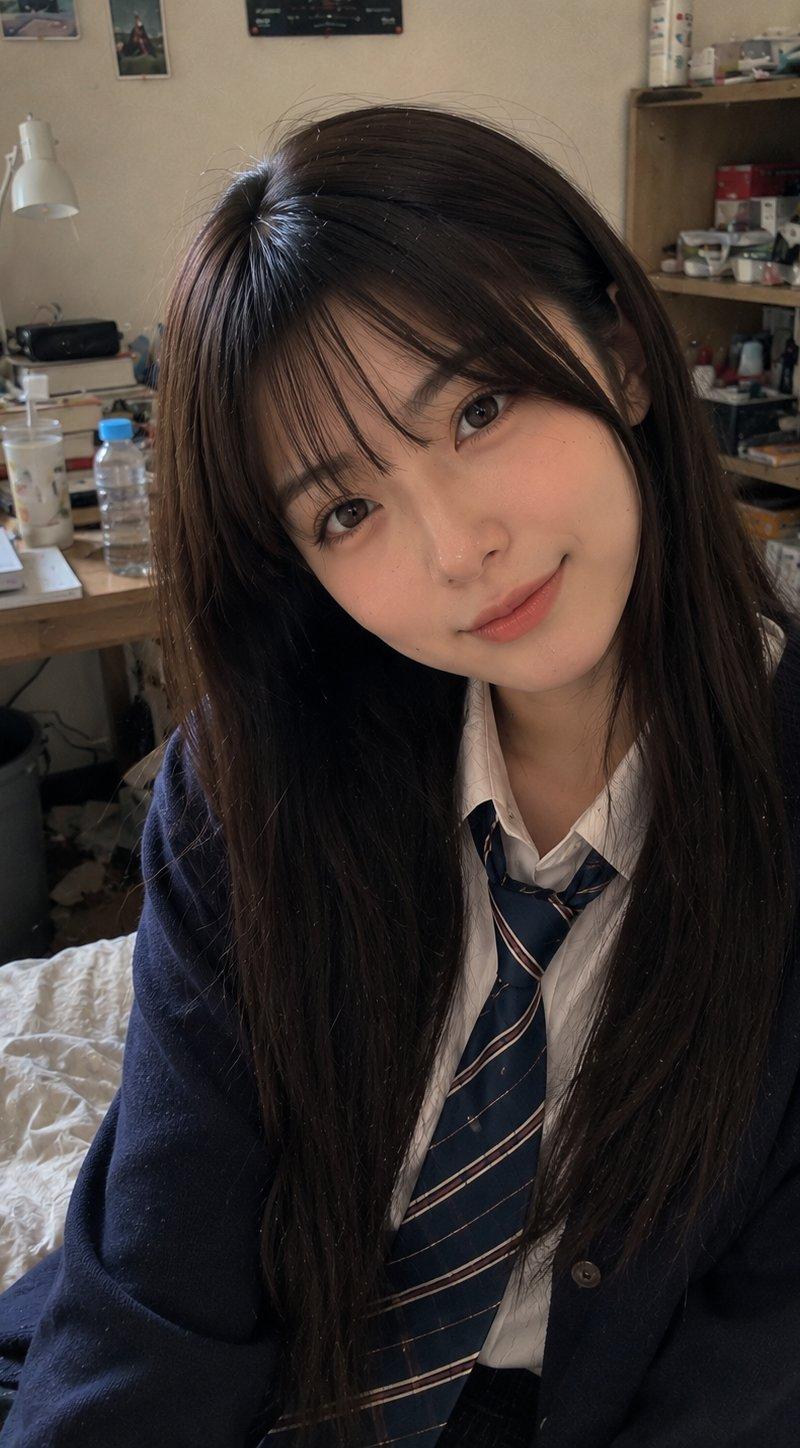
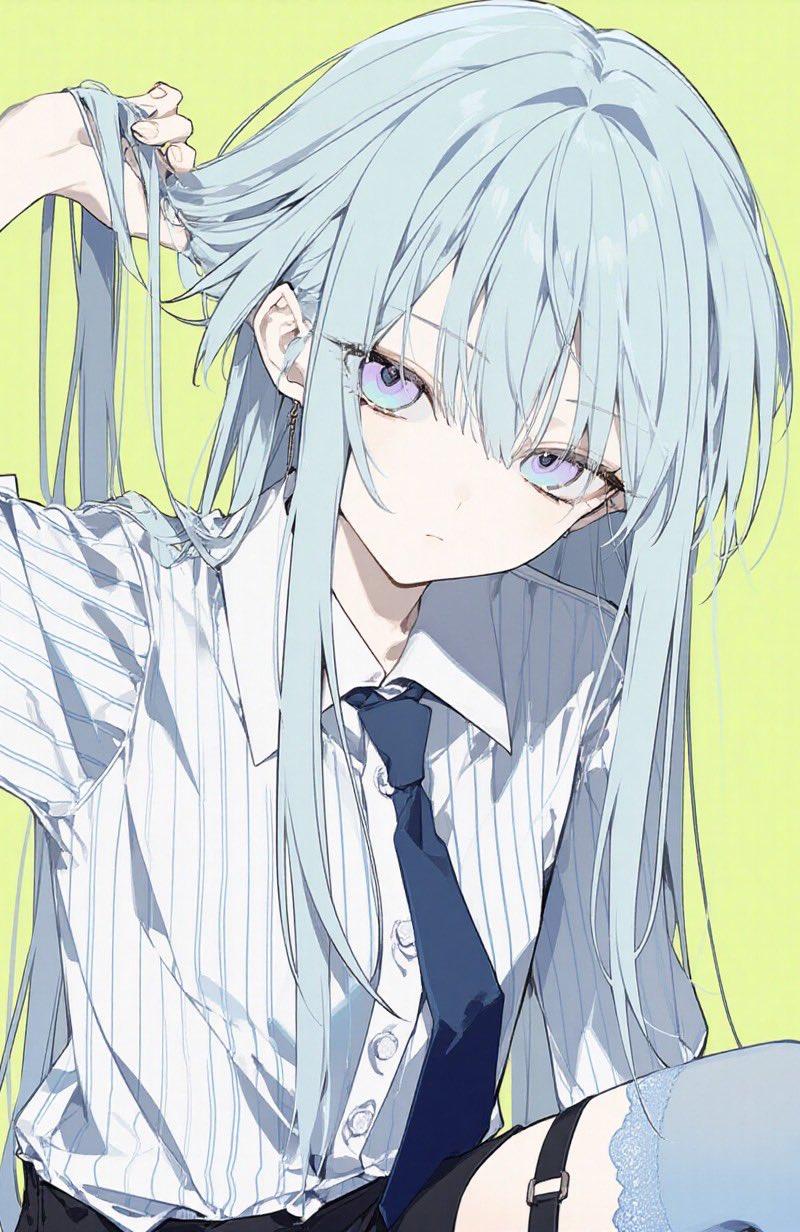
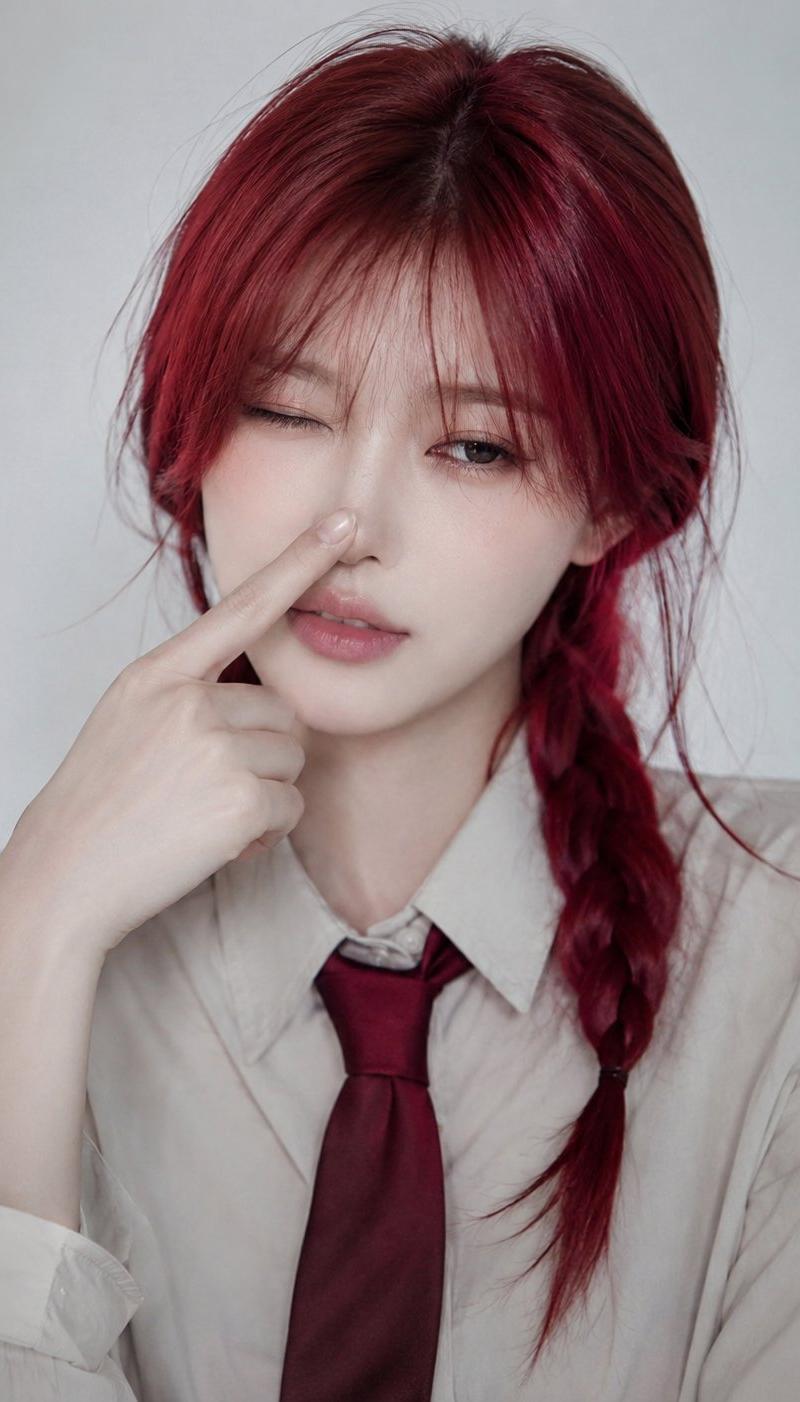
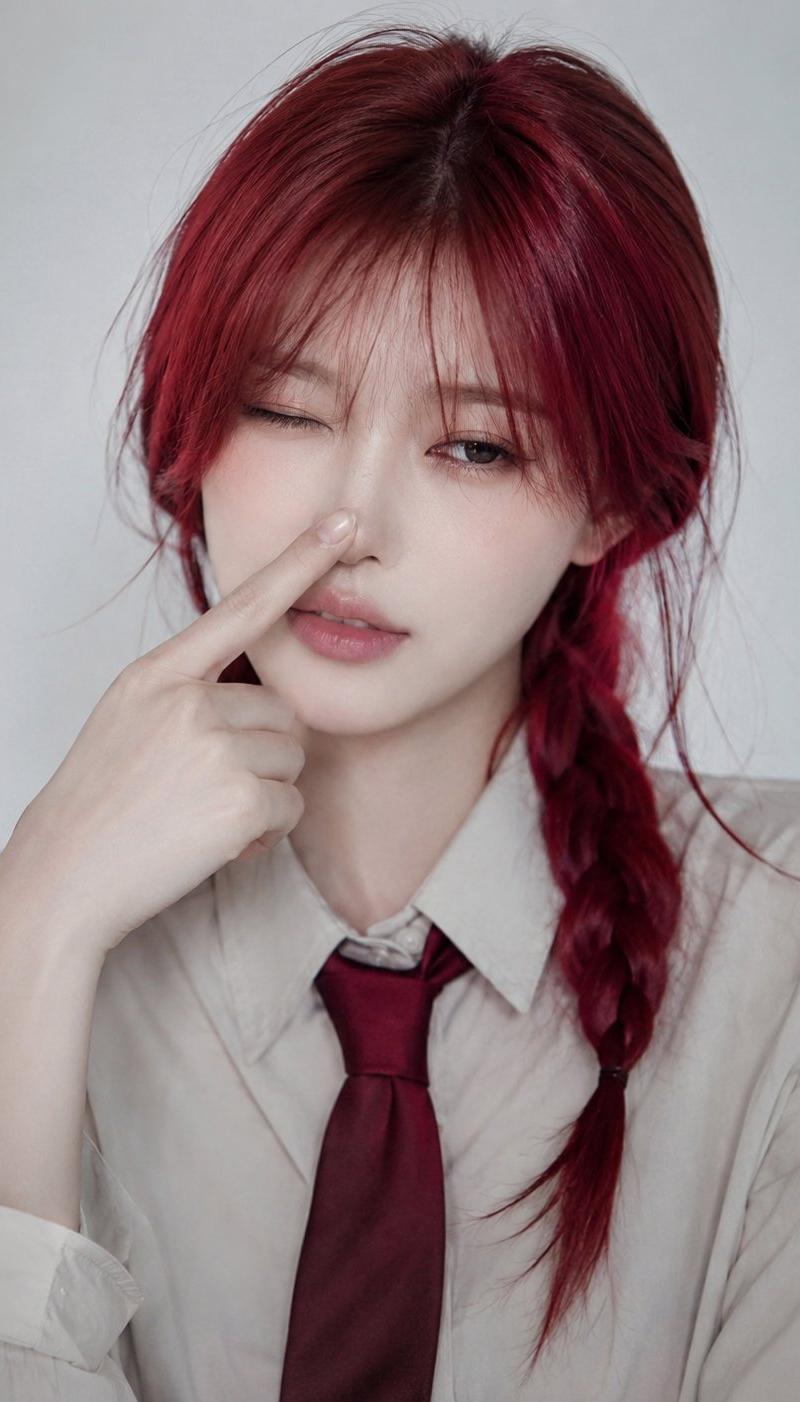
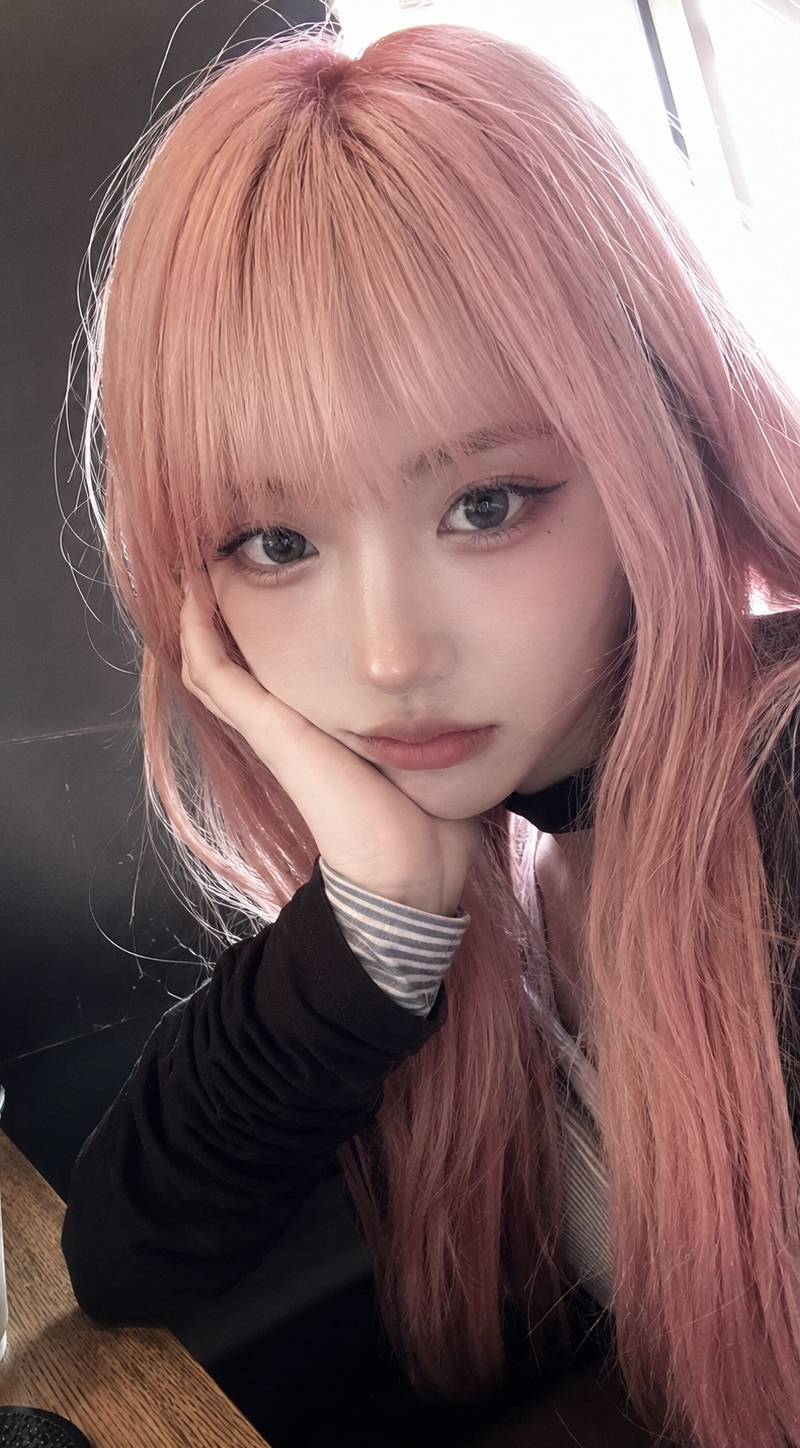
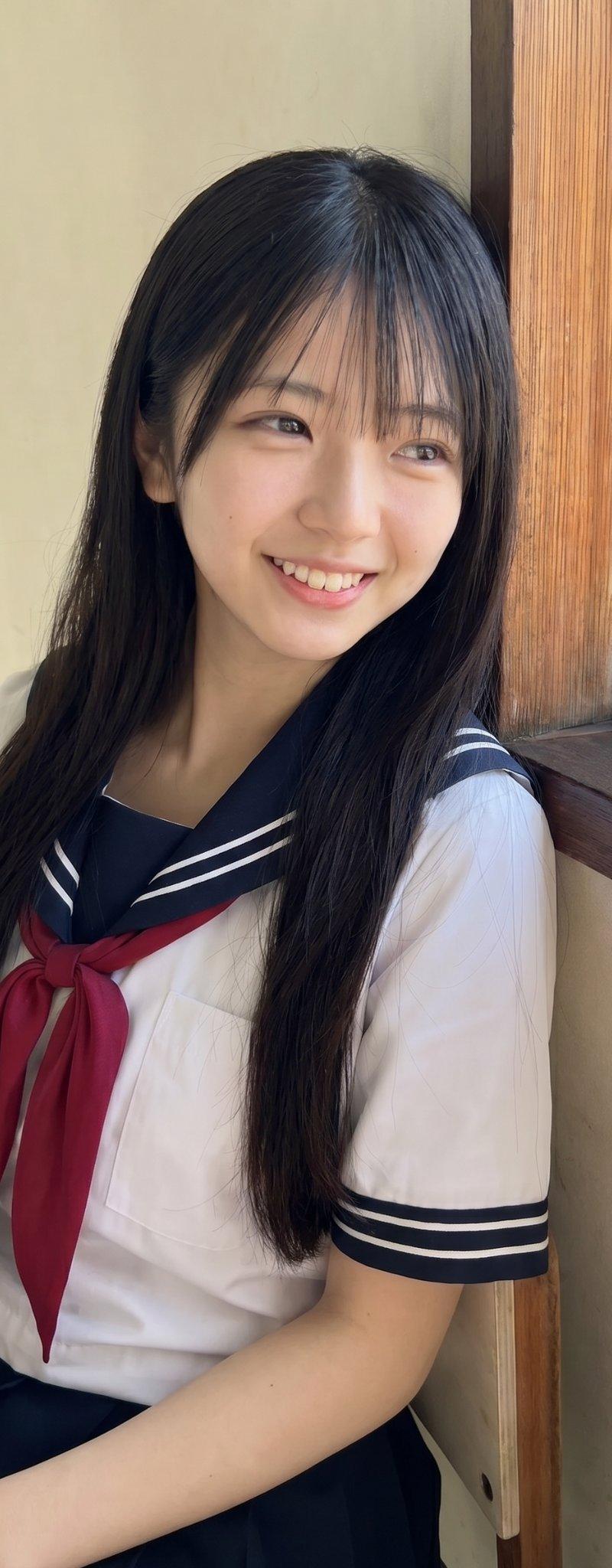
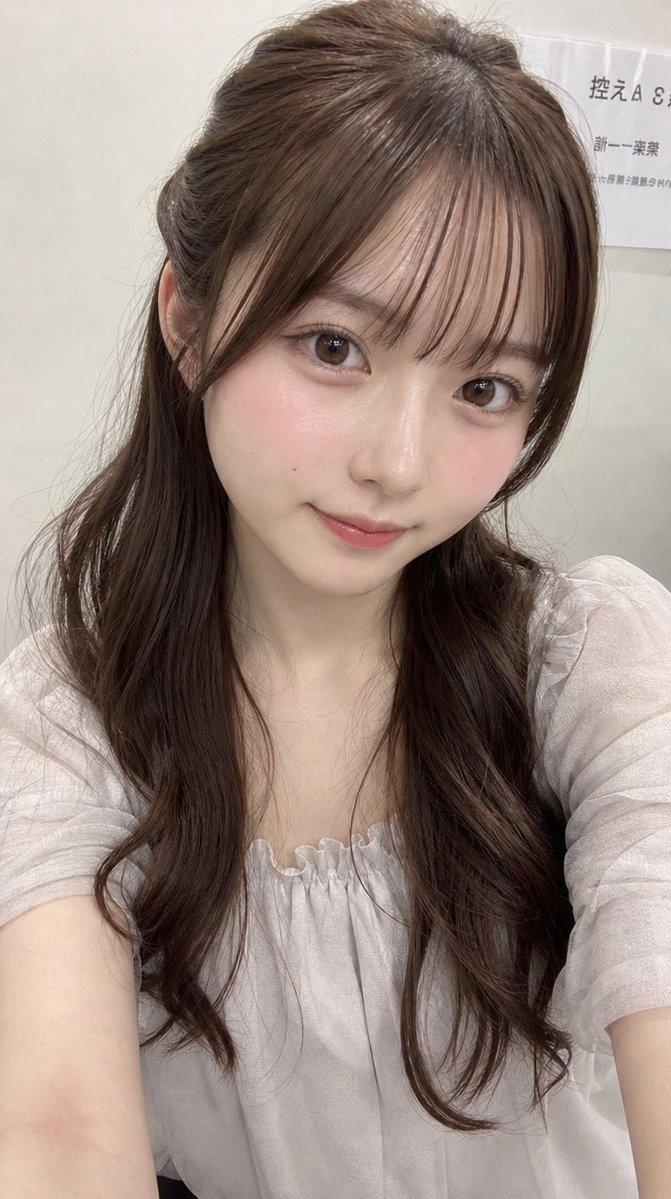
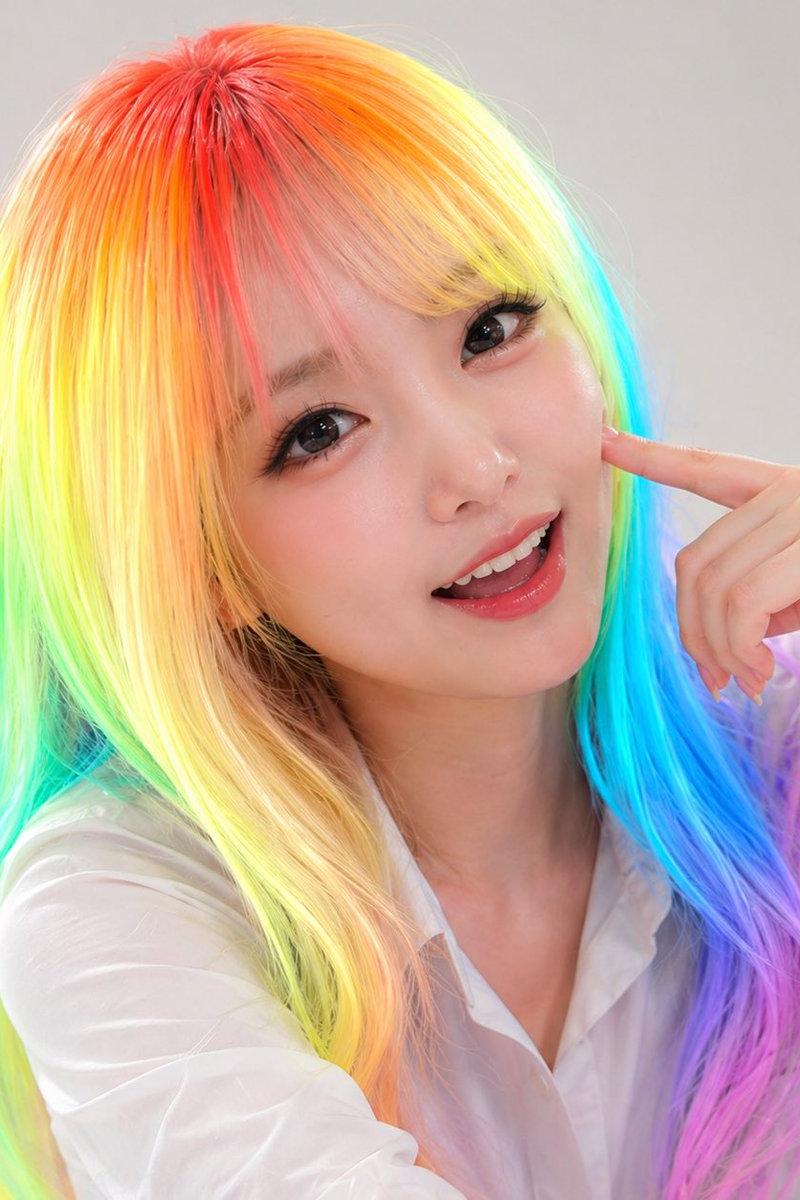
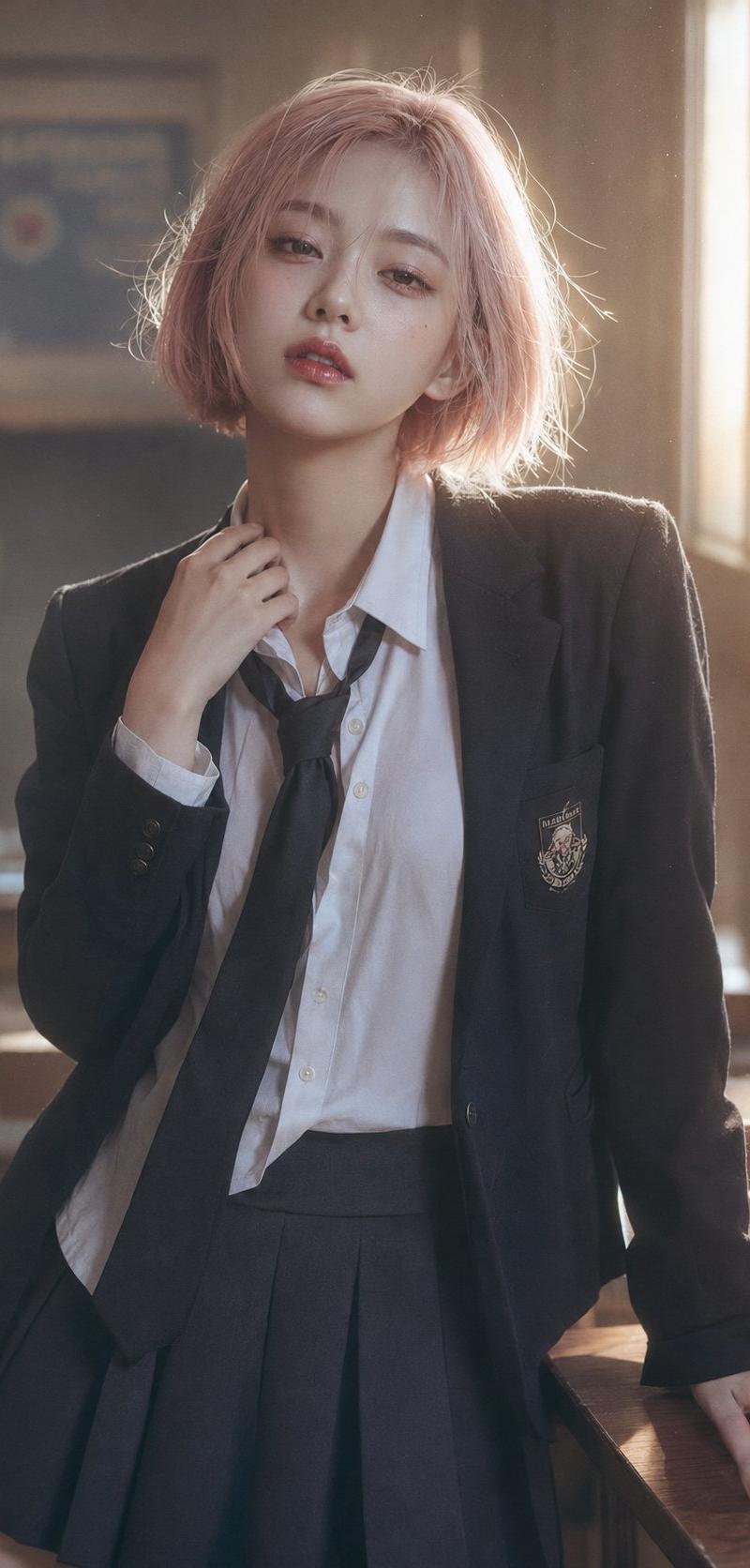
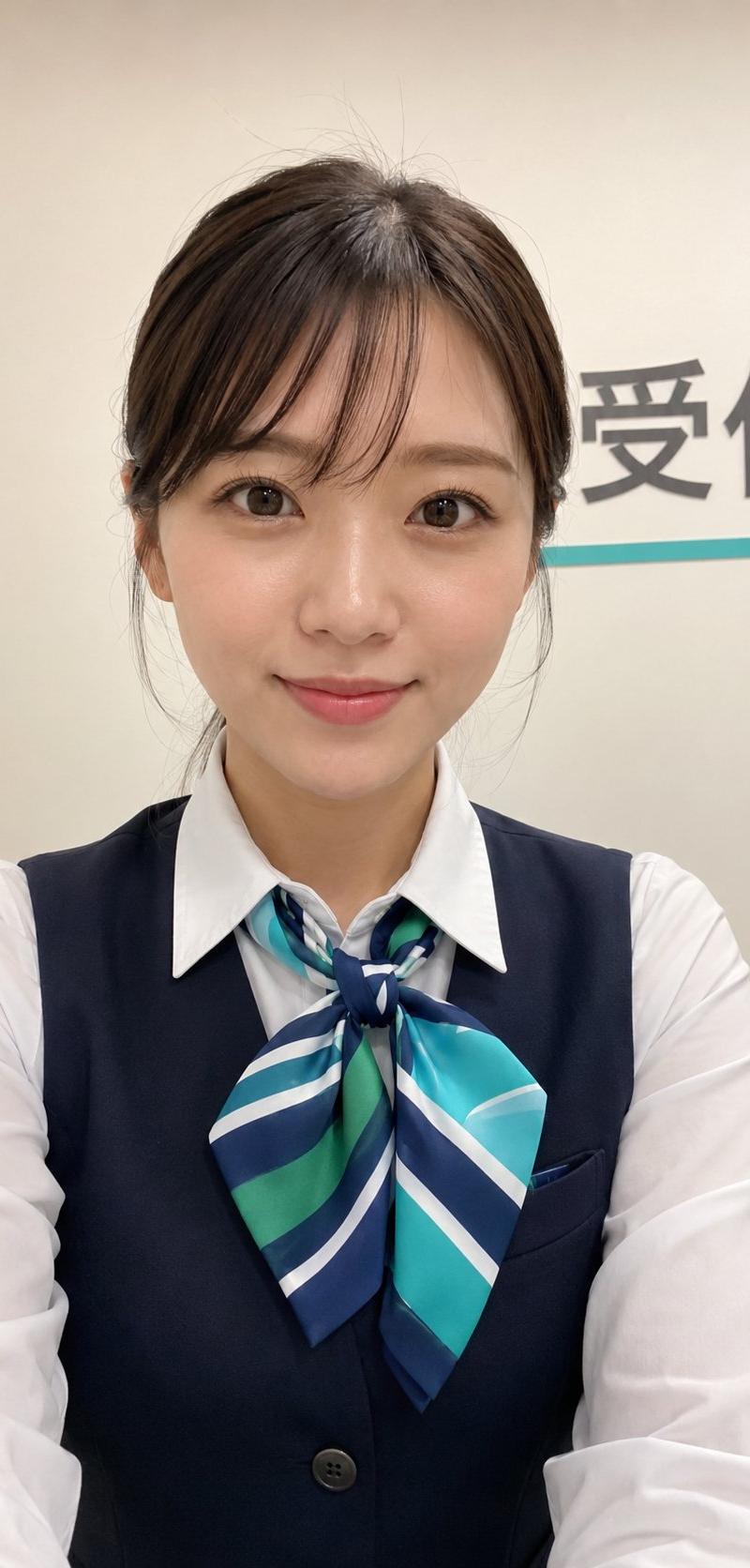
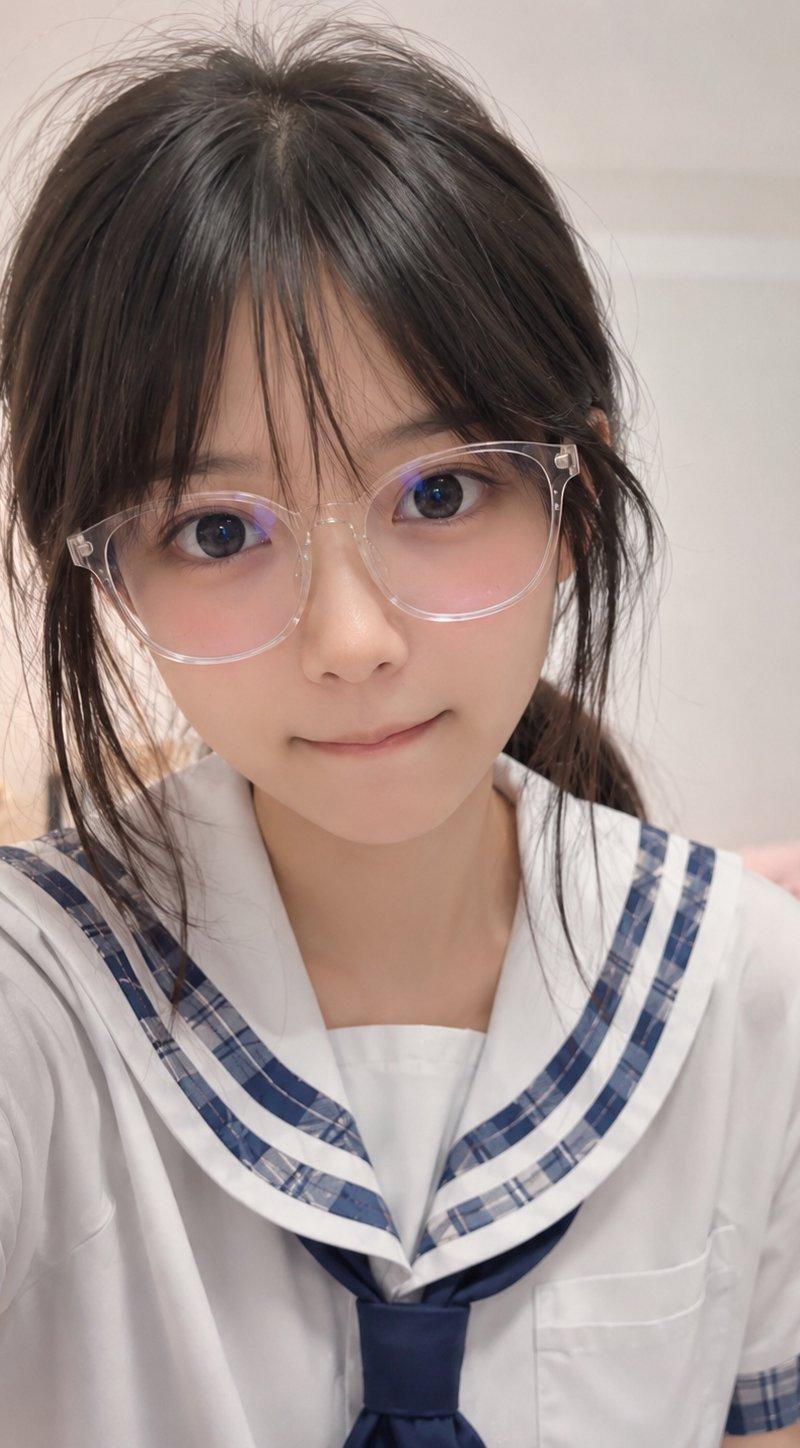
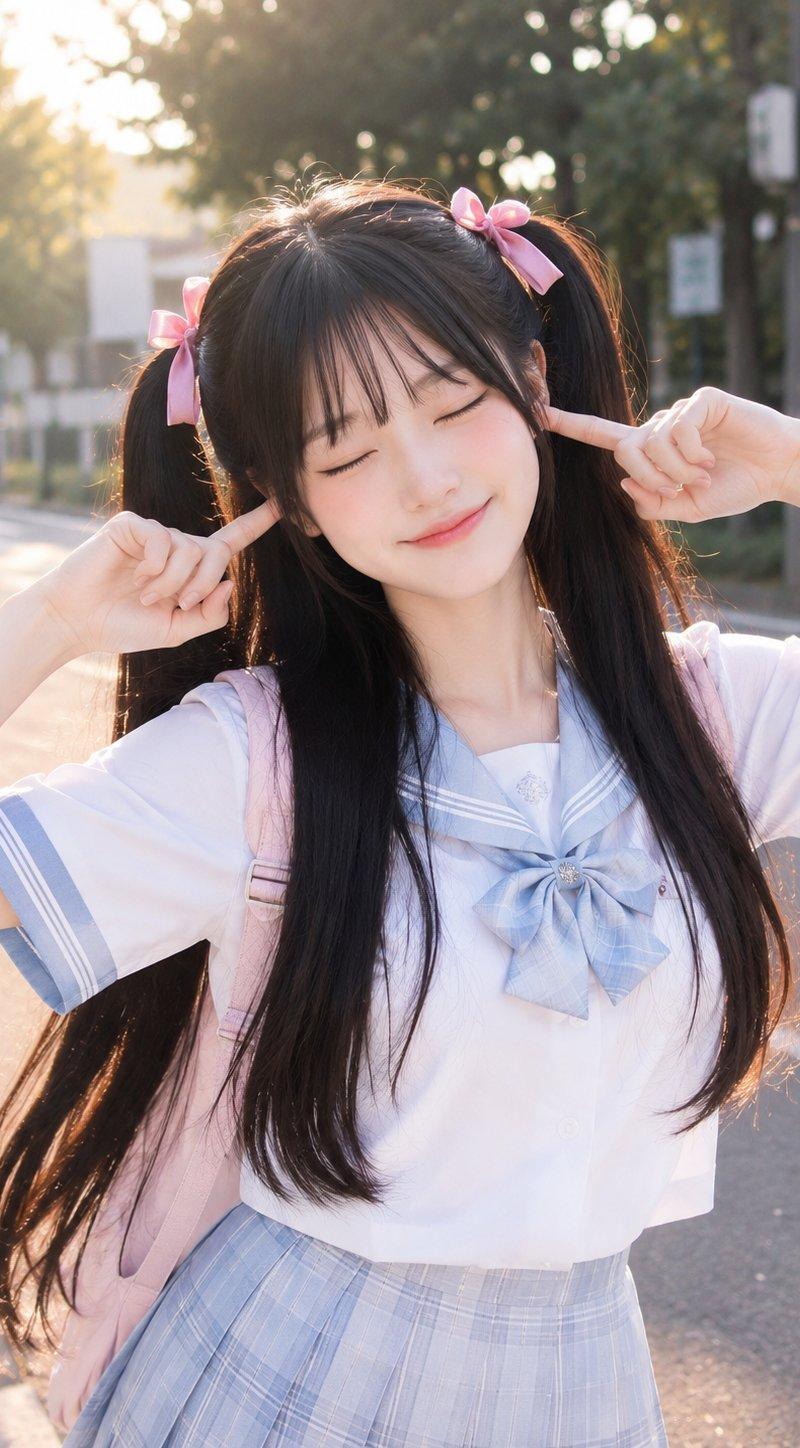
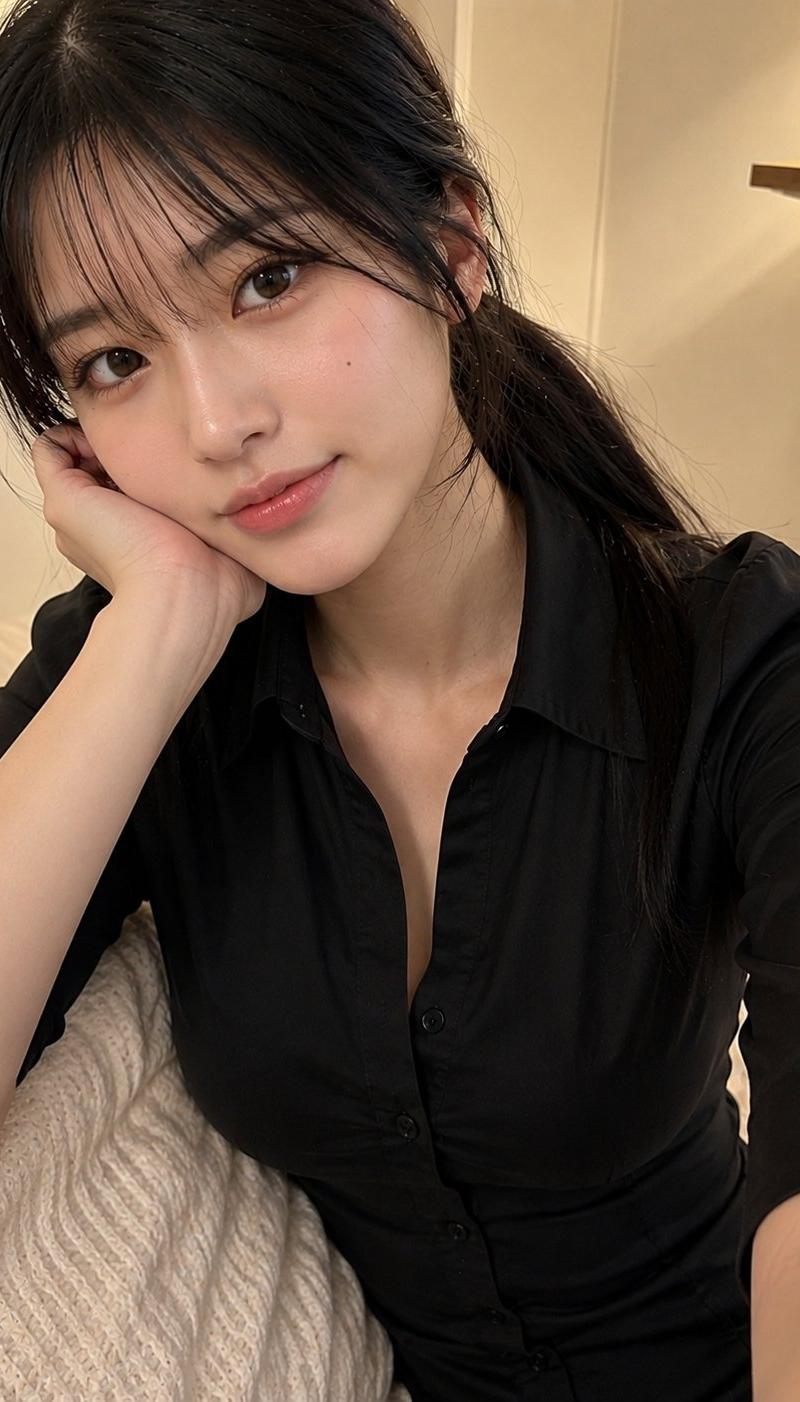
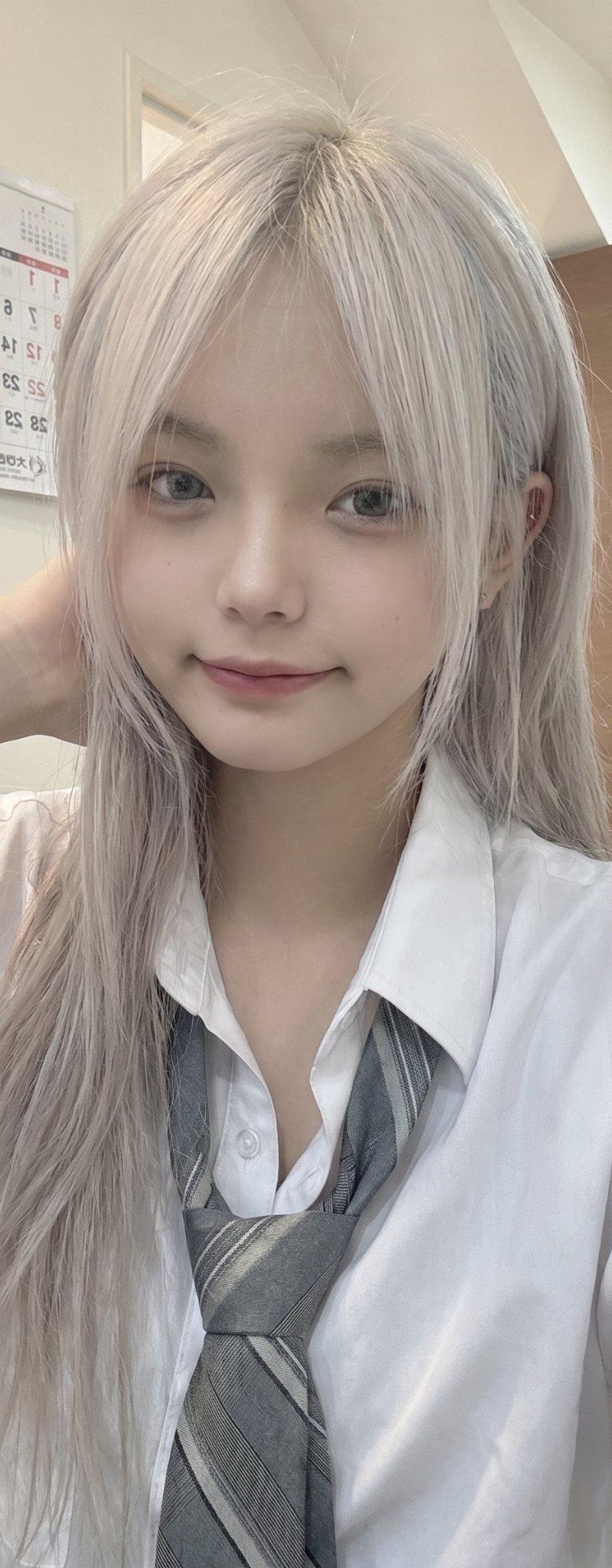
银发日本少女手机自拍写实风格
Enlarge

Example images

银发日本少女手机自拍写实风格

Prompt
Pretty Young Japanese girl with long silver-white hair, soft messy bangs partially covering her eyes, and a small side braid tied with a pink ribbon, wearing a white button-up school shirt, gray necktie, and school uniform. Resting her face on one hand while sitting casually indoors, looking into the phone camera with a calm, sleepy expression. Captured as an unplanned front-camera smartphone selfie, handheld iPhone photo, slightly low-angle perspective, soft indoor ceiling lighting, realistic skin texture, natural colors, authentic phone HDR processing, subtle lens softness, imperfect framing, cozy everyday atmosphere, spontaneous social media snapshot, no professional styling, no studio lighting, no cinematic color grading, realistic facial details, ordinary indoor background, photorealistic, high-quality mobile photography, candid lifestyle aesthetic.
Category
Charts & Infographics
Model
ChatGPT
Creator
@saniaspeaks_
Source language
zh-CN
Views40
Source ID
16794
Published
Jun 25, 2026
Studio

Guide

About "银发日本少女手机自拍写实风格"

What is this prompt for?

"银发日本少女手机自拍写实风格" AI image prompt for ChatGPT (Charts & Infographics). 漂亮的年轻日本女孩,留着银白色的长发,柔软凌乱的刘海部分遮住了眼睛,侧边有一个用粉色丝带扎成的小辫子,穿着白色纽扣校服衬衫、灰色领带和校服。室内随意坐着,一只手托着脸,带着平静、…

The full copyable prompt and example visuals above are ready for AI image generation or one-click recreate in Picva.

How to use this prompt

  1. Step 1

    Open the prompt detail

    Review the example visuals, category, and full prompt text for "银发日本少女手机自拍写实风格".

  2. Step 2

    Copy the prompt

    Copy the prompt body from this page, or load it directly in Studio.

  3. Step 3

    Pick a model (ChatGPT)

    Prefer ChatGPT. If you switch models, keep subject and composition and tweak style terms.

  4. Step 4

    Generate and export

    Recreate the look in Picva, or export into your workflow for editing and publishing.

FAQ

What is the "银发日本少女手机自拍写实风格" prompt?
It is an AI image-generation prompt for ChatGPT in the Charts & Infographics category. This page includes the full prompt text, example visuals, and a one-click recreate path in Picva.
How do I use this prompt to generate an image?
Copy the prompt from this page, or use Generate / Studio. Paste it into a compatible image model, or recreate the look in Picva with optional reference images.
Which model is this prompt for?
This page lists ChatGPT. Most descriptive prompts also transfer to nearby image models such as GPT Image, Flux, or Midjourney with light style tweaks.
Can I use the result commercially?
You can usually copy the prompt for creation, but commercial use of the final image depends on the model terms, reference-image rights, and the generated content. Follow the source author and platform rules.