17

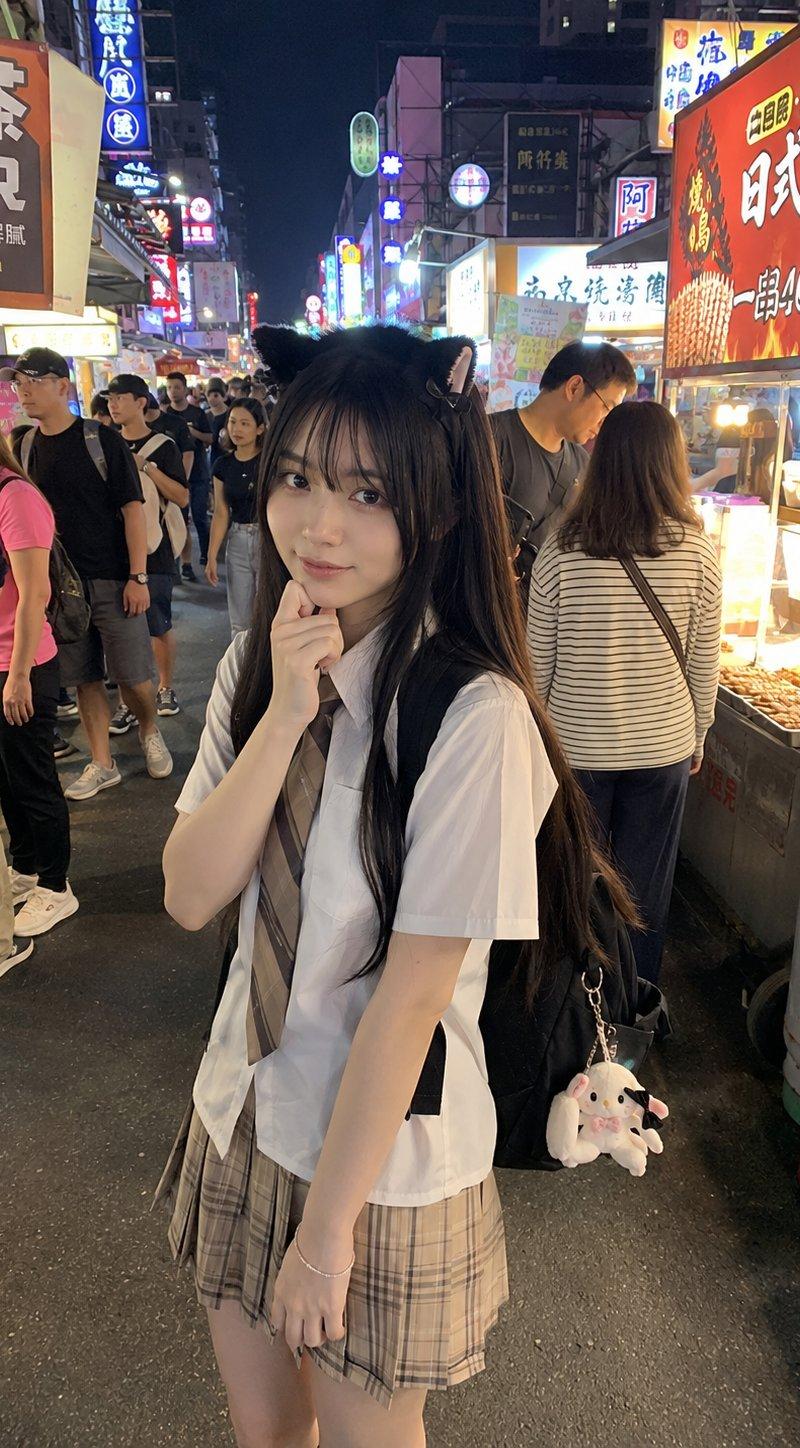
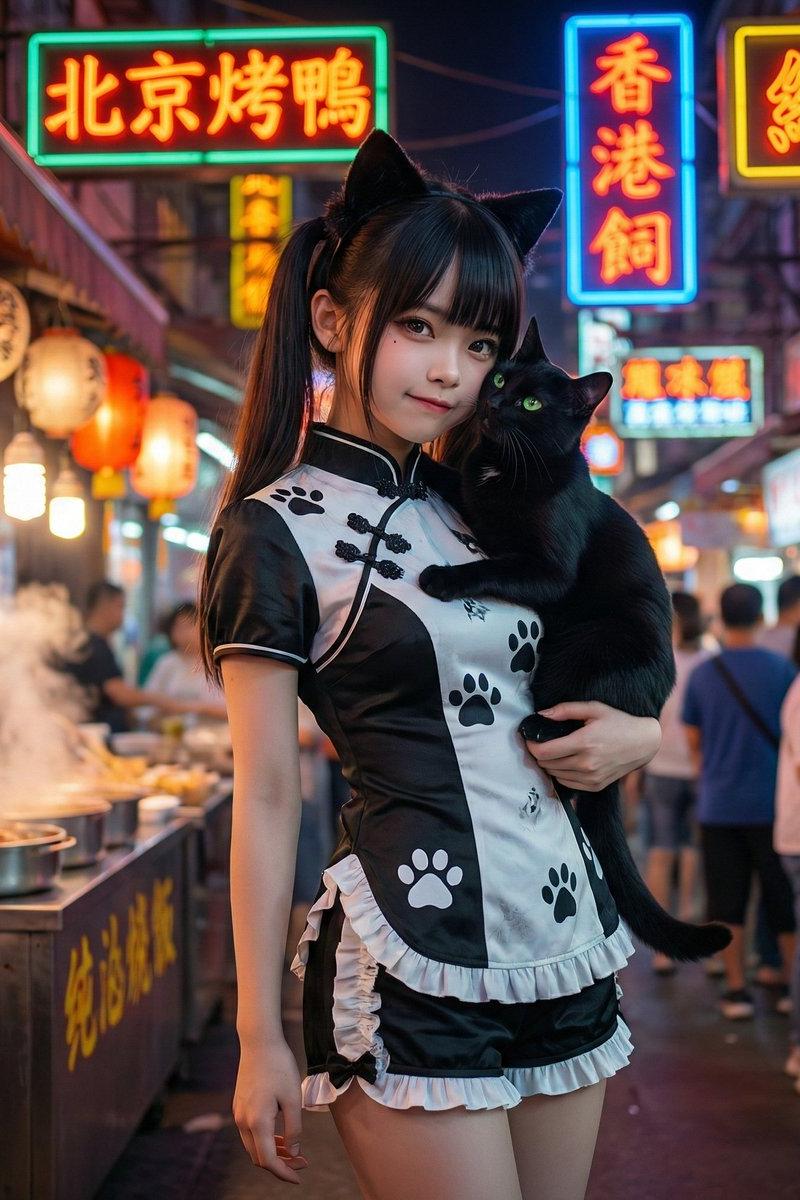
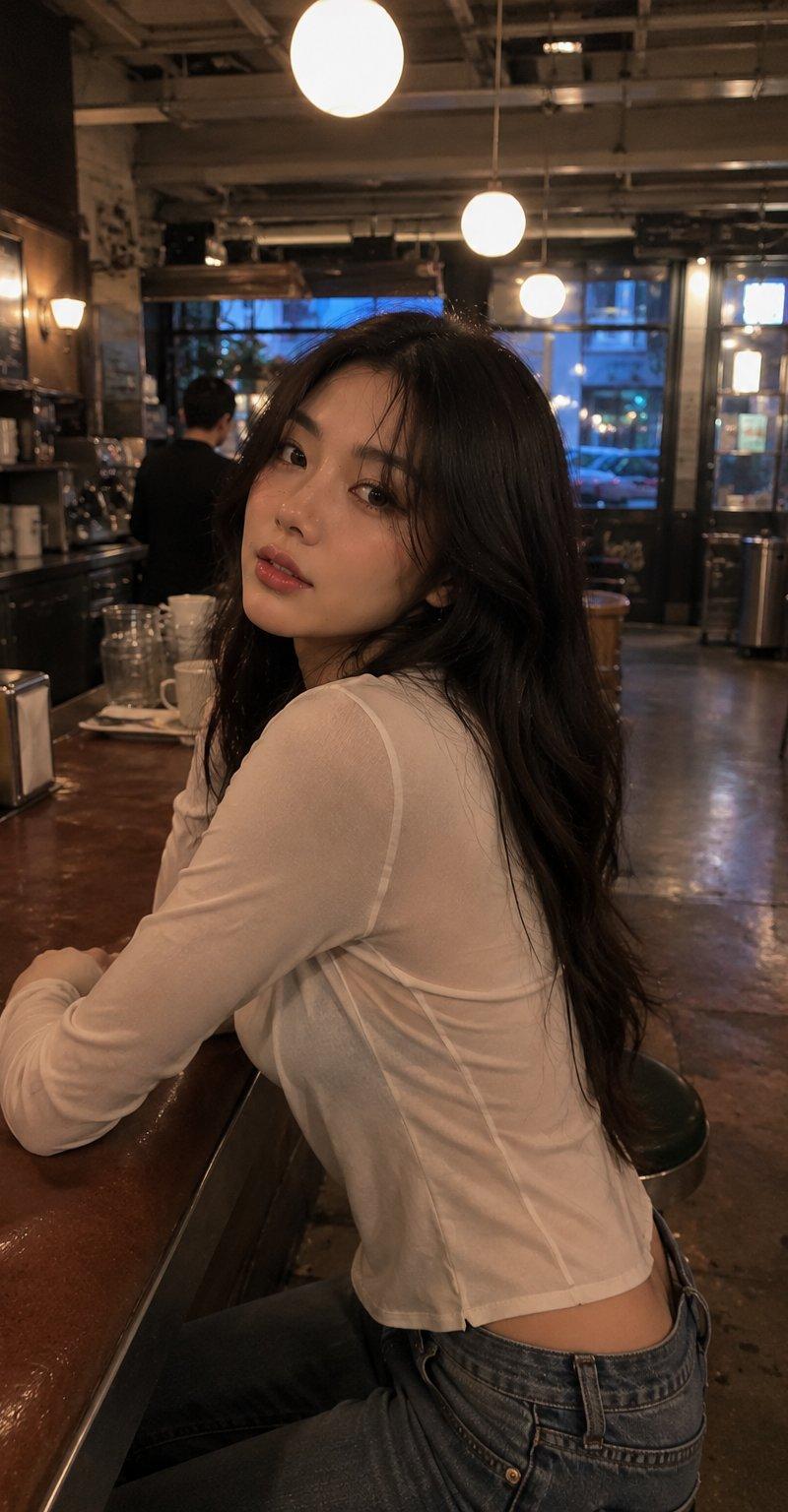
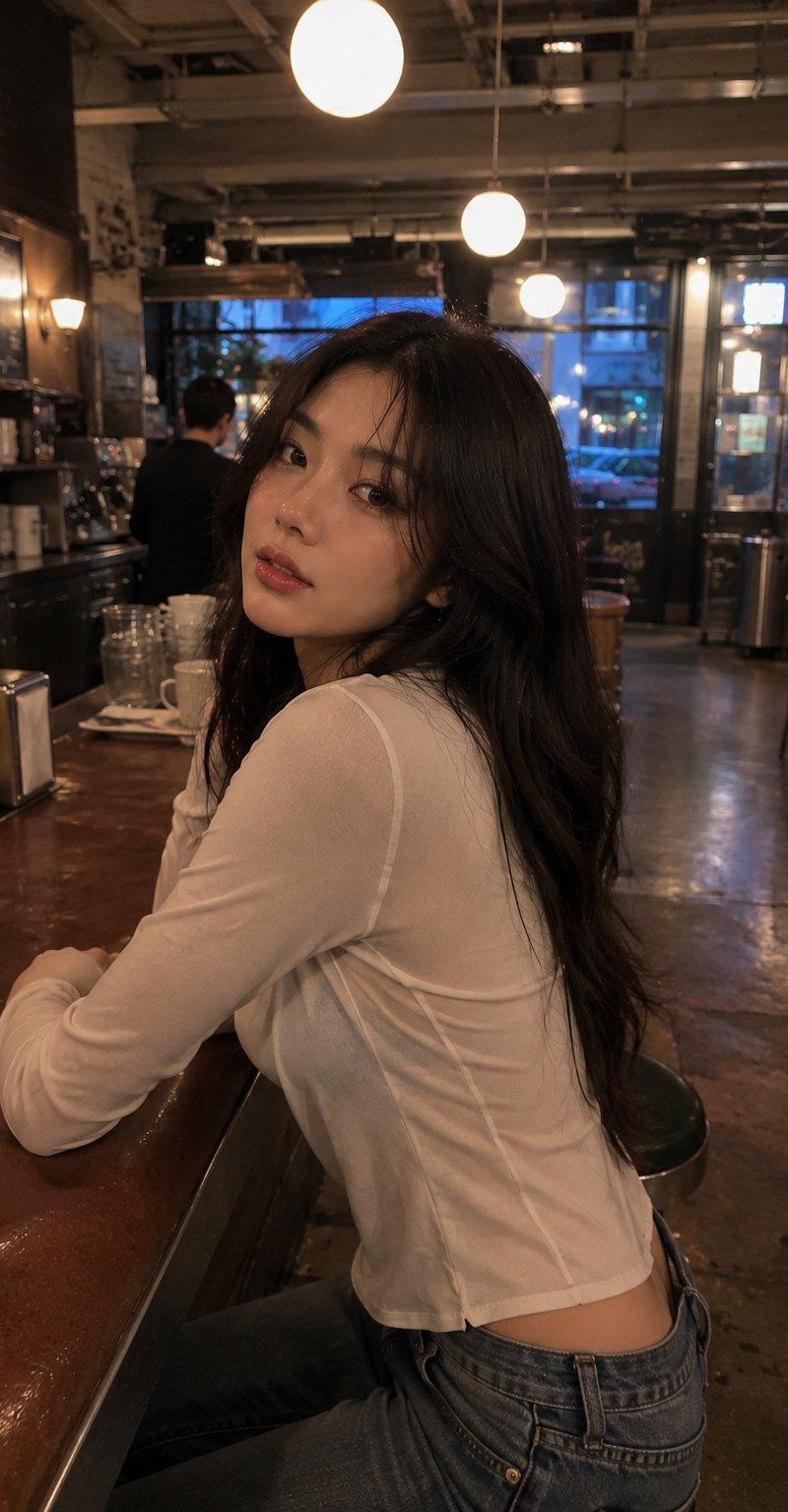
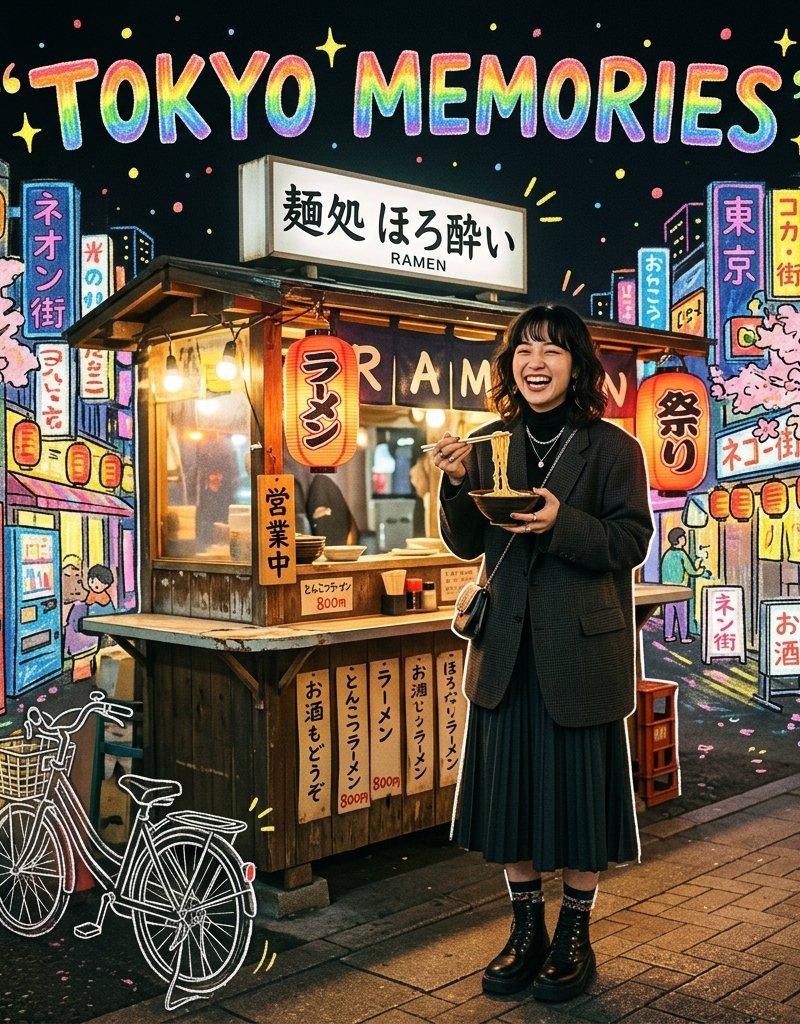
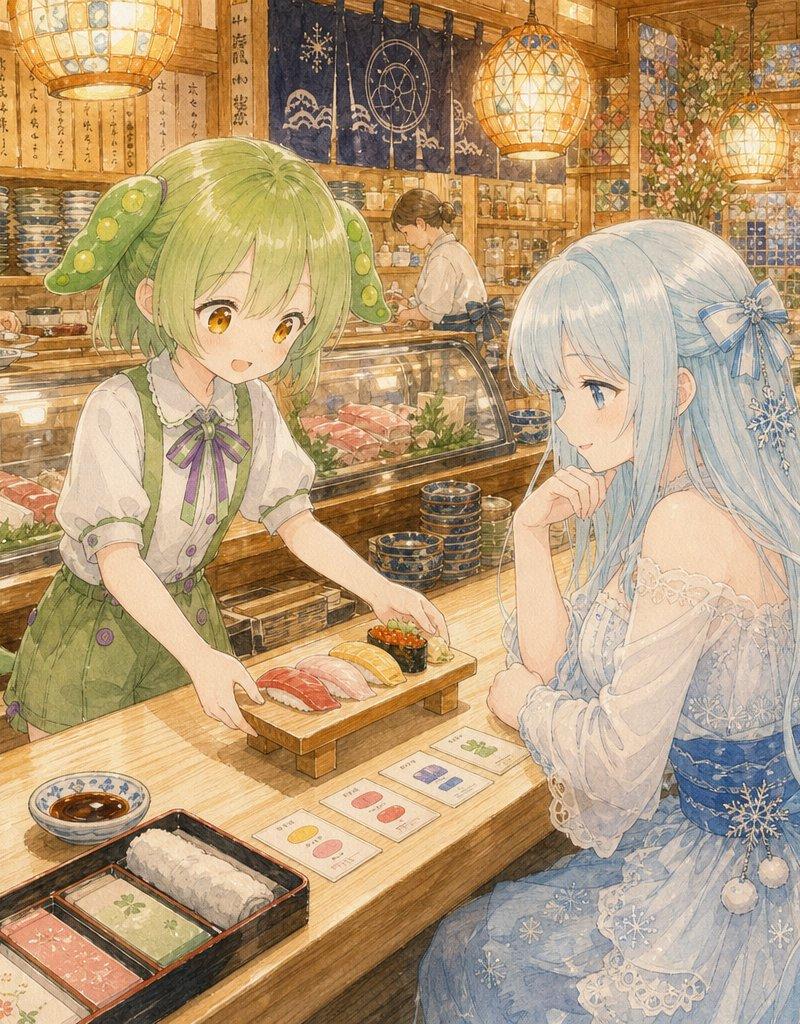
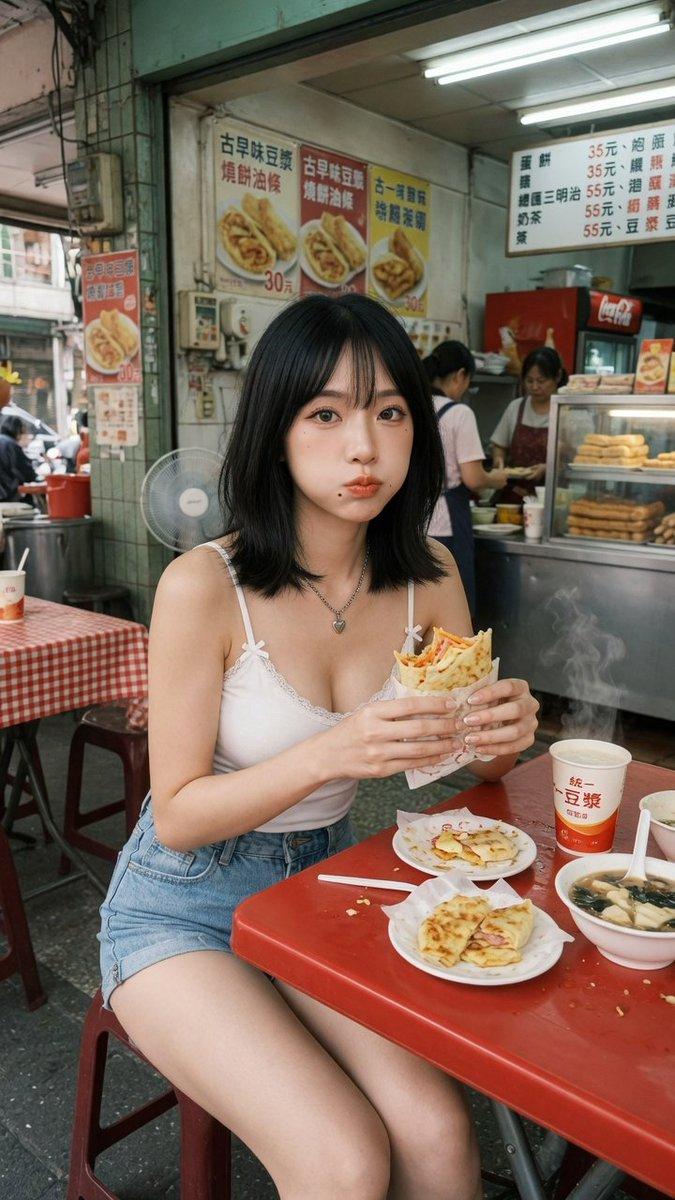
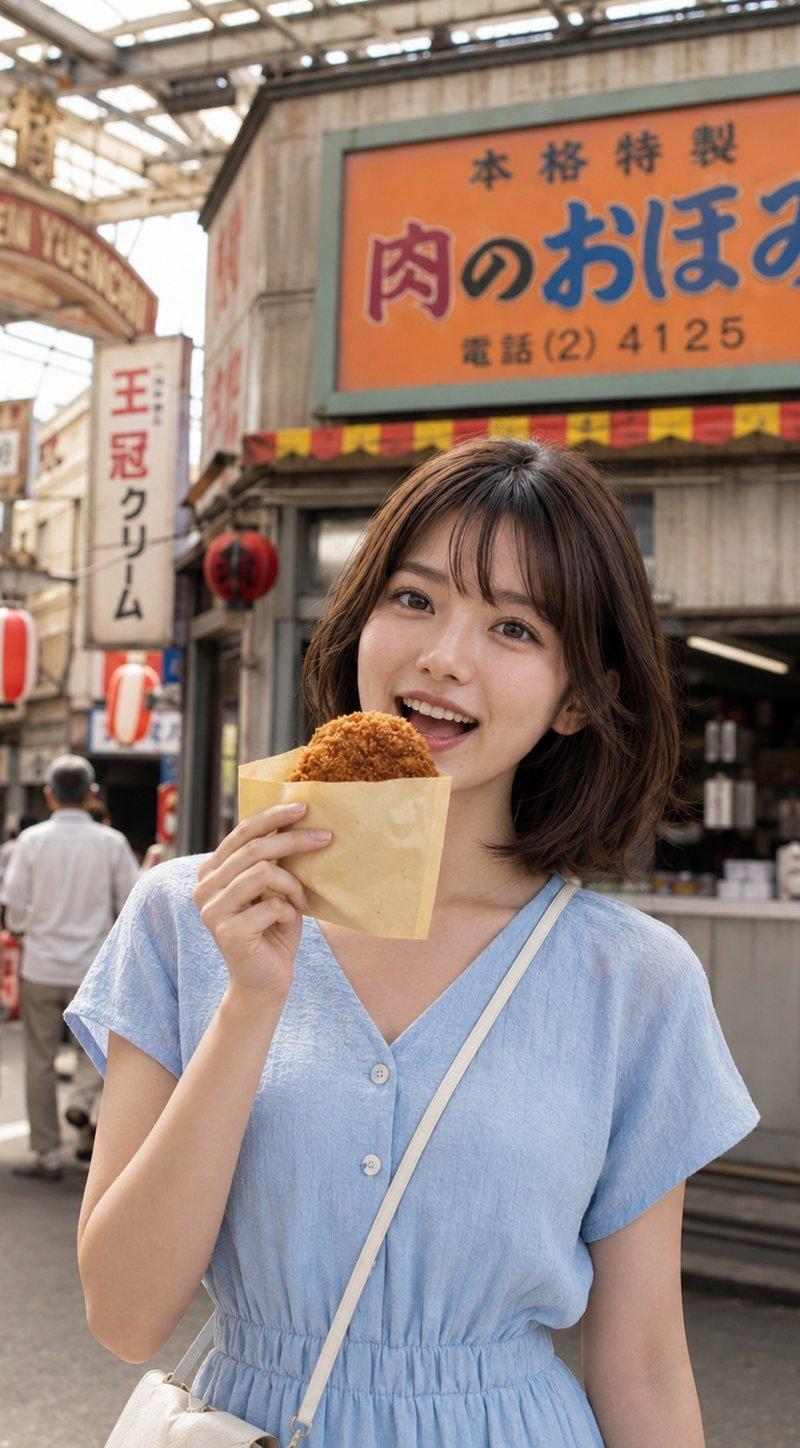
柔光CCD夜市元气生活写真
Enlarge

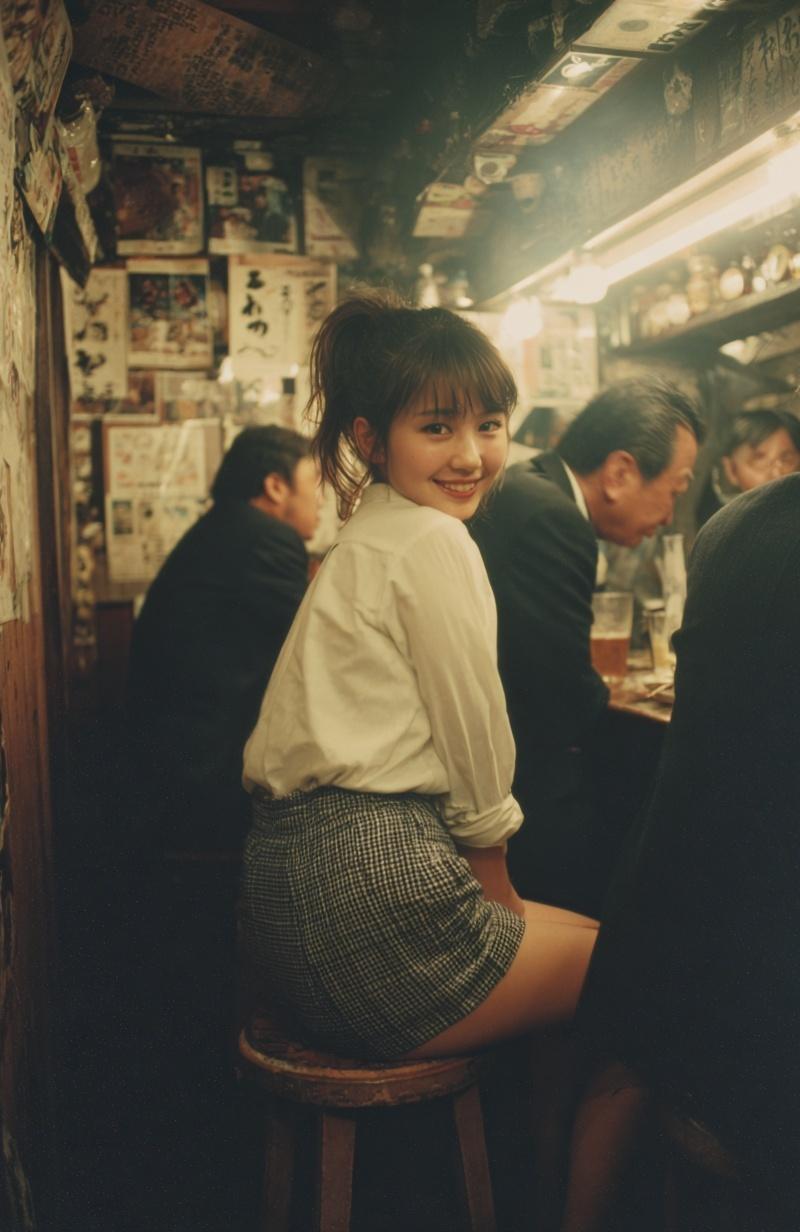
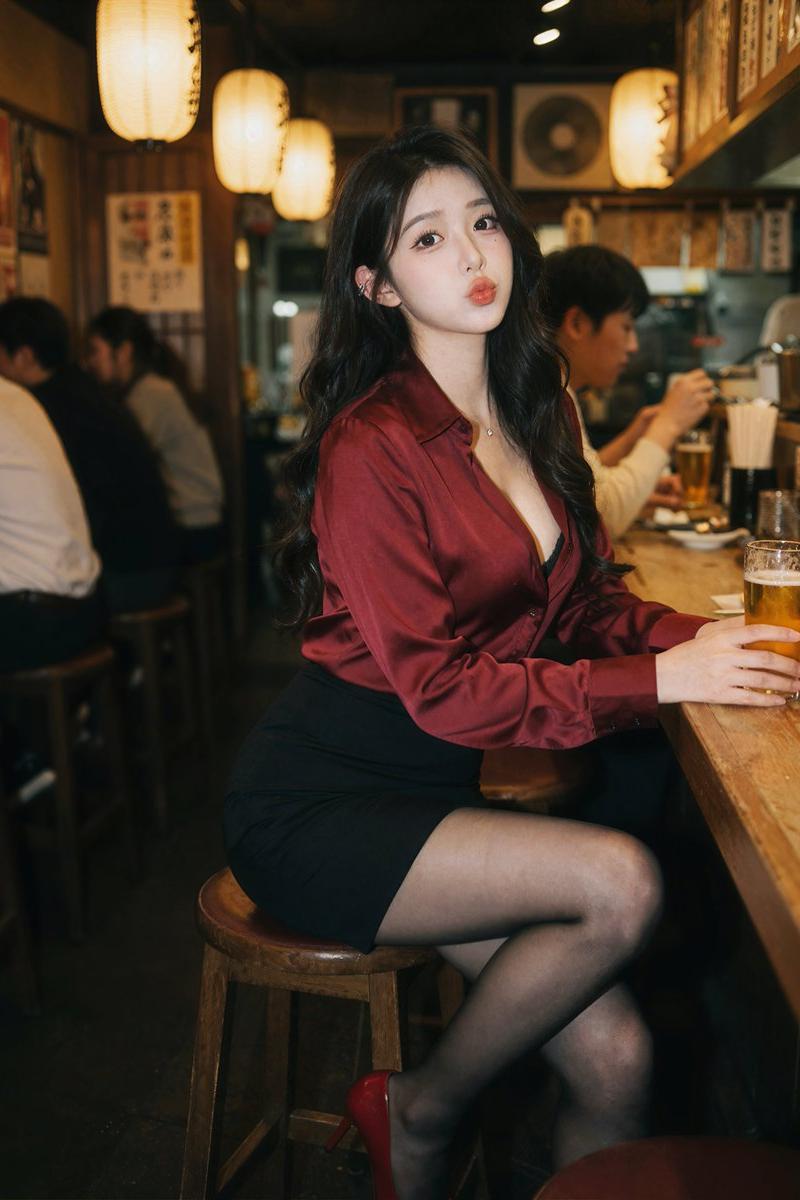
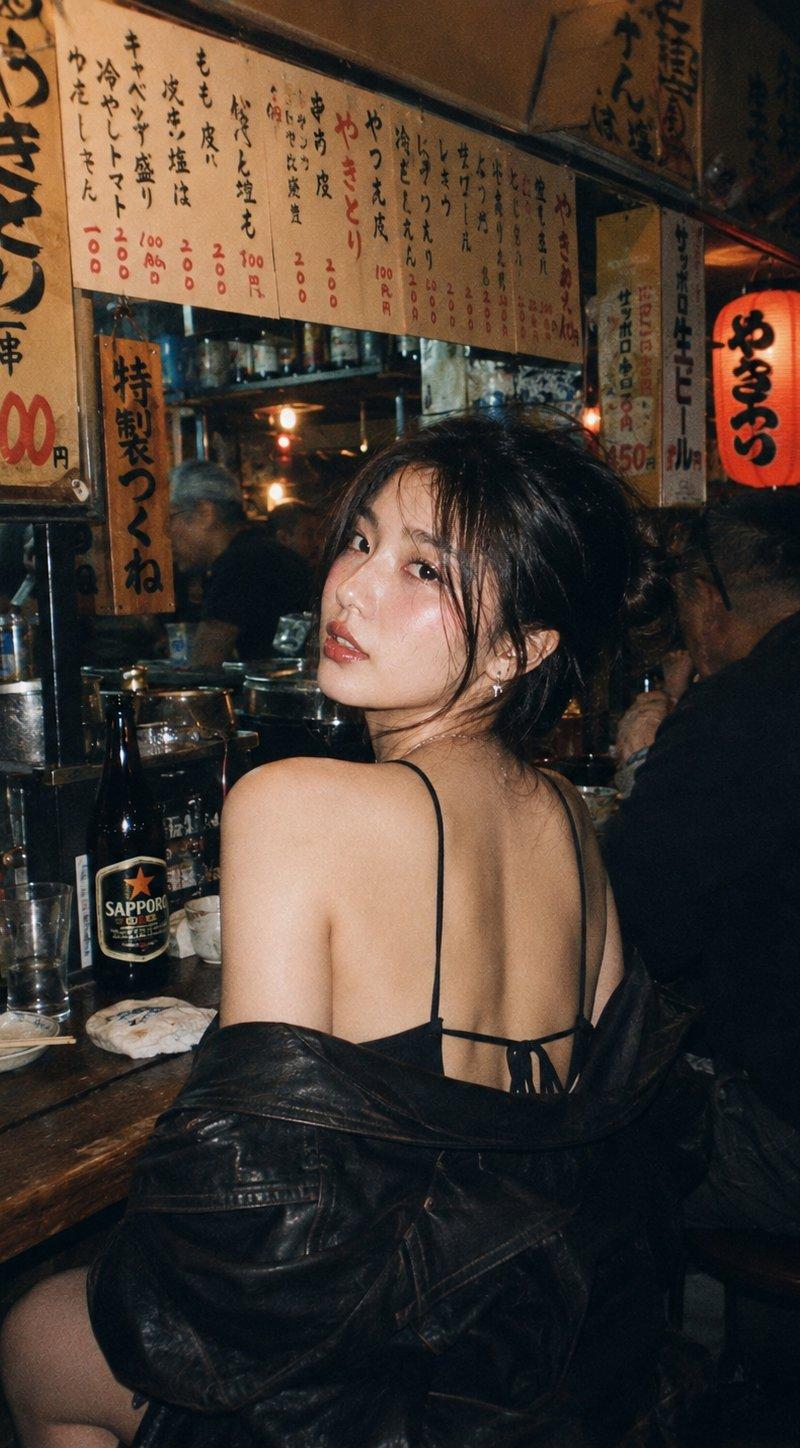
Example images

柔光CCD夜市元气生活写真

Prompt
Photography Style: Soft light CCD style
Photo Direction: Night market lifestyle photos
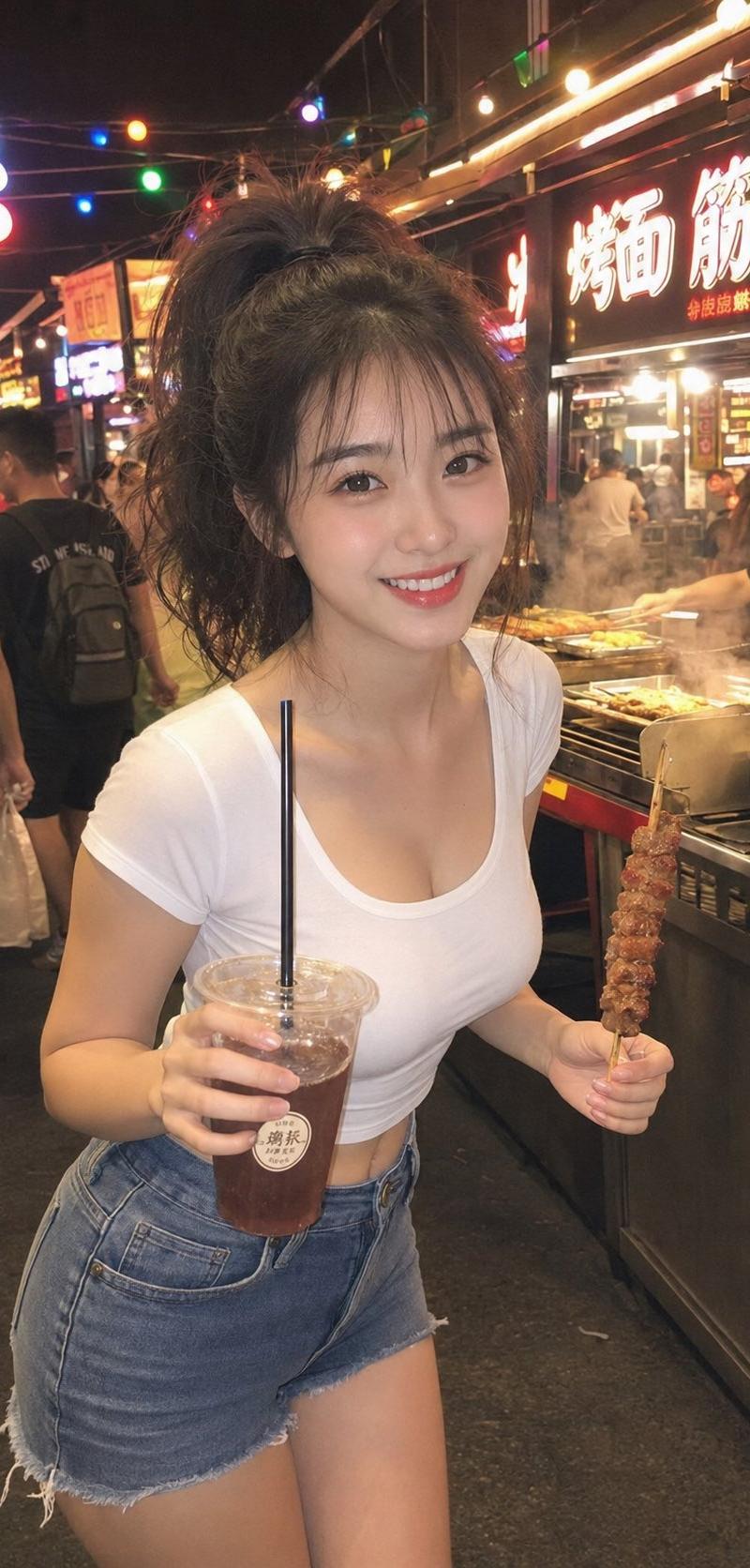
Scene Direction: Night market food stalls / Under colored light sheds / Bustling street
Clothing Direction: Slim-fit short-sleeved top + Denim shorts
Vibe Tags: Energetic, lively, relaxed, bustling atmosphere, friendly, refreshing
Facial Features Direction: Bright energetic face
Facial Details: Delicate oval face, round almond eyes, light in the eyes, delicate nose shape, naturally upturned corners of the mouth, natural smile
Hairstyle Direction: High ponytail
Hairstyle Details: Fluffy ponytail, light baby hair on the forehead, slight wind feel
Body Shape Direction: Plump natural curves
Line Emphasis: Medium to strong
Camera Direction: Half-body to thighs
Pose/Action: Holding snacks/drinks in hand, body leaning slightly forward toward the camera, smiling at the camera
Lighting Atmosphere: Warm night market lights + Ambient colored lights + Soft flash
Filter Effect: Milky white highlights + Clear night CCD colors + Light grain + Slight local overexposure
Aspect Ratio: 9:16
Supplementary Requirements: Like a frame casually captured by a friend in a night market, the person is energetic and refreshing, highlighting the neck, chest line, waistline, waist-to-hip ratio, the background has a bustling atmosphere but is not cluttered
Category
Charts & Infographics
Model
ChatGPT
Creator
@liyue_ai
Source language
zh-CN
Views123
Source ID
16568
Published
Jun 23, 2026
Studio

Guide

About "柔光CCD夜市元气生活写真"

What is this prompt for?

"柔光CCD夜市元气生活写真" AI image prompt for ChatGPT (Charts & Infographics). 摄影风格:柔光CCD风 写真方向:夜市生活照 场景方向:夜市小吃摊 / 彩灯棚下 / 烟火气街边 服装方向:修身短袖 + 牛仔短裤 气质标签:元气、活泼、轻松、烟火气、亲近、清爽…

The full copyable prompt and example visuals above are ready for AI image generation or one-click recreate in Picva.

How to use this prompt

  1. Step 1

    Open the prompt detail

    Review the example visuals, category, and full prompt text for "柔光CCD夜市元气生活写真".

  2. Step 2

    Copy the prompt

    Copy the prompt body from this page, or load it directly in Studio.

  3. Step 3

    Pick a model (ChatGPT)

    Prefer ChatGPT. If you switch models, keep subject and composition and tweak style terms.

  4. Step 4

    Generate and export

    Recreate the look in Picva, or export into your workflow for editing and publishing.

FAQ

What is the "柔光CCD夜市元气生活写真" prompt?
It is an AI image-generation prompt for ChatGPT in the Charts & Infographics category. This page includes the full prompt text, example visuals, and a one-click recreate path in Picva.
How do I use this prompt to generate an image?
Copy the prompt from this page, or use Generate / Studio. Paste it into a compatible image model, or recreate the look in Picva with optional reference images.
Which model is this prompt for?
This page lists ChatGPT. Most descriptive prompts also transfer to nearby image models such as GPT Image, Flux, or Midjourney with light style tweaks.
Can I use the result commercially?
You can usually copy the prompt for creation, but commercial use of the final image depends on the model terms, reference-image rights, and the generated content. Follow the source author and platform rules.